
Multi-Shot Classroom Action Timeline
A highly structured 15-second cinematic timeline prompt for Seedance 2.0 that details a classroom brawl, character consistency with reference images, and specific camera styles.
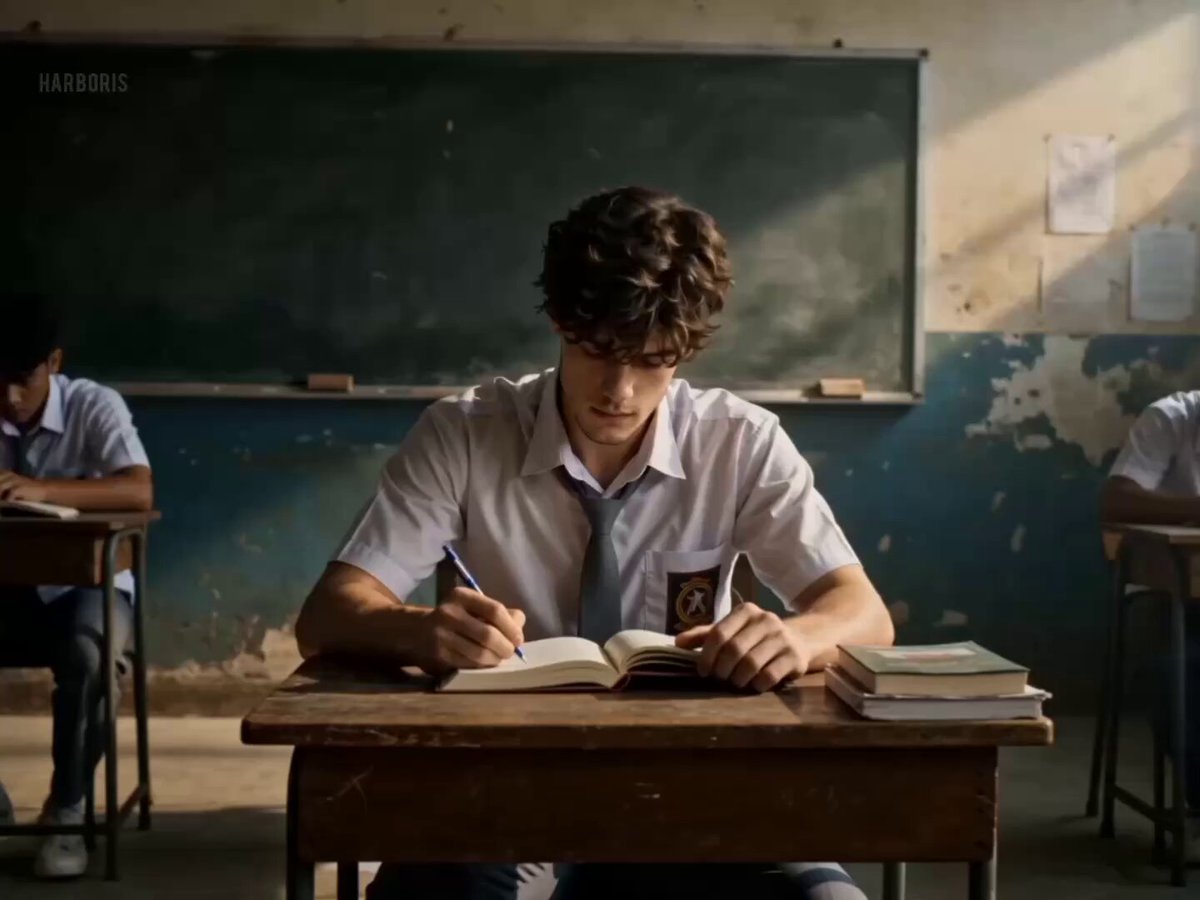
- Prompt included
- Model and format preset
- Free template
The prompt behind this video
Copy the exact prompt behind Multi-Shot Classroom Action Timeline, or open it in the studio and make it yours.
[CHARACTER DESCRIPTION image-1]\n\nMAIN CHARACTER: Male student, same face as reference image, wearing Indonesian school uniform (white shirt slightly messy, gray tie loosened, grey pants). Calm introvert → transforms into aggressive, precise fighter. Identity must stay perfectly consistent.\n\nBULLIES: 4 male students, rough, aggressive, chaotic movement.\n\n[ENVIRONMENT/ART STYLE]\n\nLOCATION: Old classroom, broken desks, scattered books.\nATMOSPHERE: Dark cinematic lighting, dust particles, dramatic shadows, chaotic destruction during fight.\n\nSTYLE: Ultra-realistic, 4K, gritty cinematic action, natural skin texture, realistic physics.\n\n[CAMERA STYLE]\n\nHandheld shaky cam, fast whip pans, dynamic tracking, strong impact shake, slow motion on hits.\n\n[CINEMATIC TIMELINE - 15 SECONDS TOTAL]\n\nSHOT 1 (0-2s) - Calm\n\nMain character quietly studying. Slow push-in. Peaceful but rense.\n\nSHOT 2 (2-4s) - Bullying\n\nBullies surround him, slam desk, grab collar, throw book. Camera shaky, tension spikes.\n\nSHOT 3 (4-5.5s) - Breaking Point\n\nExtreme close-up face (image_1). Expression turns cold, focused. Brief silence.\n\nSHOT 4 (5.5-8s) - EXPLOSIVE COUNTER\n\nSudden burst - strong slap followed by rapid punch combo ( jab-cross-hook). Heavy impact, camera shake, ultra fast motion.\nSHOT 5 (8-12s) - CHAOTIC 1v4 FIGHT\n\n- Fast dodging and weaving\n\n- Counter punches, elbow strikes\n\n- One enemy slammed into desk (breaks)\n\n- Papers flying, dust exploding\n\nDynamic rotating camera\n\nSlow motion on strongest hits\n\nSHOT 6 (12-14s) - DOMINATION\n\nMain character overwhelms remaining enemies, they fall or back off. Heavy breathing, slight bruises.\n\nSHOT 7 (14-15s) - FINAL CLOSE-UP\n\nCamera push-in. Intense stare, blood on lip, face must match\nimage_1 perfectly. Cinematic lighting.\n\n[IMPORTANT]\n\nUse image_1 as facial reference.\n\nFace must remain identical across all frames. No morphing, no distortion, stable identity even during fast motion.
How to use Multi-Shot Classroom Action Timeline in 3 steps
- 1Upload ImagePNG, JPG or paste
Add your photo
Upload the photo the template builds on. The prompt, model and format are already set.
- 2…a portrait of your subject in softgolden-hour light, 85mm…
Personalize
Edit the subject and creative details for your destination.
- 3Generate
Generate
Press Generate — your video is created in PicX Studio, so you can compare it with the original and refine one variable at a time.
More like this
Templates with the same subject, style or setup. Open one to see its prompt.
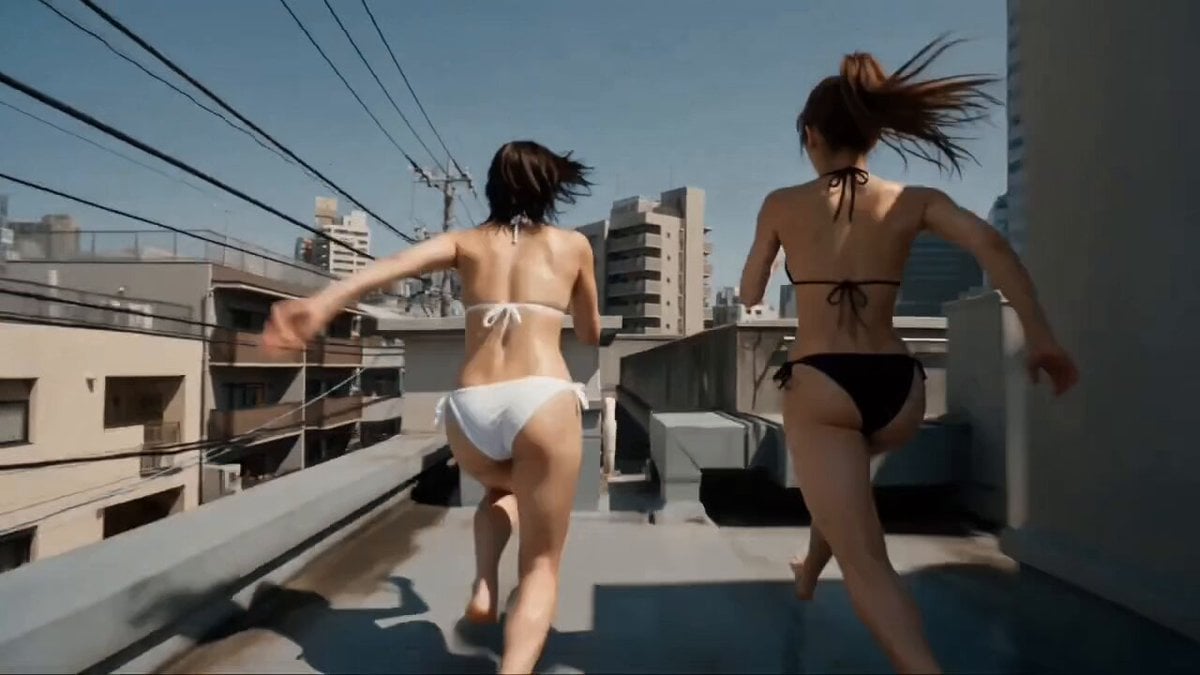
Multi-Character Parkour Action Sequence
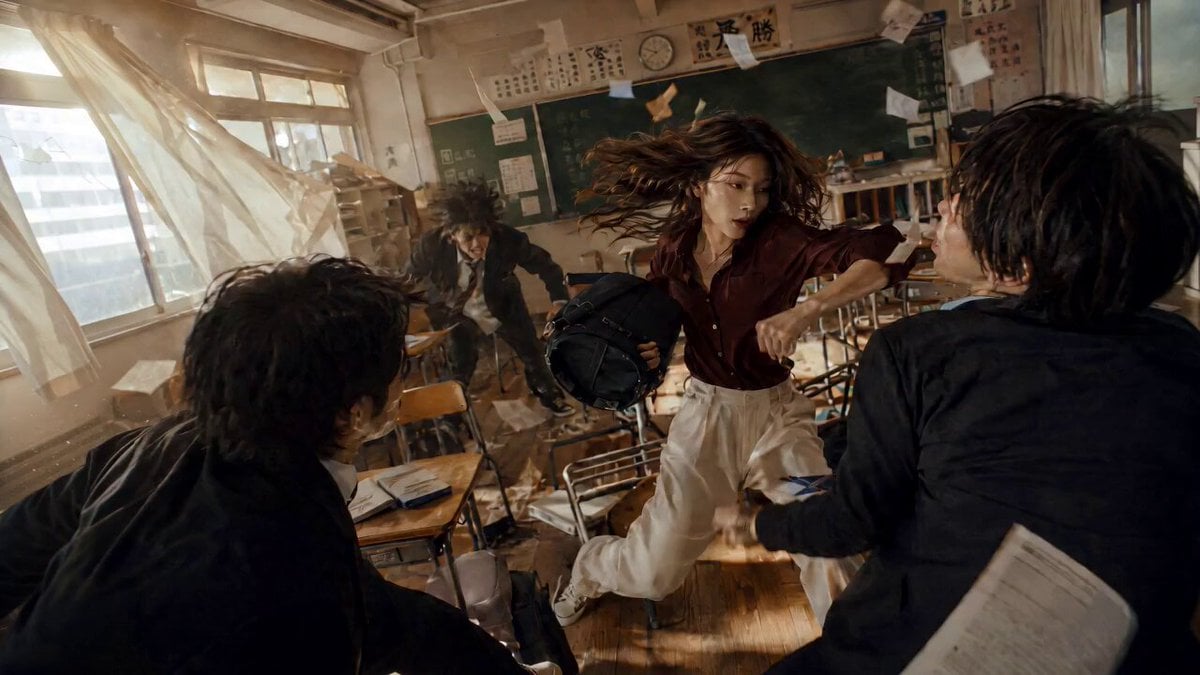
Classroom Martial Arts Action Sequence

Walking Factory with Rebel on Hoverbike - Wasteland
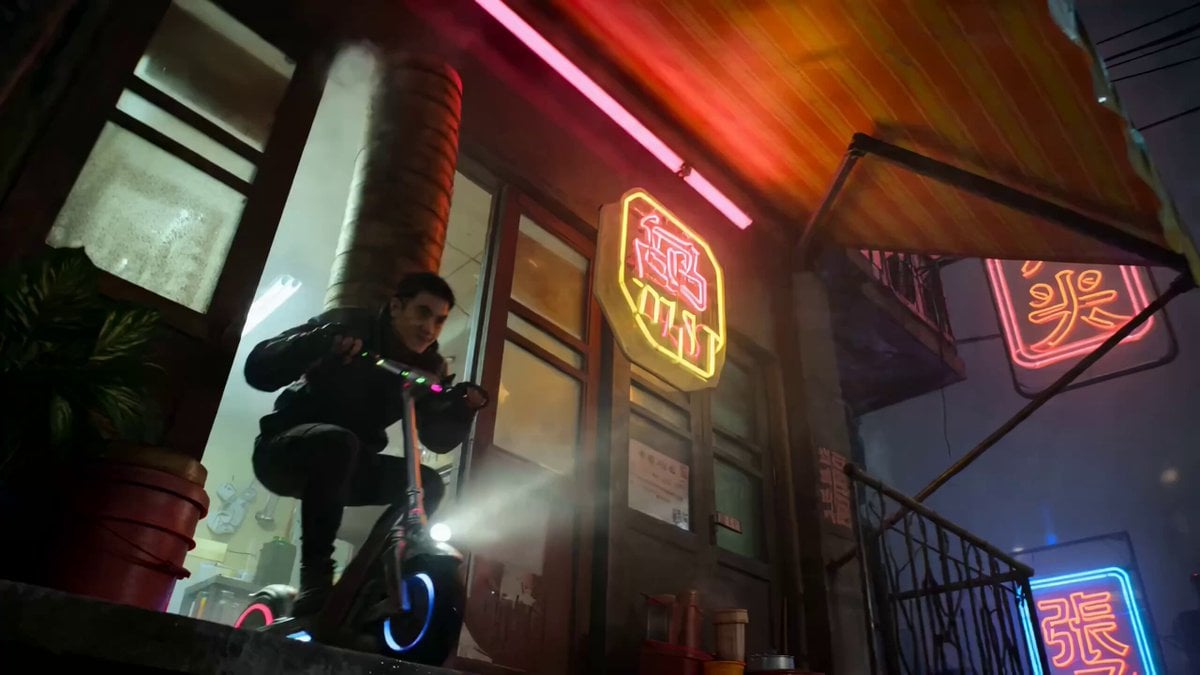
Multi-Shot Action-Comedy Scene Prompt: Neon Dumpling Courier
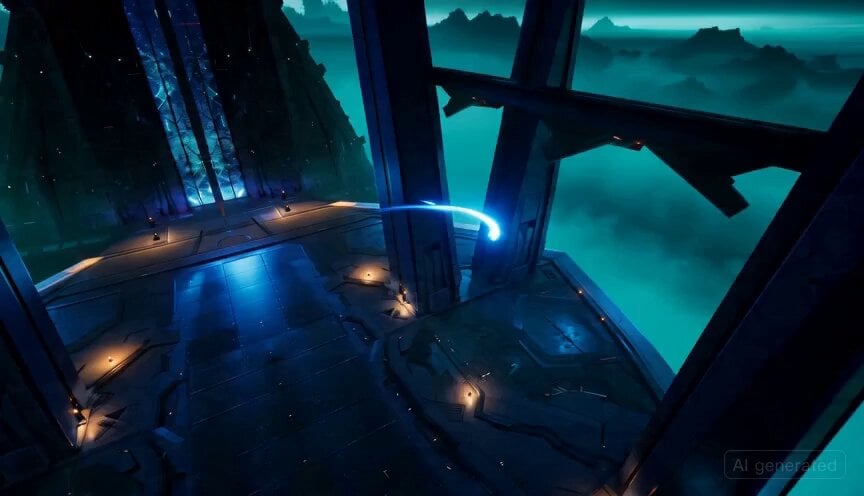
Detailed multi-scene action prompt for Seedance 2.0
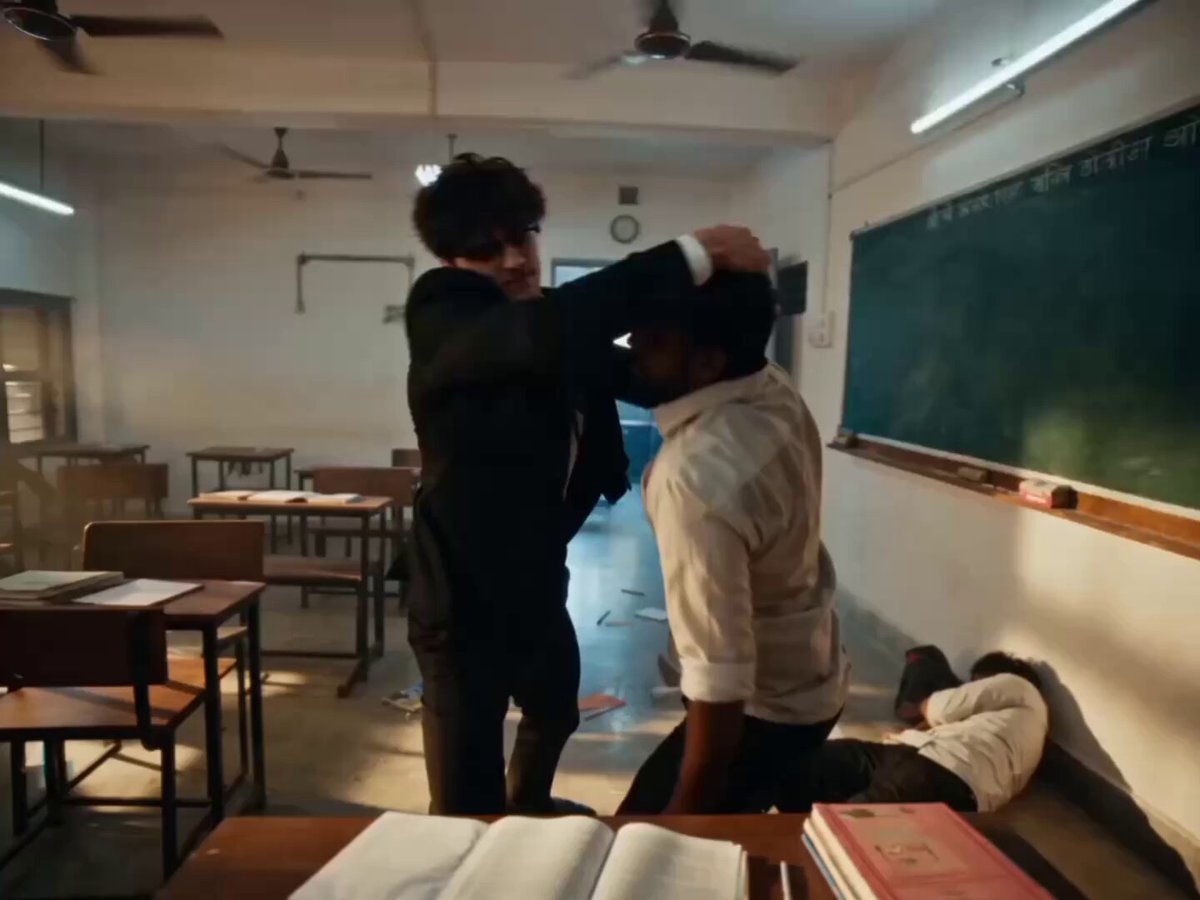
Hyper-realistic Classroom Action Sequence
Thornmaw Monarch — Crimson Glass Desert Beast
Warhorse Sprint on Cliff Aqueduct
Parametric Fight Scenes Seedance
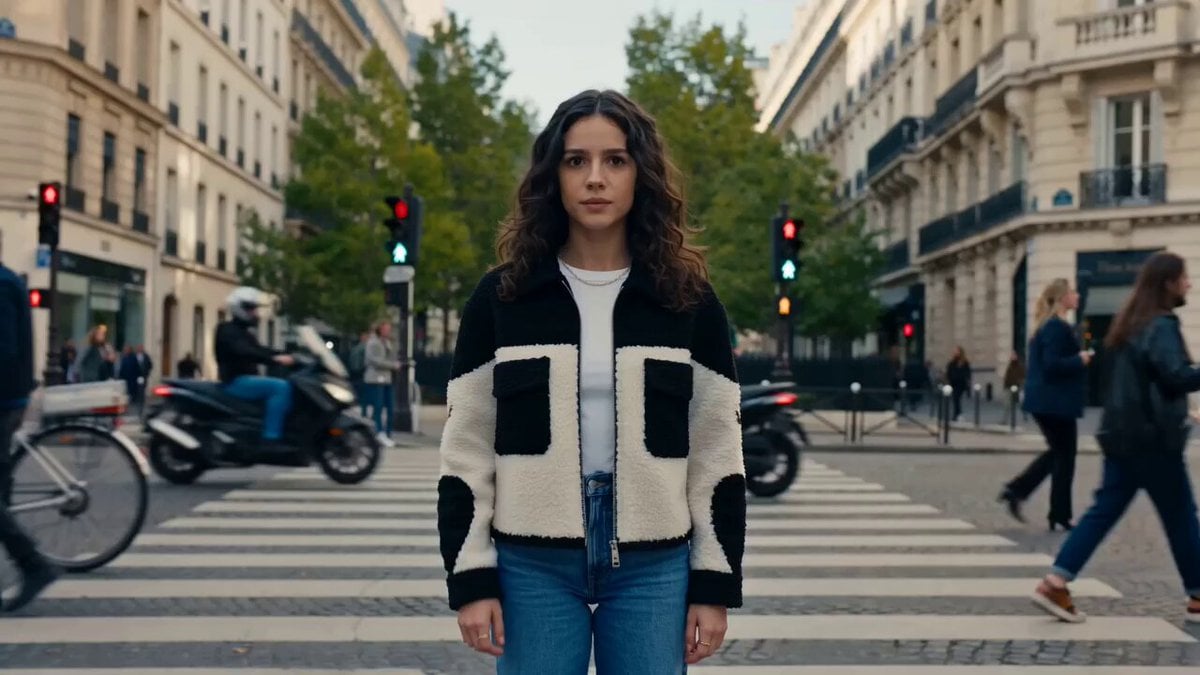
Nano Banana Seedance Time Control Streets
Colossal Sea Creature — Stormy Shore Charge (Seedance)
Skybridge Rescue — Supertall Tower Collapse (Seedance)
Make it yours
Multi-Shot Classroom Action Timeline works as-is. These are the safest ways to change it without losing the look.
Change one field
Copy a single group, rewrite it, and generate again so you can see what that field is doing.
Keep the frame, change the subject
Hold the composition and light of Multi-Shot Classroom Action Timeline, then swap wardrobe, props or the person for a new take.
| If the result… | Why | Fix |
|---|---|---|
| The result drifts from the preview | Too many fields changed at once. | Reuse Multi-Shot Classroom Action Timeline as-is first, then change one group — subject, light, or setting. |
| The model over-stylizes the scene | The prose prompt leaves finish and camera underspecified. | Add one camera or lighting sentence and stay on Seedance 2.0. |
More Seedance 2.0 templates
Other prompts made for Seedance 2.0.

Comical Martial Arts Punch Scene

Maglev Train Action Sequence

Martial Arts Fight Sequence

Wuxia Protection and Trust Script

Vintage Korean Arcade MiniDV Vlog

Mercedes 190 SL Luxury Ad

Rainy Night Supernatural Reverse Comedy Video Script

Amazon Civilization Discovery

Futuristic South Asian City Transformation

Cozy Luxury Cafe Commercial
More video prompts
Fresh picks from across the catalog.
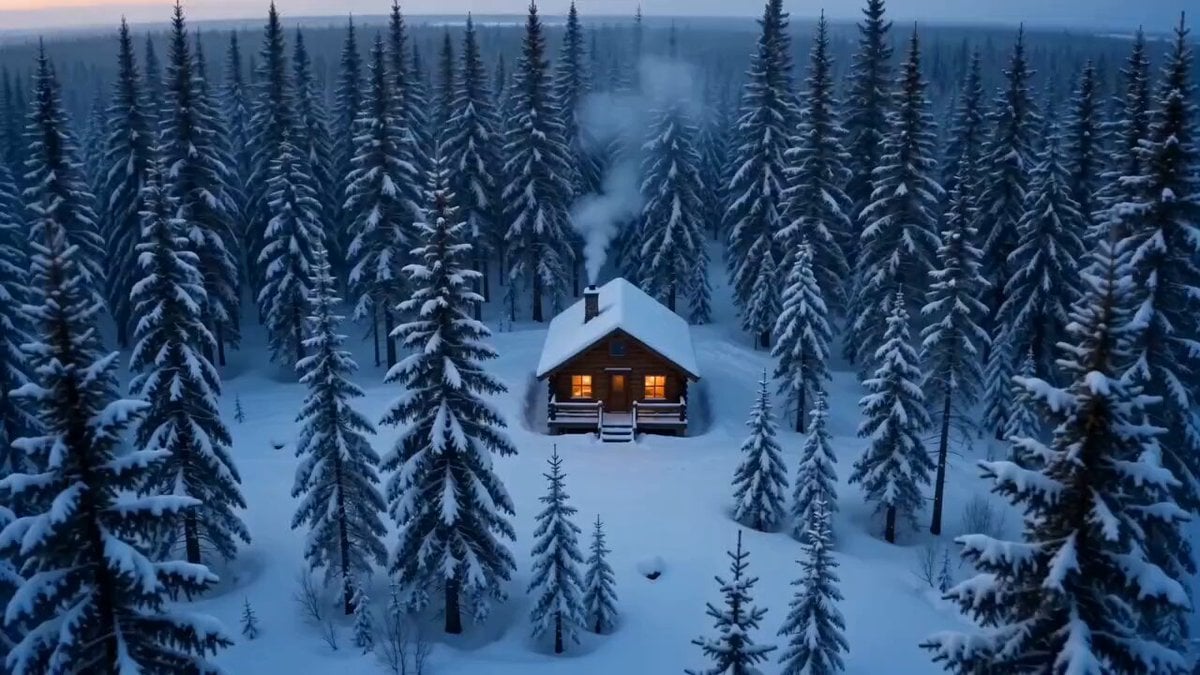
Cinematic Snowy Cabin Solitude
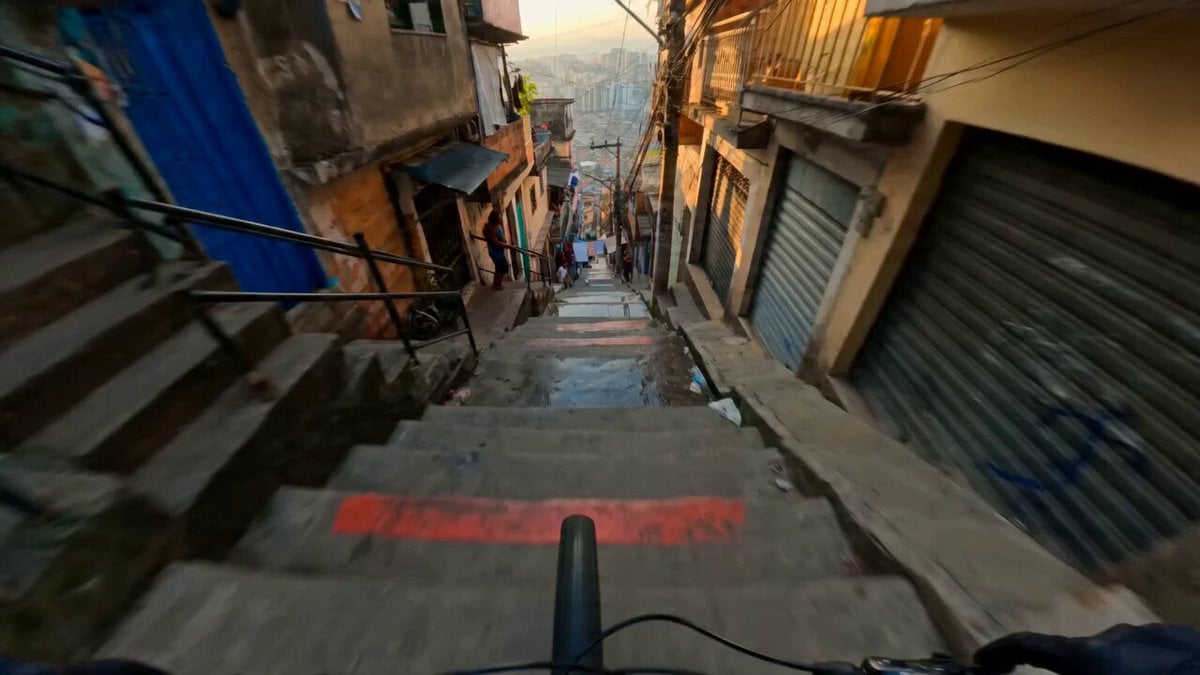
Hyperreal FPV Downhill Stair Run
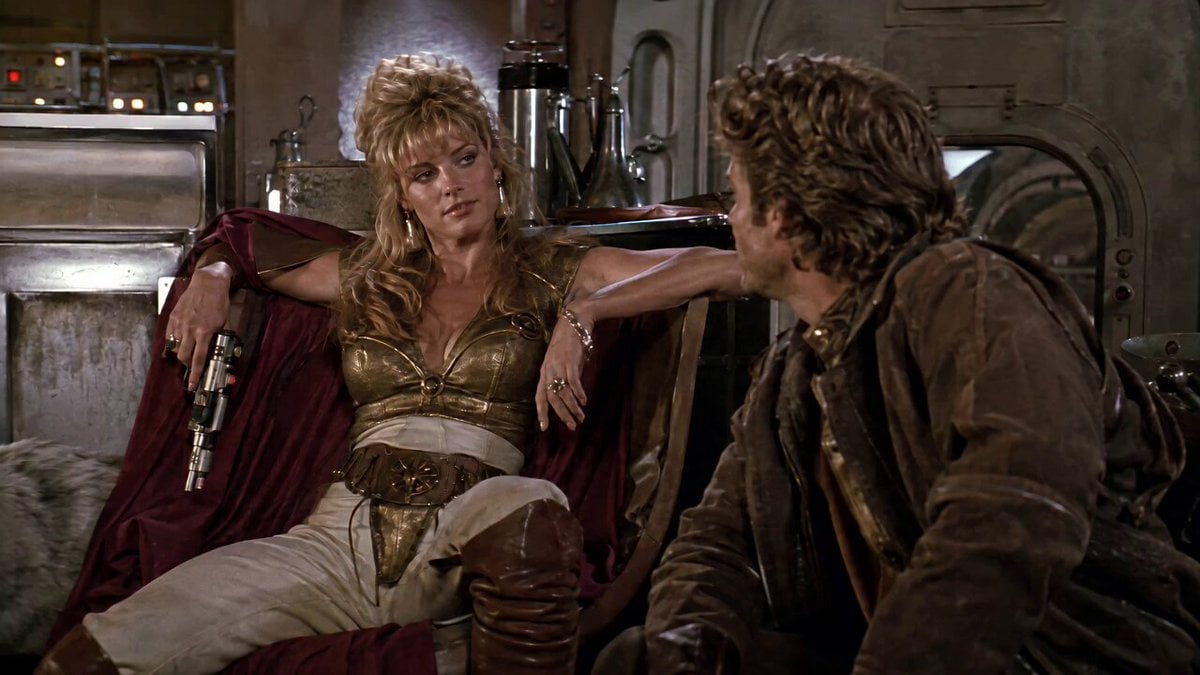
1980s Space Action Film Sequence

Korean Woman Laundry Folding DV Camcorder Morning
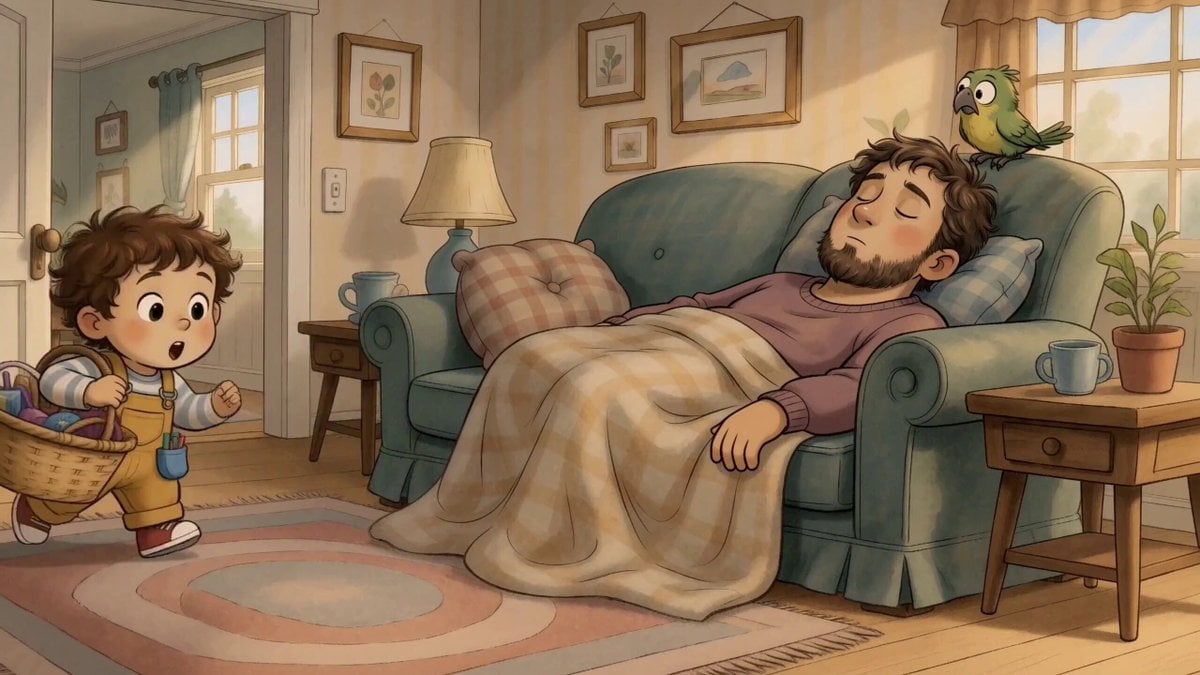
Storyboard Image to Video Reference
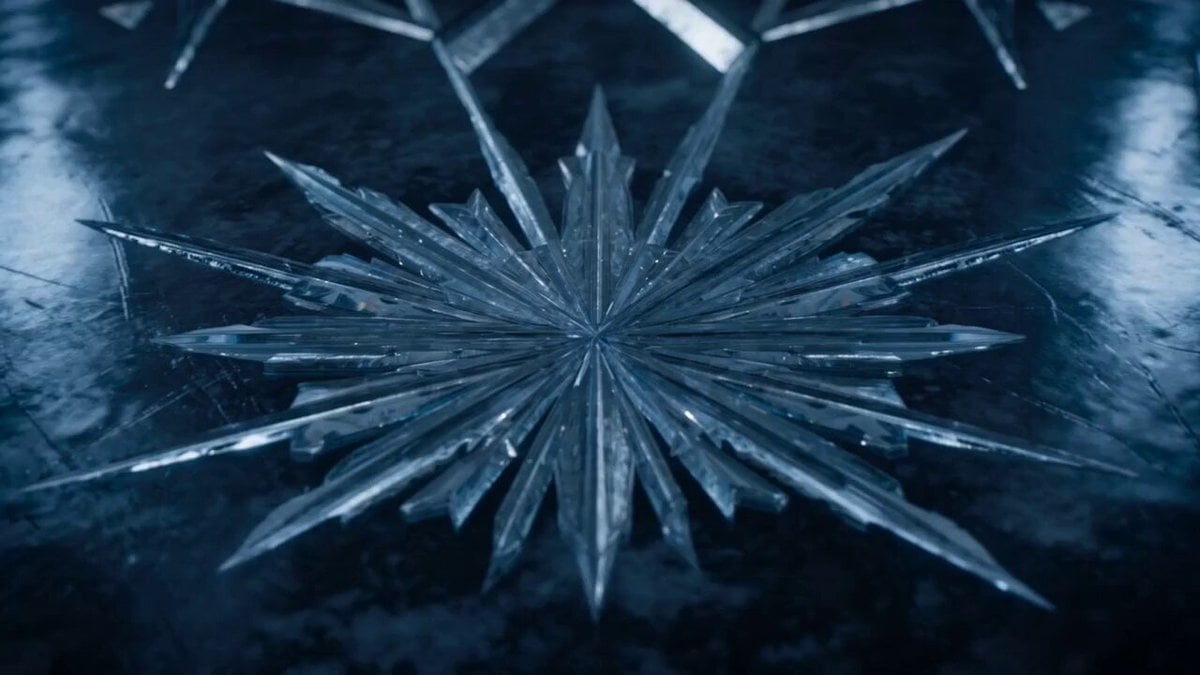
Ice Beast VFX Transformation
Museum Selfie Slapstick Comedy
Elf Princess Magic Wand
Cinematic Night Street Racing
Fantasy Map Reality Transformation
Browse template categories
Multi-Shot Classroom Action Timeline questions
How do I use the Multi-Shot Classroom Action Timeline template?
Add your photo if the template asks for one, edit the prompt if you like — the template's model and format are already selected — and press Generate. Your version opens in PicX Studio.
Can I customize the Multi-Shot Classroom Action Timeline template?
Yes. You can change the subject, setting, lighting, mood, format, and available model controls before creating your video.
Is the Multi-Shot Classroom Action Timeline template free?
Opening and editing this template is free. Generating uses credits, shown on the Generate button when you are signed in.
Which AI model should I use?
Start with Seedance 2.0, which is the model associated with this template. You can compare another compatible model for a different finish.
Looking for something else? Browse all templates.

Your photo, any look
Thousands of ready templates for every top image and video model, from one credit balance.