How do I use the Hyper-realistic Classroom Action Sequence template?
Edit the prompt in the box under the preview — the template's model and format are already selected — and press Generate. Your version appears right on this page.
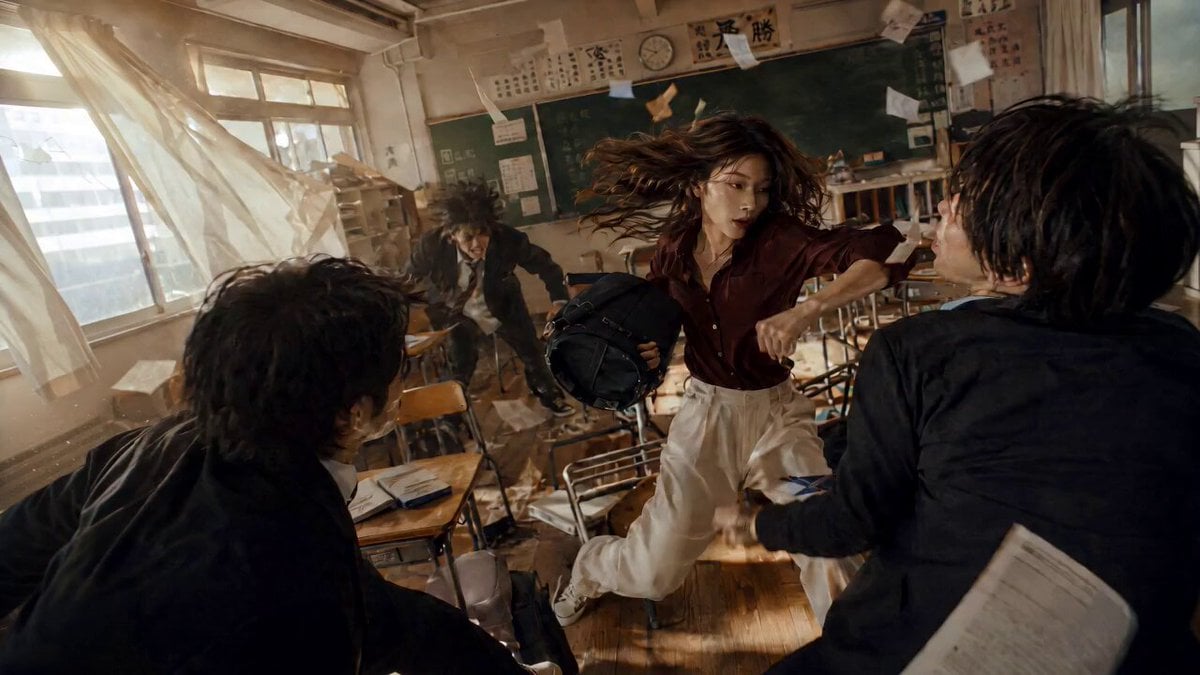
An exceptionally detailed action prompt for an Indian classroom fight, specifying camera jitters, sound effects, character locks, and a second-by-second sequence of events.
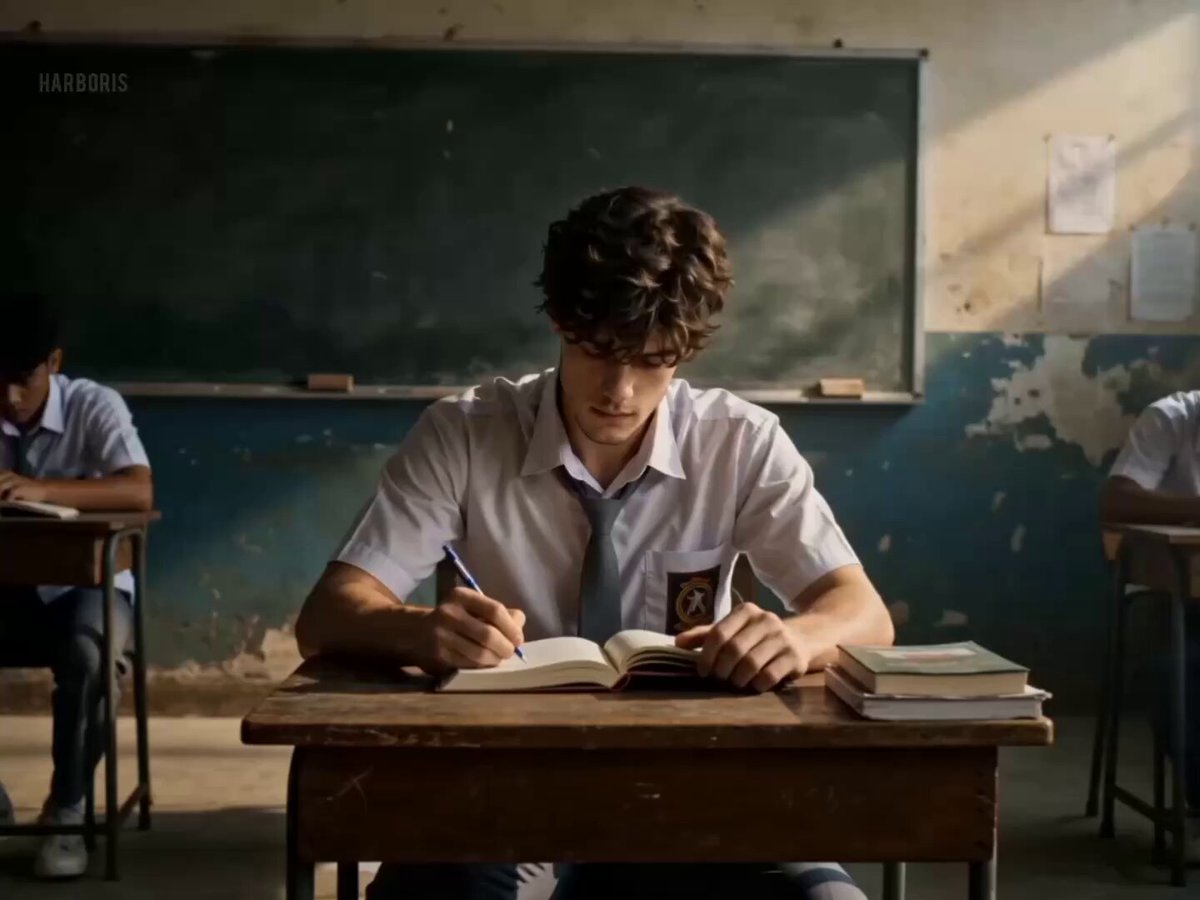
Ultra-realistic Indian classroom street fight. Single continuous shot, no cuts. Raw handheld mobile footage with natural micro-jitters, slight rolling shutter, no stabilization. Documentary realism. Audio: No music. Only raw ambient sound-footsteps, desk friction, cloth movement, punches, fan hum, breathing, distant classroom noise. Lighting: Mixed warm + cool cinematic tones. Practical classroom lighting. Moving ceiling fan shadows. Visible dust particles in light shafts. MAIN CHARACTER (STRICT IDENTITY LOCK): Indian male (17-18), cold emotionless face matching reference image exactly. Black straight side-swept hair, brown almond eyes, sharp jawline, natural Indian skin tone, slim face. OUTFIT LOCK (NO CHANGE): Black school blazer, white shirt, black tie, black pants. No hoodie/tayers. Slightly fitted blazer, loose tie. Must remain identical throughout. ACTION: 0-2s: Protagonist grabs Opponent A from behind one-hand head slam onto desk. Books/pencils burst outward. Desk drags with friction. A collapses limp. 2-5s: Grabs Opponent B punch to abdomen B folds immediate head slam into desk. Head pressed briefly to tiles. Camera stabilizes briefly. B falls face-down. Heavy breathing, visible sweat. 5-6s: Blazer shifts slightly, shirt + tie visible (tie displaced). C & D enter from back, split and flank. Only footsteps, fan hum. 6-8s: Chaotic fight. D attacks with rapid punches. Protagonist stumbles slightly. C grabs blazer, pulls back. Knee to abdomen. Body bends forward. Heavy breathing. Fan shadows moving. 8-10s: Headbutt to D D staggers. Protagonist grabs C collar efficiently. 10-12s (BOARD IMPACT): Protagonist drives C backward into green chalkboard. Back hits first, head snaps slightly. Chalk dust bursts outward, fully visible in warm light. Chalk tray rattles, pieces fall. Micro slow-motion (0.2-0.3s) at impact back to real-time. C loses tension, slides down leaving chalk smears, collapses. Dust drifts. 12-13s: D charges protagonist sidesteps rotational punch to cheekbone. Sweat arcs mid-air. D crashes into desks. Massive collapse, books scatter. D motionless, hand drops. Protagonist barely standing, heavy breathing. 13-14s: Medium-close. Chest rising. Slow turn to camera. Cold eye contact through glasses. Wipes blood from nose (visible smear). Removes glasses throws aside, spinning impact. 14-15s (FINAL): Ground-level wide shot. Slight edge blur, warm tone, golden dust. Protagonist without glasses removes blazer → throws onto opponent. White shirt + black tie only. Tie loose, slight movement. Walks to exit. Blazer settles. Silent classroom. Dust floating. Fade to black.
Ultra-realistic Indian classroom street fight. Single continuous shot, no cuts. Raw handheld mobile footage with natural micro-jitters, slight rolling shutter, no stabilization. Documentary realism. Audio: No music. Only raw ambient sound-footsteps, desk friction, cloth movement, punches, fan hum, breathing, distant classroom noise. Lighting: Mixed warm + cool cinematic tones. Practical classroom lighting. Moving ceiling fan shadows. Visible dust particles in light shafts. MAIN CHARACTER (STRICT IDENTITY LOCK): Indian male (17-18), cold emotionless face matching reference image exactly. Black straight side-swept hair, brown almond eyes, sharp jawline, natural Indian skin tone, slim face. OUTFIT LOCK (NO CHANGE): Black school blazer, white shirt, black tie, black pants. No hoodie/tayers. Slightly fitted blazer, loose tie. Must remain identical throughout. ACTION: 0-2s: Protagonist grabs Opponent A from behind one-hand head slam onto desk. Books/pencils burst outward. Desk drags with friction. A collapses limp. 2-5s: Grabs Opponent B punch to abdomen B folds immediate head slam into desk. Head pressed briefly to tiles. Camera stabilizes briefly. B falls face-down. Heavy breathing, visible sweat. 5-6s: Blazer shifts slightly, shirt + tie visible (tie displaced). C & D enter from back, split and flank. Only footsteps, fan hum. 6-8s: Chaotic fight. D attacks with rapid punches. Protagonist stumbles slightly. C grabs blazer, pulls back. Knee to abdomen. Body bends forward. Heavy breathing. Fan shadows moving. 8-10s: Headbutt to D D staggers. Protagonist grabs C collar efficiently. 10-12s (BOARD IMPACT): Protagonist drives C backward into green chalkboard. Back hits first, head snaps slightly. Chalk dust bursts outward, fully visible in warm light. Chalk tray rattles, pieces fall. Micro slow-motion (0.2-0.3s) at impact back to real-time. C loses tension, slides down leaving chalk smears, collapses. Dust drifts. 12-13s: D charges protagonist sidesteps rotational punch to cheekbone. Sweat arcs mid-air. D crashes into desks. Massive collapse, books scatter. D motionless, hand drops. Protagonist barely standing, heavy breathing. 13-14s: Medium-close. Chest rising. Slow turn to camera. Cold eye contact through glasses. Wipes blood from nose (visible smear). Removes glasses throws aside, spinning impact. 14-15s (FINAL): Ground-level wide shot. Slight edge blur, warm tone, golden dust. Protagonist without glasses removes blazer → throws onto opponent. White shirt + black tie only. Tie loose, slight movement. Walks to exit. Blazer settles. Silent classroom. Dust floating. Fade to black.
Edit the prompt in the box under the preview — the template's model and format are already selected — and press Generate. Your version appears right on this page.
Yes. You can change the subject, setting, lighting, mood, format, and available model controls before creating your video.
Opening and editing this template is free. Generating uses credits, shown on the Generate button when you are signed in.
Start with Seedance 2.0, which is the model associated with this template. You can compare another compatible model for a different finish.
Follow a topic to a crawlable collection of related PicX Studio templates.