
Classroom Martial Arts Action Sequence
A dynamic, one-take action prompt for a fight sequence inside a Japanese high school classroom, emphasizing interactivity and realistic body movement.
- Prompt included
- Model and format preset
- Free template
The prompt behind this video
Copy the exact prompt behind Classroom Martial Arts Action Sequence, or open it in the studio and make it yours.
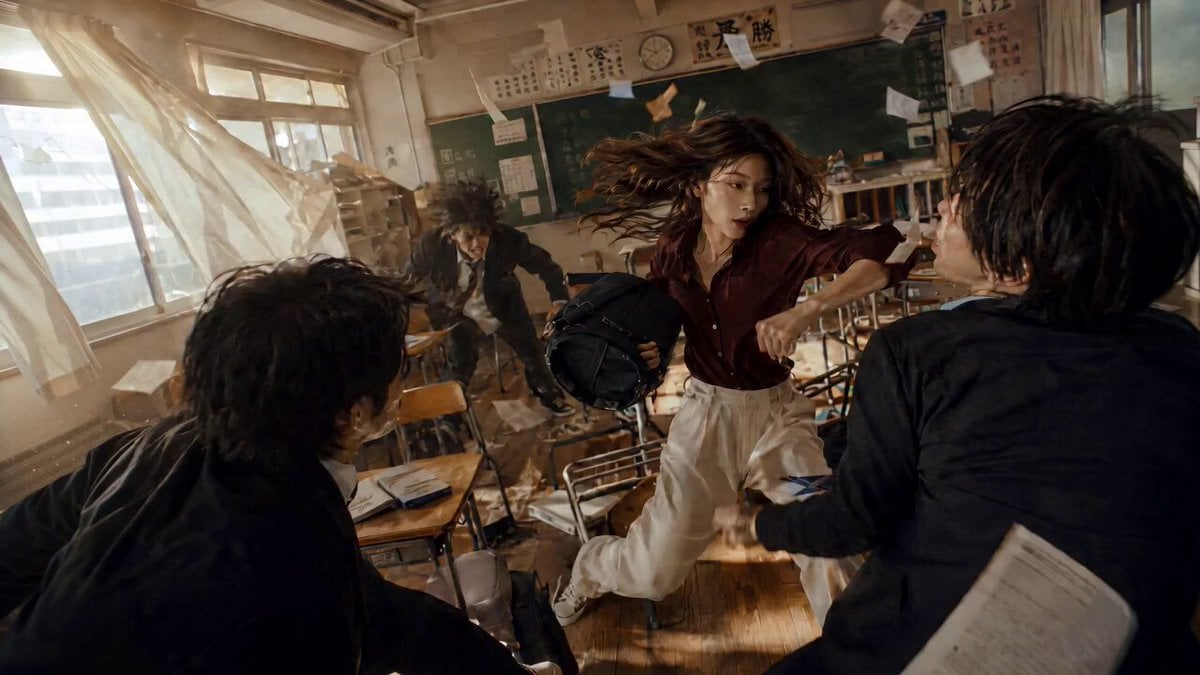
@image1 mage1 fights three opponents inside a Japanese high school classroom in an intense, highly dynamic one-take action sequence. The classroom is filled with wooden desks, chairs, school bags, a chalkboard, sliding windows, curtains, fluorescent ceiling lights, posters, books, and scattered papers. The fight is fast, physical, and highly interactive with the environment. The woman moves between the desks with sharp agility, dodging attacks from all three opponents at once. She vaults over desks, slides across tabletops, kicks chairs into attackers, blocks strikes using classroom objects, grabs a backpack to deflect a hit, and uses the narrow aisles between desks to redirect momentum. Papers fly through the air, chairs scrape across the floor, desks topple, curtains whip from the movement, and sunlight cuts through the windows, catching dust particles in the air. The camera is extremely dynamic and close to the action, never a static wide shot. Use a fast-moving one-take camera that constantly follows, circles, ducks, whips, and pushes through the fight. The camera moves between desks, swings around the woman as she turns, rushes backward as opponents charge, drops low near the floor during leg sweeps, rises suddenly as she jumps over a desk, and whips around quickly to reveal the next attacker. The framing should feel urgent, handheld, immersive, and physically present inside the classroom. The action should feature strong choreography, realistic body movement, believable impact, fast reaction timing, close-range combat, and continuous motion. Make the scene feel like a high-budget martial arts action sequence captured in one uninterrupted shot. Use natural classroom lighting mixed with warm afternoon sunlight through the windows, realistic shadows, practical motion blur, grounded textures, real-world imperfections, and a raw cinematic look. No glossy AI finish, no overly polished CGI, and no static long-shot framing. Negative prompts: static camera, slow movement, shaky low-quality footage, blurry subject, distorted body, unrealistic swinging physics, cartoon style, flat lighting, dull colors, overexposed sky, broken buildings, empty streets, low detail, awkward camera cuts, poor motion continuity, AI glossy look, overly polished CGI, plastic-looking skin, waxy skin texture, hyper-smooth surfaces, artificial shine, fake cinematic bloom, excessive lens flare, unrealistic HDR, oversaturated colors, neon color grading, game-engine look, Unreal Engine render look, synthetic lighting, studio lighting, perfect clean reflections, overly sharp digital image, crispy AI detail, overprocessed image, fake depth of field, exaggerated bokeh, unnatural contrast, overly smooth motion, floating physics, rubbery body movement, distorted anatomy, warped limbs, inconsistent body proportions, blurry face, melted facial features, duplicated limbs, broken hands, unnatural pose, stiff action, low-quality
How to use Classroom Martial Arts Action Sequence in 3 steps
- 1
Open
The prompt is already in the box next to the preview, with the template's model and format selected.
- 2…a portrait of your subject in softgolden-hour light, 85mm…
Personalize
Edit the subject and creative details for your destination.
- 3Generate
Generate
Press Generate — your video is created in PicX Studio, so you can compare it with the original and refine one variable at a time.
More like this
Templates with the same subject, style or setup. Open one to see its prompt.
Fantasy Martial Arts Live Action

Martial Arts Fight Sequence
Martial Arts Warehouse Combat Sequence
Taiqi Martial Arts Fight Sequence
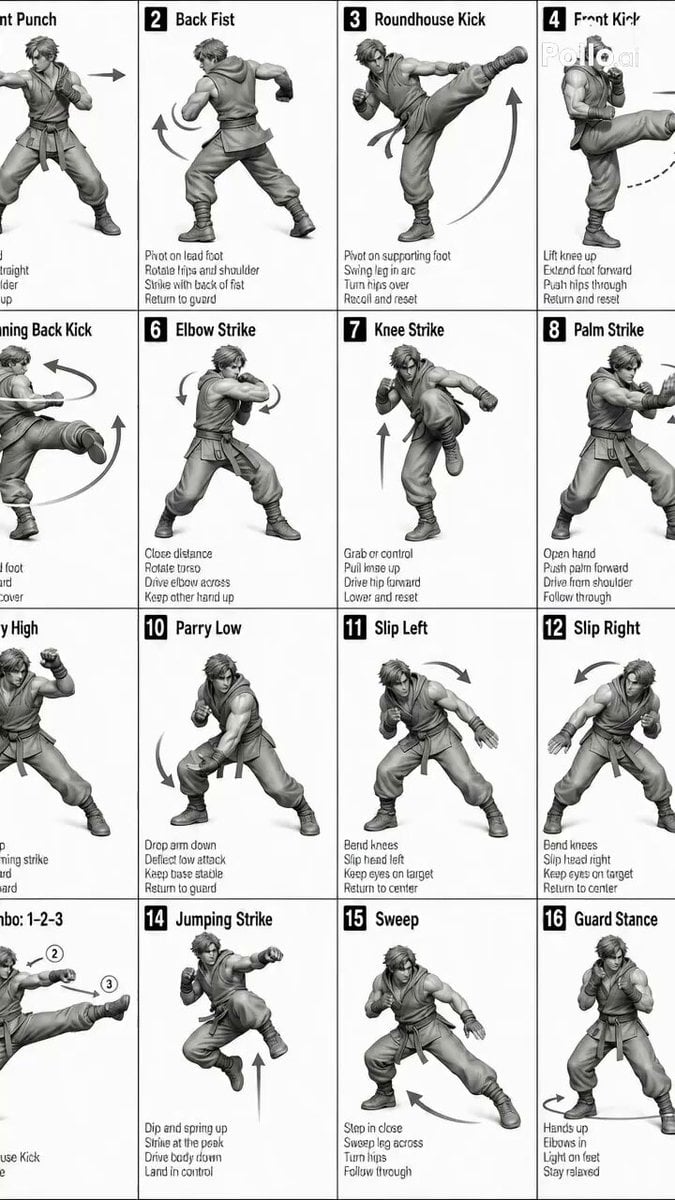
Sequence and Movement Instruction for Martial Arts Video
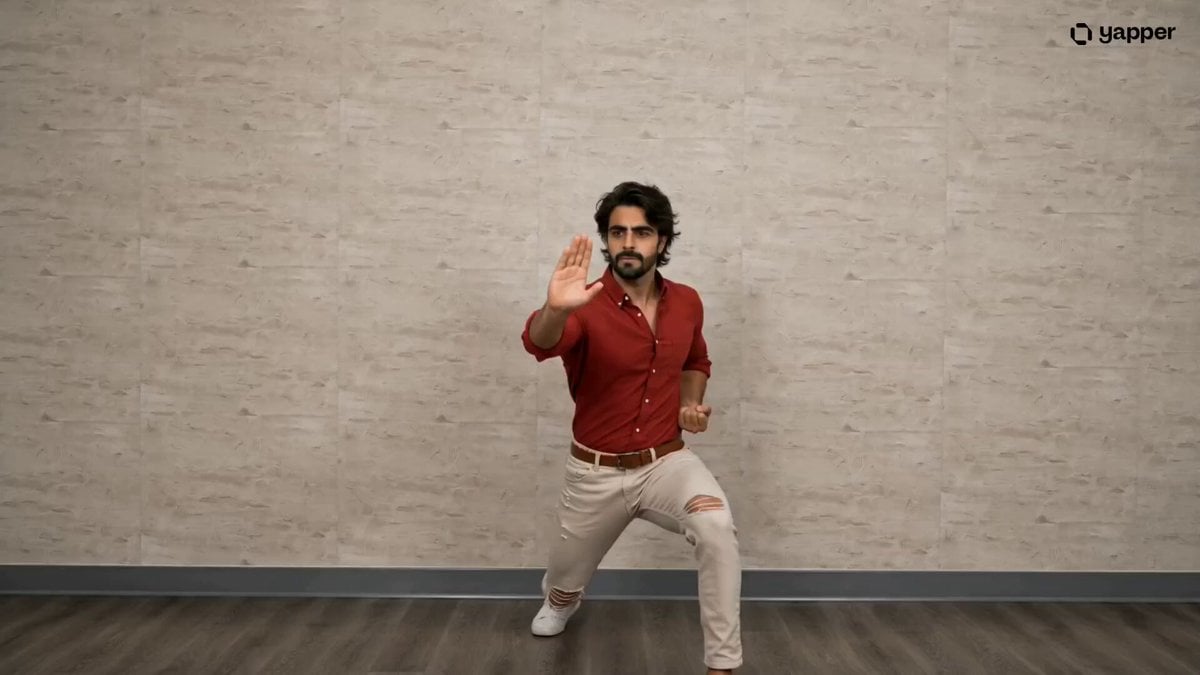
Pencak Silat Martial Arts Sequence
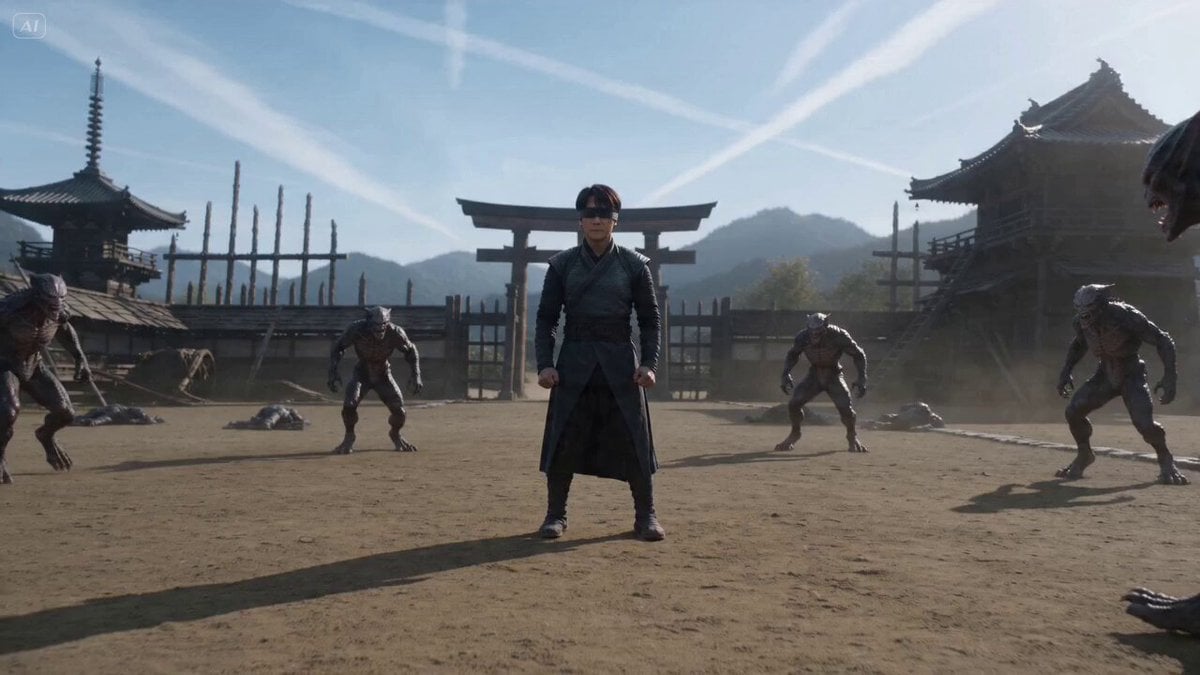
Cinematic Martial Arts Sequence for Seedance 2
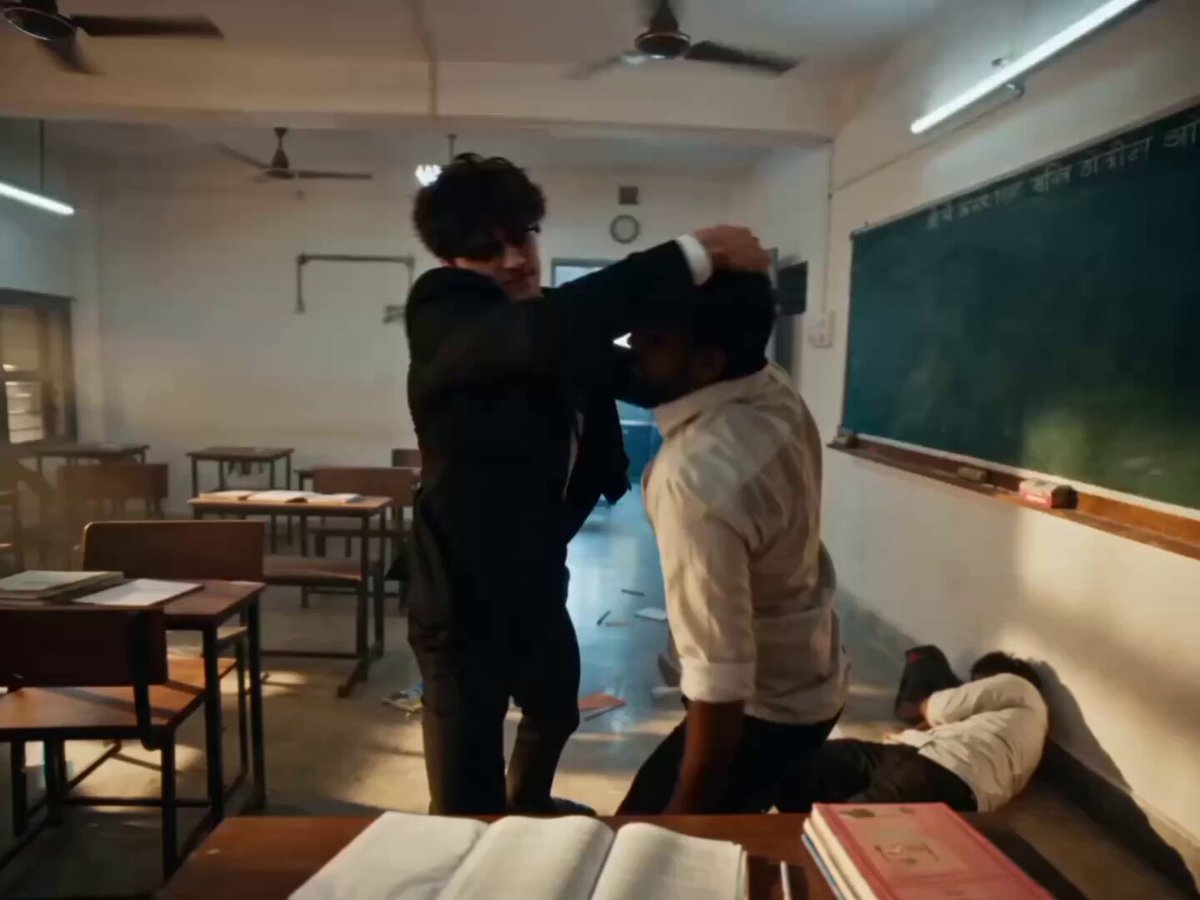
Hyper-realistic Classroom Action Sequence
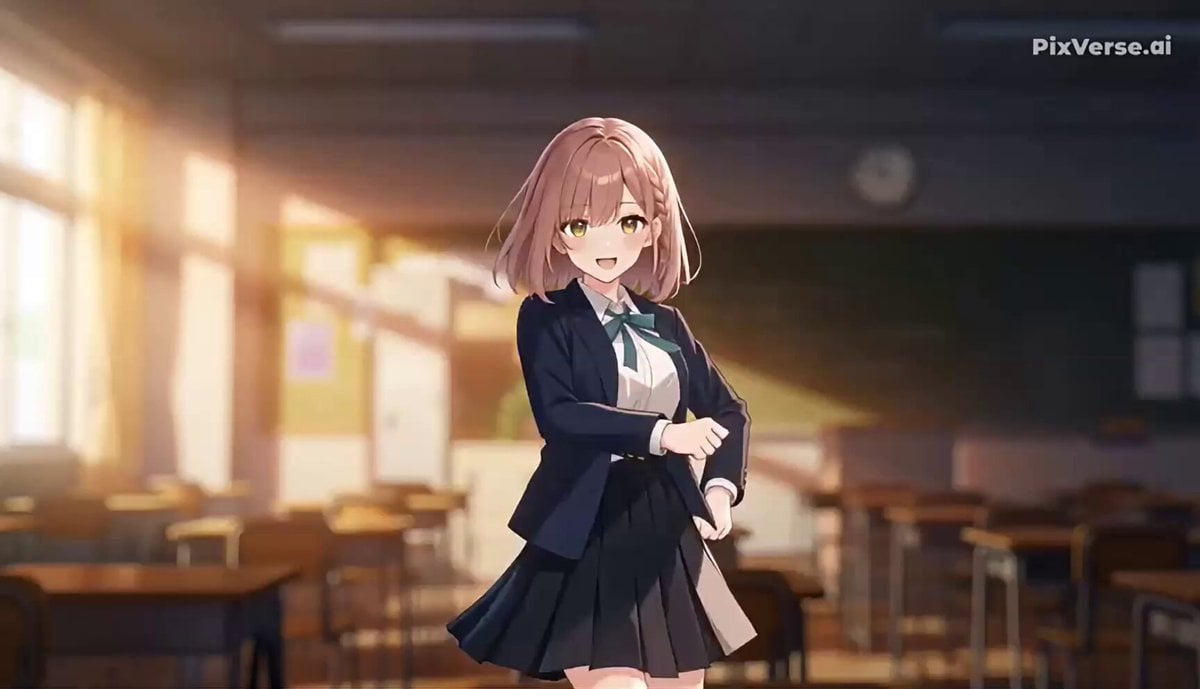
J-Pop Idol Classroom Dance Sequence

Comical Martial Arts Punch Scene

Maglev Train Action Sequence
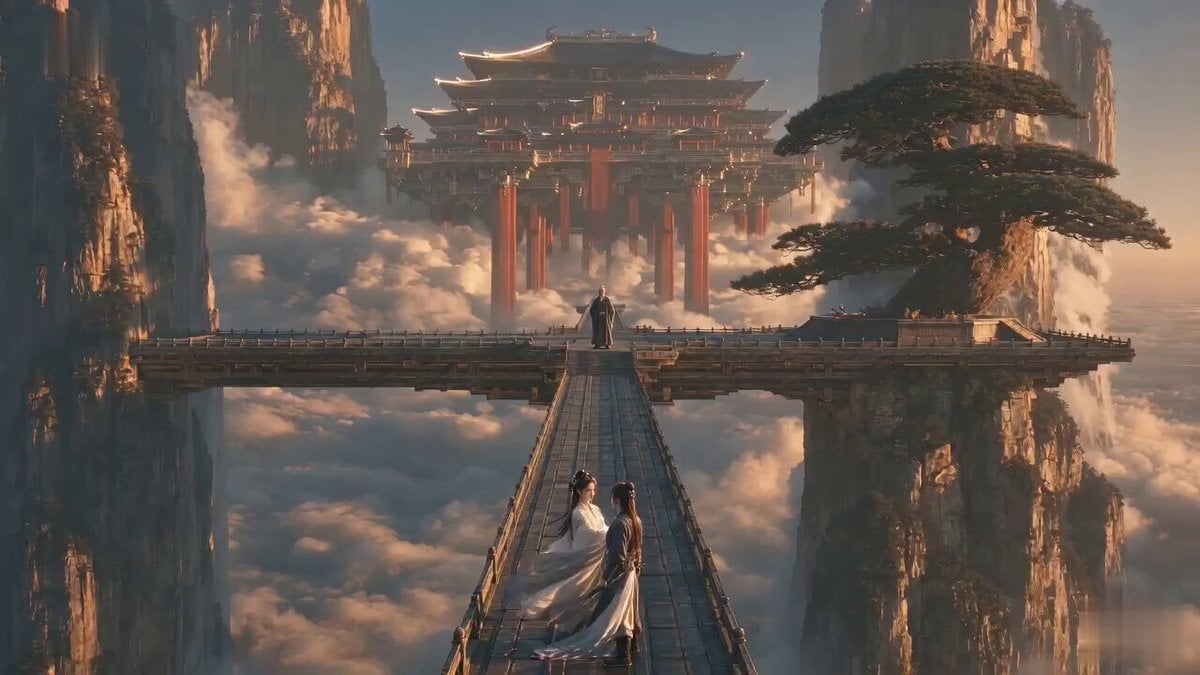
Martial Arts Comedy Verbal Guidance
Make it yours
Classroom Martial Arts Action Sequence works as-is. These are the safest ways to change it without losing the look.
Change one field
Copy a single group, rewrite it, and generate again so you can see what that field is doing.
Keep the frame, change the subject
Hold the composition and light of Classroom Martial Arts Action Sequence, then swap wardrobe, props or the person for a new take.
| If the result… | Why | Fix |
|---|---|---|
| The result drifts from the preview | Too many fields changed at once. | Reuse Classroom Martial Arts Action Sequence as-is first, then change one group — subject, light, or setting. |
| The model over-stylizes the scene | The prose prompt leaves finish and camera underspecified. | Add one camera or lighting sentence and stay on Seedance 2.0. |
More Seedance 2.0 templates
Other prompts made for Seedance 2.0.

Wuxia Protection and Trust Script

Vintage Korean Arcade MiniDV Vlog

Mercedes 190 SL Luxury Ad

Rainy Night Supernatural Reverse Comedy Video Script

Amazon Civilization Discovery

Futuristic South Asian City Transformation

Cozy Luxury Cafe Commercial

Cyber Ronin Nanotech Transformation Video

Desert Courier and Sandstorm Leviathan Chase
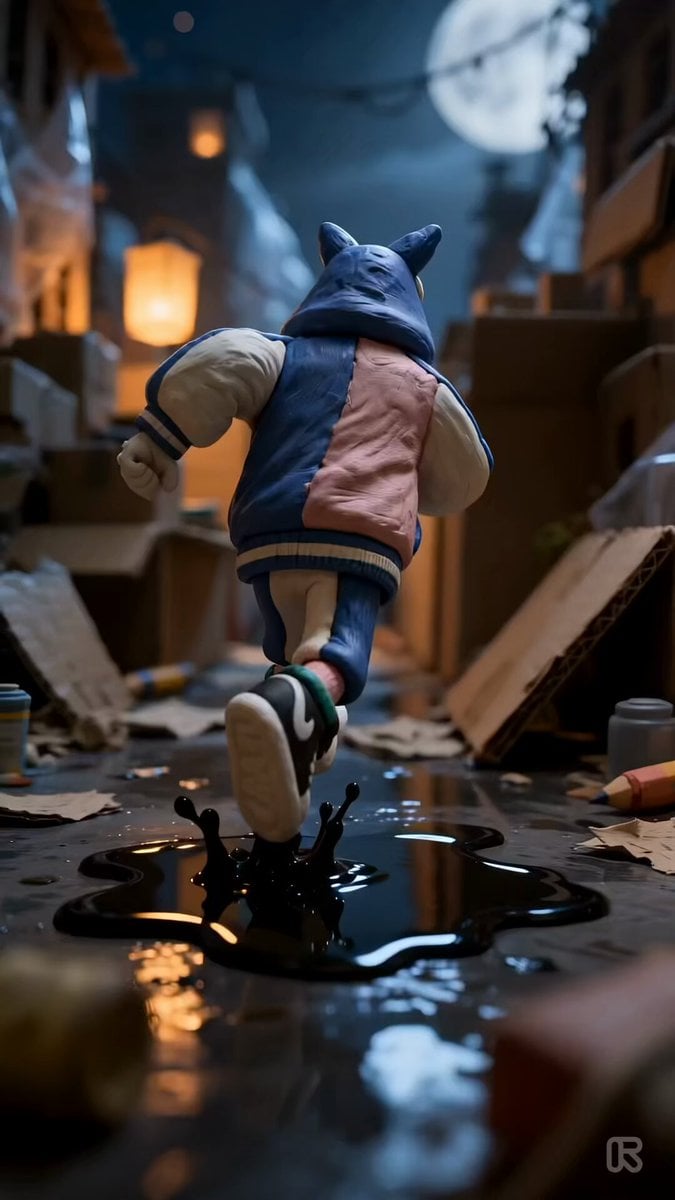
Clay Stop-Motion Animation Template
More video prompts
Fresh picks from across the catalog.
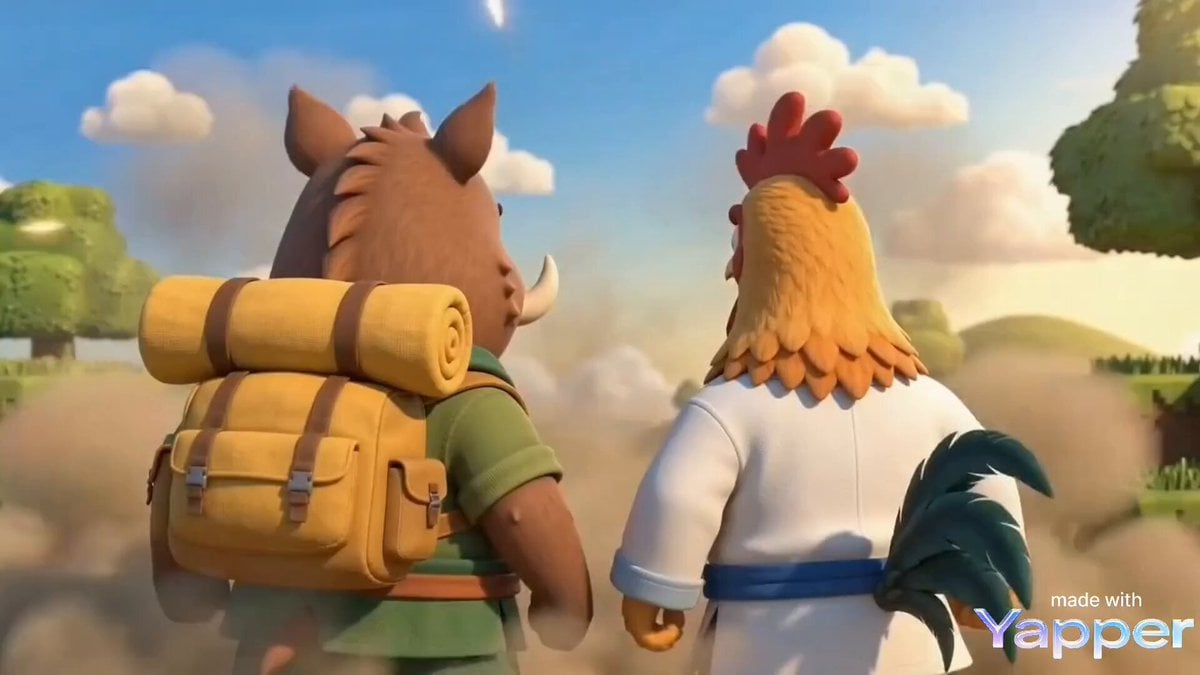
Cinematic Martial Arts Duel: Boar vs. Rooster in Minecraft Style

Cyberpunk Robot Transformation Video
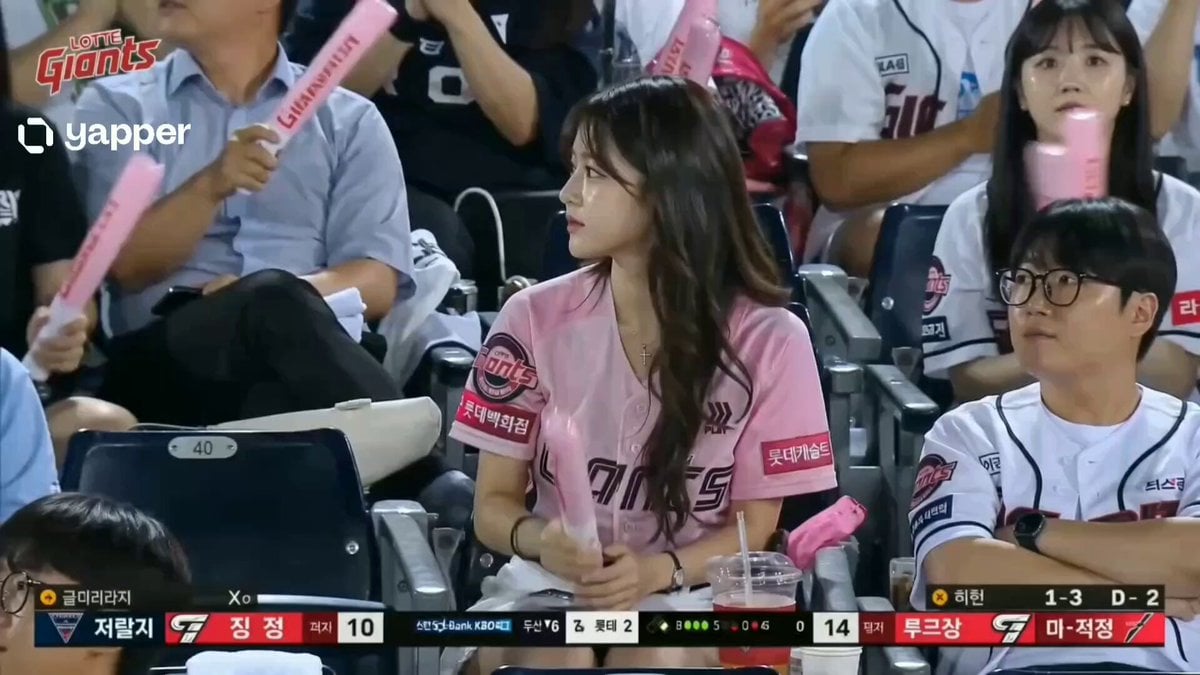
Korean Woman Baseball Fan Cam
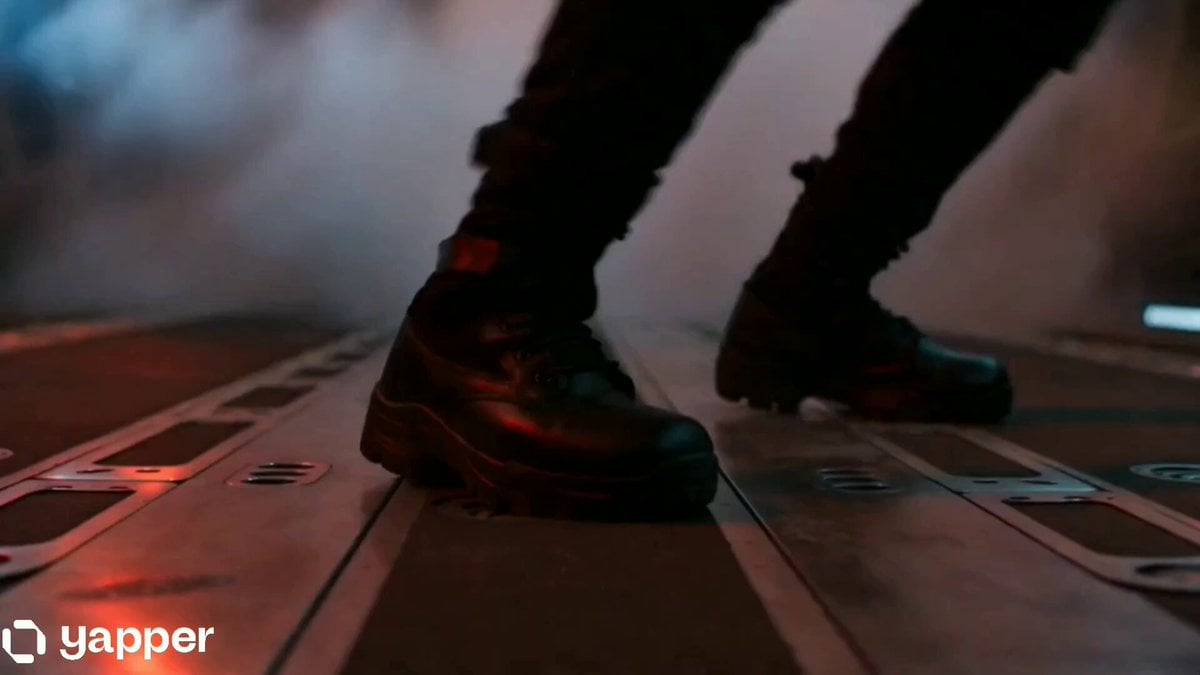
Futuristic Spy Action Cargo Plane Combat

Speeder Chase Across a Cliff City (Single Continuous Shot)
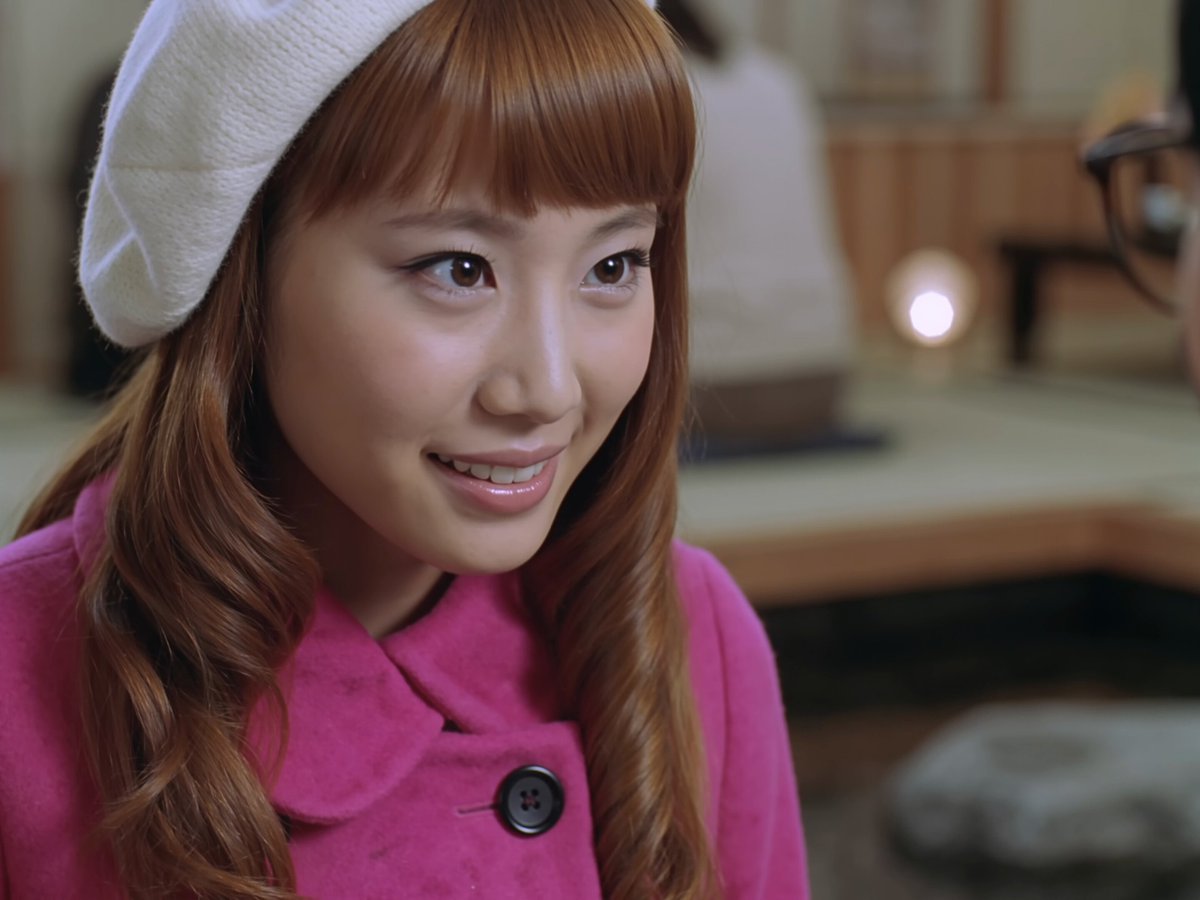
Early 2000s Asian Drama Hair Toss

Baroque Style Dramatic Transformation
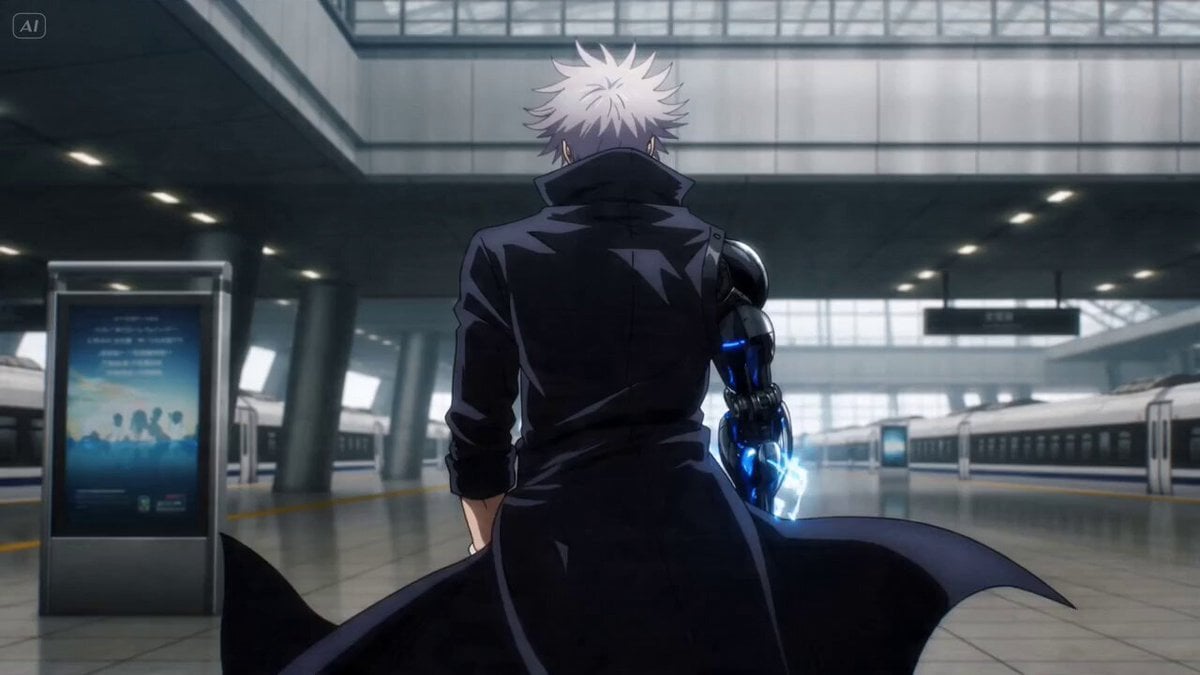
Anime Bounty Hunter Fight Sequence
Arctic Research Station Thriller
Pixar Style Firefighter Animation
Browse template categories
Classroom Martial Arts Action Sequence questions
How do I use the Classroom Martial Arts Action Sequence template?
Add your photo if the template asks for one, edit the prompt if you like — the template's model and format are already selected — and press Generate. Your version opens in PicX Studio.
Can I customize the Classroom Martial Arts Action Sequence template?
Yes. You can change the subject, setting, lighting, mood, format, and available model controls before creating your video.
Is the Classroom Martial Arts Action Sequence template free?
Opening and editing this template is free. Generating uses credits, shown on the Generate button when you are signed in.
Which AI model should I use?
Start with Seedance 2.0, which is the model associated with this template. You can compare another compatible model for a different finish.
Looking for something else? Browse all templates.

Your photo, any look
Thousands of ready templates for every top image and video model, from one credit balance.