How do I use the Three-Act Scene of a Girl Falling and Fainting template?
Edit the prompt in the box under the preview — the template's model and format are already selected — and press Generate. Your version appears right on this page.
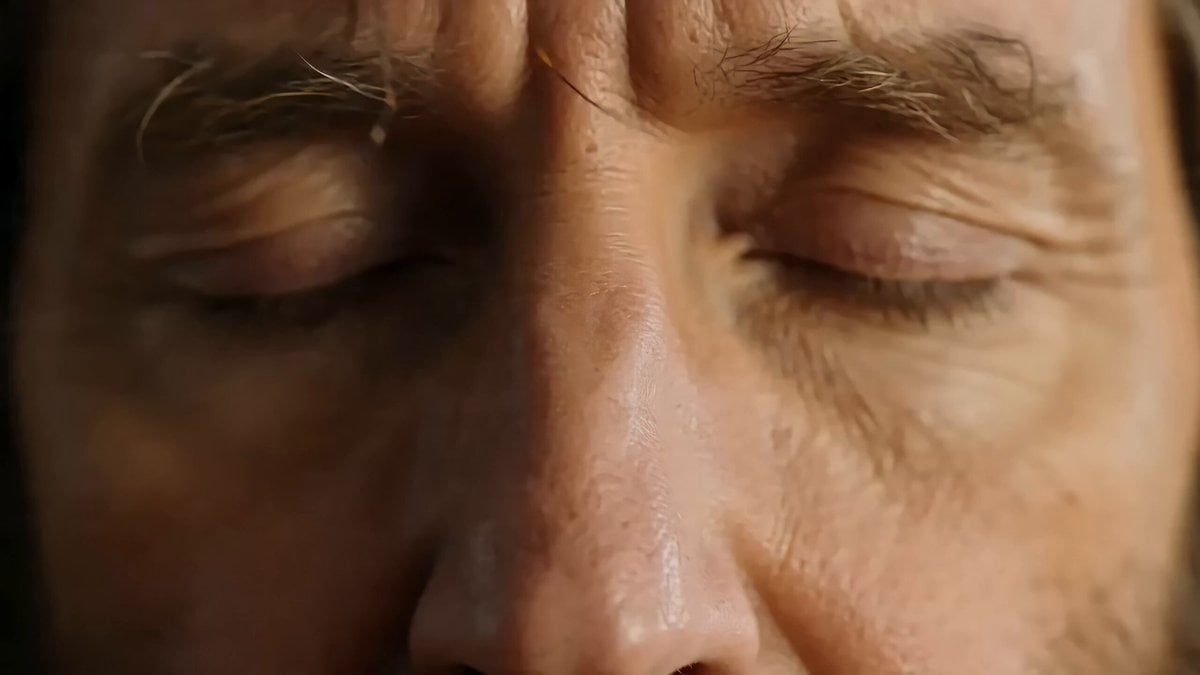
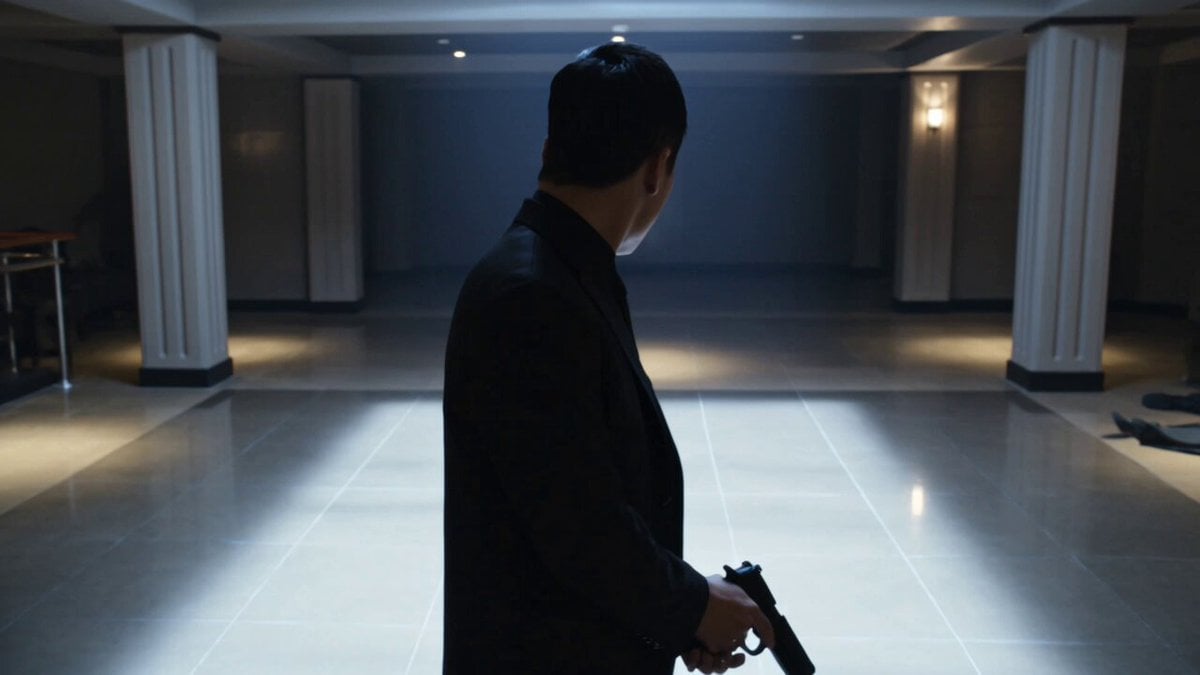
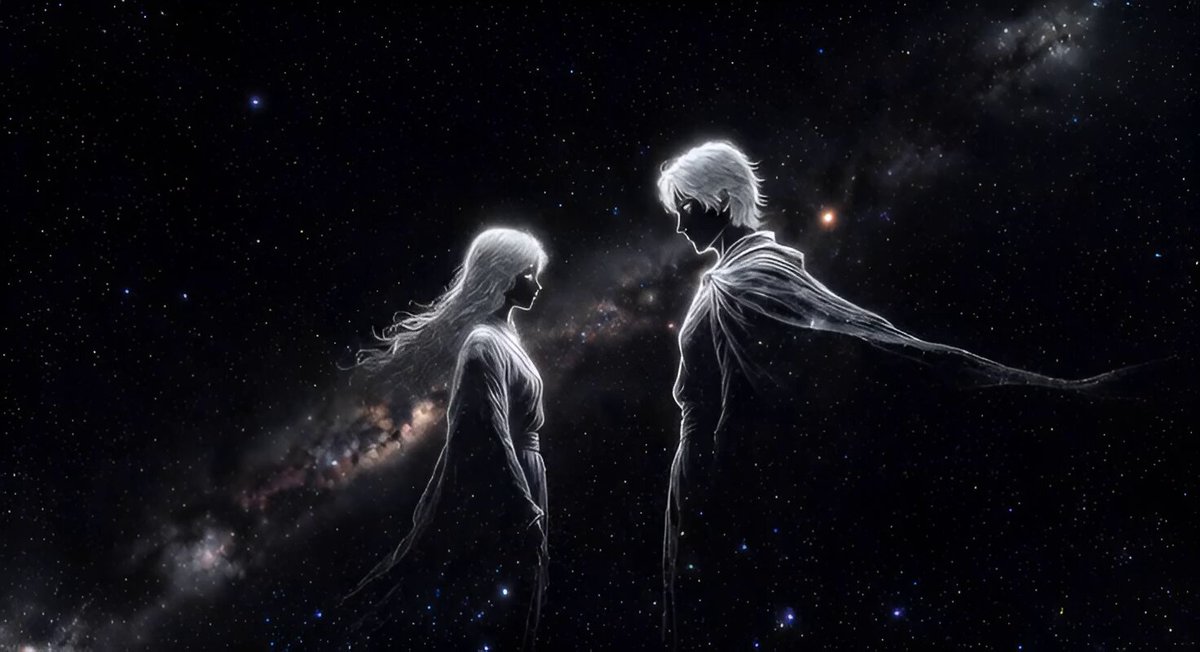
A Grok Imagine prompt detailing a three-act video scene: Act 1 (1-3s) shows a hand pressing a remote control button, causing the female protagonist to fall to her knees.
第一幕全景1~3秒:右方有一隻手拿著遙控器按按鈕,女主角跌倒呈跪姿。第二幕全景4~6秒:女主角呈跪姿,全身抖動,皺眉喘息。第三幕7~10秒鏡頭由全景緩慢對準女主角的臉:女主角大喊一聲暈倒。
第一幕全景1~3秒:右方有一隻手拿著遙控器按按鈕,女主角跌倒呈跪姿。第二幕全景4~6秒:女主角呈跪姿,全身抖動,皺眉喘息。第三幕7~10秒鏡頭由全景緩慢對準女主角的臉:女主角大喊一聲暈倒。
Edit the prompt in the box under the preview — the template's model and format are already selected — and press Generate. Your version appears right on this page.
Yes. You can change the subject, setting, lighting, mood, format, and available model controls before creating your video.
Opening and editing this template is free. Generating uses credits, shown on the Generate button when you are signed in.
Start with Grok Imagine, which is the model associated with this template. You can compare another compatible model for a different finish.
Follow a topic to a crawlable collection of related PicX Studio templates.