
Cybernetic Motion Graphic Logo Reveal
A prompt for Seedance 2.0 to create a cybernetic logo animation.
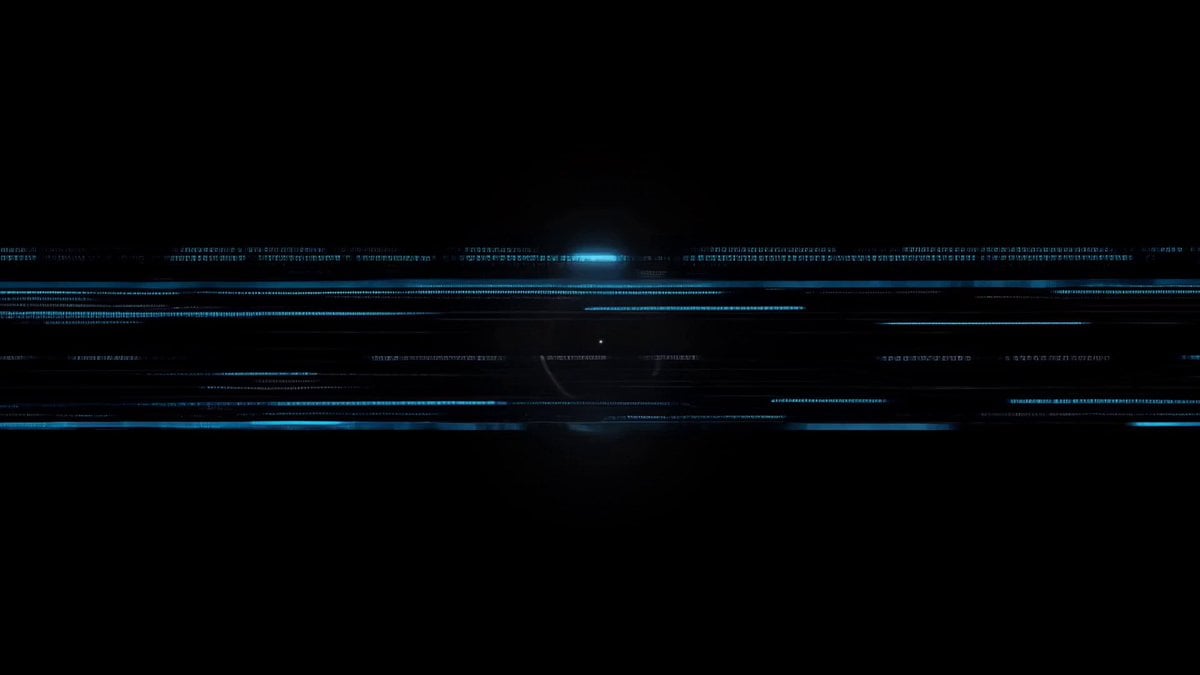
- Prompt included
- Model and format preset
- Premium template
The prompt behind this video
Copy the exact prompt behind Cybernetic Motion Graphic Logo Reveal, or open it in the studio and make it yours.
アップロードしたロゴ画像を参照して、黒背景の近未来的なロゴ出現アニメーションを作成してください。 青いノイズ、走査線、円形HUD、スキャン演出で始まり、ロゴ外周が発光ラインで描かれる。 内部のキャラクターも光の粒子とラインで浮かび上がり、最後にロゴ全体がネオンブルーで完成して安定表示される。スタイリッシュ、サイバー、クール、モーショングラフィック風、10秒程度。
How to use Cybernetic Motion Graphic Logo Reveal in 3 steps
- 1
Open
The prompt is already in the box next to the preview, with the template's model and format selected.
- 2…a portrait of your subject in softgolden-hour light, 85mm…
Personalize
Edit the subject and creative details for your destination.
- 3Generate
Generate
Press Generate — your video is created in PicX Studio, so you can compare it with the original and refine one variable at a time.
More like this
Templates with the same subject, style or setup. Open one to see its prompt.
Futuristic Cyberpunk Logo Motion Graphic

Neon Motion Graphic Dance Animation
Slow-Motion 90s Diner Explosion - Seedance 2.5
Motion Graphics Intro: Chaos Unit
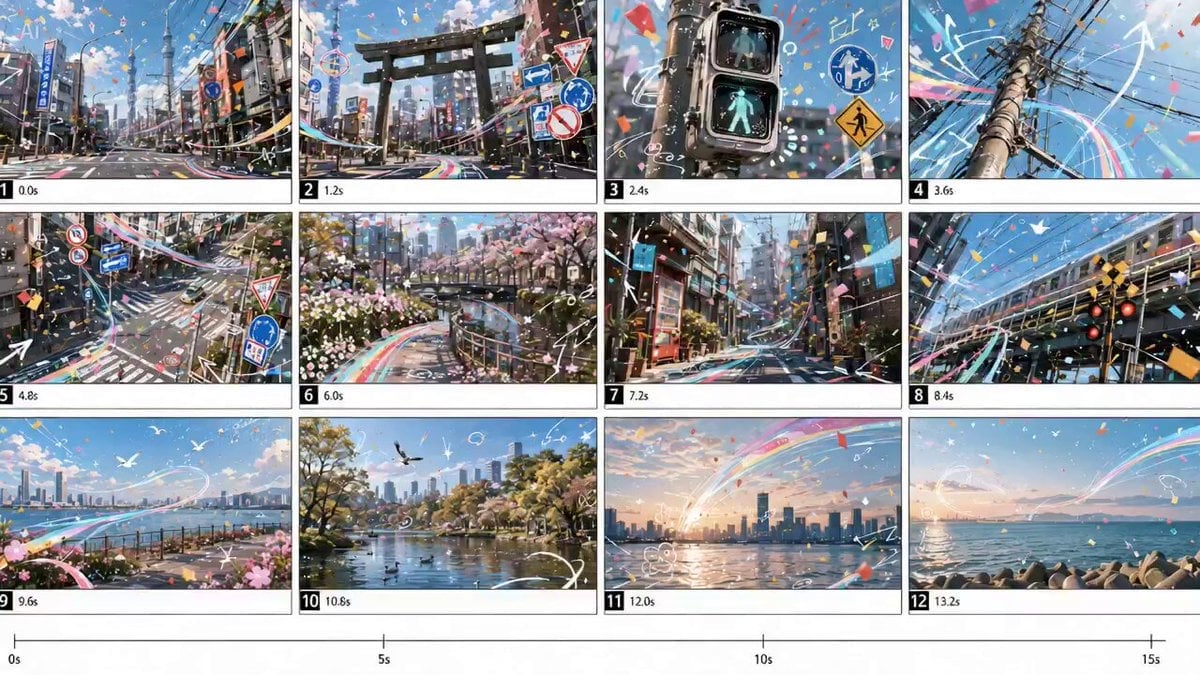
Cinematic Tokyo Montage with Motion Graphics
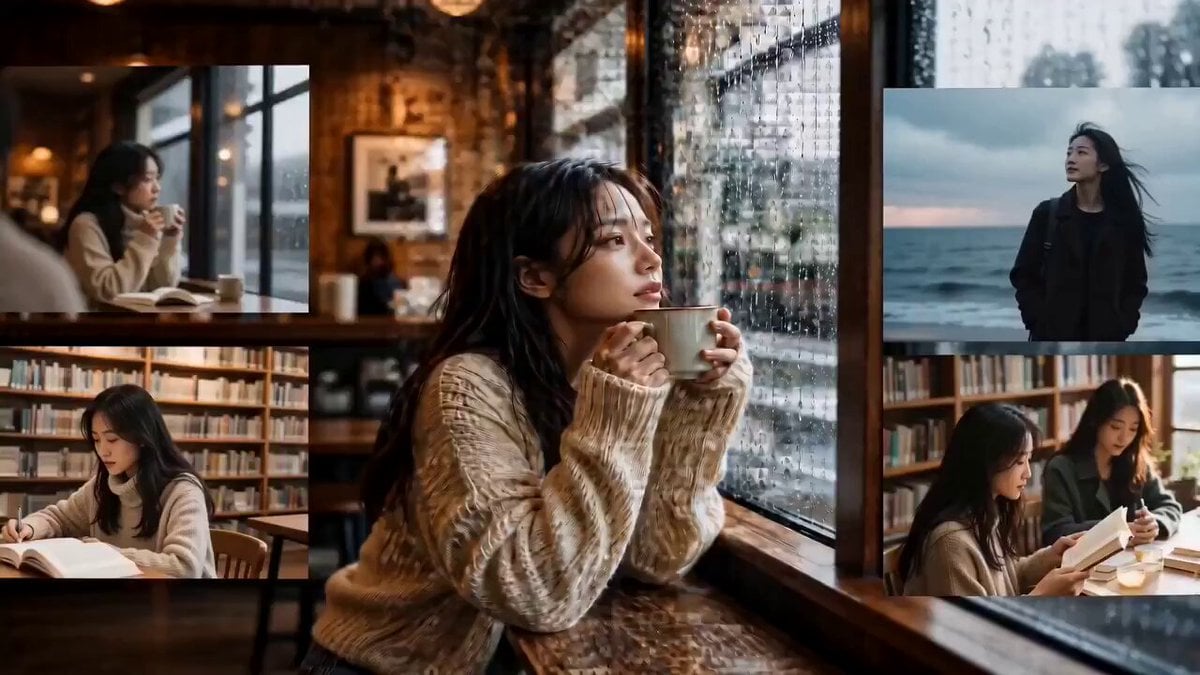
Emotional Photo Mosaic Memory Reveal
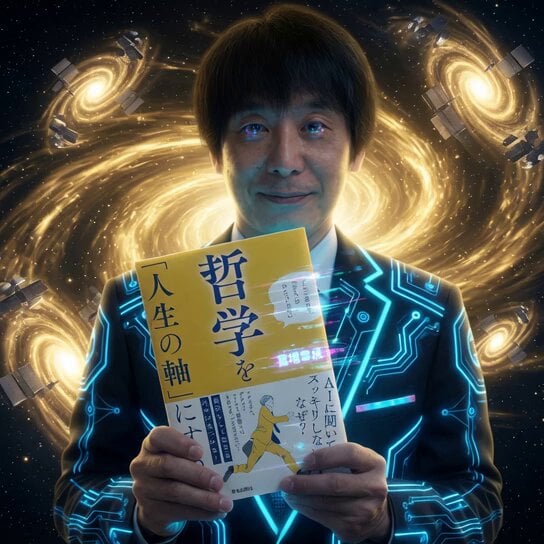
Cybernetic Space Book Promotion
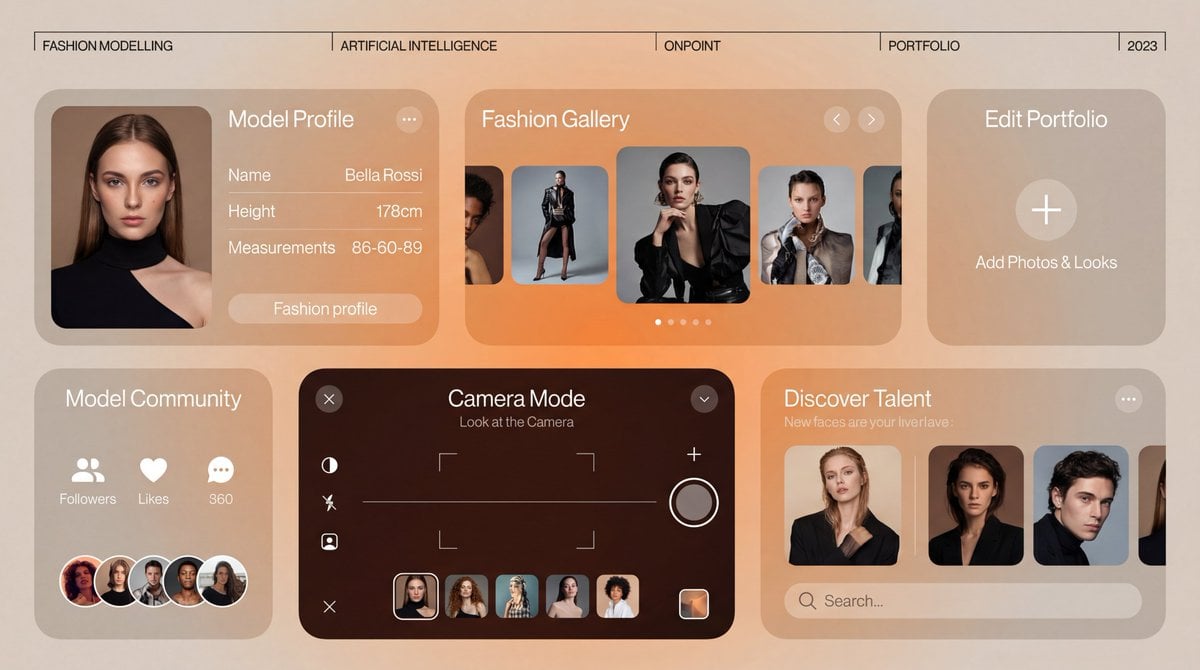
Motion Graphics Ad Design Prompt
Minimalist Bauhaus Motion Graphics Evolution
High-Speed Kinetic Typography 'Nekozamurai' Motion Graphics
Cosmic Fluid Evolution Motion Graphics
Nano Banana Seedance Environment Render Walk
Make it yours
Cybernetic Motion Graphic Logo Reveal works as-is. These are the safest ways to change it without losing the look.
Change one field
Copy a single group, rewrite it, and generate again so you can see what that field is doing.
Keep the frame, change the subject
Hold the composition and light of Cybernetic Motion Graphic Logo Reveal, then swap wardrobe, props or the person for a new take.
| If the result… | Why | Fix |
|---|---|---|
| The result drifts from the preview | Too many fields changed at once. | Reuse Cybernetic Motion Graphic Logo Reveal as-is first, then change one group — subject, light, or setting. |
| The model over-stylizes the scene | The prose prompt leaves finish and camera underspecified. | Add one camera or lighting sentence and stay on Seedance 2.0. |
More Seedance 2.0 templates
Other prompts made for Seedance 2.0.

Comical Martial Arts Punch Scene

Maglev Train Action Sequence

Martial Arts Fight Sequence

Wuxia Protection and Trust Script

Vintage Korean Arcade MiniDV Vlog

Mercedes 190 SL Luxury Ad

Rainy Night Supernatural Reverse Comedy Video Script

Amazon Civilization Discovery

Futuristic South Asian City Transformation

Cozy Luxury Cafe Commercial
More video prompts
Fresh picks from across the catalog.
Cinematic Katana Battle Scene

Luxury Stationery Storyboard Animation

Ethereal Woman in Gothic Art Nouveau Style
Anime Witch Transformation with Bat Wings

Red Carpet Premiere scene prompt for Grok Imagine

Seedance 2.0 Video Prompt: Vehicle-to-Mech Transformation

Iris Dew Drop Macro Video
Morning Routine Vlog Aesthetic
UGC Style Phone Case Advertisement
Urban Shockwave Tracking Shot
Browse template categories
Cybernetic Motion Graphic Logo Reveal questions
How do I use the Cybernetic Motion Graphic Logo Reveal template?
Add your photo if the template asks for one, edit the prompt if you like — the template's model and format are already selected — and press Generate. Your version opens in PicX Studio.
Can I customize the Cybernetic Motion Graphic Logo Reveal template?
Yes. You can change the subject, setting, lighting, mood, format, and available model controls before creating your video.
Is the Cybernetic Motion Graphic Logo Reveal template free?
Opening and editing this template is free. Generating uses credits, shown on the Generate button when you are signed in.
Which AI model should I use?
Start with Seedance 2.0, which is the model associated with this template. You can compare another compatible model for a different finish.
Looking for something else? Browse all templates.

Your photo, any look
Thousands of ready templates for every top image and video model, from one credit balance.