
Red Carpet Premiere scene prompt for Grok Imagine
A detailed video prompt for Grok Imagine to animate a reference image into a glamorous red carpet arrival scene, complete with paparazzi flashes, luxury limousine, and cinematic camera work, encouraging users to 'walk…

- Prompt included
- Model and format preset
- Free template
The prompt behind this video
Copy the exact prompt behind Red Carpet Premiere scene prompt for Grok Imagine, or open it in the studio and make it yours.
リファレンス画像をメイン人物の正確なアイデンティティとして使用する。リファレンス画像の人物を主役として登場させる。 夜の華やかなレッドカーペットイベント会場の前に、豪華な白いリムジンが止まる。リファレンス画像の人物がリムジンのドアを開けて、優雅に降りてくる。 もし人物が男性なら、洗練された黒のタキシードを着ている。もし女性なら、美しいフォーマルドレスを着ている。 人物がレッドカーペットに足を踏み入れると、両側にいるファンやカメラマンたちが大きな歓声を上げる。無数のカメラのフラッシュが連続して光り、その人物をドラマチックに照らす。フラッシュの光がリムジンやレッドカーペットに反射する。 人物は少し微笑みながら、自信に満ちた様子でレッドカーペットを歩いていく。周囲ではカメラのフラッシュが絶え間なく光り、観客が歓声を上げている。まるでハリウッドのプレミアイベントのような雰囲気。 シネマティックなライティング、超リアルな実写風スタイル、浅い被写界深度、ドラマチックな光、パパラッチのフラッシュ、豪華イベントの雰囲気、非常に高精細、フォトリアル、映画のワンシーンのような映像。 カメラはゆっくりと前方に移動しながら被写体を追う、滑らかな映画的カメラワーク。
How to use Red Carpet Premiere scene prompt for Grok Imagine in 3 steps
- 1
Open
The prompt is already in the box next to the preview, with the template's model and format selected.
- 2…a portrait of your subject in softgolden-hour light, 85mm…
Personalize
Edit the subject and creative details for your destination.
- 3Generate
Generate
Press Generate — your video is created in PicX Studio, so you can compare it with the original and refine one variable at a time.
More like this
Templates with the same subject, style or setup. Open one to see its prompt.
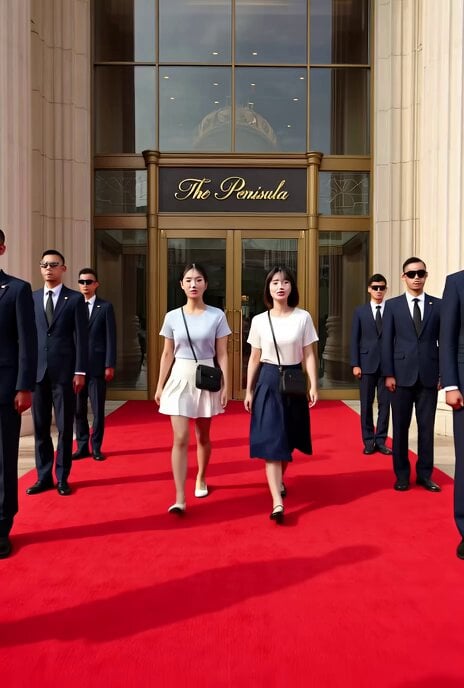
Grok Imagine prompt: Walking a red carpet with SPs at the Peninsula Hotel
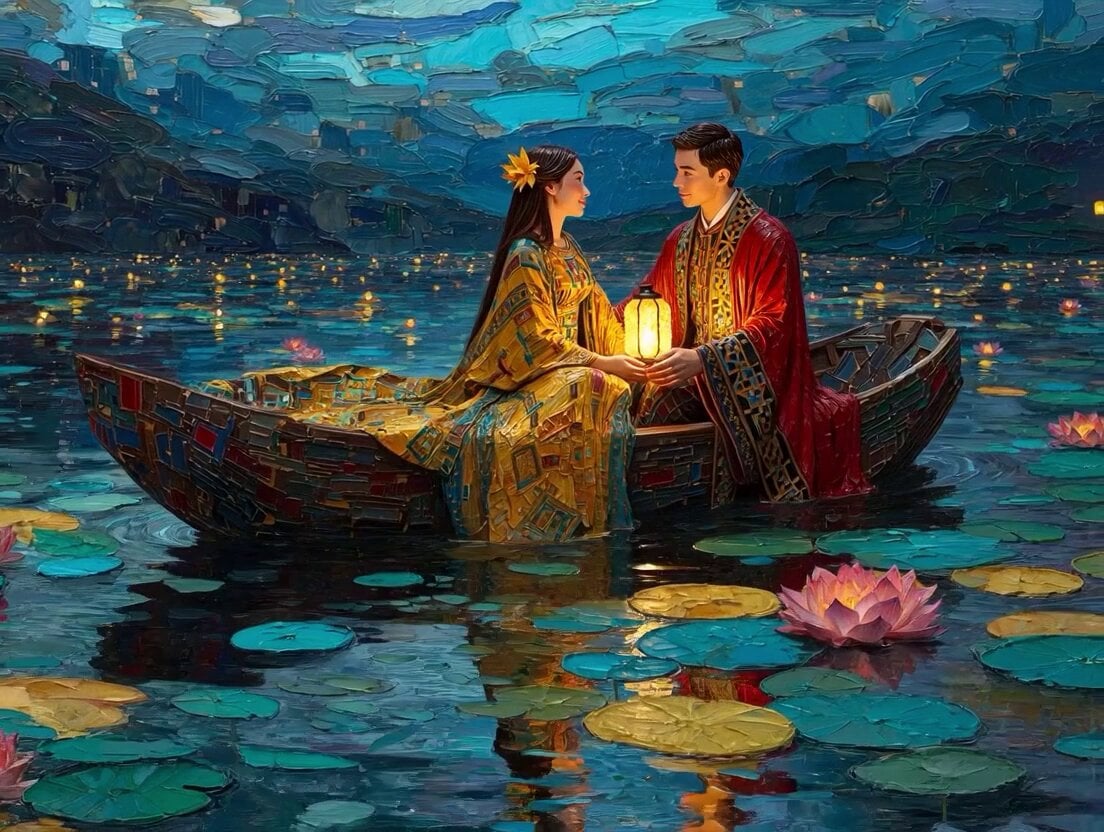
Klimt-Inspired Impasto Painting of Lovers (Midjourney/Grok Imagine)

Grok-imagine 1.5 Digital Human Video Script
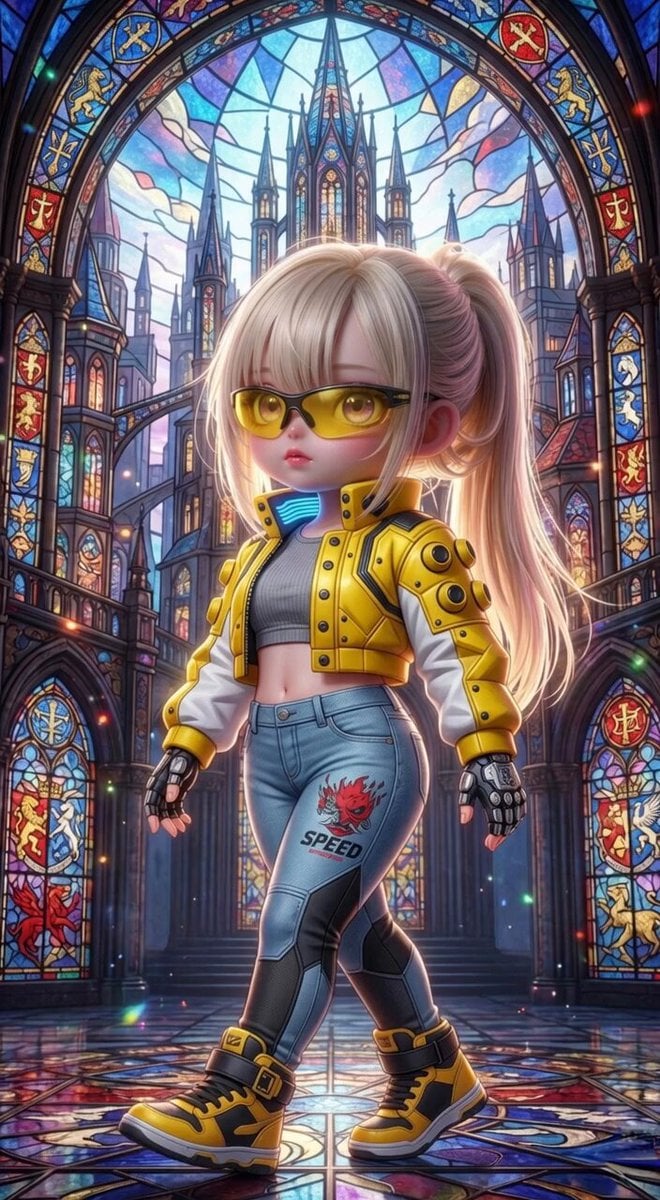
Grok Imagine Mechanical and Ethereal Creature Prompts
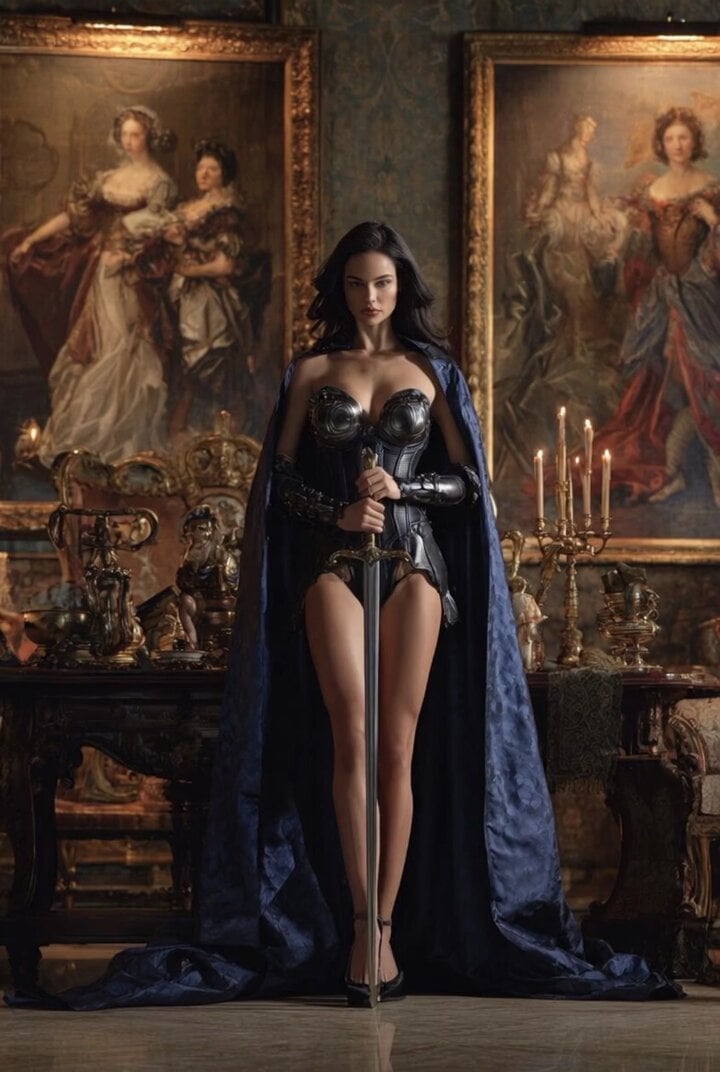
Grok Imagine Video of a Graceful Warrior
Grok Imagine prompt with negative constraints and scenario

Grok Imagine prompt for cinematic VFX scene (Scene 2 - Landing)

Grok Imagine video prompt part 1: Morning routine
Grok Imagine Prompt: Yurine Kingdom Apocalypse Day
Enchanting Forest Grok Imagine Video Prompt

Grok Imagine prompt: Grok driving a cosmic hot rod spaceship

Grok Imagine Prompt: Linux, Containers/K8s, and OpenClaw OS Concepts
Make it yours
Red Carpet Premiere scene prompt for Grok Imagine works as-is. These are the safest ways to change it without losing the look.
Change one field
Copy a single group, rewrite it, and generate again so you can see what that field is doing.
Keep the frame, change the subject
Hold the composition and light of Red Carpet Premiere scene prompt for Grok Imagine, then swap wardrobe, props or the person for a new take.
| If the result… | Why | Fix |
|---|---|---|
| The result drifts from the preview | Too many fields changed at once. | Reuse Red Carpet Premiere scene prompt for Grok Imagine as-is first, then change one group — subject, light, or setting. |
| The model over-stylizes the scene | The prose prompt leaves finish and camera underspecified. | Add one camera or lighting sentence and stay on Grok Imagine. |
More Grok Imagine templates
Other prompts made for Grok Imagine.

Kaleidoscopic Cosmic Dolphin Video

Horror Daffy Duck Video Transition

America 250th Anniversary Celebration

Glowing Water Forest Night Prompt

Soft Pink Roses Dreamer Prompt

Ninja Wizard Levitation Jump

Coffee Cup Interaction Motion

Voice Controlled Water Animation

Pterodactyl Transformation Journey

Candle Mandala Mirror Video
More video prompts
Fresh picks from across the catalog.
Scientific Documentary Research Interview
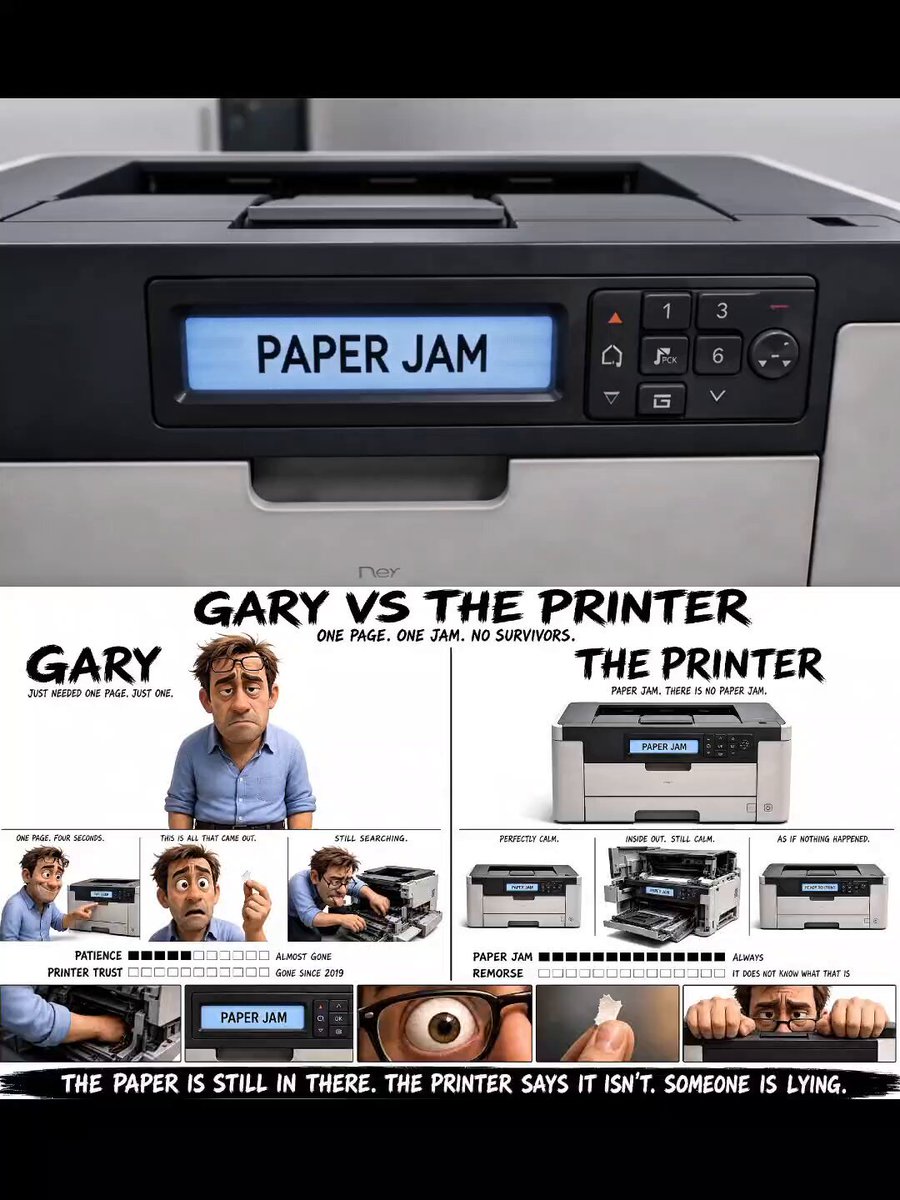
Office Copier Frustration Skit

Bunny and Mouse Skydiving into Sushi Kingdom
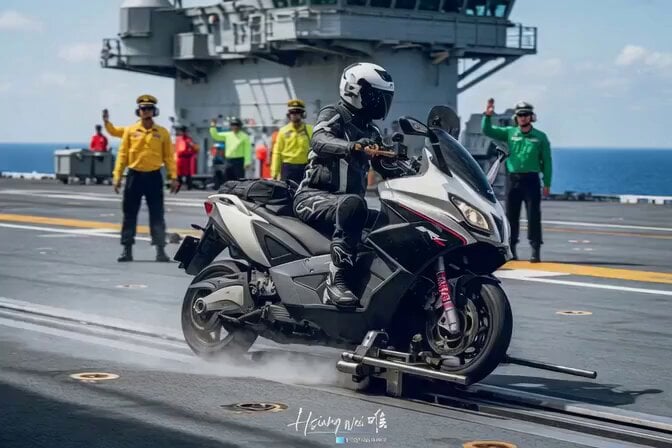
Epic Michael Bay style aircraft carrier launch
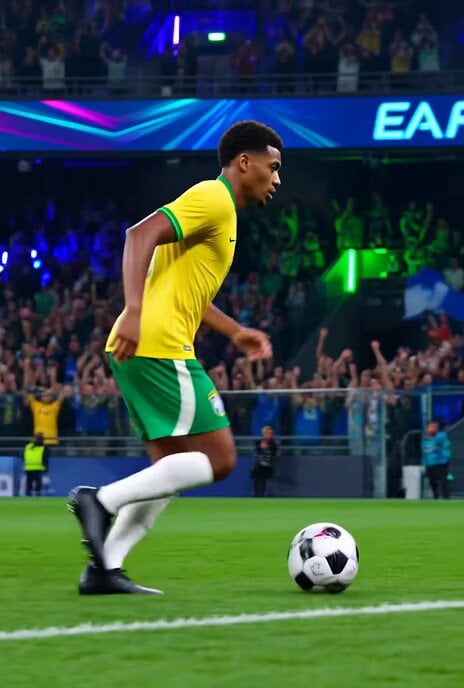
Brazilian Soccer Player Bicycle Kick Video Prompt
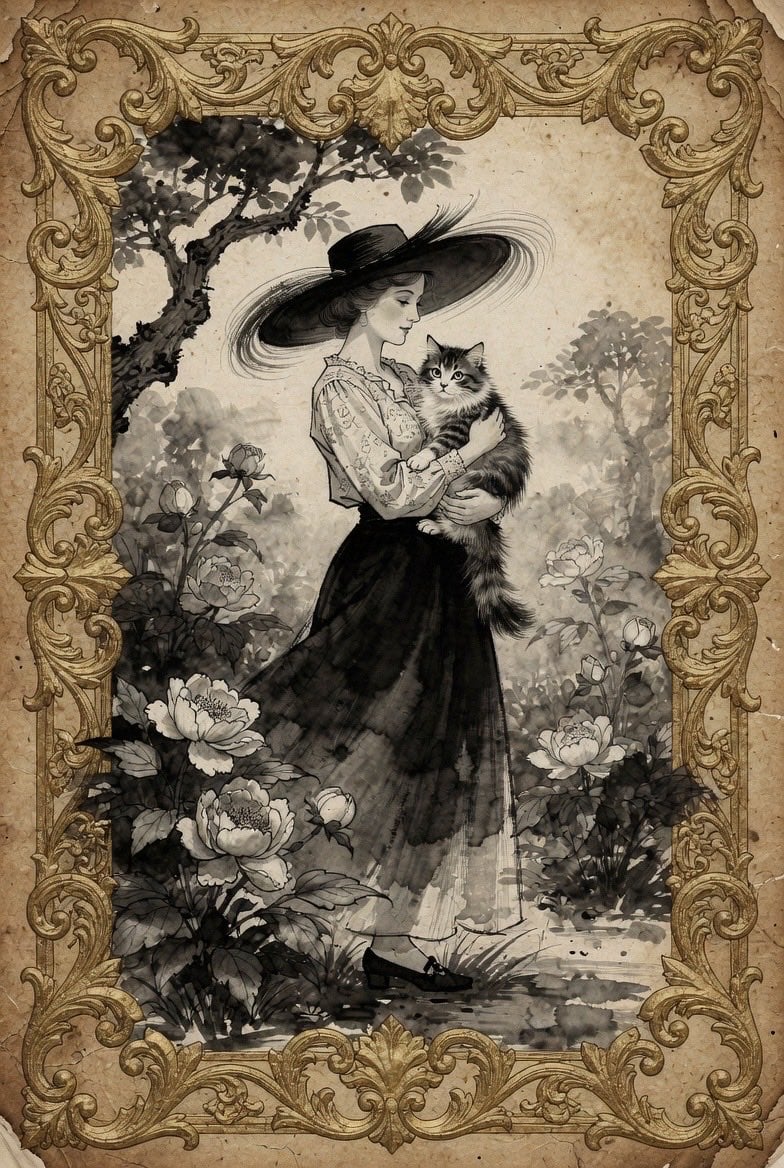
Vintage Victorian Lady with Cat Illustration

Supernatural Comedy Time Freeze Parody
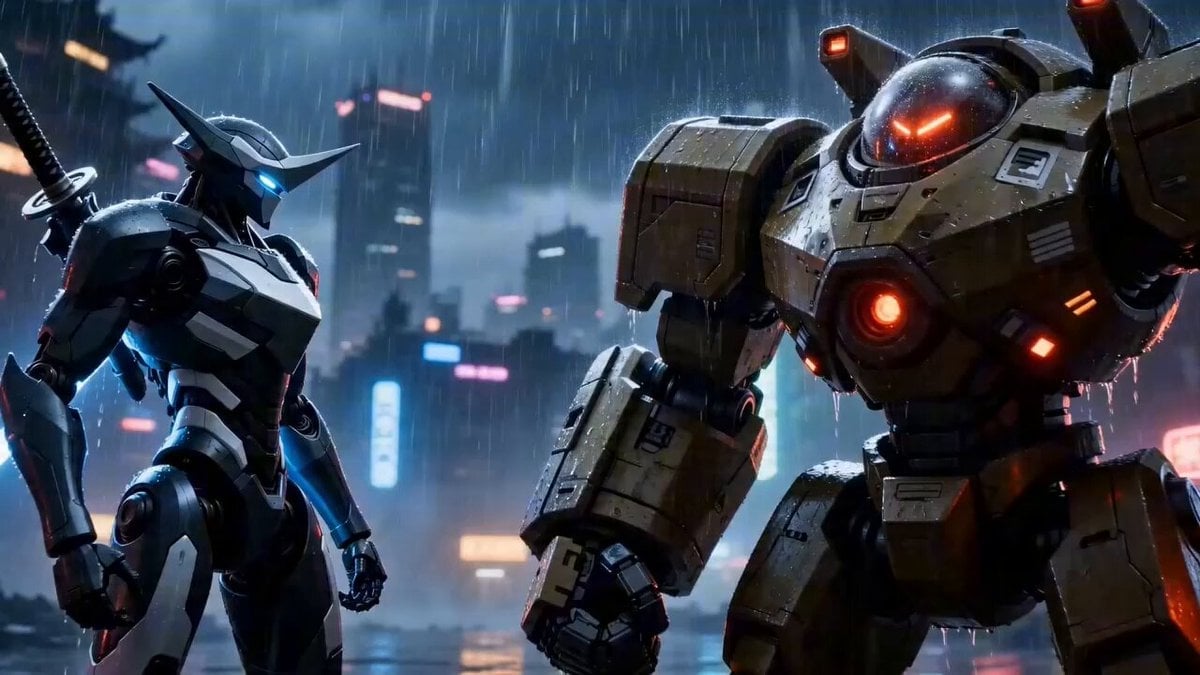
Video Prompt: Original Cyber Wuxia Action Epic (Detailed Storyboard)
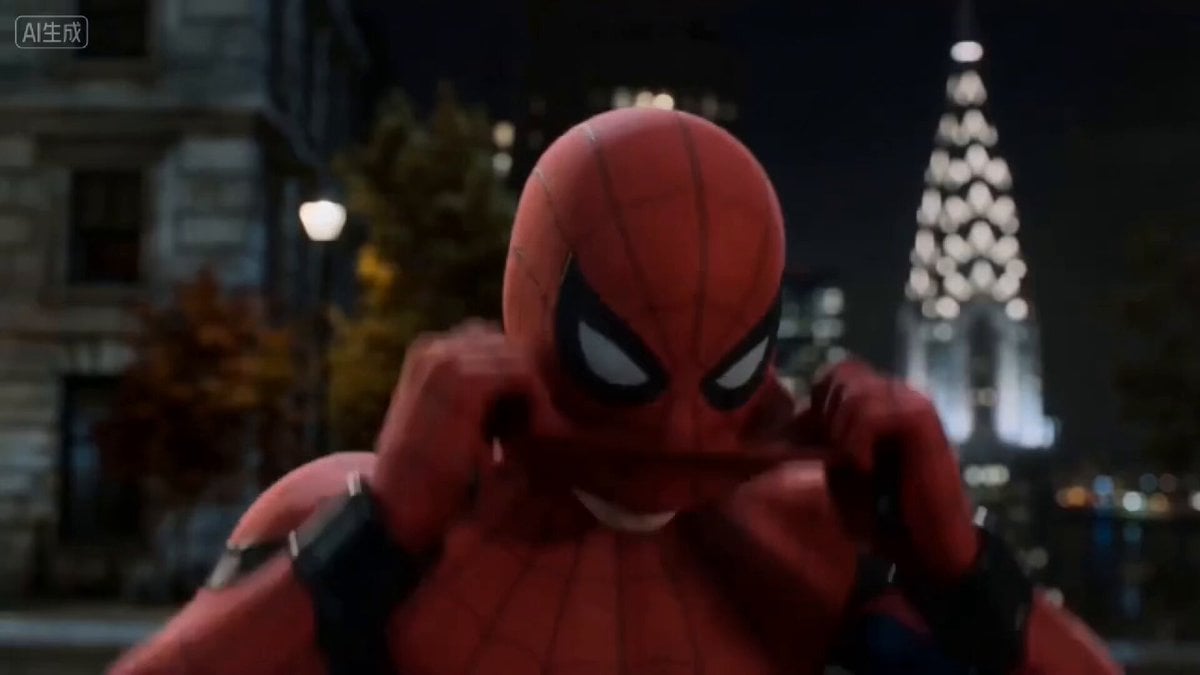
Action Sequence: Character Launching First Attack
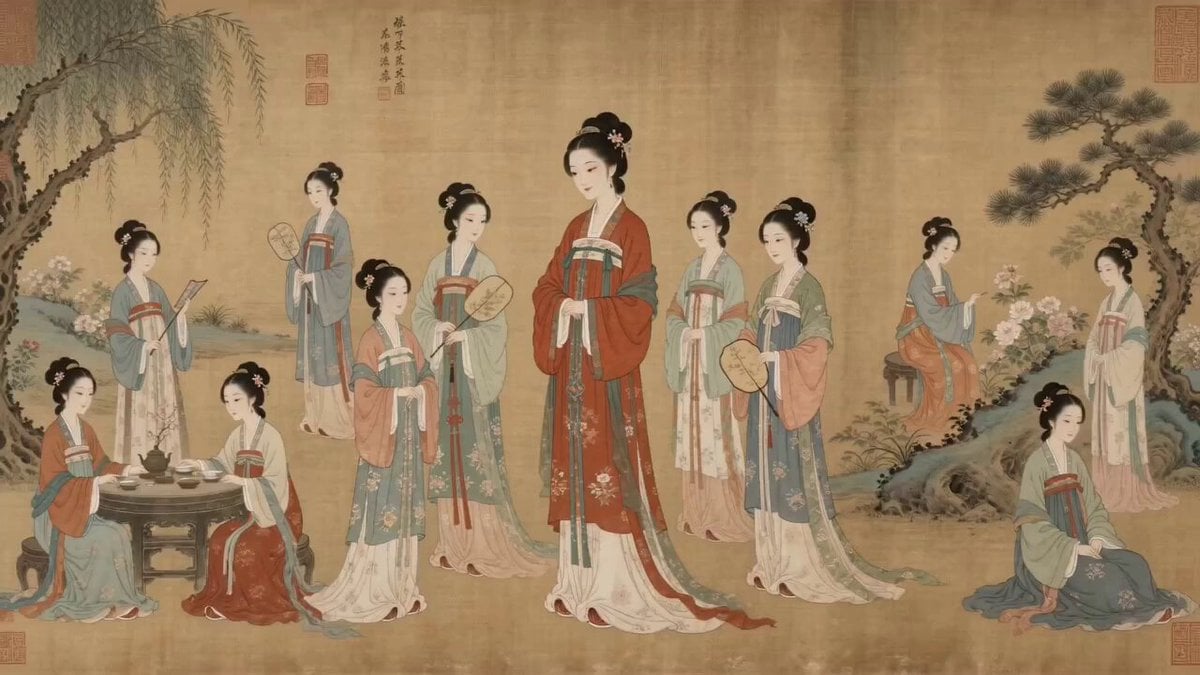
Video Prompt: Reviving Ming Dynasty Art with AI
Browse template categories
Red Carpet Premiere scene prompt for Grok Imagine questions
How do I use the Red Carpet Premiere scene prompt for Grok Imagine template?
Add your photo if the template asks for one, edit the prompt if you like — the template's model and format are already selected — and press Generate. Your version opens in PicX Studio.
Can I customize the Red Carpet Premiere scene prompt for Grok Imagine template?
Yes. You can change the subject, setting, lighting, mood, format, and available model controls before creating your video.
Is the Red Carpet Premiere scene prompt for Grok Imagine template free?
Opening and editing this template is free. Generating uses credits, shown on the Generate button when you are signed in.
Which AI model should I use?
Start with Grok Imagine, which is the model associated with this template. You can compare another compatible model for a different finish.
Looking for something else? Browse all templates.

Your photo, any look
Thousands of ready templates for every top image and video model, from one credit balance.