How do I use the Video Prompt: Reviving Ming Dynasty Art with AI template?
Edit the prompt in the box under the preview — the template's model and format are already selected — and press Generate. Your version appears right on this page.
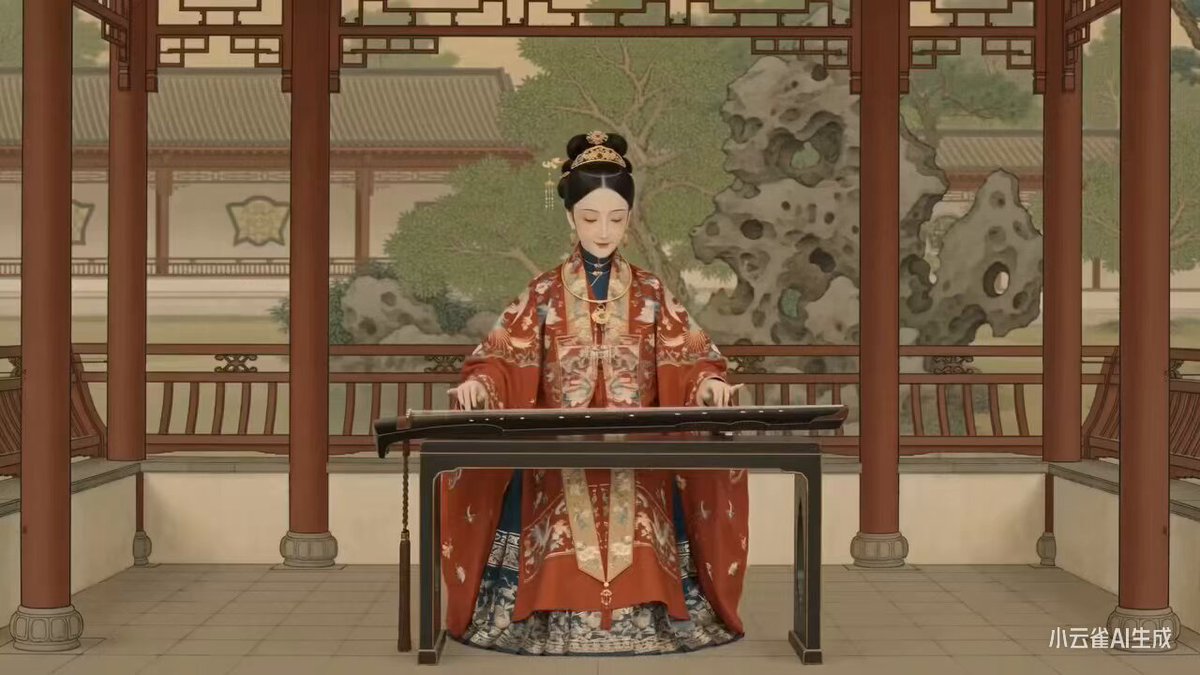
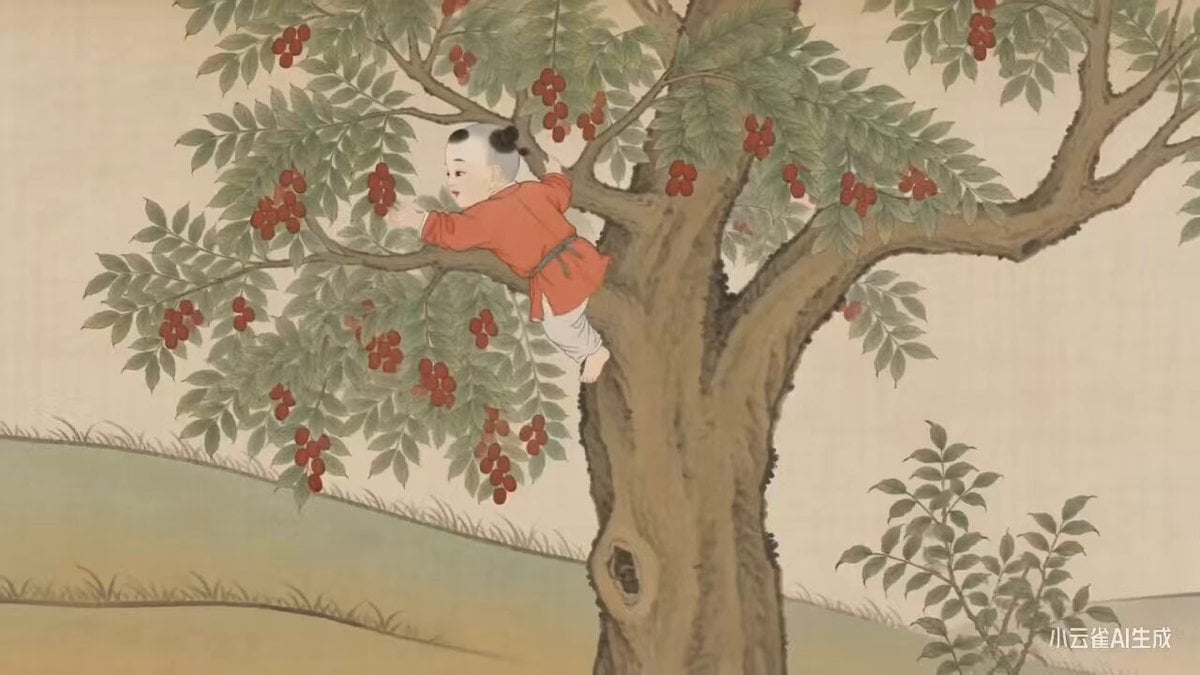
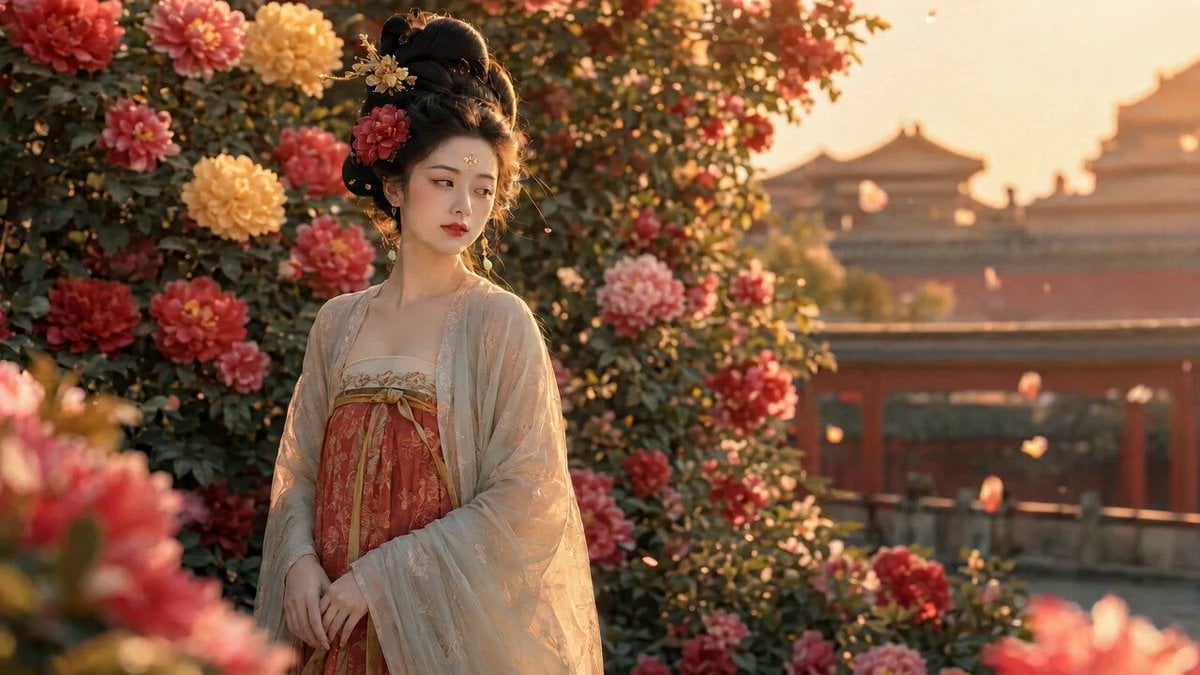
A prompt for Seedance 2.0 to generate a video that revives the Ming Dynasty painting 'One Hundred Beauties' by Qiu Ying using AI technology.
Seedance 2.0 以 AI 技术唤醒明代仇英《百美图》,精准复刻工笔重彩、矿物颜料设色的经典质感,动态还原仕女嬉春、苑囿游乐的盛景,让千年国风美学在数字时代鲜活绽放。
Seedance 2.0 以 AI 技术唤醒明代仇英《百美图》,精准复刻工笔重彩、矿物颜料设色的经典质感,动态还原仕女嬉春、苑囿游乐的盛景,让千年国风美学在数字时代鲜活绽放。
Edit the prompt in the box under the preview — the template's model and format are already selected — and press Generate. Your version appears right on this page.
Yes. You can change the subject, setting, lighting, mood, format, and available model controls before creating your video.
Opening and editing this template is free. Generating uses credits, shown on the Generate button when you are signed in.
Start with Seedance 2.0, which is the model associated with this template. You can compare another compatible model for a different finish.
Follow a topic to a crawlable collection of related PicX Studio templates.