
Tang Dynasty Beauty Garden Video
A documentary-style video prompt for Seedance 2.0 depicting a Tang Dynasty beauty in a garden setting, emphasizing realistic skin textures and subtle, natural micro-expressions.
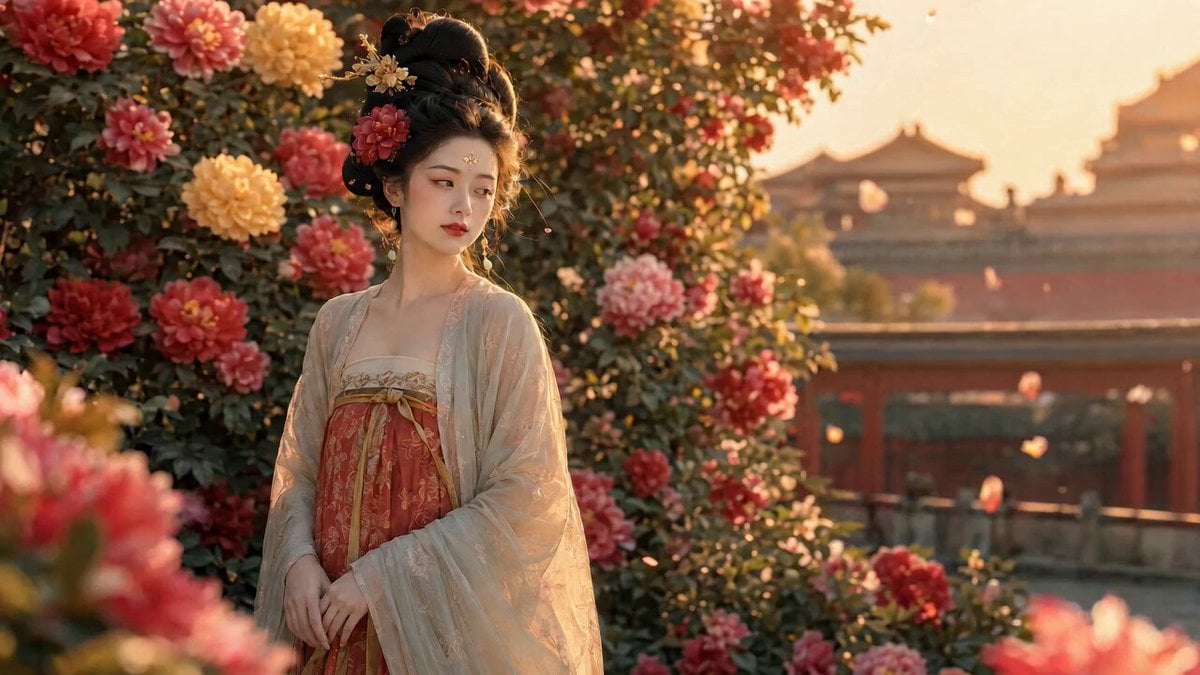
- Prompt included
- Model and format preset
- Free template
The prompt behind this video
Copy the exact prompt behind Tang Dynasty Beauty Garden Video, or open it in the studio and make it yours.
首帧 FIRST FRAME(=上传参考图,仅作起手姿态,之后人物自然活动): 唐风美人,乌发高髻、金步摇旁簪一朵红牡丹,眉心花钿, 米白薄纱外披罩绛橙描金抹胸襦裙,双手在身前自然交叠; 身畔牡丹丛、身后紫禁城楼台、黄昏暖金光、空气微尘浮动。 人物五官妆容服饰与首帧一致,肢体全程自然松弛,不僵直。 核心要求:真人纪实表演质感,去掉一切「AI 味」—— 皮肤有真实毛孔与细绒、油光与呼吸起伏, 微表情有不完美的真实感(眼神偶尔游移、嘴角先动一下再笑、 眨眼节奏不规律、偶有极轻的吞咽/抿唇/调整重心的小动作)。 分镜脚本(少台词·重真实细节表演): SHOT 1|0-4秒|中近景(手持镜头·极轻微呼吸晃动) 她低头看着交叠的双手,指尖无意识地轻捻衣带, 重心从一只脚换到另一只,肩膀松一下; 随后被身旁牡丹引去注意,自然抬眼侧望,眼神先到、头才转过去。 无台词,仅自然呼吸与环境声(风、远处鸟鸣)。 SHOT 2|4-7秒|面部特写(眼神戏) 镜头轻推到面部:眼睫不规律地眨动,瞳孔有细微对焦的游移, 鼻翼随呼吸极轻翕动,唇角先抿了一下、才漾开一个真实的浅笑, 笑意先从眼睛起来——不是程式化的标准微笑。 〔几乎气声·一句〕"这花……开得真好。" SHOT 3|7-11秒|半身动态 她抬手轻触身旁牡丹花瓣,指腹真实地陷进花瓣的软, 手腕自然转动,纱袖滑下一截,她下意识用另一只手把袖子撩回去, 身子随之微微侧转,碎发被风吹乱、贴在脸颊,她不去理。 满画面都是真实的、不刻意的小动作。无台词。 SHOT 4|11-15秒|回到中近景(收束·自然定格) 她收回手,目光重新落回前方,轻轻吐了口气, 眼神里带着一点真实的怅然又释然,嘴唇微动想说什么、终究没说, 最后是一个没那么完美、却很真实的浅笑,自然停在那一刻。 〔气声·渐弱·像自语〕"……也好。" 声音设定:女声,自然生活化,气声偏多,语速随情绪不匀, 不字正腔圆、略带真实的呼吸停顿;全程仅两处极短轻语。 镜头 CAMERA: 手持质感(极轻微自然晃动与呼吸感),多分镜: 中近景/面部特写/半身/回中近景,切换自然不炫技; 真实浅景深、焦点偶有极细微的呼吸式重对焦,背景宫阙牡丹虚化。 氛围·光线: 黄昏真实自然光,侧逆光镶发丝金边,暖调; 空气微尘、花瓣偶尔飘落、纱披与碎发随真实微风动, 整体像胶片实拍,颗粒细腻、高光柔和不过曝。 CONSTRAINTS(约束): - 4K 超清,15秒,人物妆容服饰与首帧一致(换镜不换脸不换装) - 核心:真人纪实表演——真实皮肤质感、不规律眨眼、自然重心转移、 微表情有「不完美的真实感」,严禁僵硬呆滞或塑料假脸 - 去 AI 味:避免过度磨皮、过度对称、过度顺滑的运动与完美微笑 - 两处台词与口型严格同步,气声生活化,不假唱、不字正腔圆 - 风动、落花、纱袖、碎发符合真实物理,自然不夸张 - 眼神有戏、有真实焦点游移;禁止眼神发光、瞳孔异常 - 结尾在自然的小动作余韵里定格,无黑屏无转场 - 无字幕、无水印、无任何标记符号、无文字
How to use Tang Dynasty Beauty Garden Video in 3 steps
- 1
Open
The prompt is already in the box next to the preview, with the template's model and format selected.
- 2…a portrait of your subject in softgolden-hour light, 85mm…
Personalize
Edit the subject and creative details for your destination.
- 3Generate
Generate
Press Generate — your video is created in PicX Studio, so you can compare it with the original and refine one variable at a time.
More like this
Templates with the same subject, style or setup. Open one to see its prompt.
The Secret Garden Hidden Door
Beauty Advent Calendar Unboxing Vlog
Pixar Style Beauty Routine Animation
Hair Refresh Beauty Advertisement
Luxury Beauty Skincare ASMR
Rooftop Garden Scorching Bench Moment
Silver Lace Queen in Silent Garden
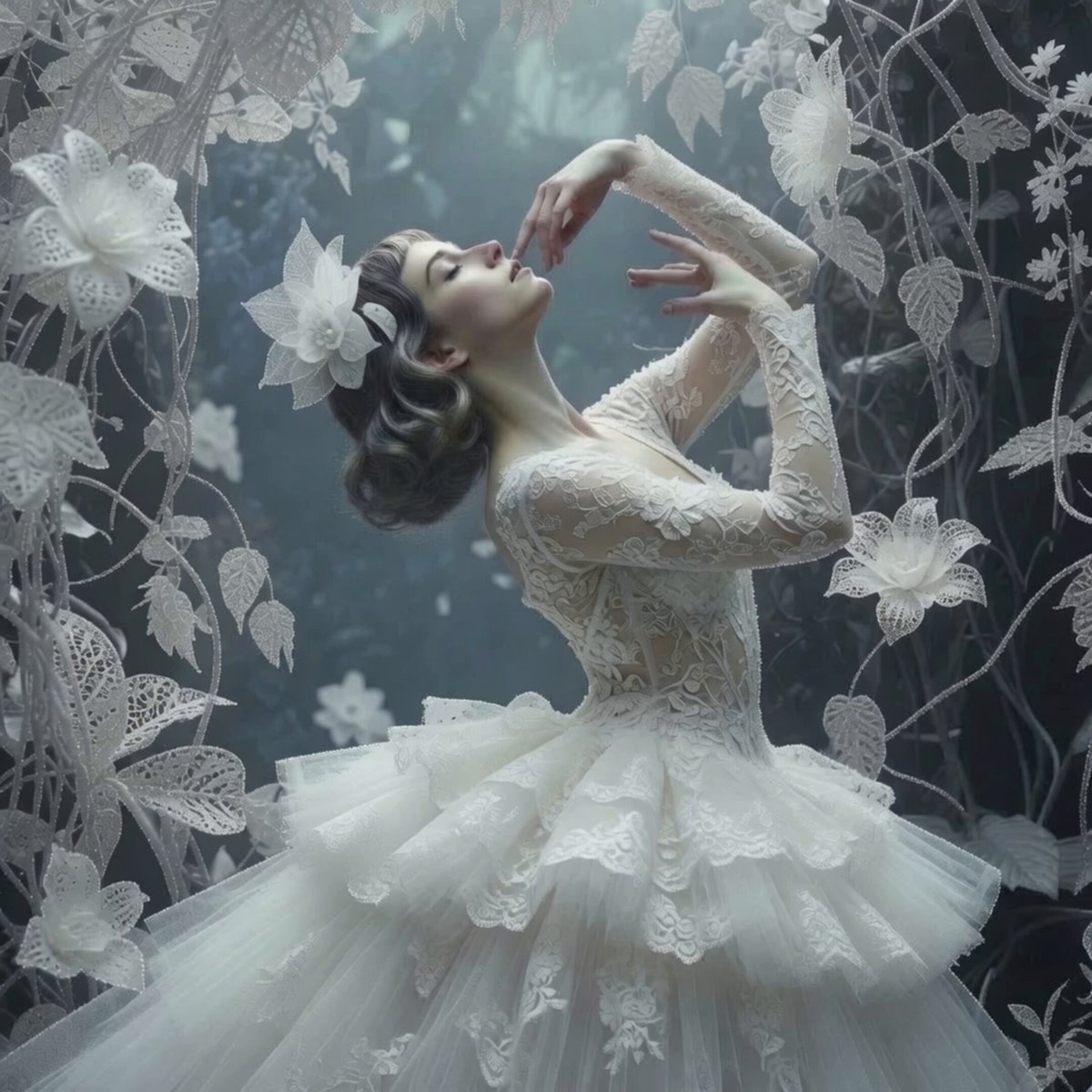
Ethereal Ballerina Garden Dance
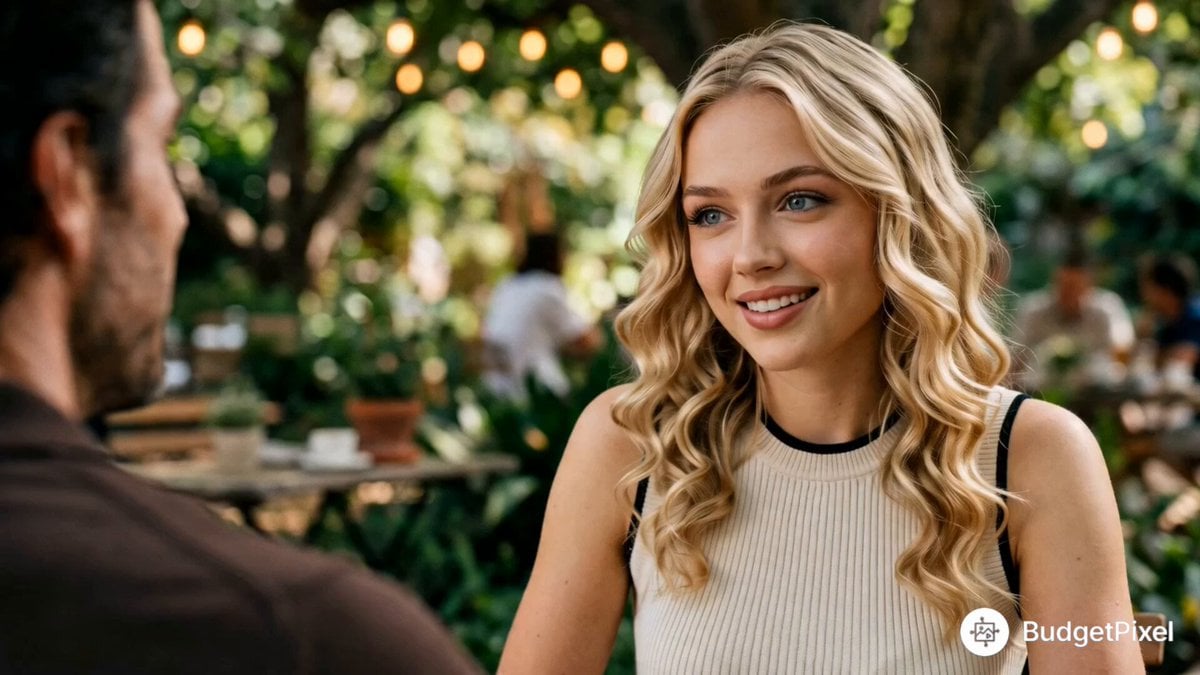
Cinematic First Date in Garden Cafe
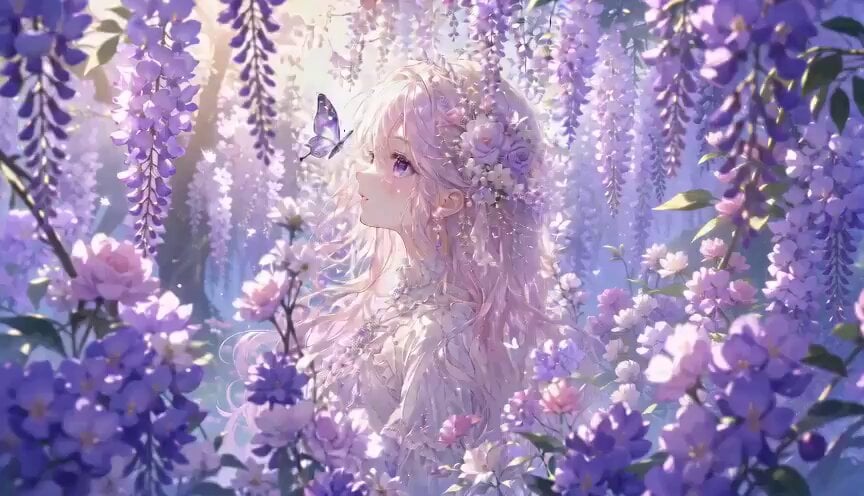
Botanical Garden Fantasy Anime MV
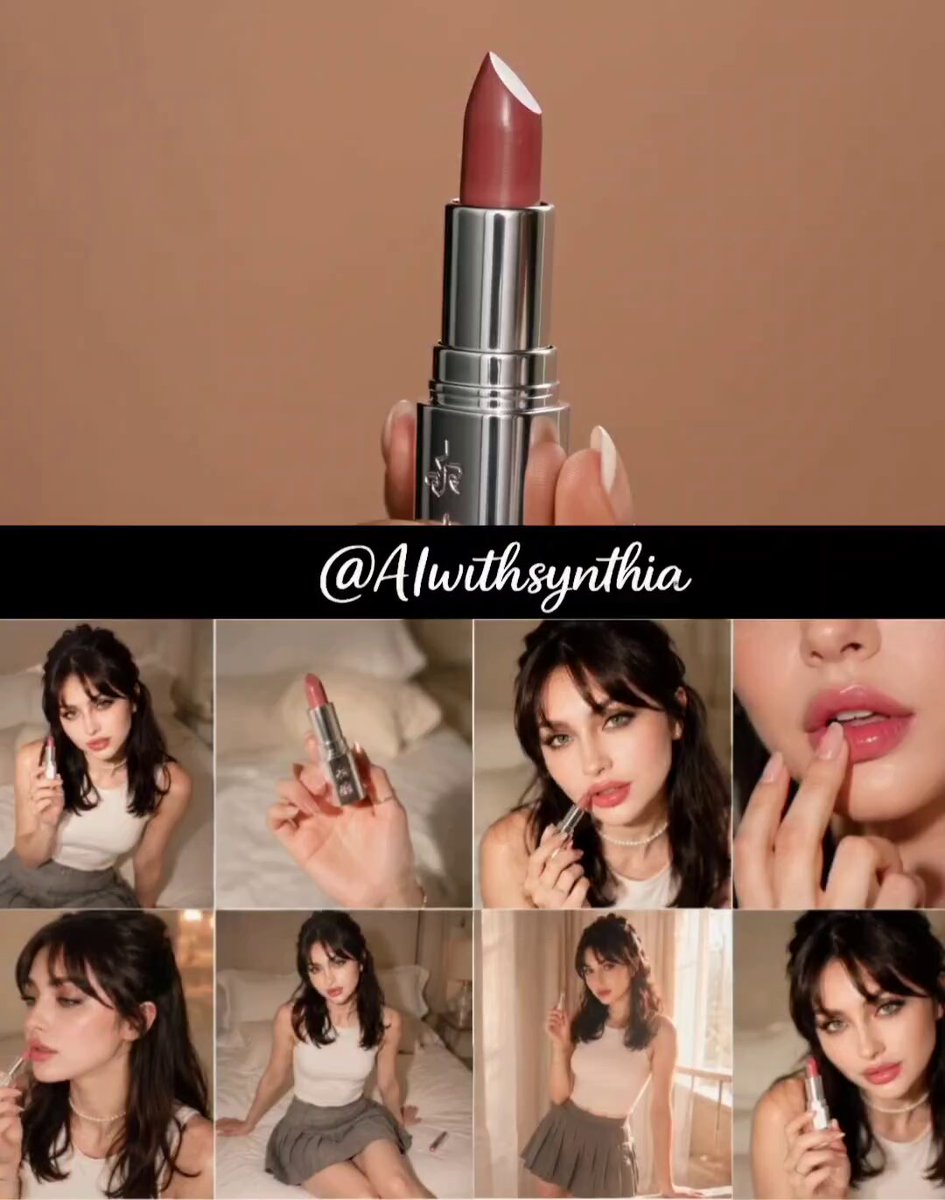
Premium Lipstick Beauty Commercial
POV Japanese Garden Nagashi Somen Lunch
Make it yours
Tang Dynasty Beauty Garden Video works as-is. These are the safest ways to change it without losing the look.
Change one field
Copy a single group, rewrite it, and generate again so you can see what that field is doing.
Keep the frame, change the subject
Hold the composition and light of Tang Dynasty Beauty Garden Video, then swap wardrobe, props or the person for a new take.
| If the result… | Why | Fix |
|---|---|---|
| The result drifts from the preview | Too many fields changed at once. | Reuse Tang Dynasty Beauty Garden Video as-is first, then change one group — subject, light, or setting. |
| The model over-stylizes the scene | The prose prompt leaves finish and camera underspecified. | Add one camera or lighting sentence and stay on Seedance 2.0. |
More Seedance 2.0 templates
Other prompts made for Seedance 2.0.

Comical Martial Arts Punch Scene

Maglev Train Action Sequence

Martial Arts Fight Sequence

Wuxia Protection and Trust Script

Vintage Korean Arcade MiniDV Vlog

Mercedes 190 SL Luxury Ad

Rainy Night Supernatural Reverse Comedy Video Script

Amazon Civilization Discovery

Futuristic South Asian City Transformation

Cozy Luxury Cafe Commercial
More video prompts
Fresh picks from across the catalog.
Gritty Night Alleyway Getaway Car
Cinematic Bungee Jump Sea Monster Attack
Grok Imagine prompt for the Butterfly Nebula
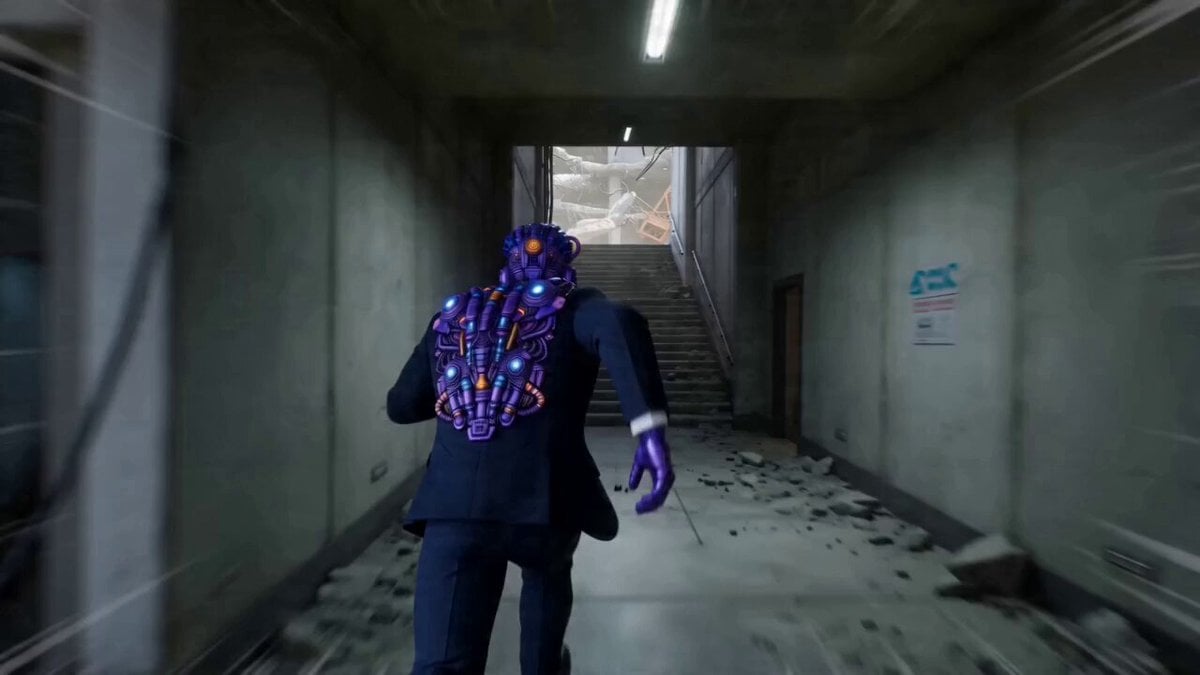
Photorealistic Kung-Fu Stuntman Video Prompt

Spinning Top Championship Arena Battle
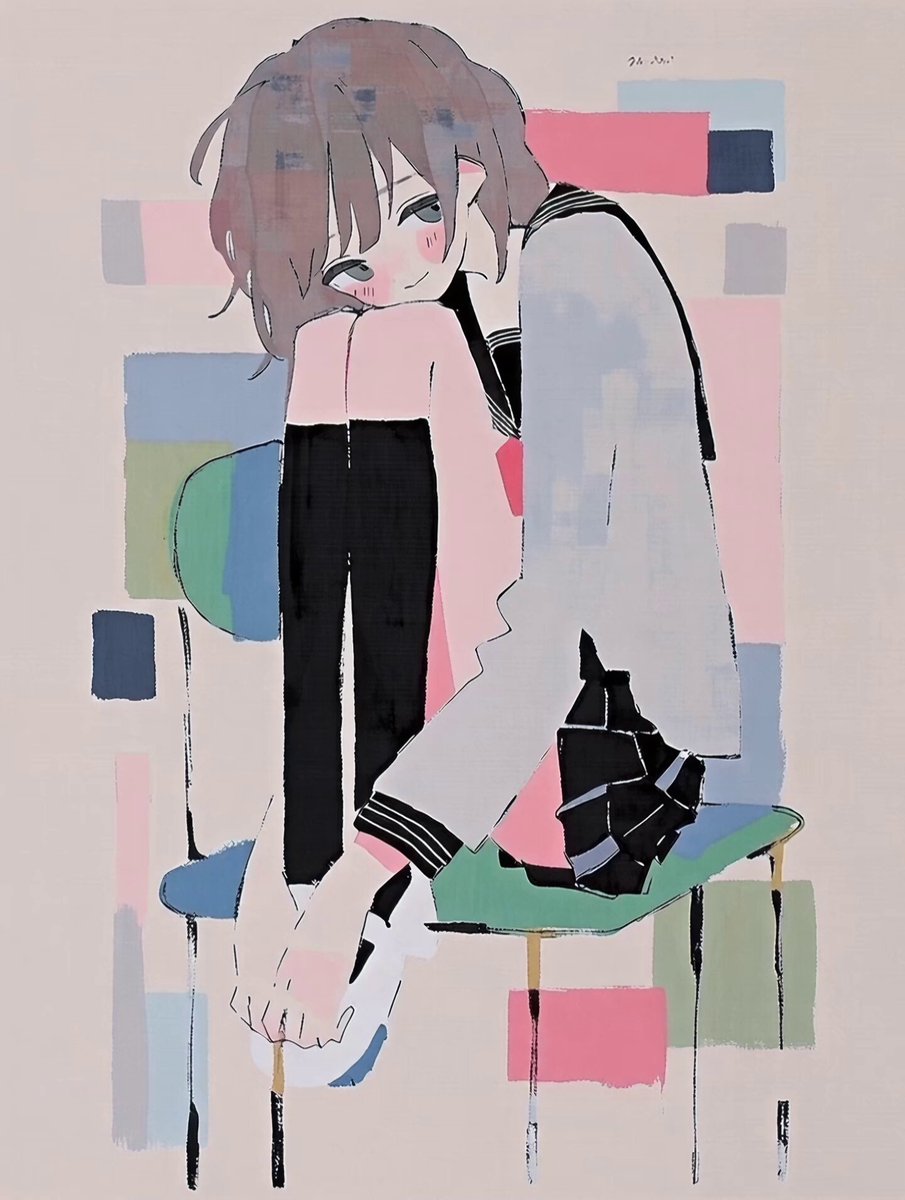
Anime Character Good Morning Wake-up
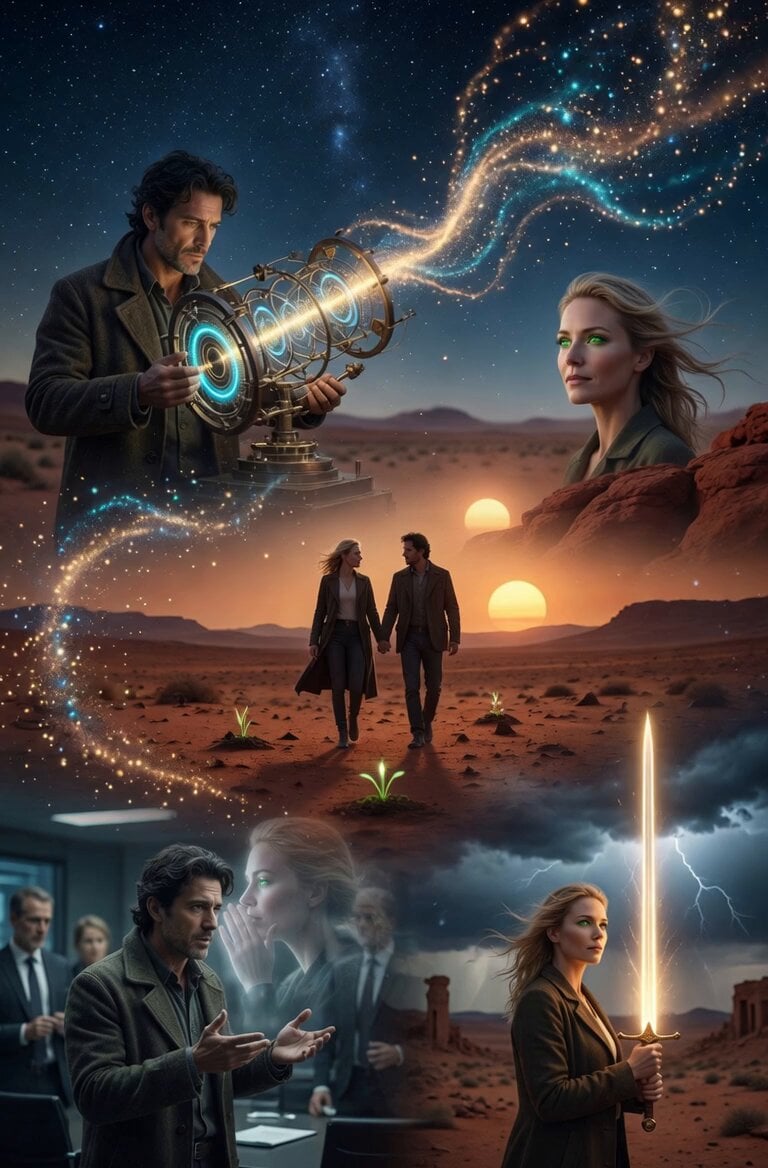
Quantum Inventor in Sonoran Desert
Subway Flood — Epic Tunnel Chaos
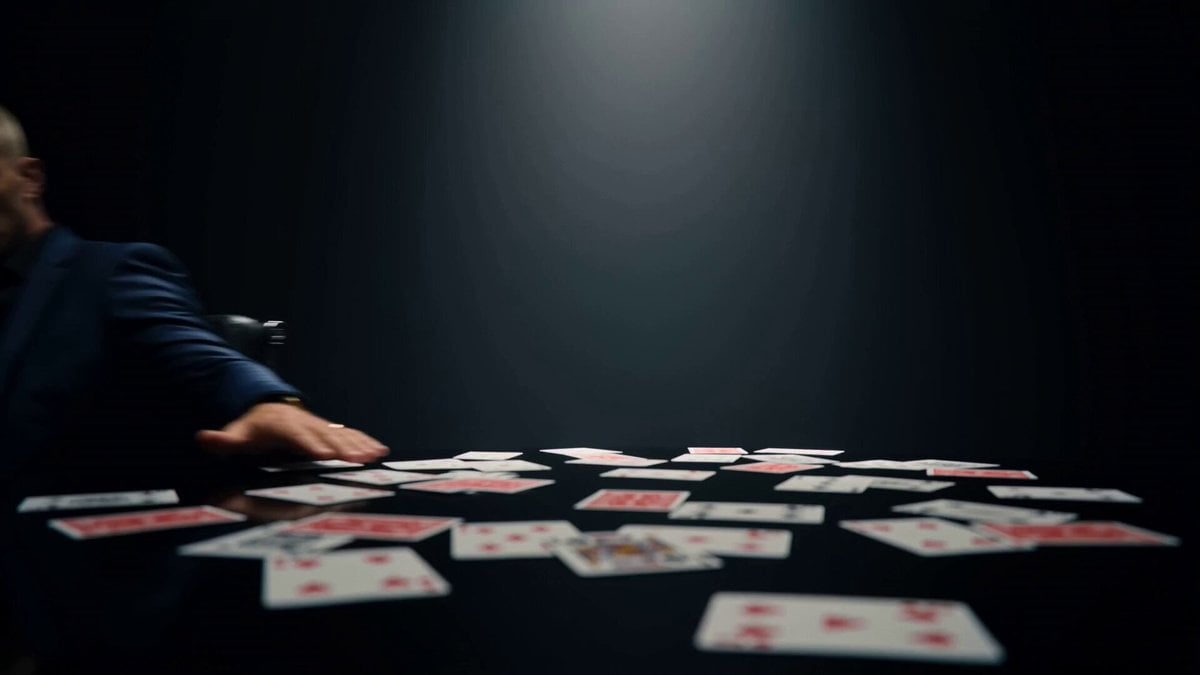
Dark Surreal Mirror Reflection Horror
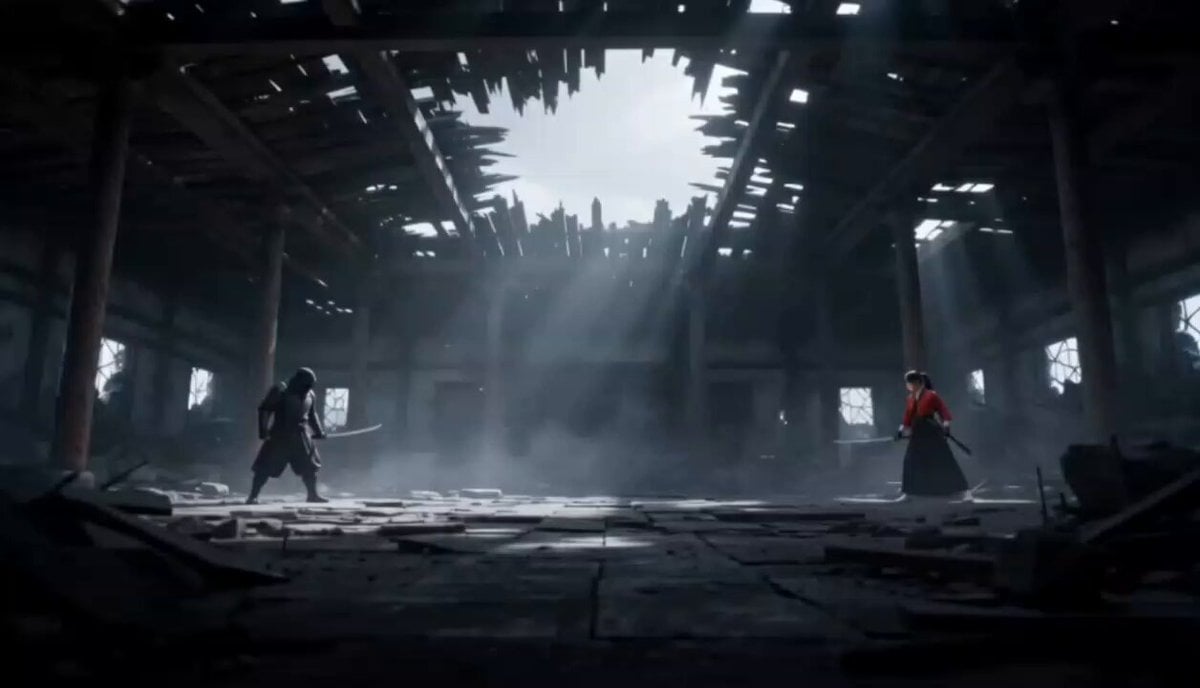
Cinematic Anime Samurai Duel
Browse template categories
Tang Dynasty Beauty Garden Video questions
How do I use the Tang Dynasty Beauty Garden Video template?
Add your photo if the template asks for one, edit the prompt if you like — the template's model and format are already selected — and press Generate. Your version opens in PicX Studio.
Can I customize the Tang Dynasty Beauty Garden Video template?
Yes. You can change the subject, setting, lighting, mood, format, and available model controls before creating your video.
Is the Tang Dynasty Beauty Garden Video template free?
Opening and editing this template is free. Generating uses credits, shown on the Generate button when you are signed in.
Which AI model should I use?
Start with Seedance 2.0, which is the model associated with this template. You can compare another compatible model for a different finish.
Looking for something else? Browse all templates.

Your photo, any look
Thousands of ready templates for every top image and video model, from one credit balance.