
Cinematic First Date in Garden Cafe
A cinematic video prompt for generating a realistic first date scene at an upscale garden cafe, featuring detailed character descriptions and natural emotional transitions.
- Prompt included
- Model and format preset
- Free template
The prompt behind this video
Copy the exact prompt behind Cinematic First Date in Garden Cafe, or open it in the studio and make it yours.
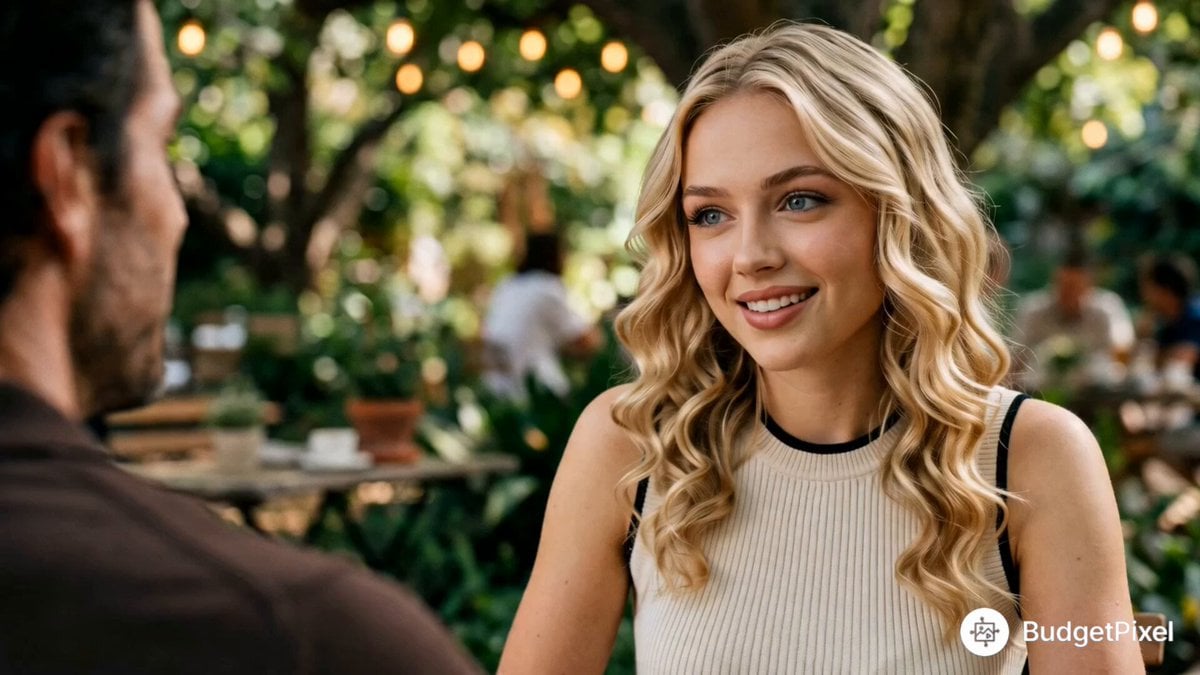
Cinematic realistic 15-second live-action scene of a charming first date at an upscale outdoor garden cafe under large shady trees with warm string lights overhead. Photorealistic, high production value, filmic color grade. A handsome man in his mid-30s (dark wavy hair, light stubble, blue eyes, charming smile) wearing a rich brown short-sleeve polo shirt and white pants sits across from a beautiful Western woman in her mid-20s (long wavy blonde hair, expressive face, natural makeup) wearing a cream sleeveless ribbed top with black trim. Start with a medium over-the-shoulder shot from behind the man. The woman asks playfully but skeptically: “So what do you actually do? Please don’t say entrepreneur.” Cut to tight close-up on the man as he smiles confidently and replies: “Well, I flip vintage furniture, and I do some design consulting on the side.” He holds a white coffee cup. Quick reaction close-up on the woman, eyebrows slightly furrowed: “Like chairs?” He answers warmly: “Yeah, people pay a lot for chairs.” Her expression transforms — doubt melts into amusement and attraction. She smiles, looks down shyly then back up at him and says playfully: “Okay, I think I’m actually gonna head out.” Natural dappled sunlight filtering through dense green tree leaves, warm glowing string lights, shallow depth of field with creamy bokeh, rich earthy color palette (chocolate brown, cream, warm beige, lush greens), soft cinematic lighting, flattering skin tones, subtle film grain, intimate and romantic atmosphere, high detail, photorealistic, shot on 35mm film, premium commercial quality like high-end dating app ads.
How to use Cinematic First Date in Garden Cafe in 3 steps
- 1
Open
The prompt is already in the box next to the preview, with the template's model and format selected.
- 2…a portrait of your subject in softgolden-hour light, 85mm…
Personalize
Edit the subject and creative details for your destination.
- 3Generate
Generate
Press Generate — your video is created in PicX Studio, so you can compare it with the original and refine one variable at a time.
More like this
Templates with the same subject, style or setup. Open one to see its prompt.

Romantic Cafe Dinner Date

First Person POV Maid Cafe Interaction
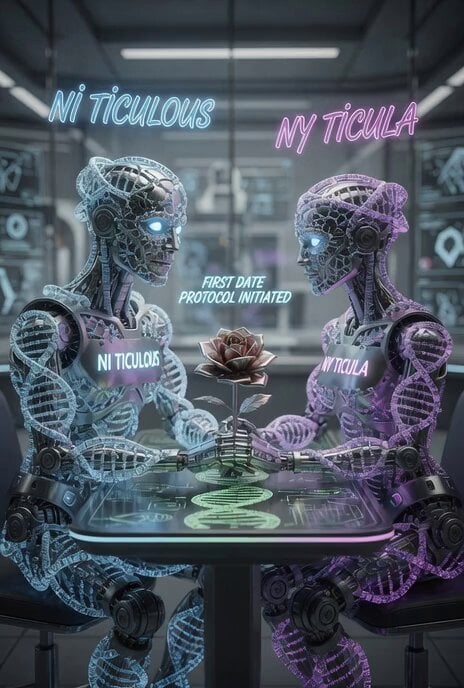
First Date of Molecular Strand Robots Video Prompt
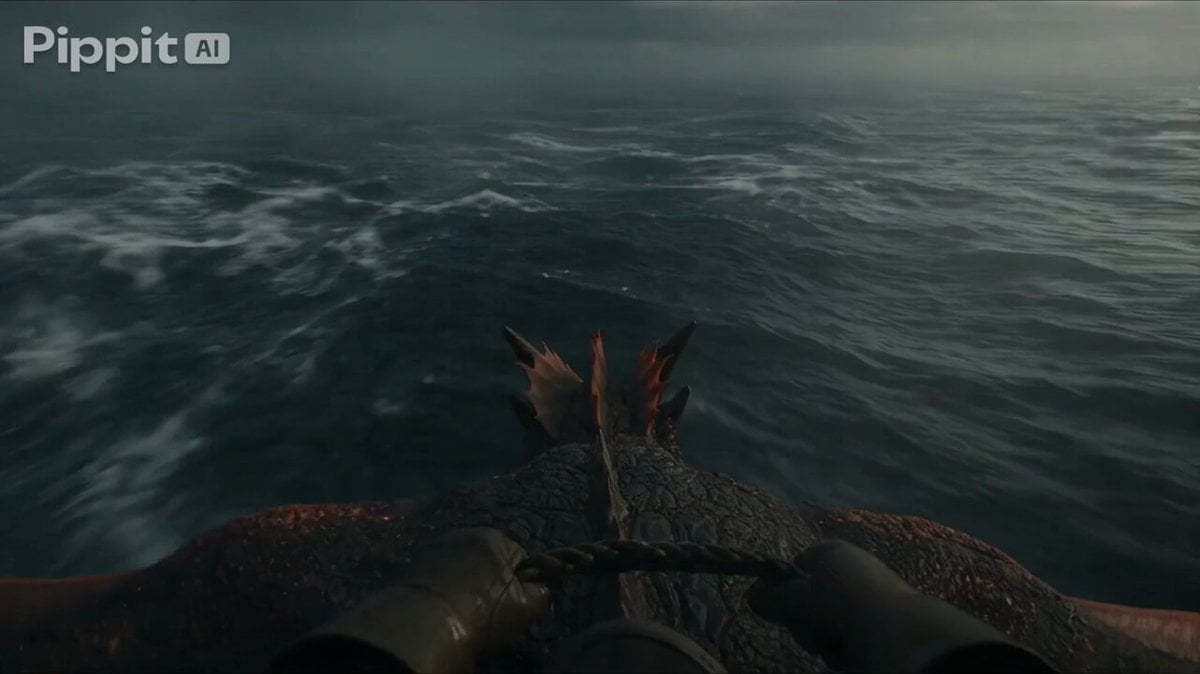
First Person Dragon Rider POV
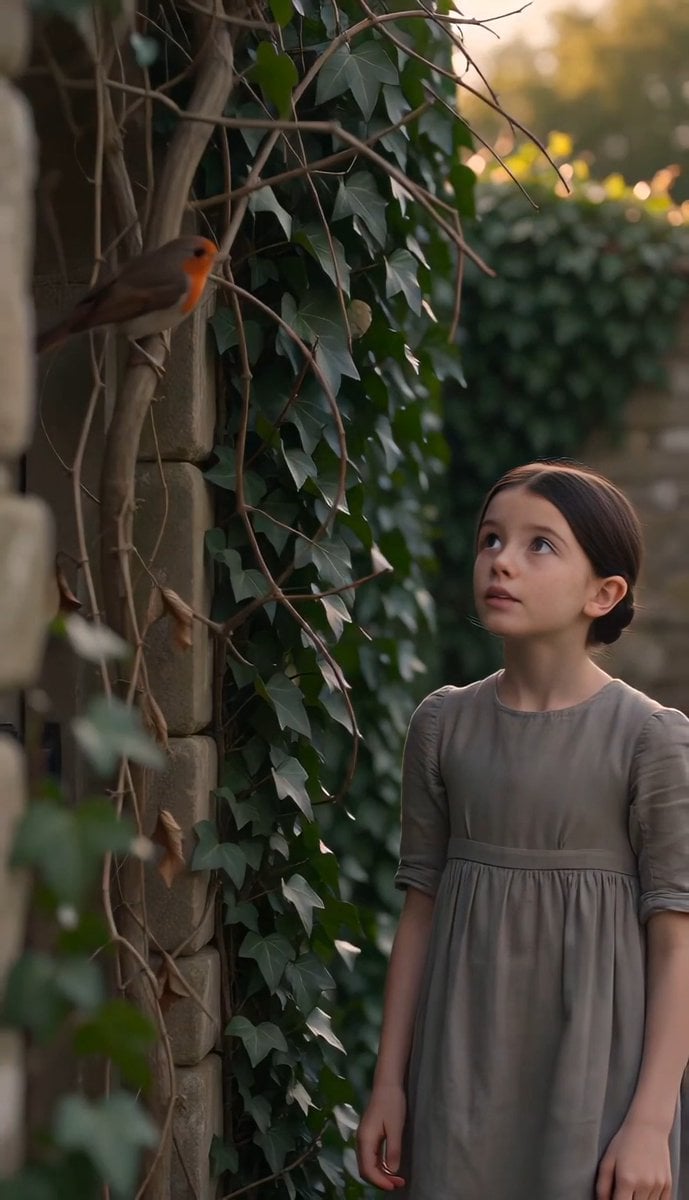
The Secret Garden Hidden Door

Stop-Motion Claymation Nutella Cafe
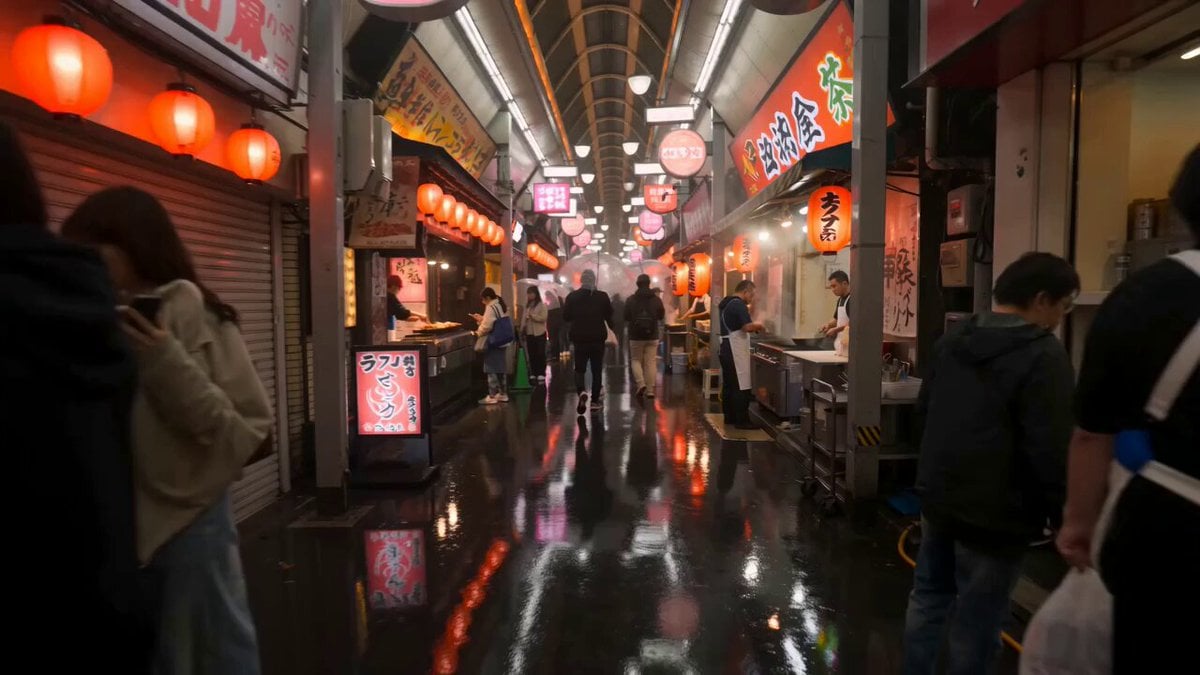
First-Person Night Market Walkthrough
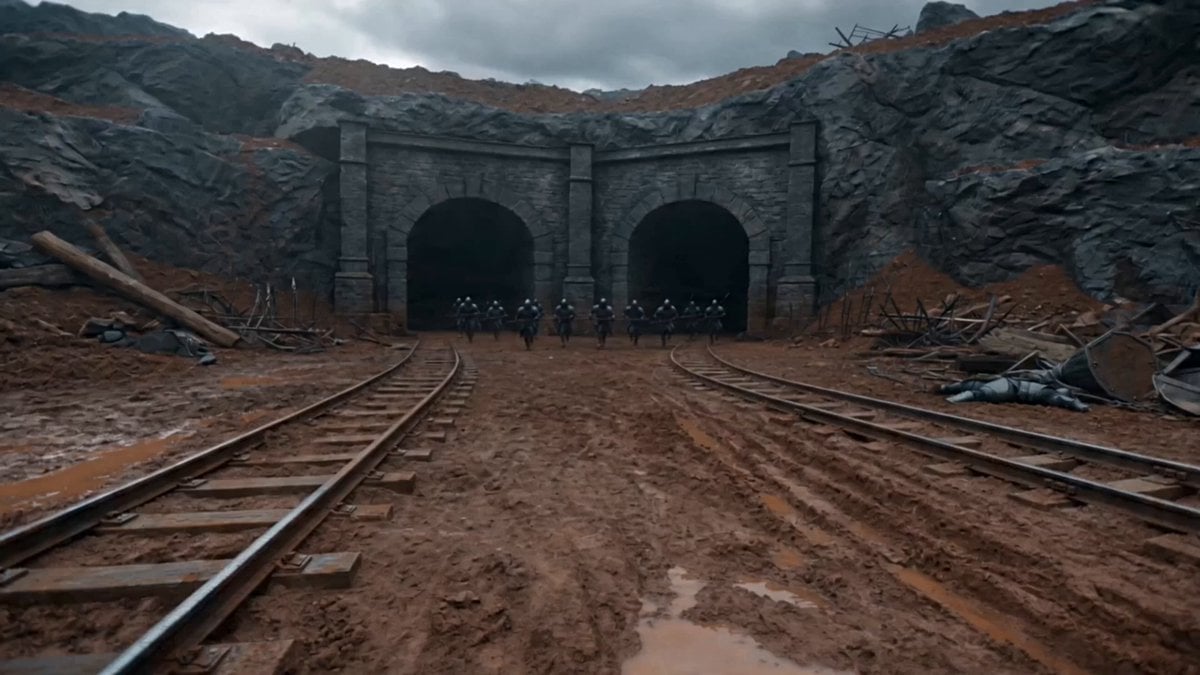
First-Person Magic Combat Strike
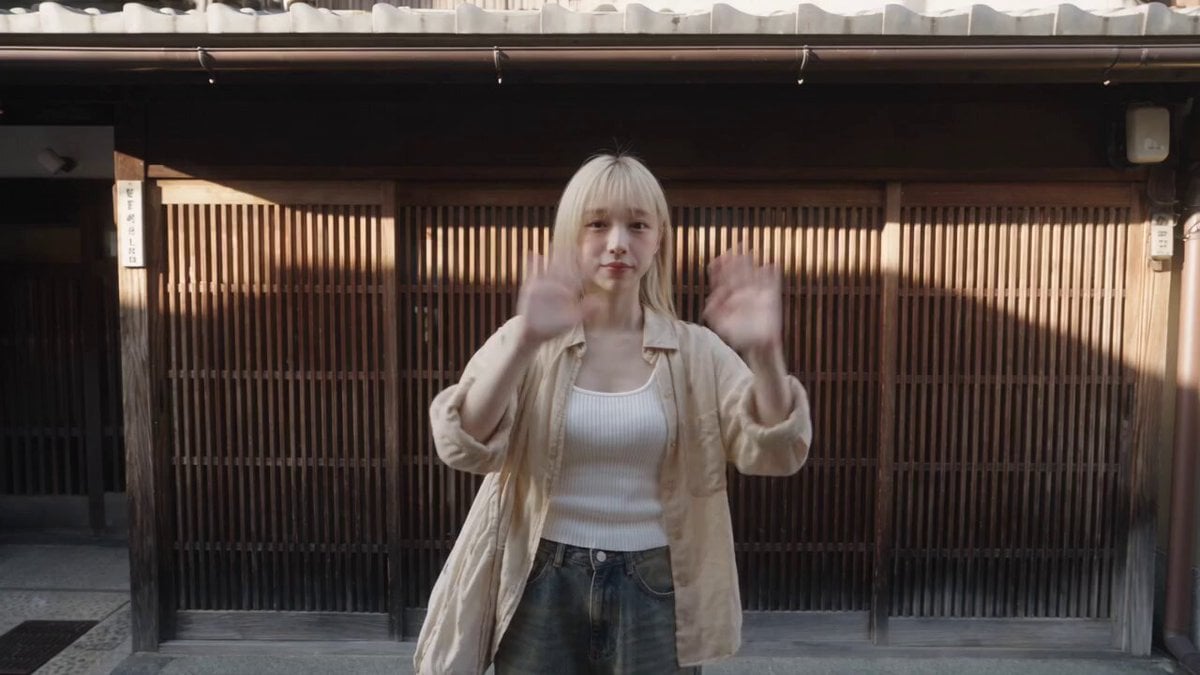
Kyoto Solo Date Travel Film

First-Person Mountain Sunrise Vlog
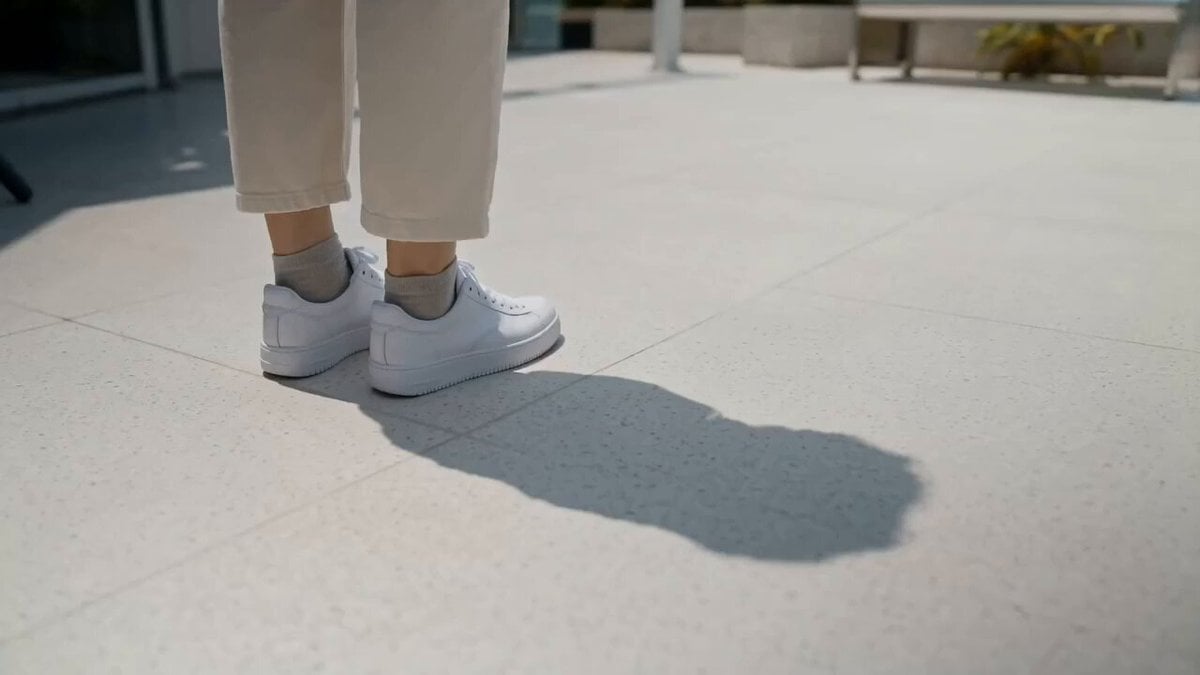
Rooftop Garden Scorching Bench Moment
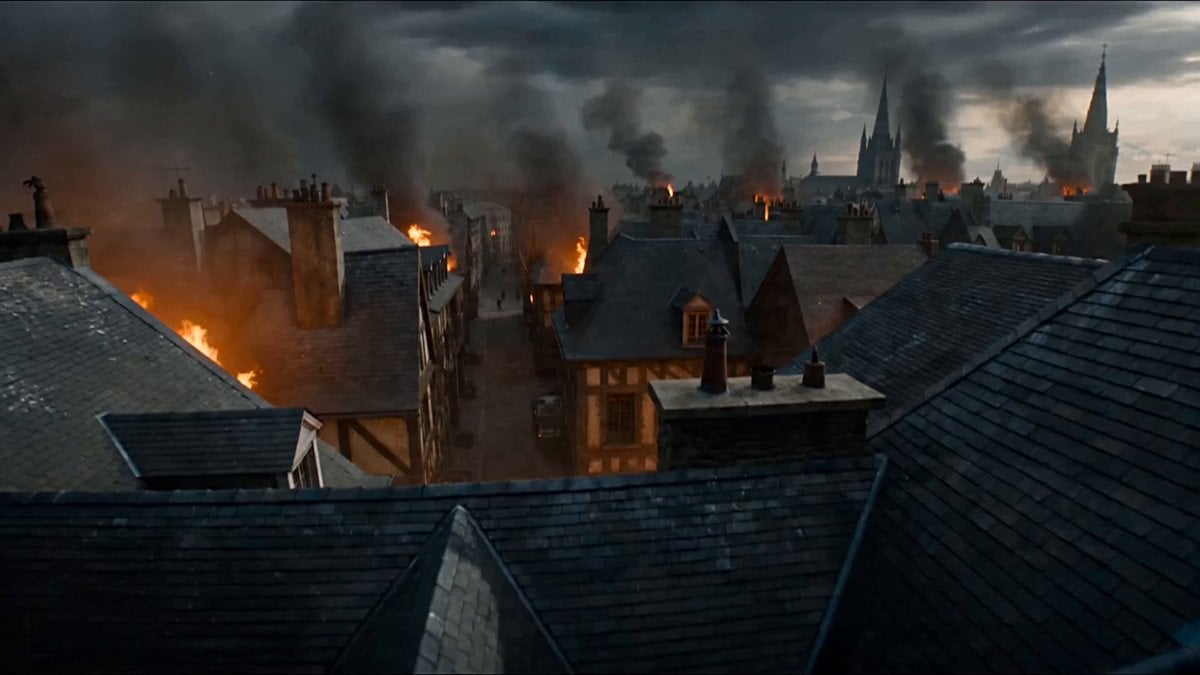
First-Person POV Fantasy Demon Battle
Make it yours
Cinematic First Date in Garden Cafe works as-is. These are the safest ways to change it without losing the look.
Change one field
Copy a single group, rewrite it, and generate again so you can see what that field is doing.
Keep the frame, change the subject
Hold the composition and light of Cinematic First Date in Garden Cafe, then swap wardrobe, props or the person for a new take.
| If the result… | Why | Fix |
|---|---|---|
| The result drifts from the preview | Too many fields changed at once. | Reuse Cinematic First Date in Garden Cafe as-is first, then change one group — subject, light, or setting. |
| The model over-stylizes the scene | The prose prompt leaves finish and camera underspecified. | Add one camera or lighting sentence and stay on Seedance 2.0. |
More Seedance 2.0 templates
Other prompts made for Seedance 2.0.

Comical Martial Arts Punch Scene

Maglev Train Action Sequence

Martial Arts Fight Sequence

Wuxia Protection and Trust Script

Vintage Korean Arcade MiniDV Vlog

Mercedes 190 SL Luxury Ad

Rainy Night Supernatural Reverse Comedy Video Script

Amazon Civilization Discovery

Futuristic South Asian City Transformation

Cozy Luxury Cafe Commercial
More video prompts
Fresh picks from across the catalog.

Ethereal Woods Fairy Video Prompt
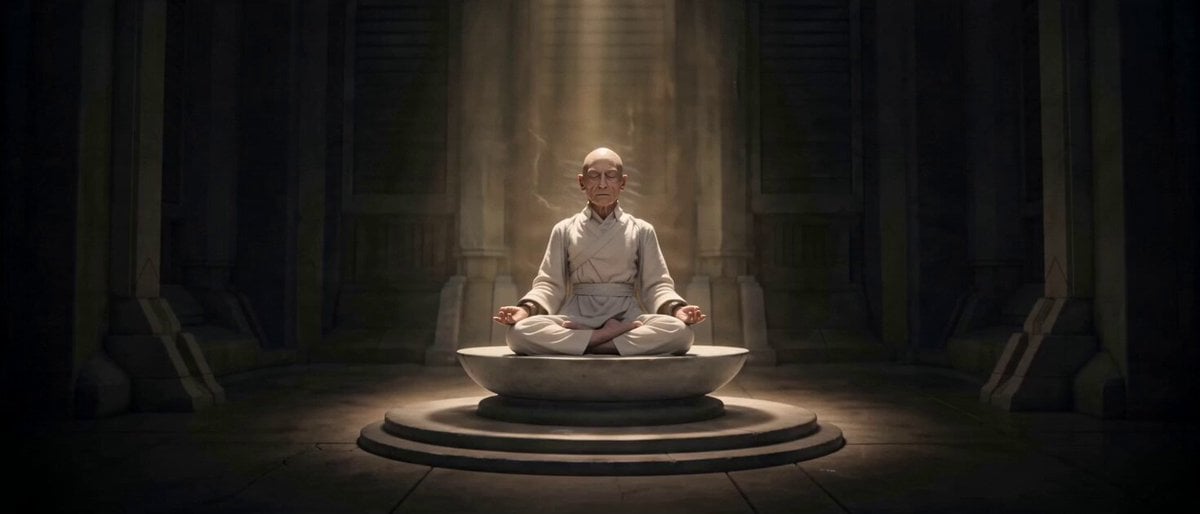
Fast-Paced Story Montage
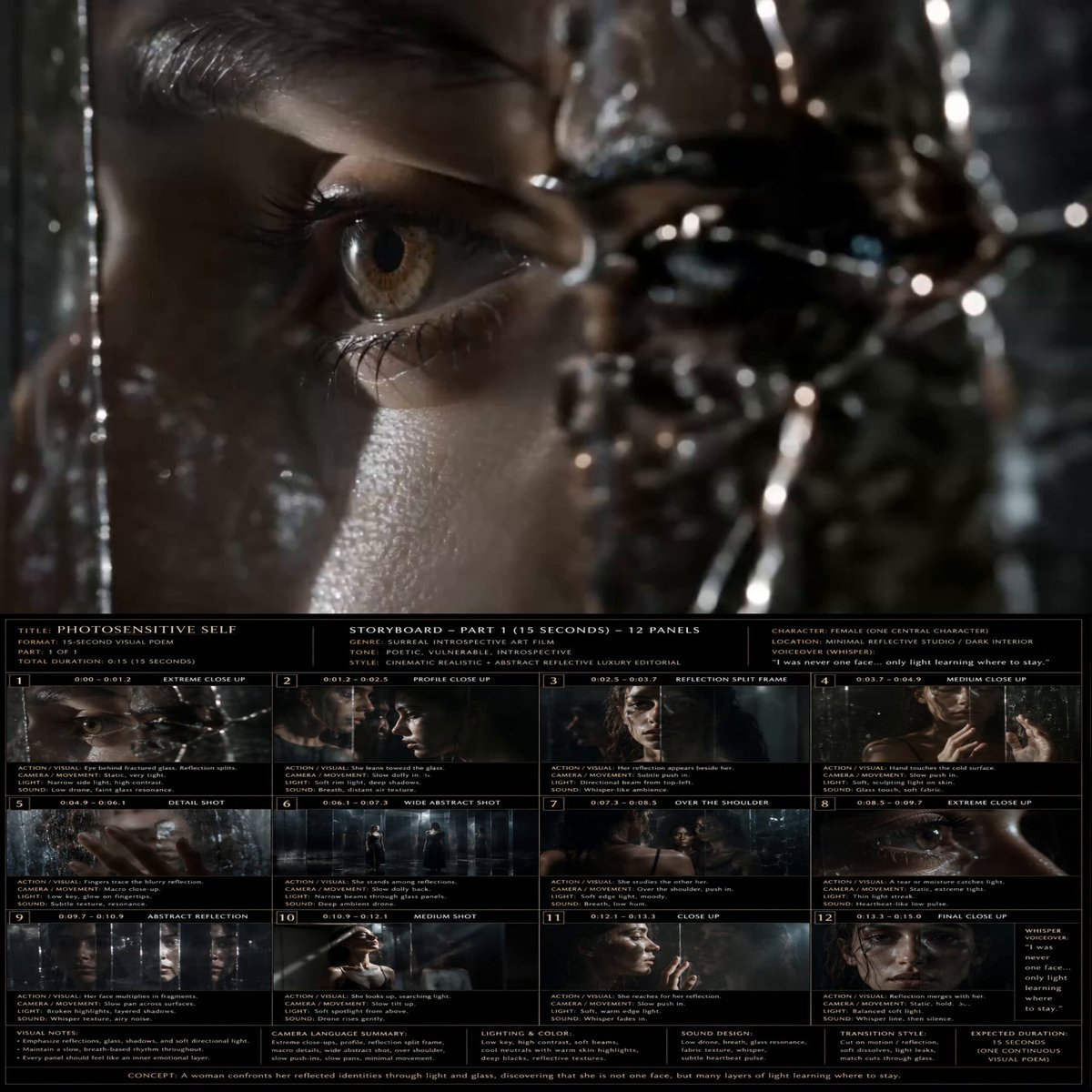
Introspective Surreal Art Film

Cinematic Mecha Sniper in Arctic Tundra

Giant Crocodile River Attack

Astronaut Transforms into Ice-Adapted Humanoid on Frozen Exoplanet
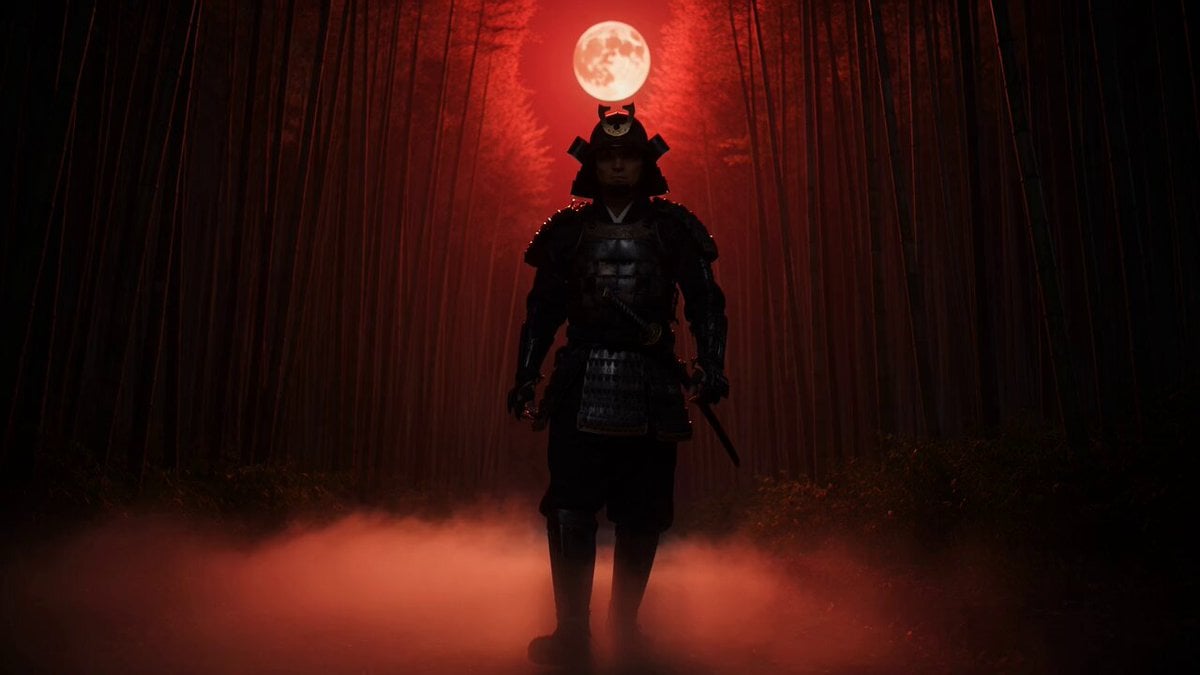
Samurai in Bamboo Forest

Cinematic IMAX Video Blending Two Images

Wildlife Documentary Jungle Transformation

Confident Smile: Corporate Toothpaste Commercial
Browse template categories
Cinematic First Date in Garden Cafe questions
How do I use the Cinematic First Date in Garden Cafe template?
Add your photo if the template asks for one, edit the prompt if you like — the template's model and format are already selected — and press Generate. Your version opens in PicX Studio.
Can I customize the Cinematic First Date in Garden Cafe template?
Yes. You can change the subject, setting, lighting, mood, format, and available model controls before creating your video.
Is the Cinematic First Date in Garden Cafe template free?
Opening and editing this template is free. Generating uses credits, shown on the Generate button when you are signed in.
Which AI model should I use?
Start with Seedance 2.0, which is the model associated with this template. You can compare another compatible model for a different finish.
Looking for something else? Browse all templates.

Your photo, any look
Thousands of ready templates for every top image and video model, from one credit balance.