How do I use the Samurai in Bamboo Forest template?
Edit the prompt in the box under the preview — the template's model and format are already selected — and press Generate. Your version appears right on this page.
A highly detailed cinematic prompt for a samurai walking through a misty bamboo forest under a crimson moon.
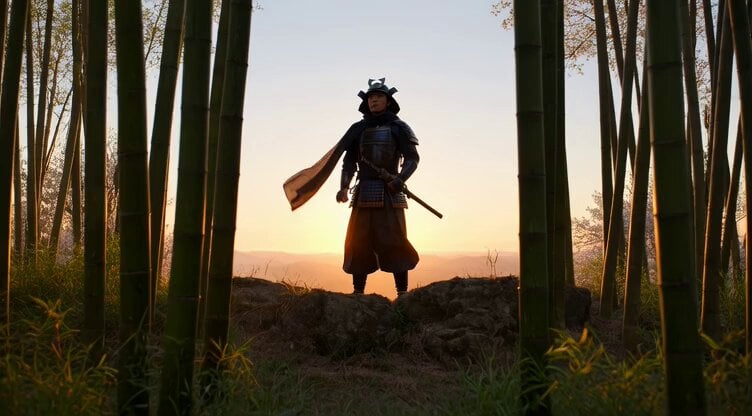
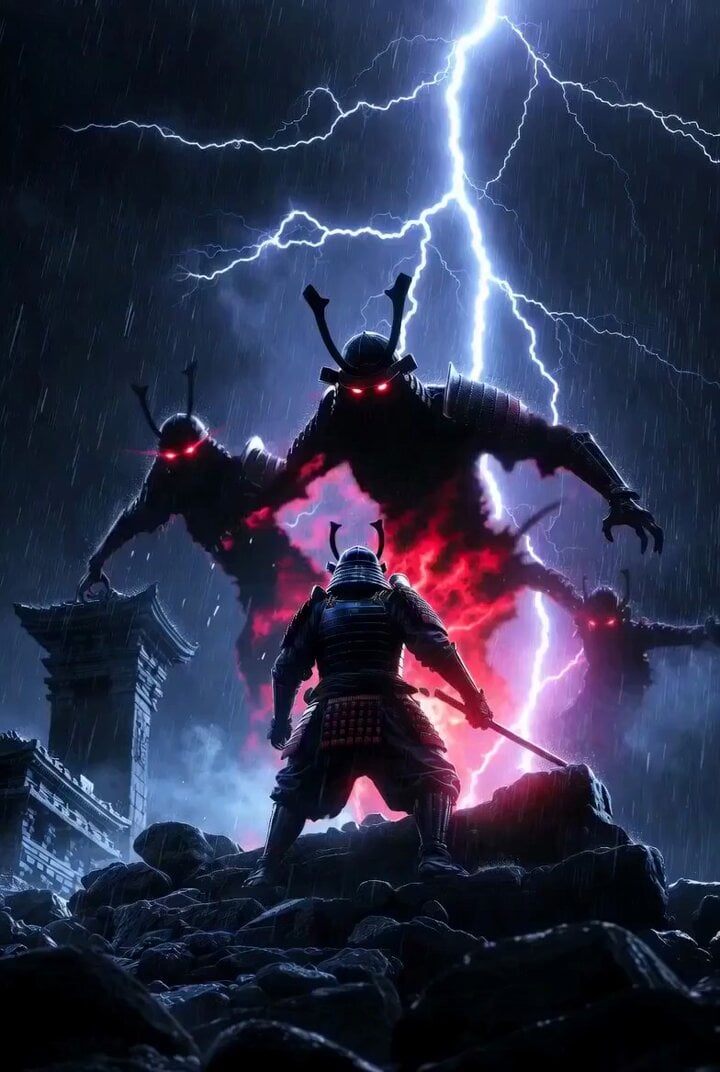
A lone samurai in feudal Japan, wearing dark, battle-worn armor, walks slowly through a dense bamboo forest at night. The environment is illuminated by a haunting crimson moon, casting eerie red light through the tall bamboo stalks. Thin mist drifts across the ground, curling around his feet as he moves. His katana hangs low, its blade subtly reflecting the red glow. Cinematic style, dark feudal Japan atmosphere, ultra-realistic textures, dramatic lighting, volumetric fog, high contrast shadows, floating particles in the air. Shot like a film scene: low-angle tracking shot, shallow depth of field, anamorphic lens, film grain, 8K resolution, moody color grading (deep blacks and crimson reds). Inspired by classic samurai cinema, slow and deliberate movement, intense and silent mood, strong sense of tension.
A lone samurai in feudal Japan, wearing dark, battle-worn armor, walks slowly through a dense bamboo forest at night. The environment is illuminated by a haunting crimson moon, casting eerie red light through the tall bamboo stalks. Thin mist drifts across the ground, curling around his feet as he moves. His katana hangs low, its blade subtly reflecting the red glow. Cinematic style, dark feudal Japan atmosphere, ultra-realistic textures, dramatic lighting, volumetric fog, high contrast shadows, floating particles in the air. Shot like a film scene: low-angle tracking shot, shallow depth of field, anamorphic lens, film grain, 8K resolution, moody color grading (deep blacks and crimson reds). Inspired by classic samurai cinema, slow and deliberate movement, intense and silent mood, strong sense of tension.
Edit the prompt in the box under the preview — the template's model and format are already selected — and press Generate. Your version appears right on this page.
Yes. You can change the subject, setting, lighting, mood, format, and available model controls before creating your video.
Opening and editing this template is free. Generating uses credits, shown on the Generate button when you are signed in.
Start with Grok Imagine, which is the model associated with this template. You can compare another compatible model for a different finish.
Follow a topic to a crawlable collection of related PicX Studio templates.