
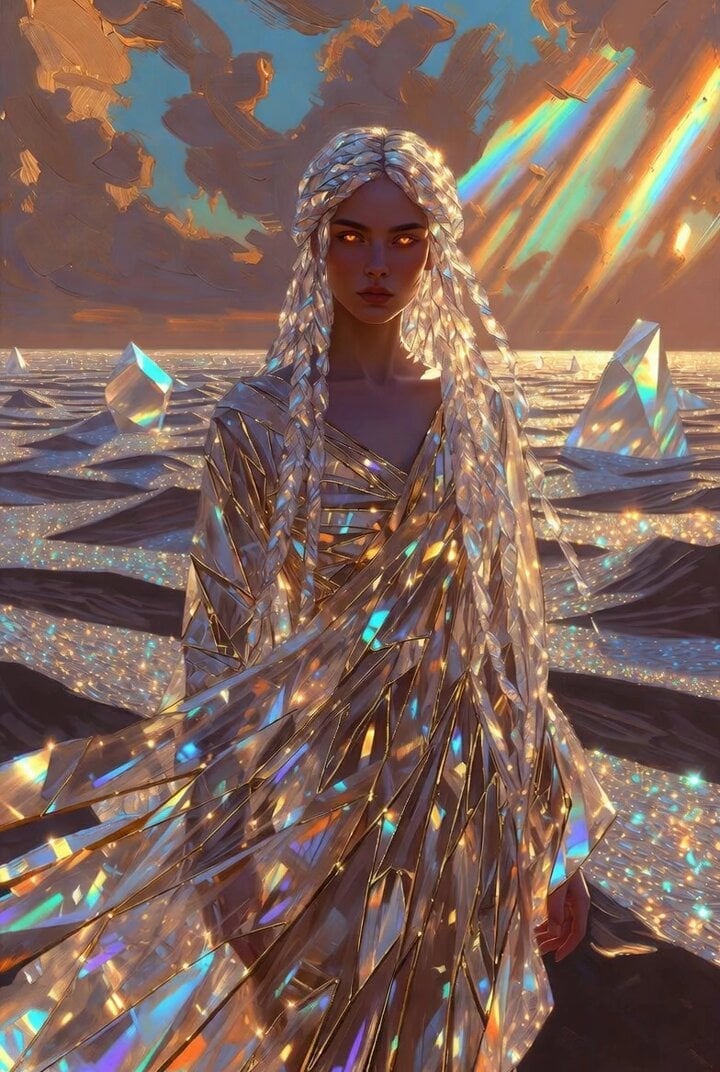
Crystal Desert Empress
A surreal oil painting prompt depicting an empress in a crystal dune landscape with refractive light effects.
- Prompt included
- Model and format preset
- Free template
The prompt behind this video
Copy the exact prompt behind Crystal Desert Empress, or open it in the studio and make it yours.
Ultra detailed cinematic oil painting of a desert empress standing in an endless crystal dune landscape, her hair long and braided with translucent quartz strands reflecting sunlight, eyes glowing amber gold, wearing a flowing robe made of shattered glass fragments fused with gold leaf seams, thick impasto brush strokes visible especially in the sky and fabric, background filled with giant floating prisms bending light into rainbow caustics, warm golden hour lighting, wind lifting particles of glass dust, baroque surreal fusion, hyper textured surface, museum masterpiece, 8k, volumetric light, dramatic composition.
How to use Crystal Desert Empress in 3 steps
- 1
Open
The prompt is already in the box next to the preview, with the template's model and format selected.
- 2…a portrait of your subject in softgolden-hour light, 85mm…
Personalize
Edit the subject and creative details for your destination.
- 3Generate
Generate
Press Generate — your video is created in PicX Studio, so you can compare it with the original and refine one variable at a time.
More like this
Templates with the same subject, style or setup. Open one to see its prompt.
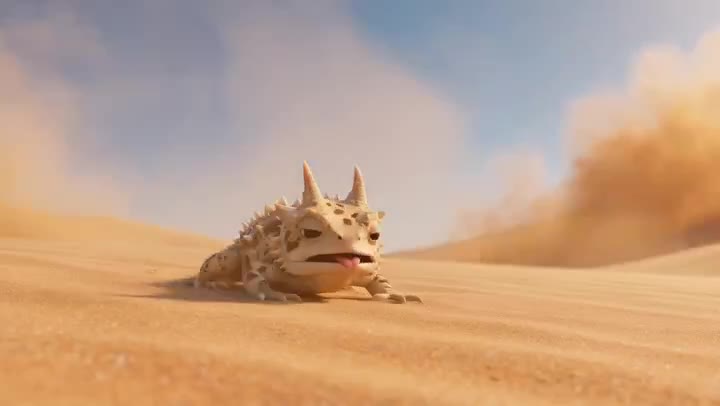
Desert Horned Lizard Grapefruit Ad
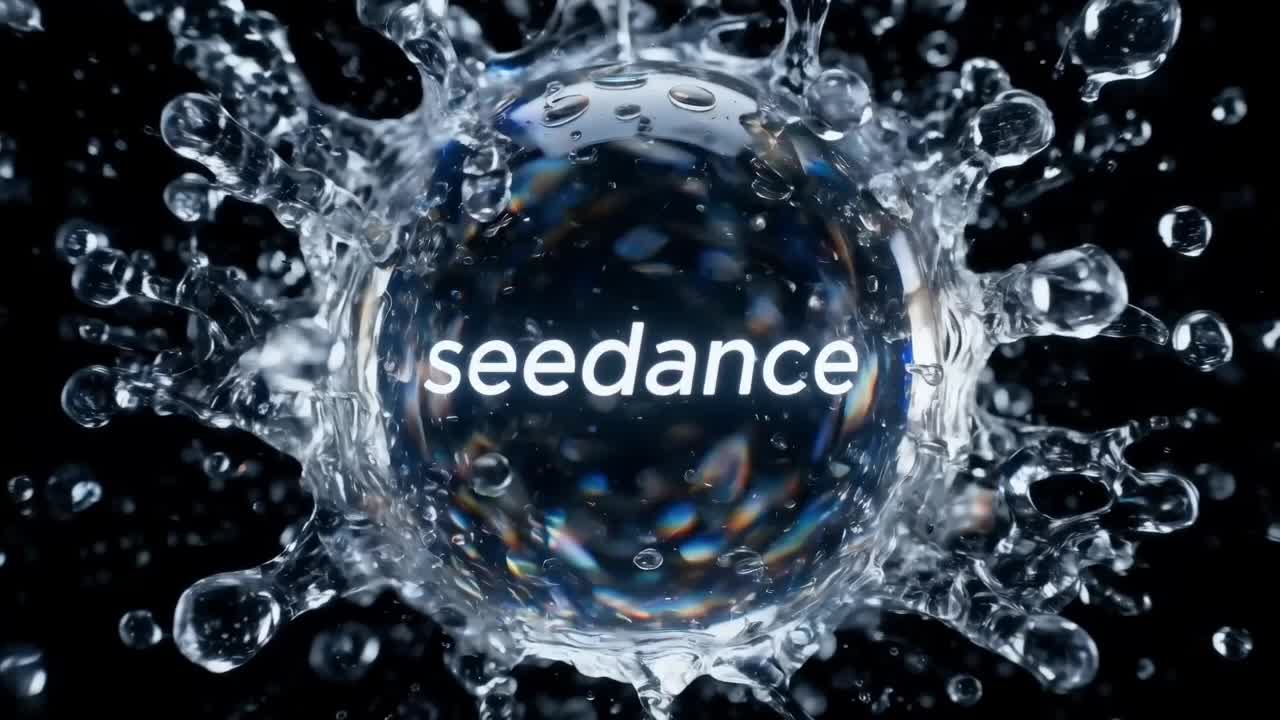
Crystal Ball Match-Cut Brand Film

Fresco Artwork and Crystal Tiles Video
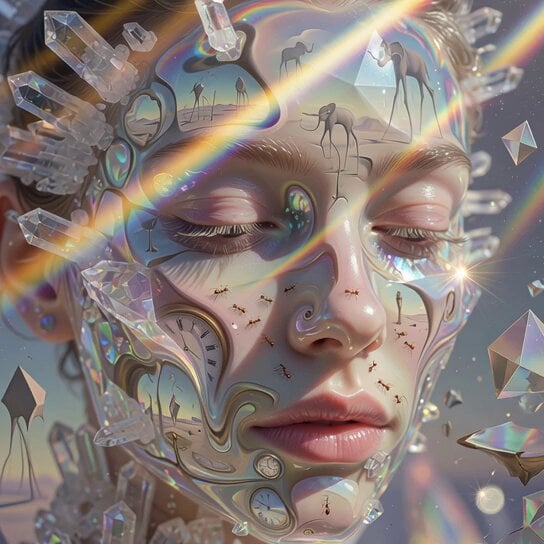
Surrealist Crystallized Face Transformation

Mermaid Empress and Octopus Guardian
Sweating Man in Desert Greeting
Quantum Inventor in Sonoran Desert
Ethereal Fairy-Elf on a Crystal Throne Video
Crystal Girl Crying Silver Tears
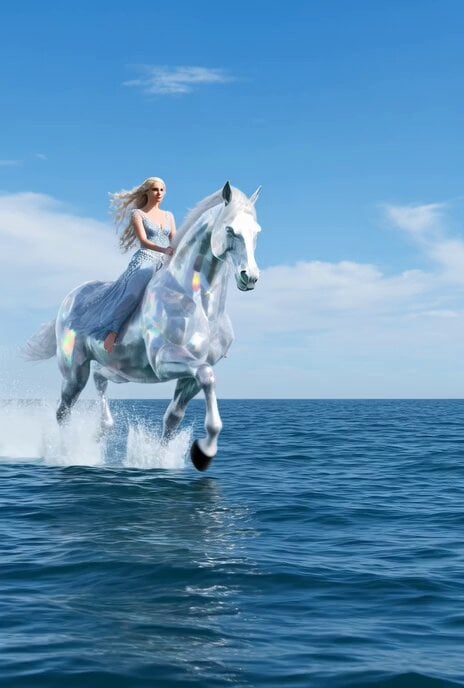
Shiny crystal horse with an elegant woman crossing the sea
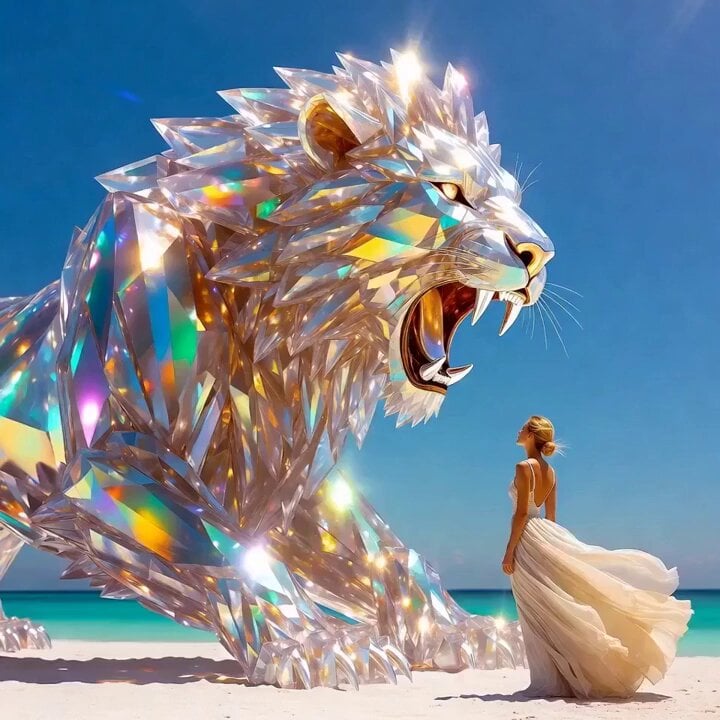
Grok Imagine Prompt: Crystal lion roaring on a white beach with an elegant woman
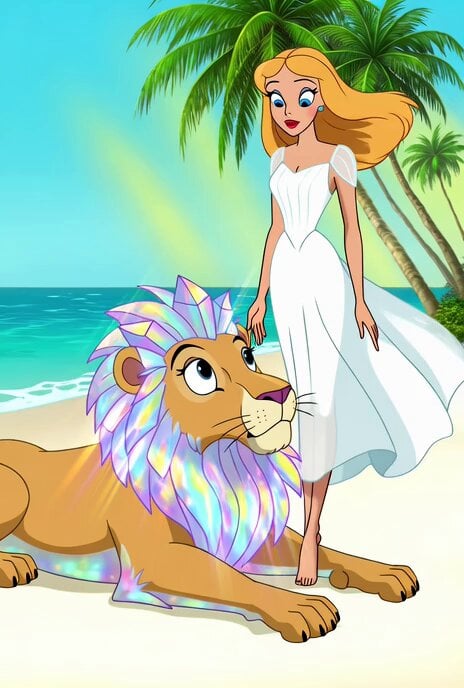
Merrie Melodies Crystal Lion
Make it yours
Crystal Desert Empress works as-is. These are the safest ways to change it without losing the look.
Change one field
Copy a single group, rewrite it, and generate again so you can see what that field is doing.
Keep the frame, change the subject
Hold the composition and light of Crystal Desert Empress, then swap wardrobe, props or the person for a new take.
| If the result… | Why | Fix |
|---|---|---|
| The result drifts from the preview | Too many fields changed at once. | Reuse Crystal Desert Empress as-is first, then change one group — subject, light, or setting. |
| The model over-stylizes the scene | The prose prompt leaves finish and camera underspecified. | Add one camera or lighting sentence and stay on Grok Imagine. |
More Grok Imagine templates
Other prompts made for Grok Imagine.

Kaleidoscopic Cosmic Dolphin Video

Horror Daffy Duck Video Transition

America 250th Anniversary Celebration

Glowing Water Forest Night Prompt

Soft Pink Roses Dreamer Prompt

Ninja Wizard Levitation Jump

Coffee Cup Interaction Motion

Voice Controlled Water Animation

Pterodactyl Transformation Journey

Candle Mandala Mirror Video
More video prompts
Fresh picks from across the catalog.
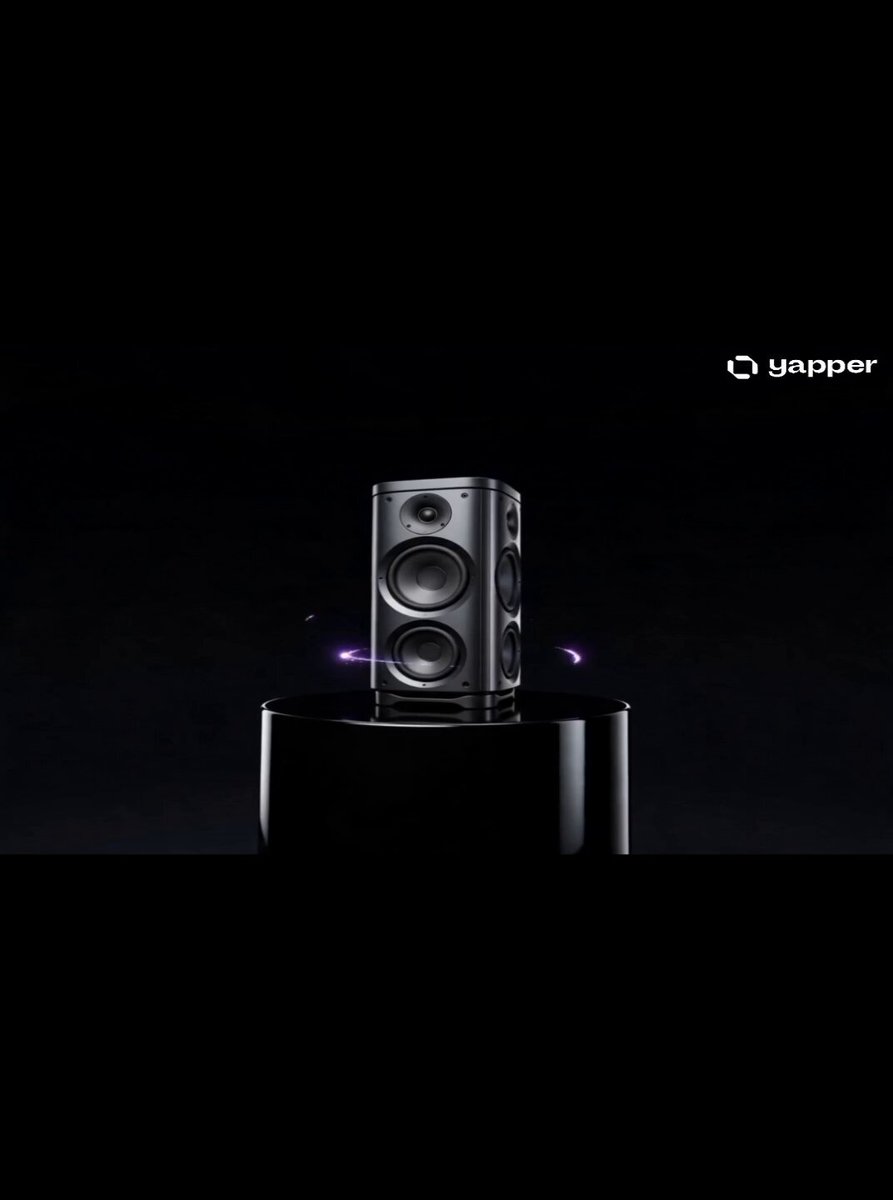
Luxury Product Showcase Transition
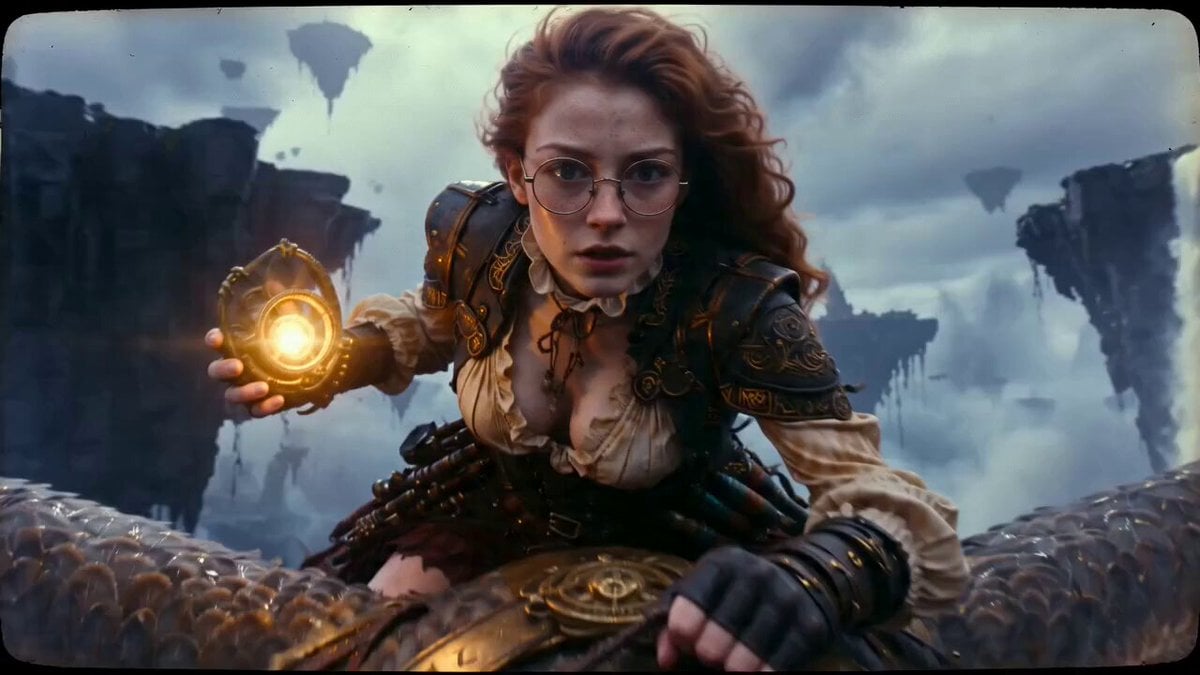
Steampunk Owl Adventure Flight
Elf Princess Magic Wand
Zombie TV Broadcast Transformation
Romantic Beach Scene with Rey
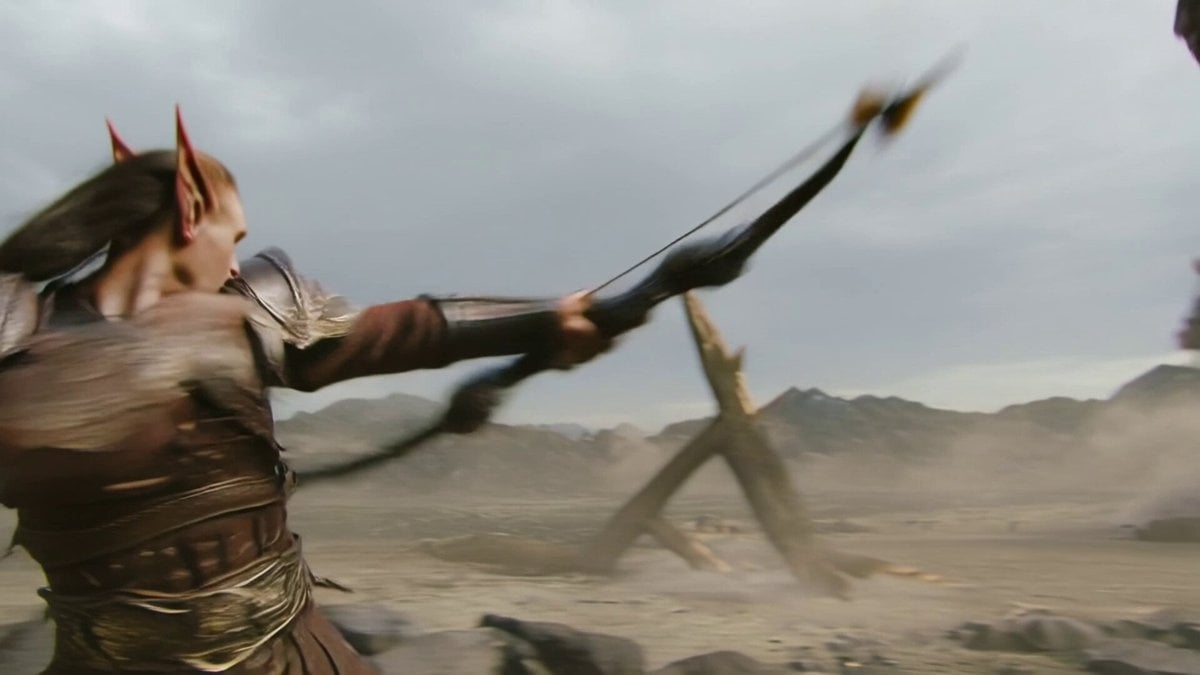
Elven Archer vs. Towering Brute Battle Scene Prompt
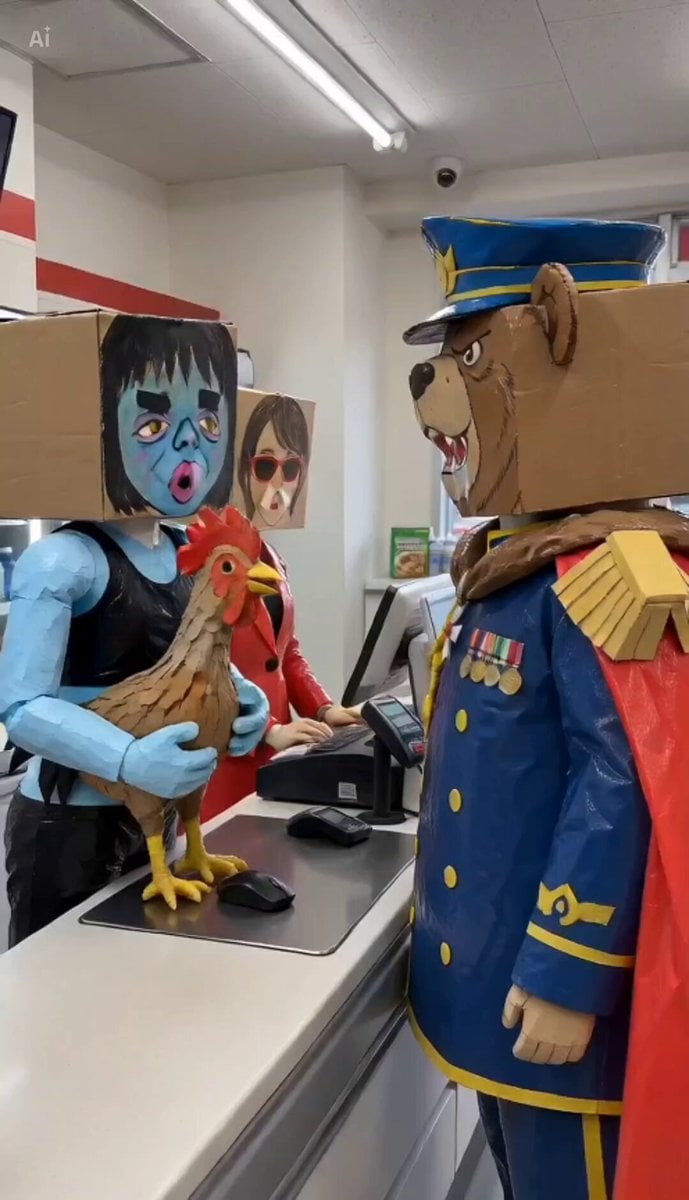
Convenience Store Quarrel Scene
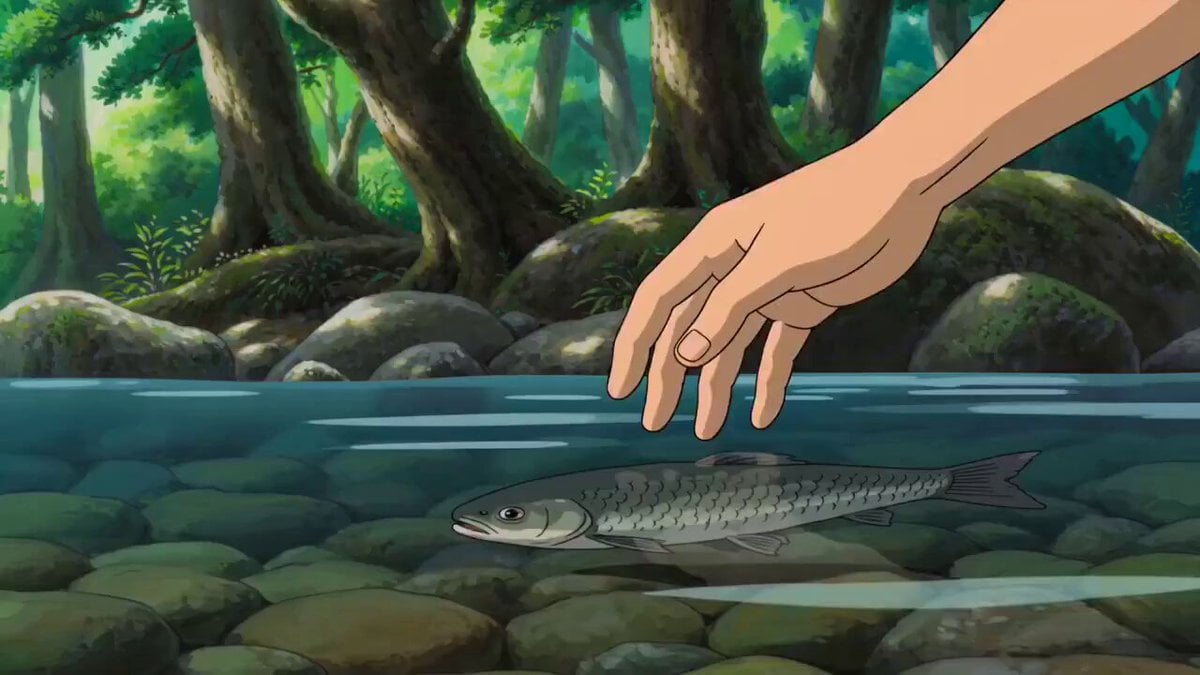
Tranquil Forest Riverside Picnic Animation
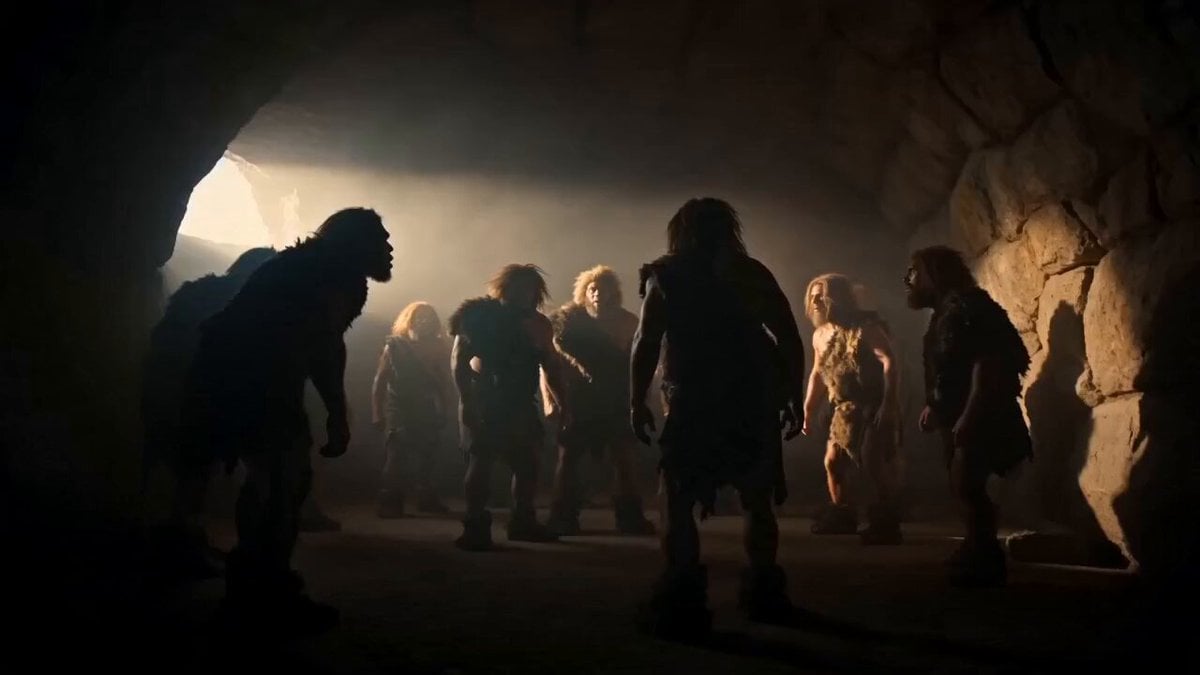
History of Dance Evolution
Earthquake City Collapse Video Prompt
Browse template categories
Crystal Desert Empress questions
How do I use the Crystal Desert Empress template?
Add your photo if the template asks for one, edit the prompt if you like — the template's model and format are already selected — and press Generate. Your version opens in PicX Studio.
Can I customize the Crystal Desert Empress template?
Yes. You can change the subject, setting, lighting, mood, format, and available model controls before creating your video.
Is the Crystal Desert Empress template free?
Opening and editing this template is free. Generating uses credits, shown on the Generate button when you are signed in.
Which AI model should I use?
Start with Grok Imagine, which is the model associated with this template. You can compare another compatible model for a different finish.
Looking for something else? Browse all templates.

Your photo, any look
Thousands of ready templates for every top image and video model, from one credit balance.