
Introspective Surreal Art Film
A detailed storyboard and prompt for a surreal art film exploring identity through reflections in a glass-filled studio.
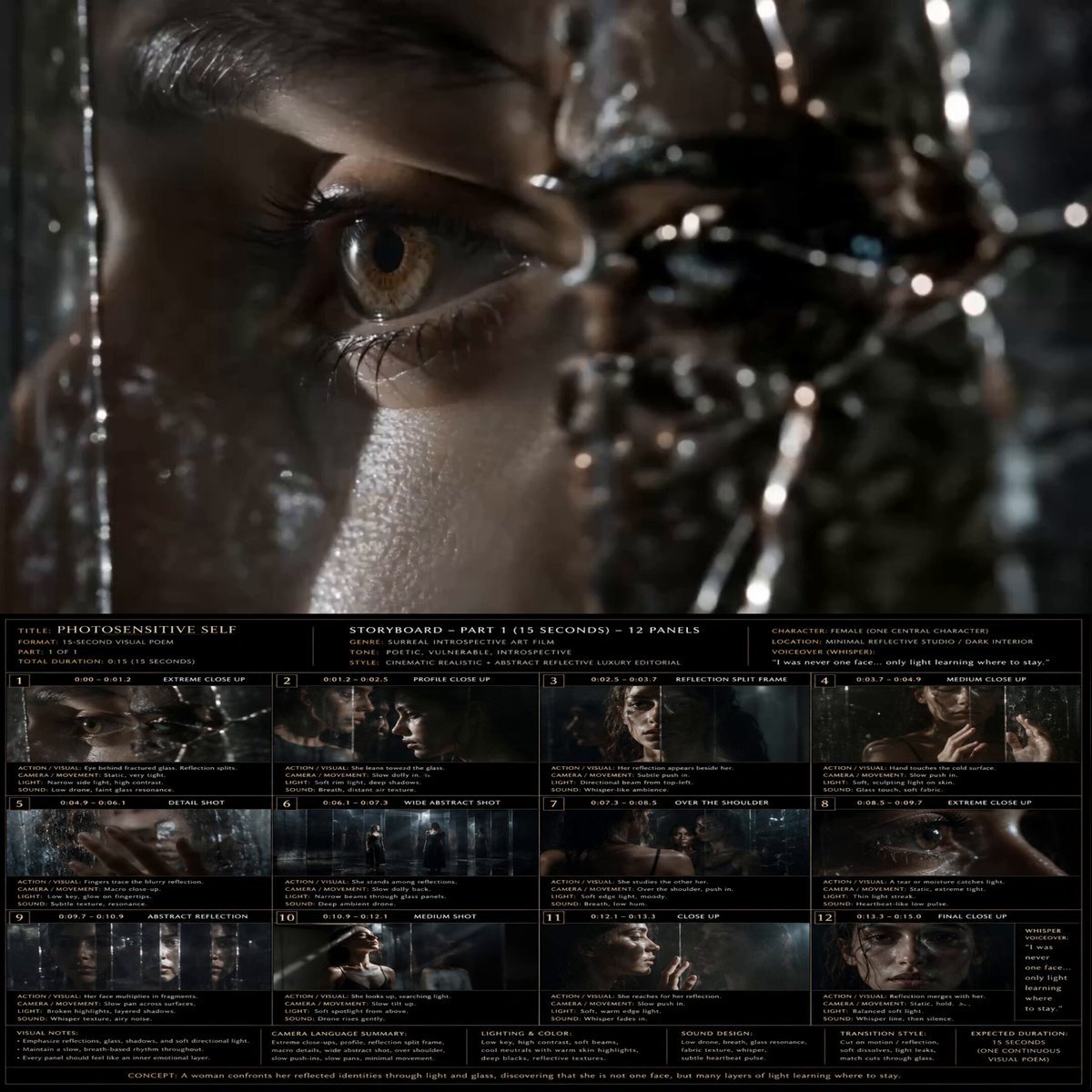
- Prompt included
- Model and format preset
- Free template
The prompt behind this video
Copy the exact prompt behind Introspective Surreal Art Film, or open it in the studio and make it yours.
Task: Create a 15 second cinematic realistic surreal introspective art film video titled Photosensitive Self. One central woman moves through a minimal dark reflective studio with glass, mirrors, soft directional light, shadows, subtle haze, and abstract reflective textures. The film is silent except for breath, glass resonance, low ambient drone, and one whispered inner voiceover near the end. Story flow: 0:00–0:01.2 Extreme close up of her eye reflected through fractured/layered glass. Low drone begins. Static, intimate, mysterious. 0:01.2–0:02.5 Close up of fingertips grazing fogged glass. Subtle glass scrape and breath condensation. 0:02.5–0:03.7 Side profile close up. A narrow beam of light reveals half her face, half in shadow. Slow dolly-in. 0:03.7–0:04.9 Reflection split frame. Her real face is still while the reflection feels slightly delayed, suggesting fragmented identity. 0:04.9–0:06.1 Detail shot of her hand and lips near glass. Breath blooms on the reflective surface. 0:06.1–0:07.3 Wider abstract studio view. She stands among reflective planes, small and vulnerable. Slow dolly back. 0:07.3–0:08.5 Over the shoulder shot into mirror. Multiple reflections appear, each slightly offset. 0:08.5–0:09.7 Extreme close up of her eye, moisture catching a thin light streak. Nearly silent except heartbeat-like low pulse. 0:09.7–0:10.9 Abstract reflection fragments multiply her face across glass panels. Slow lateral camera slide. 0:10.9–0:12.1 Medium shot. She tilts her face upward into a soft overhead light, accepting the exposure. 0:12.1–0:13.3 Close up. She reaches toward her reflection, fingertips almost touching its fingertips. Slow push-in. 0:13.3–0:15.0 Final close up. Her real face and reflection align perfectly. Hold stillness. Whispered voiceover: “I was never one face… only light learning where to stay.” Camera: Use controlled luxury editorial camera movement: static close ups, slow dolly in, slow lateral slide, over the shoulder reflection framing, one slow dolly back wide shot, and final locked close up. No fast cuts, no handheld shake. Visual style: Cinematic realistic, abstract reflective luxury editorial, dark silver black palette, deep blue gray shadows, soft warm skin highlights, high contrast, natural skin texture, reflective glass, subtle haze, minimal set design, poetic vulnerability.
How to use Introspective Surreal Art Film in 3 steps
- 1
Open
The prompt is already in the box next to the preview, with the template's model and format selected.
- 2…a portrait of your subject in softgolden-hour light, 85mm…
Personalize
Edit the subject and creative details for your destination.
- 3Generate
Generate
Press Generate — your video is created in PicX Studio, so you can compare it with the original and refine one variable at a time.
More like this
Templates with the same subject, style or setup. Open one to see its prompt.
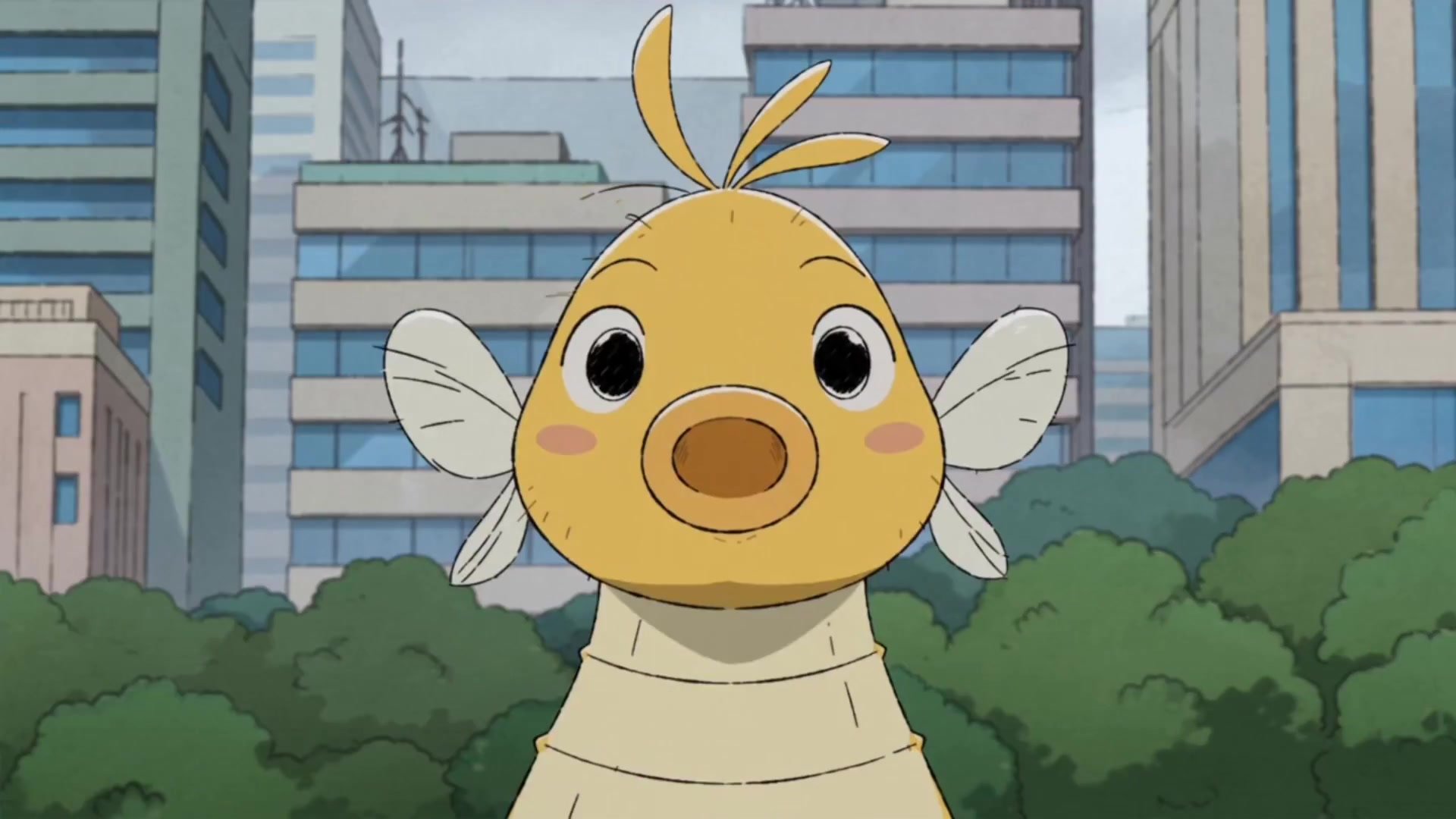
Giant Seahorse City Destruction — Flova AI
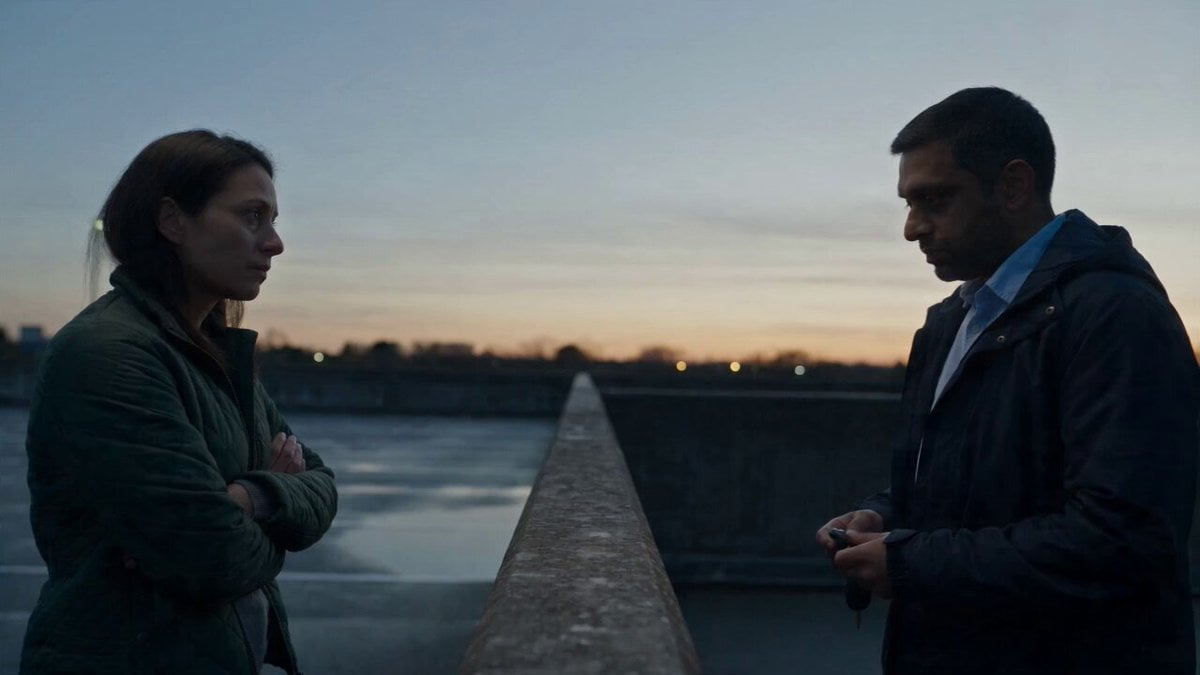
Hospital Car Park Dialogue Lip Sync
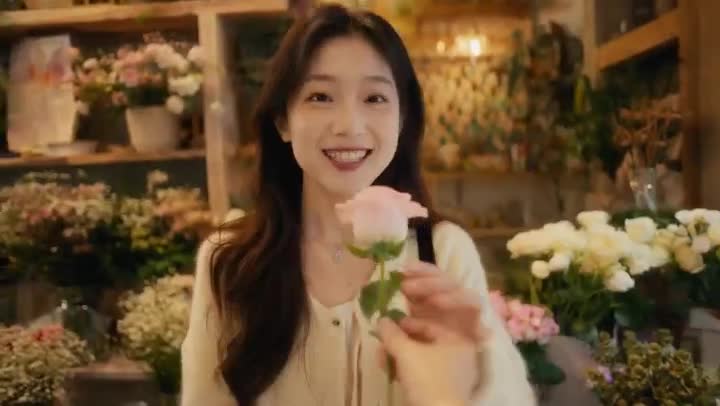
Global Flower Thank-You Film
Youth Racing Short Film

Mechanical Flower Bloom Brand Film

Oceanic Civilization Epic Sci-Fi Film

Floating Desert Museum Cinematic Film
Haute Couture Dream Bokeh Film
Window-to-Eye Concept Film

Crystal Ball Match-Cut Brand Film
Nano Banana Seedance Environment Render Walk
Whale in the Sky — City Shadows (Kling AI)
Make it yours
Introspective Surreal Art Film works as-is. These are the safest ways to change it without losing the look.
Change one field
Copy a single group, rewrite it, and generate again so you can see what that field is doing.
Keep the frame, change the subject
Hold the composition and light of Introspective Surreal Art Film, then swap wardrobe, props or the person for a new take.
| If the result… | Why | Fix |
|---|---|---|
| The result drifts from the preview | Too many fields changed at once. | Reuse Introspective Surreal Art Film as-is first, then change one group — subject, light, or setting. |
| The model over-stylizes the scene | The prose prompt leaves finish and camera underspecified. | Add one camera or lighting sentence and stay on Seedance 2.0. |
More Seedance 2.0 templates
Other prompts made for Seedance 2.0.

Comical Martial Arts Punch Scene

Maglev Train Action Sequence

Martial Arts Fight Sequence

Wuxia Protection and Trust Script

Vintage Korean Arcade MiniDV Vlog

Mercedes 190 SL Luxury Ad

Rainy Night Supernatural Reverse Comedy Video Script

Amazon Civilization Discovery

Futuristic South Asian City Transformation

Cozy Luxury Cafe Commercial
More video prompts
Fresh picks from across the catalog.

Cinematic Short Film Scene
Gentle Mother and Child Animation
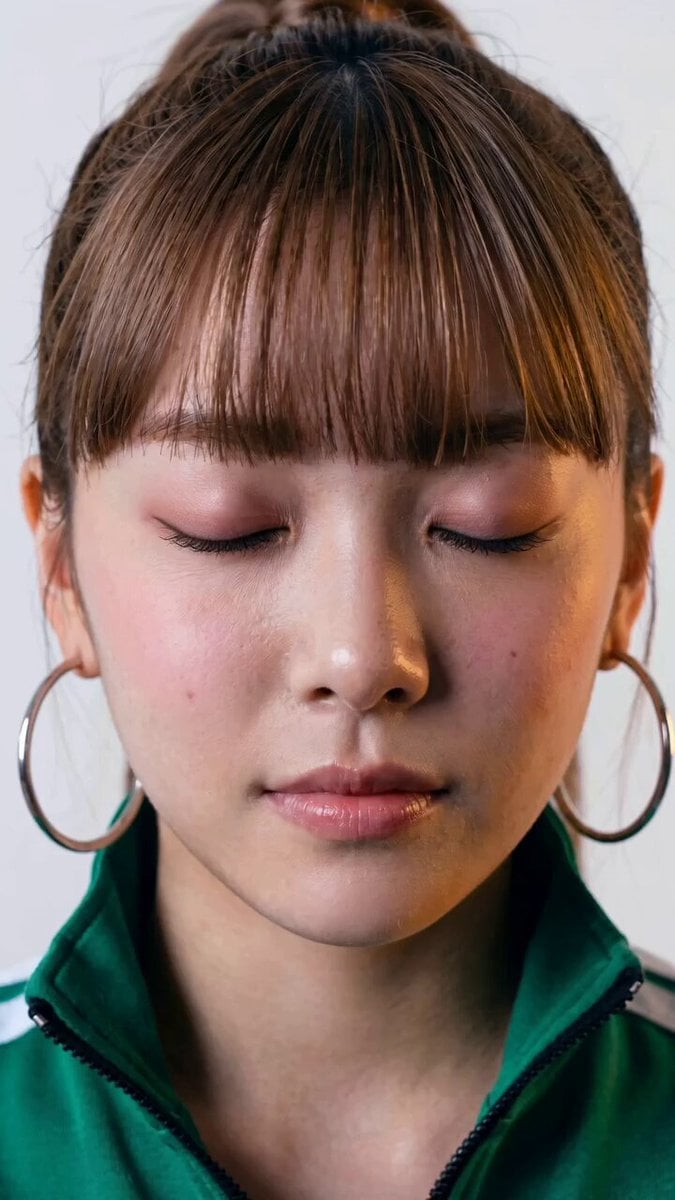
Seedance 2.0 Facial Expression Control
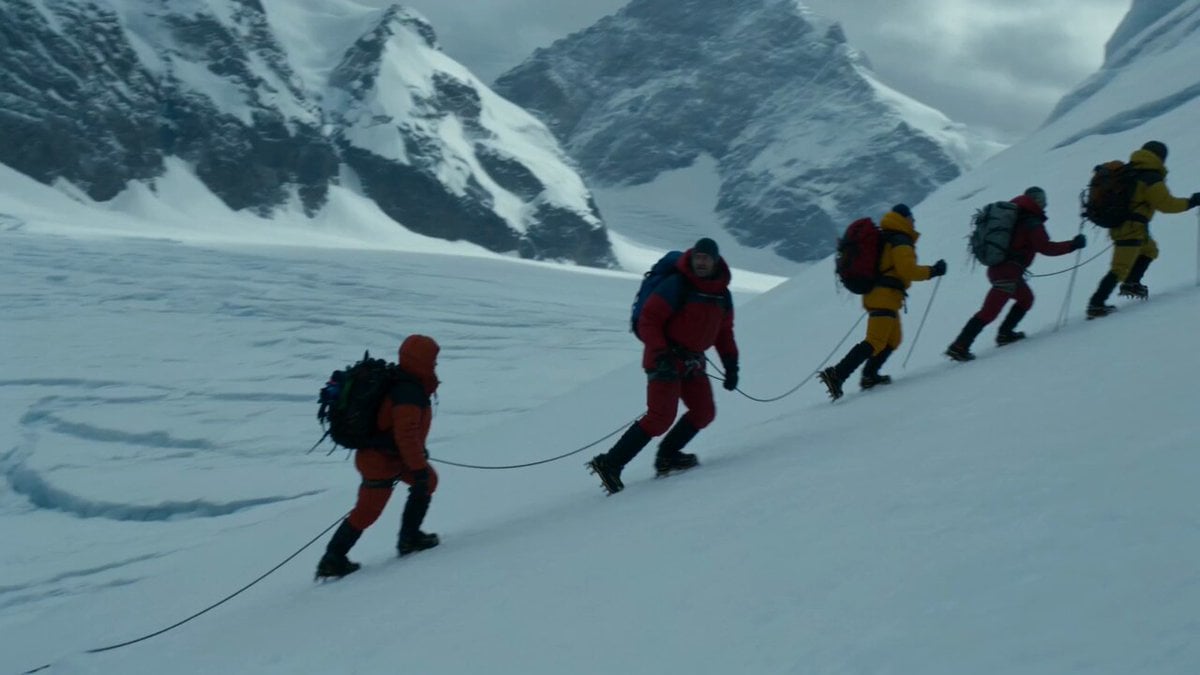
Glacier Avalanche Disaster Sequence
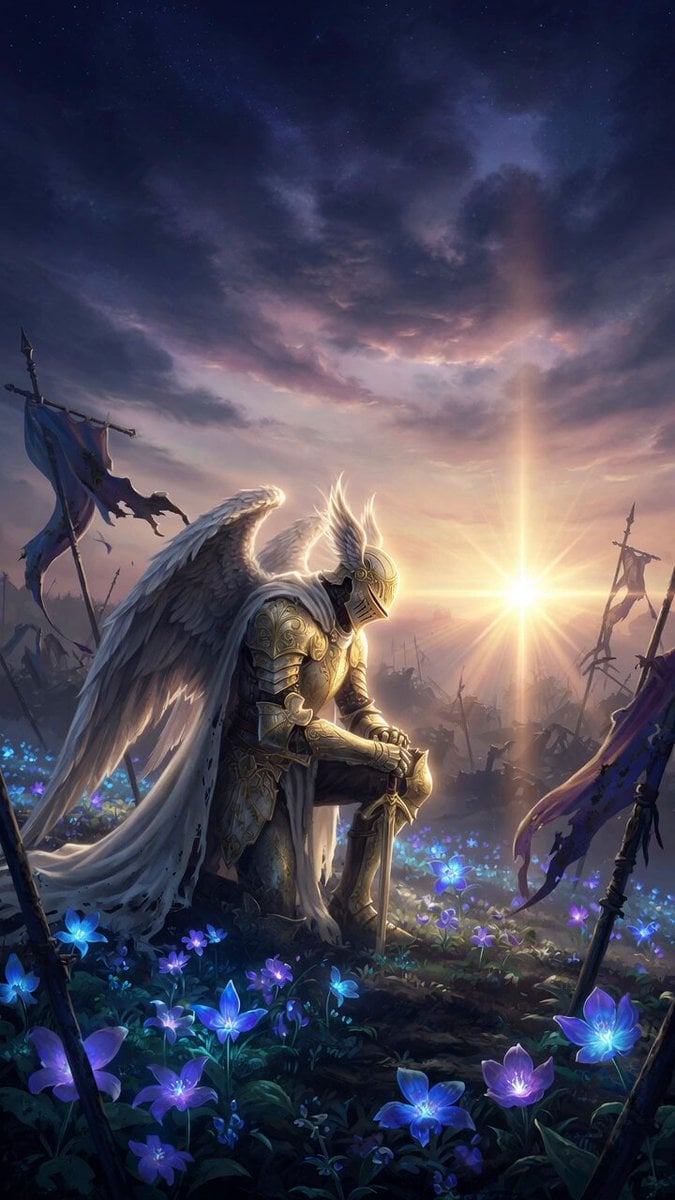
Bioluminescent Dawn Fantasy Prompt
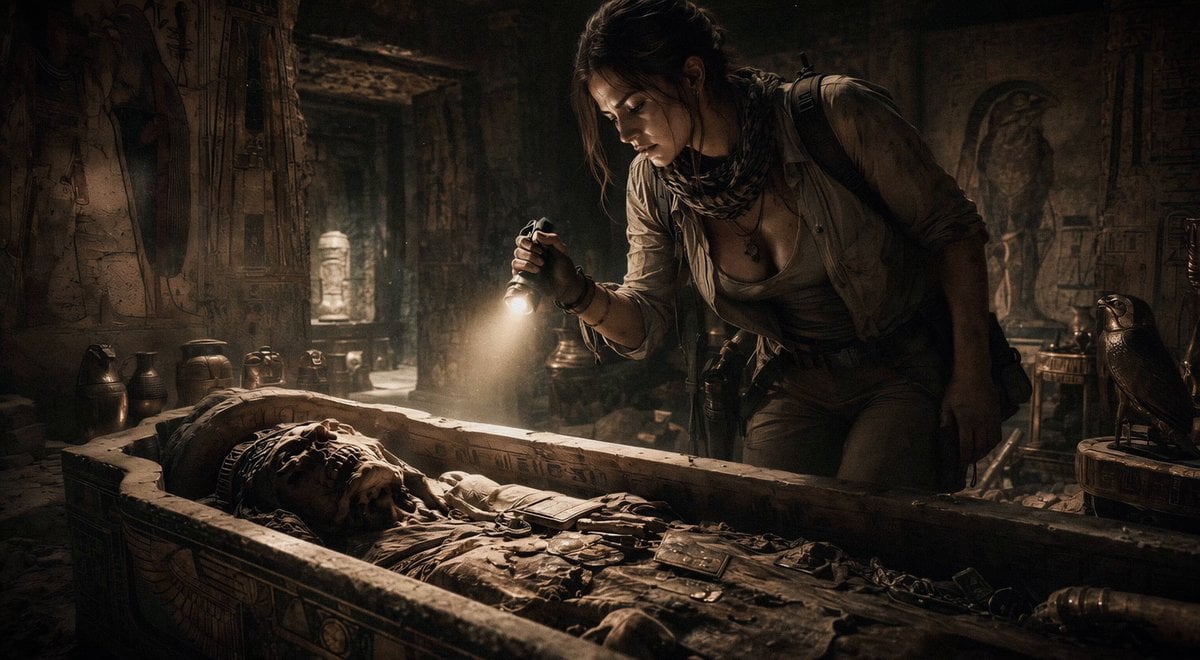
Ancient Tomb Treasure Hunt
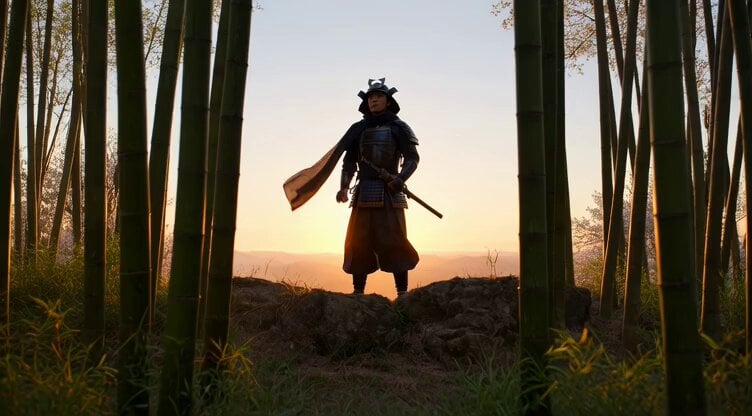
Lone Samurai on Misty Cliff Video Prompt
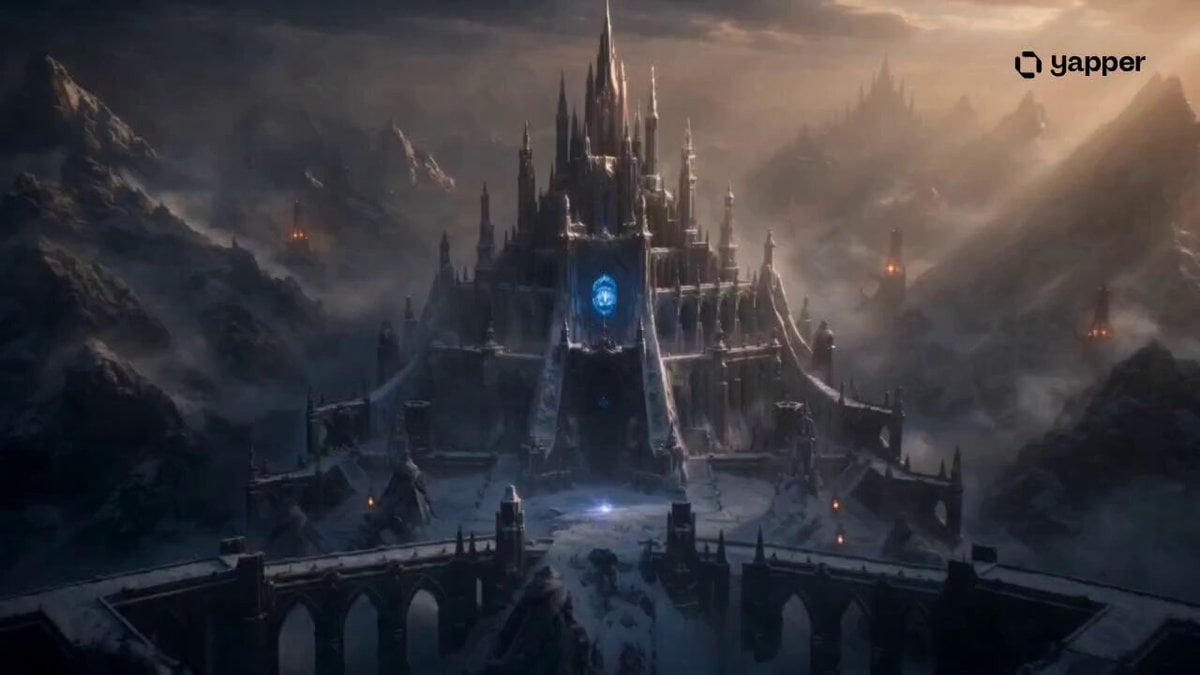
Frozen Kingdom Survival Fantasy
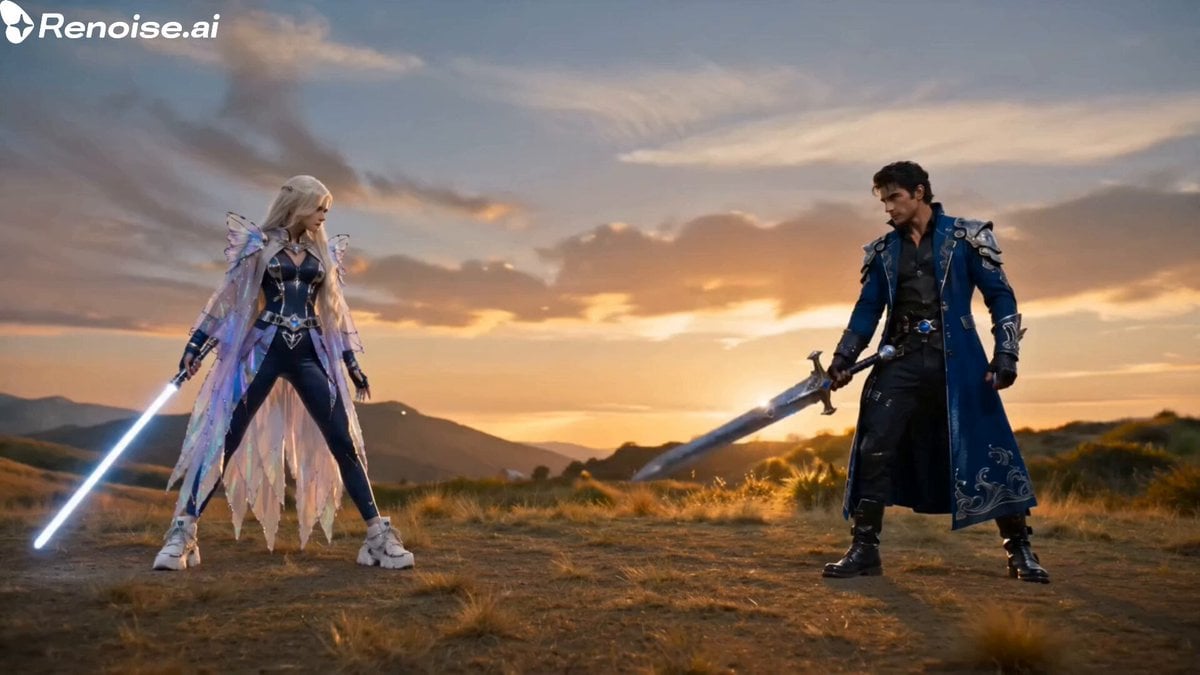
Cinematic Sword Duel Butterfly Climax
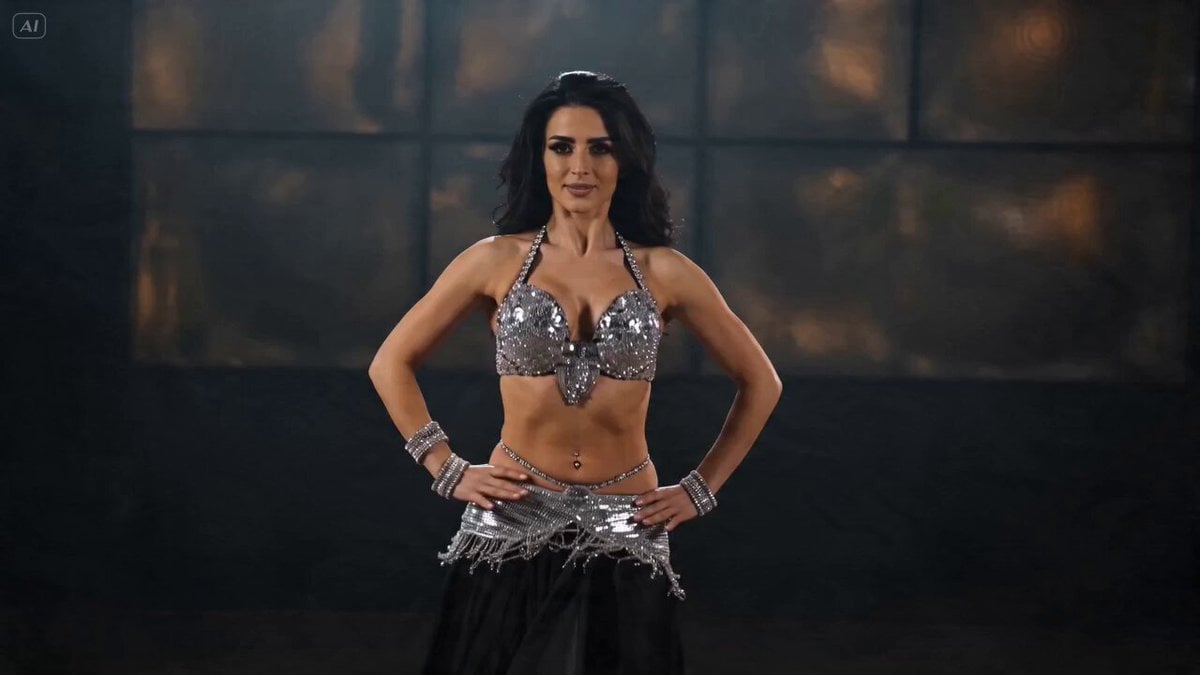
Belly Dance Performance Prompt
Browse template categories
Introspective Surreal Art Film questions
How do I use the Introspective Surreal Art Film template?
Add your photo if the template asks for one, edit the prompt if you like — the template's model and format are already selected — and press Generate. Your version opens in PicX Studio.
Can I customize the Introspective Surreal Art Film template?
Yes. You can change the subject, setting, lighting, mood, format, and available model controls before creating your video.
Is the Introspective Surreal Art Film template free?
Opening and editing this template is free. Generating uses credits, shown on the Generate button when you are signed in.
Which AI model should I use?
Start with Seedance 2.0, which is the model associated with this template. You can compare another compatible model for a different finish.
Looking for something else? Browse all templates.

Your photo, any look
Thousands of ready templates for every top image and video model, from one credit balance.