
Whale in the Sky — City Shadows (Kling AI)
Kling AI 3.0 prompt by @Artedeingenio — Simple but stunning: massive whale swimming slowly through the sky above skyscrapers, casting moving shadows over city streets below.
- Prompt included
- Model and format preset
- Free template
The prompt behind this video
Copy the exact prompt behind Whale in the Sky — City Shadows (Kling AI), or open it in the studio and make it yours.
Massive whale swimming slowly through the sky above skyscrapers, casting moving shadows over the streets below.
How to use Whale in the Sky — City Shadows (Kling AI) in 3 steps
- 1
Open
The prompt is already in the box next to the preview, with the template's model and format selected.
- 2…a portrait of your subject in softgolden-hour light, 85mm…
Personalize
Edit the subject and creative details for your destination.
- 3Generate
Generate
Press Generate — your video is created in PicX Studio, so you can compare it with the original and refine one variable at a time.
More like this
Templates with the same subject, style or setup. Open one to see its prompt.
Nano Banana Seedance Environment Render Walk
Stone Colossus Desert Riders — Golden Fire Reveal
Speeder Chase Across a Cliff City

Forest Fantasy Girl Short Film

Realistic City Street Story Cinematic Video - Seedance

Dragon Rider Cinematic Flight — Seedance 2.5

Luxury Lifestyle Day Vlog

Luxury Airport Travel Vlog

Italian Old-Town Time-Freeze Walk

Surreal Cinematic Whales Flying Over a City at Sunrise
Ice Queen — Frozen Battlefield Time Control (Seedance)
Dragon Rescue — Volcanic Kingdom Collapse (Seedance)
Make it yours
Whale in the Sky — City Shadows (Kling AI) works as-is. These are the safest ways to change it without losing the look.
Change one field
Copy a single group, rewrite it, and generate again so you can see what that field is doing.
Keep the frame, change the subject
Hold the composition and light of Whale in the Sky — City Shadows (Kling AI), then swap wardrobe, props or the person for a new take.
| If the result… | Why | Fix |
|---|---|---|
| The result drifts from the preview | Too many fields changed at once. | Reuse Whale in the Sky — City Shadows (Kling AI) as-is first, then change one group — subject, light, or setting. |
| The model over-stylizes the scene | The prose prompt leaves finish and camera underspecified. | Add one camera or lighting sentence and stay on Kling. |
More video prompts
Fresh picks from across the catalog.

Tiny Dragons in Water Bucket
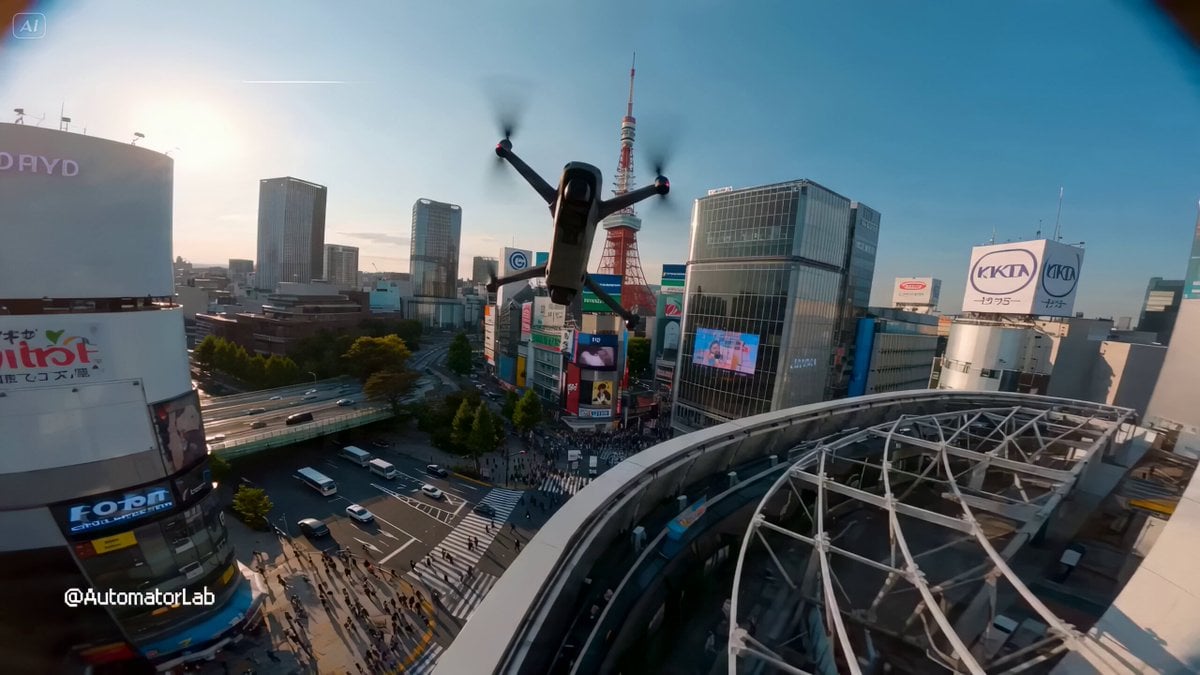
FPV drone shot through Tokyo

Internet Cafe Coffee Spill Cinematic Story

Arcee and Bumblebee Kissathon
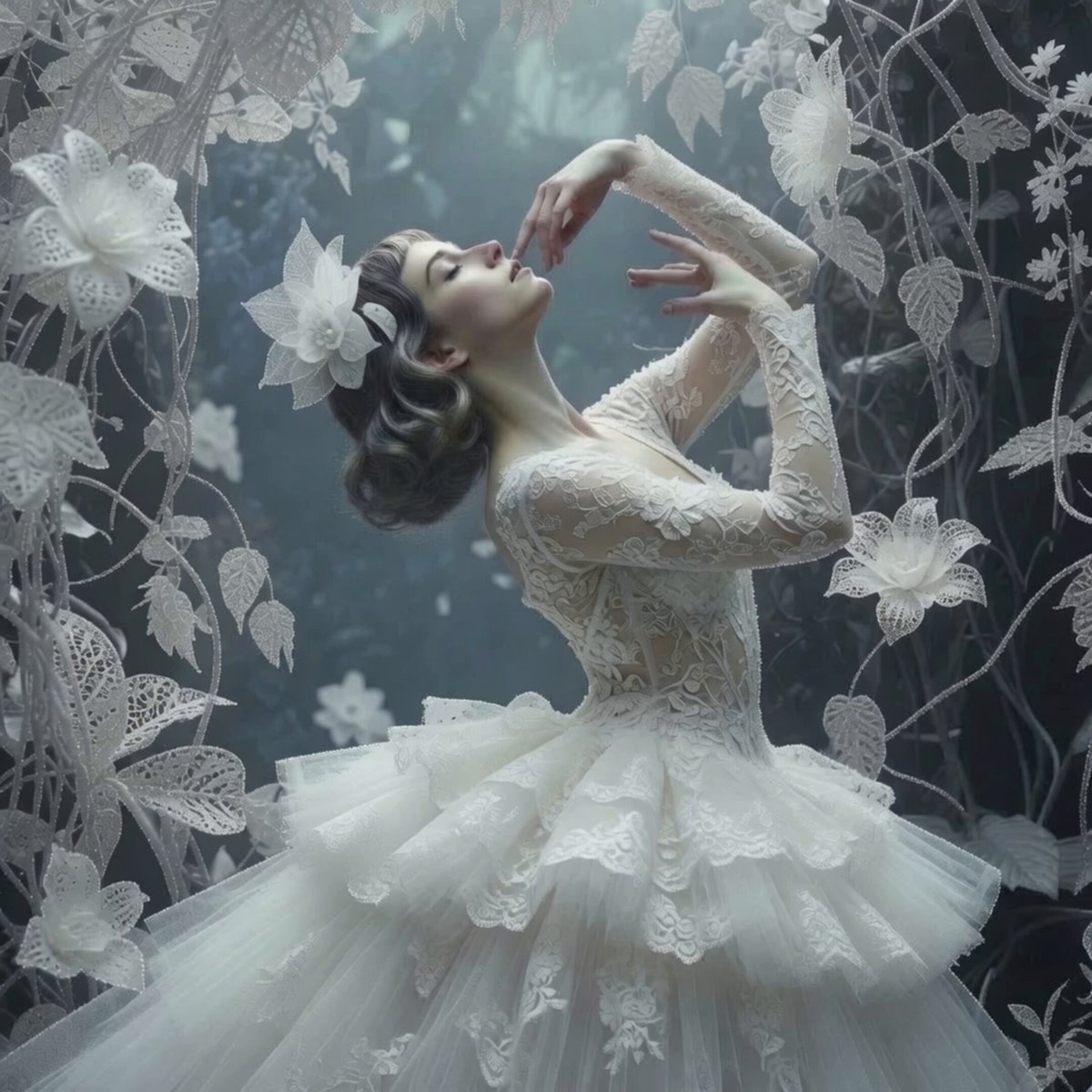
Ethereal Ballerina Garden Dance
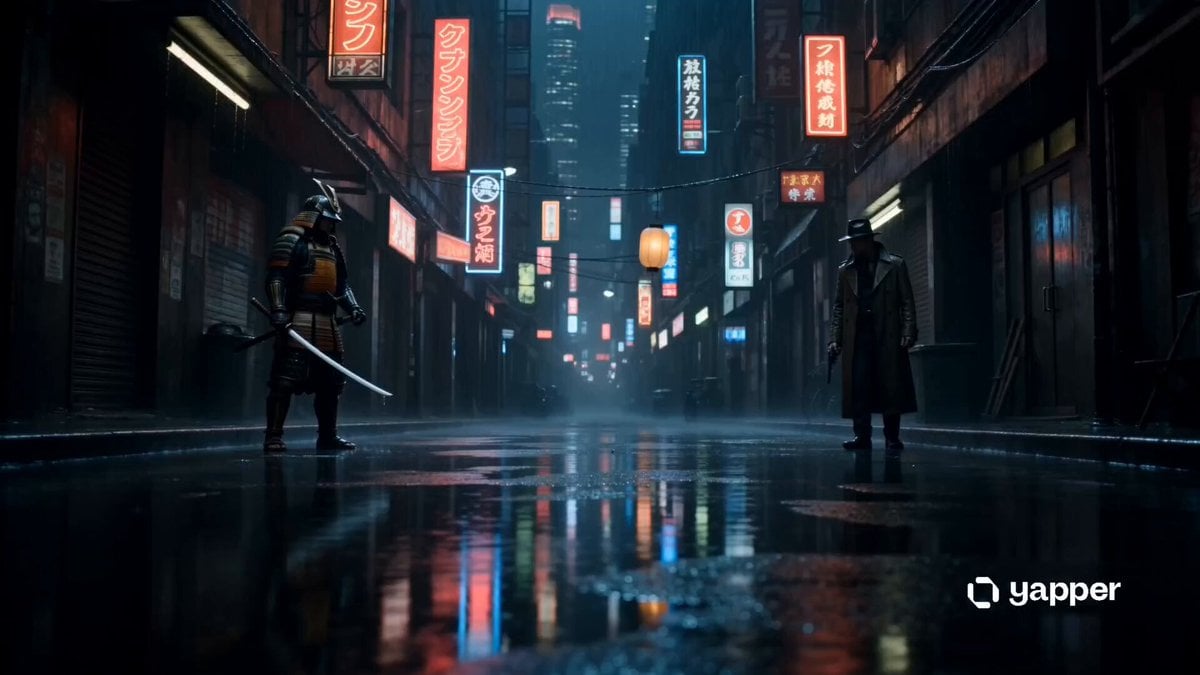
Cyberpunk Samurai vs Gunman Standoff
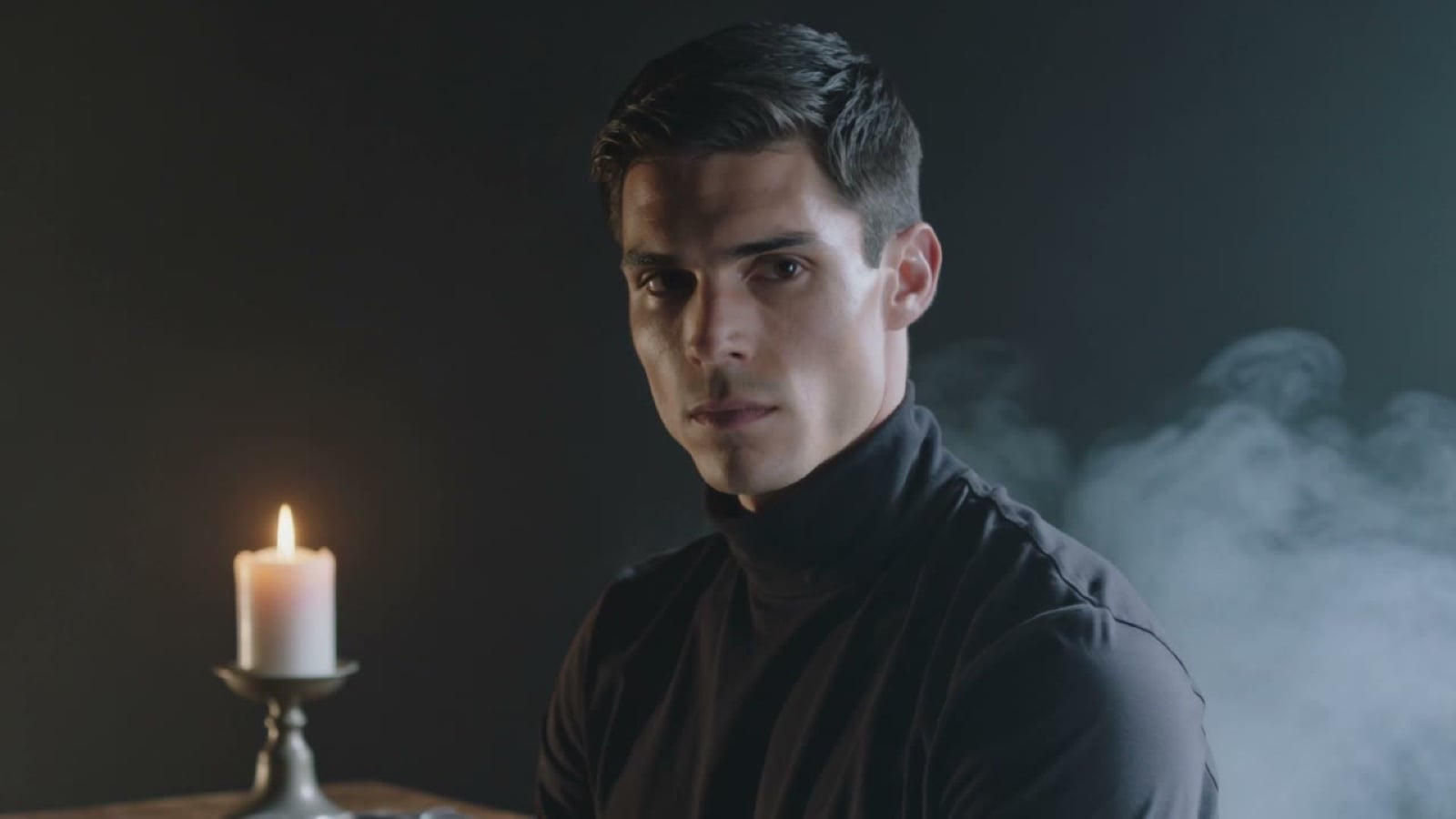
X Johnagi168 This Is My Work Gpt Image 2 Seedance 2 0
Automatic Door Sensor Comedy

Gritty Handheld 35mm Aesthetic
Smartphone Style Summer Pool Party Video
Browse template categories
Whale in the Sky — City Shadows (Kling AI) questions
How do I use the Whale in the Sky — City Shadows (Kling AI) template?
Add your photo if the template asks for one, edit the prompt if you like — the template's model and format are already selected — and press Generate. Your version opens in PicX Studio.
Can I customize the Whale in the Sky — City Shadows (Kling AI) template?
Yes. You can change the subject, setting, lighting, mood, format, and available model controls before creating your video.
Is the Whale in the Sky — City Shadows (Kling AI) template free?
Opening and editing this template is free. Generating uses credits, shown on the Generate button when you are signed in.
Which AI model should I use?
Start with Kling, which is the model associated with this template. You can compare another compatible model for a different finish.
Looking for something else? Browse all templates.

Your photo, any look
Thousands of ready templates for every top image and video model, from one credit balance.