How do I use the Cinematic IMAX Video Blending Two Images template?
Edit the prompt in the box under the preview — the template's model and format are already selected — and press Generate. Your version appears right on this page.
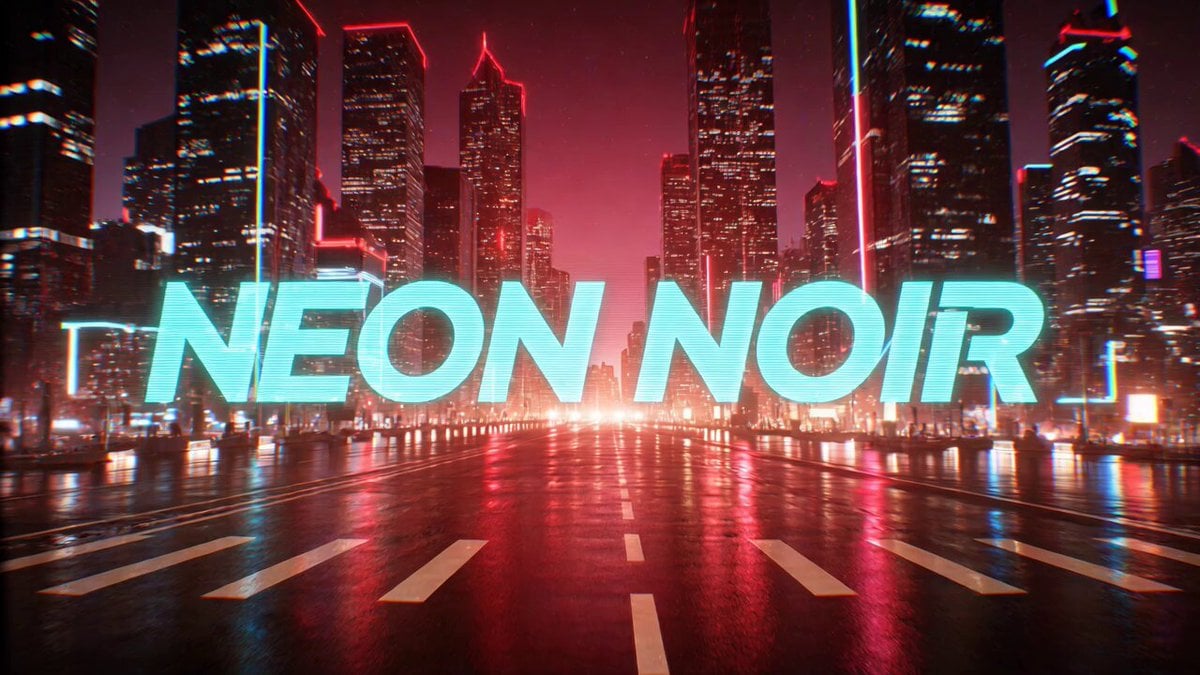
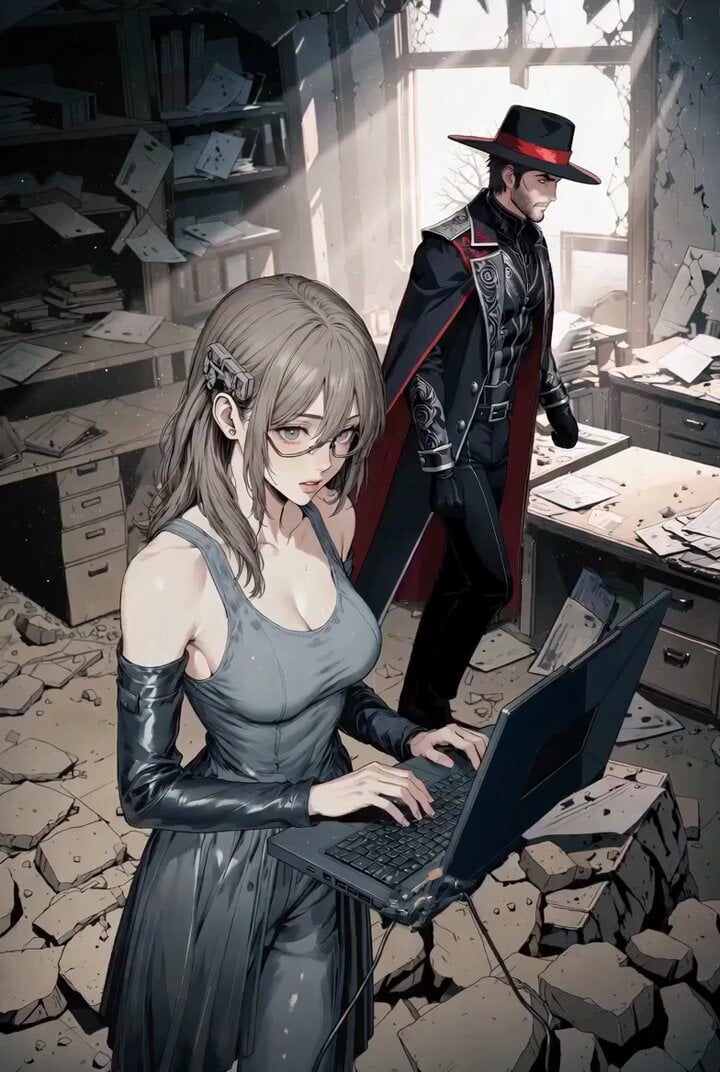
A detailed prompt designed for Grok Imagine to create a high-quality, cinematic IMAX video that seamlessly blends two reference images into a single, visually rich narrative.
This template uses your photo — add one with the + button.
Create a cinematic IMAX quality video that seamlessly blends two reference images into a single frame. The camera using a large format IMAX camera with a 50mm anamorphic lens, ultra shallow depth of field, rich cinematic lighting and volumetric atmosphere. Lighting is dramatic and filmic with high dynamic range, soft cinematic shadows, subtle lens bloom, natural film grain and IMAX scale composition. IMAX quality, ultra detailed, cinematic color grading, atmospheric depth, epic storytelling frame.
Create a cinematic IMAX quality video that seamlessly blends two reference images into a single frame. The camera using a large format IMAX camera with a 50mm anamorphic lens, ultra shallow depth of field, rich cinematic lighting and volumetric atmosphere. Lighting is dramatic and filmic with high dynamic range, soft cinematic shadows, subtle lens bloom, natural film grain and IMAX scale composition. IMAX quality, ultra detailed, cinematic color grading, atmospheric depth, epic storytelling frame.
Cinematic IMAX Video Blending Two Images needs input media to work. Open it in the studio and these load alongside the prompt — pick whichever ones your chosen model can take.
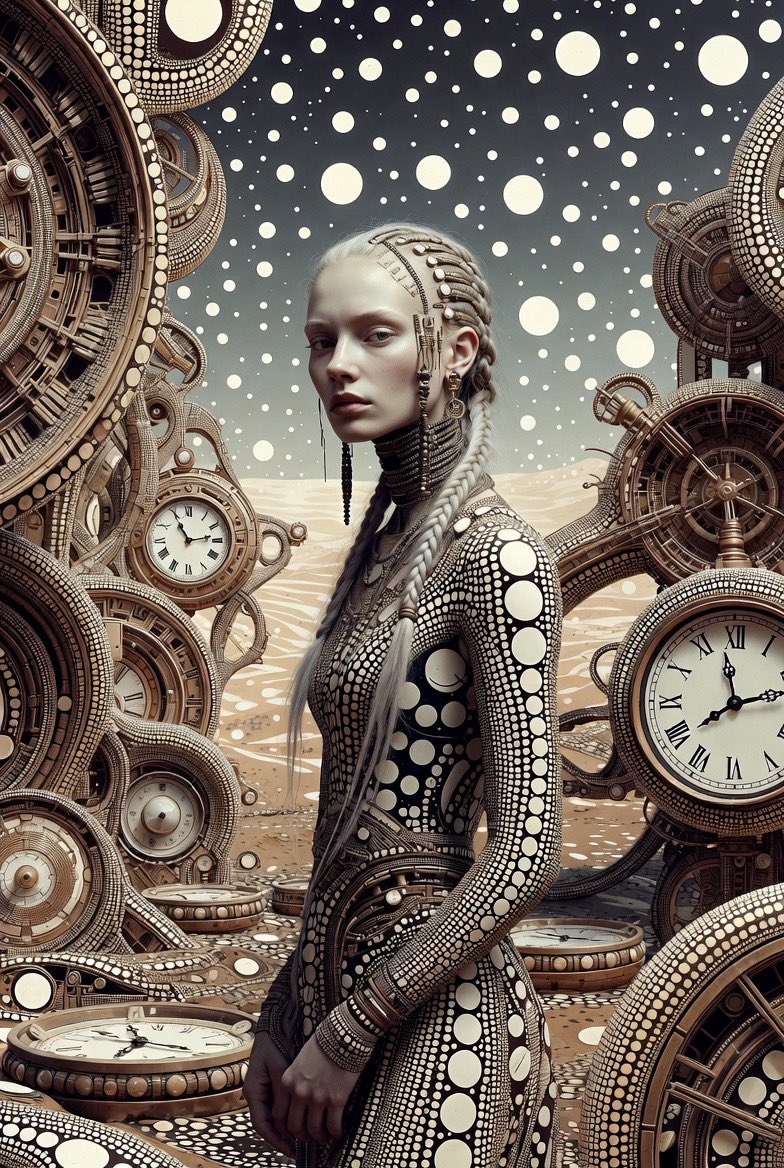
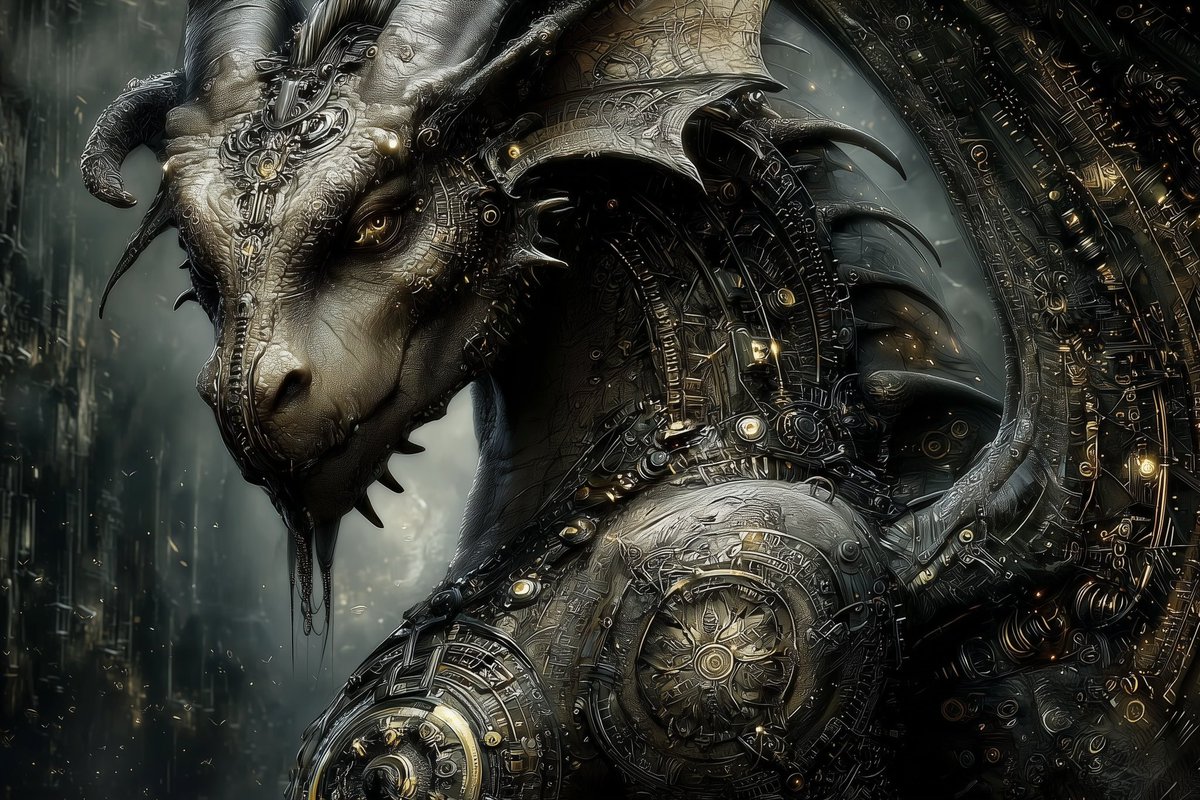
Edit the prompt in the box under the preview — the template's model and format are already selected — and press Generate. Your version appears right on this page.
Yes. You can change the subject, setting, lighting, mood, format, and available model controls before creating your video.
Opening and editing this template is free. Generating uses credits, shown on the Generate button when you are signed in.
Start with Grok Imagine, which is the model associated with this template. You can compare another compatible model for a different finish.
Follow a topic to a crawlable collection of related PicX Studio templates.