How do I use the MAX POWER Desert Storm Action Scene template?
Edit the prompt in the box under the preview — the template's model and format are already selected — and press Generate. Your version appears right on this page.
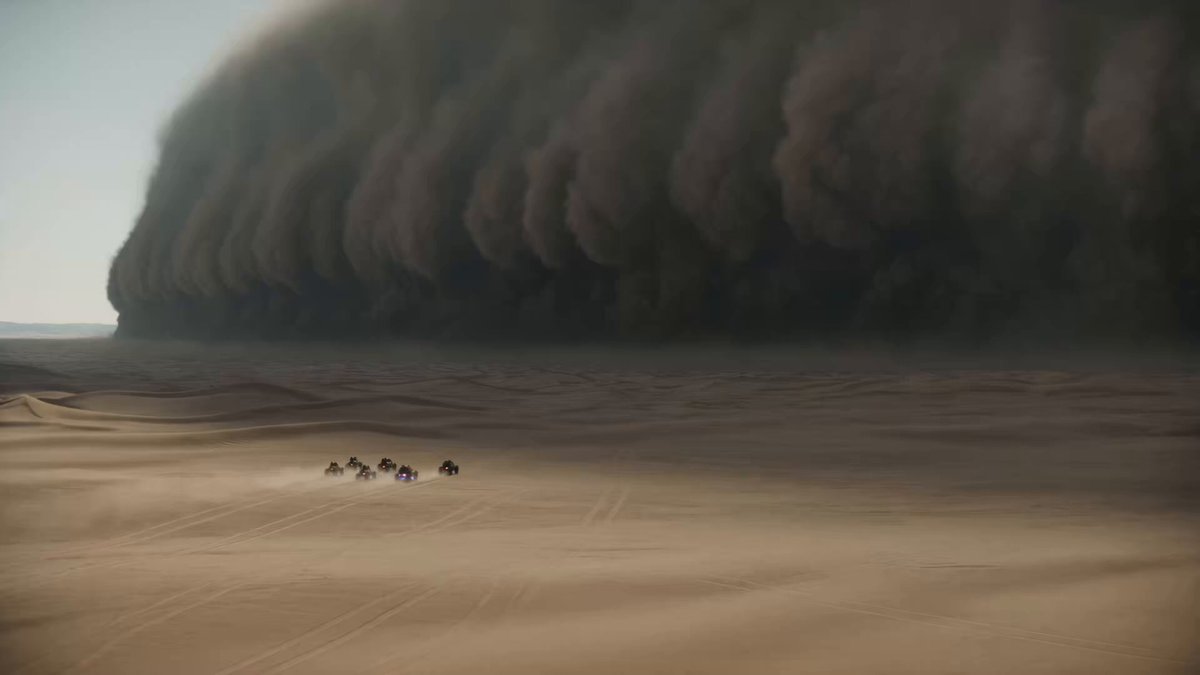
A detailed, multi-shot prompt designed to generate an epic, gritty, Denis Villeneuve-style desert action scene with a colossal sandstorm and a military convoy, focusing on scale, panic, and climax.
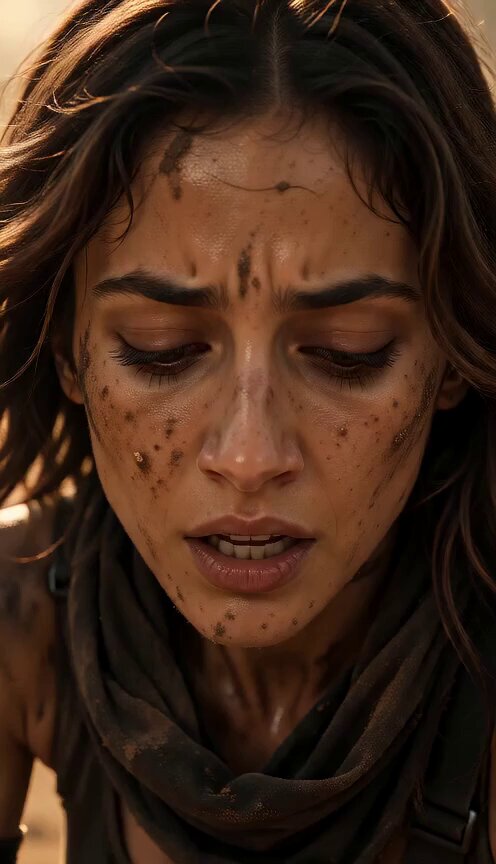
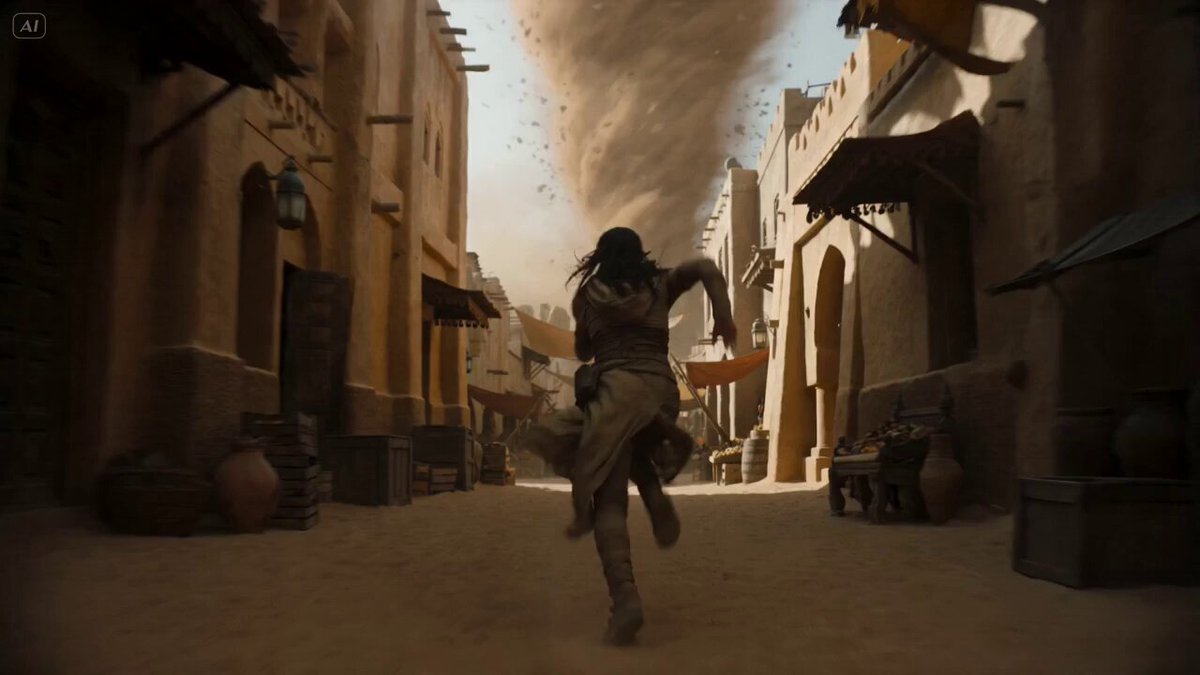
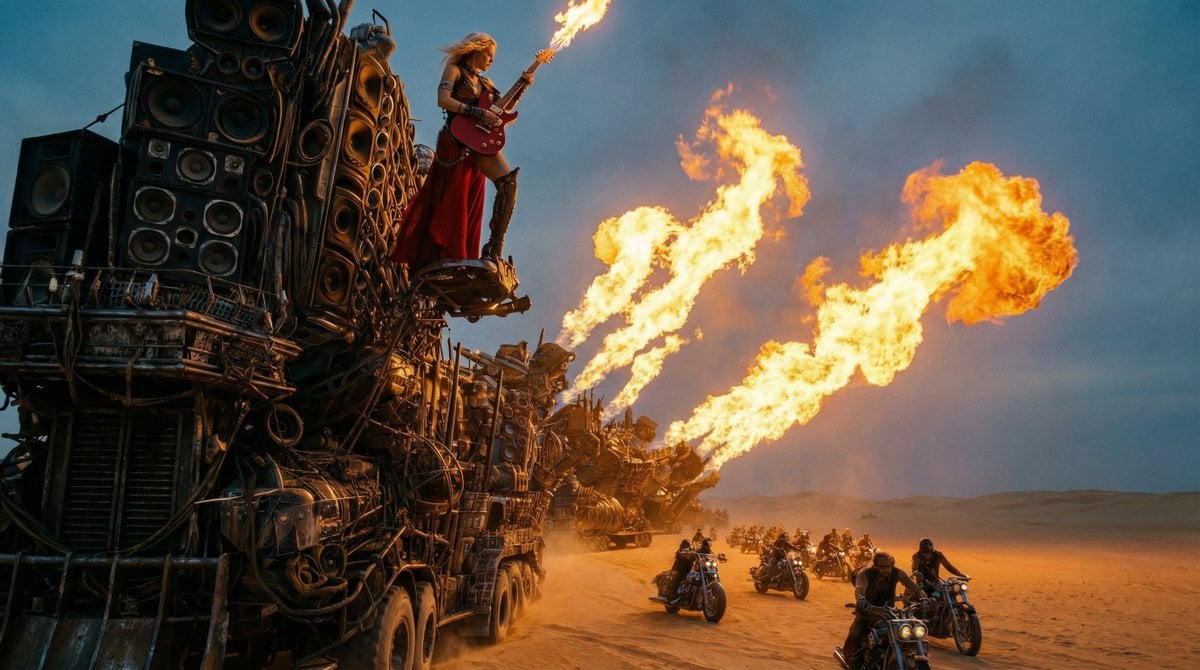
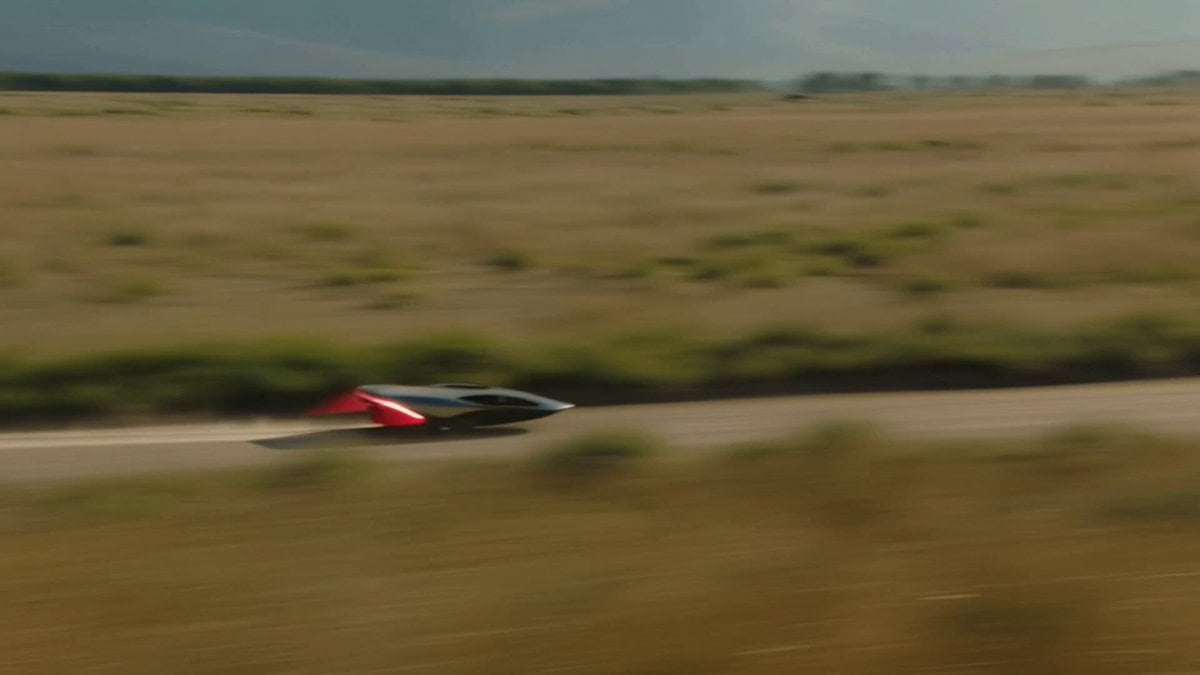
Style: IMAX 70mm Film, Denis Villeneuve Style, Gritty Realism, Epic Scale, Desaturated. Duration: 15s. [00-05s] Extreme Wide Shot (The Scale). A colossal sandstorm, miles high, swallows a vast desert landscape. A tiny convoy of armored military vehicles races away from it. The scale of nature vs man is terrifying. Hans Zimmer style tension. [05-10s] Cockpit Cam (The Panic). Inside the lead rover. The pilot screams "GO! GO!" (Subtitle: MAX POWER!). Camera shakes violently. Sand blasts the windshield. The sun is blocked out by the approaching wall of dust. [10-15s] The Jump (The Climax). The rover hits a massive dune and launches into the air (Slow Motion). Silhouette against the dark storm. Lightning strikes within the dust cloud. Debris flies past the lens. Cut to black on impact.
Style: IMAX 70mm Film, Denis Villeneuve Style, Gritty Realism, Epic Scale, Desaturated. Duration: 15s. [00-05s] Extreme Wide Shot (The Scale). A colossal sandstorm, miles high, swallows a vast desert landscape. A tiny convoy of armored military vehicles races away from it. The scale of nature vs man is terrifying. Hans Zimmer style tension. [05-10s] Cockpit Cam (The Panic). Inside the lead rover. The pilot screams "GO! GO!" (Subtitle: MAX POWER!). Camera shakes violently. Sand blasts the windshield. The sun is blocked out by the approaching wall of dust. [10-15s] The Jump (The Climax). The rover hits a massive dune and launches into the air (Slow Motion). Silhouette against the dark storm. Lightning strikes within the dust cloud. Debris flies past the lens. Cut to black on impact.
Edit the prompt in the box under the preview — the template's model and format are already selected — and press Generate. Your version appears right on this page.
Yes. You can change the subject, setting, lighting, mood, format, and available model controls before creating your video.
Opening and editing this template is free. Generating uses credits, shown on the Generate button when you are signed in.
Start with Seedance 2.0, which is the model associated with this template. You can compare another compatible model for a different finish.
Follow a topic to a crawlable collection of related PicX Studio templates.