
Misty Watercolor Mountain Sword Dance
A stylistic digital painting prompt for Seedance 2.0 depicting a transcendent sword dance on a misty mountain lake with ink-brush calligraphy effects.
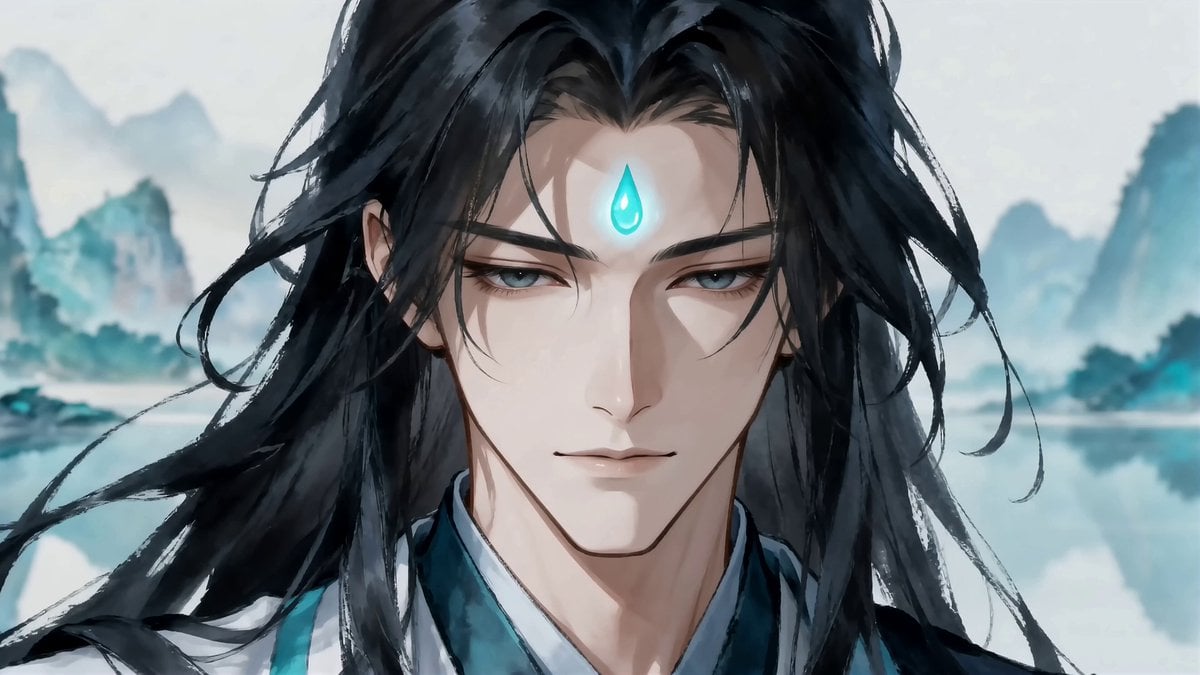
- Prompt included
- Model and format preset
- Free template
The prompt behind this video
Copy the exact prompt behind Misty Watercolor Mountain Sword Dance, or open it in the studio and make it yours.
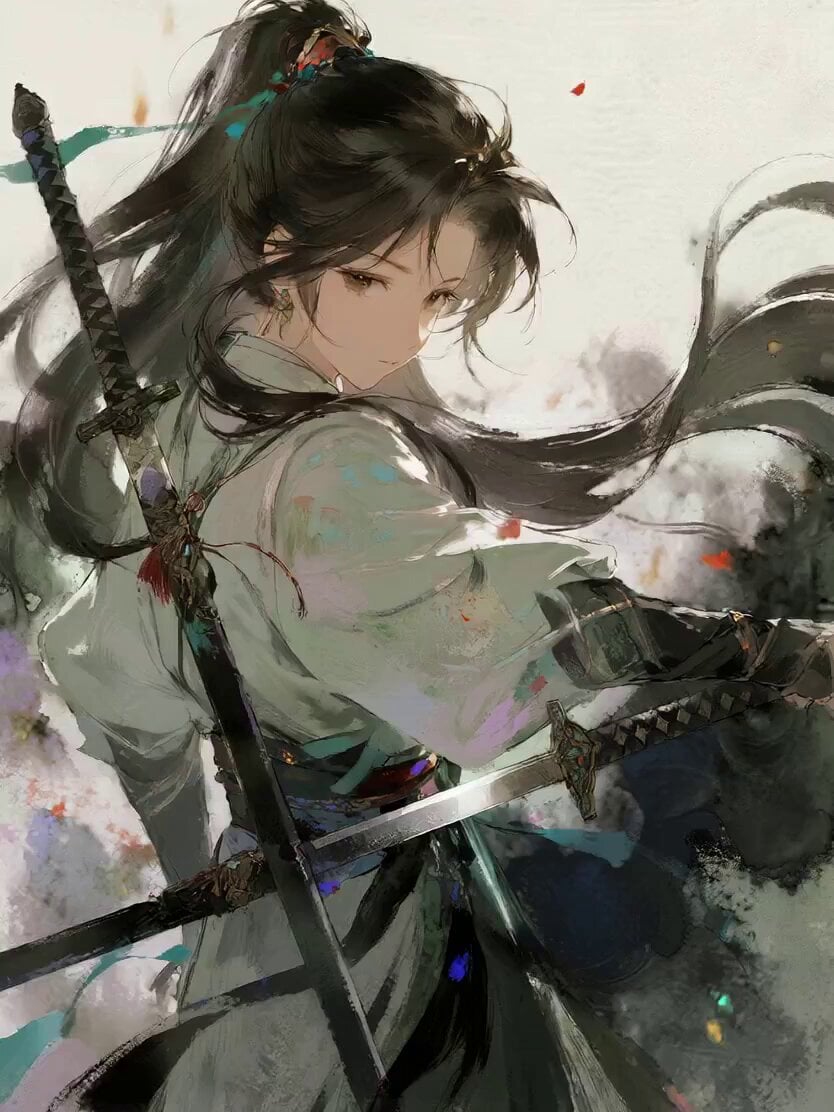
SUBJECTS: Xiao Yan <<<image_2>>>, Sword God of the Immortal Realm, tall and serene, long flowing black hair, glowing teal forehead mark, layered white and dark robes with teal trim, calm transcendent expression, movements swift and precise. ENVIRONMENT: Misty watercolor mountain lake <<<image_1>>>, towering blue-teal karst peaks fading into white haze, vast still water surface reflecting the mountains like a mirror, soft diffused light, gentle mist drifting between the peaks. The entire video remains in this single lake setting, with Xiao Yan standing on the water's surface. STYLE: Digital painting feel. Large simplified color blocks, hard-edge brushwork, low-detail structure, soft ink-wash atmosphere, preserving hand-drawn texture. All sword swings leave black-and-white ink-brush trails, like strokes painted with a calligraphy brush. No realistic 3D feel, no commercial CG advertisement feel, no polished realism. All sword movements are fast, sharp, and decisive — never slow or floaty. SHOT 1 (0–2s): Hard cut opening. Close-up shot, 35mm, steady hold / Xiao Yan raises his hand upward, and a sword materializes progressively along the path of his rising hand — the blade forms only as far as his hand has moved, appearing segment by segment rather than all at once, faint teal light tracing its emerging edge / SFX: low resonant hum, soft chime as the blade completes SHOT 2 (2–6s): Top-down high-angle shot, 50mm, steady overhead hold / A circular ripple wave radiates outward across the lake surface with Xiao Yan at its center. He begins moving in swift footwork while dancing with the newly formed sword — first a sharp forward thrust, then a full 360-degree spinning slash, then a quick step-dash to a new position. Every time his feet touch down in the footwork, the still lake surface ripples outward from beneath him. Every sword stroke leaves a black-and-white ink-brush trail in the air / SFX: water ripples spreading, blade cutting air, quick footsteps skimming water SHOT 3 (6–12s): Medium tracking shot following his body, 35mm, camera shaking with each strike / Xiao Yan continues spinning and weaving rapid, intricate sword patterns — spinning slashes and leaping cuts blending into a fast continuous rhythm, each movement decisive and explosive. Every slash trails black-and-white ink-brush strokes through the air, layering like living calligraphy. The camera jolts with every cut, and the lake surface sends out expanding waves each time he steps and dashes across the water / SFX: rapid blade whooshes, sharp air cracks, rhythmic water splashes, rising orchestral tension SHOT 4 (12–15s): Ending shot. Close-up from directly in front of his face, camera slowly pulling backward / The sword dance complete, Xiao Yan holds still as the sword in his hand gradually dissolves into nothingness — glowing light particles rise from wherever the blade is fading, the particles appearing progressively
How to use Misty Watercolor Mountain Sword Dance in 3 steps
- 1
Open
The prompt is already in the box next to the preview, with the template's model and format selected.
- 2…a portrait of your subject in softgolden-hour light, 85mm…
Personalize
Edit the subject and creative details for your destination.
- 3Generate
Generate
Press Generate — your video is created in PicX Studio, so you can compare it with the original and refine one variable at a time.
More like this
Templates with the same subject, style or setup. Open one to see its prompt.
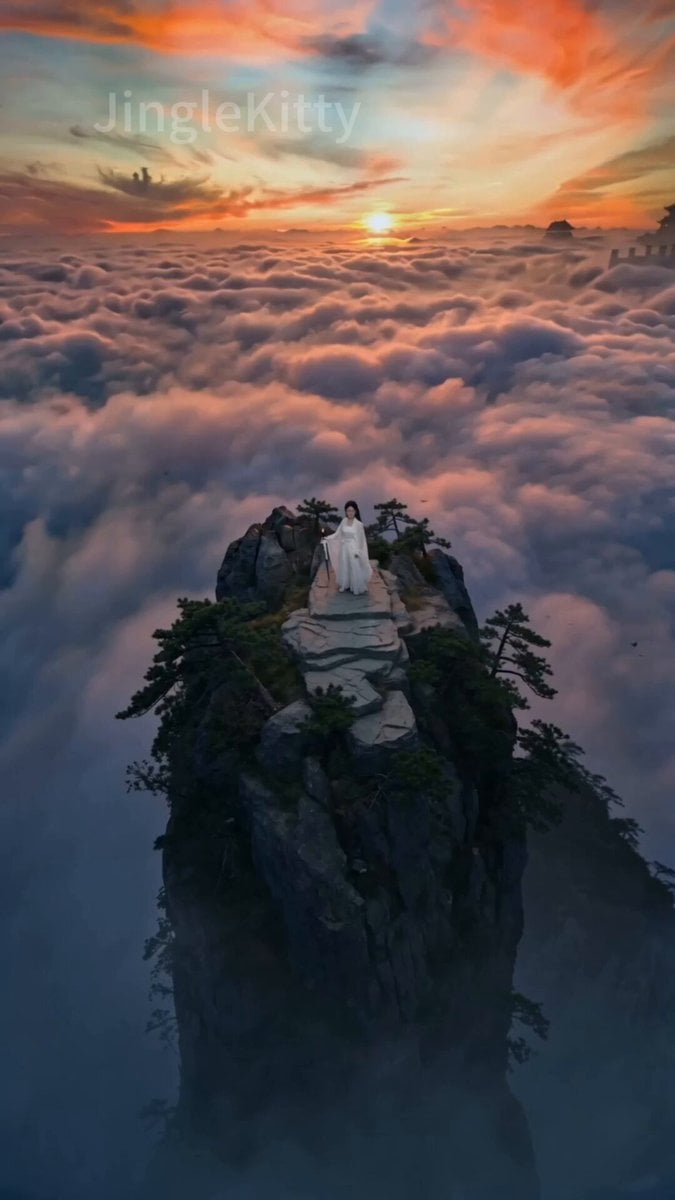
Wuxia Swordplay on a Mountain Peak (Seedance 2.0)
Griffin Knight Mountain Kingdom — Seedance 2.0
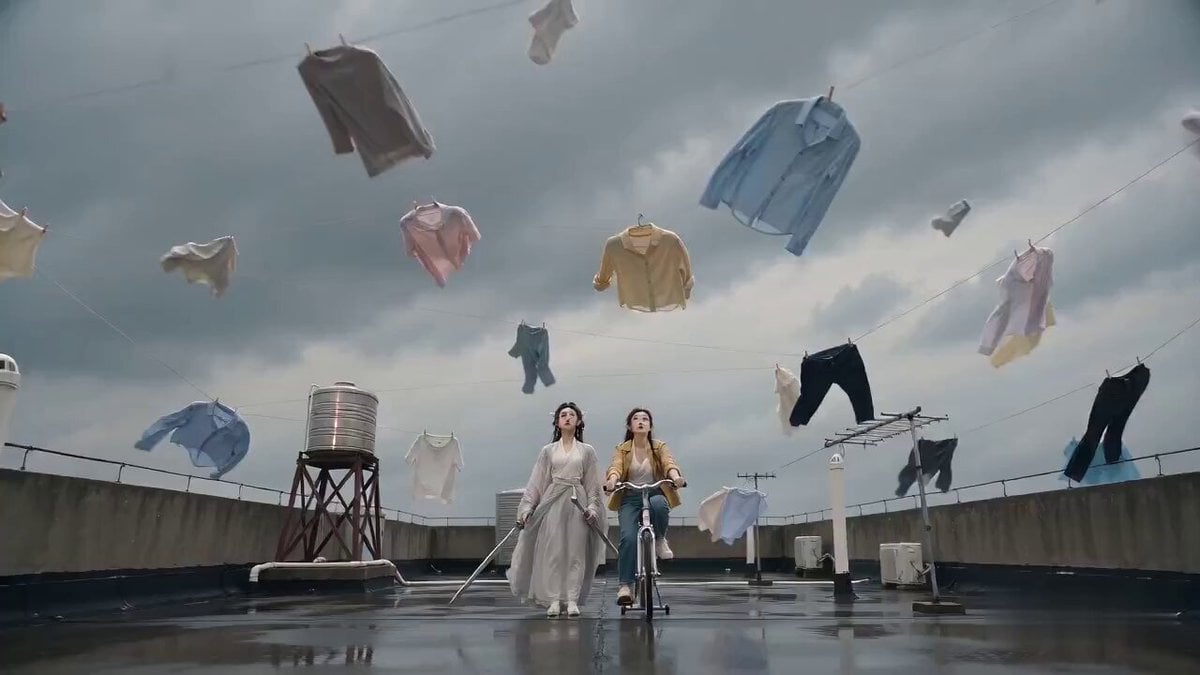
Seedance 2.0 Sword Formation Laundry Comedy Video Prompt
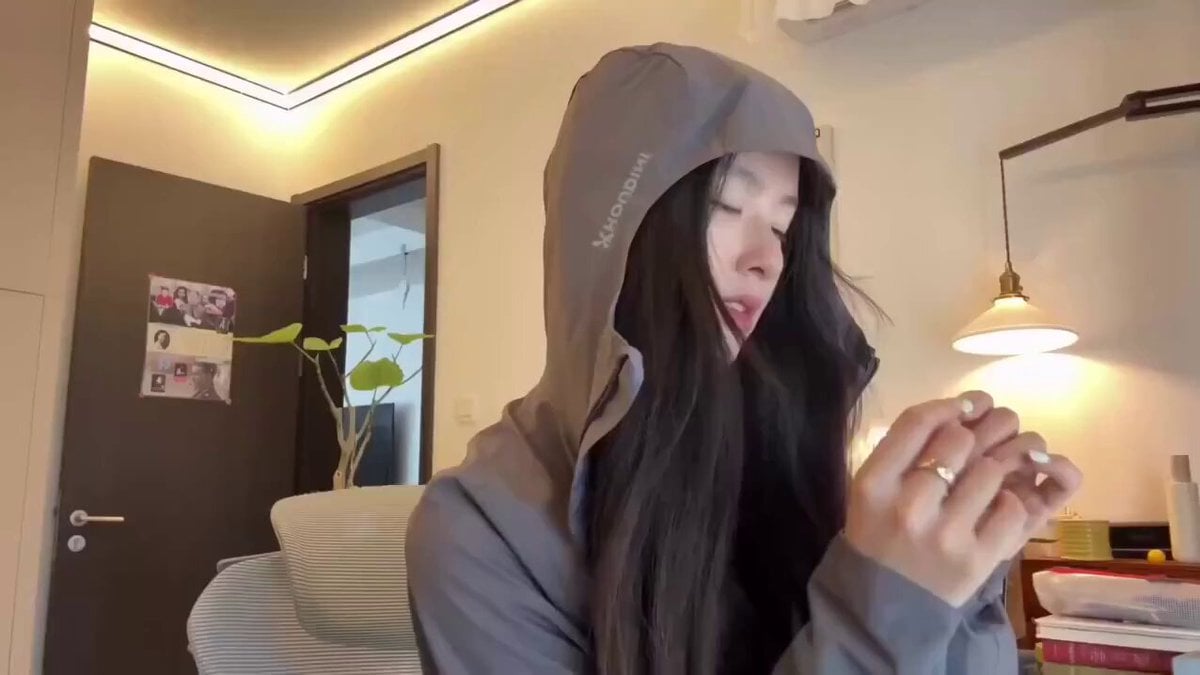
Cyberpunk Holographic Dance Performance - Seedance 2.5
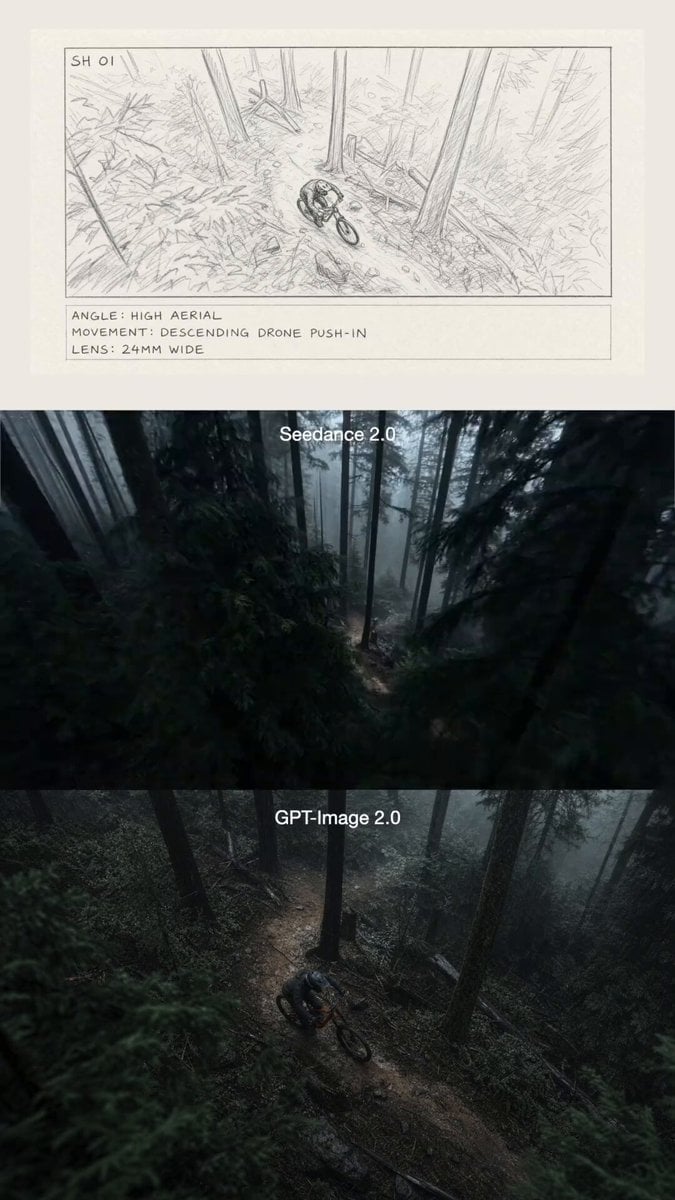
Mountain Biker in Misty Forest
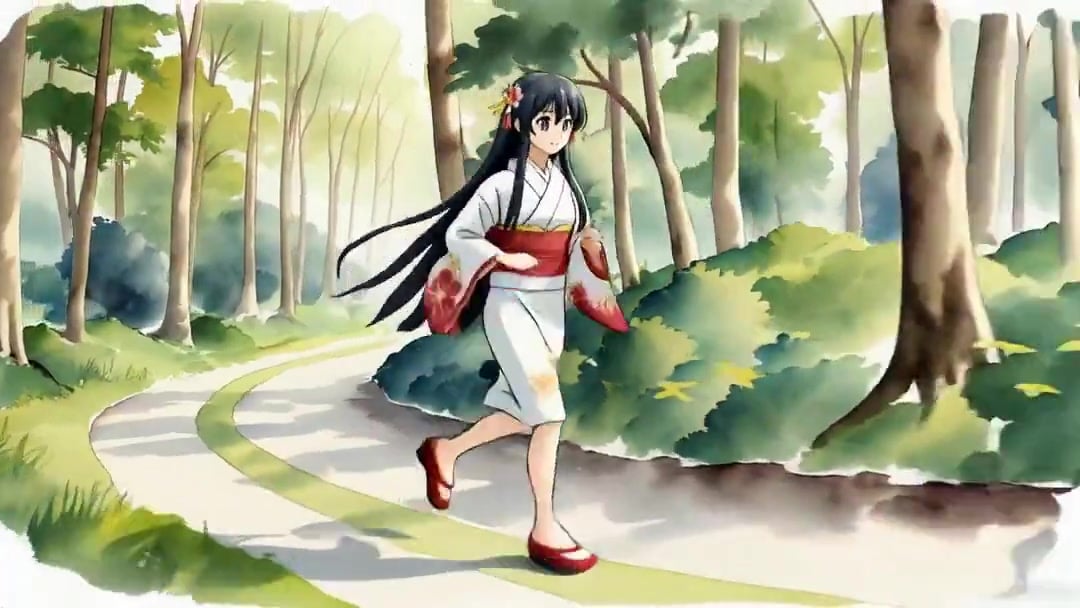
Vid2Vid Watercolor Style Transfer — Kling 3.0 O3 Pro
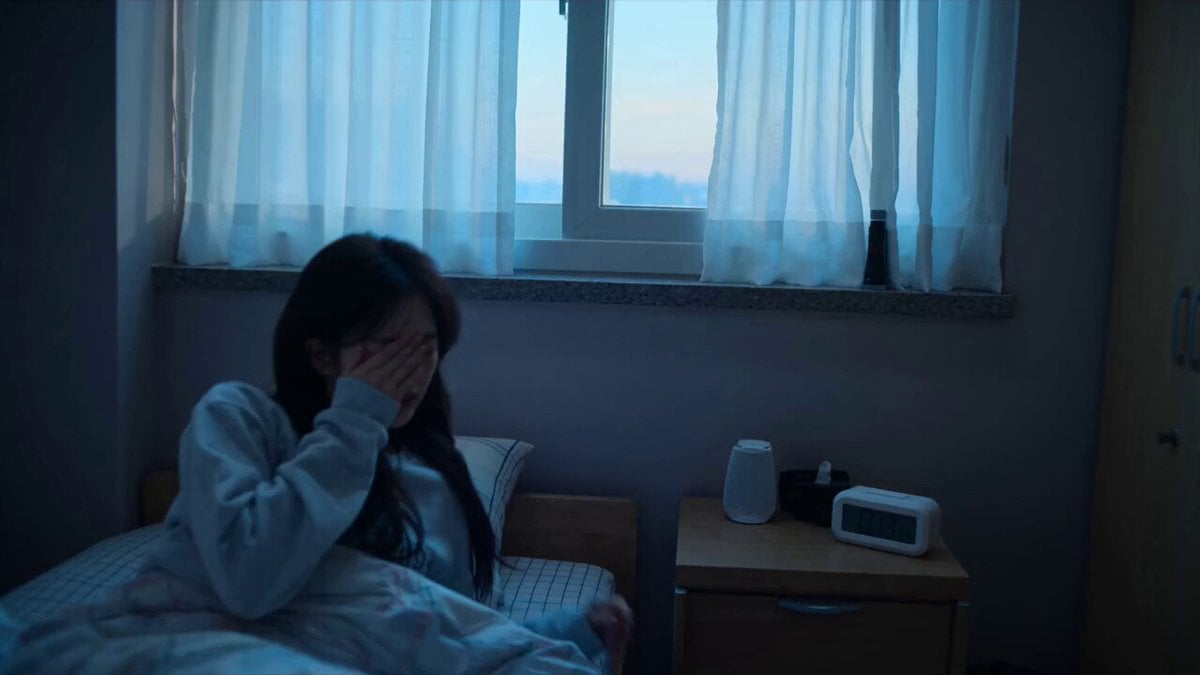
Early-2000s Trainee Flashback Film
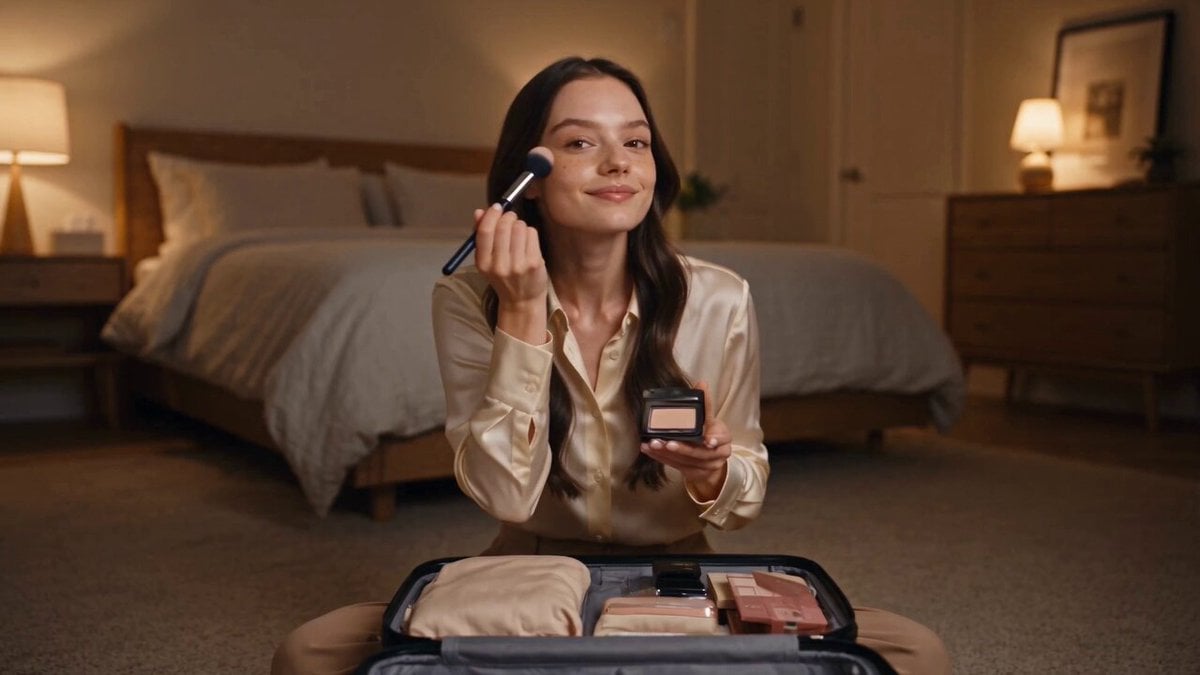
Luxury Airport Travel Vlog
Ink Wash Watercolor Dancer
Snowy Mountain SUV Dance
Watercolor Ink Sword Performance
Seedance 2.0 Font Video Generation Prompt (Sword Style)
Make it yours
Misty Watercolor Mountain Sword Dance works as-is. These are the safest ways to change it without losing the look.
Change one field
Copy a single group, rewrite it, and generate again so you can see what that field is doing.
Keep the frame, change the subject
Hold the composition and light of Misty Watercolor Mountain Sword Dance, then swap wardrobe, props or the person for a new take.
| If the result… | Why | Fix |
|---|---|---|
| The result drifts from the preview | Too many fields changed at once. | Reuse Misty Watercolor Mountain Sword Dance as-is first, then change one group — subject, light, or setting. |
| The model over-stylizes the scene | The prose prompt leaves finish and camera underspecified. | Add one camera or lighting sentence and stay on Seedance 2.0. |
More Seedance 2.0 templates
Other prompts made for Seedance 2.0.

Comical Martial Arts Punch Scene

Maglev Train Action Sequence

Martial Arts Fight Sequence

Wuxia Protection and Trust Script

Vintage Korean Arcade MiniDV Vlog

Mercedes 190 SL Luxury Ad

Rainy Night Supernatural Reverse Comedy Video Script

Amazon Civilization Discovery

Futuristic South Asian City Transformation

Cozy Luxury Cafe Commercial
More video prompts
Fresh picks from across the catalog.
Haute Couture Dream Bokeh Film

South Park Gang Pizza Party Prompt
Desert to Oasis Time-lapse
Ice Cream Preparation Commercial
Ancient Dragon Storm Entrance
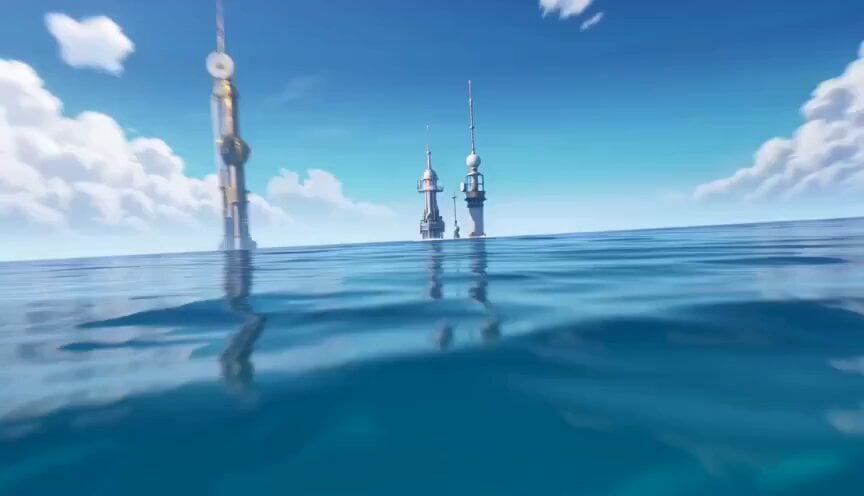
Heroic Fantasy Kraken Battle
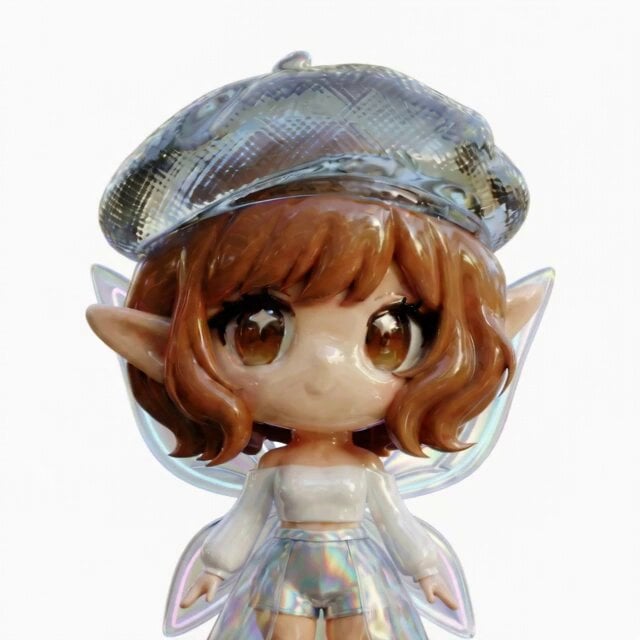
3D Glossy Fairy Animation - Seedance 2.5
Cinematic KitKat Commercial
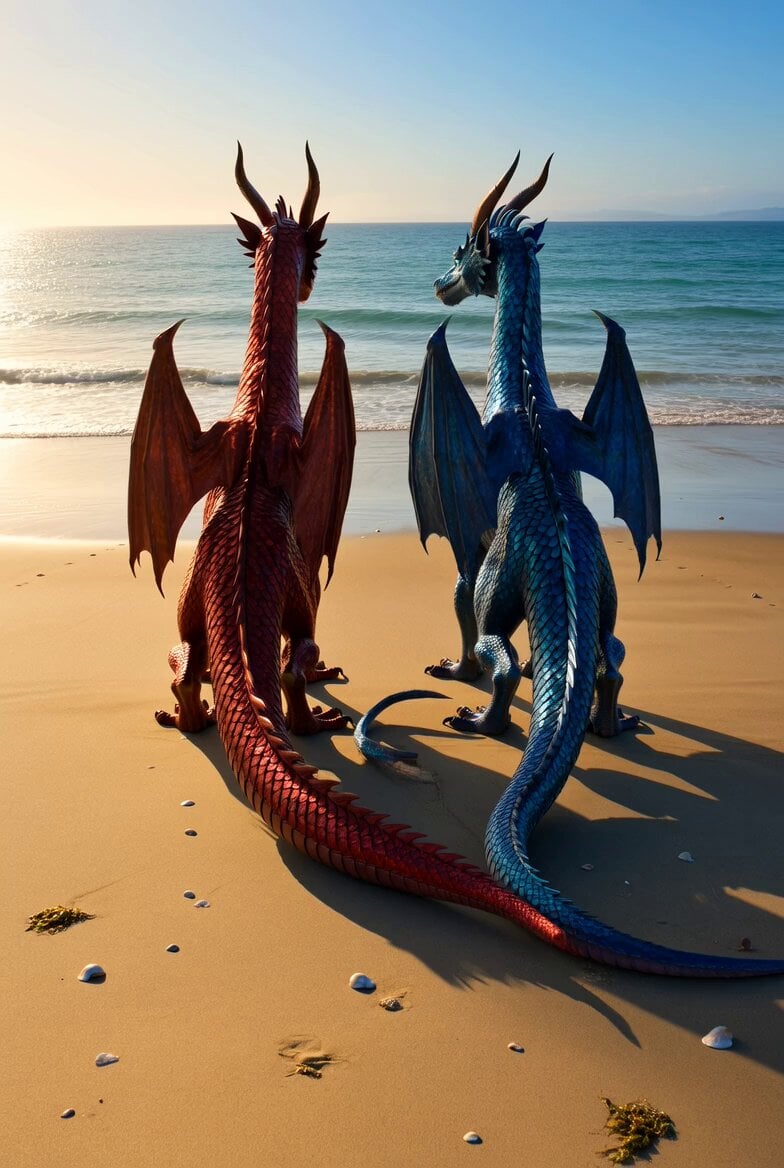
Shimmering Dragons on Ocean Beach
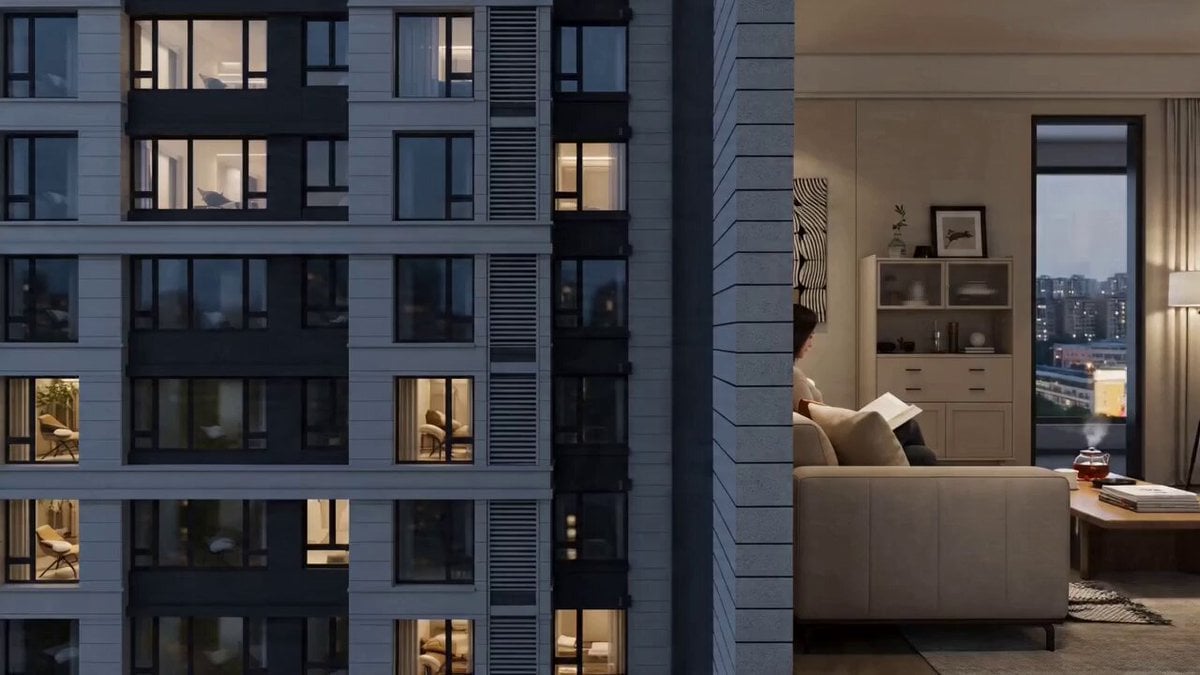
Seedance 2.0 Prompt: Beijing Apartment Cross-Section
Browse template categories
Misty Watercolor Mountain Sword Dance questions
How do I use the Misty Watercolor Mountain Sword Dance template?
Add your photo if the template asks for one, edit the prompt if you like — the template's model and format are already selected — and press Generate. Your version opens in PicX Studio.
Can I customize the Misty Watercolor Mountain Sword Dance template?
Yes. You can change the subject, setting, lighting, mood, format, and available model controls before creating your video.
Is the Misty Watercolor Mountain Sword Dance template free?
Opening and editing this template is free. Generating uses credits, shown on the Generate button when you are signed in.
Which AI model should I use?
Start with Seedance 2.0, which is the model associated with this template. You can compare another compatible model for a different finish.
Looking for something else? Browse all templates.

Your photo, any look
Thousands of ready templates for every top image and video model, from one credit balance.