
Desert to Oasis Time-lapse
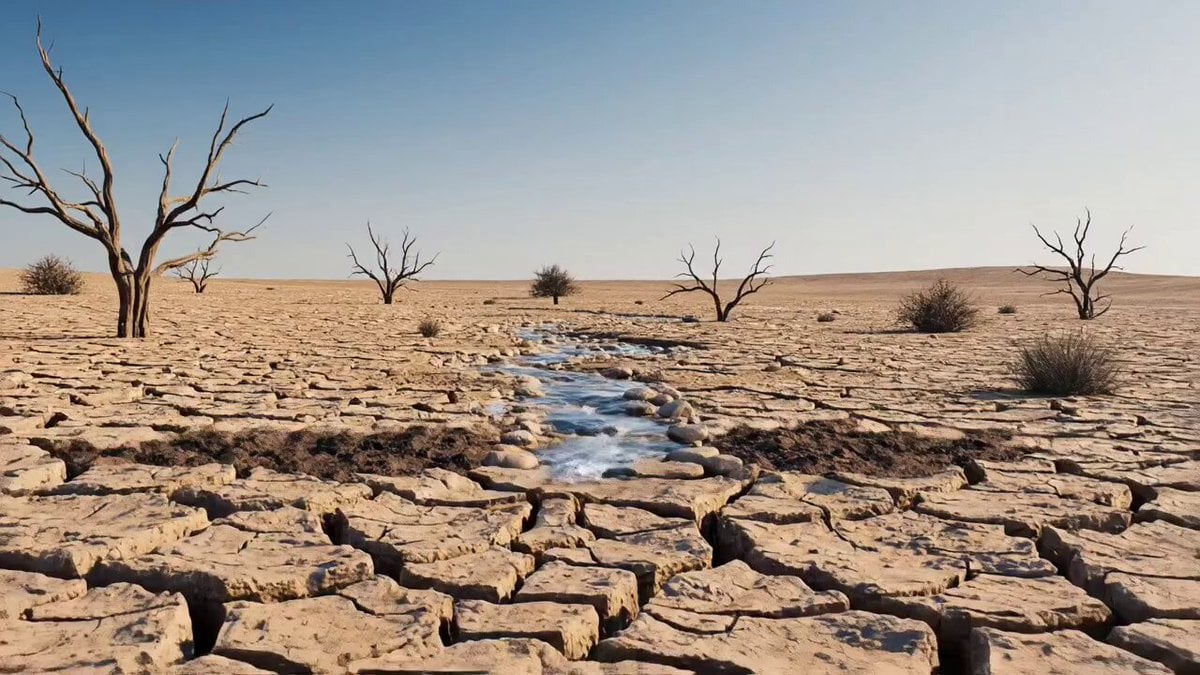
A hyper-detailed 4K cinematic time-lapse of a dry desert landscape transforming into a lush, thriving garden orchard.
- Prompt included
- Model and format preset
- Free template
The prompt behind this video
Copy the exact prompt behind Desert to Oasis Time-lapse, or open it in the studio and make it yours.
Ultra-realistic cinematic time-lapse of a cracked desert transforming into a lush green oasis. A thin stream of water flows through dry, broken earth, then rapidly expands, triggering fertile soil to spread and vegetation to sprout. Plants grow instantly into fruit-filled trees - apples, oranges, cucumbers, tomatoes, and melons - turning the desert into a dense garden. Yellow birds appear, flying and perching as life flourishes. Smooth camera push-in, natural daylight shifting from harsh desert tones to vibrant greenery. Hyper-detailed, 4K, cinematic nature transformation, continuous motion, final frame shows a fully thriving orchard with flowing water and wildlife.
How to use Desert to Oasis Time-lapse in 3 steps
- 1
Open
The prompt is already in the box next to the preview, with the template's model and format selected.
- 2…a portrait of your subject in softgolden-hour light, 85mm…
Personalize
Edit the subject and creative details for your destination.
- 3Generate
Generate
Press Generate — your video is created in PicX Studio, so you can compare it with the original and refine one variable at a time.
More like this
Templates with the same subject, style or setup. Open one to see its prompt.
Civilization Timelapse — Centuries in One Shot
1950s Diner Time Freeze Rewind - Seedance 2.5

Korean Night Market Bullet-Time Scene - Seedance 2.5
Desert Horned Lizard Grapefruit Ad

Floating Desert Museum Cinematic Film
Desert Oasis Video Prompt

Walking Factory with Rebel on Hoverbike - Wasteland
Time Stealer — Seedance 2.0
Thornmaw Monarch — Crimson Glass Desert Beast
Stone Colossus Desert Riders — Golden Fire Reveal
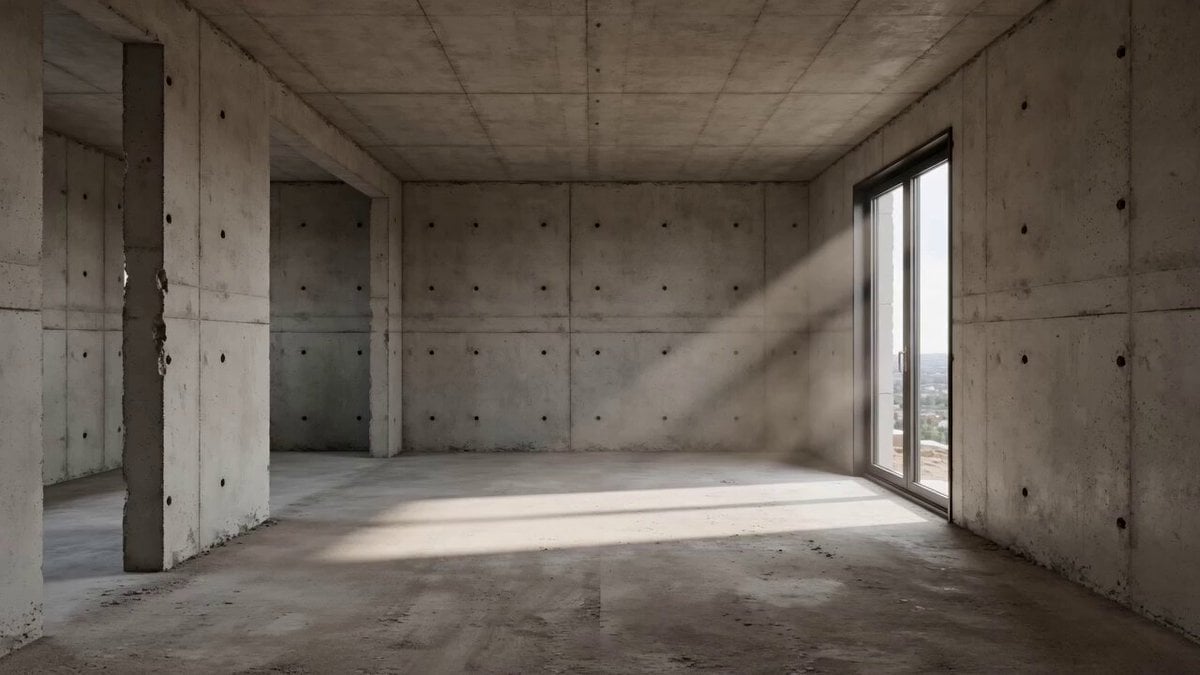
Architectural Space Renovation Timelapse
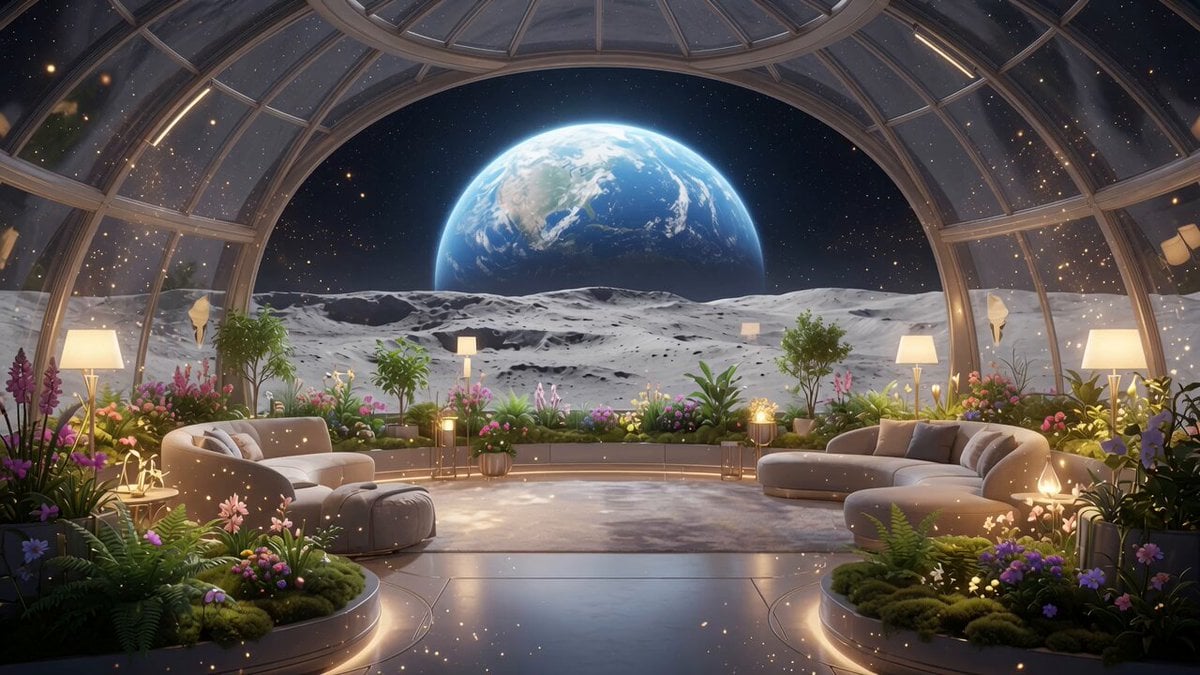
Lunar Home Time-Lapse
Make it yours
Desert to Oasis Time-lapse works as-is. These are the safest ways to change it without losing the look.
Change one field
Copy a single group, rewrite it, and generate again so you can see what that field is doing.
Keep the frame, change the subject
Hold the composition and light of Desert to Oasis Time-lapse, then swap wardrobe, props or the person for a new take.
| If the result… | Why | Fix |
|---|---|---|
| The result drifts from the preview | Too many fields changed at once. | Reuse Desert to Oasis Time-lapse as-is first, then change one group — subject, light, or setting. |
| The model over-stylizes the scene | The prose prompt leaves finish and camera underspecified. | Add one camera or lighting sentence and stay on Seedance 2.0. |
More Seedance 2.0 templates
Other prompts made for Seedance 2.0.

Comical Martial Arts Punch Scene

Maglev Train Action Sequence

Martial Arts Fight Sequence

Wuxia Protection and Trust Script

Vintage Korean Arcade MiniDV Vlog

Mercedes 190 SL Luxury Ad

Rainy Night Supernatural Reverse Comedy Video Script

Amazon Civilization Discovery

Futuristic South Asian City Transformation

Cozy Luxury Cafe Commercial
More video prompts
Fresh picks from across the catalog.
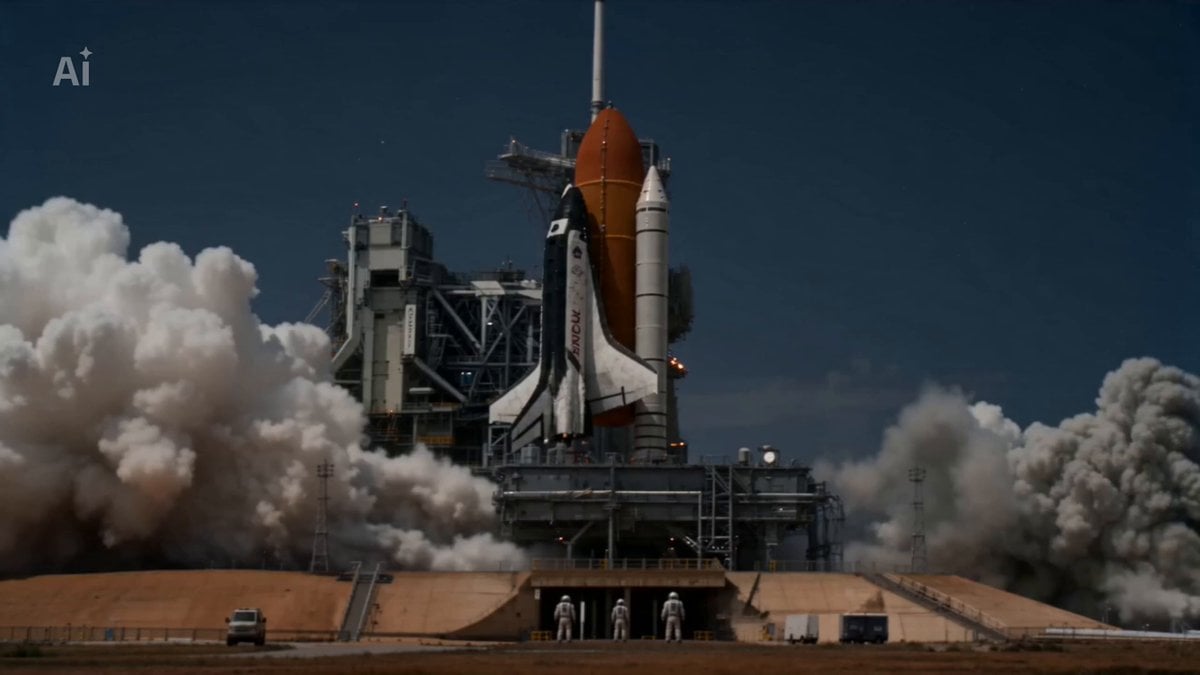
Crimson Horizon Sci-Fi Cinematic Sequence
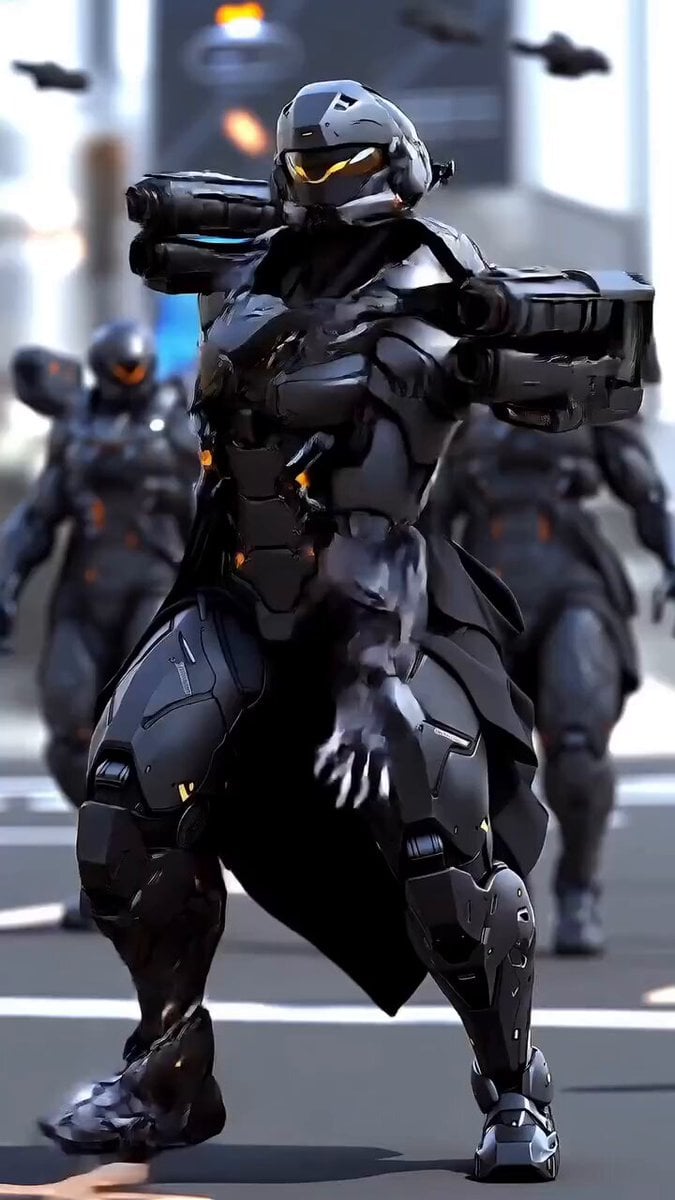
Futuristic Elite Soldier

High Budget Cel-Shaded Anime MV
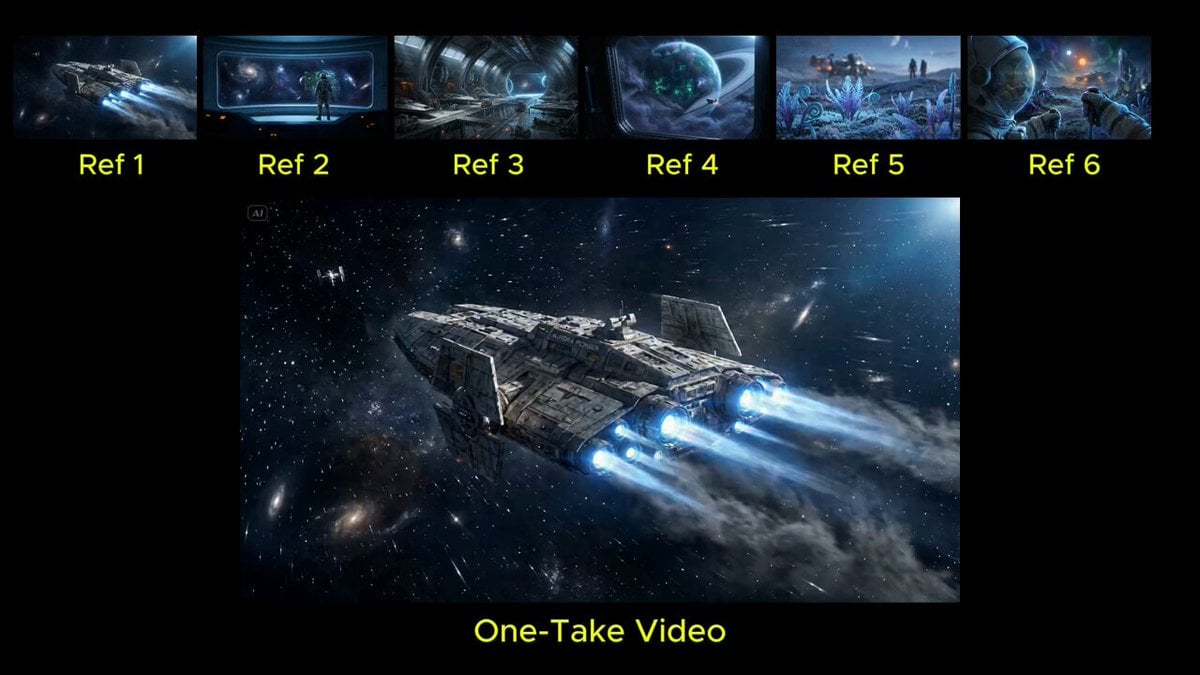
Seamless Continuous One-Take Video Prompt
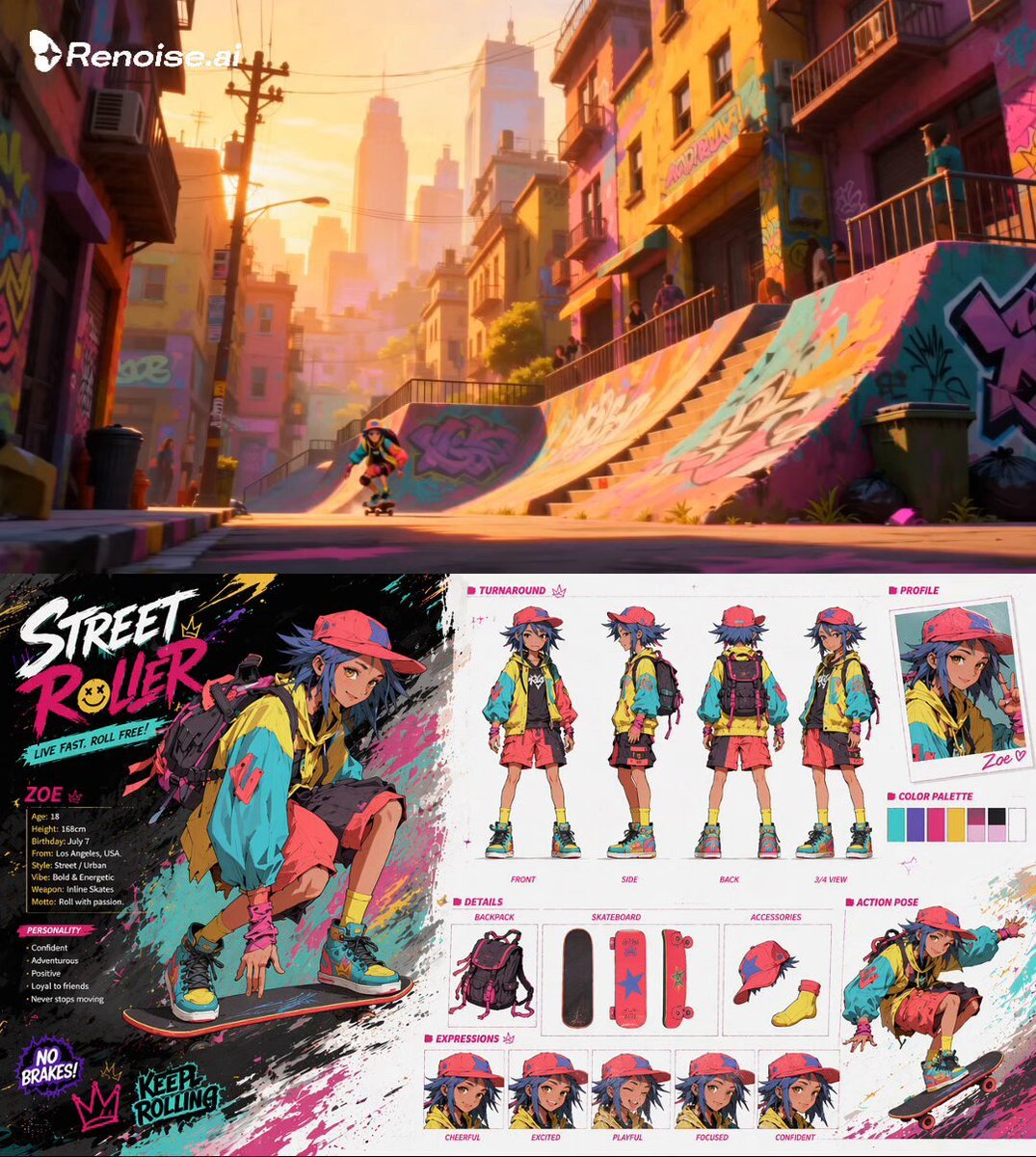
Extreme Skateboarding Cinematic Video
Cinematic Live-Action Dance MV Template

Giant Anaconda Houseboat Attack
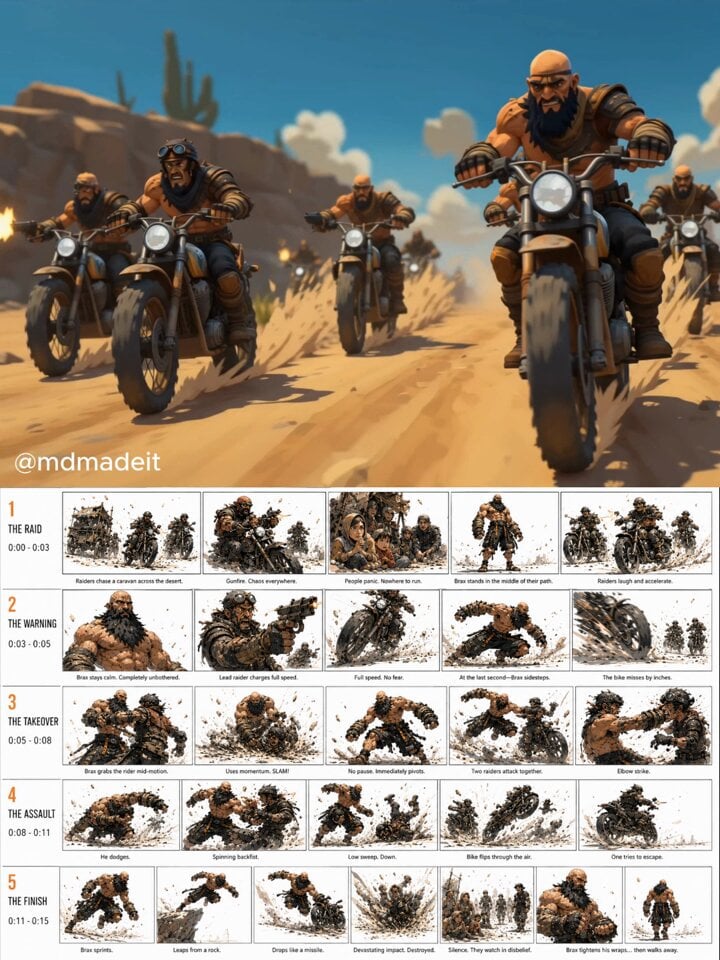
Post-Apocalyptic Desert Action Sequence
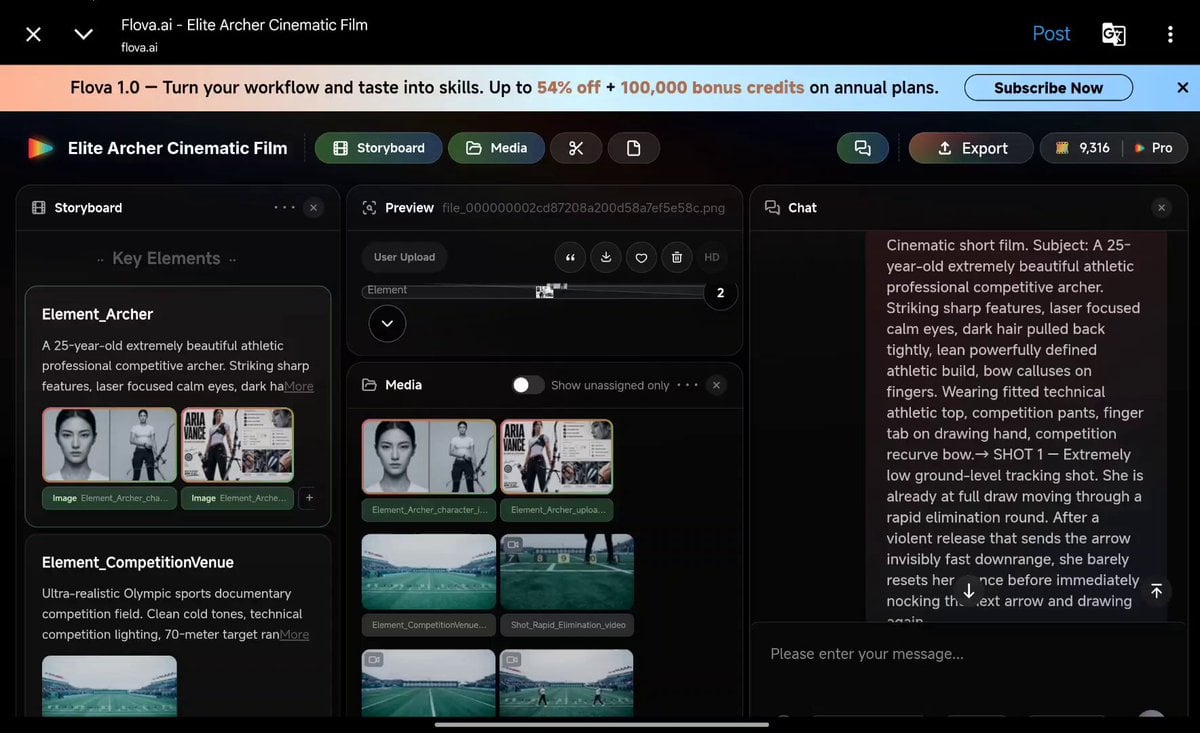
Cinematic Archer Character Profile
Thai Style Comedy Twist Commercial
Browse template categories
Desert to Oasis Time-lapse questions
How do I use the Desert to Oasis Time-lapse template?
Add your photo if the template asks for one, edit the prompt if you like — the template's model and format are already selected — and press Generate. Your version opens in PicX Studio.
Can I customize the Desert to Oasis Time-lapse template?
Yes. You can change the subject, setting, lighting, mood, format, and available model controls before creating your video.
Is the Desert to Oasis Time-lapse template free?
Opening and editing this template is free. Generating uses credits, shown on the Generate button when you are signed in.
Which AI model should I use?
Start with Seedance 2.0, which is the model associated with this template. You can compare another compatible model for a different finish.
Looking for something else? Browse all templates.

Your photo, any look
Thousands of ready templates for every top image and video model, from one credit balance.