
Crimson Horizon Sci-Fi Cinematic Sequence
A comprehensive 9-shot cinematic video sequence for a sci-fi film titled 'Crimson Horizon', detailing everything from a rocket launch to an eerie alien encounter on Mars.
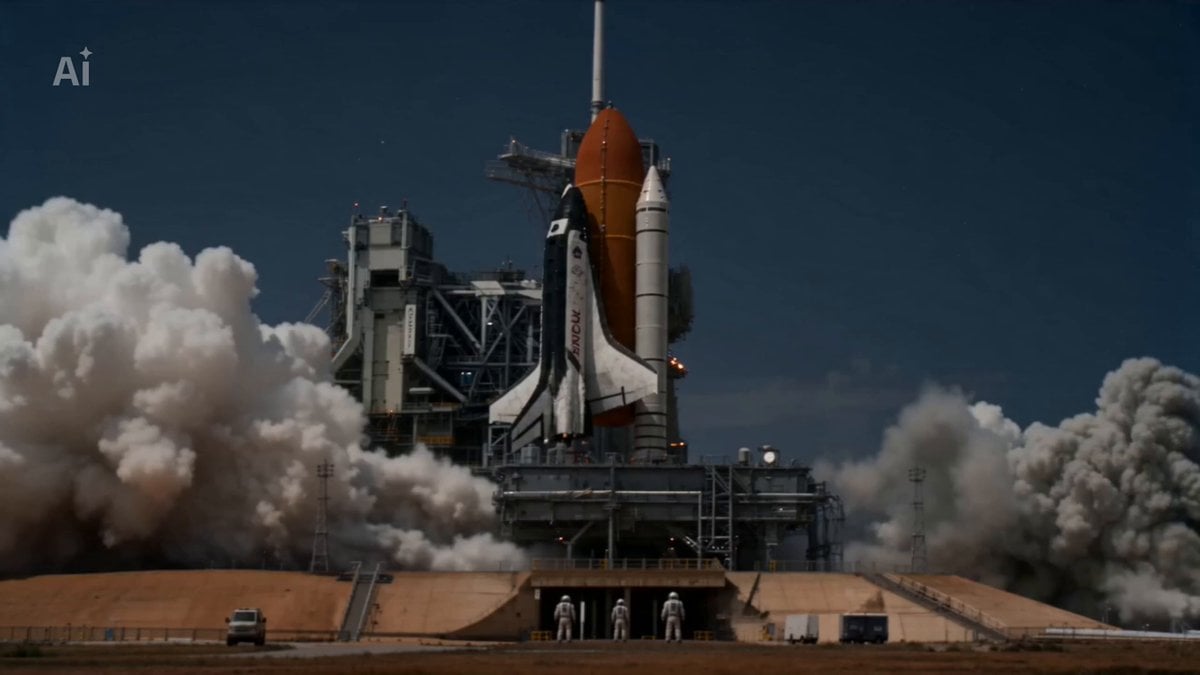
- Prompt included
- Model and format preset
- Free template
The prompt behind this video
Copy the exact prompt behind Crimson Horizon Sci-Fi Cinematic Sequence, or open it in the studio and make it yours.
SHOT 1: Cinematic wide angle format — rocket launching into night sky, city lights below, clouds parting, stars above. Dark, dramatic, photorealistic. SHOT 2: Medium two-shot format — man and woman in astronaut suits inside a dark capsule, Mars glowing red through the porthole behind them. Cinematic, intimate. SHOT 3: Dramatic aerial format — descent capsule burning through Mars atmosphere, heat shield glowing orange, red desert surface rushing up below. Hyperrealistic. SHOT 4: Ultra wide low angle format — two astronauts standing with backs to camera on Mars surface, vast red desert and amber sky stretching before them. Empty, eerie. SHOT 5: Extreme close-up format — female astronaut's gloved hand tracing ancient carved symbols on a canyon wall, helmet lamp lighting the carvings, her eyes wide with fear. SHOT 6: Tight close-up format — male astronaut's arm display glowing red reading "UNKNOWN", a massive dark shape looming behind him in the dust haze. Tense, cinematic. SHOT 7: Extreme wide format — colossal dark horned creature emerging from a dust storm, violet glowing eyes, two tiny astronauts dwarfed at the bottom of the frame. Cinematic horror. SHOT 8: Locked macro format — creature's enormous purple glowing eye filling the entire frame, two astronaut silhouettes reflected in the iris. Pure black background. Photorealistic. SHOT 9: Title card format — pure black background, bold cracked text reads CRIMSON HORIZON, tagline below: "They came searching for life. Life was already waiting."
How to use Crimson Horizon Sci-Fi Cinematic Sequence in 3 steps
- 1
Open
The prompt is already in the box next to the preview, with the template's model and format selected.
- 2…a portrait of your subject in softgolden-hour light, 85mm…
Personalize
Edit the subject and creative details for your destination.
- 3Generate
Generate
Press Generate — your video is created in PicX Studio, so you can compare it with the original and refine one variable at a time.
More like this
Templates with the same subject, style or setup. Open one to see its prompt.

Sci-Fi Disaster Movie Scene - Seedance 2.5
Sci-Fi Planetary Defense Sequence
Sci-Fi Samurai Combat Sequence
Crimson Kimono Ink Tiger Sequence
Sci-Fi Warrior Combat Sequence

Maglev Train Action Sequence

Martial Arts Fight Sequence

Retro Soda Commercial Crimson Cola
80s Sci-Fi Practical Effects Scene Prompt
Sci-Fi Horror Hospital Alien Scene
Evil Space Sci-Fi Power Threshold

Oceanic Civilization Epic Sci-Fi Film
Make it yours
Crimson Horizon Sci-Fi Cinematic Sequence works as-is. These are the safest ways to change it without losing the look.
Change one field
Copy a single group, rewrite it, and generate again so you can see what that field is doing.
Keep the frame, change the subject
Hold the composition and light of Crimson Horizon Sci-Fi Cinematic Sequence, then swap wardrobe, props or the person for a new take.
| If the result… | Why | Fix |
|---|---|---|
| The result drifts from the preview | Too many fields changed at once. | Reuse Crimson Horizon Sci-Fi Cinematic Sequence as-is first, then change one group — subject, light, or setting. |
| The model over-stylizes the scene | The prose prompt leaves finish and camera underspecified. | Add one camera or lighting sentence and stay on Seedance 2.0. |
More Seedance 2.0 templates
Other prompts made for Seedance 2.0.

Comical Martial Arts Punch Scene

Wuxia Protection and Trust Script

Vintage Korean Arcade MiniDV Vlog

Mercedes 190 SL Luxury Ad

Rainy Night Supernatural Reverse Comedy Video Script

Amazon Civilization Discovery

Futuristic South Asian City Transformation

Cozy Luxury Cafe Commercial

Cyber Ronin Nanotech Transformation Video

Desert Courier and Sandstorm Leviathan Chase
More video prompts
Fresh picks from across the catalog.

Ultra-realistic Wildlife Documentary Footage
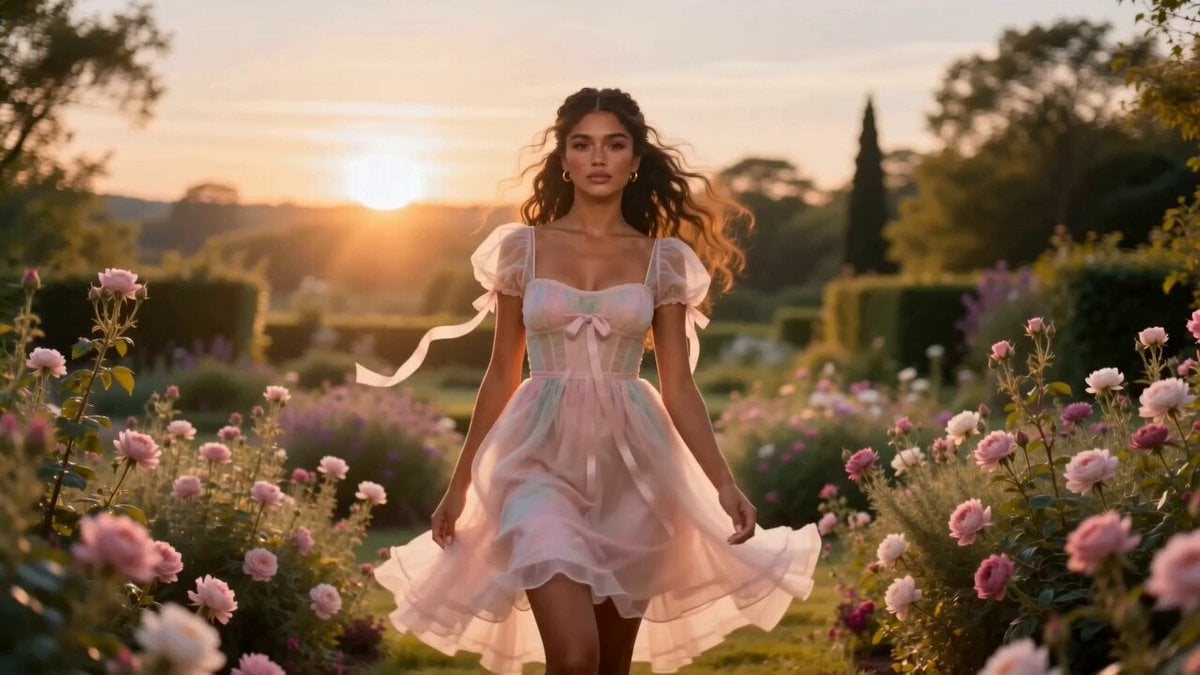
Fashion Aesthetic Transformation Sequence

Romantic Pencil Sketch Animation

Gen-Z UGC Chocolate Video Ad

UGC Influencer Get Ready With Me
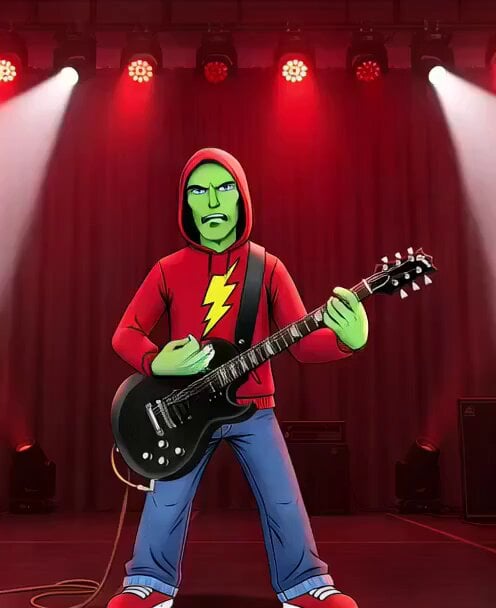
Doves in White Stripes music video style
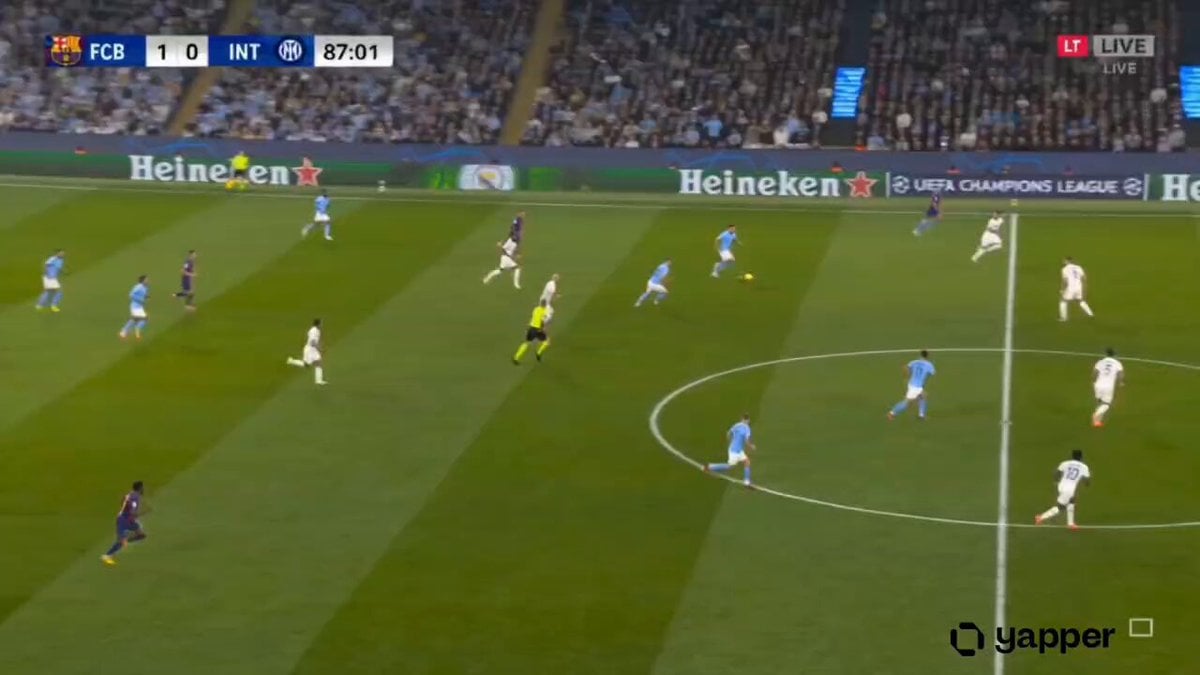
Hyper-realistic Live Football Broadcast
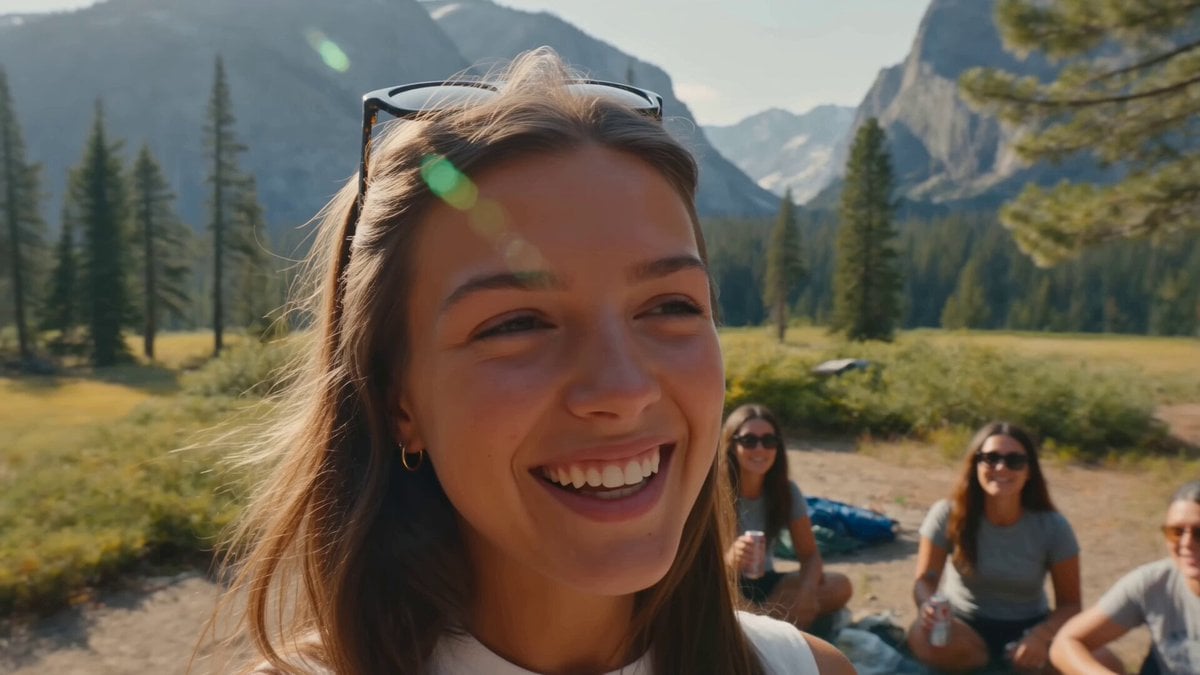
Smartphone Camping Montage
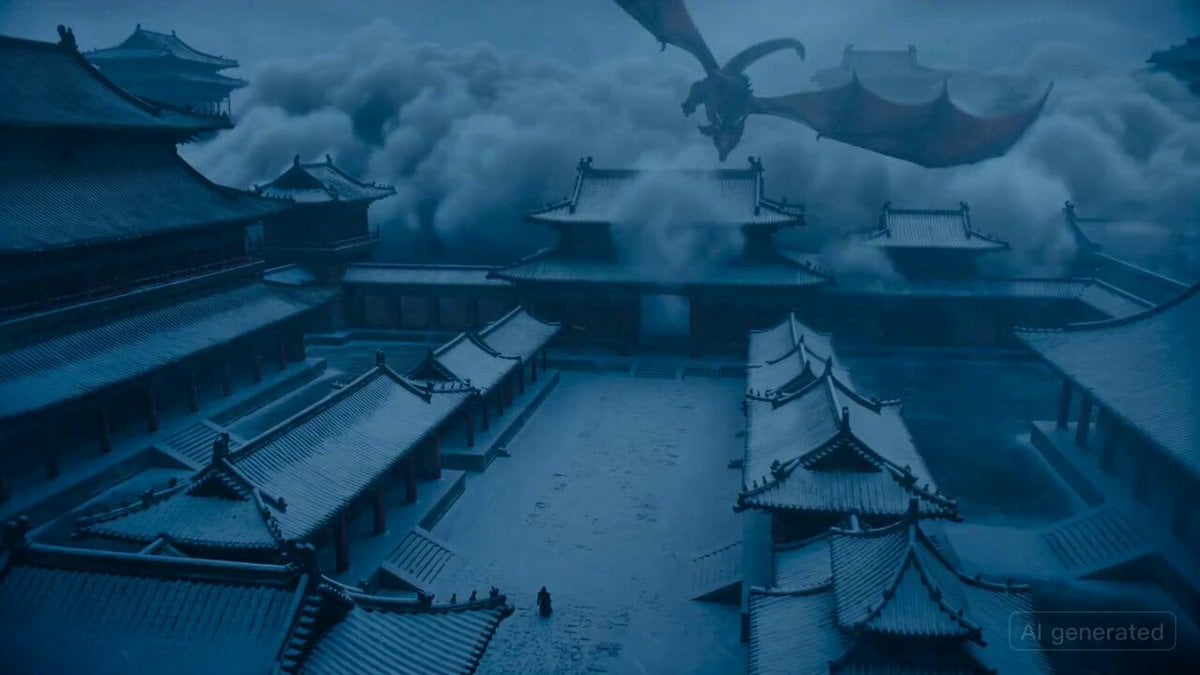
Epic fantasy scene with intense color shifts and atmosphere of oppression
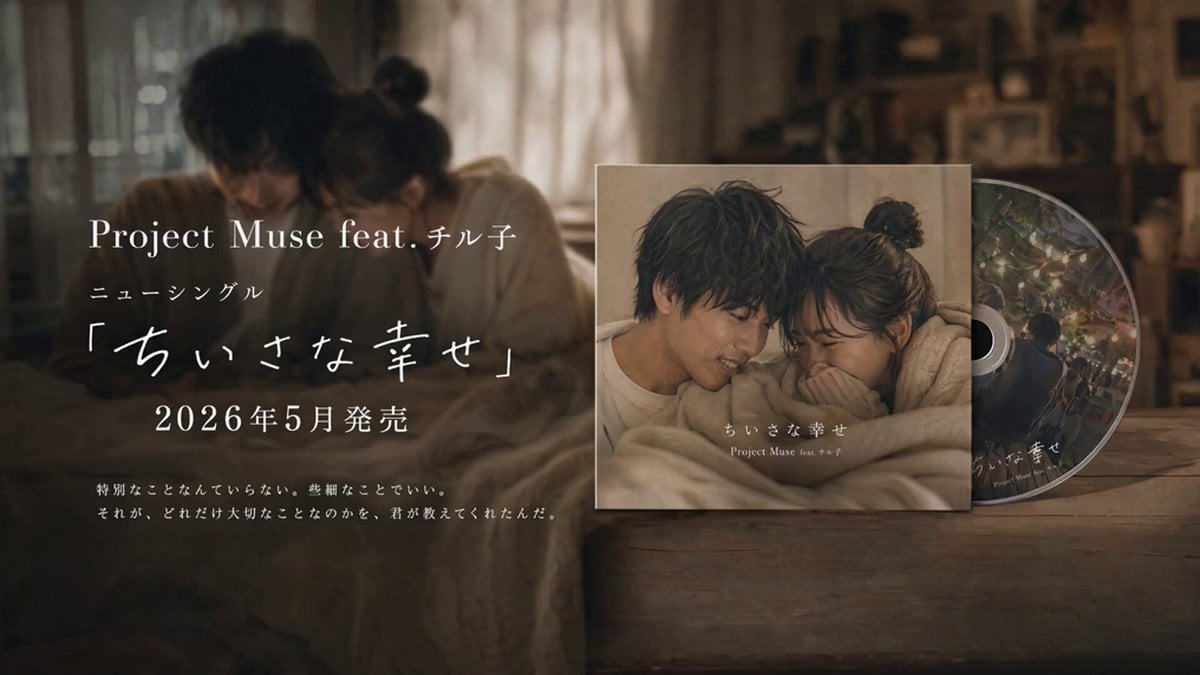
Emotional CD Release Commercial Last Cut
Browse template categories
Crimson Horizon Sci-Fi Cinematic Sequence questions
How do I use the Crimson Horizon Sci-Fi Cinematic Sequence template?
Add your photo if the template asks for one, edit the prompt if you like — the template's model and format are already selected — and press Generate. Your version opens in PicX Studio.
Can I customize the Crimson Horizon Sci-Fi Cinematic Sequence template?
Yes. You can change the subject, setting, lighting, mood, format, and available model controls before creating your video.
Is the Crimson Horizon Sci-Fi Cinematic Sequence template free?
Opening and editing this template is free. Generating uses credits, shown on the Generate button when you are signed in.
Which AI model should I use?
Start with Seedance 2.0, which is the model associated with this template. You can compare another compatible model for a different finish.
Looking for something else? Browse all templates.

Your photo, any look
Thousands of ready templates for every top image and video model, from one credit balance.