
Fashion Aesthetic Transformation Sequence
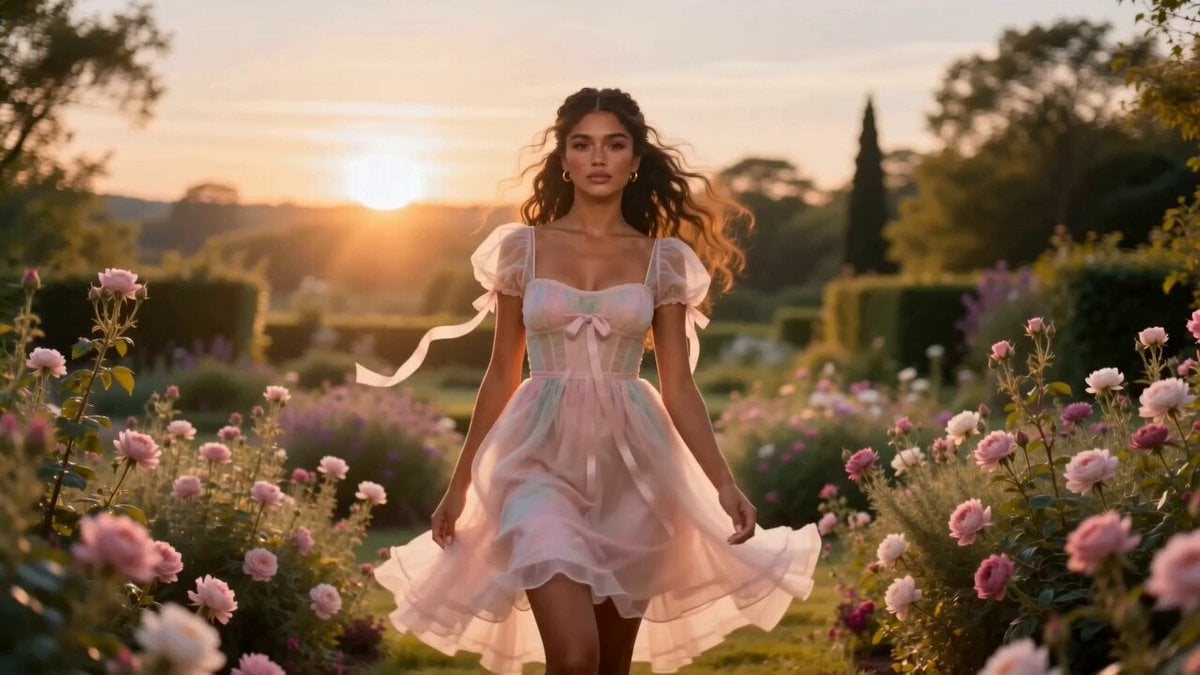
A complex, multi-scene video prompt for Seedance 2.0 that features a single woman transforming through four distinct fashion aesthetics: coquette, dark elegance, luxury, and red glamour.
- Prompt included
- Model and format preset
- Premium template
The prompt behind this video
Copy the exact prompt behind Fashion Aesthetic Transformation Sequence, or open it in the studio and make it yours.
Create a 15-second ultra-realistic cinematic fashion video of the same beautiful young woman seamlessly transforming through four different aesthetics while maintaining the same face and identity throughout the video. Scene 1 (0–3.5s) – Coquette 🌸 The woman wears a soft pastel pink dress with delicate ribbons. She walks slowly toward the camera in a blooming garden during golden hour. Gentle breeze moves her hair and dress naturally. Dreamy lighting, soft focus, elegant camera movement, luxurious cinematic quality. Transition: A smooth spin transition synchronized with the music beat. Scene 2 (3.5–7s) – Dark Elegance 🖤 She now wears a sleek black outfit in a rainy neon-lit city at night. Confident expression, subtle eye contact with the camera. Cinematic reflections on wet streets, dramatic lighting, realistic movement, slow camera dolly. Transition: Flash of light on the beat. Scene 3 (7–10.5s) – Timeless Luxury 🤍 She appears in a flowing white satin gown walking through a luxurious marble hallway with golden chandeliers. Soft sunlight enters through large windows. Graceful movements, elegant posture, premium fashion-commercial style. Transition: Quick camera whip on the beat. Scene 4 (10.5–14s) – Red Glamour ❤️ She wears a stunning red evening gown on a rooftop overlooking a glowing city skyline at night. Wind gently flows through her hair. Confident smile. Cinematic lighting, high-end fashion editorial look. Ending (14–15s): Fast montage of all four aesthetics ending with the woman looking directly into the camera. Smooth loop back to the first frame. Style: Ultra-realistic, 4K, cinematic, luxury fashion advertisement, highly detailed face, realistic skin texture, natural body movement, flowing hair physics, consistent character, dynamic camera movement, perfect lighting, seamless transitions, vibrant colors, viral social media edit, 16:9 aspect ratio.
How to use Fashion Aesthetic Transformation Sequence in 3 steps
- 1
Open
The prompt is already in the box next to the preview, with the template's model and format selected.
- 2…a portrait of your subject in softgolden-hour light, 85mm…
Personalize
Edit the subject and creative details for your destination.
- 3Generate
Generate
Press Generate — your video is created in PicX Studio, so you can compare it with the original and refine one variable at a time.
More like this
Templates with the same subject, style or setup. Open one to see its prompt.
Beat-Driven Fashion Transformation Sequence
Fashion Outfit Transformation Office Vlog

Magical Room Transformation - Seedance 2.5

Dark Tokusatsu Transformation - Seedance 2.5

RX-7 to Mech Transformation Cyberpunk

Sneaker Product Commercial

Cinematic Short Film Scene

Luxury Lifestyle Day Vlog
Magical Transformation Sequence
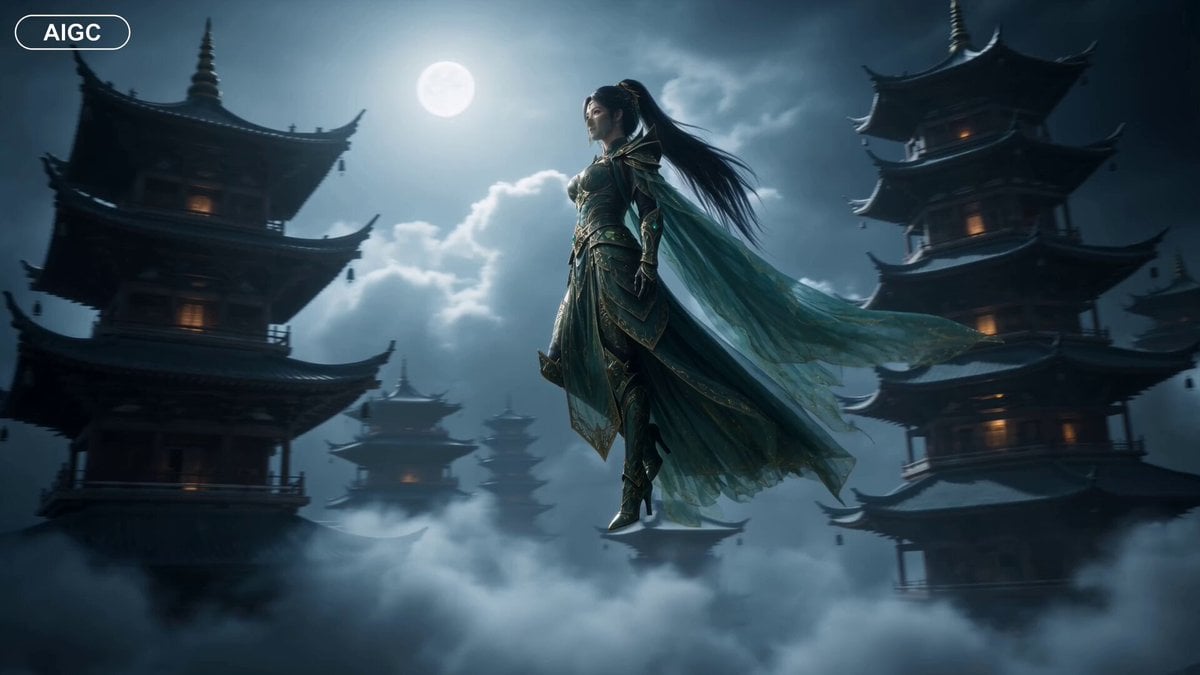
Fantasy Warrior Transformation Sequence
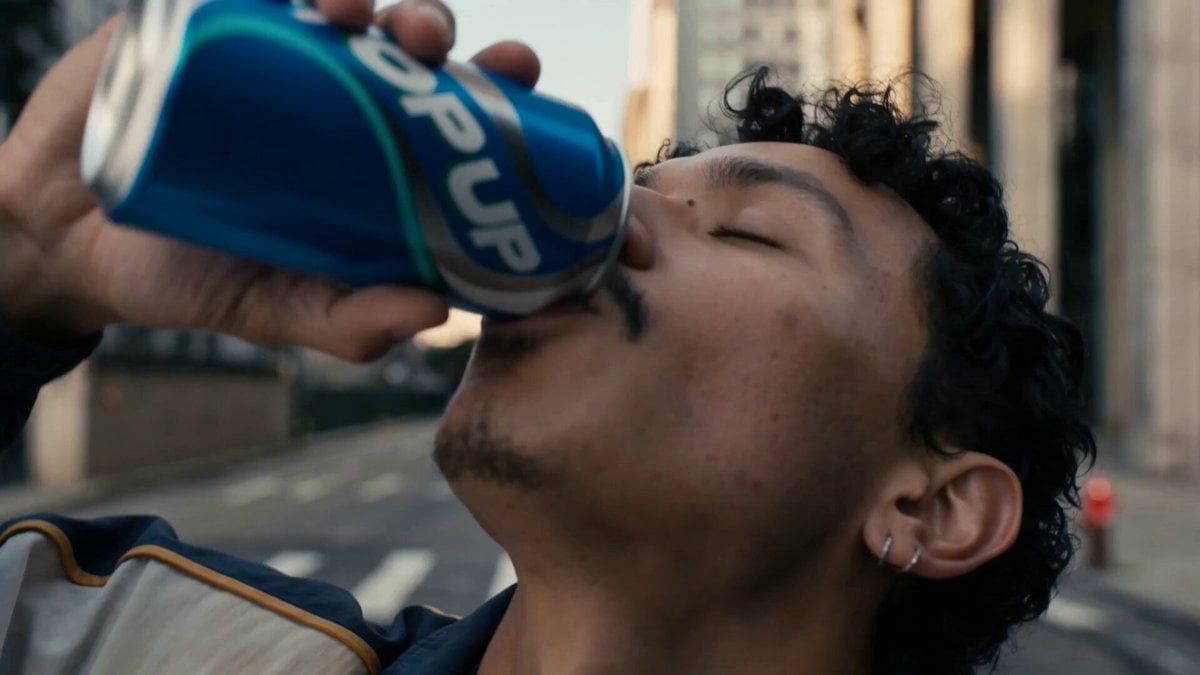
Neon Armor Epic Transformation Sequence
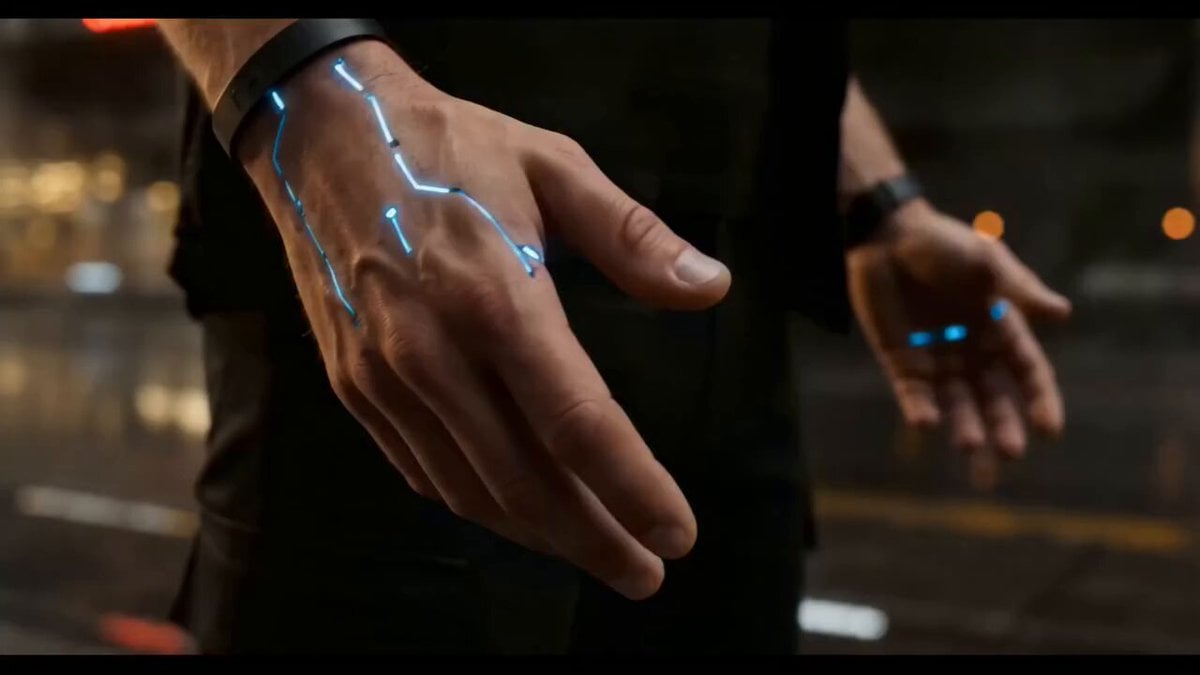
Cyberpunk Exosuit Transformation Sequence
Make it yours
Fashion Aesthetic Transformation Sequence works as-is. These are the safest ways to change it without losing the look.
Change one field
Copy a single group, rewrite it, and generate again so you can see what that field is doing.
Keep the frame, change the subject
Hold the composition and light of Fashion Aesthetic Transformation Sequence, then swap wardrobe, props or the person for a new take.
| If the result… | Why | Fix |
|---|---|---|
| The result drifts from the preview | Too many fields changed at once. | Reuse Fashion Aesthetic Transformation Sequence as-is first, then change one group — subject, light, or setting. |
| The model over-stylizes the scene | The prose prompt leaves finish and camera underspecified. | Add one camera or lighting sentence and stay on Seedance 2.0. |
More Seedance 2.0 templates
Other prompts made for Seedance 2.0.

Comical Martial Arts Punch Scene

Martial Arts Fight Sequence

Wuxia Protection and Trust Script

Vintage Korean Arcade MiniDV Vlog

Mercedes 190 SL Luxury Ad

Rainy Night Supernatural Reverse Comedy Video Script

Amazon Civilization Discovery

Futuristic South Asian City Transformation

Cozy Luxury Cafe Commercial

Cyber Ronin Nanotech Transformation Video
More video prompts
Fresh picks from across the catalog.
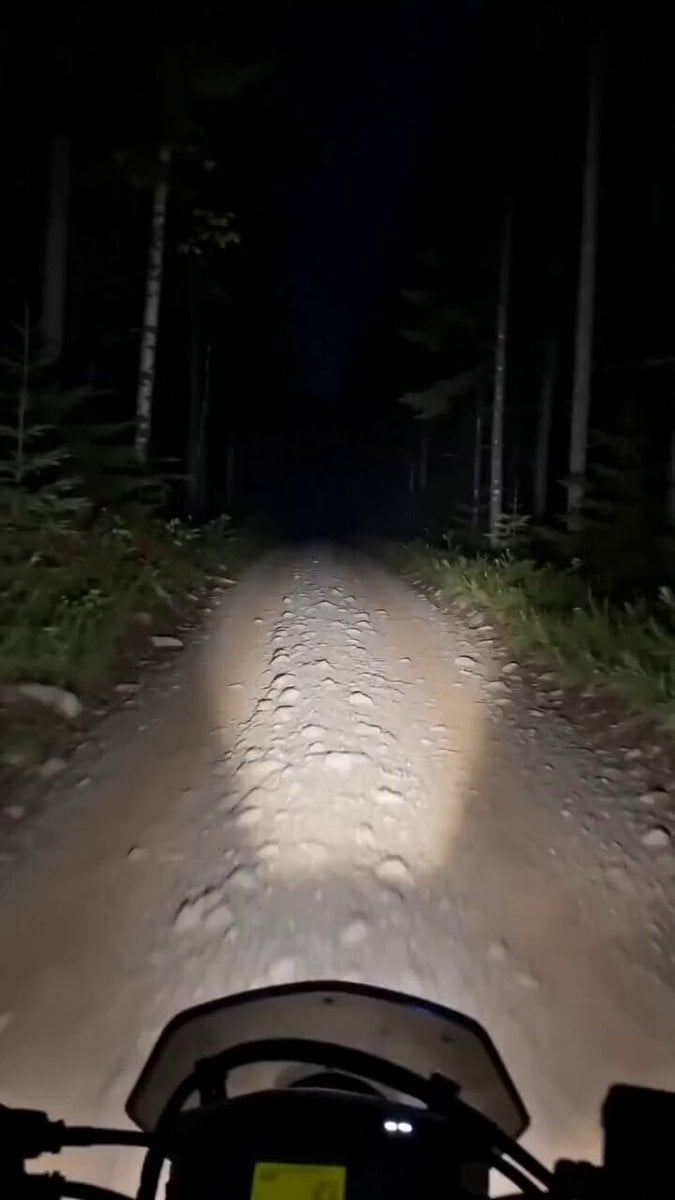
Motorcycle and Bear Forest Encounter
90s Nostalgic One-Take Video
Cinematic Divine Empress in Ancient Palace
Woman Pulled Deep into a Winding Tunnel
Blob Sucked Out Airplane
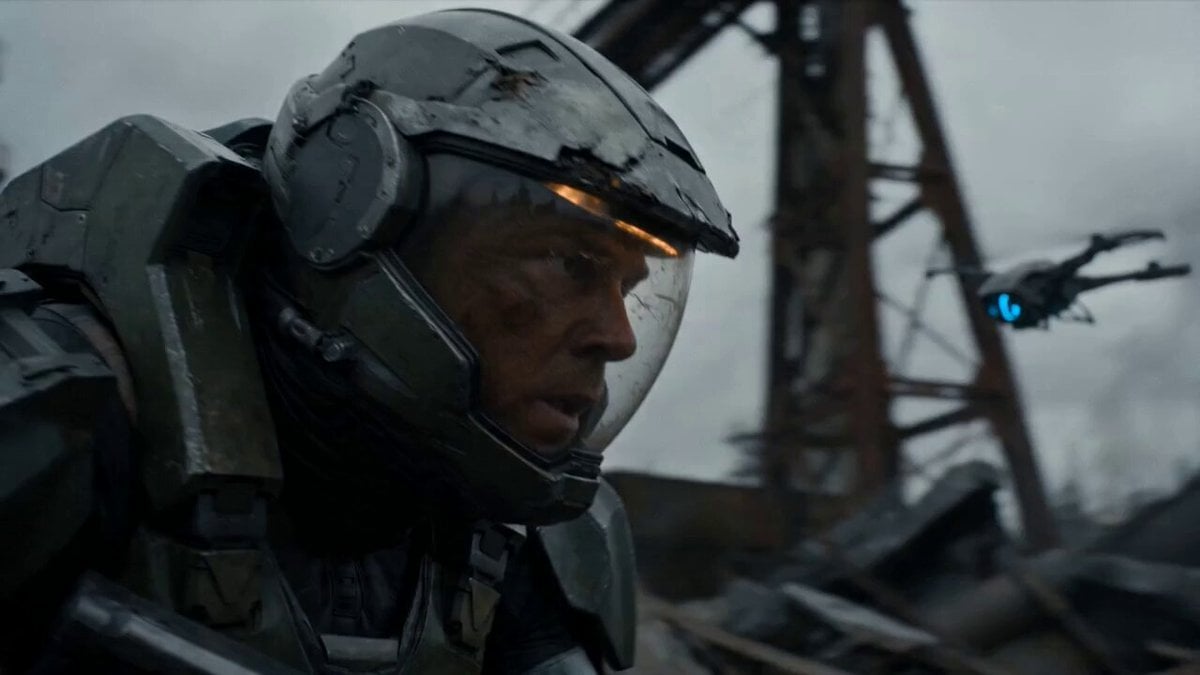
Post-Apocalyptic Sci-Fi Soldier Combat
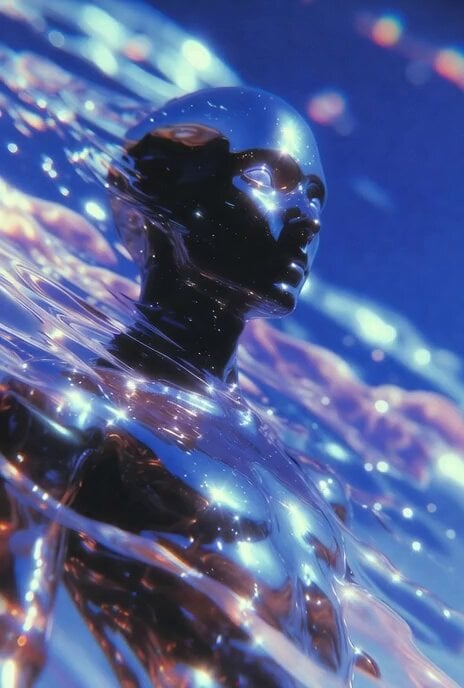
Slow Head Tilt and Camera Zoom
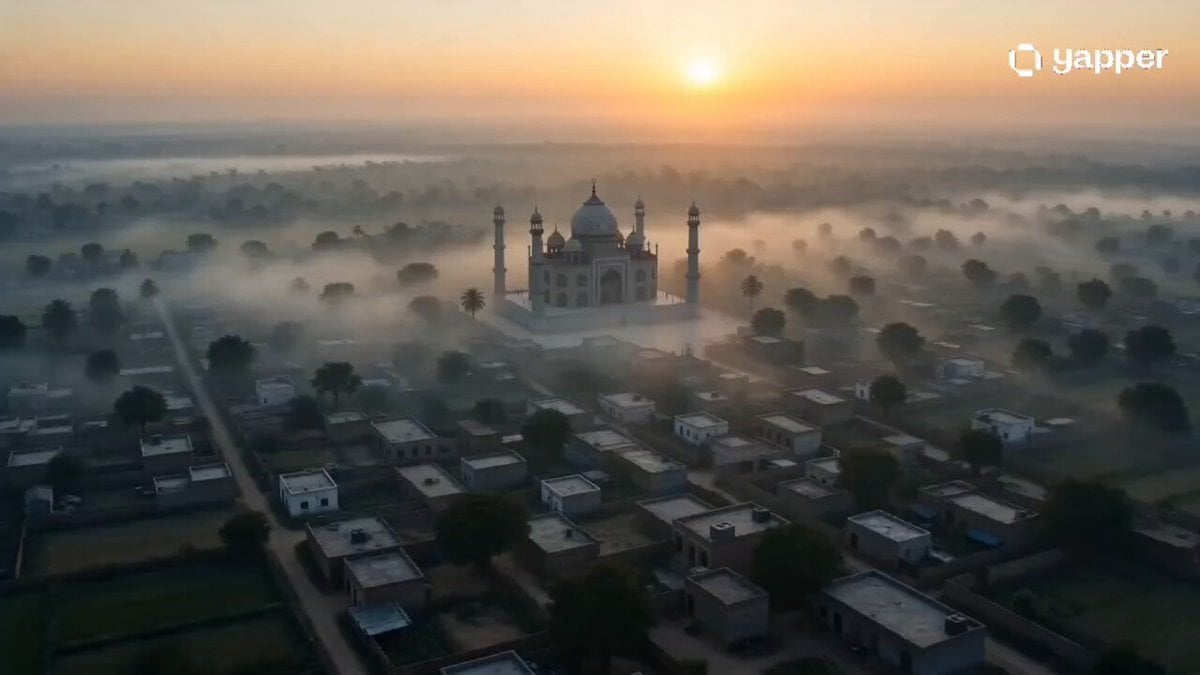
Misty Eid Morning Village
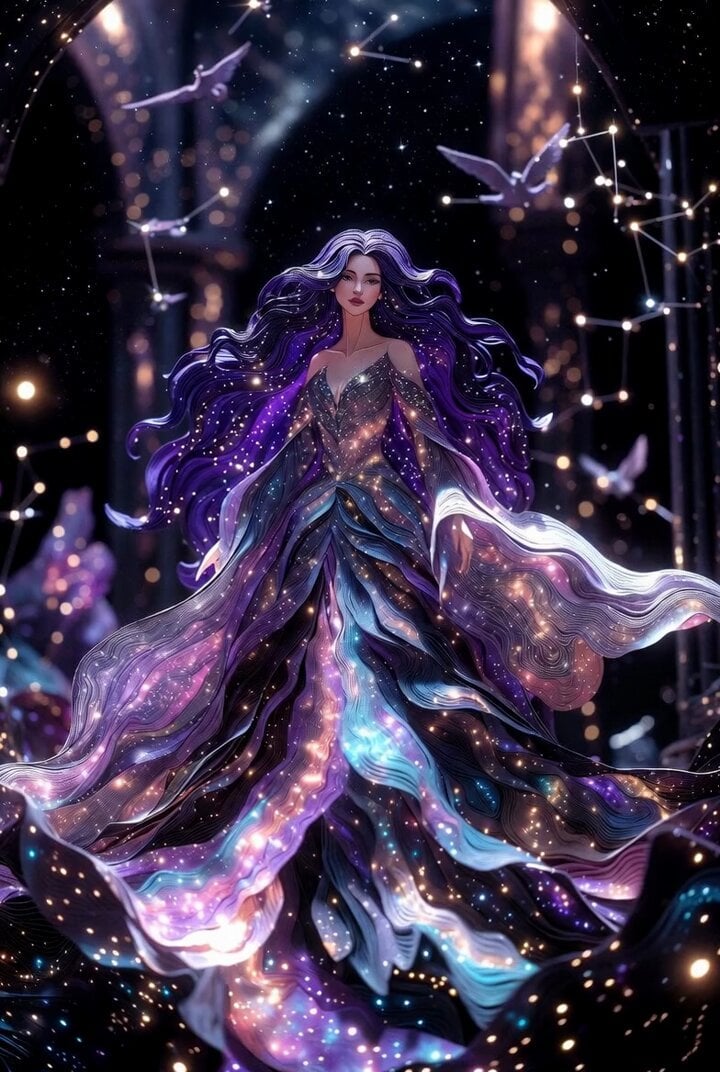
Cosmic Queen Paper Art Video
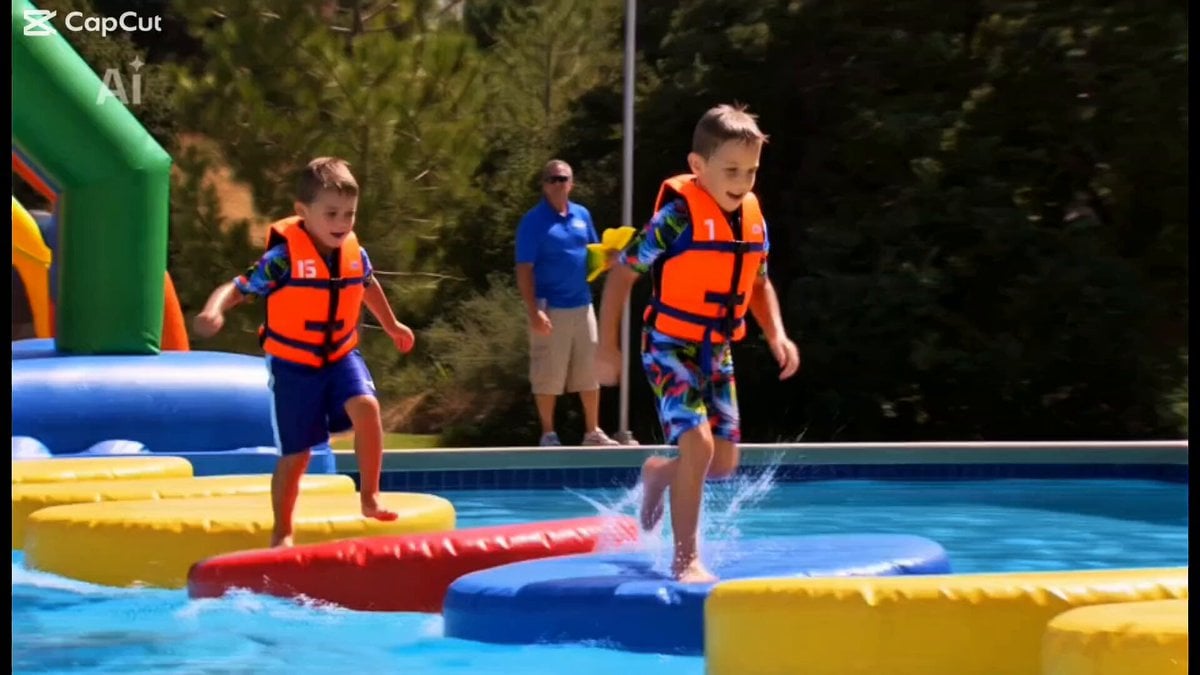
Retro Reality TV Kids Obstacle Course
Browse template categories
Fashion Aesthetic Transformation Sequence questions
How do I use the Fashion Aesthetic Transformation Sequence template?
Add your photo if the template asks for one, edit the prompt if you like — the template's model and format are already selected — and press Generate. Your version opens in PicX Studio.
Can I customize the Fashion Aesthetic Transformation Sequence template?
Yes. You can change the subject, setting, lighting, mood, format, and available model controls before creating your video.
Is the Fashion Aesthetic Transformation Sequence template free?
Opening and editing this template is free. Generating uses credits, shown on the Generate button when you are signed in.
Which AI model should I use?
Start with Seedance 2.0, which is the model associated with this template. You can compare another compatible model for a different finish.
Looking for something else? Browse all templates.

Your photo, any look
Thousands of ready templates for every top image and video model, from one credit balance.