
Cyberpunk Exosuit Transformation Sequence
A high-quality three-scene cinematic prompt for a cyberpunk sequence involving an exosuit transformation and combat with a spider-mech.
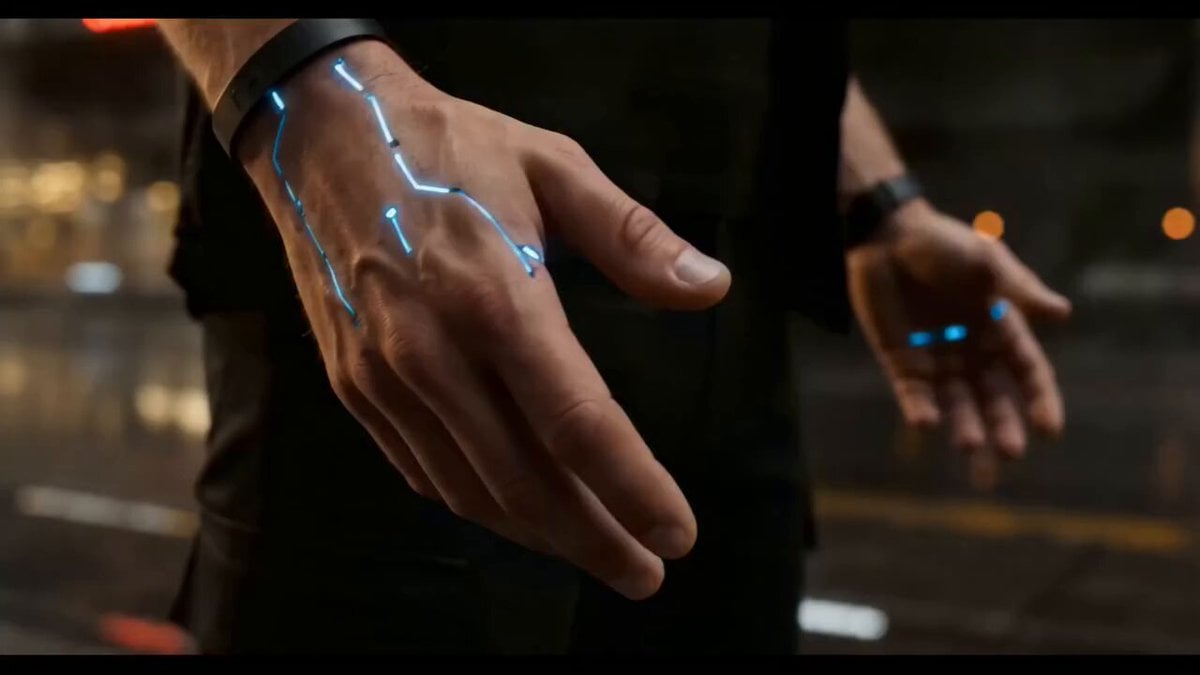
- Prompt included
- Model and format preset
- Free template
The prompt behind this video
Copy the exact prompt behind Cyberpunk Exosuit Transformation Sequence, or open it in the studio and make it yours.
Cinematic video, 8k resolution, ultra-detailed cyberpunk action sequence. [SCENE 1 - THE TRANSFORMATION]: Close-up shot on a man's hands in a rain-slicked, futuristic neon city street at night. A sleek cybernetic exosuit dynamically wraps around his hands and forearms with mechanical precision, glowing with bright cyan neon light strips and intricate metallic plates locking into place. The camera pans out into a tracking shot showing the mechanical armor forming over his arms, shoulders, back, and torso, seamlessly blending with his black clothing. Part of his face is enhanced with a glowing cybernetic eye piece and neck circuitry. [SCENE 2 - THE ENEMY]: A metallic cybernetic sphere rolls fast down the wet asphalt street, sparking slightly, before stopping and dynamically transforming into a menacing, four-legged spider-like mech drone. A glowing red eye ignites at the center of the drone. [SCENE 3 - THE COMBAT]: The armored hero uses jet boosters on his boots to fly forward low to the ground, slamming a powerful neon-charged punch directly into the red-eyed drone. The impact sends the mech flying backward through the air, crashing violently through a concrete wall in an explosion of dust, debris, and sparks. The hero lands in a powerful stance, the cyan lights on his suit pulsing against the dark, gritty, industrial sci-fi background. Studio quality, hyper-realistic textures, complex soft-body and hard-surface physics, motion blur, dramatic cinematic lighting, volumetric smoke and rain effects, photorealistic rendering.
How to use Cyberpunk Exosuit Transformation Sequence in 3 steps
- 1
Open
The prompt is already in the box next to the preview, with the template's model and format selected.
- 2…a portrait of your subject in softgolden-hour light, 85mm…
Personalize
Edit the subject and creative details for your destination.
- 3Generate
Generate
Press Generate — your video is created in PicX Studio, so you can compare it with the original and refine one variable at a time.
More like this
Templates with the same subject, style or setup. Open one to see its prompt.

RX-7 to Mech Transformation Cyberpunk

Magical Room Transformation - Seedance 2.5

Dark Tokusatsu Transformation - Seedance 2.5

Cyberpunk Holographic Dance Performance - Seedance 2.5
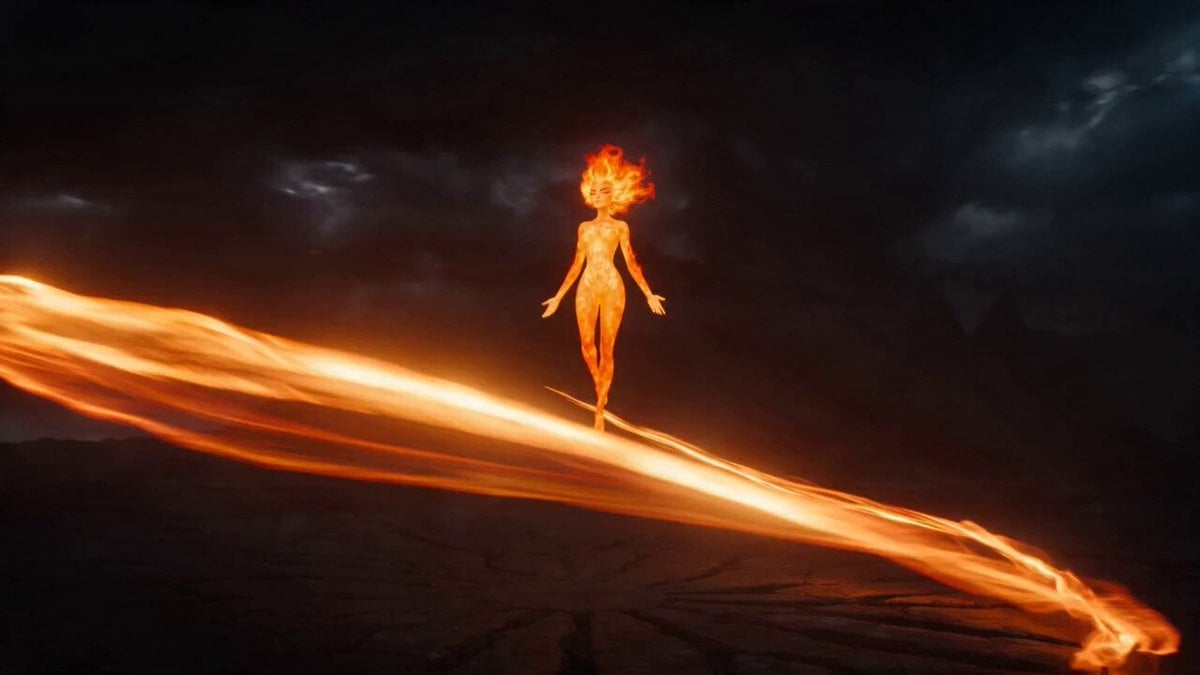
Magical Transformation Sequence
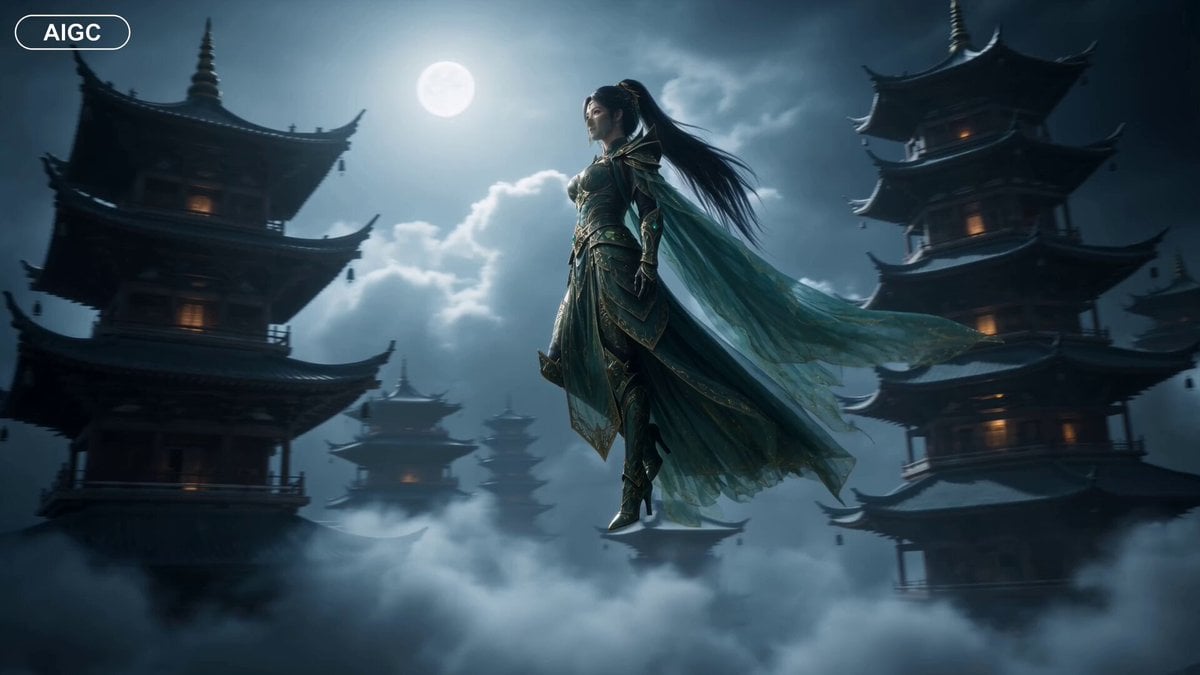
Fantasy Warrior Transformation Sequence
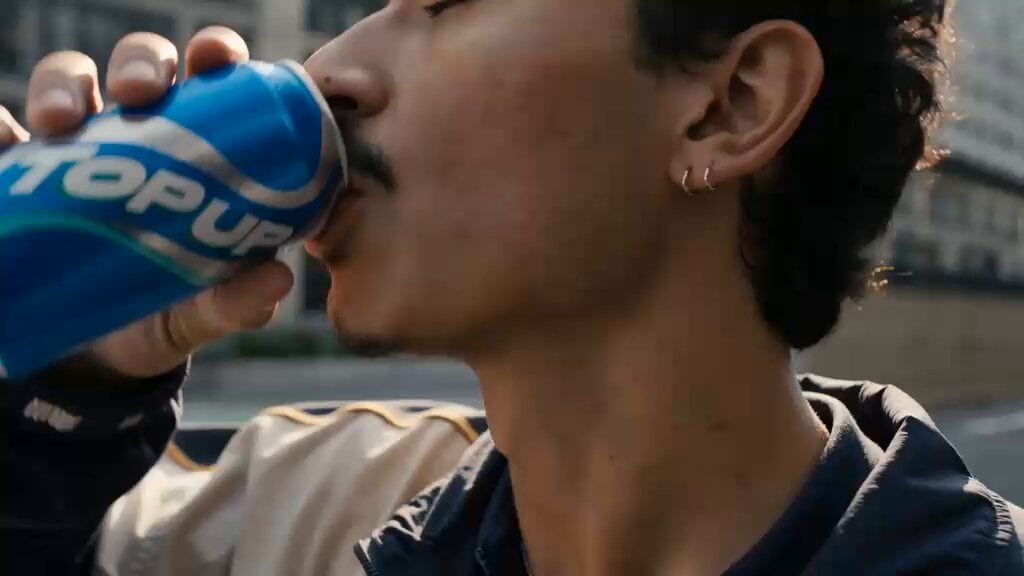
Cinematic Cyberpunk Armor Transformation

Neon Armor Epic Transformation Sequence
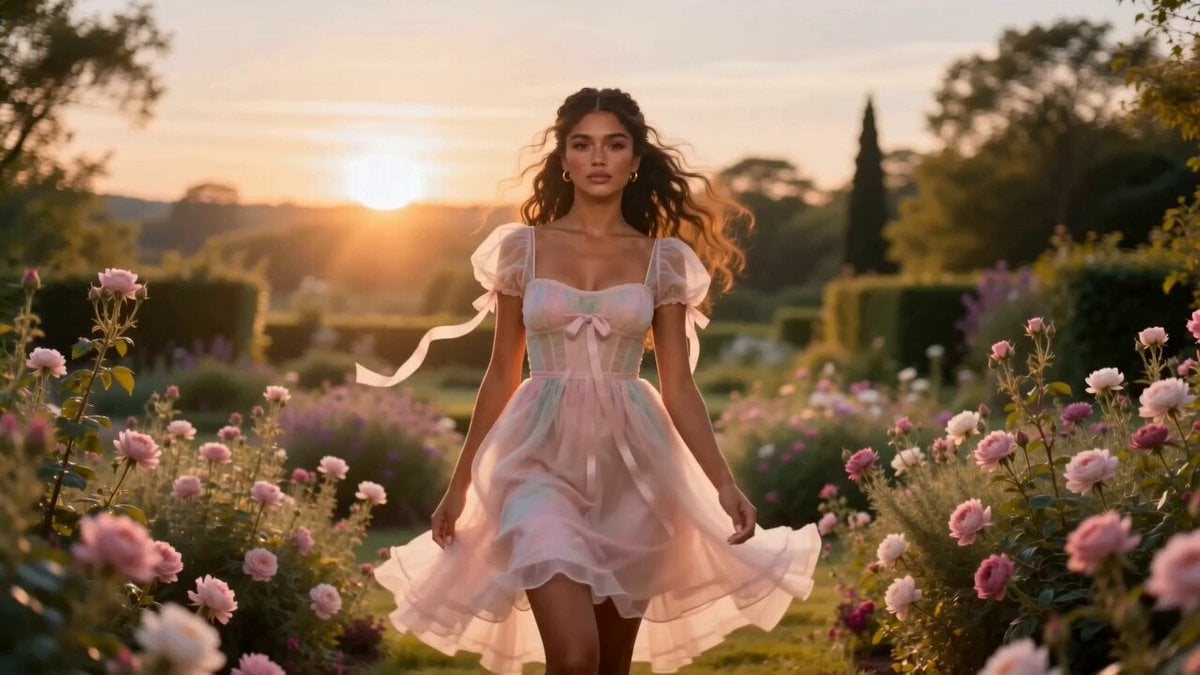
Fashion Aesthetic Transformation Sequence
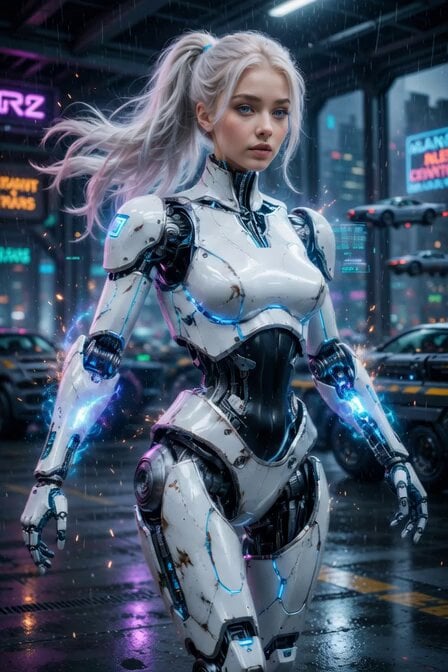
Cyberpunk Cyborg Mechanical Transformation
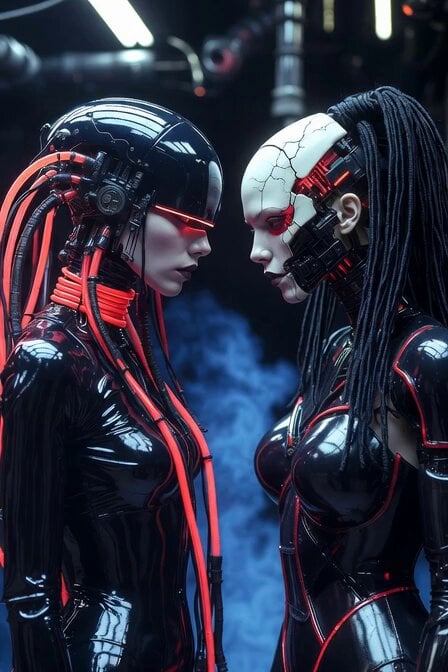
Cyberpunk Android Mechanical Transformation Video

Apocalyptic Transformation Sequence
Make it yours
Cyberpunk Exosuit Transformation Sequence works as-is. These are the safest ways to change it without losing the look.
Change one field
Copy a single group, rewrite it, and generate again so you can see what that field is doing.
Keep the frame, change the subject
Hold the composition and light of Cyberpunk Exosuit Transformation Sequence, then swap wardrobe, props or the person for a new take.
| If the result… | Why | Fix |
|---|---|---|
| The result drifts from the preview | Too many fields changed at once. | Reuse Cyberpunk Exosuit Transformation Sequence as-is first, then change one group — subject, light, or setting. |
| The model over-stylizes the scene | The prose prompt leaves finish and camera underspecified. | Add one camera or lighting sentence and stay on Seedance 2.0. |
More Seedance 2.0 templates
Other prompts made for Seedance 2.0.

Comical Martial Arts Punch Scene

Wuxia Protection and Trust Script

Vintage Korean Arcade MiniDV Vlog

Ancient Roman Celestial Flight

Mercedes 190 SL Luxury Ad

Rainy Night Supernatural Reverse Comedy Video Script

Amazon Civilization Discovery

Futuristic South Asian City Transformation

Cozy Luxury Cafe Commercial

Cyber Ronin Nanotech Transformation Video
More video prompts
Fresh picks from across the catalog.

Penguin Girl Ink Drawing Animation Video
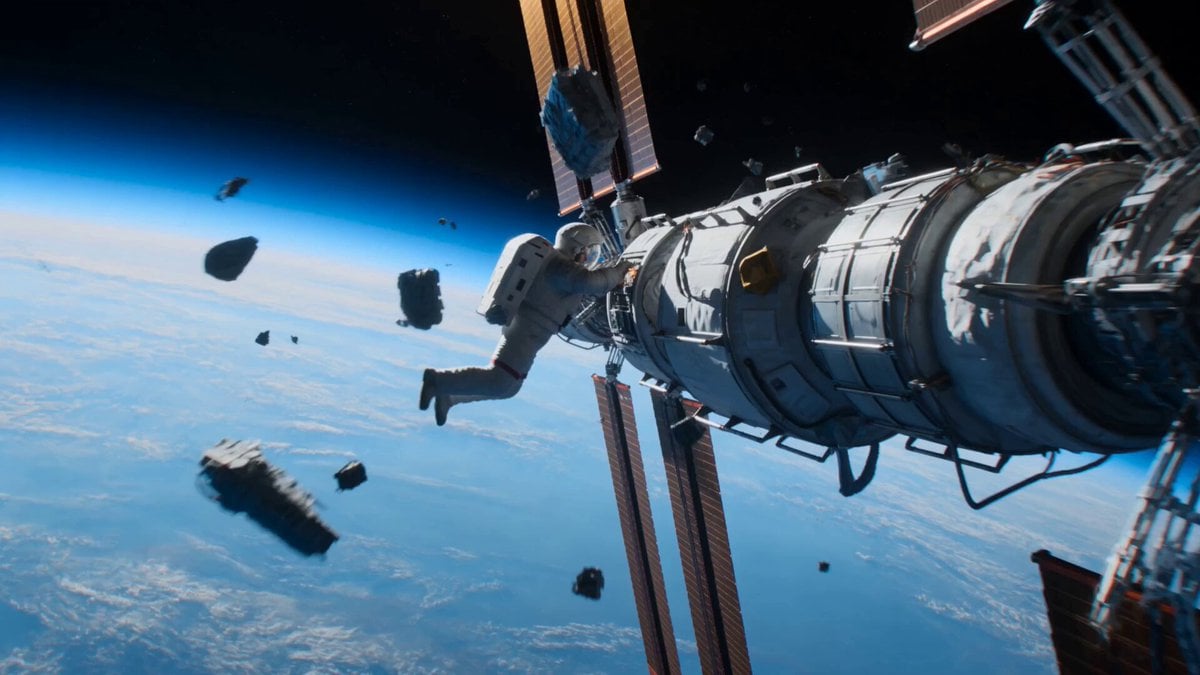
Astronaut to Apartment Match Cut Transition
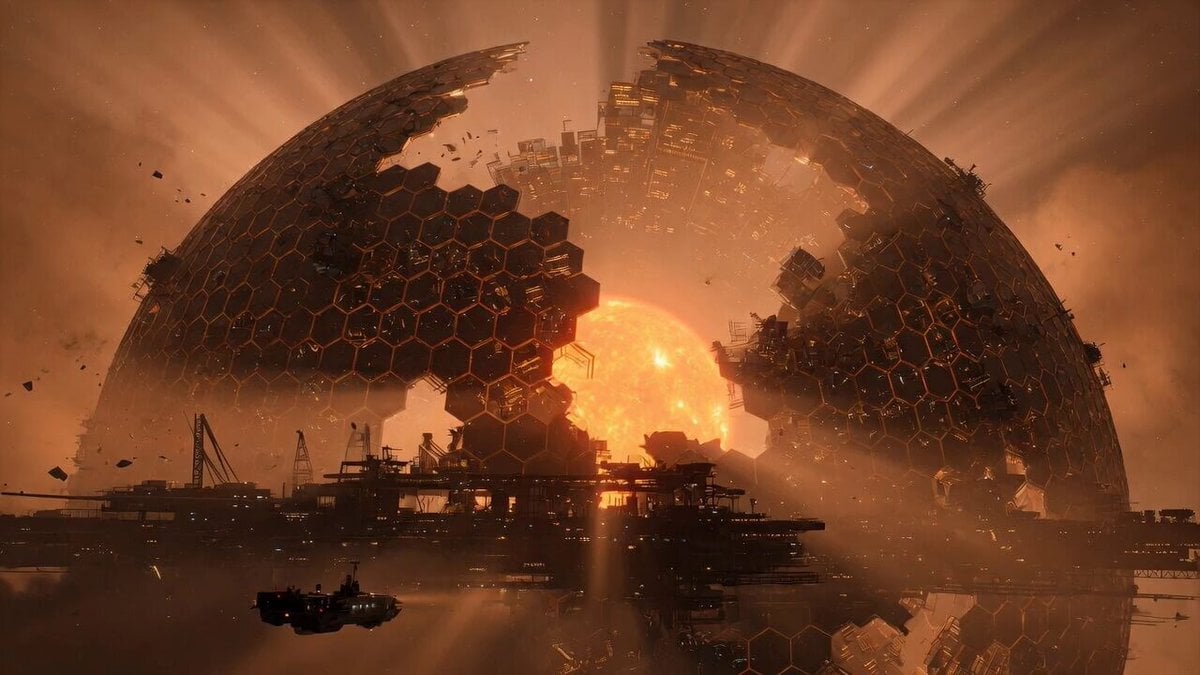
Cinematic Shot of a Colossal Dyson Sphere

Cyberpunk Dragon Warrior Transformation

Fantasy Boy and Obsidian Dragon

Intricate Fantasy Woman Profile and Cityscape
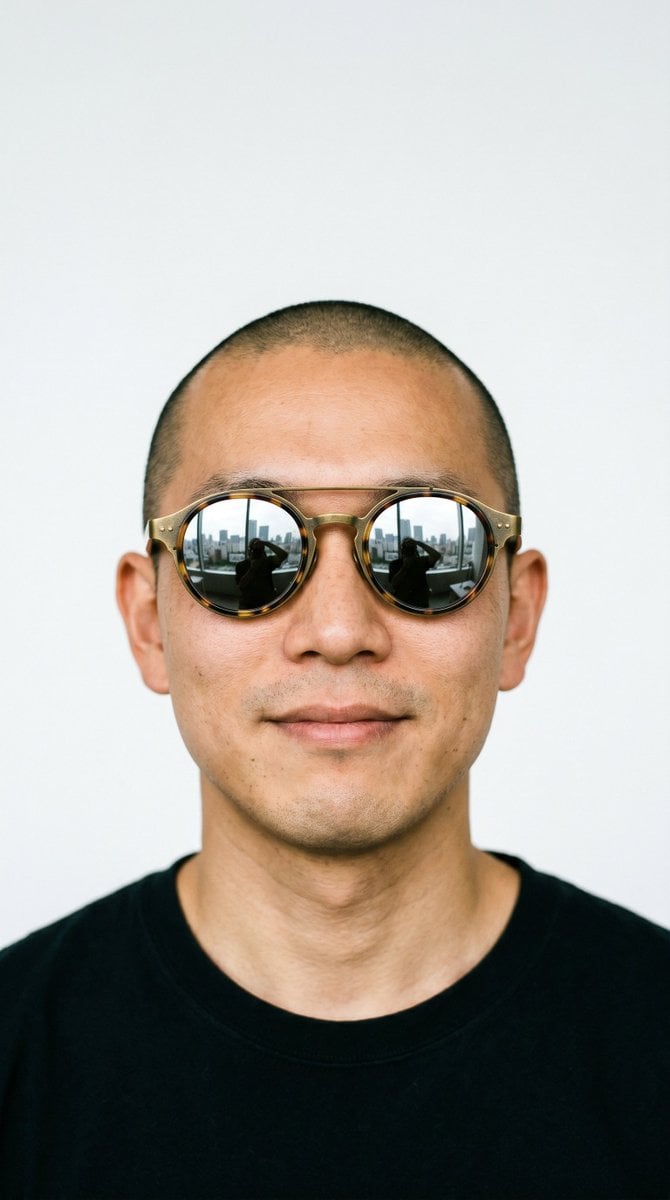
Hair Salon Makeover Reveal Video
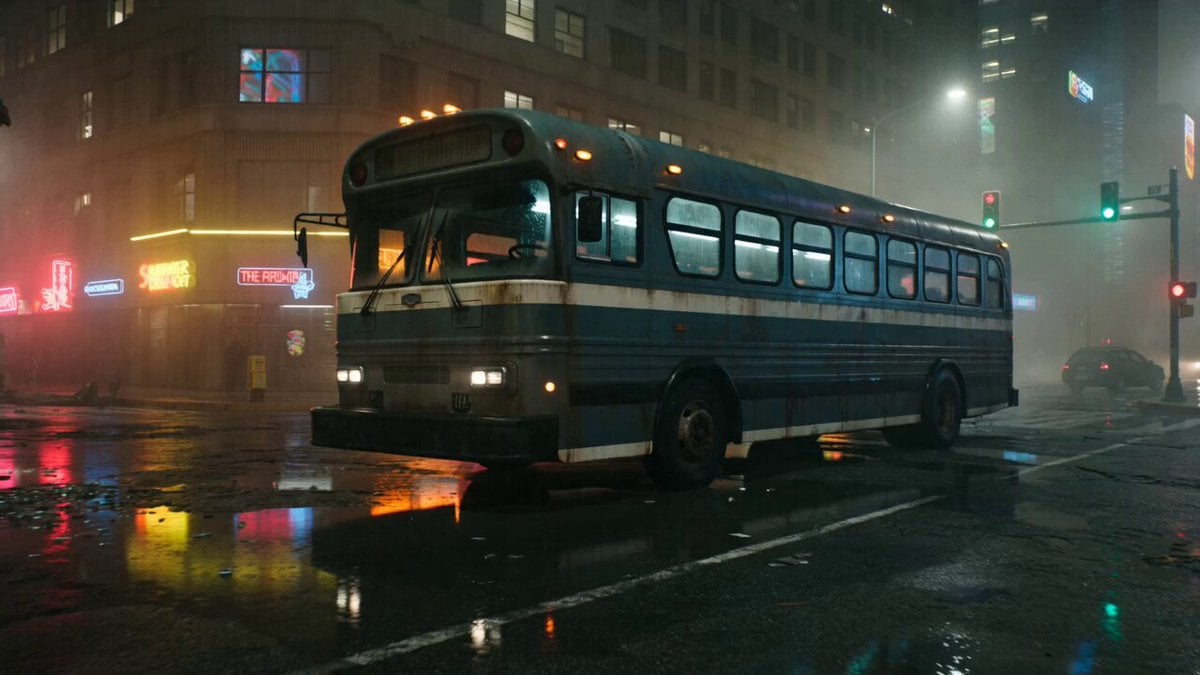
Gritty Cyberpunk Mecha Transformation
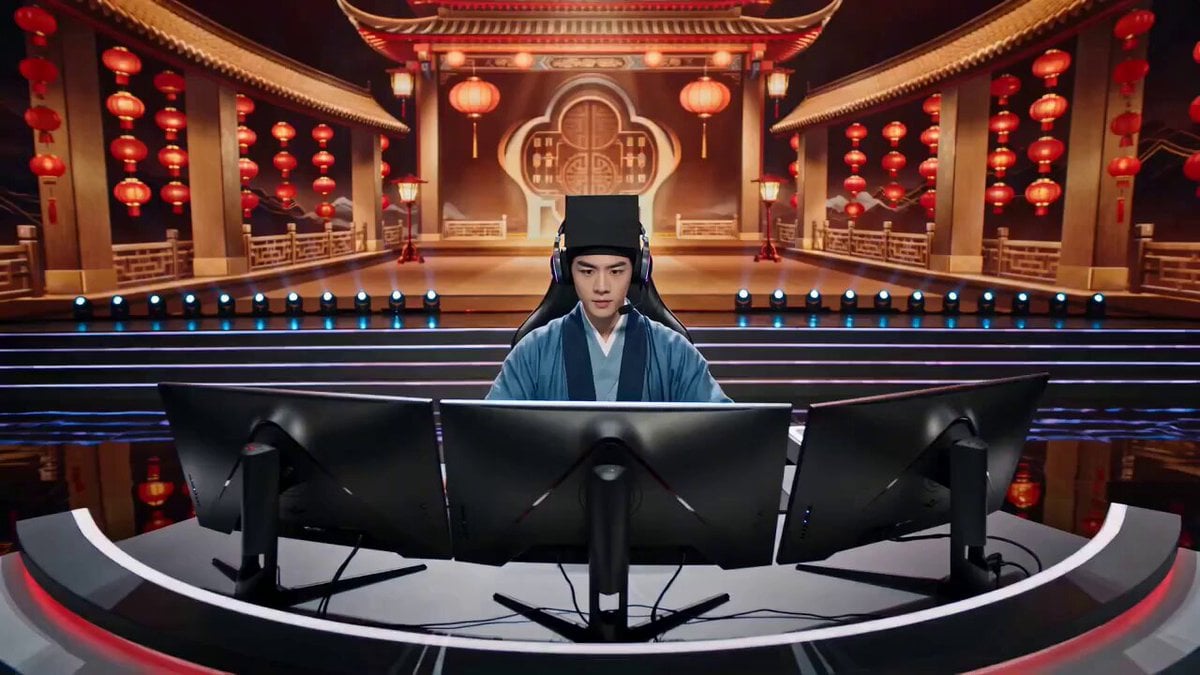
Tang Bohu E-Sports Showdown (Spring Festival Gala Style)

Cyberpunk Samurai Tokyo Storm
Browse template categories
Cyberpunk Exosuit Transformation Sequence questions
How do I use the Cyberpunk Exosuit Transformation Sequence template?
Add your photo if the template asks for one, edit the prompt if you like — the template's model and format are already selected — and press Generate. Your version opens in PicX Studio.
Can I customize the Cyberpunk Exosuit Transformation Sequence template?
Yes. You can change the subject, setting, lighting, mood, format, and available model controls before creating your video.
Is the Cyberpunk Exosuit Transformation Sequence template free?
Opening and editing this template is free. Generating uses credits, shown on the Generate button when you are signed in.
Which AI model should I use?
Start with Seedance 2.0, which is the model associated with this template. You can compare another compatible model for a different finish.
Looking for something else? Browse all templates.

Your photo, any look
Thousands of ready templates for every top image and video model, from one credit balance.