
Hair Salon Makeover Reveal Video
A comprehensive cinematic script for a hair salon transformation video, detailing specific shots, lighting, character reactions, and background music.
- Prompt included
- Model and format preset
- Premium template
The prompt behind this video
Copy the exact prompt behind Hair Salon Makeover Reveal Video, or open it in the studio and make it yours.
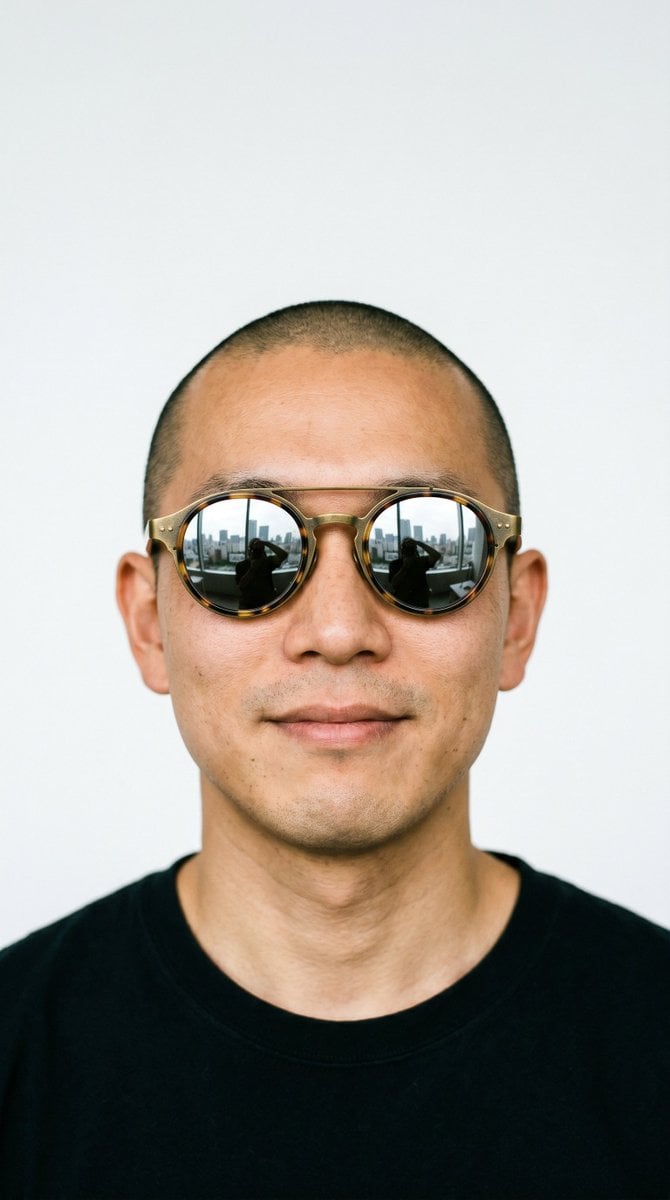
Image1 is the woman before makeover. Image2 is the same woman after a stunning hair transformation. Image3 is the male hairstylist. TikTok hair salon makeover reveal. Shot 1 (0:00–0:04): The shy woman from Image1 sits in a salon chair, fidgeting nervously and touching her hair. The hairstylist from Image3 stands beside her, examining her hair and nodding. He smirks confidently at camera. Medium shot, slow dolly in. Warm amber salon lighting, mirrors in bokeh background. Shot 2 (0:04–0:07): The hairstylist from Image3 grins at camera, then reaches his open palm toward the lens. His hand grows larger until it completely covers the entire frame — screen goes dark. POV, wide lens. Dramatic whoosh then silence. Shot 3 (0:07–0:08): Complete darkness — palm fills 100% of frame. One second of black. Total silence. Shot 4 (0:08–0:10): Both hands pull away from lens. Golden light floods in with lens flare. The transformed woman from Image2 is revealed in the salon chair. POV perspective. Rising chime sound. Shot 5 (0:10–0:13): The woman from Image2 stares at her reflection wide-eyed, freezes, then covers her mouth with both hands in shock. Eyes glistening with happy tears. Medium shot, slow dolly in to close-up. Beauty lighting with halo backlight on her hair, sparkle effects. K-pop beat drop. Shot 6 (0:13–0:15): The woman from Image2 and hairstylist from Image3 together. She touches her new hair smiling radiantly. He gives thumbs-up to camera. Medium two-shot. Bright cheerful lighting. Music fading out. Style: Photorealistic, smartphone footage, slight film grain. Warm amber salon lighting. Shots 4–6 noticeably brighter and more glamorous than Shots 1–2. Constraints: Woman in Shots 1–2 matches Image1. Woman in Shots 4–6 matches Image2. Hairstylist matches Image3 throughout. Hand covers 100% frame in Shot 3. No text. No logos. Stable, smooth. 2K. BGM:K-pop, future bass, female vocal, BPM 118, soft dreamy piano intro for 4 seconds, rising synth buildup from 4 to 7 seconds, 1 second total silence at 8 seconds, massive beat drop at 9 seconds with sparkling synths and powerful bass, feel-good melodic outro fading out, total length 15 seconds
How to use Hair Salon Makeover Reveal Video in 3 steps
- 1
Open
The prompt is already in the box next to the preview, with the template's model and format selected.
- 2…a portrait of your subject in softgolden-hour light, 85mm…
Personalize
Edit the subject and creative details for your destination.
- 3Generate
Generate
Press Generate — your video is created in PicX Studio, so you can compare it with the original and refine one variable at a time.
More like this
Templates with the same subject, style or setup. Open one to see its prompt.
Boutique Garden Hair Salon
Hair Salon Transformation Ad Prompt
Rainforest Thriller — Searching the Unseen
Stone Colossus Desert Riders — Golden Fire Reveal

Jack-in-the-Box Horror Reveal
Fantasy Dragon River Reveal
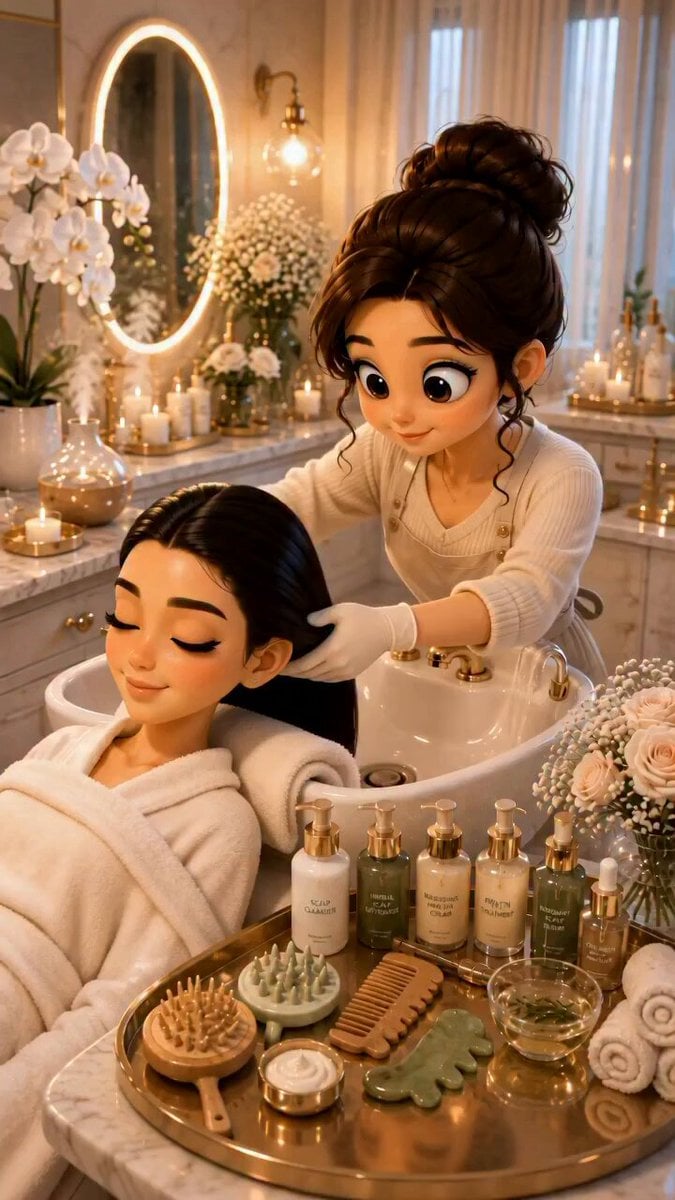
3D Pixar Style Salon ASMR Prompt
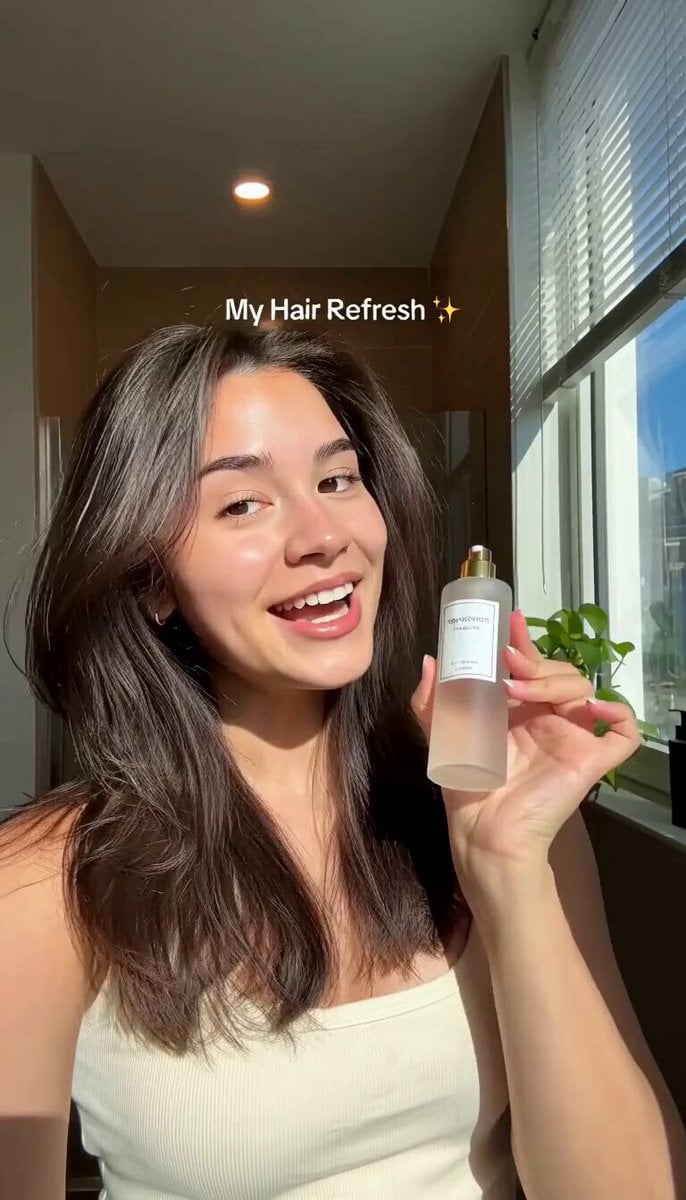
Hair Refresh Beauty Advertisement
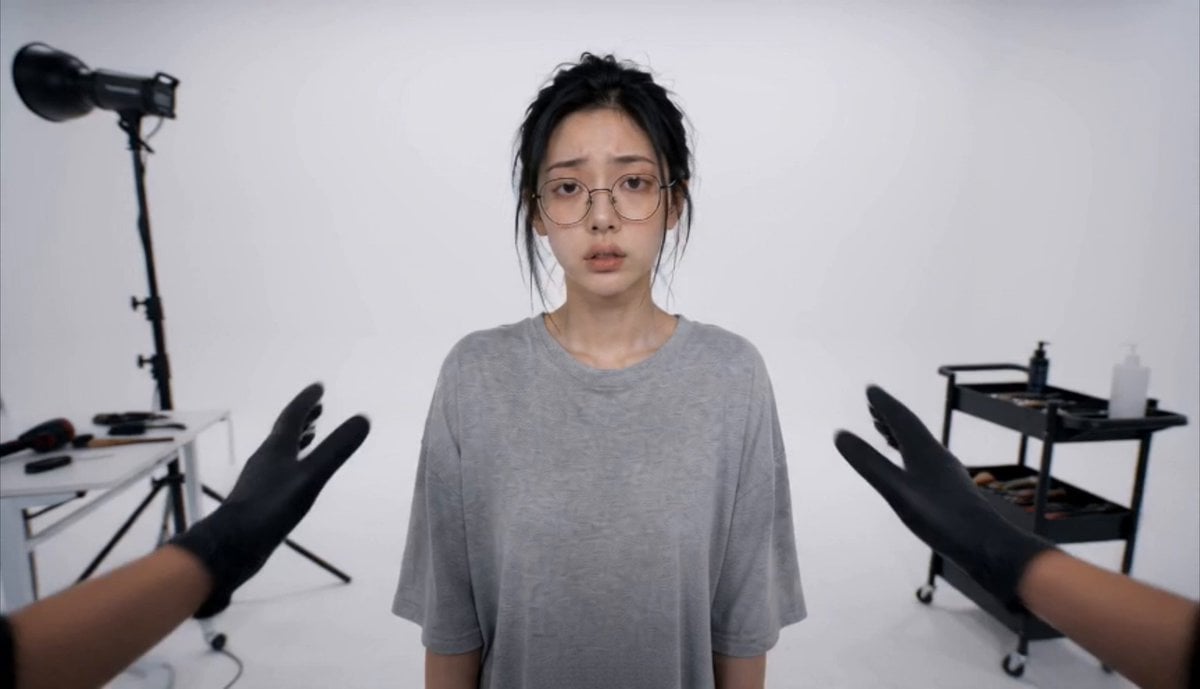
Luxury Salon Beauty Transformation

Rhythmic Hairstyle Transformation Video Prompt
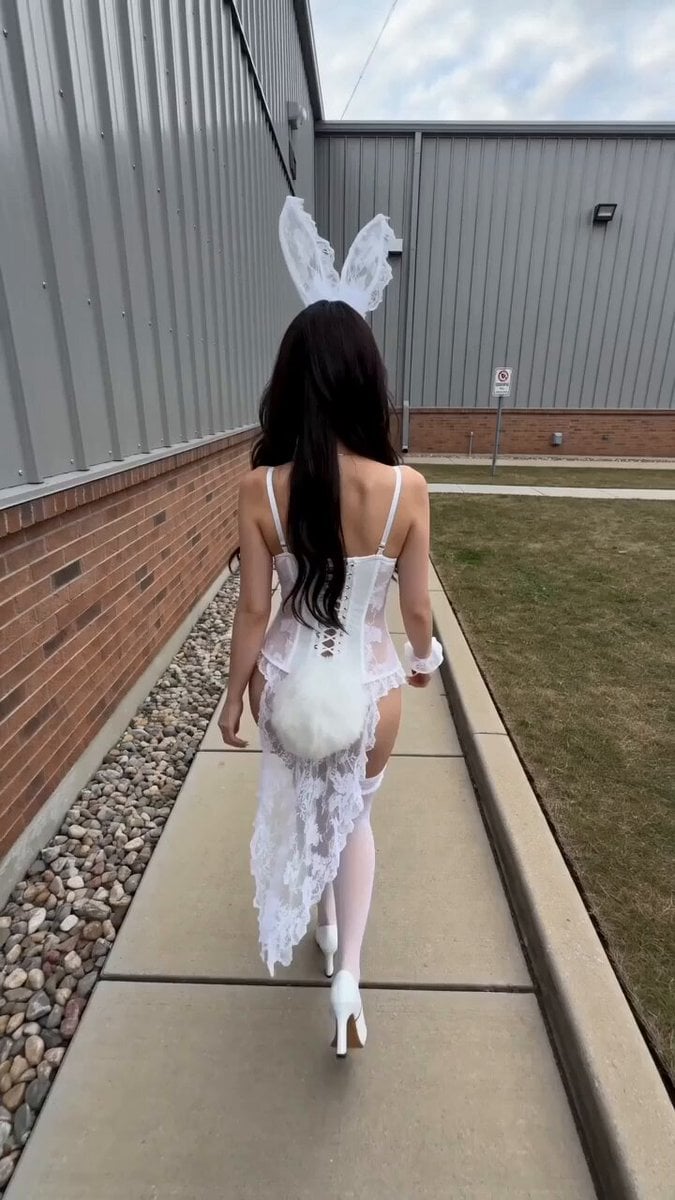
Realistic Street Commercial Character Reveal
Pink Haired J-Pop Idol Dance
Make it yours
Hair Salon Makeover Reveal Video works as-is. These are the safest ways to change it without losing the look.
Change one field
Copy a single group, rewrite it, and generate again so you can see what that field is doing.
Keep the frame, change the subject
Hold the composition and light of Hair Salon Makeover Reveal Video, then swap wardrobe, props or the person for a new take.
| If the result… | Why | Fix |
|---|---|---|
| The result drifts from the preview | Too many fields changed at once. | Reuse Hair Salon Makeover Reveal Video as-is first, then change one group — subject, light, or setting. |
| The model over-stylizes the scene | The prose prompt leaves finish and camera underspecified. | Add one camera or lighting sentence and stay on Seedance 2.0. |
More Seedance 2.0 templates
Other prompts made for Seedance 2.0.

Comical Martial Arts Punch Scene

Maglev Train Action Sequence

Martial Arts Fight Sequence

Wuxia Protection and Trust Script

Vintage Korean Arcade MiniDV Vlog

Mercedes 190 SL Luxury Ad

Rainy Night Supernatural Reverse Comedy Video Script

Amazon Civilization Discovery

Futuristic South Asian City Transformation

Cozy Luxury Cafe Commercial
More video prompts
Fresh picks from across the catalog.
Cinematic sci-fi battle scene with a cyborg
18k Gold car customization video prompt

Regency-era ballroom scene inspired by Bridgerton

Alien Attack FPV Cinematic Video
The Barista Rube Goldberg Machine
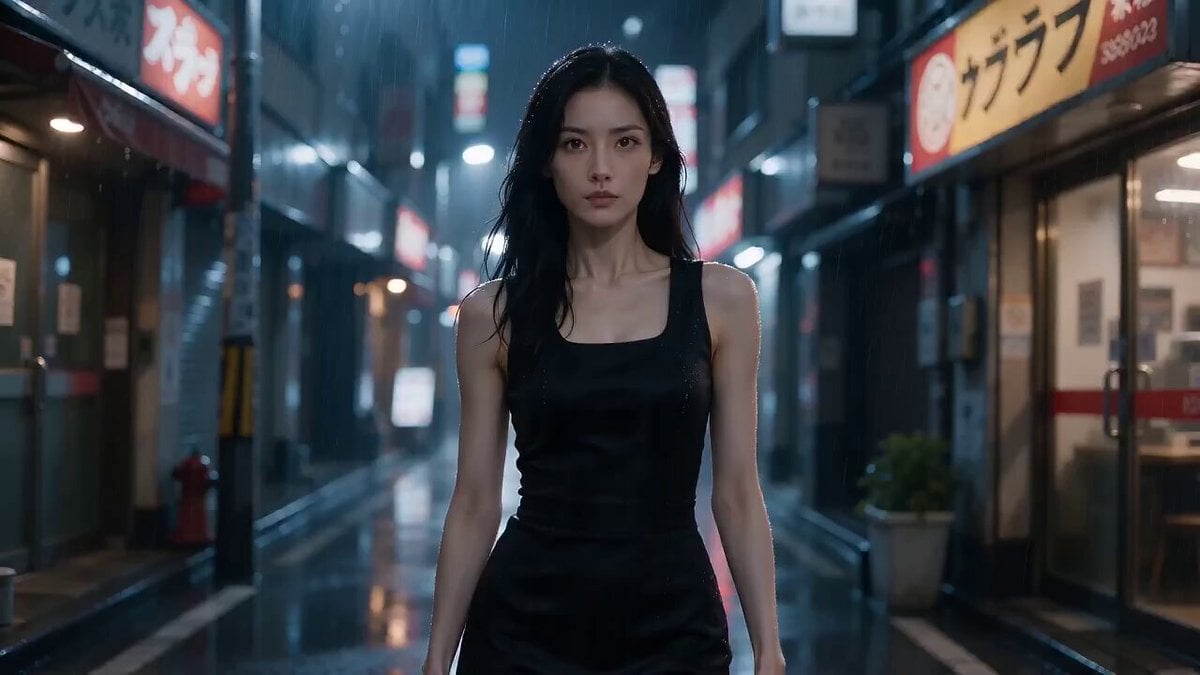
Tokyo Residential Alley Rain
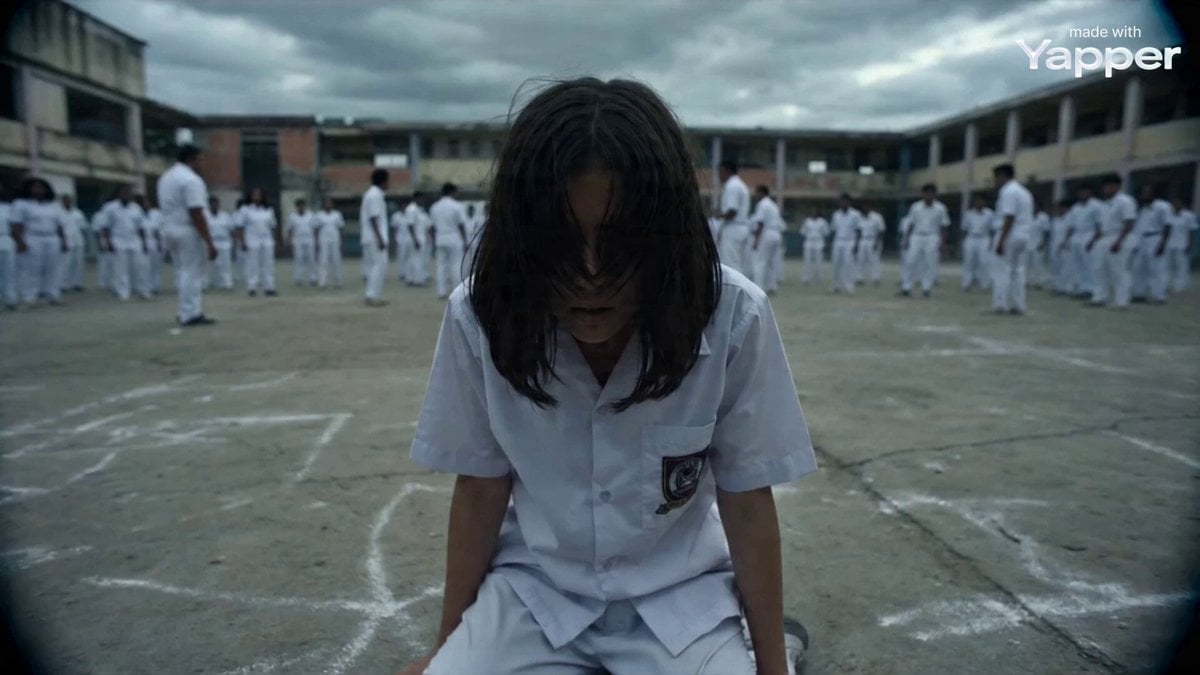
Documentary Style Video Prompt

Animated Jungle Expedition Multi-Shot
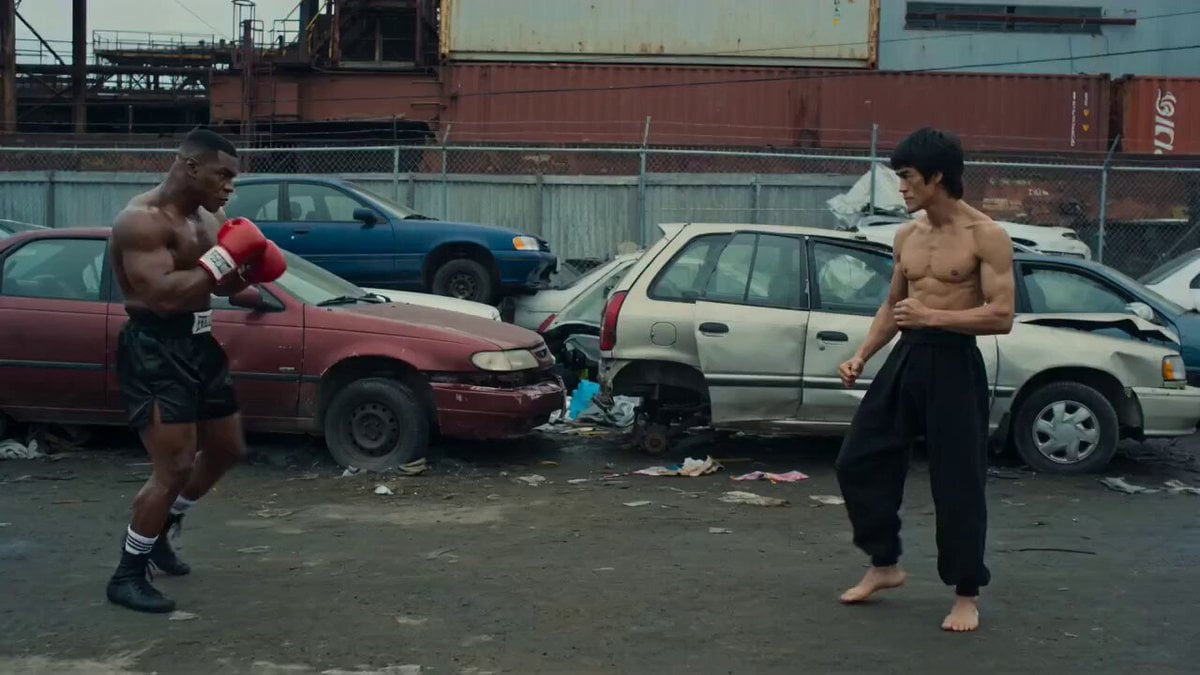
Boxer vs Jeet Kune Do Fight in Junkyard
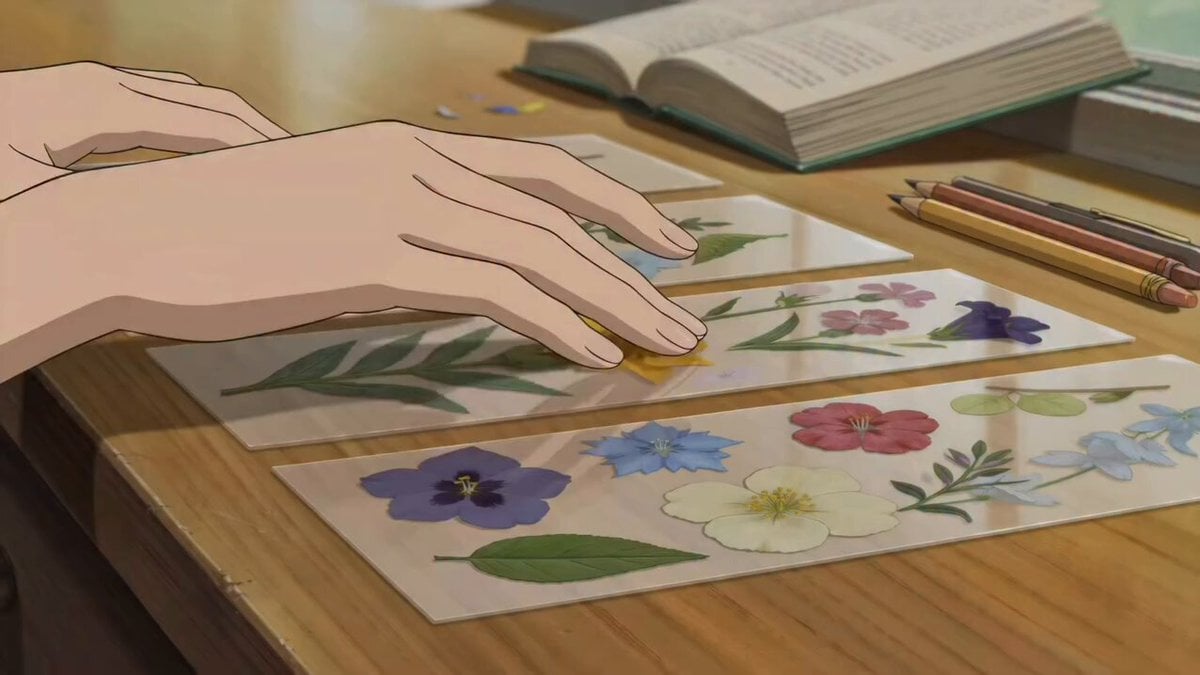
ASMR Pressed Flower Bookmark Animation
Browse template categories
Hair Salon Makeover Reveal Video questions
How do I use the Hair Salon Makeover Reveal Video template?
Add your photo if the template asks for one, edit the prompt if you like — the template's model and format are already selected — and press Generate. Your version opens in PicX Studio.
Can I customize the Hair Salon Makeover Reveal Video template?
Yes. You can change the subject, setting, lighting, mood, format, and available model controls before creating your video.
Is the Hair Salon Makeover Reveal Video template free?
Opening and editing this template is free. Generating uses credits, shown on the Generate button when you are signed in.
Which AI model should I use?
Start with Seedance 2.0, which is the model associated with this template. You can compare another compatible model for a different finish.
Looking for something else? Browse all templates.

Your photo, any look
Thousands of ready templates for every top image and video model, from one credit balance.