
3D Pixar Style Salon ASMR Prompt
A detailed animation prompt for Seedance 2.0 to create a cozy, Pixar-style ASMR sequence of a luxurious hair salon treatment.
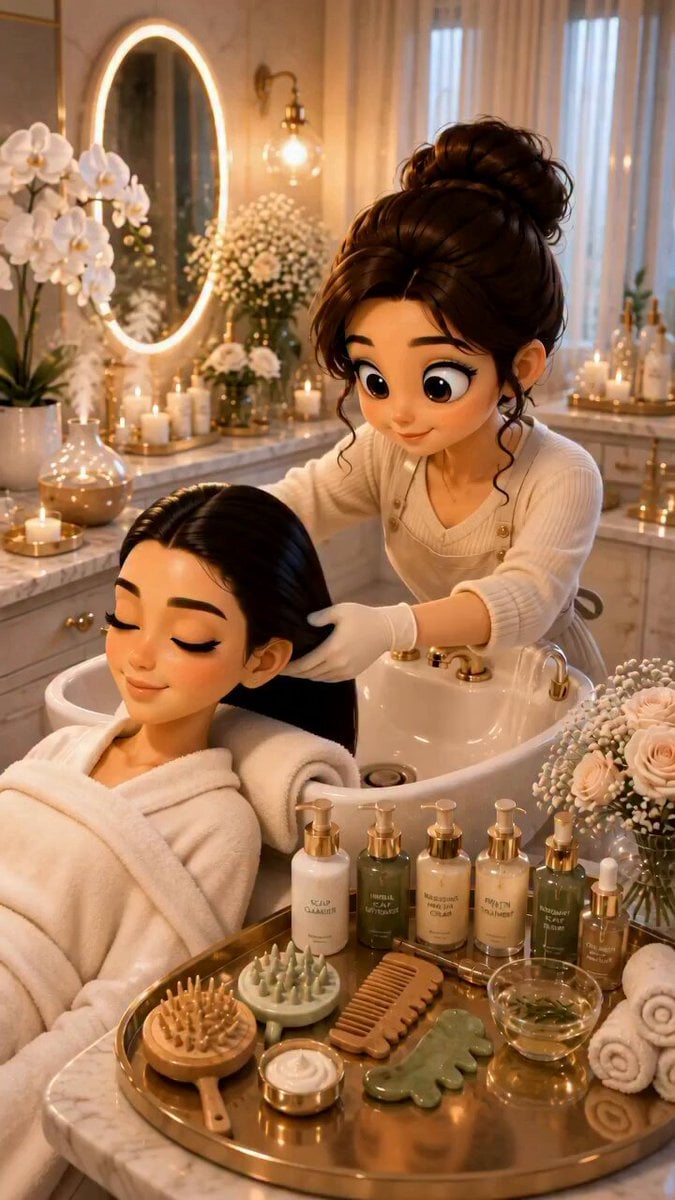
- Prompt included
- Model and format preset
- Free template
The prompt behind this video
Copy the exact prompt behind 3D Pixar Style Salon ASMR Prompt, or open it in the studio and make it yours.
3D Pixar-style animation, 8K resolution, vertical portrait orientation, 3:4 aspect ratio. A cozy, luxurious salon ASMR hair treatment session sequence. A cute young animated woman with long, silky black hair wearing a plush white bathrobe is reclining comfortably at a sleek white shampoo bowl. A cheerful stylist with a neat messy bun and apron gently washes, shampoos, and massages her hair. The clip features close-up details of water pouring from a golden faucet, rich white foam lathering, a wooden scalp massage brush working through soft foam, drops of hair oil being massaged into the scalp, smooth wooden combing, and drying with a white towel. Ending with the woman sitting up, smiling brightly at the camera, showcasing super shiny, voluminous, soft hair. Cozy aesthetic with warm glowing candles, marble countertops, white orchids, and golden accents. Cinematic lighting, soft depth of field, ultra-smooth camera movement, realistic fluid physics, relaxing and soothing atmosphere. --ar 3:4
How to use 3D Pixar Style Salon ASMR Prompt in 3 steps
- 1
Open
The prompt is already in the box next to the preview, with the template's model and format selected.
- 2…a portrait of your subject in softgolden-hour light, 85mm…
Personalize
Edit the subject and creative details for your destination.
- 3Generate
Generate
Press Generate — your video is created in PicX Studio, so you can compare it with the original and refine one variable at a time.
More like this
Templates with the same subject, style or setup. Open one to see its prompt.
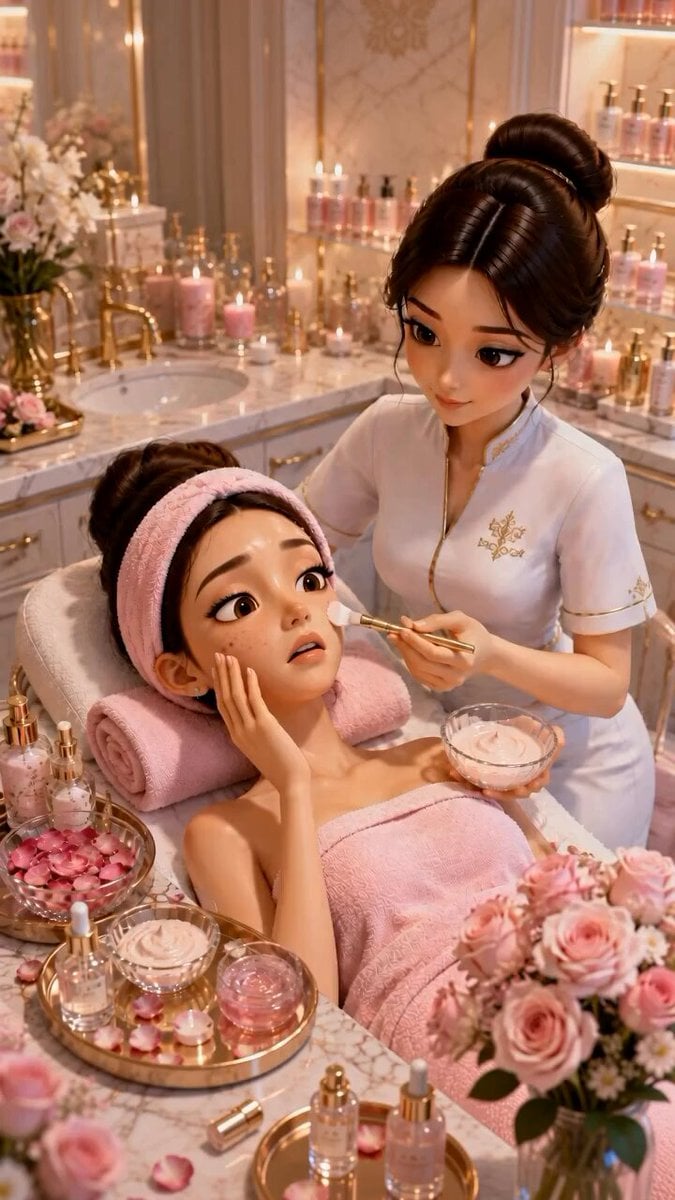
Pixar Style ASMR Spa Facial
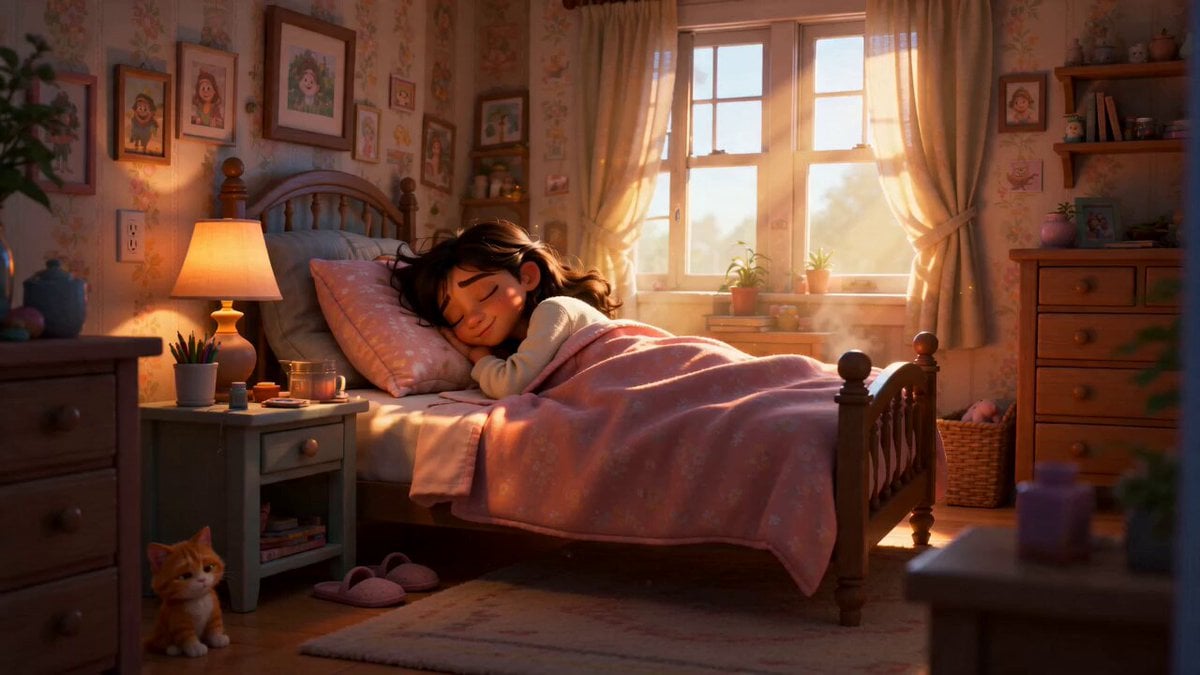
Pixar Style Sleeping Girl Animation
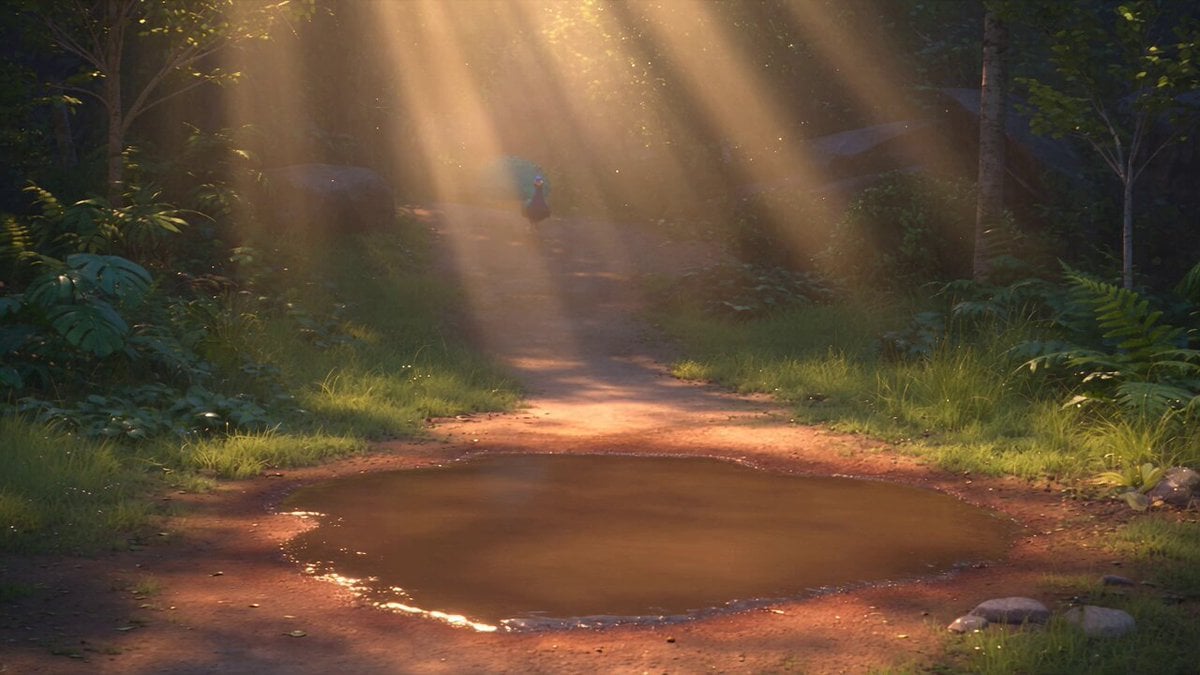
Pixar Style 3D Animation Prompt
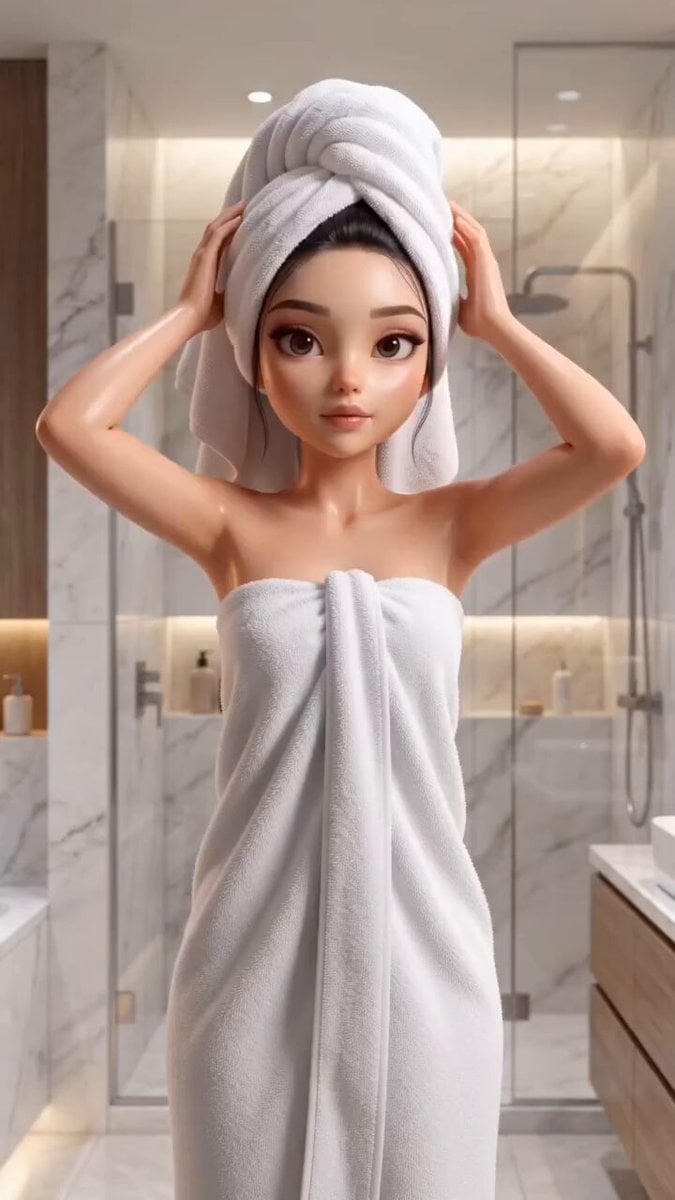
Pixar Style Beauty Routine Animation
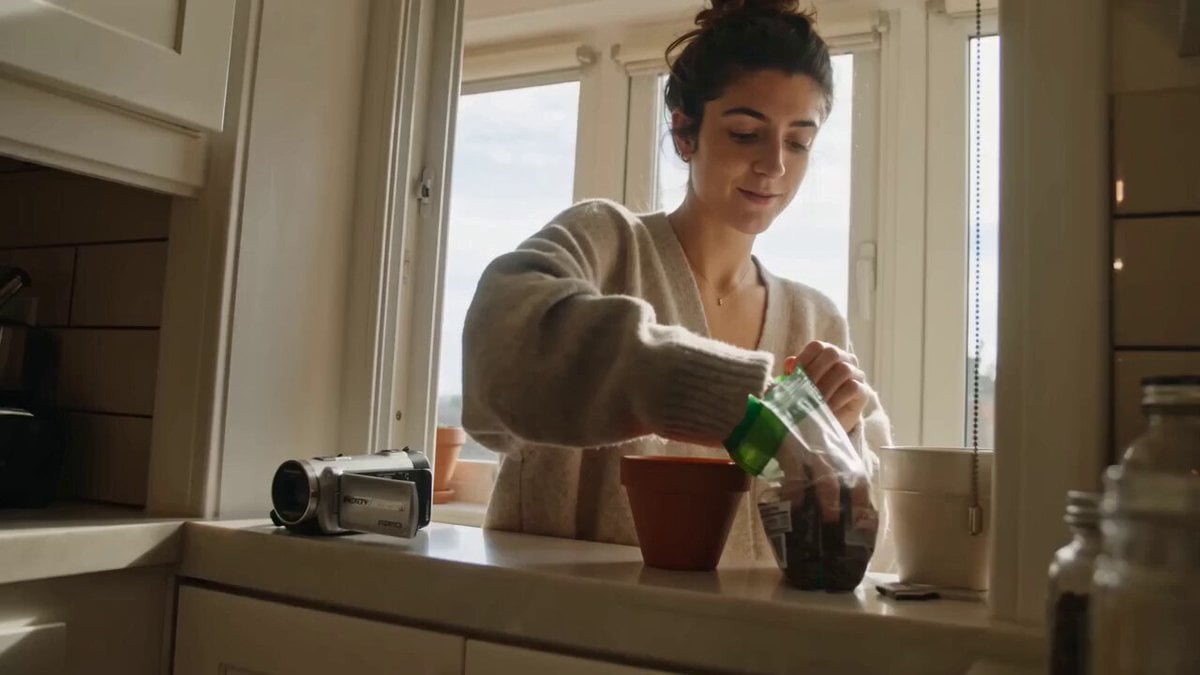
ASMR Plant Care Mini DV Vlog
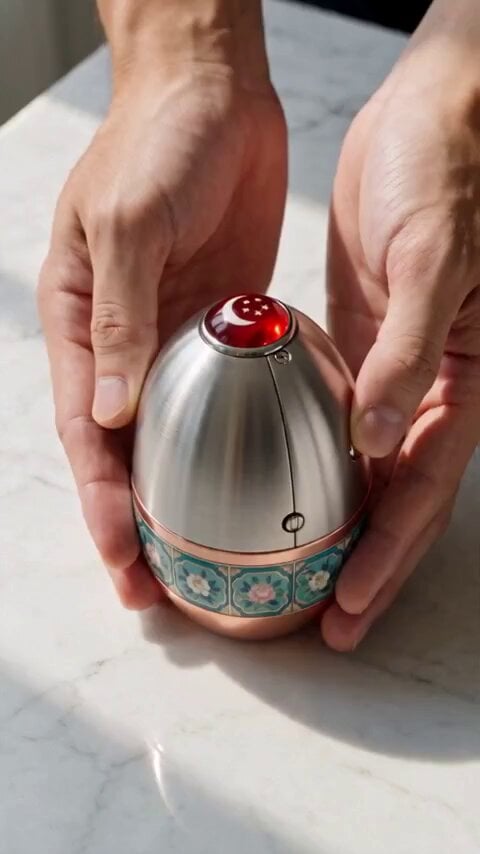
Mechanical Merlion Transformation ASMR
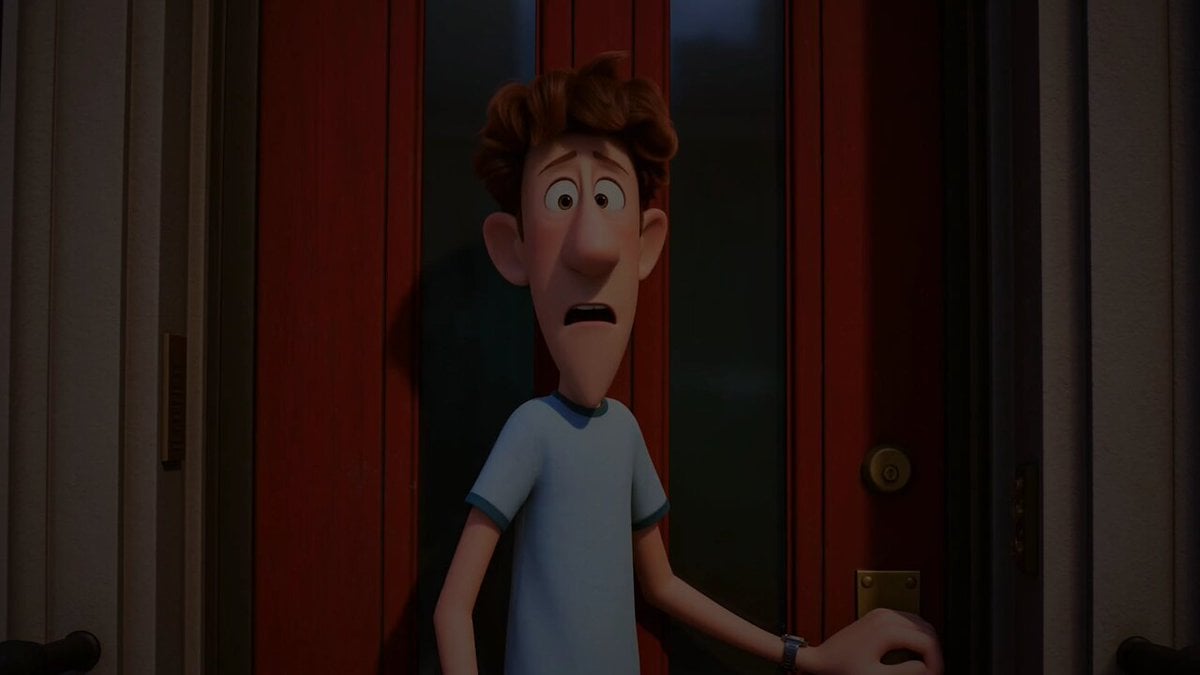
Pigeon Nemesis Pixar Animation Storyboard
ASMR Pink Lip Gloss Creation
Luxury Salon Beauty Transformation

Ultra Chill ASMR Vlog
Luxury Beauty Skincare ASMR
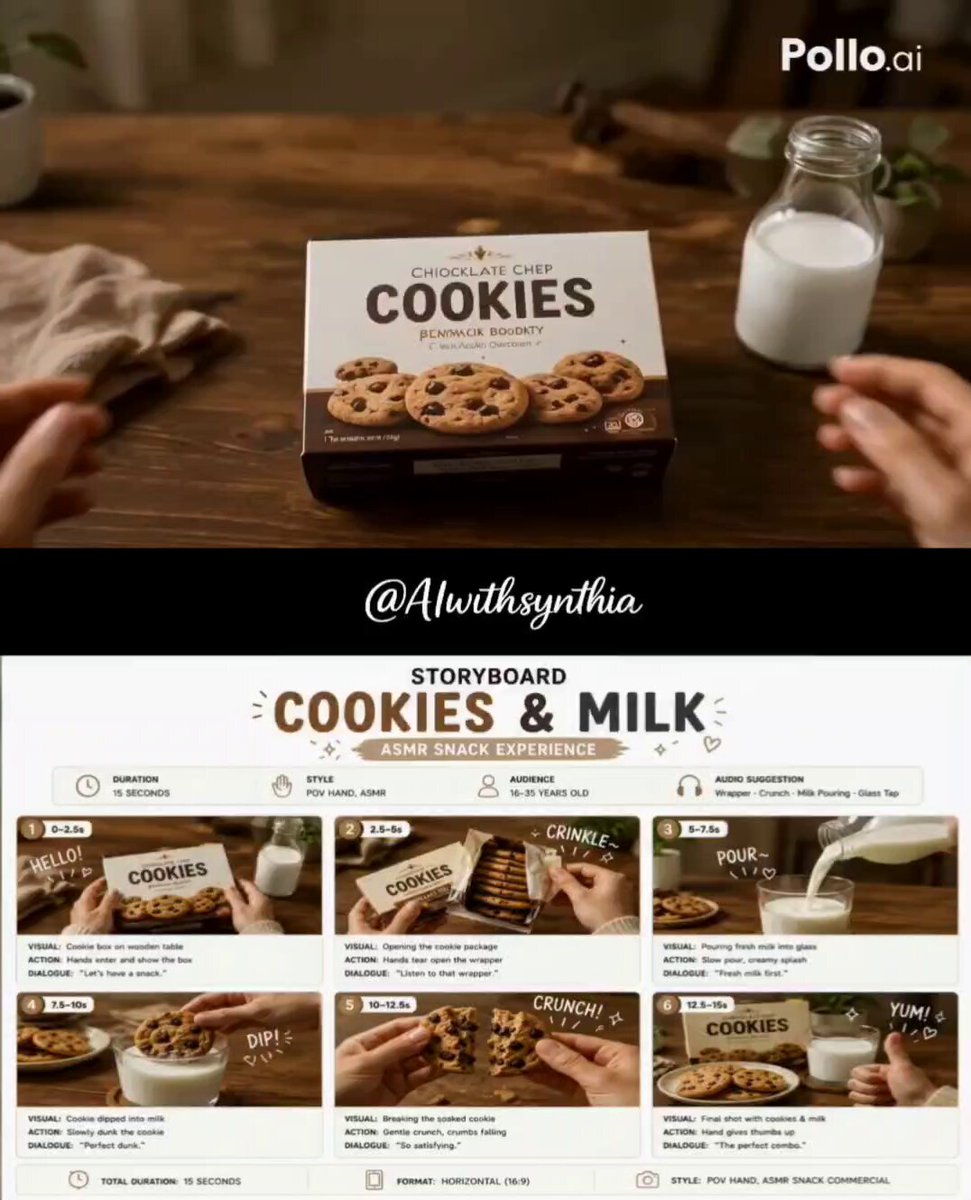
Cookies and Milk ASMR Ad
Make it yours
3D Pixar Style Salon ASMR Prompt works as-is. These are the safest ways to change it without losing the look.
Change one field
Copy a single group, rewrite it, and generate again so you can see what that field is doing.
Keep the frame, change the subject
Hold the composition and light of 3D Pixar Style Salon ASMR Prompt, then swap wardrobe, props or the person for a new take.
| If the result… | Why | Fix |
|---|---|---|
| The result drifts from the preview | Too many fields changed at once. | Reuse 3D Pixar Style Salon ASMR Prompt as-is first, then change one group — subject, light, or setting. |
| The model over-stylizes the scene | The prose prompt leaves finish and camera underspecified. | Add one camera or lighting sentence and stay on Seedance 2.0. |
More Seedance 2.0 templates
Other prompts made for Seedance 2.0.

Comical Martial Arts Punch Scene

Maglev Train Action Sequence

Martial Arts Fight Sequence

Wuxia Protection and Trust Script

Vintage Korean Arcade MiniDV Vlog

Mercedes 190 SL Luxury Ad

Rainy Night Supernatural Reverse Comedy Video Script

Amazon Civilization Discovery

Futuristic South Asian City Transformation

Cozy Luxury Cafe Commercial
More video prompts
Fresh picks from across the catalog.
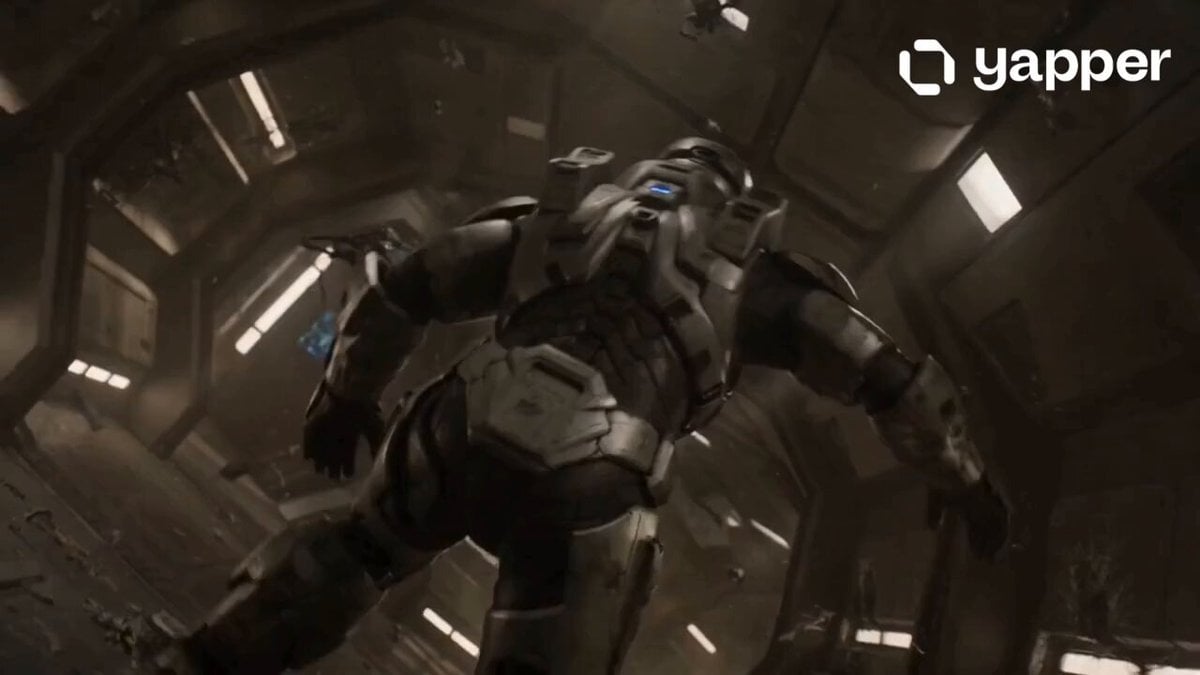
Lone Space Soldier Cinematic Scene
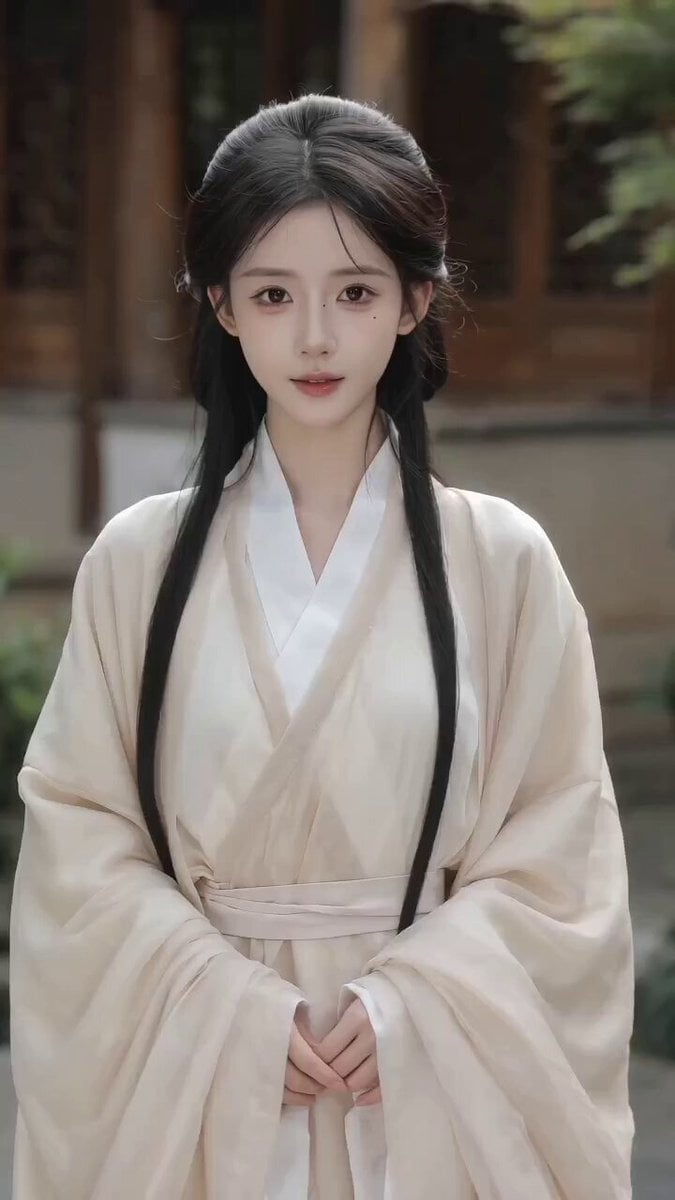
Seedance 2.0 Video Prompt: Seamless Ancient Chinese Costume Change
Lillyli Time Freeze Avatar

World Cup Football Fan Meme

Cyberpunk Samurai Tokyo Storm
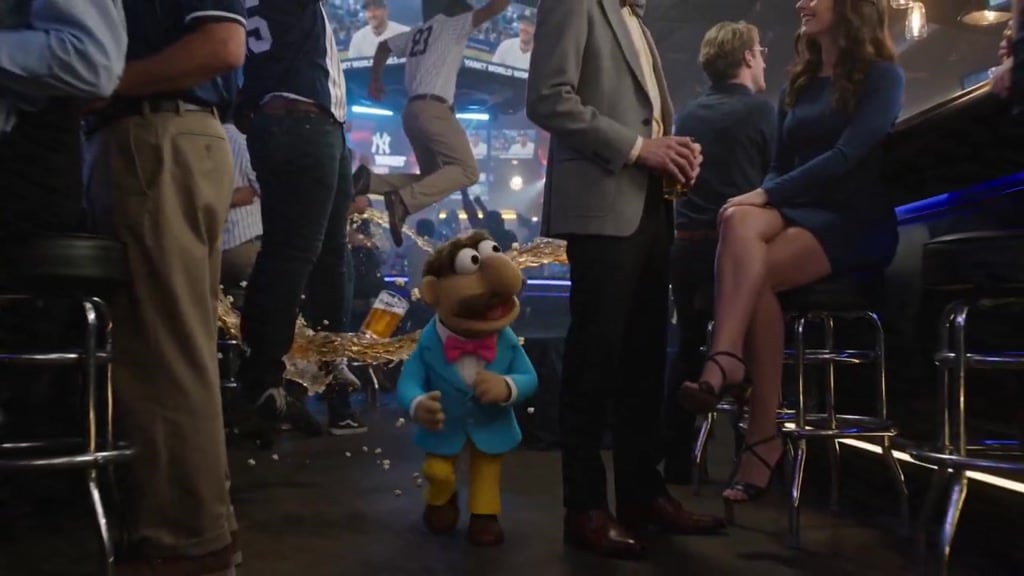
Puppet Time Freeze - Sports Bar Chaos
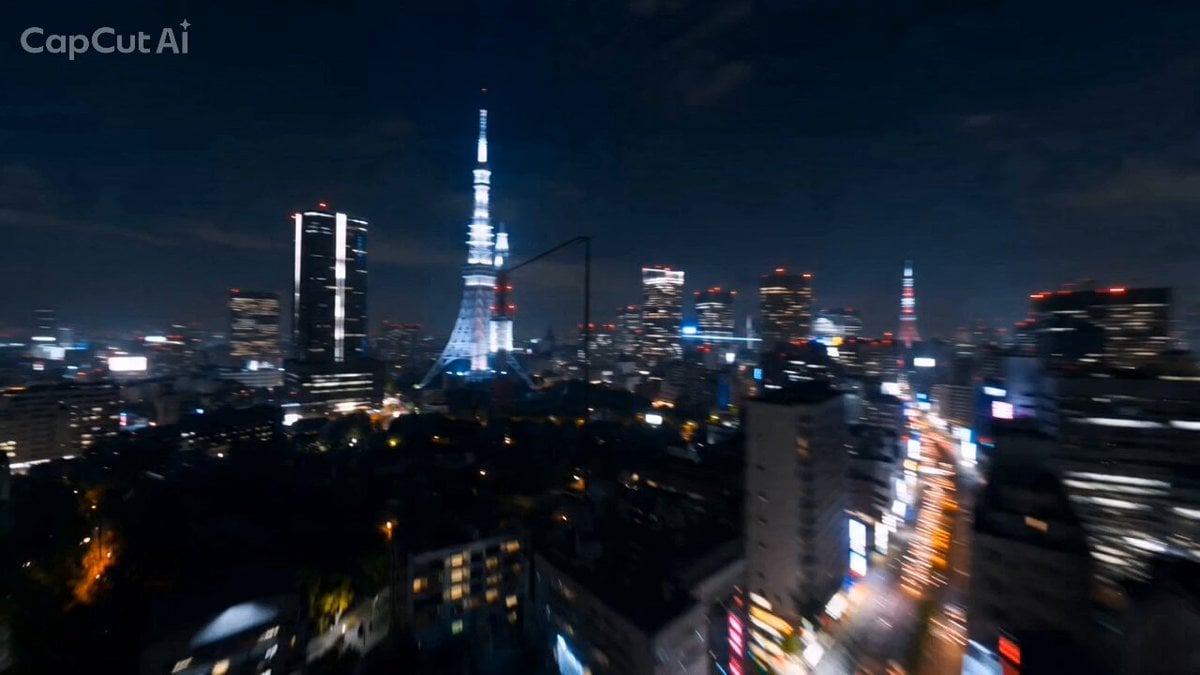
Tokyo Skyline Rollercoaster POV
Epic Chinese Fantasy CG Video: Four Arts of the Scholar
Action Movie Plane Scene
Anime Character Switching Prompt
Browse template categories
3D Pixar Style Salon ASMR Prompt questions
How do I use the 3D Pixar Style Salon ASMR Prompt template?
Add your photo if the template asks for one, edit the prompt if you like — the template's model and format are already selected — and press Generate. Your version opens in PicX Studio.
Can I customize the 3D Pixar Style Salon ASMR Prompt template?
Yes. You can change the subject, setting, lighting, mood, format, and available model controls before creating your video.
Is the 3D Pixar Style Salon ASMR Prompt template free?
Opening and editing this template is free. Generating uses credits, shown on the Generate button when you are signed in.
Which AI model should I use?
Start with Seedance 2.0, which is the model associated with this template. You can compare another compatible model for a different finish.
Looking for something else? Browse all templates.

Your photo, any look
Thousands of ready templates for every top image and video model, from one credit balance.