How do I use the Tokyo Skyline Rollercoaster POV template?
Edit the prompt in the box under the preview — the template's model and format are already selected — and press Generate. Your version appears right on this page.
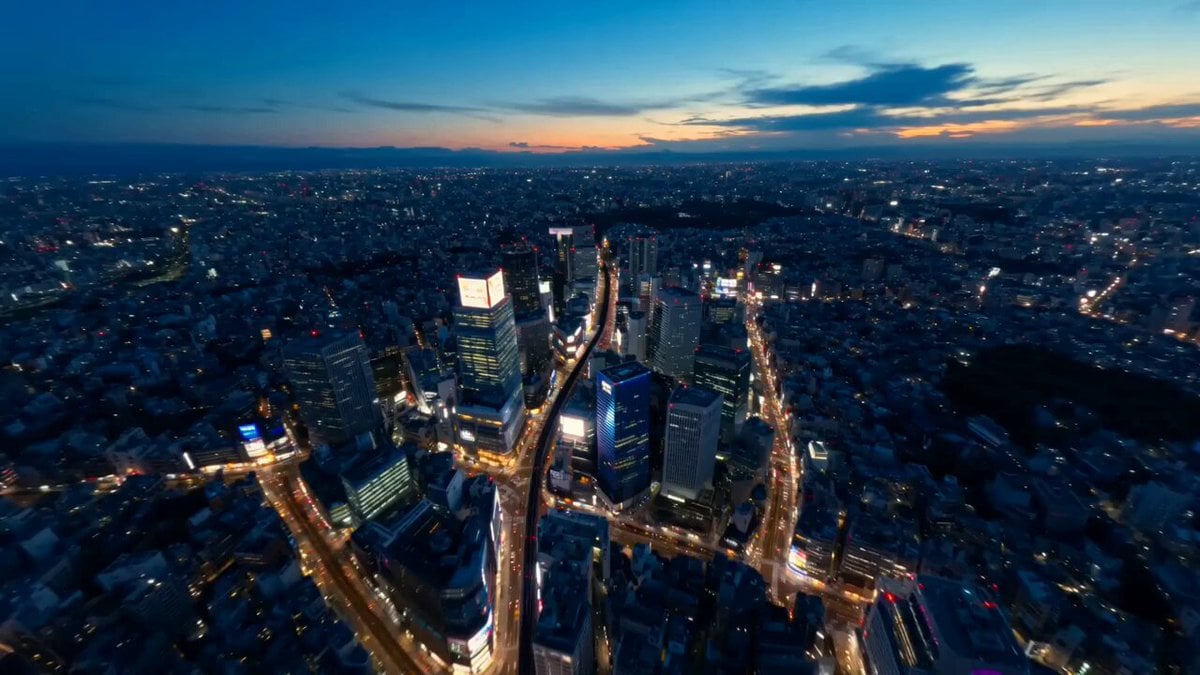
A detailed JSON-formatted prompt for Seedance 2.0 describing a cinematic point-of-view shot of an invisible rollercoaster speeding through the Tokyo cityscape at night.
{ "location": "Tokyo Cityscape (Night)", "duration": "10s", "prompt": "A cinematic POV shot riding an invisible rollercoaster through Tokyo at night. A glowing neon rail 'creates itself' milliseconds before the camera hits it, weaving through the steel structures of Tokyo Tower and nearby buildings. As the camera passes, each building it touches instantly transforms into a stack of glowing cubes that rotate and re-assemble. The shot ends with the camera diving straight down into a sea of neon lights, which turns into a giant QR code or a logo just before the screen goes black.", "vfx_focus": [ "Procedural rail generation", "Dynamic environment transformation (Geometry nodes style)", "Extremely high-speed camera motion with light streaks" ] }
Edit the prompt in the box under the preview — the template's model and format are already selected — and press Generate. Your version appears right on this page.
Yes. You can change the subject, setting, lighting, mood, format, and available model controls before creating your video.
Opening and editing this template is free. Generating uses credits, shown on the Generate button when you are signed in.
Start with Seedance 2.0, which is the model associated with this template. You can compare another compatible model for a different finish.
Follow a topic to a crawlable collection of related PicX Studio templates.