
Epic Post-Apocalyptic Warrior Transformation Video Prompt
An extensive, multi-scene prompt for Seedance 2.0 detailing the transformation of a powerful female warrior in a post-apocalyptic city, featuring cinematic shots, dramatic lighting, and a demonic evolution sequence…
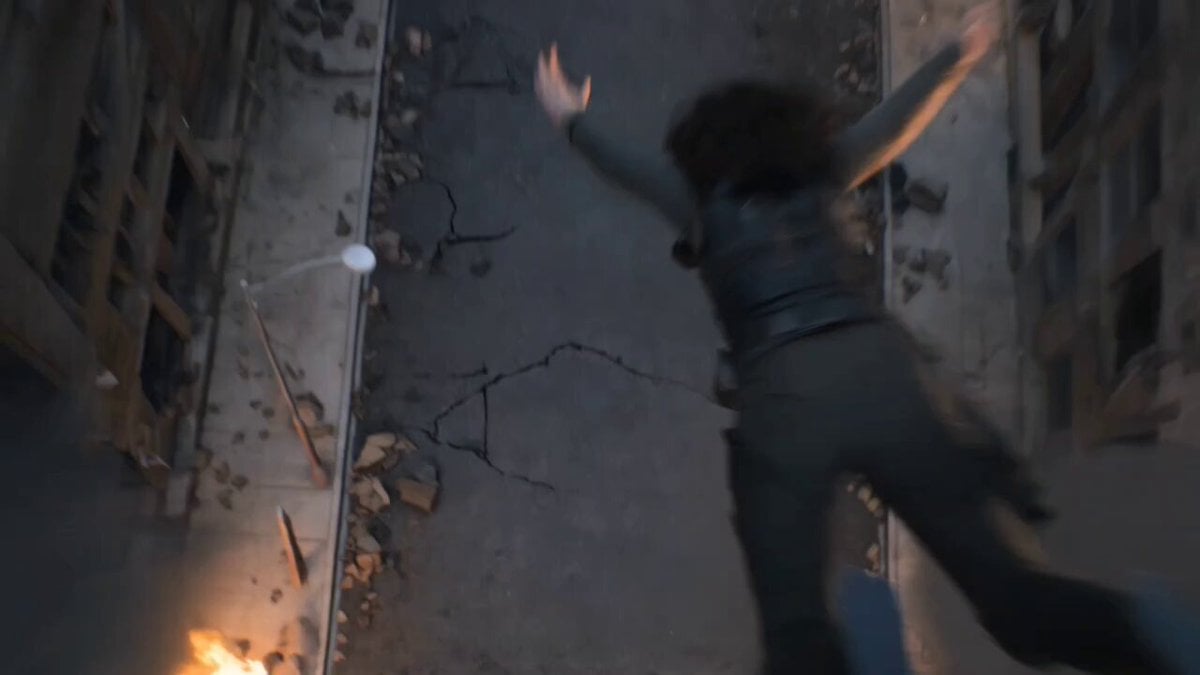
- Prompt included
- Model and format preset
- Premium template
The prompt behind this video
Copy the exact prompt behind Epic Post-Apocalyptic Warrior Transformation Video Prompt, or open it in the studio and make it yours.
A dark, post-apocalyptic city covered in smoke, debris, and burning ruins, cinematic wide aerial shot, dramatic cloudy sky with fire embers floating in the air, destroyed buildings on both sides, abandoned cars, cracked roads glowing faintly with heat A powerful female warrior descends rapidly from the sky, long hair flowing in slow motion, camera follows her from above as she slams into the ground, creating a shockwave of dust and debris, cinematic impact, particles flying, ground cracking beneath her Low angle close-up — she kneels on the ground, breathing heavily, bruised but intense, wearing tactical outfit with torn sleeves, subtle glowing veins under her skin, atmosphere filled with smoke and fire A glowing energy drink can (neon green accents) lies in front of her on the ground, slightly vibrating with power, cinematic focus shift from her face to the can She slowly reaches forward, picks up the can, stands up — background explosions flicker behind her, camera slowly pushes in Close-up shot — she opens the can, a sharp metallic sound echoing, green energy vapor leaks out, lighting her face dramatically As she drinks — her eyes suddenly glow bright neon green, energy pulses through her body, veins illuminate, wind starts swirling around her Dark organic energy tendrils emerge from her back and arms, wrapping around her body, forming armor-like structures, cinematic transformation sequence, high detail, slow motion Her body evolves into a demonic feminine entity, sleek black armor fused with glowing green energy lines, horns forming, wings expanding behind her Wide hero shot — she fully transforms into a towering, powerful demon-like being with massive wings, glowing eyes, and energy blades forming in her hands She raises both arms — energy surges through the sky, debris starts levitating, buildings trembling Final shot — she unleashes a massive green energy beam into the sky, creating a shockwave across the ruined city, camera pulls back to wide cinematic scale Style: ultra-realistic, cinematic lighting, volumetric fog, Unreal Engine style, high contrast, dramatic shadows, slow motion, epic scale, 4K, film grain, teal-orange + neon green color grading
How to use Epic Post-Apocalyptic Warrior Transformation Video Prompt in 3 steps
- 1
Open
The prompt is already in the box next to the preview, with the template's model and format selected.
- 2…a portrait of your subject in softgolden-hour light, 85mm…
Personalize
Edit the subject and creative details for your destination.
- 3Generate
Generate
Press Generate — your video is created in PicX Studio, so you can compare it with the original and refine one variable at a time.
More like this
Templates with the same subject, style or setup. Open one to see its prompt.
Mecha Transformation vs Kaiju — 4-Scene Epic
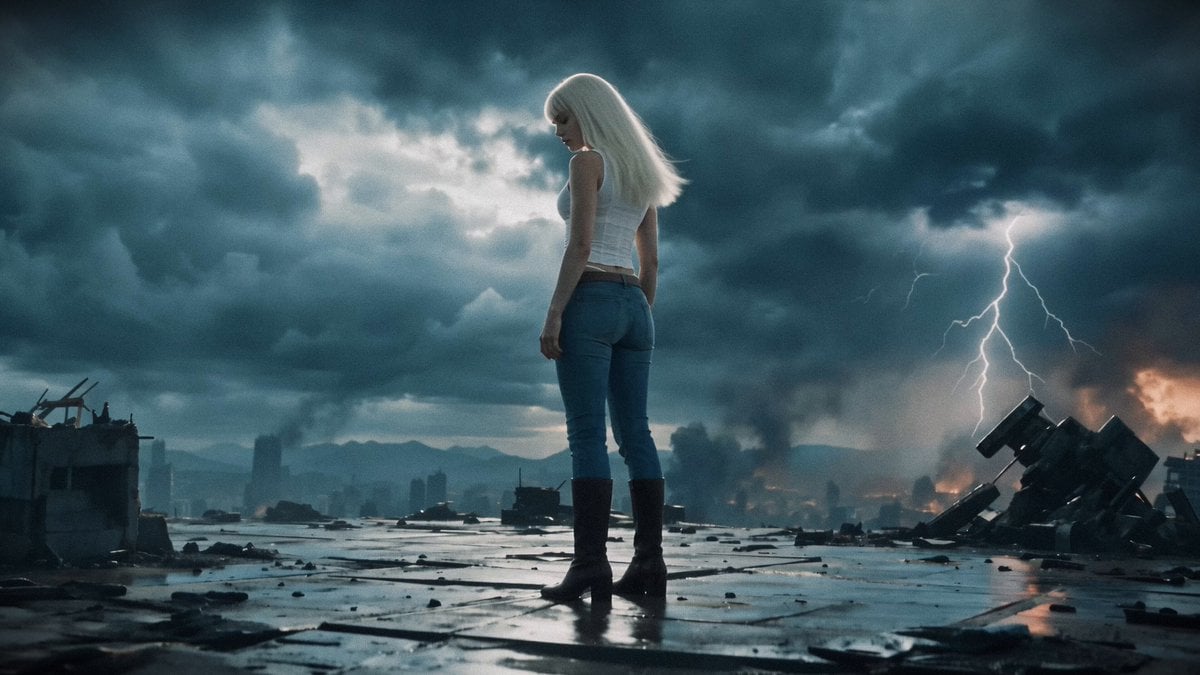
Post-Apocalyptic Mecha Awakening Transformation
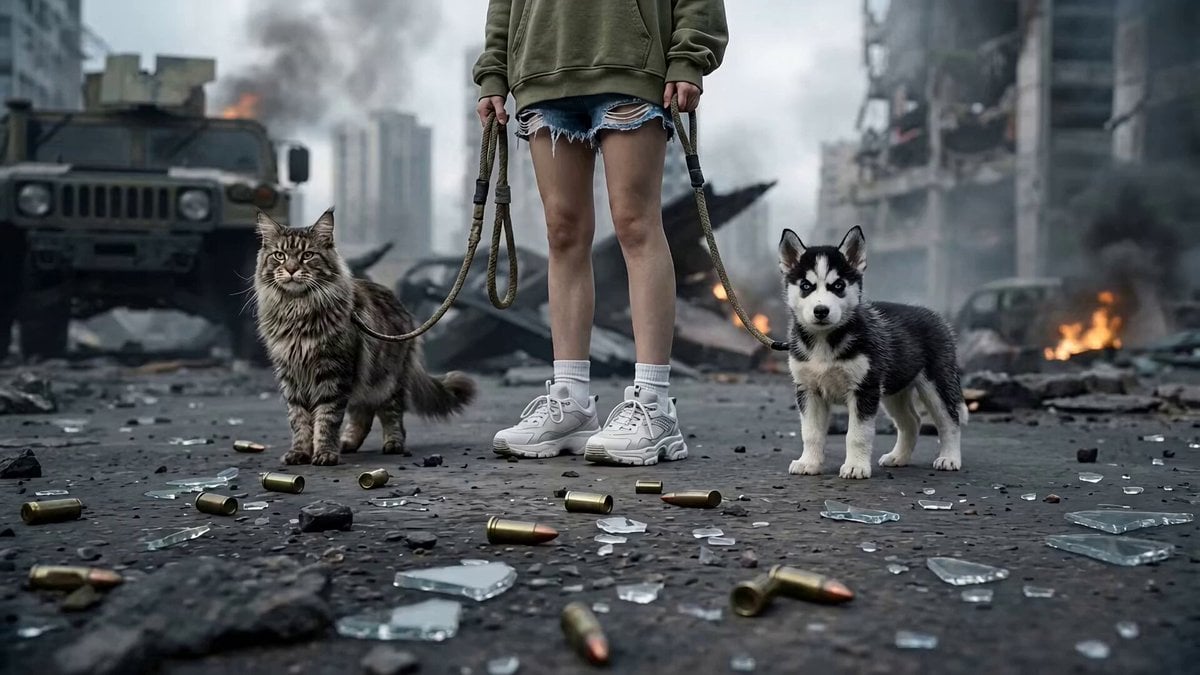
Post-Apocalyptic Cybernetic Transformation
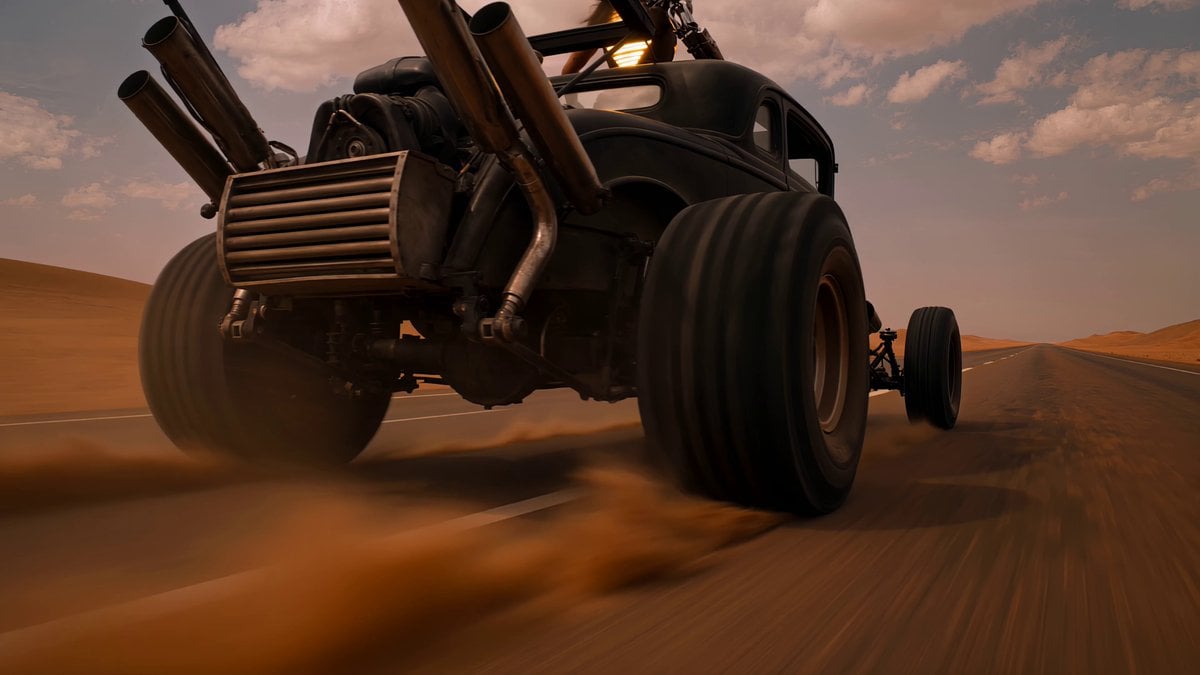
Post-Apocalyptic Desert Warrior Highway Chase
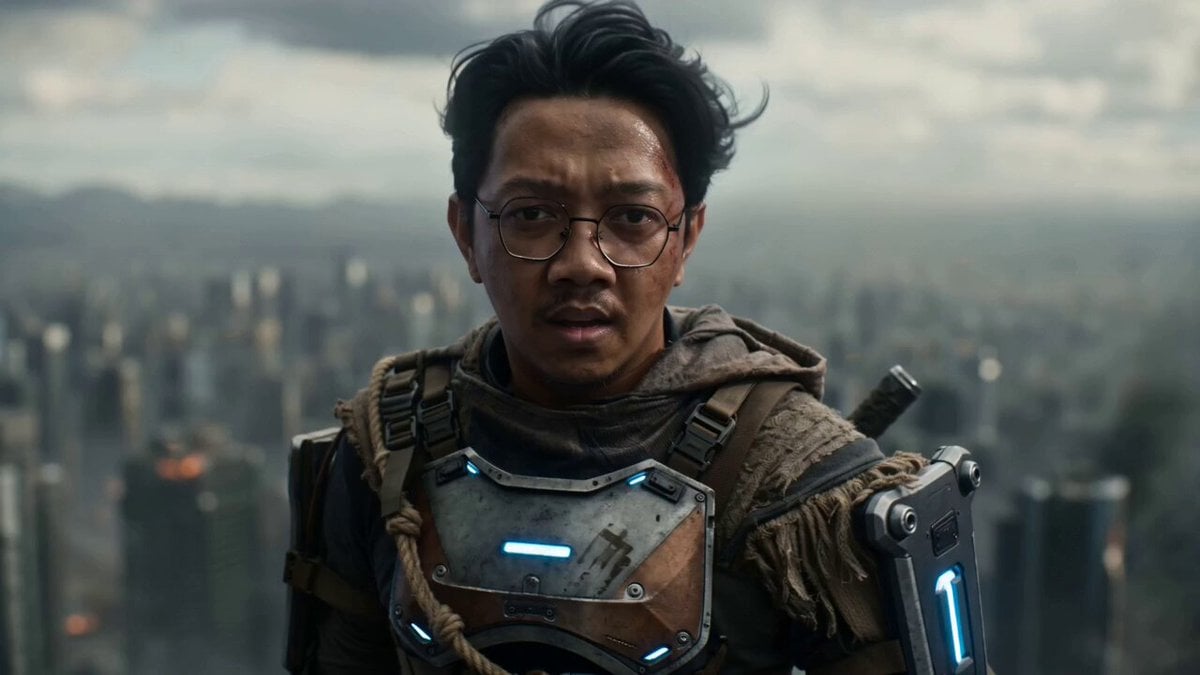
Post-Apocalyptic Cinematic Warrior Sequence
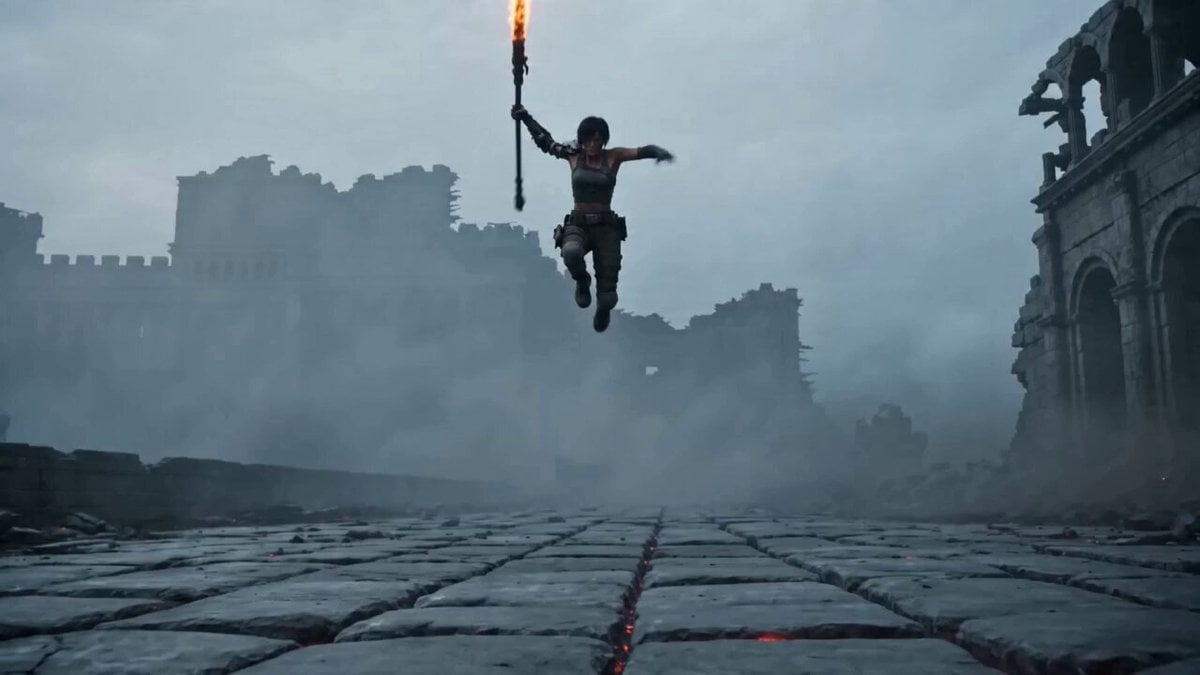
Prompt for Post-Apocalyptic Warrior
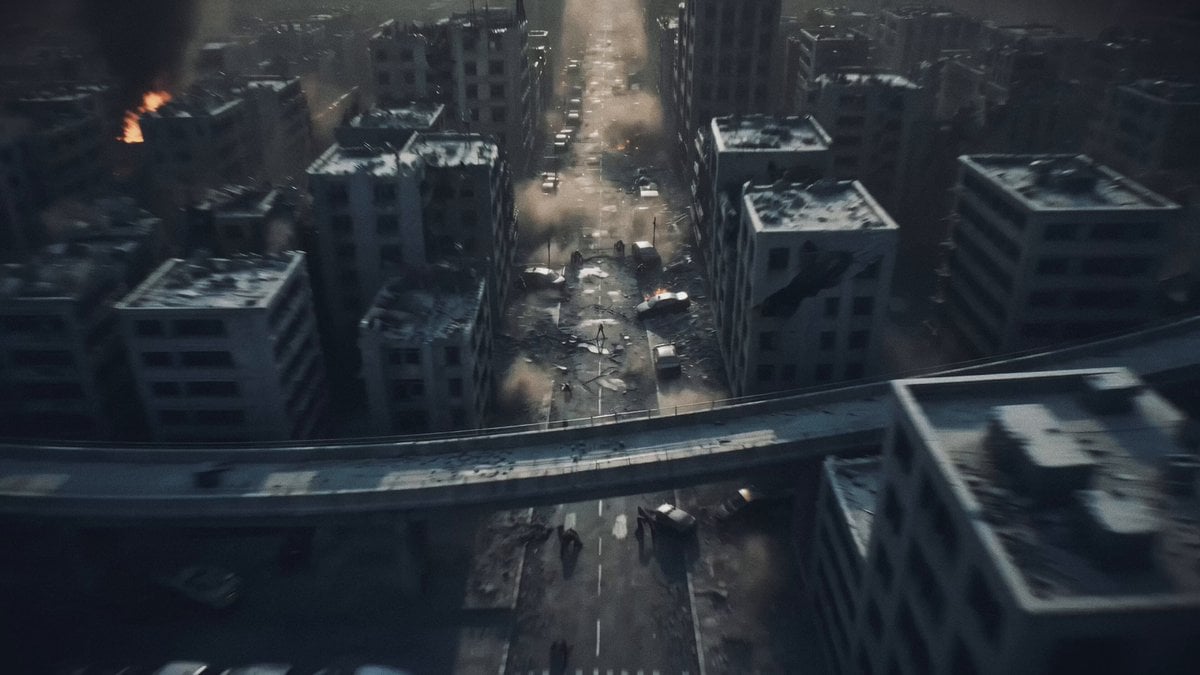
Post-Apocalyptic Biomechanical Battle
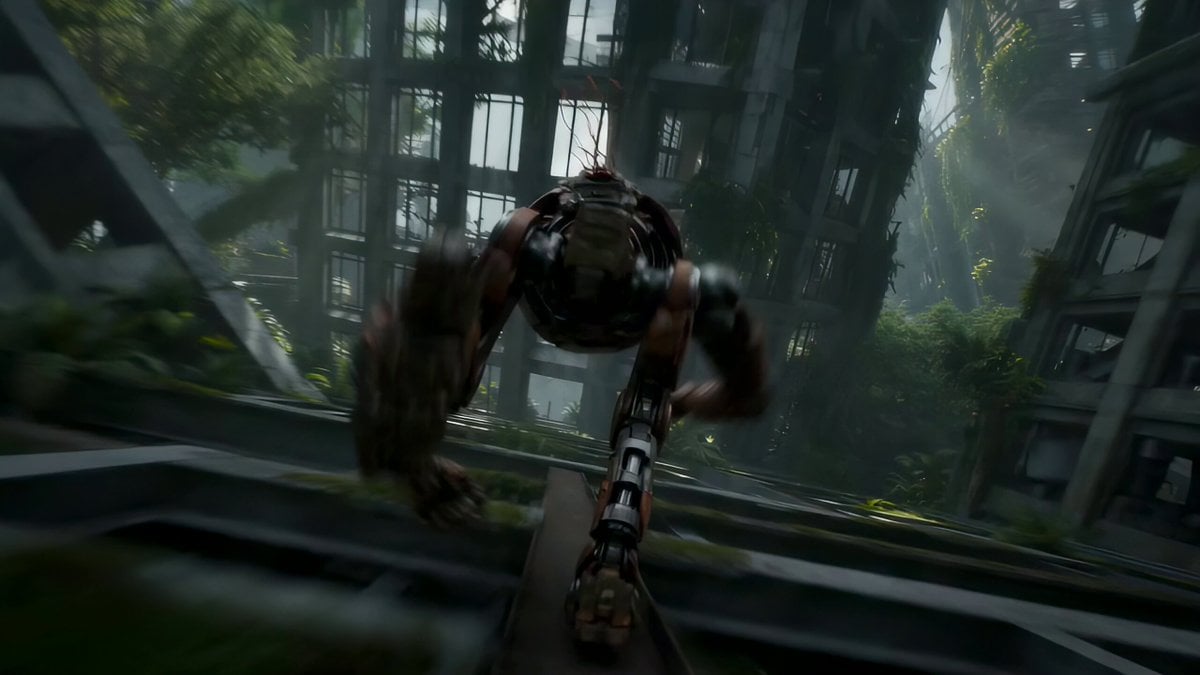
Automaton Post-Apocalyptic Jungle Run
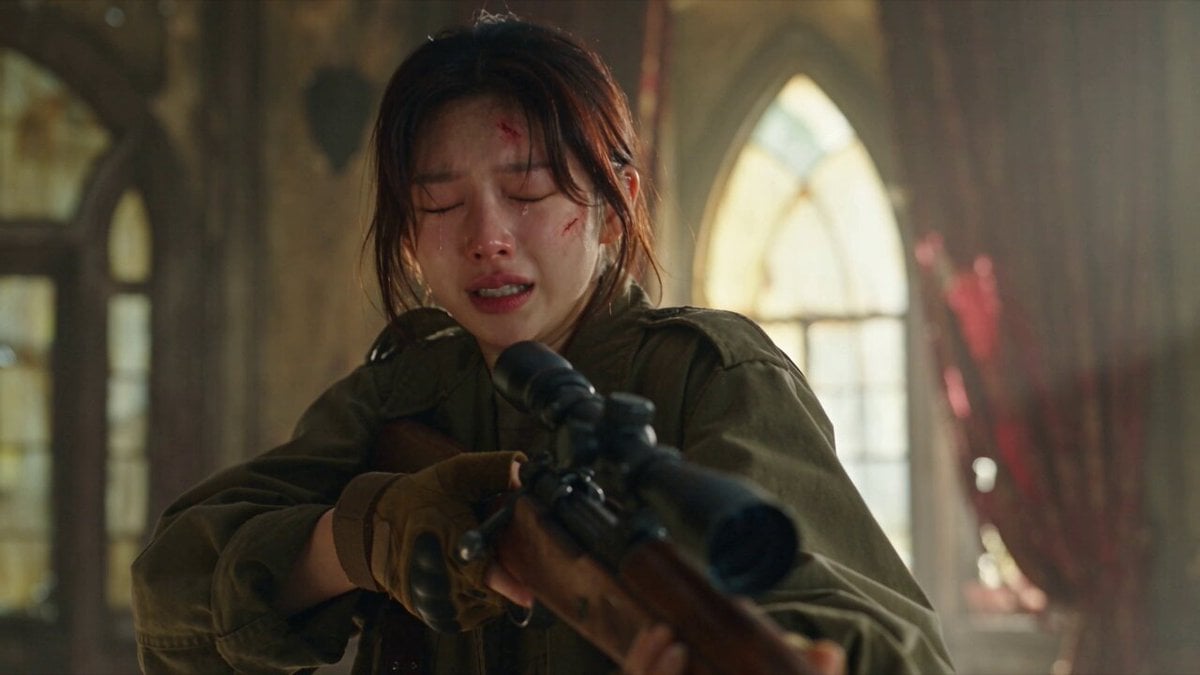
Apocalyptic Cat Transformation Sequence
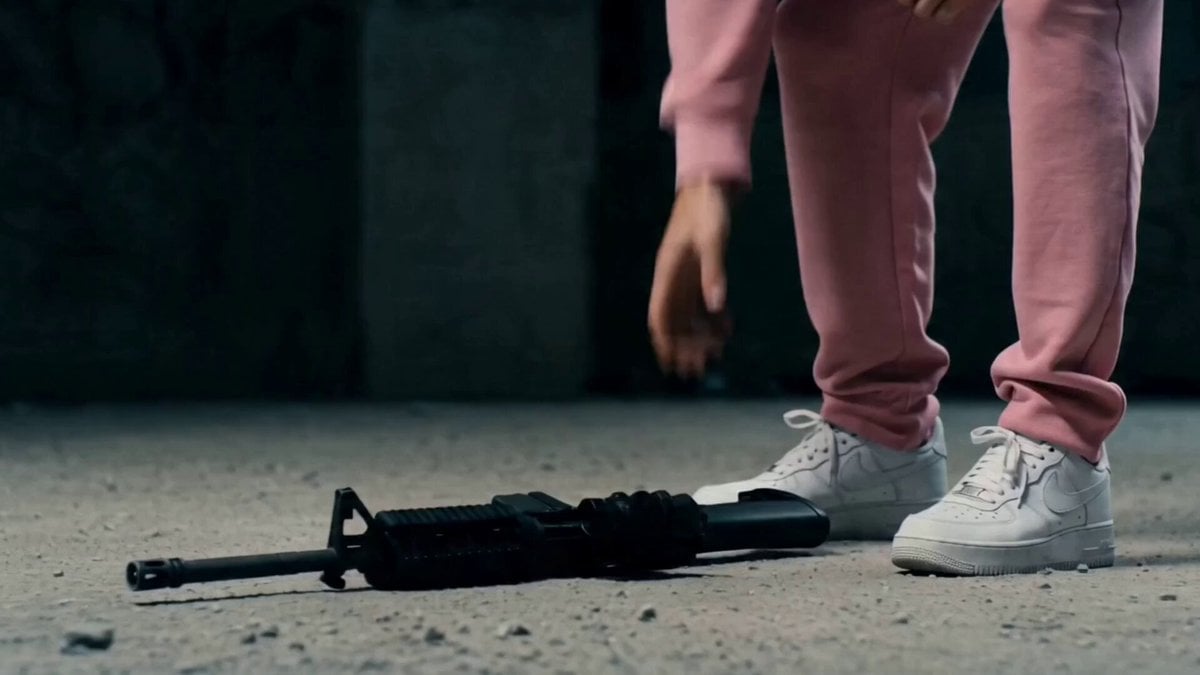
Post-Apocalyptic Survival Thriller Prompt

Magical Room Transformation - Seedance 2.5

Dark Tokusatsu Transformation - Seedance 2.5
Make it yours
Epic Post-Apocalyptic Warrior Transformation Video Prompt works as-is. These are the safest ways to change it without losing the look.
Change one field
Copy a single group, rewrite it, and generate again so you can see what that field is doing.
Keep the frame, change the subject
Hold the composition and light of Epic Post-Apocalyptic Warrior Transformation Video Prompt, then swap wardrobe, props or the person for a new take.
| If the result… | Why | Fix |
|---|---|---|
| The result drifts from the preview | Too many fields changed at once. | Reuse Epic Post-Apocalyptic Warrior Transformation Video Prompt as-is first, then change one group — subject, light, or setting. |
| The model over-stylizes the scene | The prose prompt leaves finish and camera underspecified. | Add one camera or lighting sentence and stay on Seedance 2.0. |
More Seedance 2.0 templates
Other prompts made for Seedance 2.0.

Comical Martial Arts Punch Scene

Maglev Train Action Sequence

Martial Arts Fight Sequence

Wuxia Protection and Trust Script

Vintage Korean Arcade MiniDV Vlog

Mercedes 190 SL Luxury Ad

Rainy Night Supernatural Reverse Comedy Video Script

Amazon Civilization Discovery

Futuristic South Asian City Transformation

Cozy Luxury Cafe Commercial
More video prompts
Fresh picks from across the catalog.
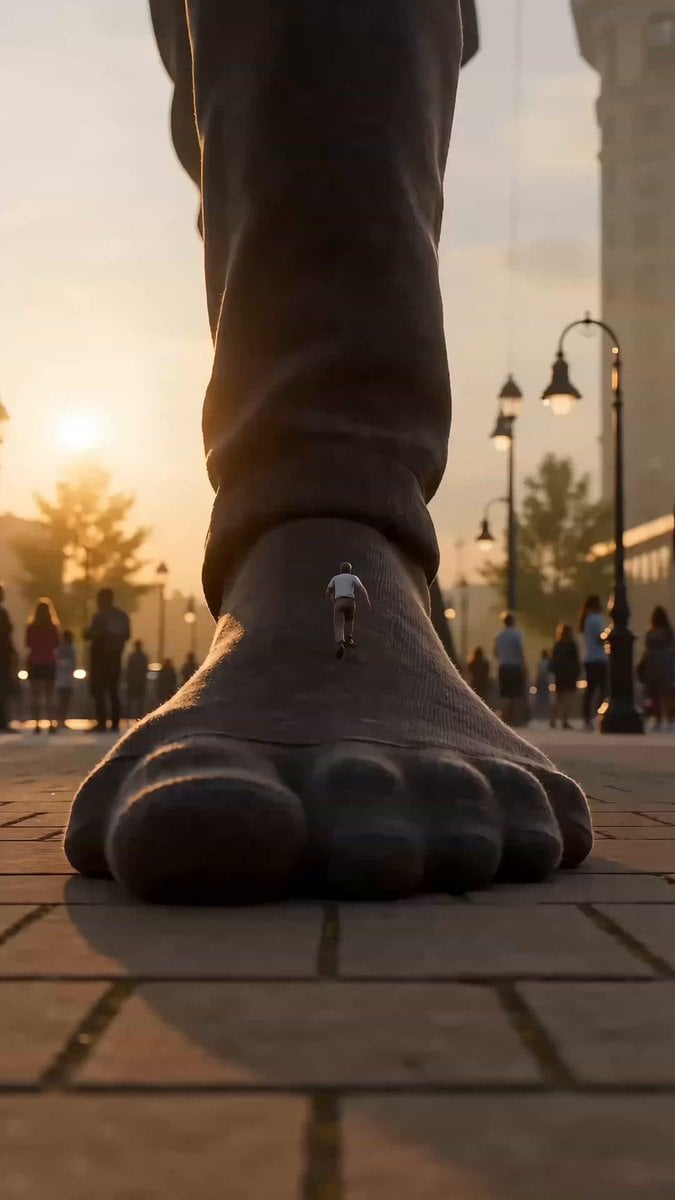
Colossal Scale Surprise Interaction
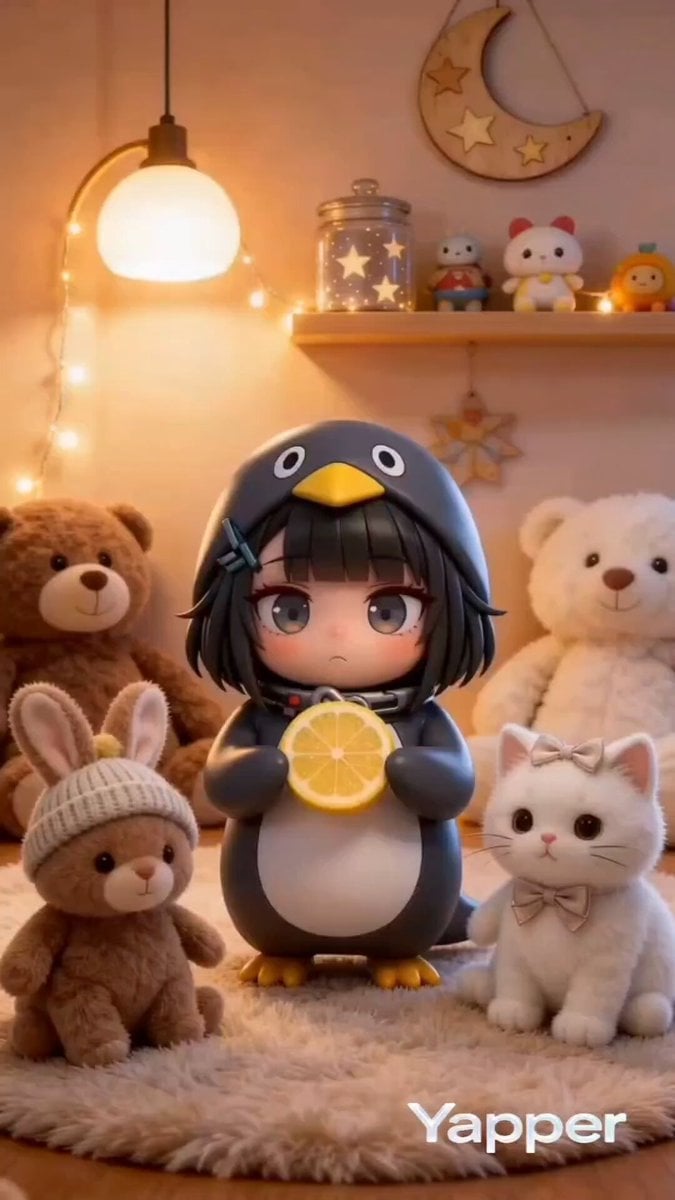
Gugu Gaga Chibi Anime Reaction
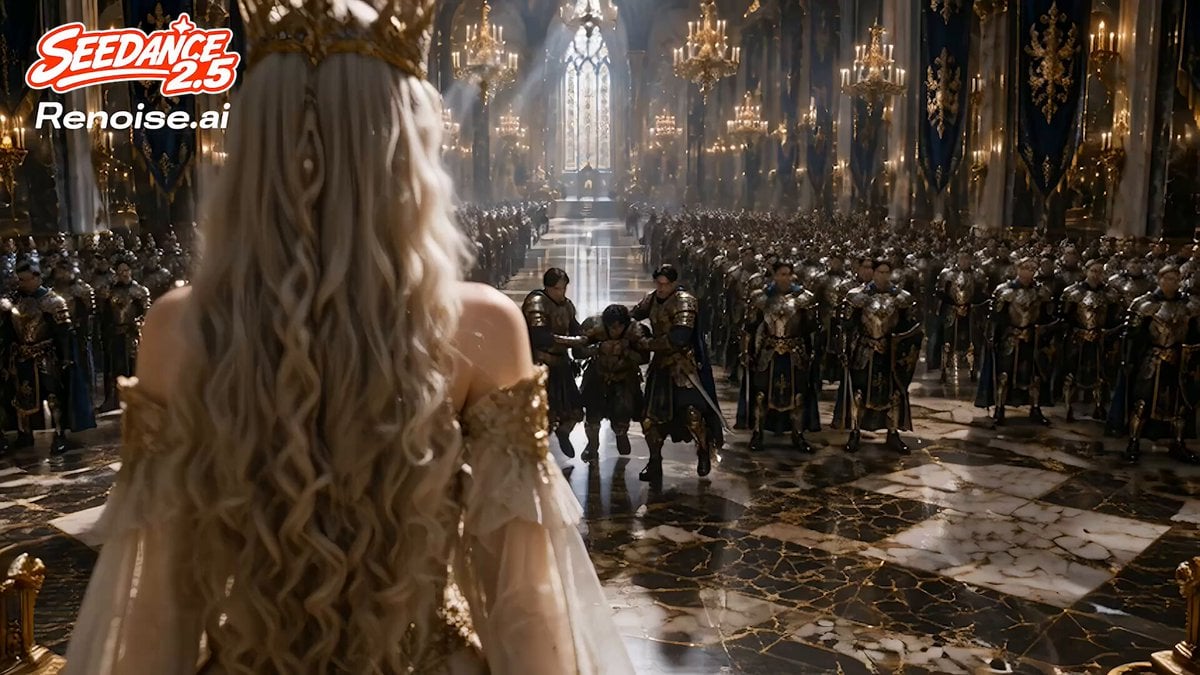
Dark Fantasy Queen Monster Transformation
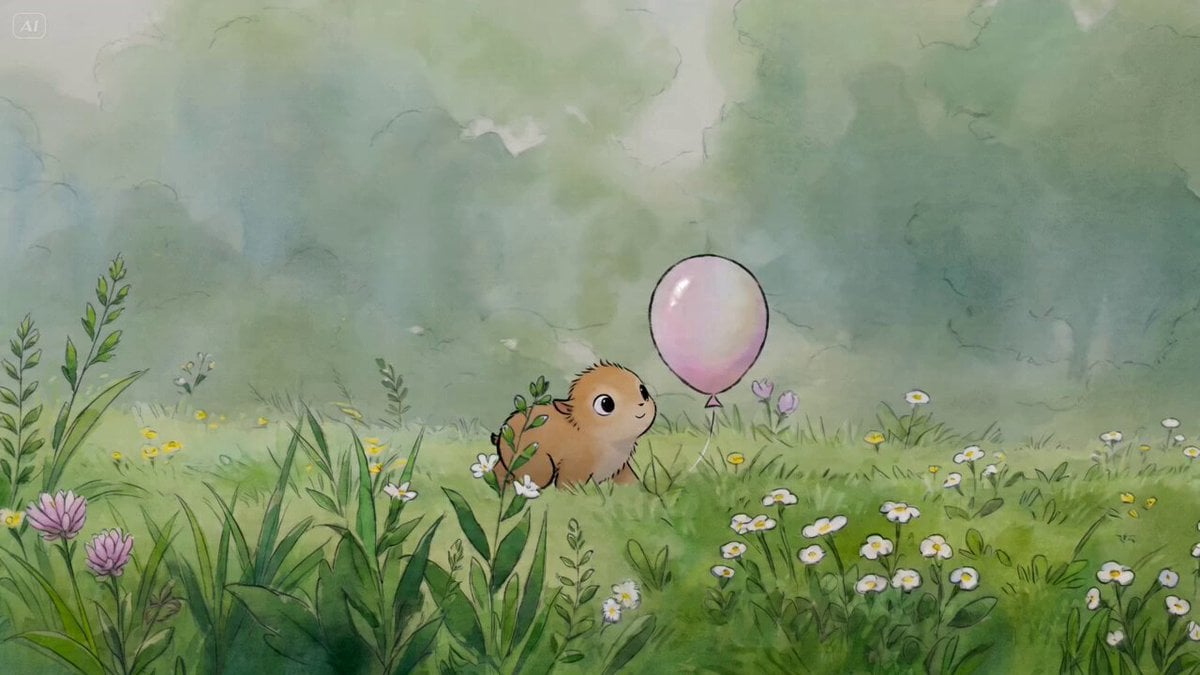
Watercolor Cartoon Single-Shot Video Prompt
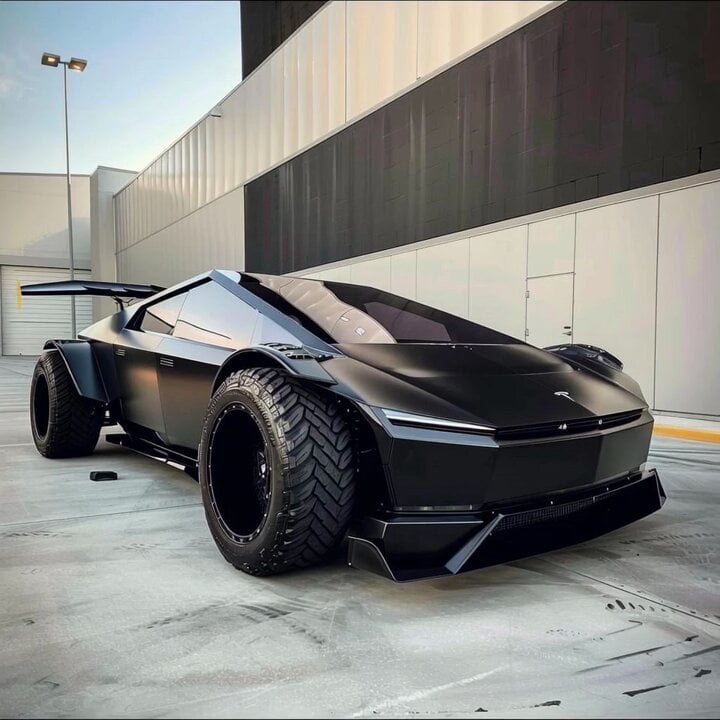
Custom American flag car design
Seedance 2.0 Transform Prompt Framework
Action movie end credits sequence

Mitochondria Hiding from Russians
Phoebe Chibi Hybrid Animation
Cyberpunk K-Pop Animation
Browse template categories
Epic Post-Apocalyptic Warrior Transformation Video Prompt questions
How do I use the Epic Post-Apocalyptic Warrior Transformation Video Prompt template?
Add your photo if the template asks for one, edit the prompt if you like — the template's model and format are already selected — and press Generate. Your version opens in PicX Studio.
Can I customize the Epic Post-Apocalyptic Warrior Transformation Video Prompt template?
Yes. You can change the subject, setting, lighting, mood, format, and available model controls before creating your video.
Is the Epic Post-Apocalyptic Warrior Transformation Video Prompt template free?
Opening and editing this template is free. Generating uses credits, shown on the Generate button when you are signed in.
Which AI model should I use?
Start with Seedance 2.0, which is the model associated with this template. You can compare another compatible model for a different finish.
Looking for something else? Browse all templates.

Your photo, any look
Thousands of ready templates for every top image and video model, from one credit balance.