How do I use the Phoebe Chibi Hybrid Animation template?
Edit the prompt in the box under the preview — the template's model and format are already selected — and press Generate. Your version appears right on this page.
A complex video prompt for Seedance 2.0 combining live-action elements with 2D anime character animation in a skatepark setting.
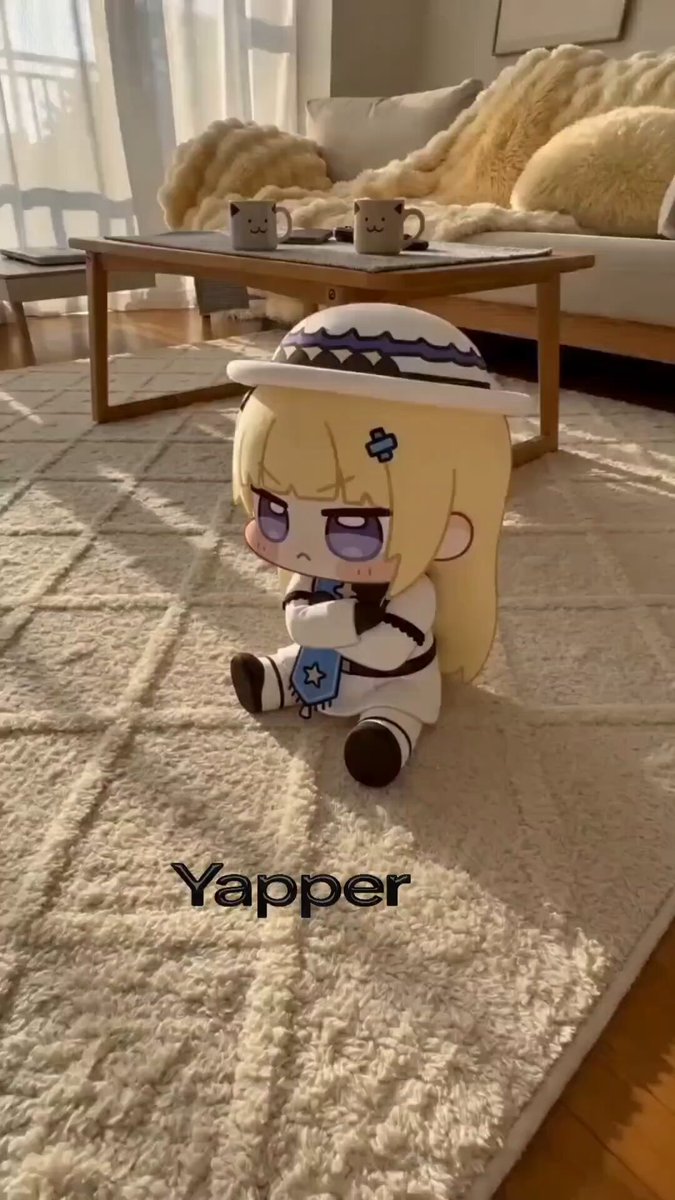
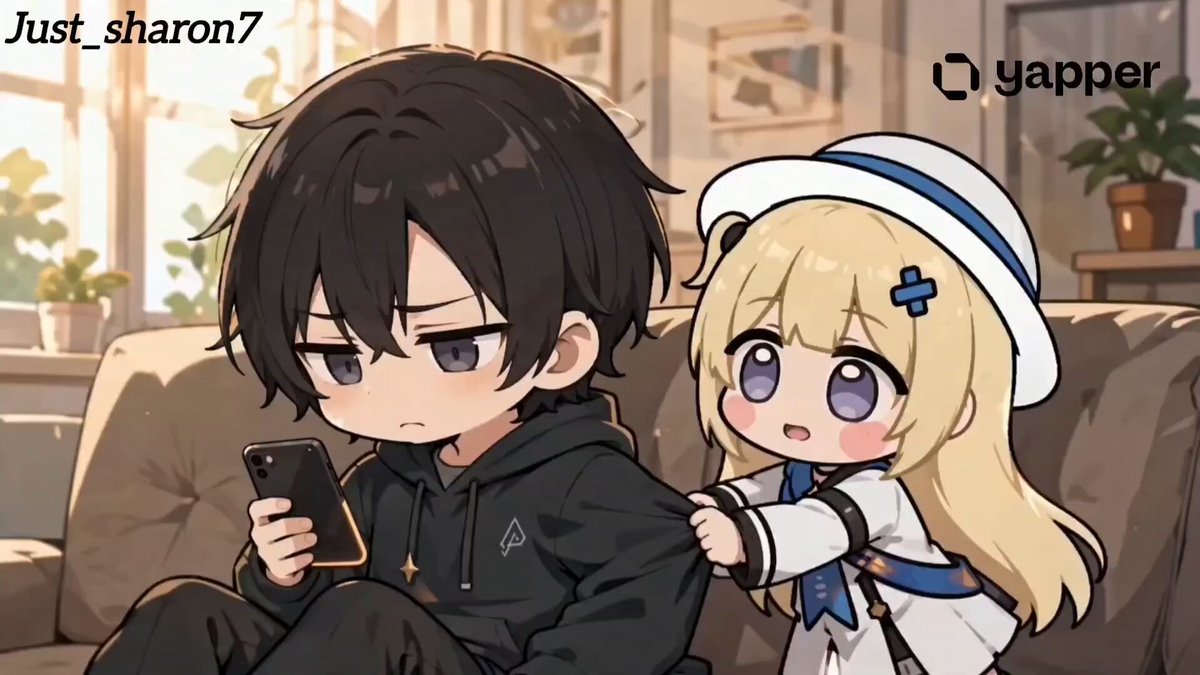
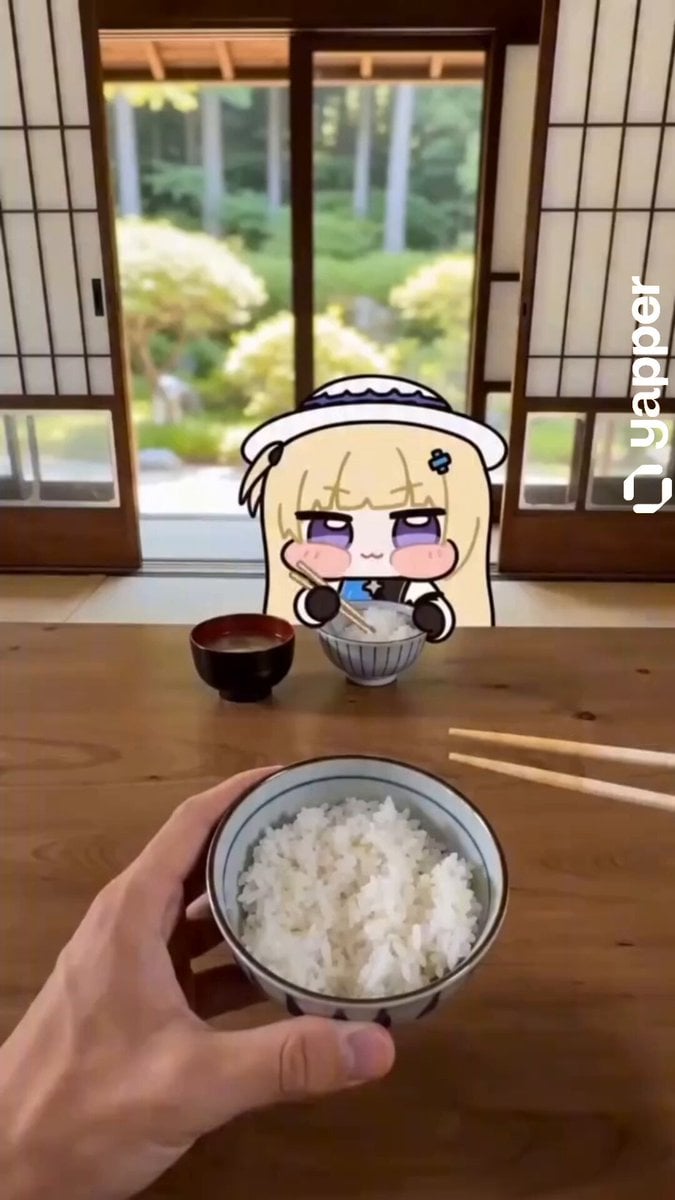
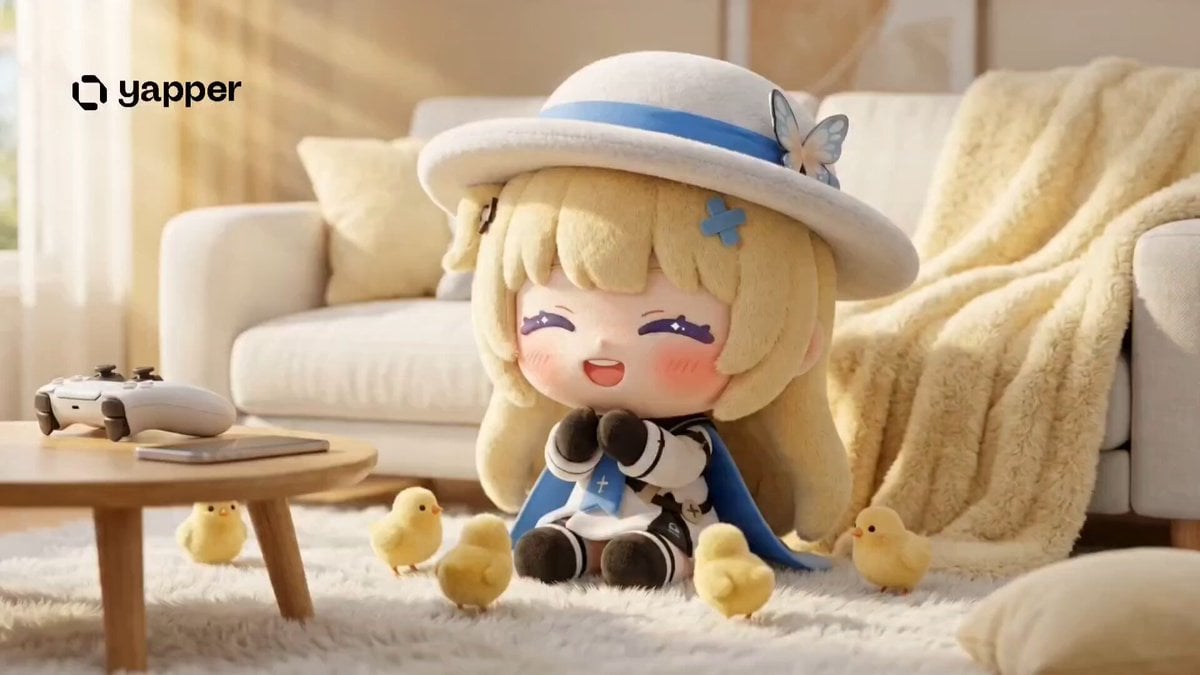
hybrid live-action + 2D animation. Realistic sunny outdoor skatepark background: concrete ramps, graffiti-covered walls with colorful tags, benches, tall light poles, palm trees, green grass, clear blue sky, bright natural daylight. In the foreground, a cute chibi 2D anime-style blonde girl character named Phoebe (Wuthering Waves fan art style): long blonde hair, white sailor-style outfit with black accents and blue ribbon details, white wide-brimmed hat with blue band, striped stockings, big expressive eyes, adorable simplified features, thick black outlines, soft pastel colors. A real human hand wearing a black long-sleeve hoodie gently holds Phoebe's hand/arm and playfully pulls/guides her forward through the skatepark. Phoebe looks shy-cute and happy, slightly bouncing as she walks. Camera: gentle handheld POV angle from behind and slightly above the character, dynamic but smooth movement following the interaction. Audio: soft affectionate baby-talk female voice repeating cutely "Phoebe Jubebe Jubebe... come on... Phoebe Jubebe... Phoebe... Phoebe Jube... it's okay it's okay... you're the best baby... Phoebe Jube". Original upbeat wholesome music. Vibrant colors, high contrast, warm sunlight, wholesome and heartwarming mood, ultra-detailed, cinematic yet aesthetic, 4K.
hybrid live-action + 2D animation. Realistic sunny outdoor skatepark background: concrete ramps, graffiti-covered walls with colorful tags, benches, tall light poles, palm trees, green grass, clear blue sky, bright natural daylight. In the foreground, a cute chibi 2D anime-style blonde girl character named Phoebe (Wuthering Waves fan art style): long blonde hair, white sailor-style outfit with black accents and blue ribbon details, white wide-brimmed hat with blue band, striped stockings, big expressive eyes, adorable simplified features, thick black outlines, soft pastel colors. A real human hand wearing a black long-sleeve hoodie gently holds Phoebe's hand/arm and playfully pulls/guides her forward through the skatepark. Phoebe looks shy-cute and happy, slightly bouncing as she walks. Camera: gentle handheld POV angle from behind and slightly above the character, dynamic but smooth movement following the interaction. Audio: soft affectionate baby-talk female voice repeating cutely "Phoebe Jubebe Jubebe... come on... Phoebe Jubebe... Phoebe... Phoebe Jube... it's okay it's okay... you're the best baby... Phoebe Jube". Original upbeat wholesome music. Vibrant colors, high contrast, warm sunlight, wholesome and heartwarming mood, ultra-detailed, cinematic yet aesthetic, 4K.
Edit the prompt in the box under the preview — the template's model and format are already selected — and press Generate. Your version appears right on this page.
Yes. You can change the subject, setting, lighting, mood, format, and available model controls before creating your video.
Opening and editing this template is free. Generating uses credits, shown on the Generate button when you are signed in.
Start with Seedance 2.0, which is the model associated with this template. You can compare another compatible model for a different finish.
Follow a topic to a crawlable collection of related PicX Studio templates.