
Baroque Style Dramatic Transformation
A detailed prompt for generating a dramatic video transformation in the Baroque style, focusing on theatrical light and ornate details.
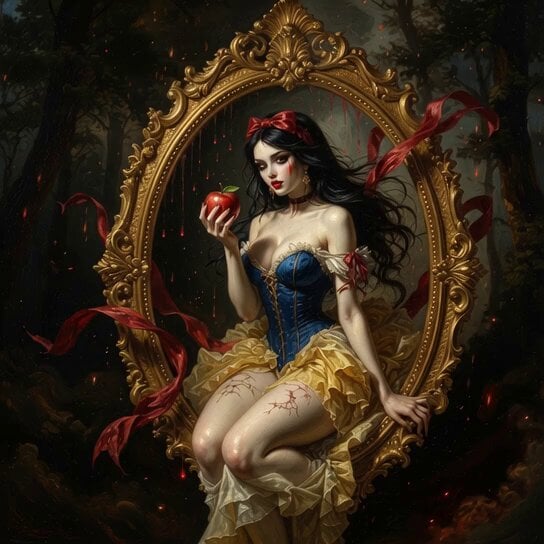
- Prompt included
- Model and format preset
- Free template
The prompt behind this video
Copy the exact prompt behind Baroque Style Dramatic Transformation, or open it in the studio and make it yours.
Baroque style, intense emotion, theatrical light, ornate grandeur, Mirror, mirror
How to use Baroque Style Dramatic Transformation in 3 steps
- 1
Open
The prompt is already in the box next to the preview, with the template's model and format selected.
- 2…a portrait of your subject in softgolden-hour light, 85mm…
Personalize
Edit the subject and creative details for your destination.
- 3Generate
Generate
Press Generate — your video is created in PicX Studio, so you can compare it with the original and refine one variable at a time.
More like this
Templates with the same subject, style or setup. Open one to see its prompt.

Pterodactyl Transformation Journey
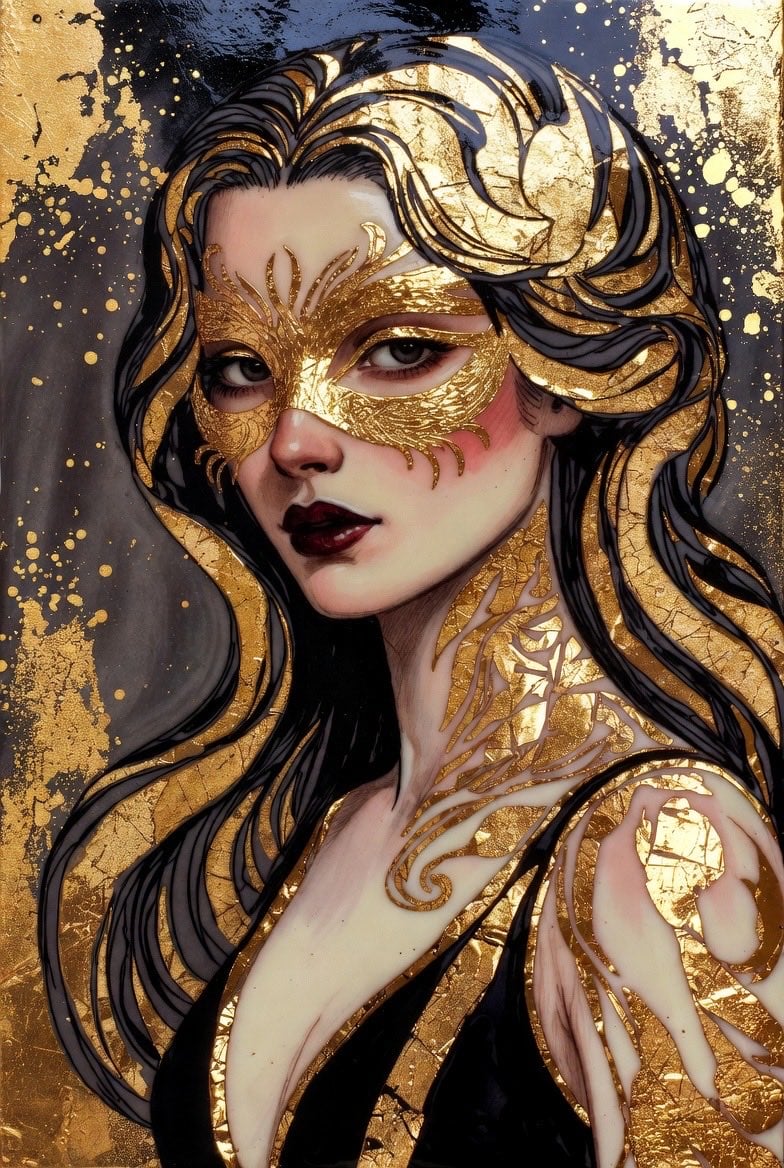
Dramatic fantasy portrait video

Grok Imagine prompt for a dramatic dinosaur fight scene
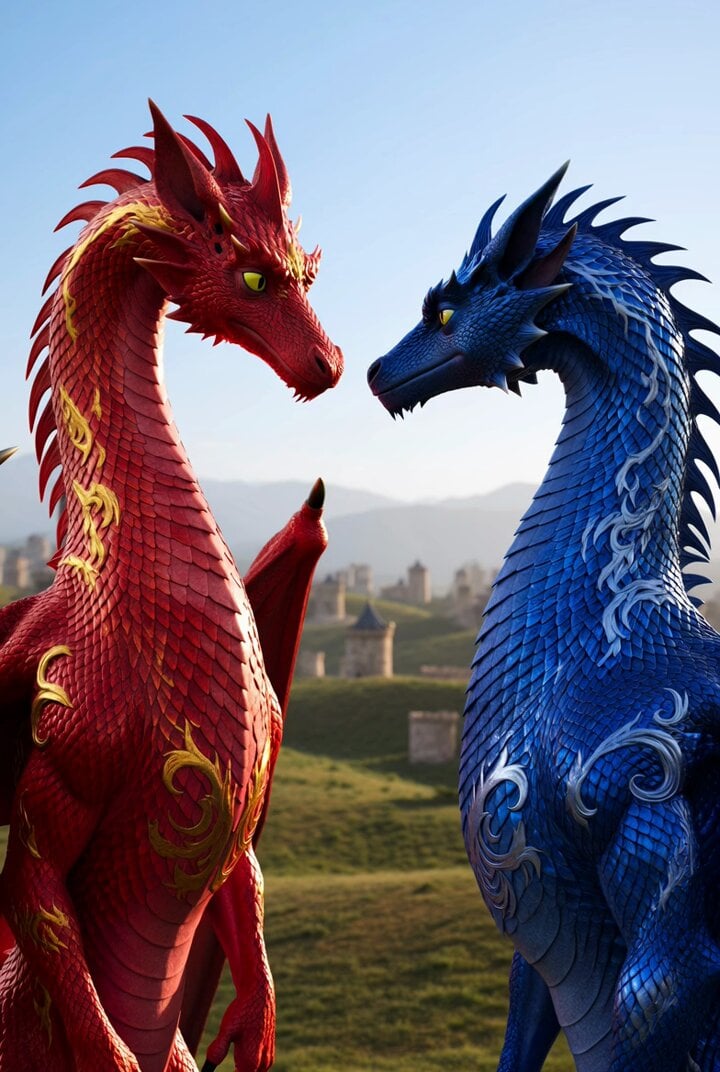
Grok Imagine video prompt: Dragons in Baroque Filigree

Chibi Royal Couple in Baroque Gothic Palace (30s Continuous Video)
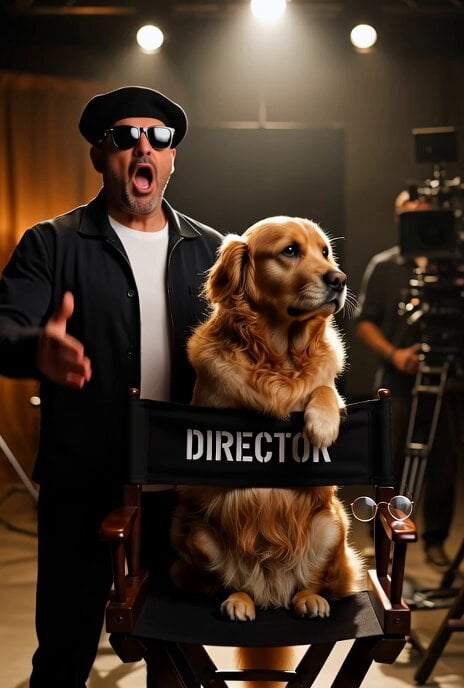
Dramatic Hollywood Director and Golden Retriever
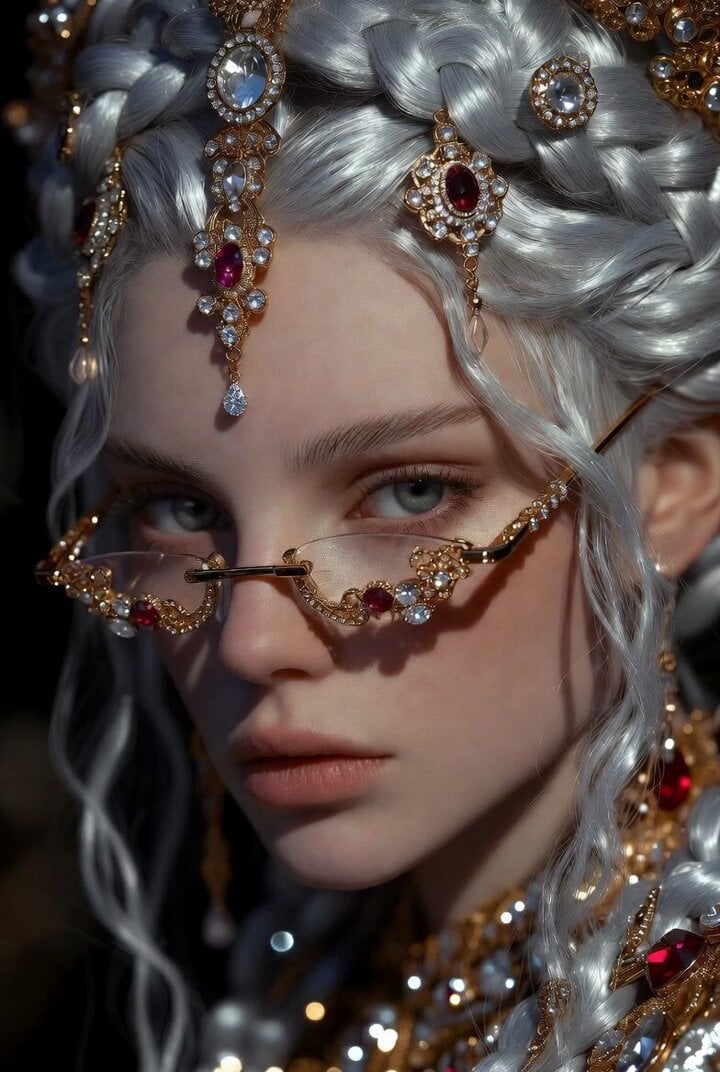
Dramatic Fantasy Portrait of a Young Woman

Dramatic low-angle cinematic prompt of a knight charging on a warhorse
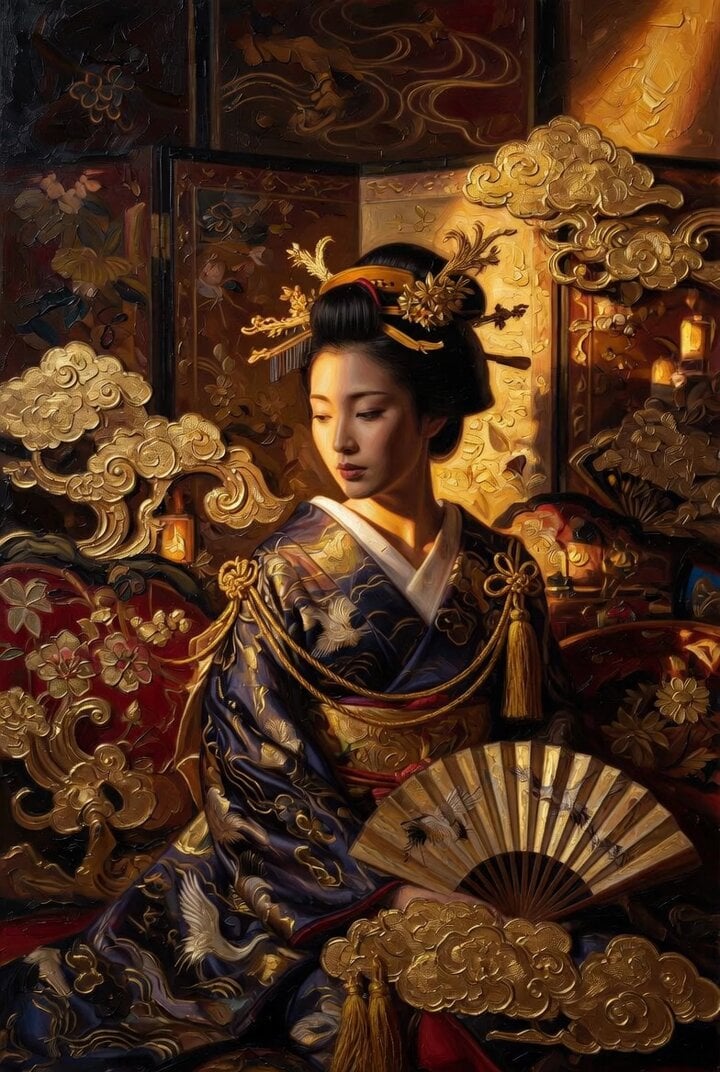
Baroque and Japanese Composition Video Prompt
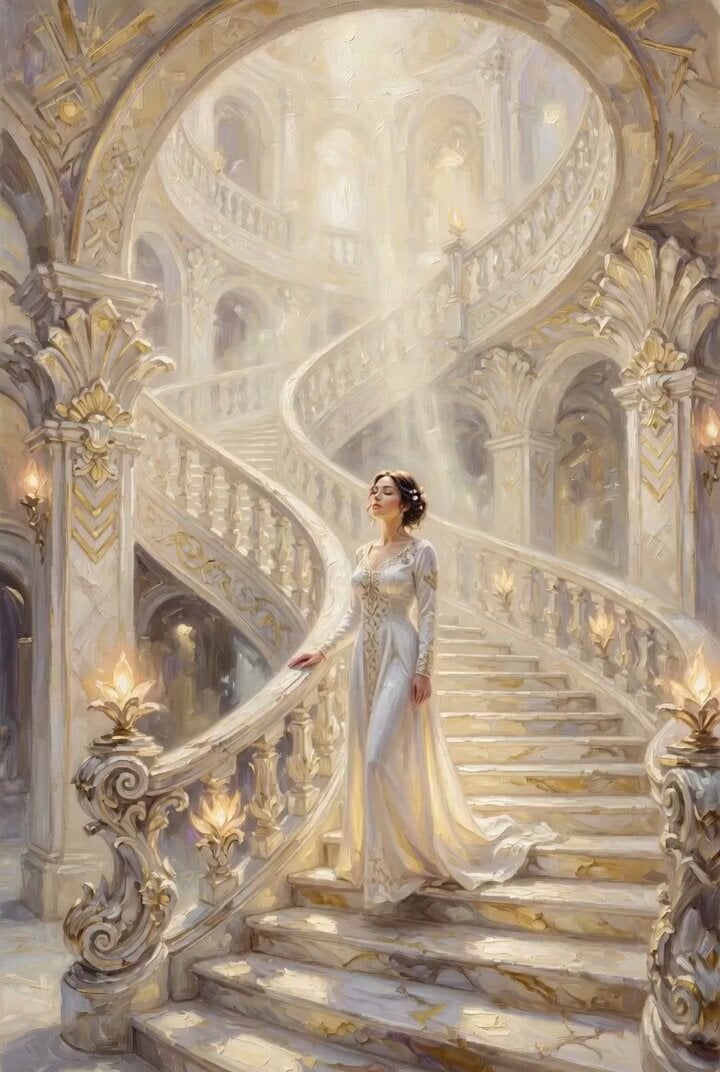
Woman on an endless staircase in baroque and deco architecture
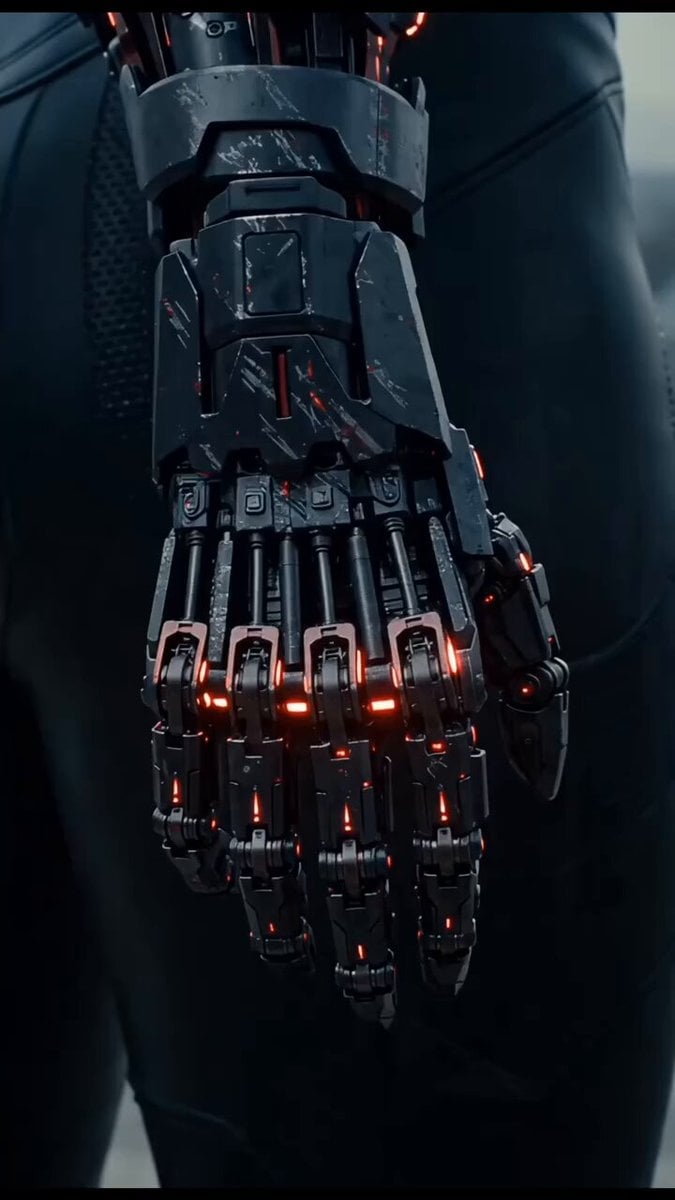
Dramatic cinematic sequence of an East Asian female cyborg warrior
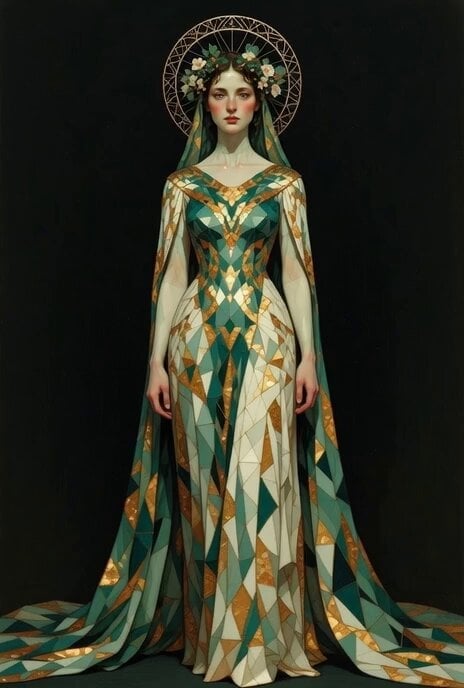
Chiaroscuro Baroque Elegance
Make it yours
Baroque Style Dramatic Transformation works as-is. These are the safest ways to change it without losing the look.
Change one field
Copy a single group, rewrite it, and generate again so you can see what that field is doing.
Keep the frame, change the subject
Hold the composition and light of Baroque Style Dramatic Transformation, then swap wardrobe, props or the person for a new take.
| If the result… | Why | Fix |
|---|---|---|
| The result drifts from the preview | Too many fields changed at once. | Reuse Baroque Style Dramatic Transformation as-is first, then change one group — subject, light, or setting. |
| The model over-stylizes the scene | The prose prompt leaves finish and camera underspecified. | Add one camera or lighting sentence and stay on Grok Imagine. |
More Grok Imagine templates
Other prompts made for Grok Imagine.

Mecha Runway Tap Dance Video Prompt

Emotional Angry Couple Drama

Cyberpunk Guerrilla Girl Video Generation

Detailed multi-part video prompt

Interior View Video Generation Prompt
GTA 6 never came out in 1 million years

Bitcoin liferaft video prompt

Woman floating down, opening eyes and looking deeply into the viewer's eyes
Utopian World of Harmony and Peace
Runner with BE 2060 i inscription passing through sequential doors video prompt
More video prompts
Fresh picks from across the catalog.

Grok Imagine prompt for an animated xAI Grok anthropomorphic character video

Dramatic Raindrop Scene: Continuous Shot
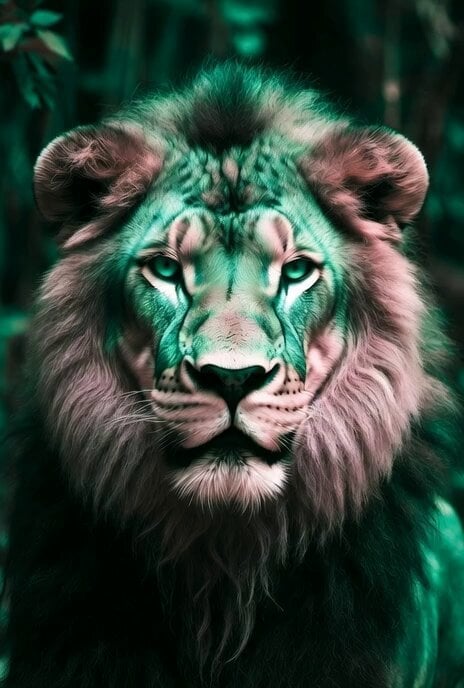
Lion Purr Color Palette Video Prompt
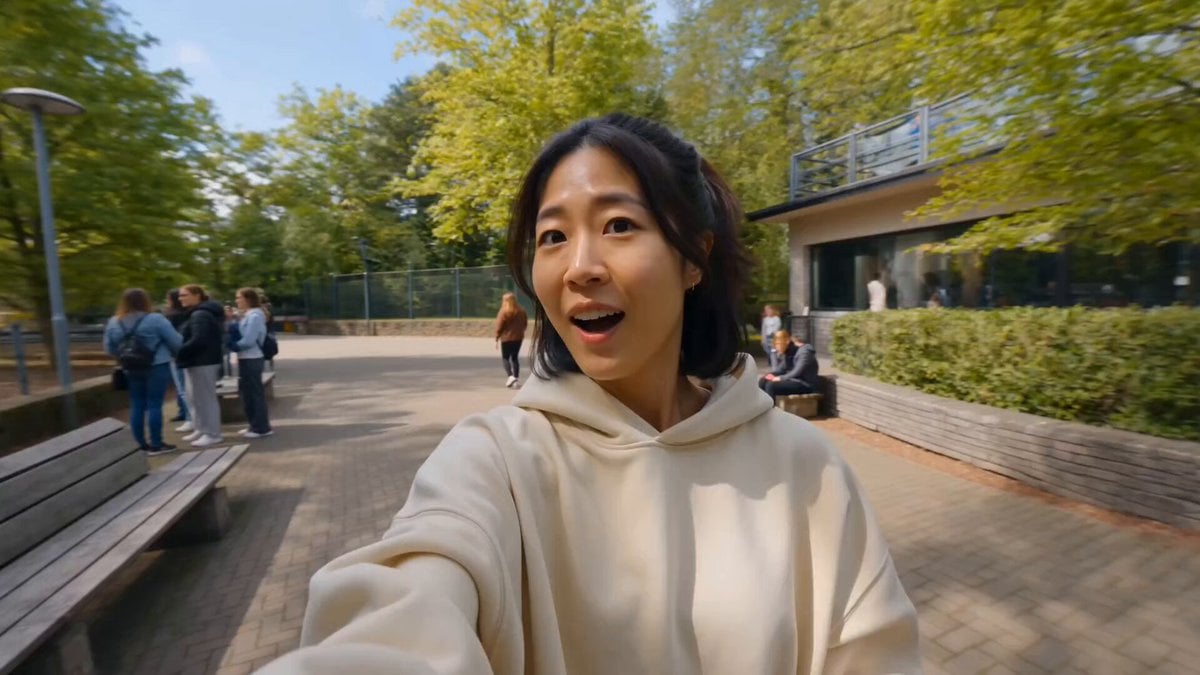
Tiger Zoo Selfie Vlog
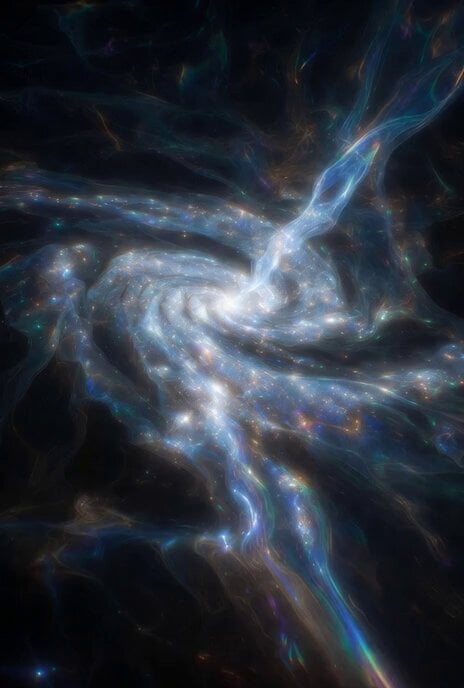
Ethereal Ghostly Galaxy Video Prompt
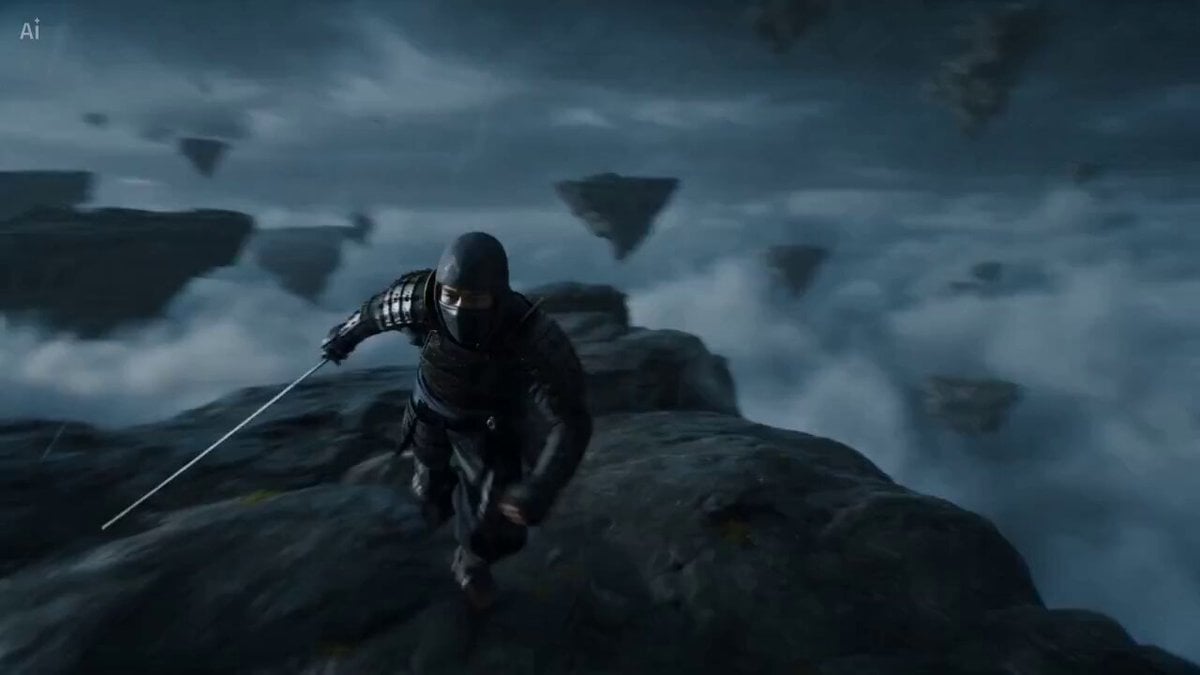
Surreal Battlefield Ronin Fight Prompt

B-Movie Giant Snake Action Scene
Insane Explosion Scene (Seedance V2)

Cinematic Fight Scene Generation in Guoman Style (Seedance 2.0)
Mecha Transformation vs Kaiju — 4-Scene Epic
Browse template categories
Baroque Style Dramatic Transformation questions
How do I use the Baroque Style Dramatic Transformation template?
Add your photo if the template asks for one, edit the prompt if you like — the template's model and format are already selected — and press Generate. Your version opens in PicX Studio.
Can I customize the Baroque Style Dramatic Transformation template?
Yes. You can change the subject, setting, lighting, mood, format, and available model controls before creating your video.
Is the Baroque Style Dramatic Transformation template free?
Opening and editing this template is free. Generating uses credits, shown on the Generate button when you are signed in.
Which AI model should I use?
Start with Grok Imagine, which is the model associated with this template. You can compare another compatible model for a different finish.
Looking for something else? Browse all templates.

Your photo, any look
Thousands of ready templates for every top image and video model, from one credit balance.