
Dramatic fantasy portrait video
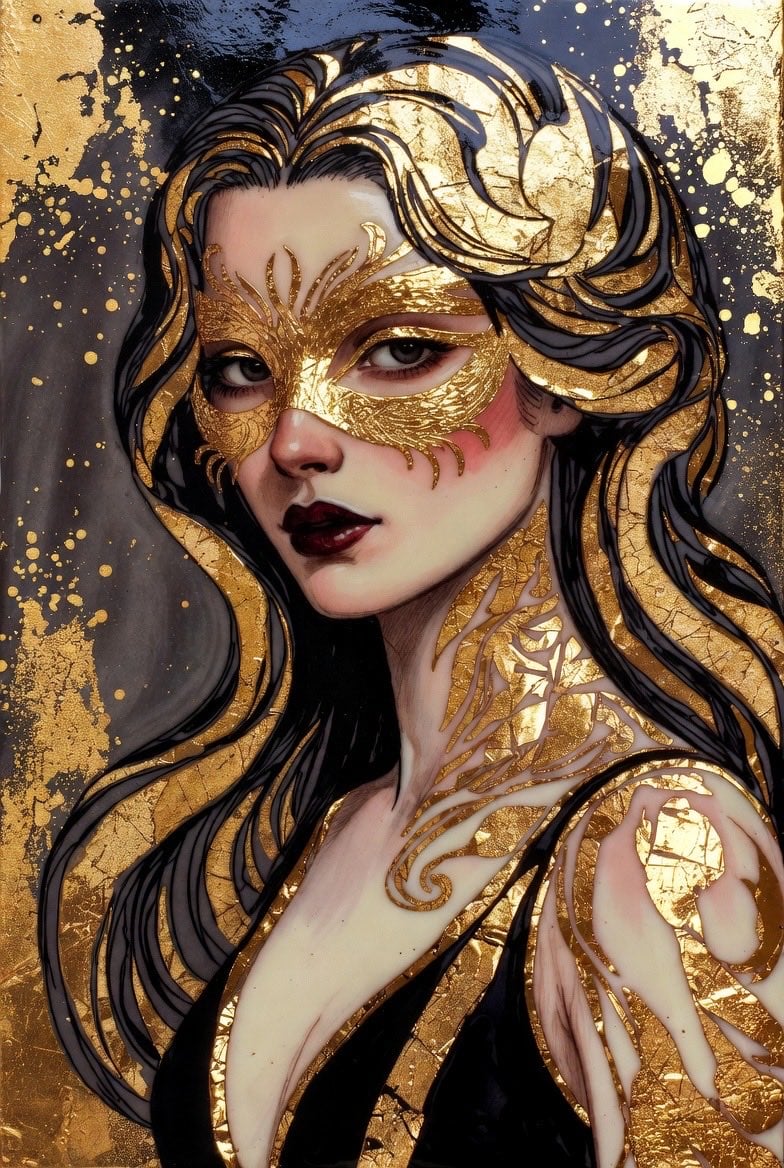
A highly detailed Grok Imagine prompt for a dramatic fantasy video portrait of a woman wearing an ornate golden masquerade mask, emphasizing textures, lighting, and a rich black and gold color palette.
- Prompt included
- Model and format preset
- Premium template
The prompt behind this video
Copy the exact prompt behind Dramatic fantasy portrait video, or open it in the studio and make it yours.
Dramatic fantasy portrait of a woman with long wavy flowing hair, wearing an intricate ornate golden masquerade mask with elaborate filigree and feather-like patterns, gold leaf texture, cracked gold foil effect, luxurious metallic gold on dark cracked background, gold splatters and foil fragments, piercing eyes visible through mask, deep red lips, mysterious alluring expression, rich black and gold colour palette, high contrast, cinematic lighting, detailed textures, masterpiece, ultra-detailed.
How to use Dramatic fantasy portrait video in 3 steps
- 1
Open
The prompt is already in the box next to the preview, with the template's model and format selected.
- 2…a portrait of your subject in softgolden-hour light, 85mm…
Personalize
Edit the subject and creative details for your destination.
- 3Generate
Generate
Press Generate — your video is created in PicX Studio, so you can compare it with the original and refine one variable at a time.
More like this
Templates with the same subject, style or setup. Open one to see its prompt.
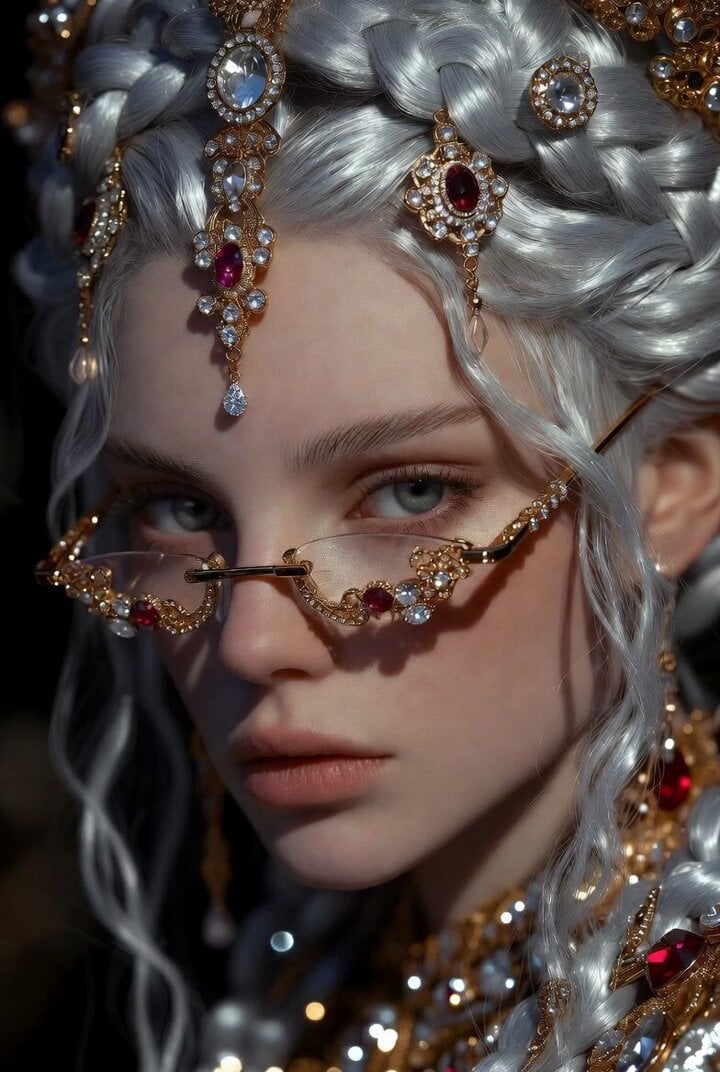
Dramatic Fantasy Portrait of a Young Woman

Cinematic Portrait Study 3

Cinematic Portrait Study
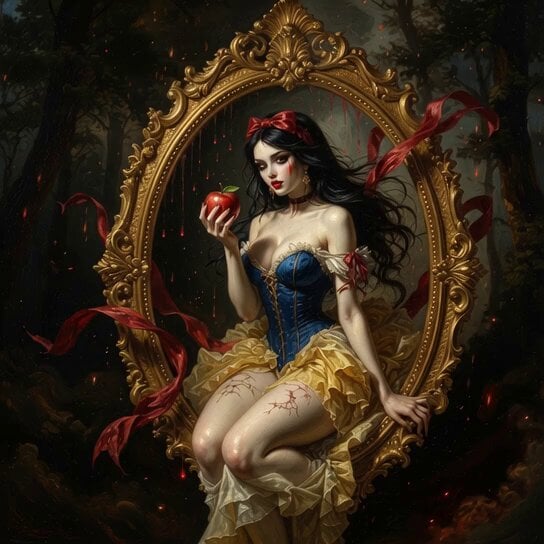
Baroque Style Dramatic Transformation
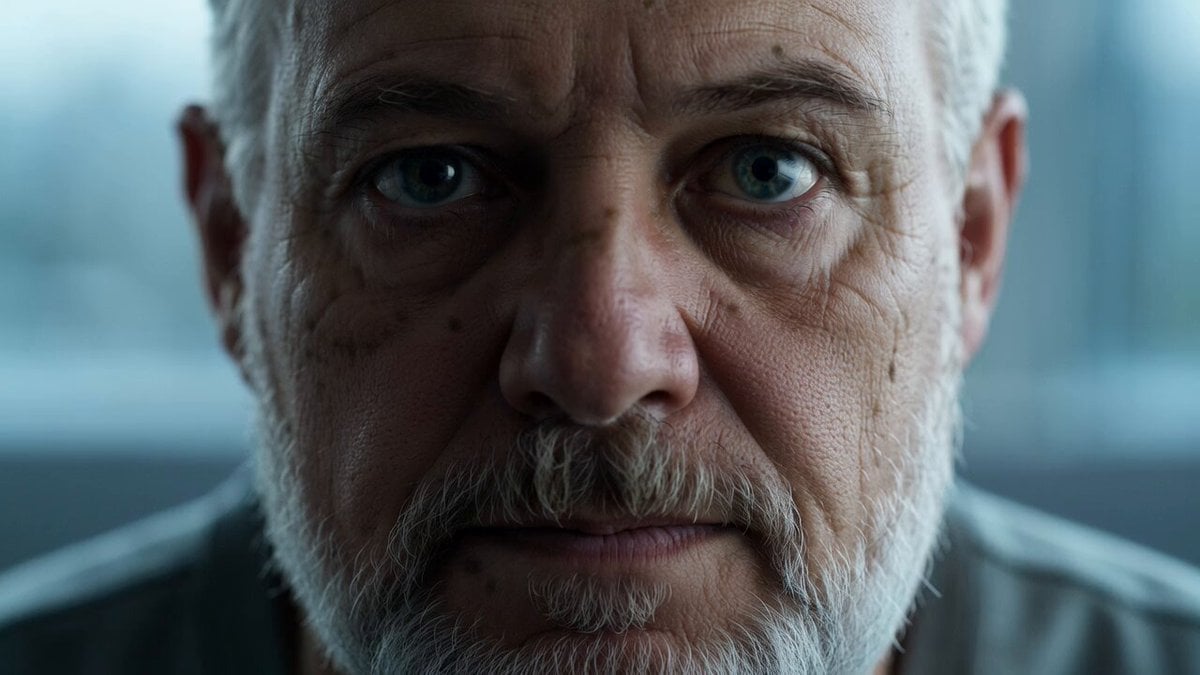
Reflective Elderly Man Documentary Portrait
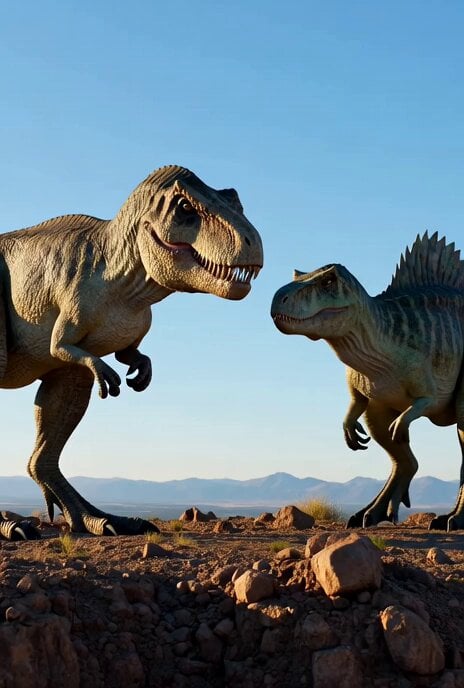
Grok Imagine prompt for a dramatic dinosaur fight scene
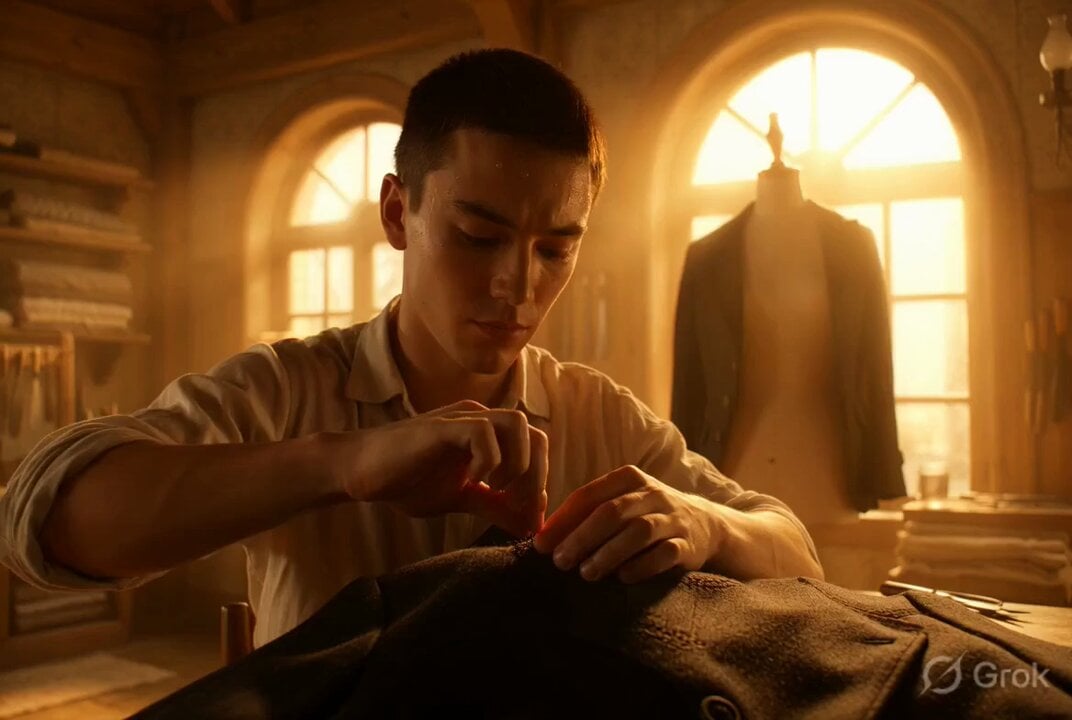
Photorealistic cinematic portrait of a young tailor
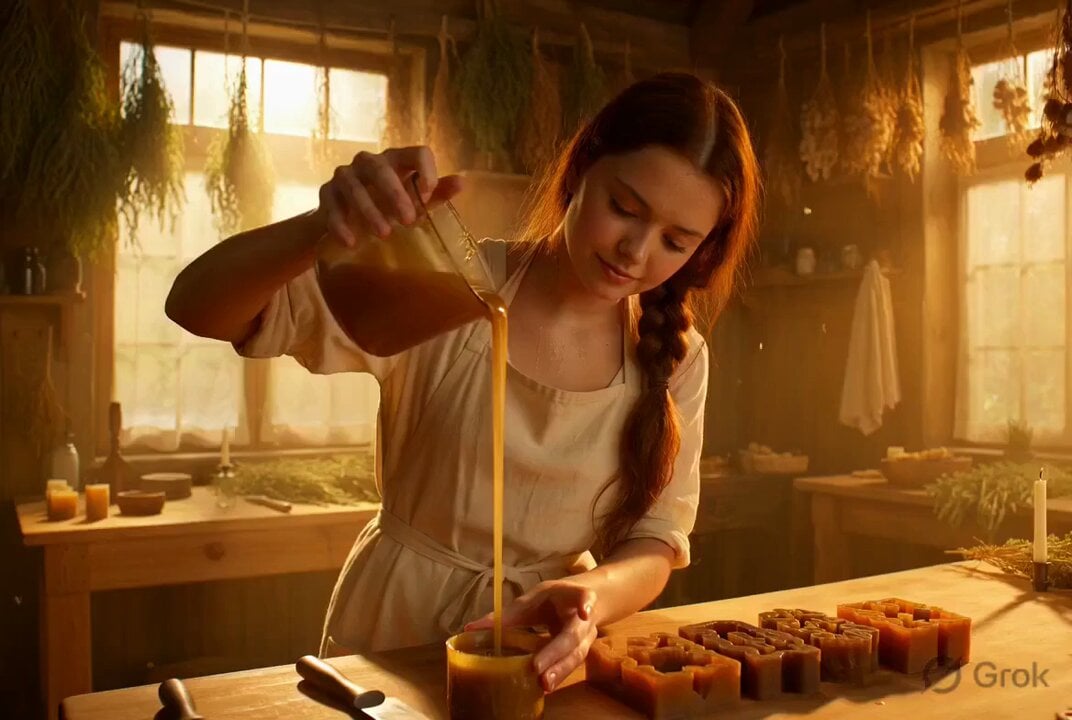
Photorealistic cinematic portrait of a gentle candle maker
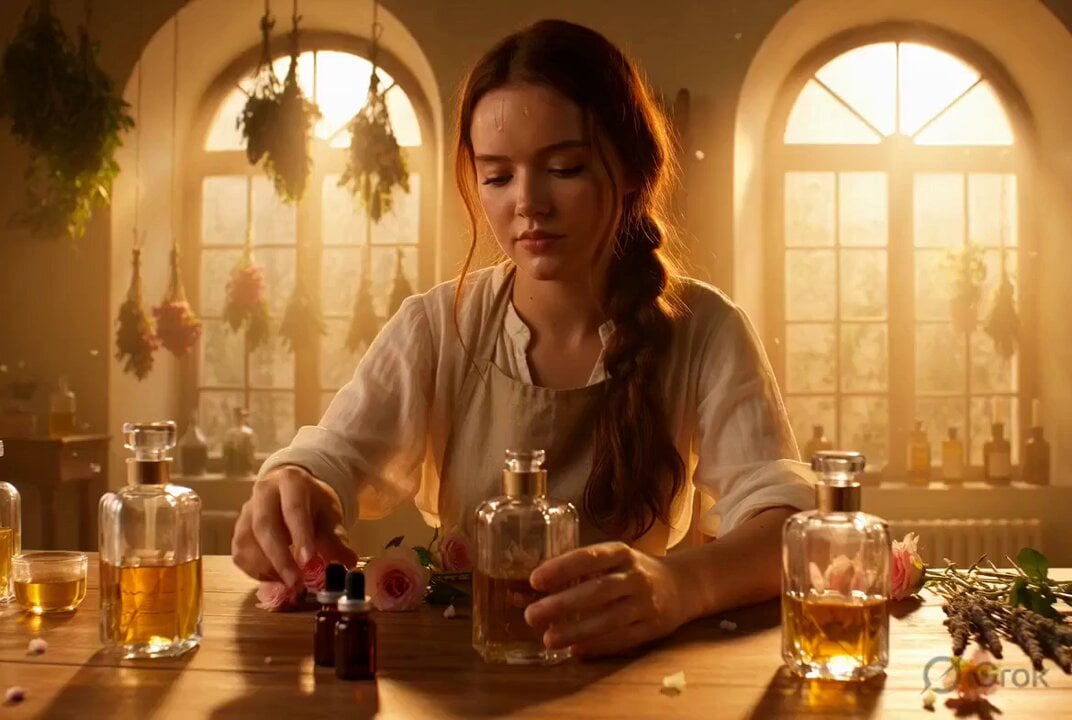
Golden Hour Woodturner Cinematic Portrait
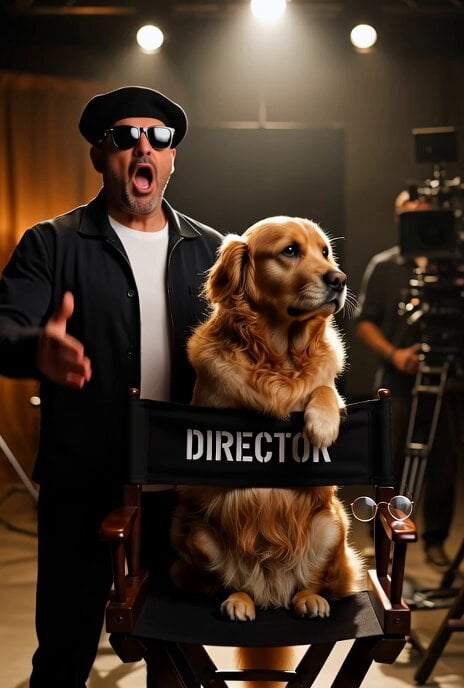
Dramatic Hollywood Director and Golden Retriever

Dramatic low-angle cinematic prompt of a knight charging on a warhorse
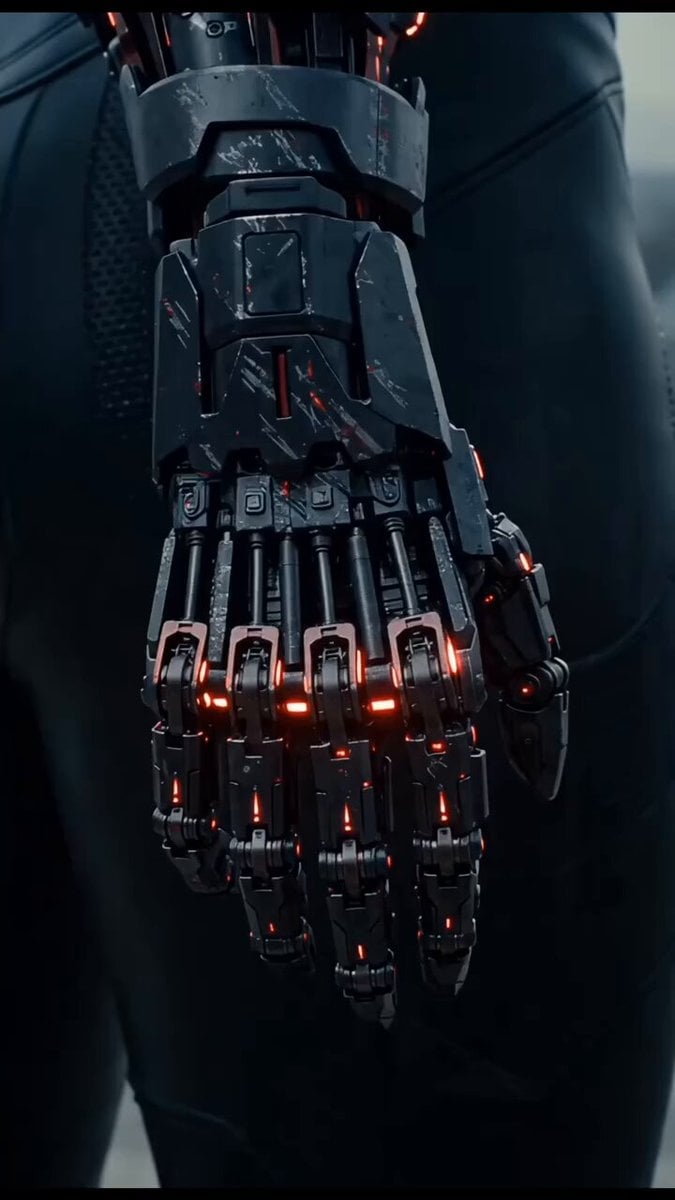
Dramatic cinematic sequence of an East Asian female cyborg warrior
Make it yours
Dramatic fantasy portrait video works as-is. These are the safest ways to change it without losing the look.
Change one field
Copy a single group, rewrite it, and generate again so you can see what that field is doing.
Keep the frame, change the subject
Hold the composition and light of Dramatic fantasy portrait video, then swap wardrobe, props or the person for a new take.
| If the result… | Why | Fix |
|---|---|---|
| The result drifts from the preview | Too many fields changed at once. | Reuse Dramatic fantasy portrait video as-is first, then change one group — subject, light, or setting. |
| The model over-stylizes the scene | The prose prompt leaves finish and camera underspecified. | Add one camera or lighting sentence and stay on Grok Imagine. |
More Grok Imagine templates
Other prompts made for Grok Imagine.

Candle Mandala Mirror Video

Psychedelic Purple Disc World Video

Mecha Runway Tap Dance Video Prompt
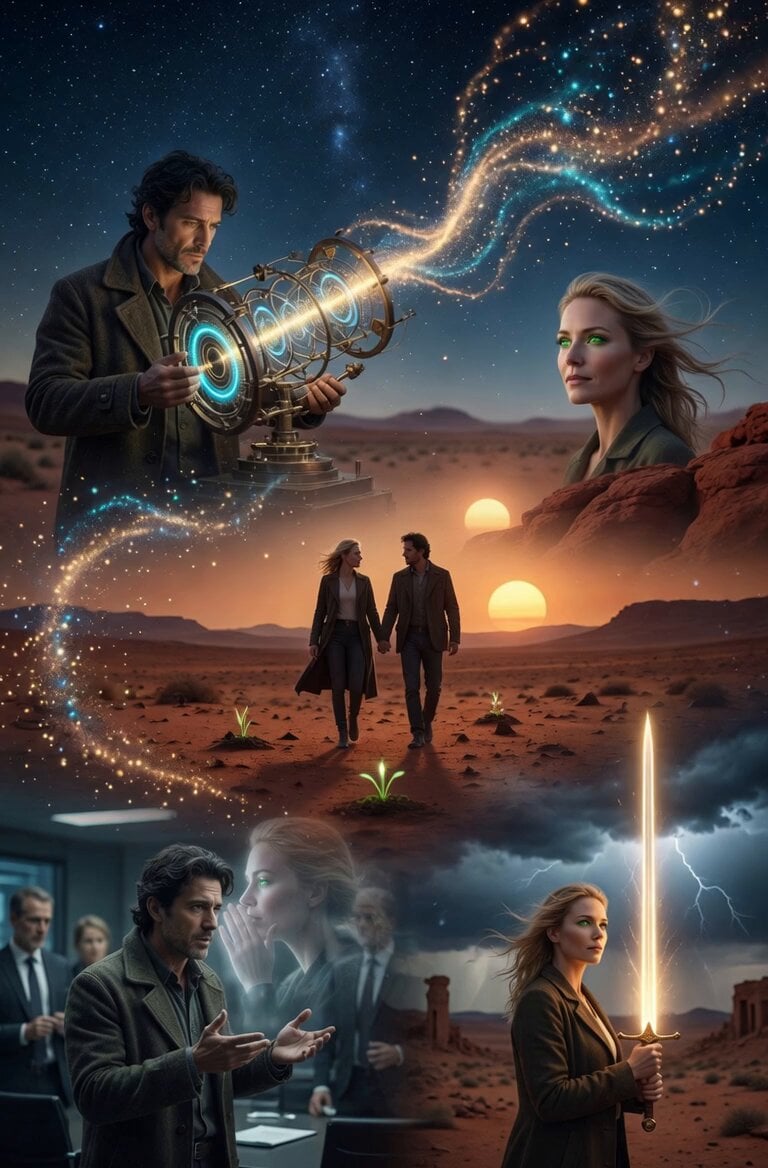
Quantum Inventor in Sonoran Desert

Emotional Angry Couple Drama
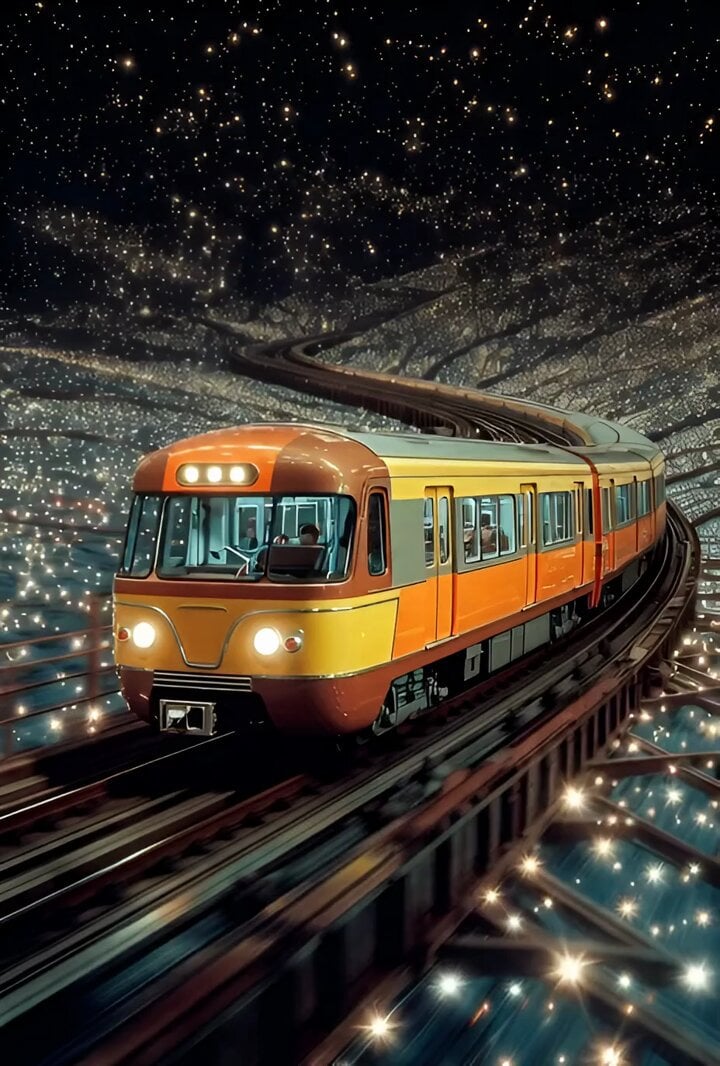
Train Zooming in Star Field Video Prompt

Cyberpunk Guerrilla Girl Video Generation

Detailed multi-part video prompt
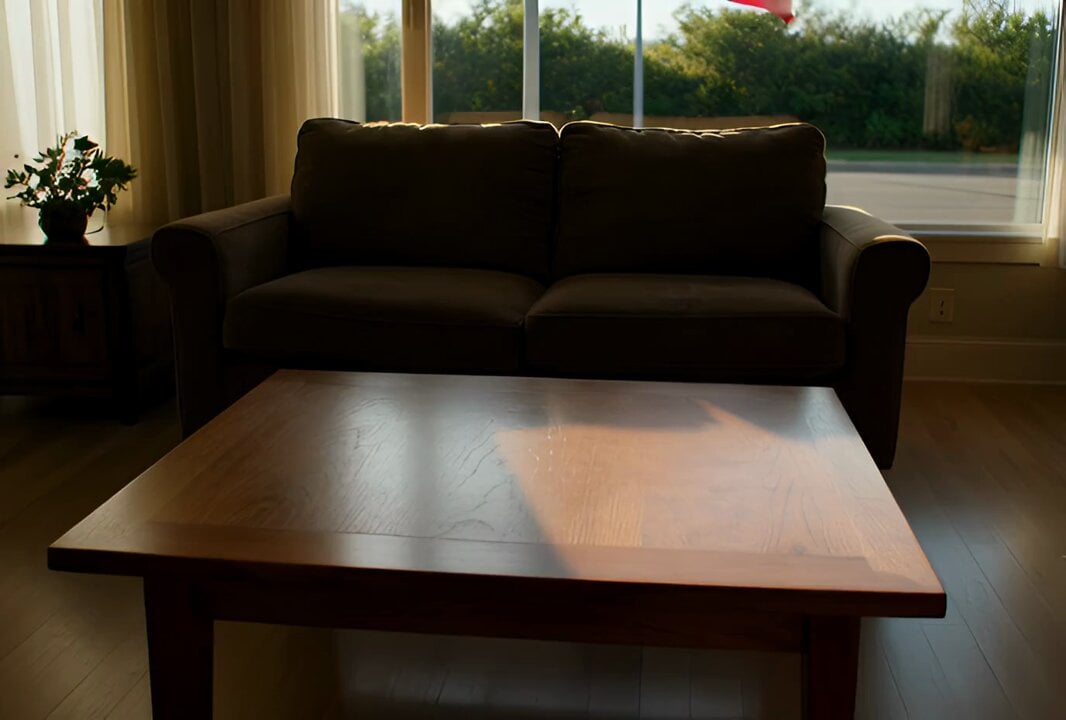
Interior View Video Generation Prompt
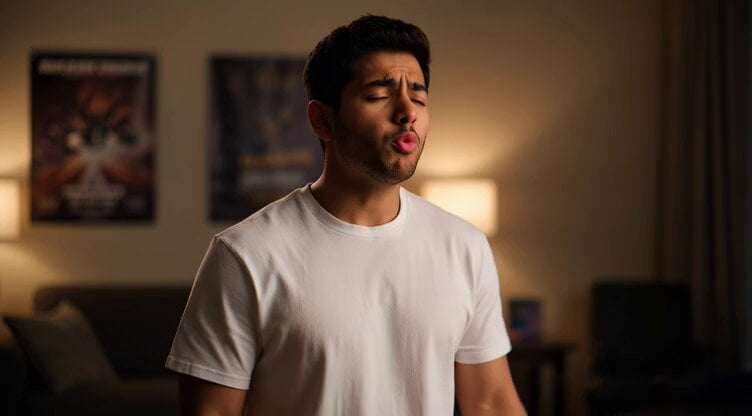
GTA 6 never came out in 1 million years
More video prompts
Fresh picks from across the catalog.
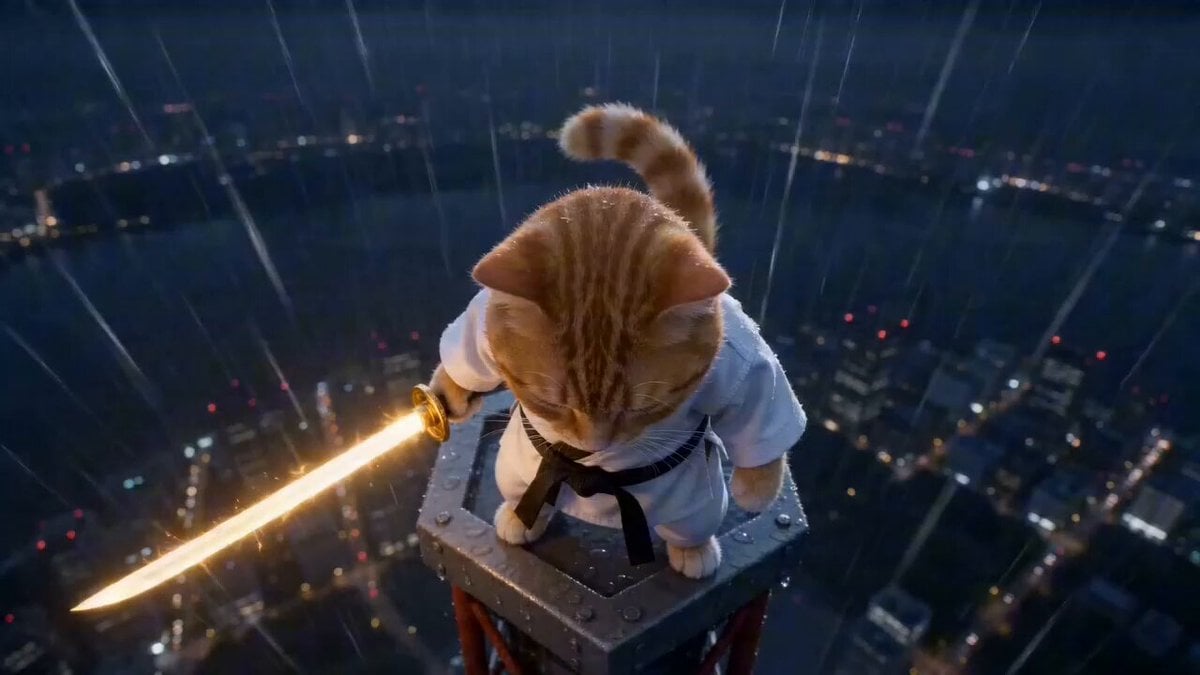
Cat Master's Tokyo Tower Descent and Rescue
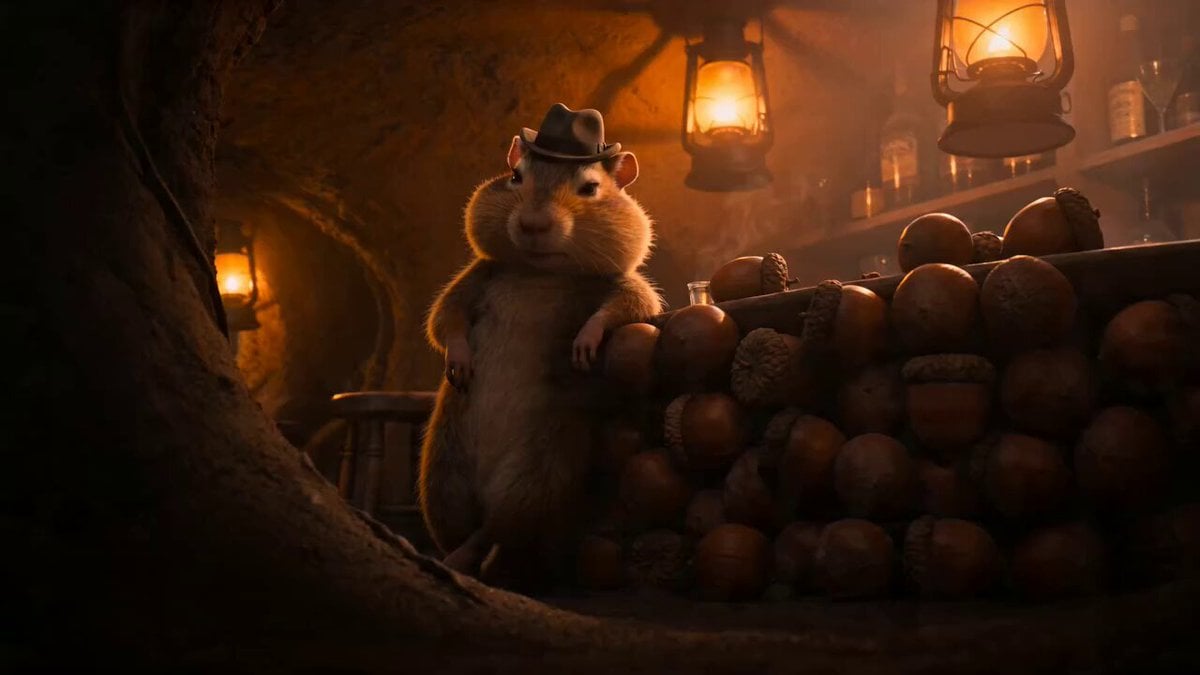
Prairie Dog Noir Comedy Animation
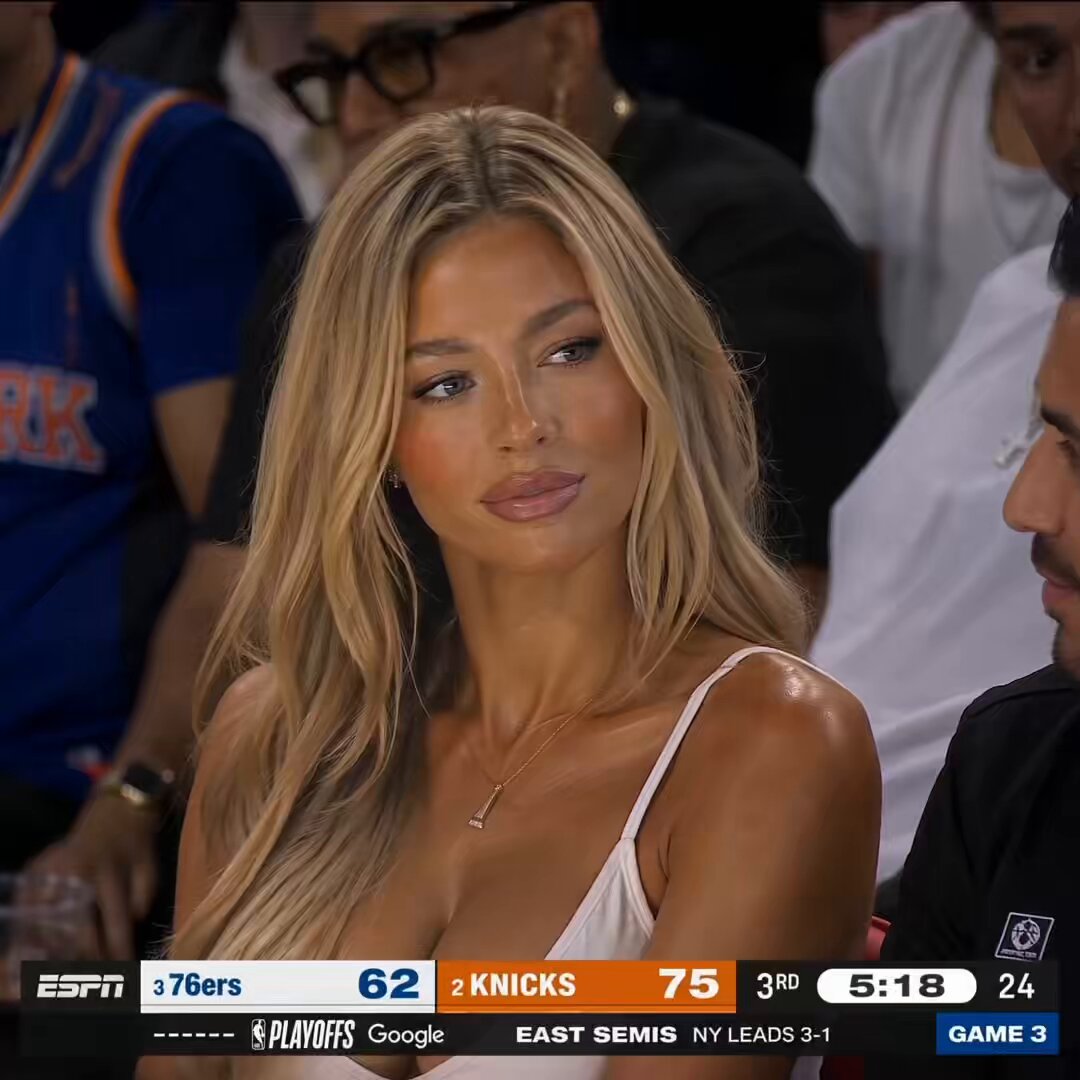
NBA Courtside Live Broadcast
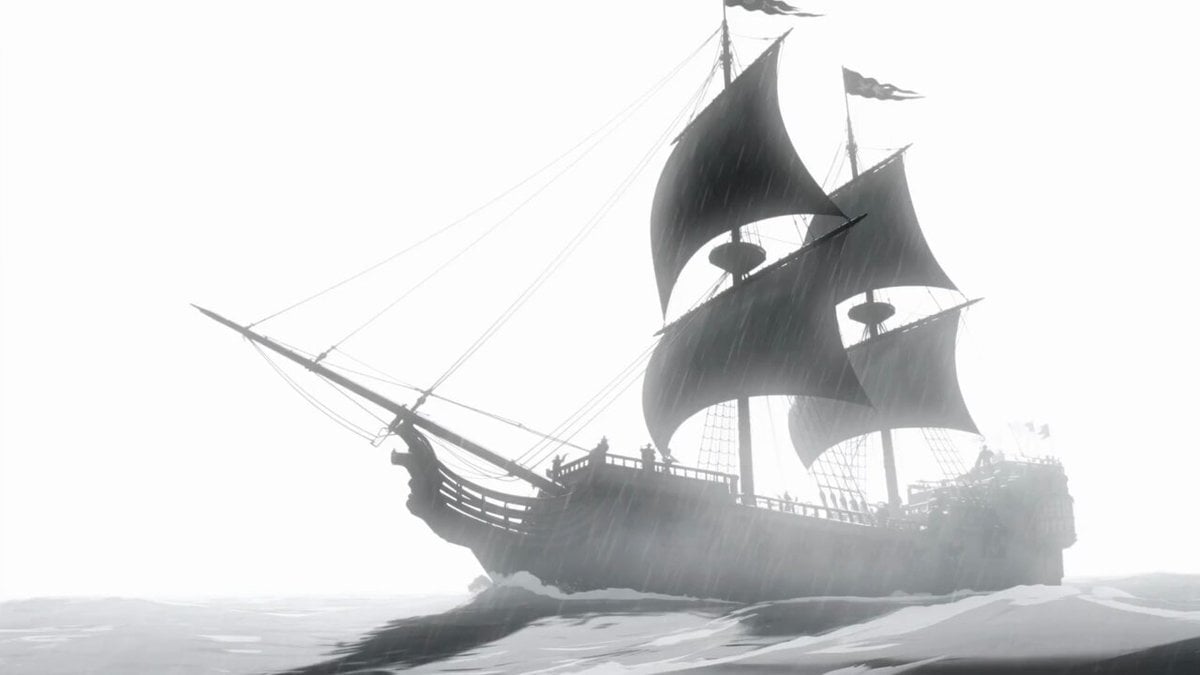
Animated Pirate Action Sequence
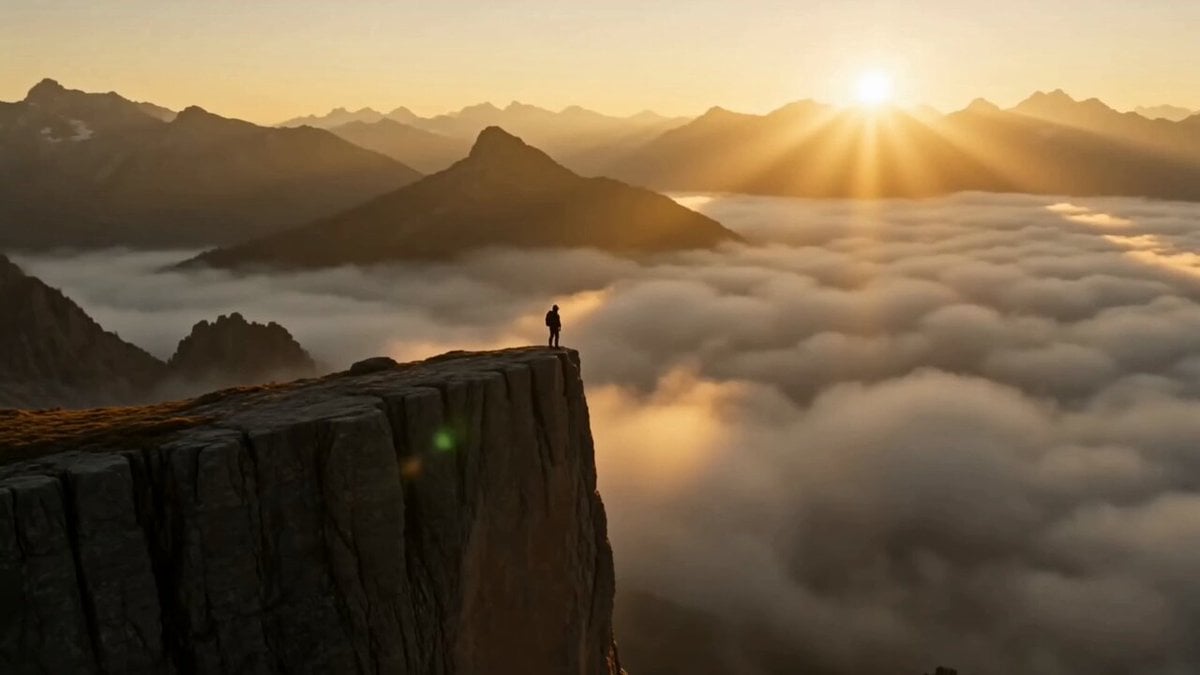
Mountaineer Eagle Transformation Sequence
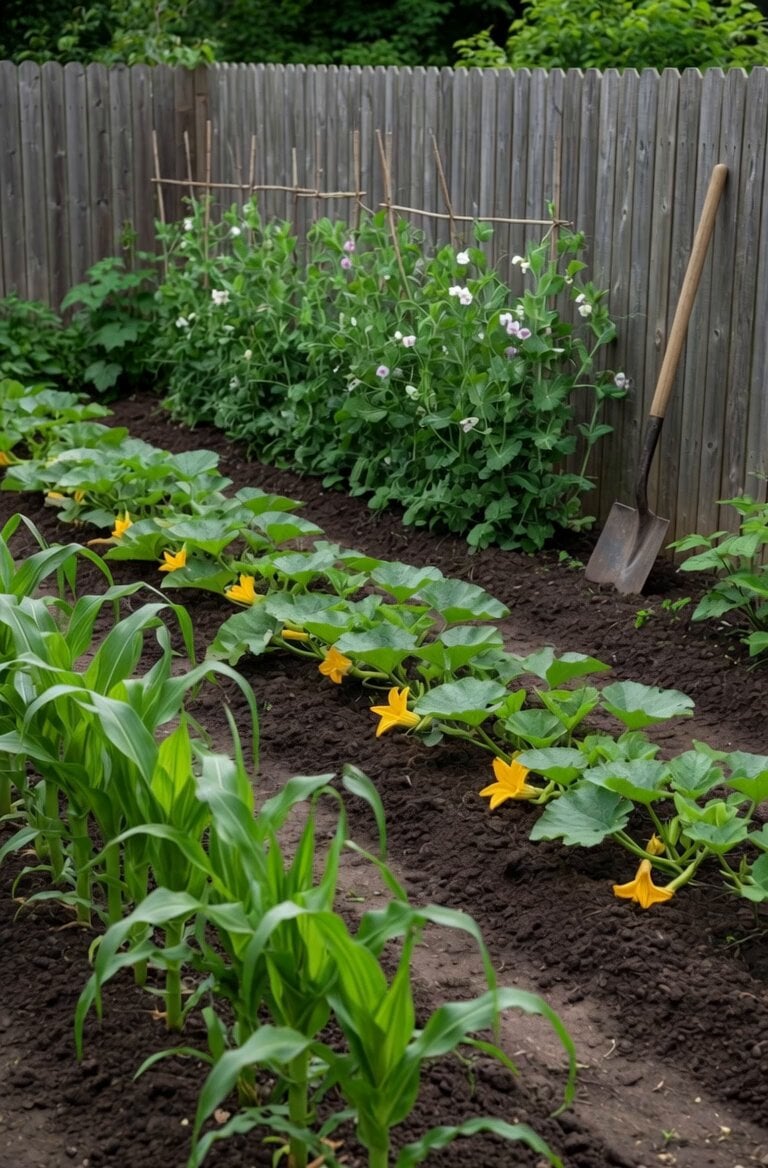
Tiny Dragons in Water Bucket
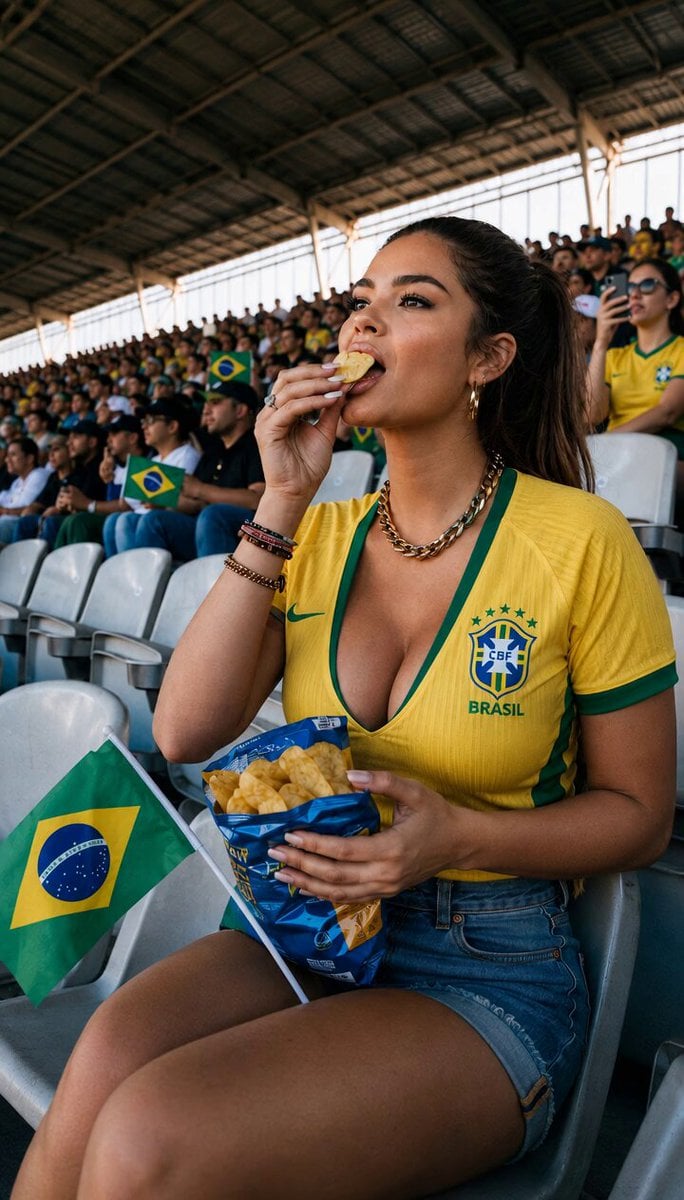
Candid Stadium Footage of a Quiet Spectator
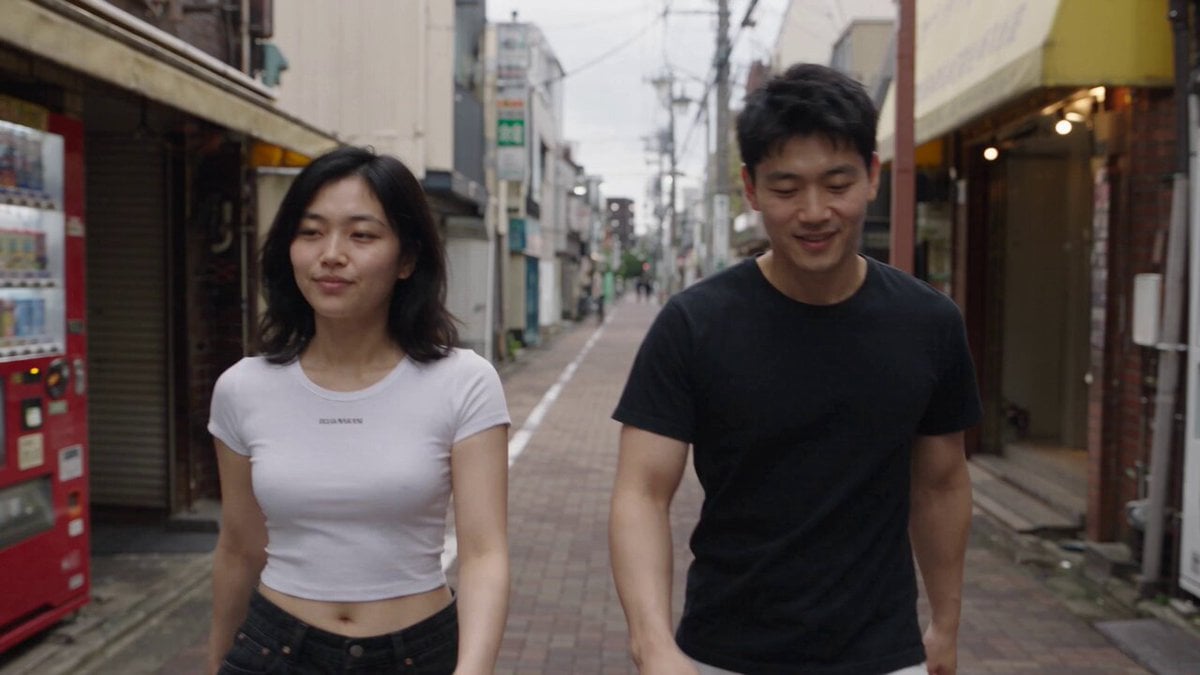
Cinematic Japanese Street Vlog
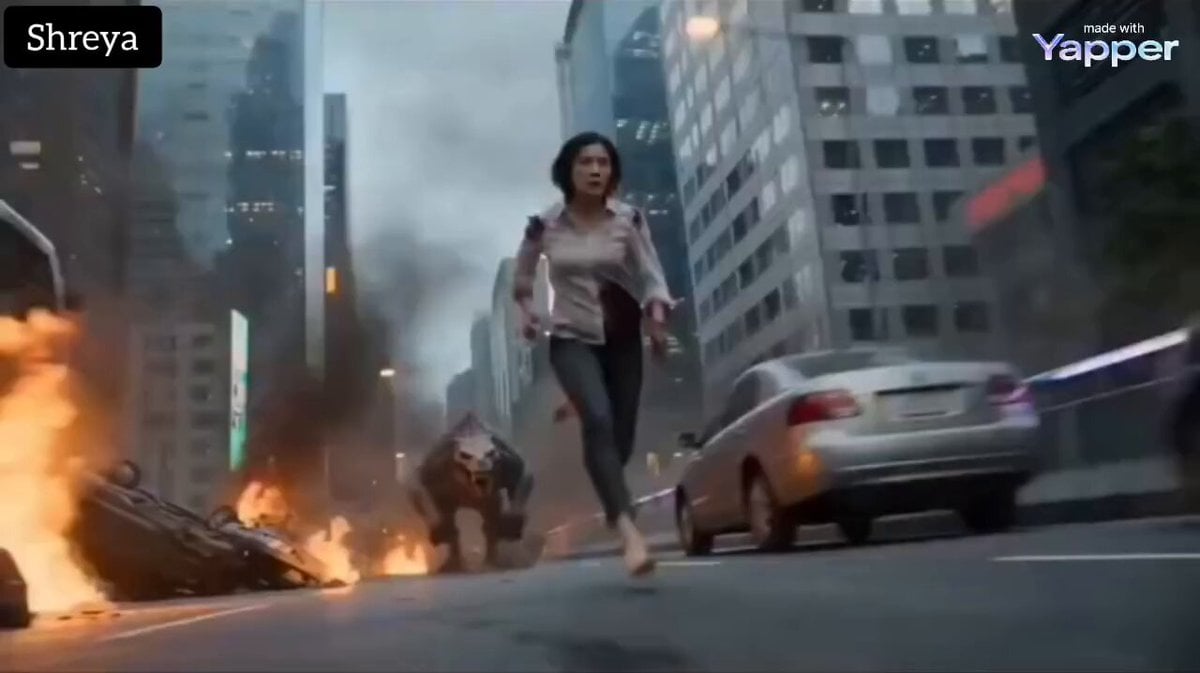
Mecha-Armor Transformation Action Sequence Prompt Summary

Pixar-Style World Cup Final Video
Browse template categories
Dramatic fantasy portrait video questions
How do I use the Dramatic fantasy portrait video template?
Add your photo if the template asks for one, edit the prompt if you like — the template's model and format are already selected — and press Generate. Your version opens in PicX Studio.
Can I customize the Dramatic fantasy portrait video template?
Yes. You can change the subject, setting, lighting, mood, format, and available model controls before creating your video.
Is the Dramatic fantasy portrait video template free?
Opening and editing this template is free. Generating uses credits, shown on the Generate button when you are signed in.
Which AI model should I use?
Start with Grok Imagine, which is the model associated with this template. You can compare another compatible model for a different finish.
Looking for something else? Browse all templates.

Your photo, any look
Thousands of ready templates for every top image and video model, from one credit balance.