
Dramatic Raindrop Scene: Continuous Shot
A highly detailed, continuous shot prompt for Seedance 2.0, aiming for a theatrical anime film atmosphere.
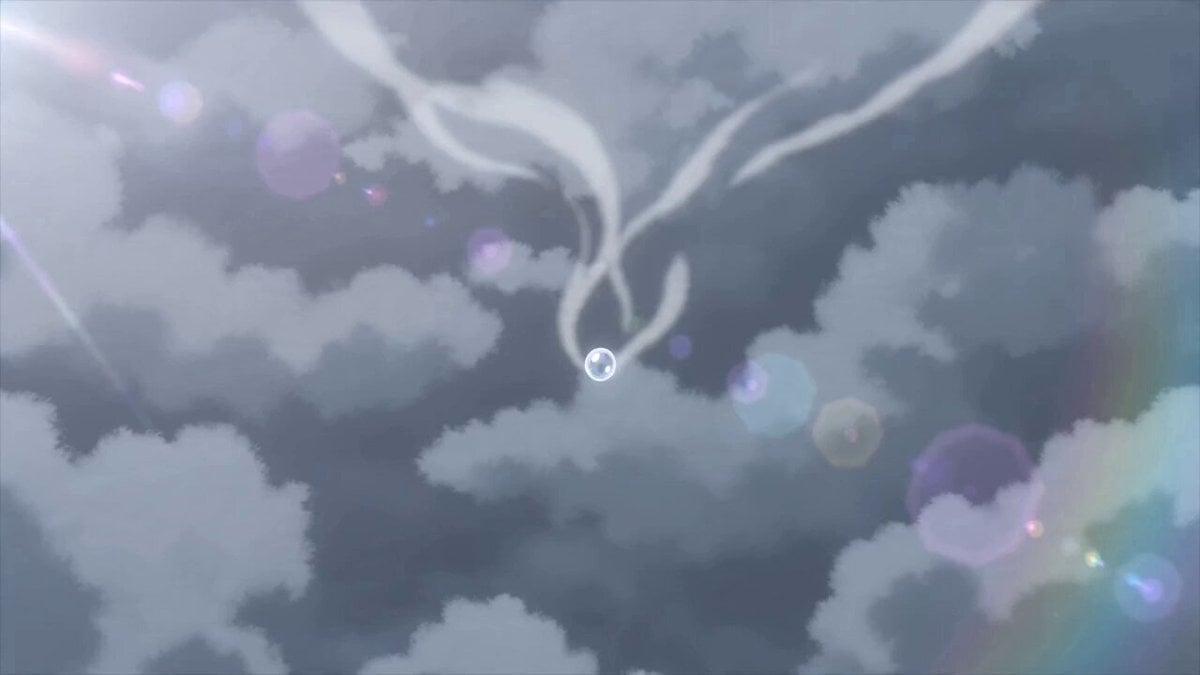
- Prompt included
- Model and format preset
- Premium template
The prompt behind this video
Copy the exact prompt behind Dramatic Raindrop Scene: Continuous Shot, or open it in the studio and make it yours.
Top shot. Specs of water gravitate toward one another, slowly morphin into a droplet of water against a cloudy gray background. The droplet grows until it finally gets too heavy and begins to fall vertically down. Camera tracks the rain drop, chasing it from behind as it exits the clouds to reveal a large city (Top shot). Camera follows the raindrop from behind as it falls rapidly toward the city below. Vertically below, standing on the sidewalk by herself, an out of focus girl wearing a sailor uniform is looking vertically up toward the sky with a sad expression (Top Shot), directly in line with the droplet. Push in to ECU of the rain drop as it splatters against the girl's leftcheek dramatically in extreme slowmotion. It stays in place for a brief moment as the camera pulls out to see the girl's entire face, rack focus from the raindrop to the girl's face. Camera switch to track the girl's face as she slowly lowers her head. Her eyes become shadowed behind her bangs and the droplet follows the curvature of her cheek down to her chin. The droplet falls from her chin, exiting the frame. Rain starts to fall all around her. One continuous shot. Must not have any cuts. Tranquil sad piano music.
How to use Dramatic Raindrop Scene: Continuous Shot in 3 steps
- 1
Open
The prompt is already in the box next to the preview, with the template's model and format selected.
- 2…a portrait of your subject in softgolden-hour light, 85mm…
Personalize
Edit the subject and creative details for your destination.
- 3Generate
Generate
Press Generate — your video is created in PicX Studio, so you can compare it with the original and refine one variable at a time.
More like this
Templates with the same subject, style or setup. Open one to see its prompt.
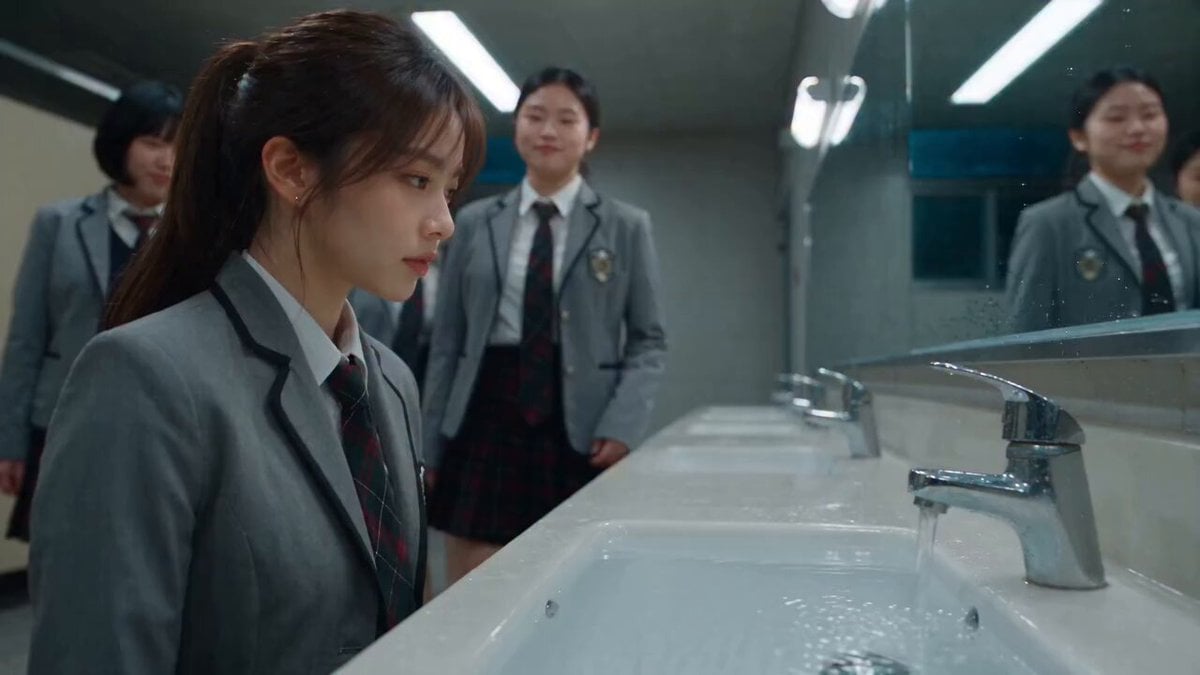
Dramatic School Bathroom Water Fight
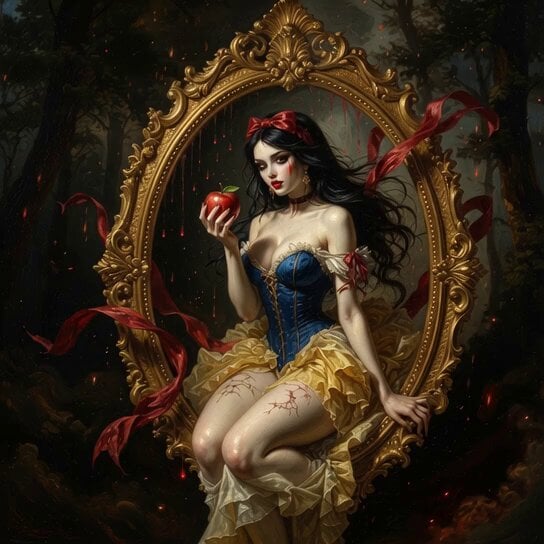
Baroque Style Dramatic Transformation
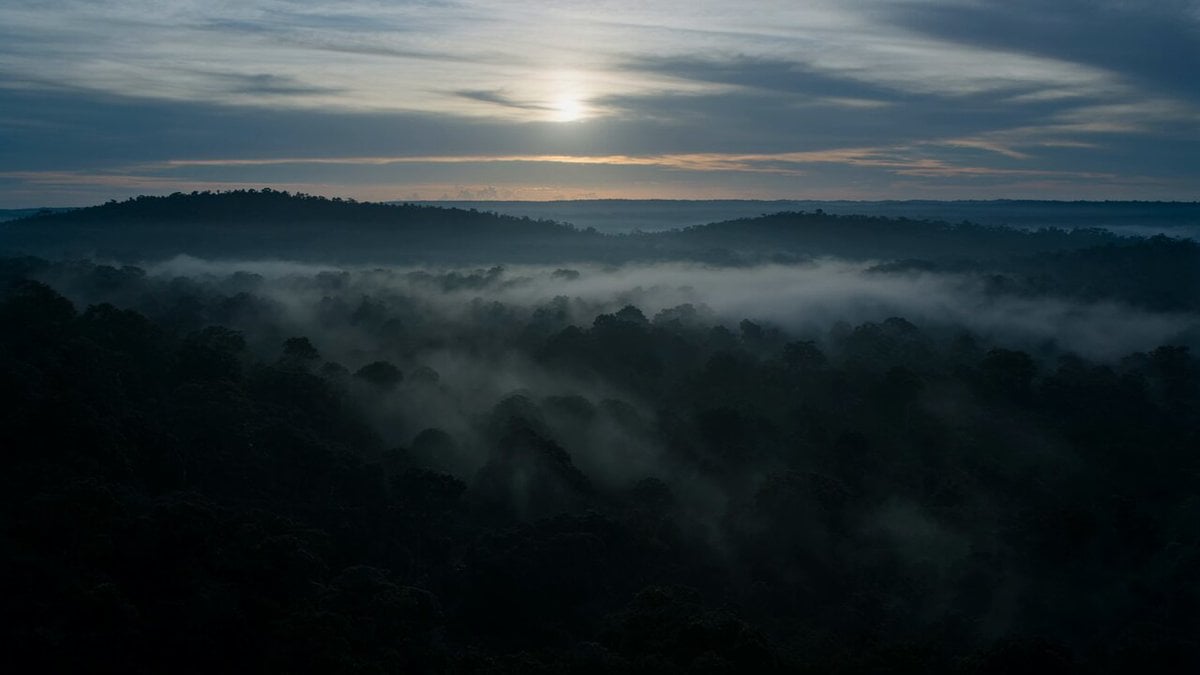
Dramatic Jungle Chase Sequence
Phone Upgrade Dramatic Story

Dramatic Female Football Nutmeg Sequence

Dramatic Anime Screaming Scene

Dramatic Lone Hero in Destroyed City Prompt
Dramatic Poetry Reading Handshake
Office Drama with Dramatic Twist
Dramatic fantasy portrait video

Grok Imagine prompt for a dramatic dinosaur fight scene
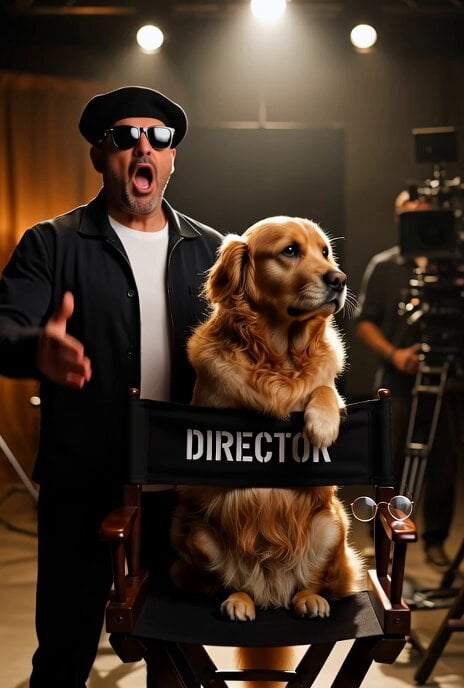
Dramatic Hollywood Director and Golden Retriever
Make it yours
Dramatic Raindrop Scene: Continuous Shot works as-is. These are the safest ways to change it without losing the look.
Change one field
Copy a single group, rewrite it, and generate again so you can see what that field is doing.
Keep the frame, change the subject
Hold the composition and light of Dramatic Raindrop Scene: Continuous Shot, then swap wardrobe, props or the person for a new take.
| If the result… | Why | Fix |
|---|---|---|
| The result drifts from the preview | Too many fields changed at once. | Reuse Dramatic Raindrop Scene: Continuous Shot as-is first, then change one group — subject, light, or setting. |
| The model over-stylizes the scene | The prose prompt leaves finish and camera underspecified. | Add one camera or lighting sentence and stay on Seedance 2.0. |
More Seedance 2.0 templates
Other prompts made for Seedance 2.0.

Comical Martial Arts Punch Scene

Maglev Train Action Sequence

Martial Arts Fight Sequence

Wuxia Protection and Trust Script

Vintage Korean Arcade MiniDV Vlog

Mercedes 190 SL Luxury Ad

Rainy Night Supernatural Reverse Comedy Video Script

Amazon Civilization Discovery

Futuristic South Asian City Transformation

Cozy Luxury Cafe Commercial
More video prompts
Fresh picks from across the catalog.
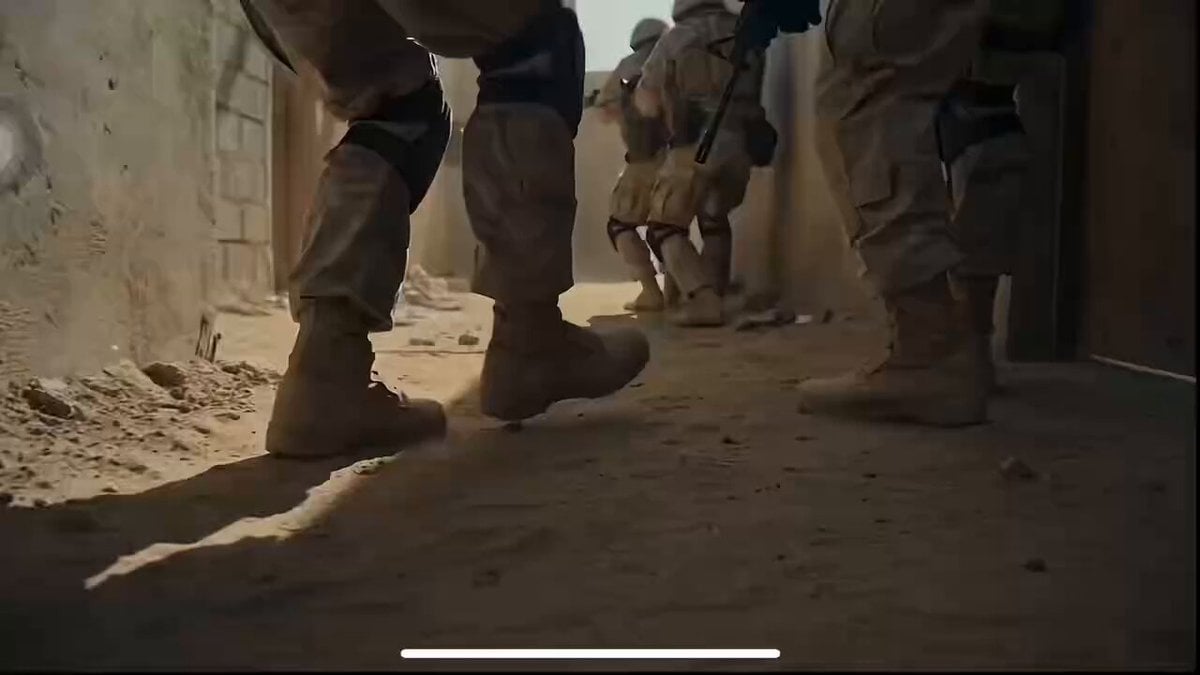
Cinematic War Footage Style Guide (Part 1)
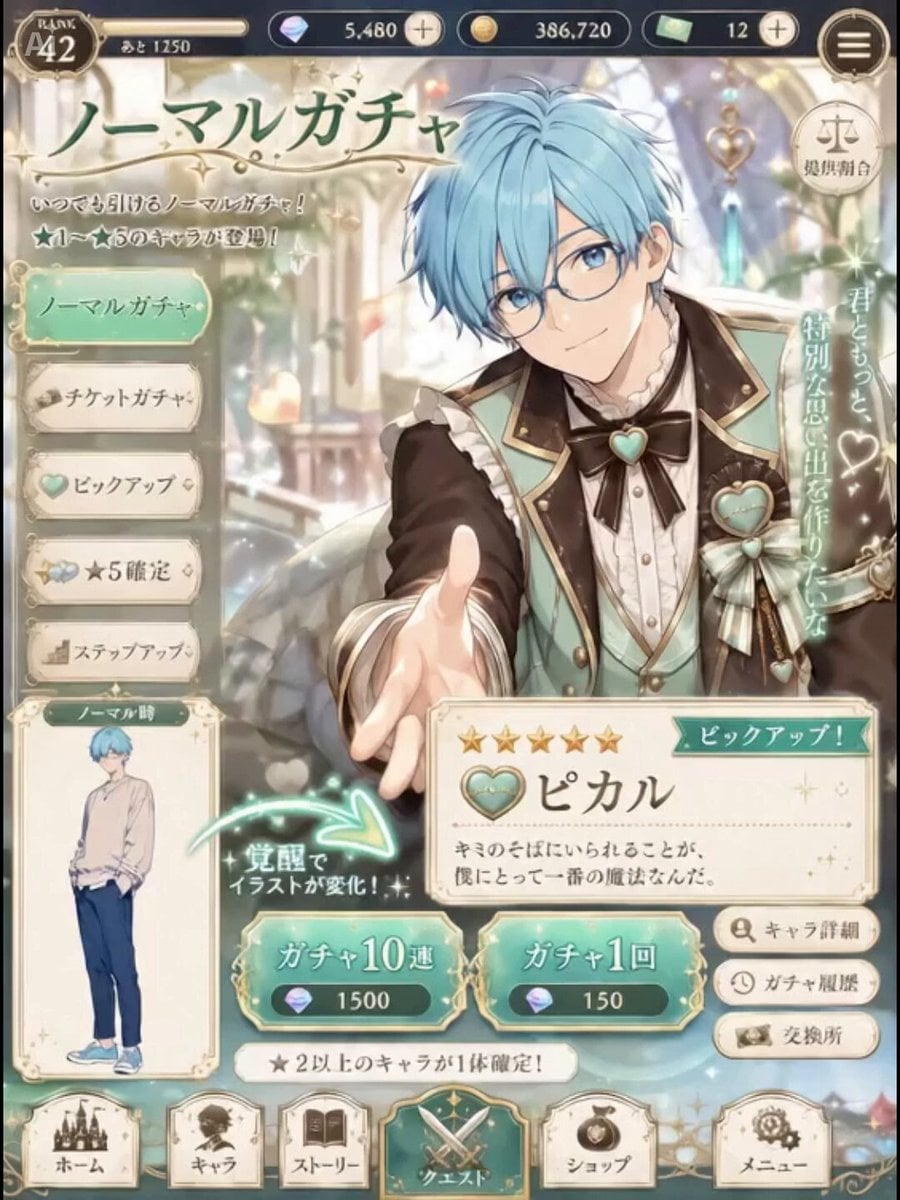
Live2D Style Gacha Game Interface
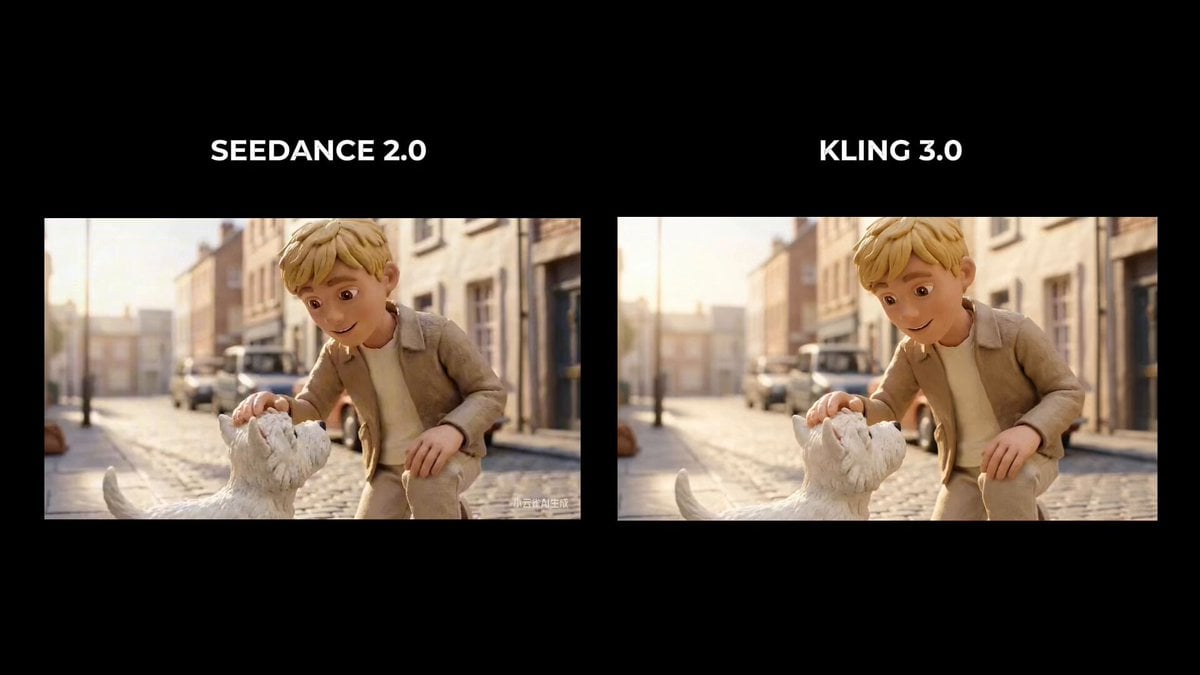
Boy Saves Puppy from Speeding Car (Time Freeze)
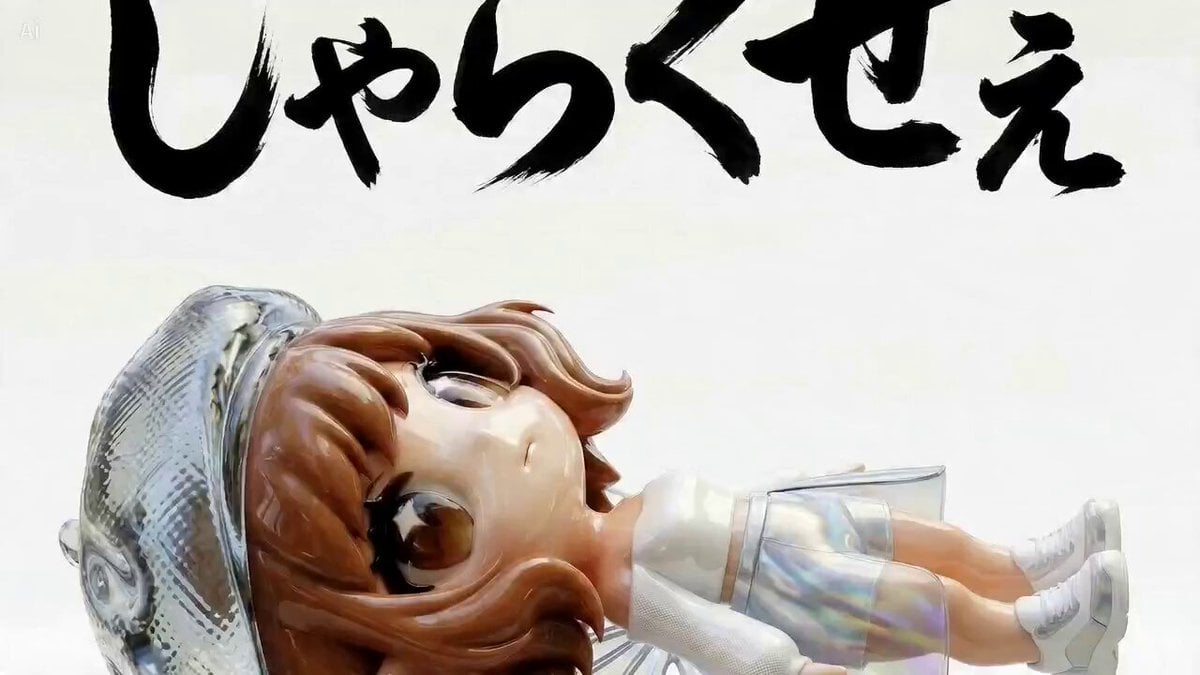
Multi-Scene Calligraphy and Fairy Animation
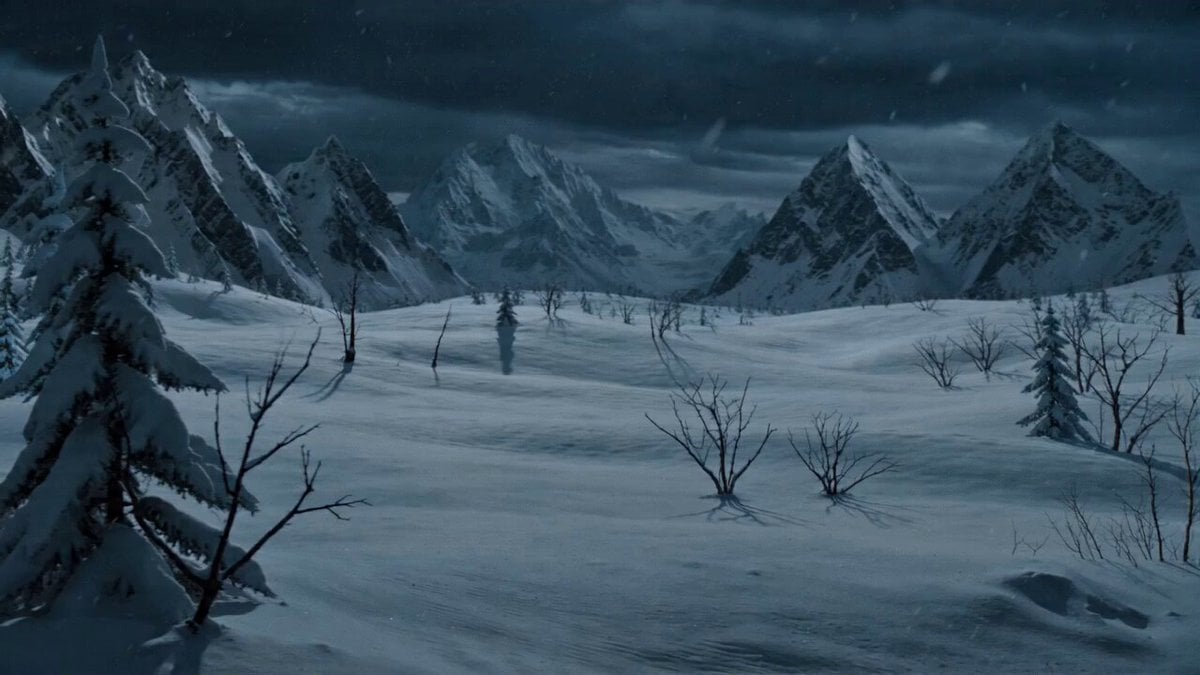
Shaw Brothers Style Cat Fight Video Prompt

Vibrant Tropical Ocean Splash
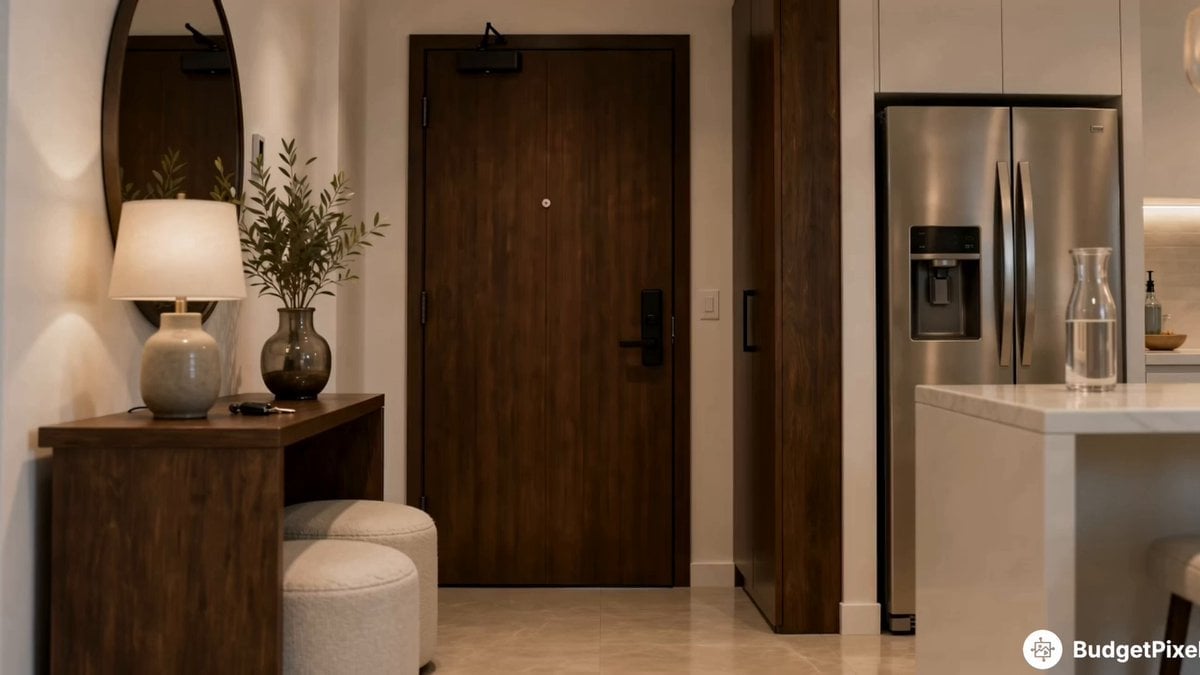
Apartment Arrival Storyboard Animation

Quantum 4D Motion Prompt
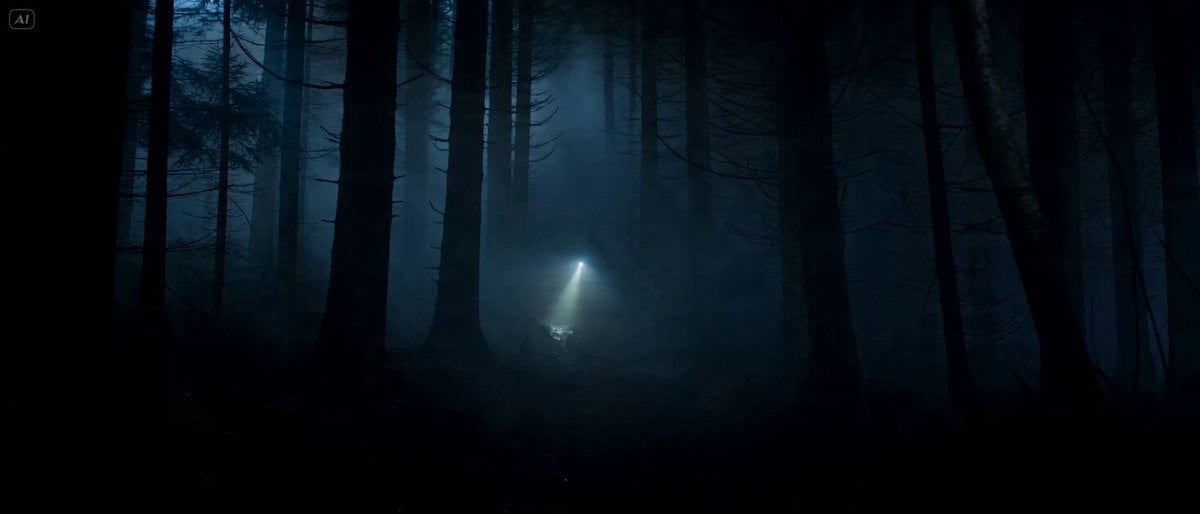
Cinematic Forest Horror Sequence
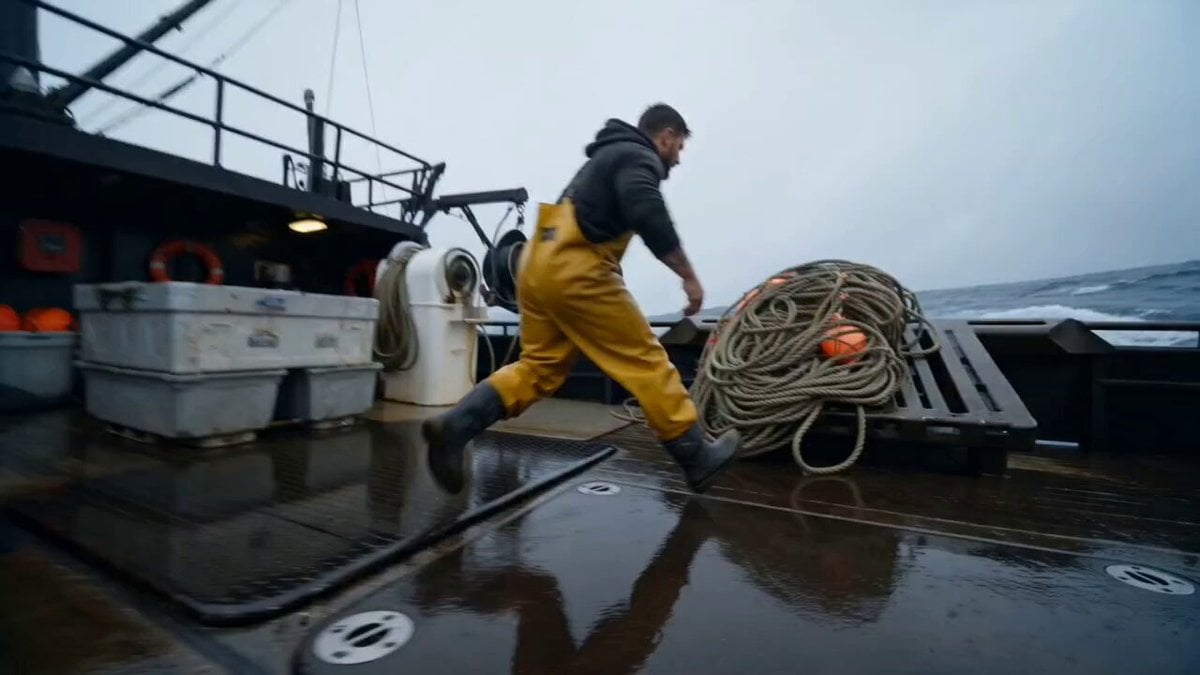
Deep-Sea Fisherman Documentary
Browse template categories
Dramatic Raindrop Scene: Continuous Shot questions
How do I use the Dramatic Raindrop Scene: Continuous Shot template?
Add your photo if the template asks for one, edit the prompt if you like — the template's model and format are already selected — and press Generate. Your version opens in PicX Studio.
Can I customize the Dramatic Raindrop Scene: Continuous Shot template?
Yes. You can change the subject, setting, lighting, mood, format, and available model controls before creating your video.
Is the Dramatic Raindrop Scene: Continuous Shot template free?
Opening and editing this template is free. Generating uses credits, shown on the Generate button when you are signed in.
Which AI model should I use?
Start with Seedance 2.0, which is the model associated with this template. You can compare another compatible model for a different finish.
Looking for something else? Browse all templates.

Your photo, any look
Thousands of ready templates for every top image and video model, from one credit balance.