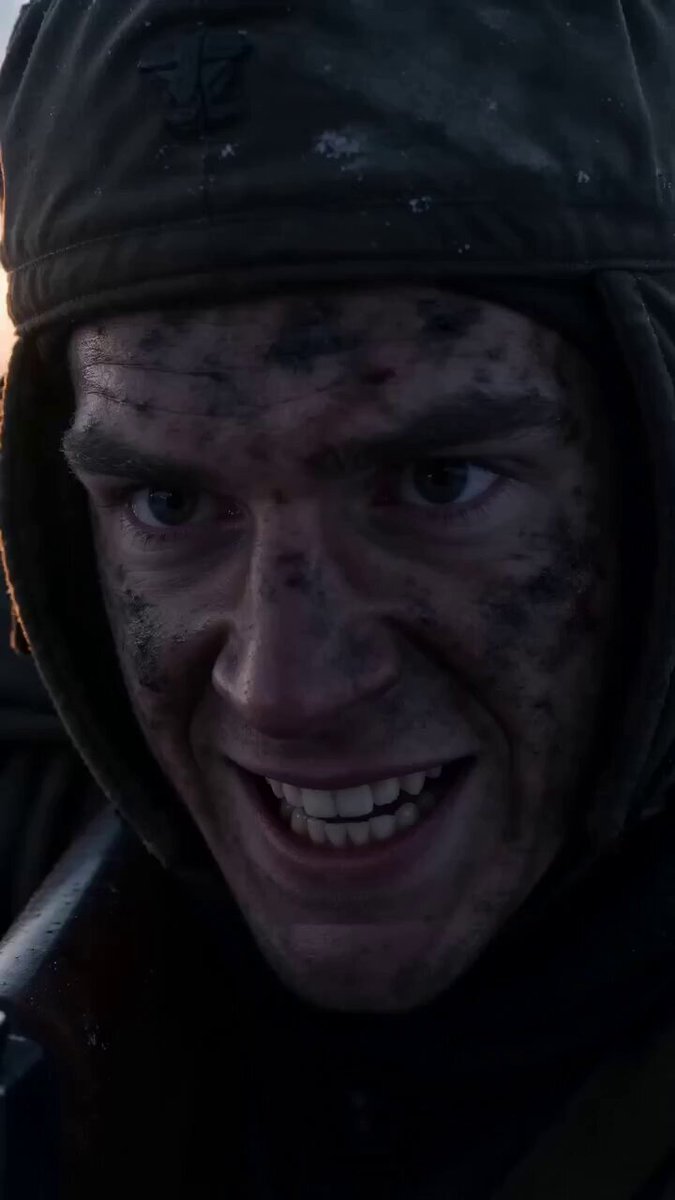
How do I use the Multi-Scene Calligraphy and Fairy Animation template?
Edit the prompt in the box under the preview — the template's model and format are already selected — and press Generate. Your version appears right on this page.
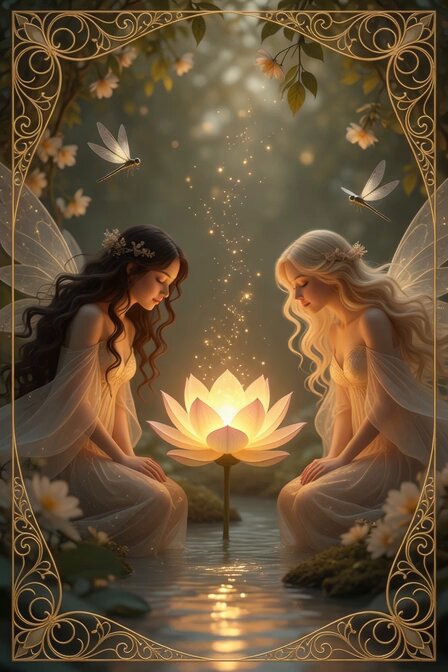
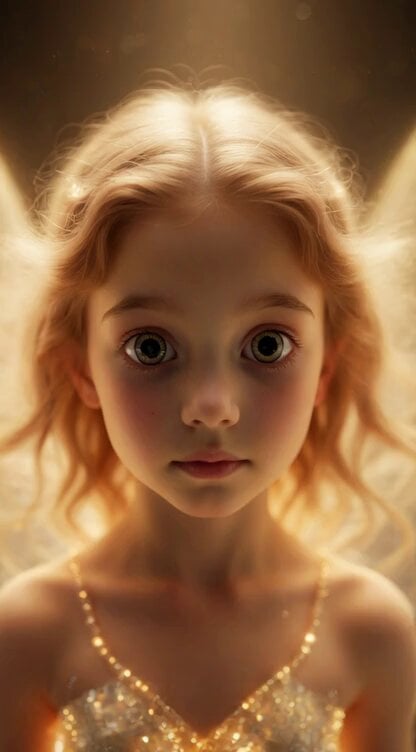
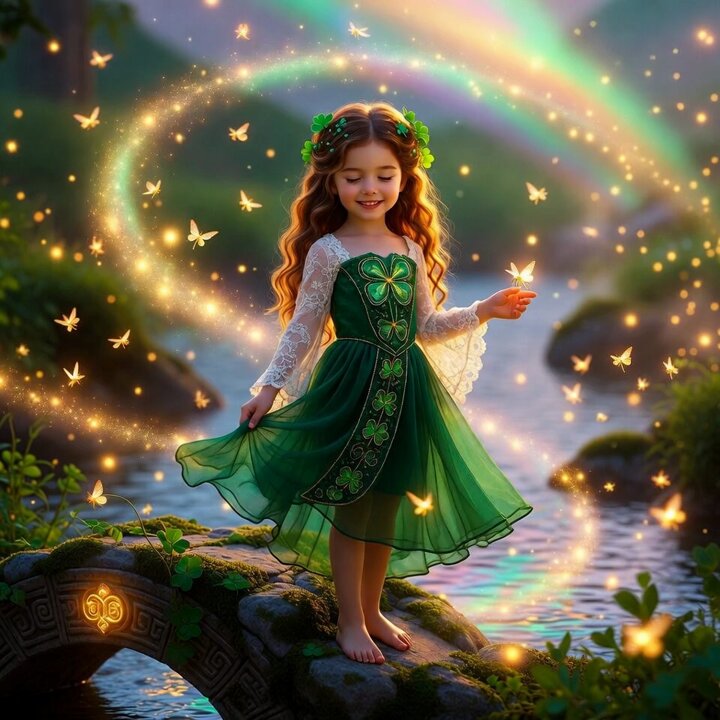
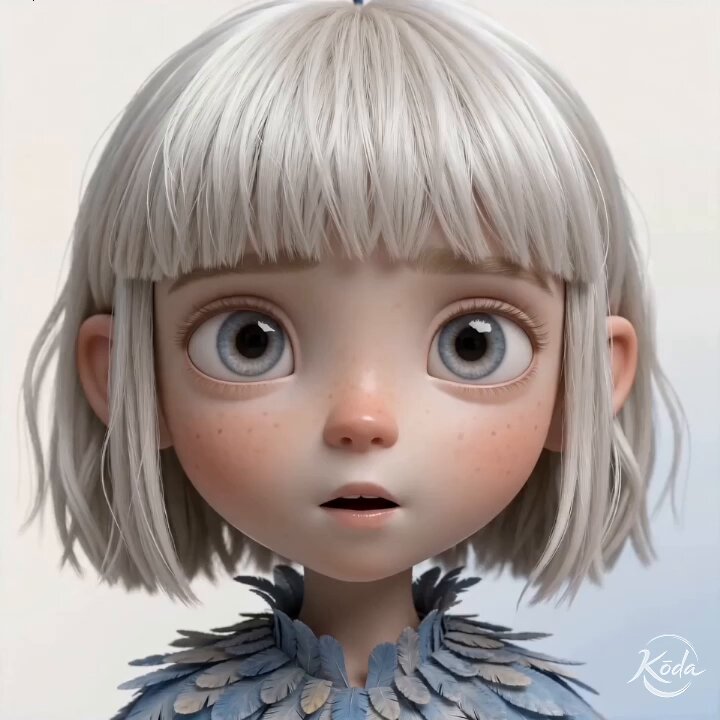
A comprehensive multi-scene prompt for Seedance 2.0 involving a fairy shouting with rainbow ripples, lying down, and ink-style calligraphy appearing with impact effects.
提供の画像を参照し、シーン全体を一つのアニメーション動画で生成してください。 SCENE 1(0〜4秒)- 「わ~!」で叫ぶ- 妖精が正面を向き、大きく口を開けて「わ~!」と元気よく叫ぶ- 声が放出されるように虹色の波紋エフェクトが顔の前から広がる- 声量に合わせて体が微妙に振動する- エネルギー感、明るさ最大 SCENE 2(4〜8秒)- ドスンと寝そべり「しゃらくせえ!」- 「わ~!」の勢いで、妖精がドスン!と寝そべった姿勢になる- 動きは急速で、衝撃音が聞こえそうな迫力- 寝そべったまま、ドヤ顔で「しゃらくせえ!」と一言- 言葉に力がある、クールな言い方 SCENE 3(8〜12秒)- ロゴドーン+安定- 「しゃらくせえ!」と言った瞬間、画面上部に墨字風の「しゃらくせえ」が筆で描かれるようにドーン!と出現- 衝撃波が画面全体に走る、飛び散りエフェクト- 妖精は寝そべったままポーズキープ、ロゴ完成と同時に安定表示
提供の画像を参照し、シーン全体を一つのアニメーション動画で生成してください。 SCENE 1(0〜4秒)- 「わ~!」で叫ぶ- 妖精が正面を向き、大きく口を開けて「わ~!」と元気よく叫ぶ- 声が放出されるように虹色の波紋エフェクトが顔の前から広がる- 声量に合わせて体が微妙に振動する- エネルギー感、明るさ最大 SCENE 2(4〜8秒)- ドスンと寝そべり「しゃらくせえ!」- 「わ~!」の勢いで、妖精がドスン!と寝そべった姿勢になる- 動きは急速で、衝撃音が聞こえそうな迫力- 寝そべったまま、ドヤ顔で「しゃらくせえ!」と一言- 言葉に力がある、クールな言い方 SCENE 3(8〜12秒)- ロゴドーン+安定- 「しゃらくせえ!」と言った瞬間、画面上部に墨字風の「しゃらくせえ」が筆で描かれるようにドーン!と出現- 衝撃波が画面全体に走る、飛び散りエフェクト- 妖精は寝そべったままポーズキープ、ロゴ完成と同時に安定表示
Edit the prompt in the box under the preview — the template's model and format are already selected — and press Generate. Your version appears right on this page.
Yes. You can change the subject, setting, lighting, mood, format, and available model controls before creating your video.
Opening and editing this template is free. Generating uses credits, shown on the Generate button when you are signed in.
Start with Seedance 2.0, which is the model associated with this template. You can compare another compatible model for a different finish.
Follow a topic to a crawlable collection of related PicX Studio templates.