
Grok Imagine Multi-Shot Fairy and Girl Cave Animation Prompt
A multi-shot prompt for Grok Imagine to generate a 10-second magical animation featuring a girl with a torch and a glowing fairy inside a cave.
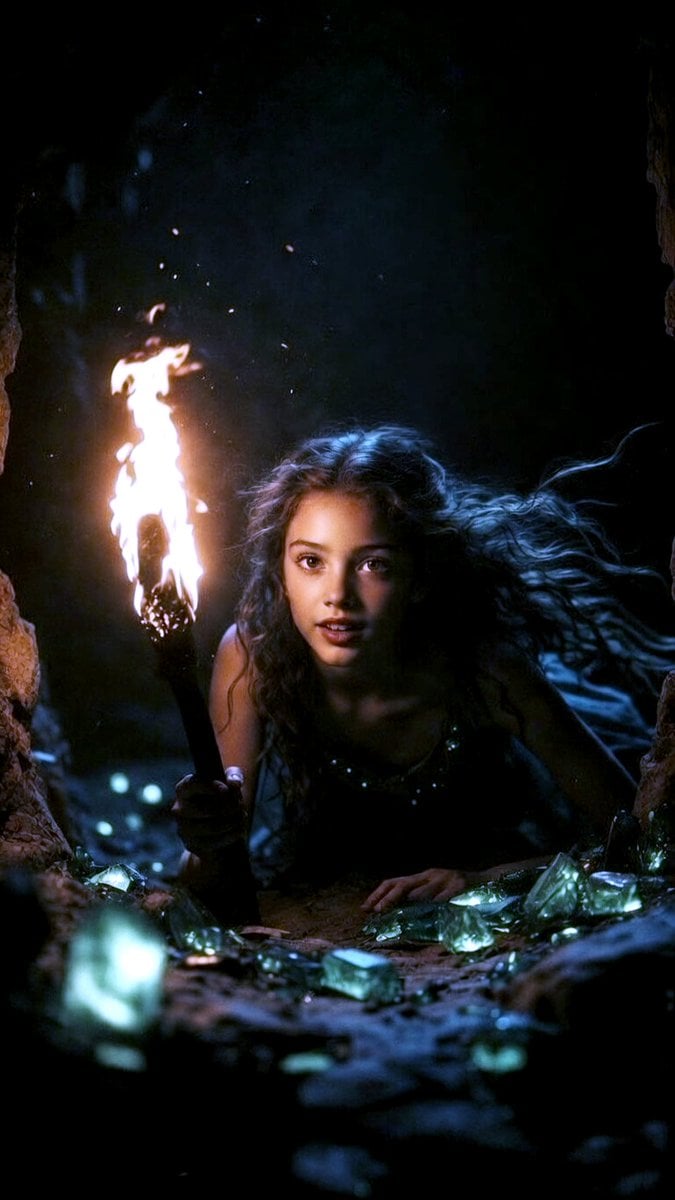
- Prompt included
- Model and format preset
- Free template
The prompt behind this video
Copy the exact prompt behind Grok Imagine Multi-Shot Fairy and Girl Cave Animation Prompt, or open it in the studio and make it yours.
(メンションした画像)の世界観を忠実に再現。洞窟の中で松明を持った少女と輝く小さな妖精の魔法的な10秒アニメーション。 0〜0.5秒:妖精の顔の超アップからスタート。大きな好奇心いっぱいのキラキラした目がカメラをじっと見つめ、透き通った羽から金色の光の粒子が舞う。 0.5〜3秒:好奇心旺盛な妖精が素早くフレームアウトし、地面に寝そべる少女の周りを高速でぐるぐる飛び回る。遊び心たっぷりに急カーブやループを繰り返し、金色の魔法の粉とキラキラをまき散らす。 2.8〜4秒:少女(右手に燃える松明を持っている)が妖精に気づき、目を見開いて驚く。軽く息をのむ。 4〜6秒:少女が急に体を起こして膝立ちになり、松明の炎が激しく揺れてオレンジの光が彼女の驚きと感動の顔を照らす。 6〜10秒:少女がゆっくり立ち上がり、妖精から目を離さず見つめる。妖精は胸の高さでホバリングしながら近づいたり離れたりして遊ぶ。カメラが少しずつ引いて、キラキラ光る緑のクリスタル床と洞窟の壁を広く見せる。暖かい松明の光と冷たいエメラルドの輝きが美しく混ざり合う。夢のような雰囲気、超詳細、シネマティックな動き、スムーズな24fpsアニメーション。
Reference images included
Grok Imagine Multi-Shot Fairy and Girl Cave Animation Prompt needs input media to work. They load alongside the prompt when you open it in the studio.
How to use Grok Imagine Multi-Shot Fairy and Girl Cave Animation Prompt in 3 steps
- 1Upload ImagePNG, JPG or paste
Add your photo
Upload the photo the template builds on. The prompt, model and format are already set.
- 2…a portrait of your subject in softgolden-hour light, 85mm…
Personalize
Edit the subject and creative details for your destination.
- 3Generate
Generate
Press Generate — your video is created in PicX Studio, so you can compare it with the original and refine one variable at a time.
More like this
Templates with the same subject, style or setup. Open one to see its prompt.
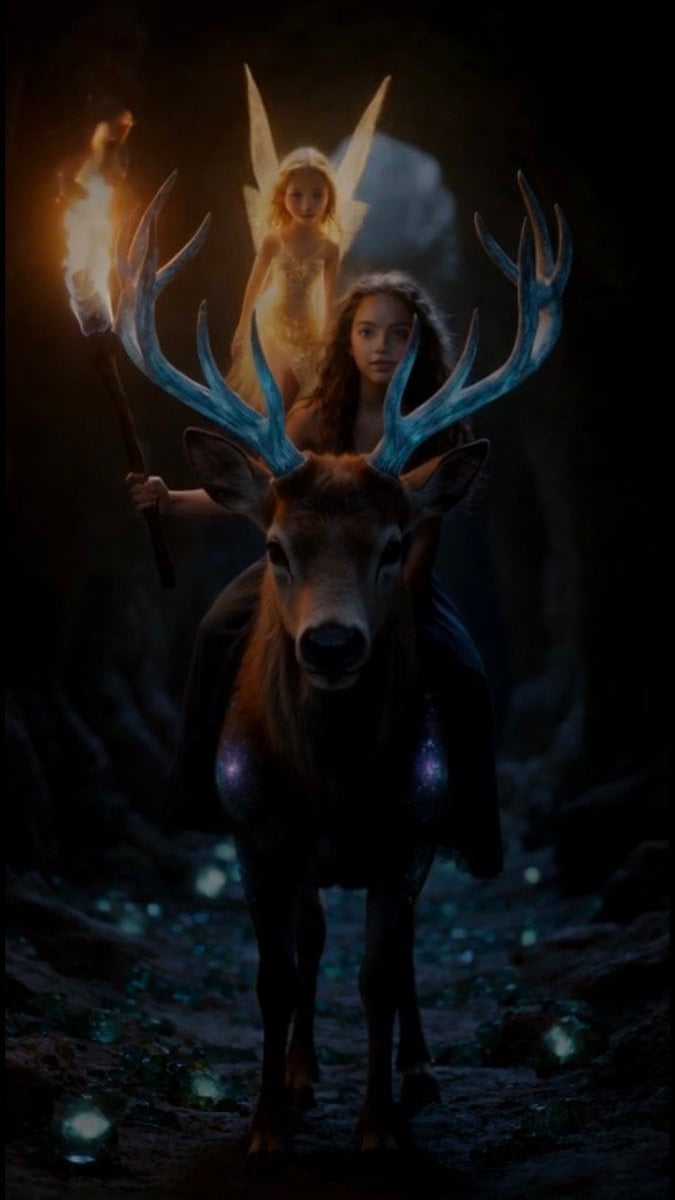
Grok Imagine Video Prompt: Girl, Deer, and Fairy Exiting a Cave
Grok Imagine Video Prompt: Dynamic Fantasy Scene with Deer, Fairy, and Girl
Grok Imagine R2V Multi-Image Reference Tutorial
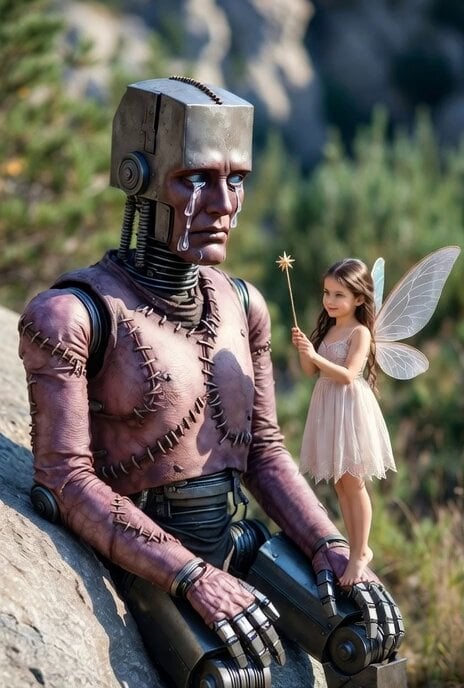
Grok Imagine prompt for a Frankenstein-like robot and a kind fairy
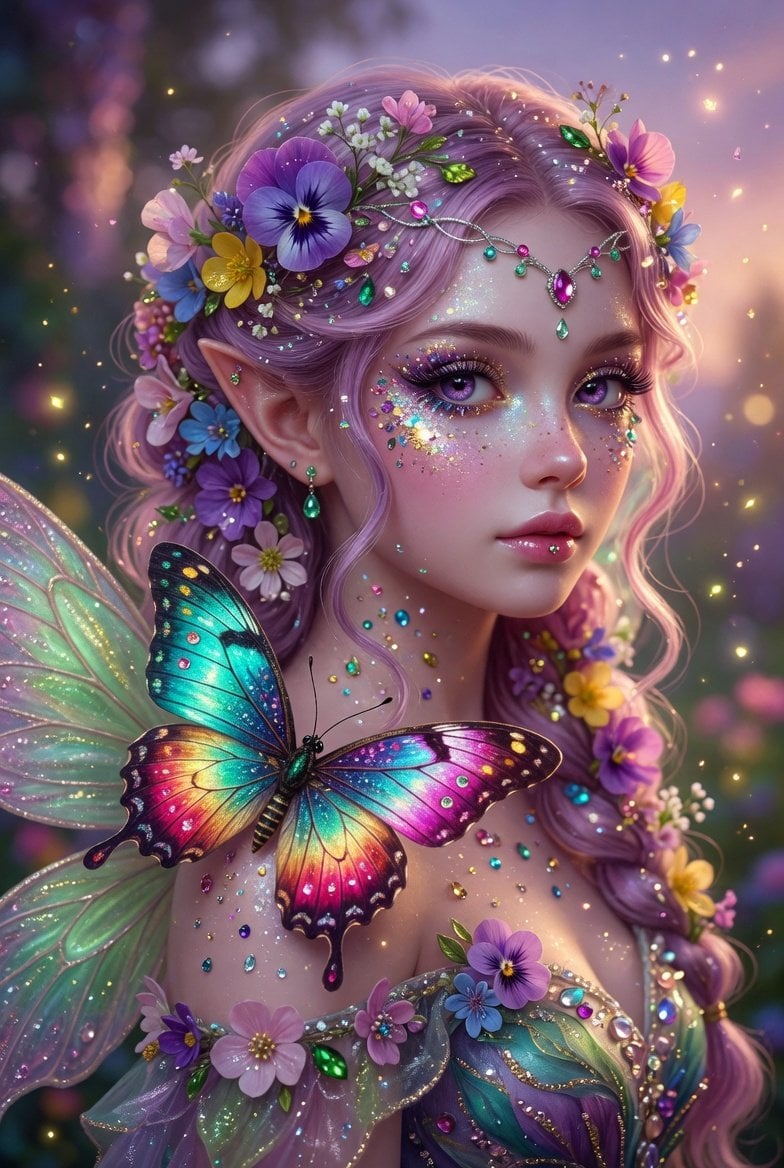
Grok Imagine Prompt: Beautiful Fairy Fantasy Art
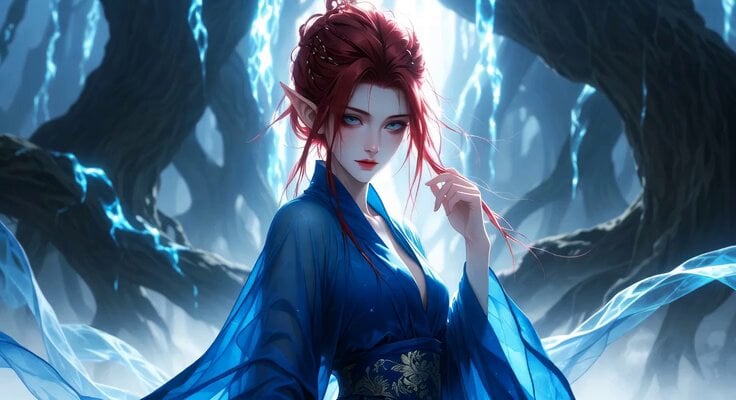
Fairy Flight Fantasy Animation
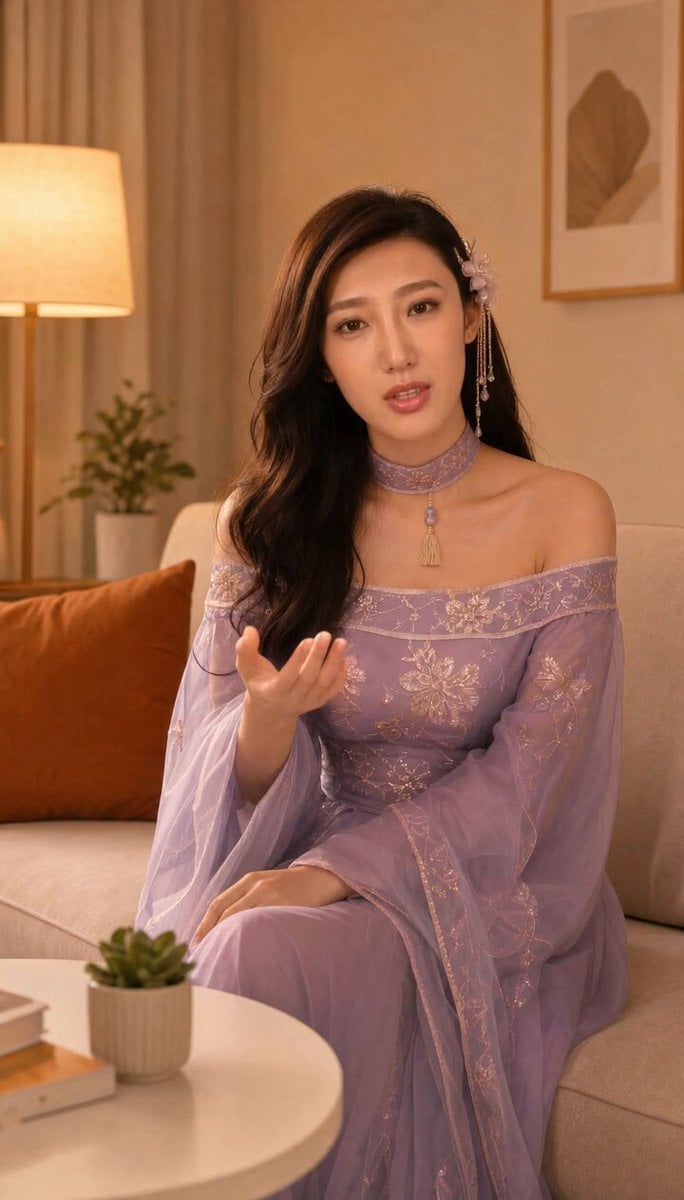
Grok-imagine 1.5 Digital Human Video Script
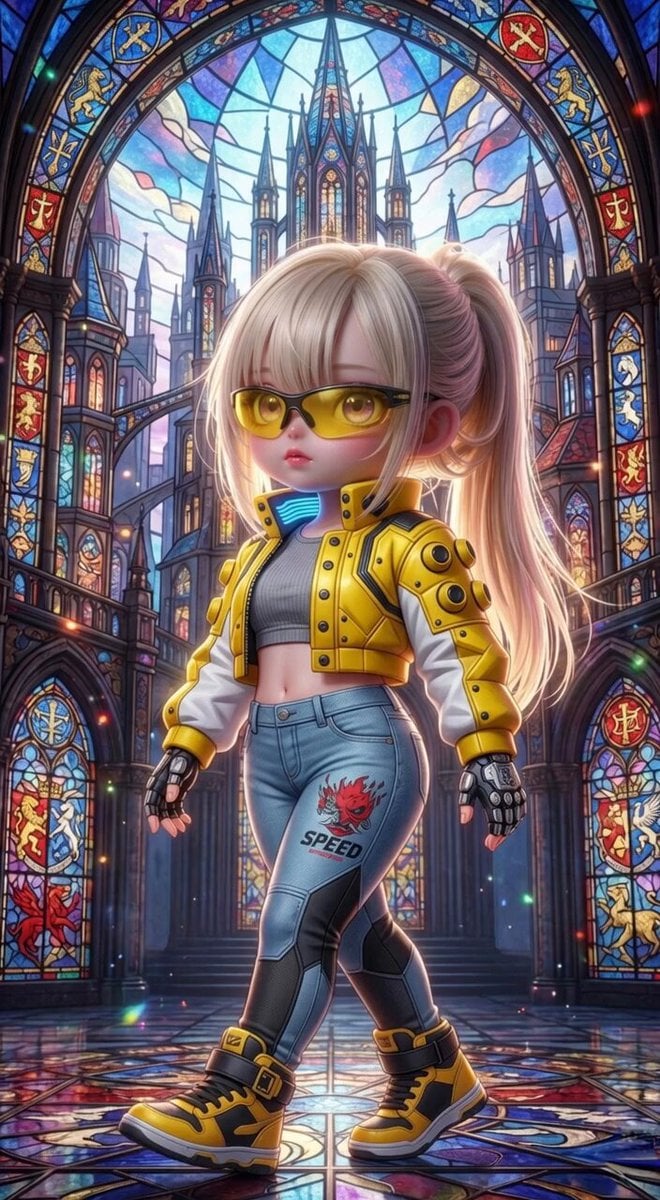
Grok Imagine Mechanical and Ethereal Creature Prompts
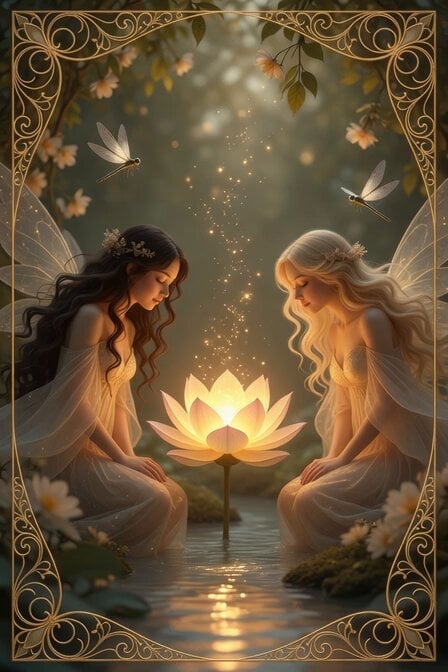
Peaceful Fairy Women and Lotus Animation
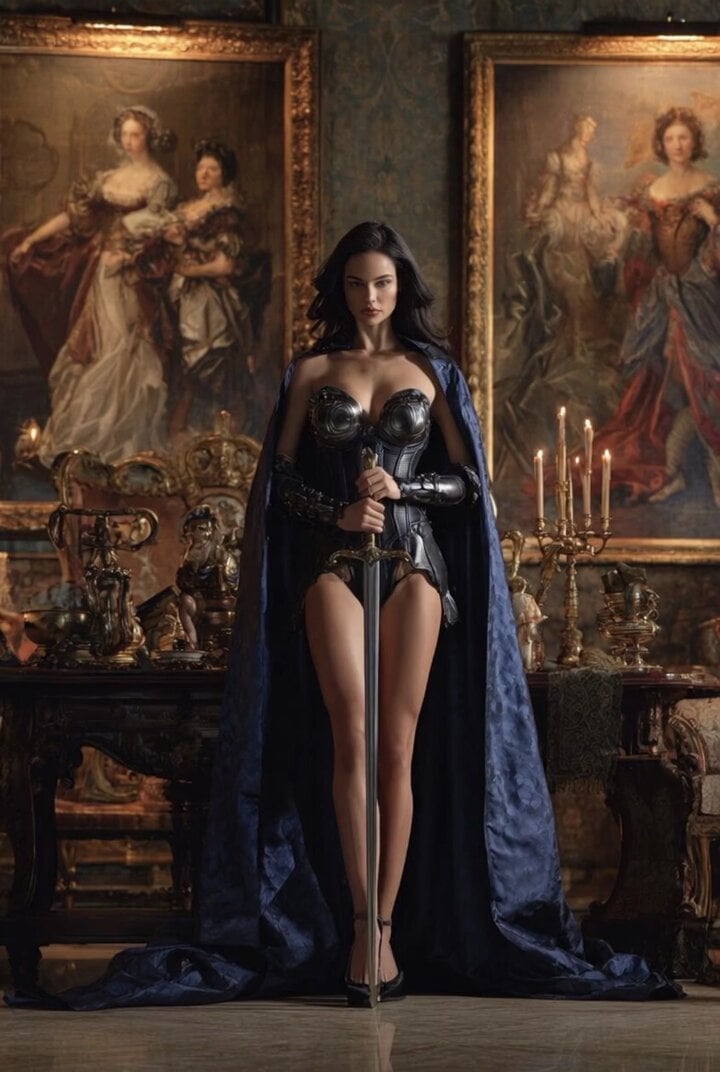
Grok Imagine Video of a Graceful Warrior
Grok Imagine prompt with negative constraints and scenario

Grok Imagine prompt for cinematic VFX scene (Scene 2 - Landing)
Make it yours
Grok Imagine Multi-Shot Fairy and Girl Cave Animation Prompt works as-is. These are the safest ways to change it without losing the look.
Change one field
Copy a single group, rewrite it, and generate again so you can see what that field is doing.
Keep the frame, change the subject
Hold the composition and light of Grok Imagine Multi-Shot Fairy and Girl Cave Animation Prompt, then swap wardrobe, props or the person for a new take.
| If the result… | Why | Fix |
|---|---|---|
| The result drifts from the preview | Too many fields changed at once. | Reuse Grok Imagine Multi-Shot Fairy and Girl Cave Animation Prompt as-is first, then change one group — subject, light, or setting. |
| The model over-stylizes the scene | The prose prompt leaves finish and camera underspecified. | Add one camera or lighting sentence and stay on Grok Imagine. |
More Grok Imagine templates
Other prompts made for Grok Imagine.

Kaleidoscopic Cosmic Dolphin Video

Horror Daffy Duck Video Transition

America 250th Anniversary Celebration

Glowing Water Forest Night Prompt

Soft Pink Roses Dreamer Prompt

Ninja Wizard Levitation Jump

Coffee Cup Interaction Motion

Voice Controlled Water Animation

Pterodactyl Transformation Journey

Candle Mandala Mirror Video
More video prompts
Fresh picks from across the catalog.

Golden Winged Muse Animation

Four Seasons Flower Goddess Ancient Style Transformation Video Prompt

Cinematic Casino Suspense Sequence
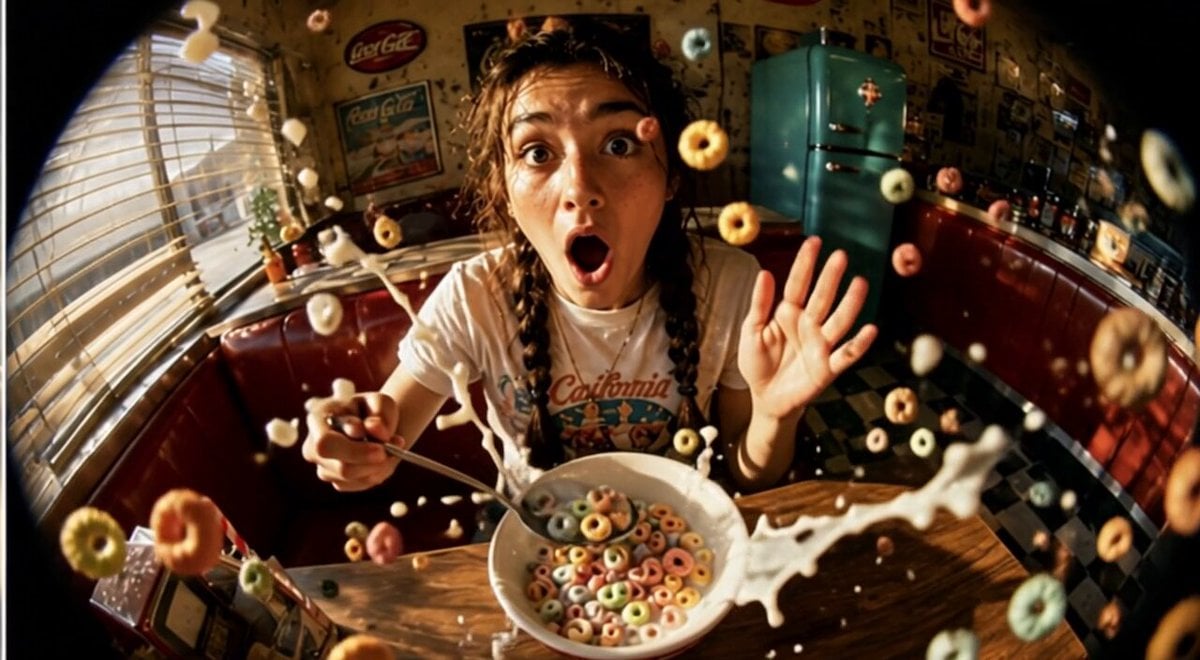
Cinematic Slow Motion Cereal Breakfast

Akshay Kumar as Neo in The Matrix
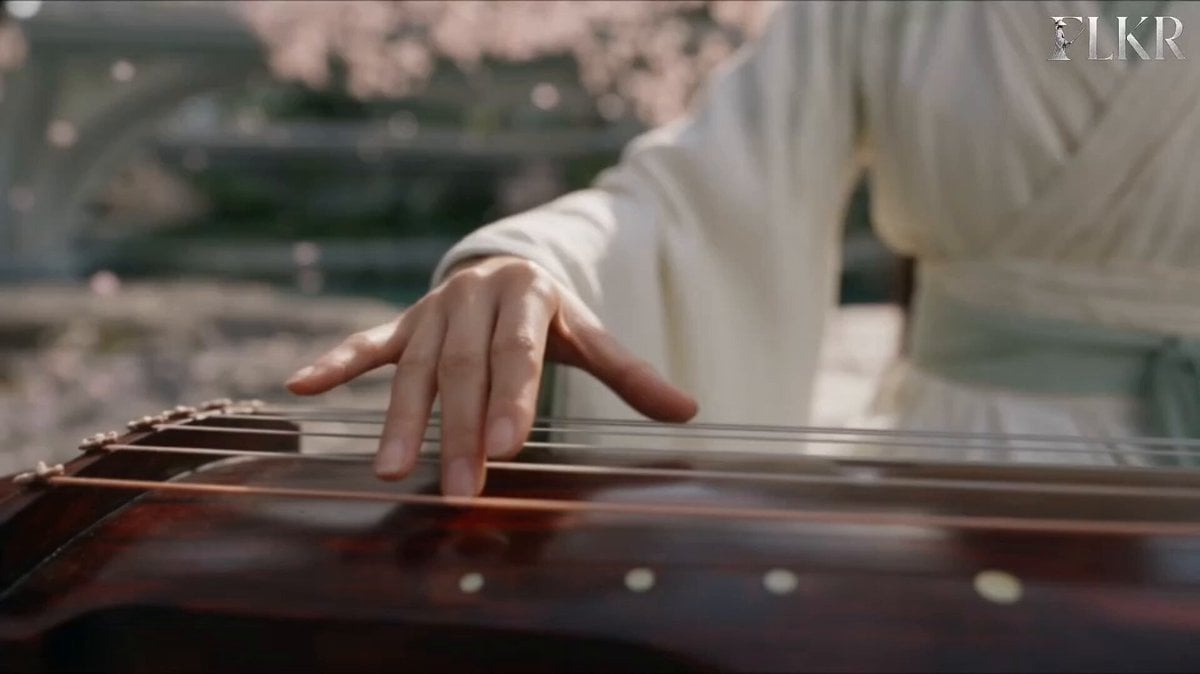
Ice vs Fire Wuxia Battle Scene Prompt
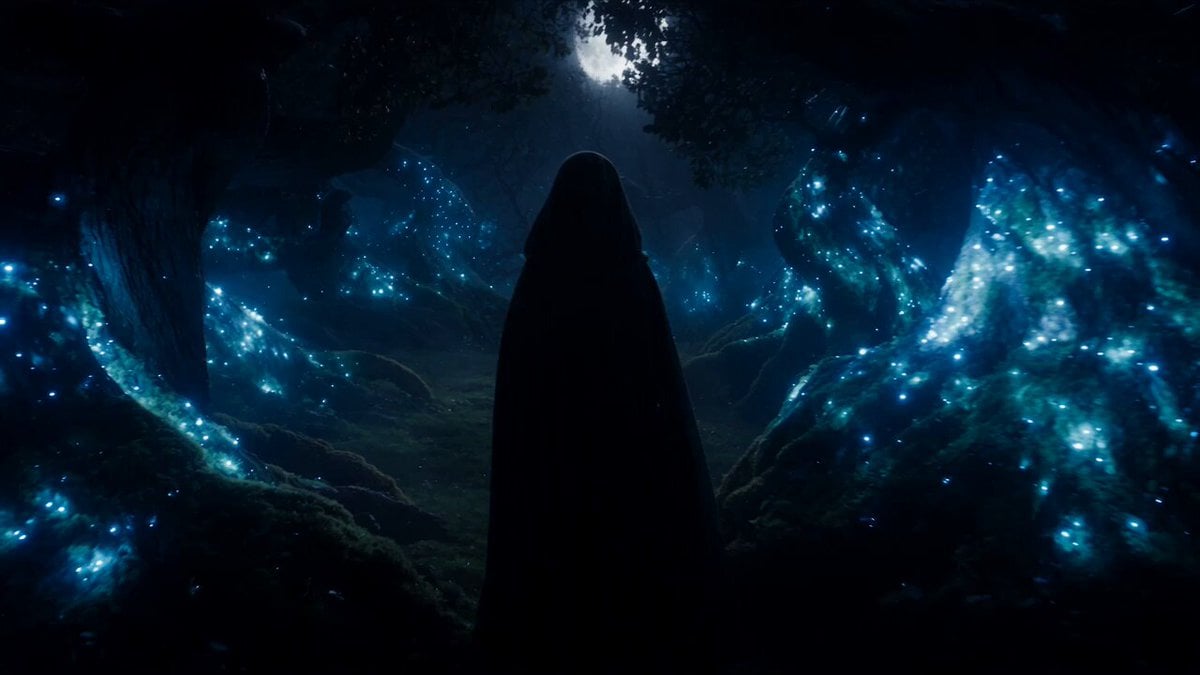
Forest Fantasy Girl Short Film
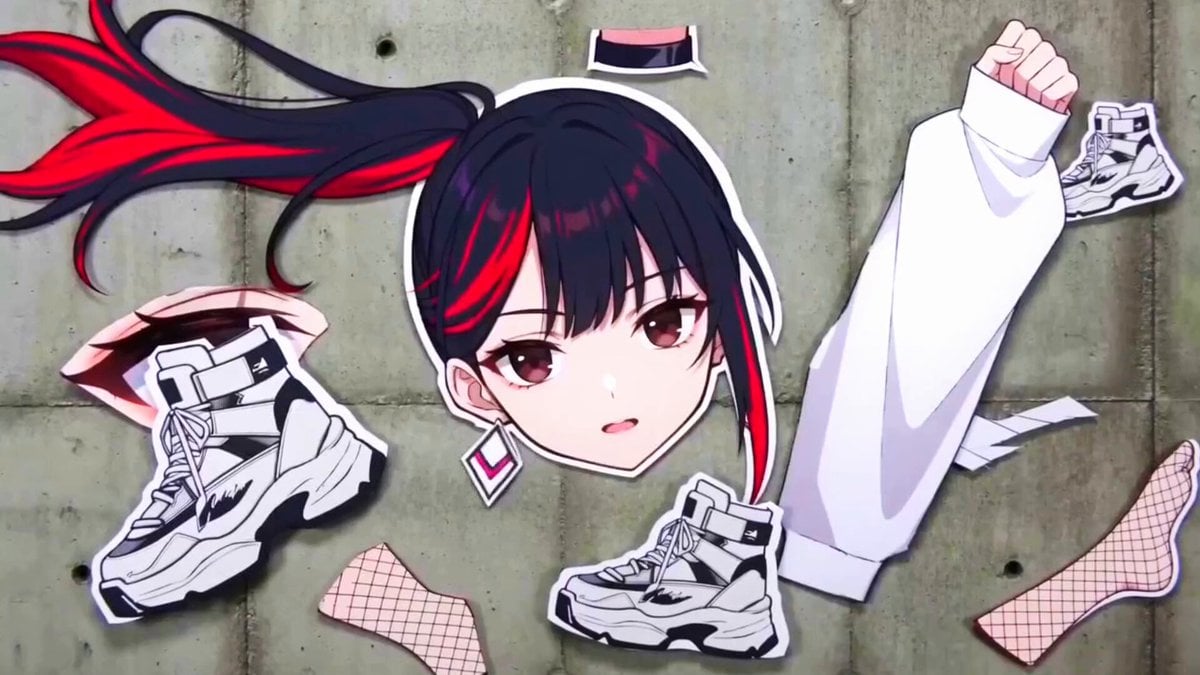
Surreal Collage Animation Prompt
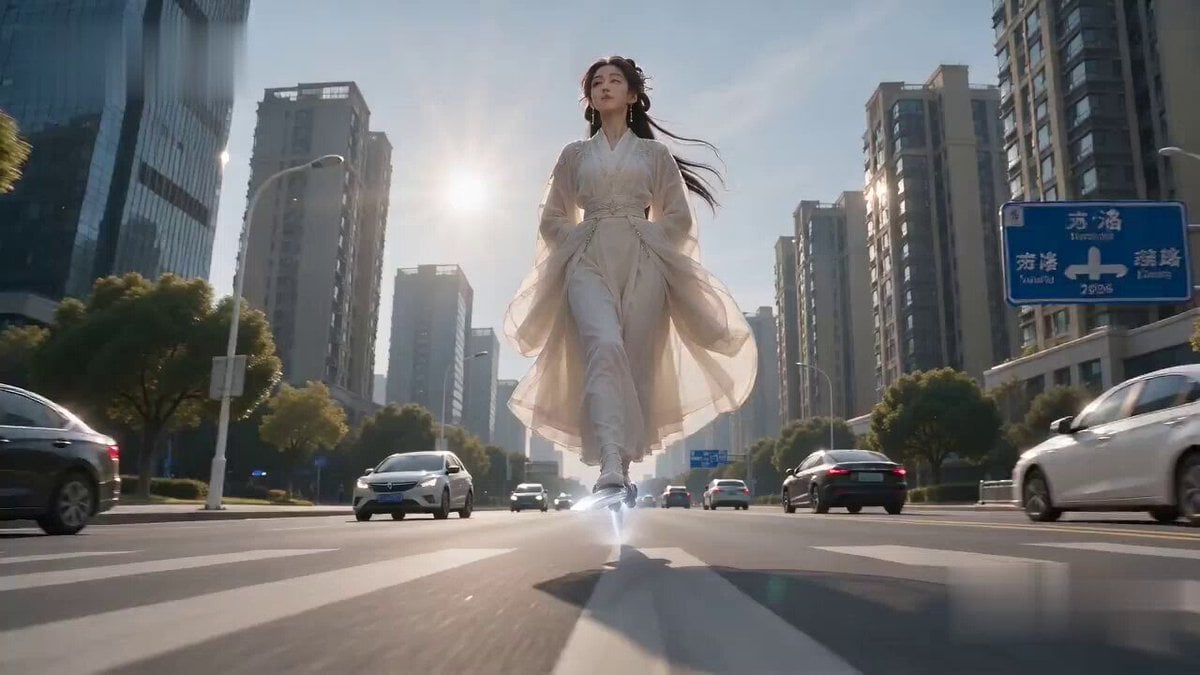
Immortal Sword Master Comedy Twist

LLM Memory Dump Prompt (for Claude/ChatGPT)
Browse template categories
Grok Imagine Multi-Shot Fairy and Girl Cave Animation Prompt questions
How do I use the Grok Imagine Multi-Shot Fairy and Girl Cave Animation Prompt template?
Add your photo if the template asks for one, edit the prompt if you like — the template's model and format are already selected — and press Generate. Your version opens in PicX Studio.
Can I customize the Grok Imagine Multi-Shot Fairy and Girl Cave Animation Prompt template?
Yes. You can change the subject, setting, lighting, mood, format, and available model controls before creating your video.
Is the Grok Imagine Multi-Shot Fairy and Girl Cave Animation Prompt template free?
Opening and editing this template is free. Generating uses credits, shown on the Generate button when you are signed in.
Which AI model should I use?
Start with Grok Imagine, which is the model associated with this template. You can compare another compatible model for a different finish.
Looking for something else? Browse all templates.

Your photo, any look
Thousands of ready templates for every top image and video model, from one credit balance.