
Grok Imagine Video Prompt: Dynamic Fantasy Scene with Deer, Fairy, and Girl
A highly detailed and complex prompt for Grok Imagine, specifying a 10-second, ultra-immersive, high-definition fantasy video.
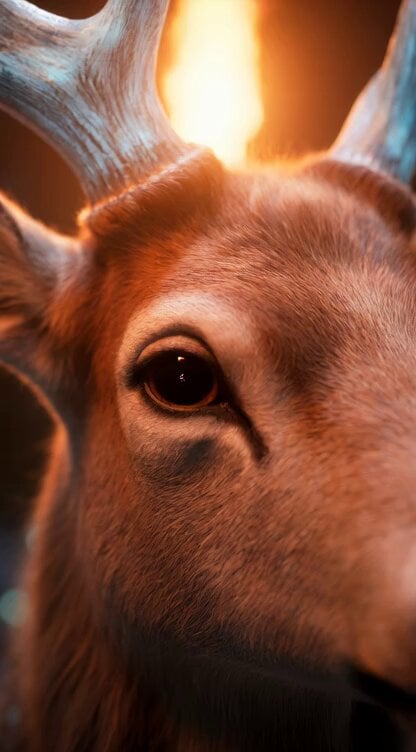
- Prompt included
- Model and format preset
- Free template
The prompt behind this video
Copy the exact prompt behind Grok Imagine Video Prompt: Dynamic Fantasy Scene with Deer, Fairy, and Girl, or open it in the studio and make it yours.
10秒の超臨場感あふれる高精細幻想動画、元の静止画と同一のフォトリアリスティック画質・照明・色調を厳密再現。暗く神秘的な洞窟内部、地面と壁に散らばる透明な青緑色の宝石結晶がリアルに屈折・反射。松明の暖かいオレンジ炎が主光源で、揺らめく炎の影とハイライトがダイナミックに動く。肌・毛並み・結晶の超詳細テクスチャ、8K~16K相当、わずかなフィルムグレインで本物のような質感。鹿は一切立ち止まらず、常に走り続ける。 0~1.5秒:鹿の顔の極端なクローズアップからスタート(元の鹿と同一の優しい目・角・毛の質感)。鼻息が微かに見え、瞳に松明の炎が映り込む。わずかに揺れるハンドヘルドカメラで急接近、鹿が画面に向かって猛ダッシュ開始。蹄の音と土煙が迫力満点。 1.5~4秒:ローアングルに切り替え、鹿がカメラに突進してくるダイナミックトラッキングショット(カメラが鹿のスピードに合わせて後退)。同時に光の粒子が渦を巻き、小さな妖精(元の妖精と同一の透き通った羽・発光ドレス)と少女(元の少女と同一の容姿・髪・服装・松明持ち方)がほぼ同時(0.3秒差以内)に洞窟奥から出現。 4~7秒:妖精は超俊敏に鹿の周りを3D空間で高速旋回・急降下しながらじゃれつく(角や耳に触れる)。少女は走行中の鹿に並走し、軽やかに跳躍して背中に飛び乗る(着地はスムーズで鹿の走りを乱さない)。カメラは横からトラッキング→ジャンプをドラマチックに捉え→着地後はオーバーショルダー風に三人を追う。髪と炎が風になびき、結晶片が飛び散る。 7~10秒:三人(少女・鹿・妖精)が走り続けながらカメラが前方からゆっくりズームイン(顔と上半身に寄る)。全員正面を向きカメラ目線になるが、鹿は止まらず走行を継続。少女の優しい微笑み(元の表情に近い)、鹿の落ち着いた威厳ある目、妖精が小さく手を振る。松明の炎と結晶の輝きが美しくシンクロ、光の粒子が舞う中で動きを止めずゆっくりフェードアウト(走行中のまま終わるので続きが作りやすい)。 スタイル:極めて臨場感のあるフォトリアリスティック・ファンタジー、多彩なカメラワーク(ハンドヘルドクローズアップ、ローアングル突進、ダイナミックトラッキング、横パン、ジャンプ追従、オーバーショルダー、ドラマチックズームイン)を多用。映画的なダイナミックな動き、DreamWorksの温かみ+現実写真質感融合、60fps、戦略的なスローモーション(ジャンプ着地時など)と高速カットで緊張感と魔法感を両立、魔法粒子は自然で控えめ、フィルムグレイン+微かなレンズフレアで没入感最大化。鹿は最後まで走り続け、静止しない
How to use Grok Imagine Video Prompt: Dynamic Fantasy Scene with Deer, Fairy, and Girl in 3 steps
- 1
Open
The prompt is already in the box next to the preview, with the template's model and format selected.
- 2…a portrait of your subject in softgolden-hour light, 85mm…
Personalize
Edit the subject and creative details for your destination.
- 3Generate
Generate
Press Generate — your video is created in PicX Studio, so you can compare it with the original and refine one variable at a time.
More like this
Templates with the same subject, style or setup. Open one to see its prompt.
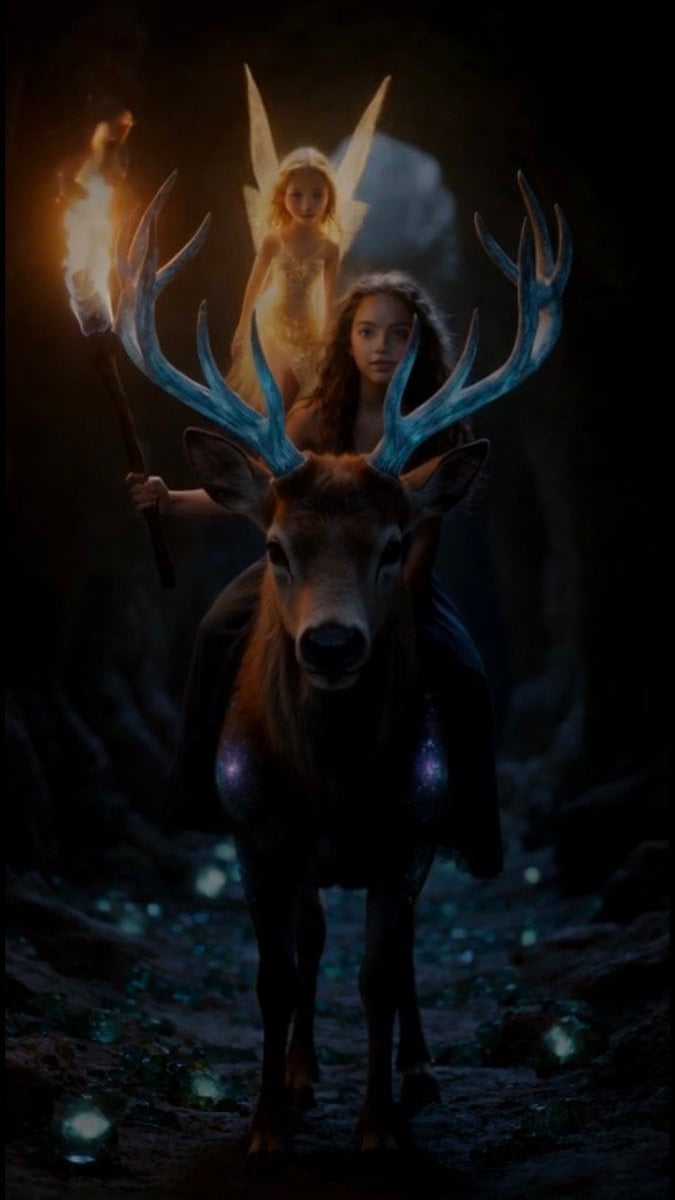
Grok Imagine Video Prompt: Girl, Deer, and Fairy Exiting a Cave
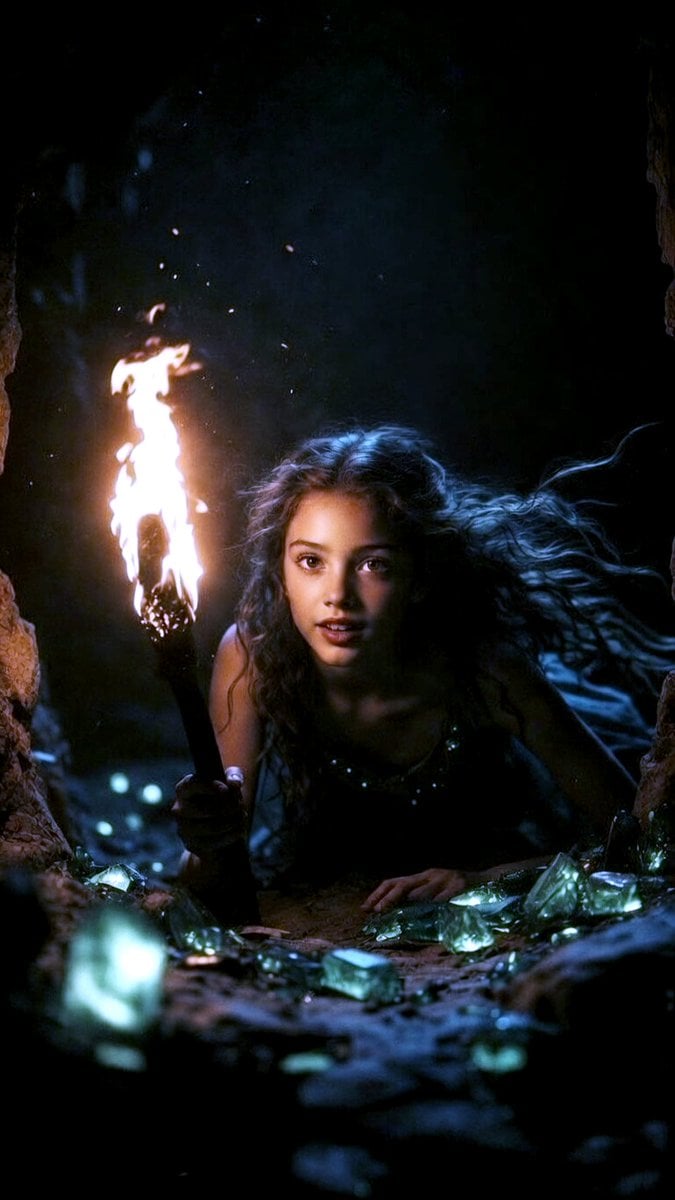
Grok Imagine Multi-Shot Fairy and Girl Cave Animation Prompt
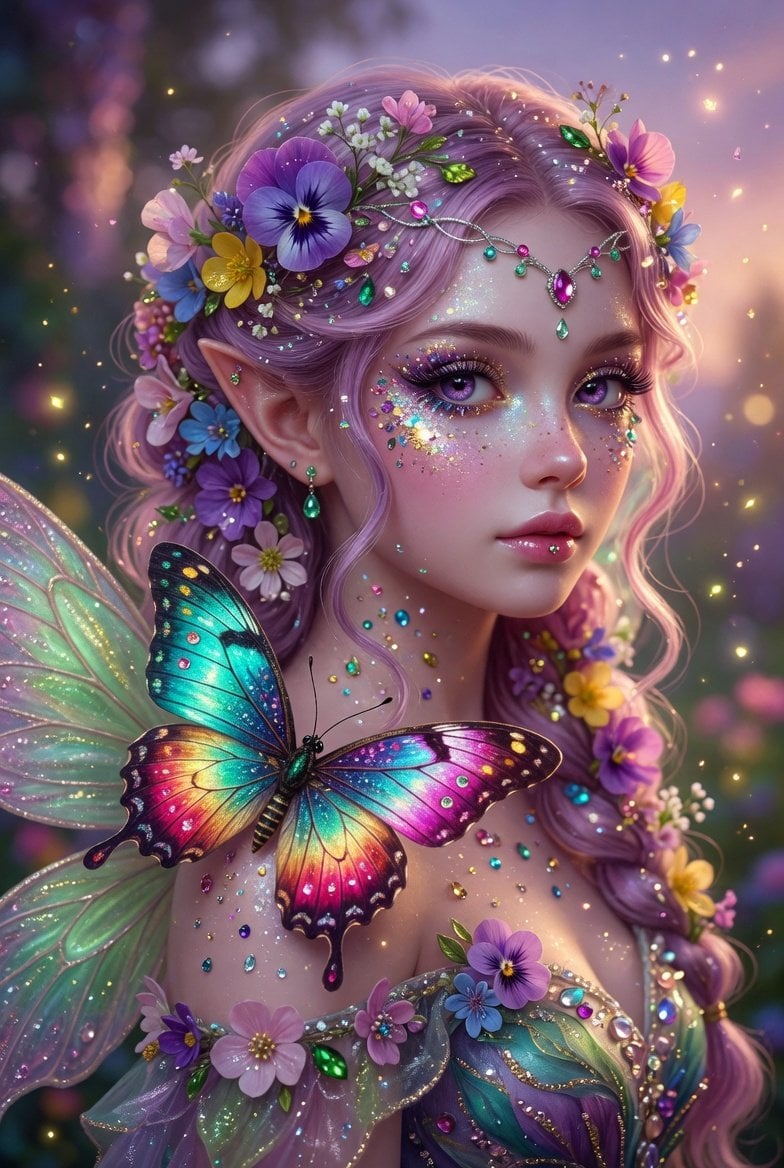
Grok Imagine Prompt: Beautiful Fairy Fantasy Art
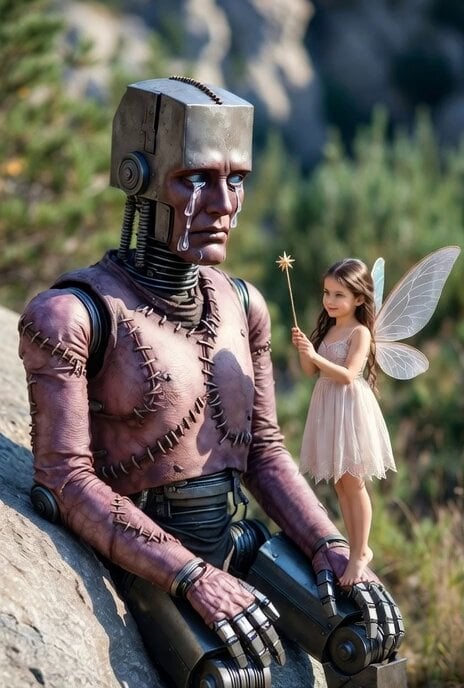
Grok Imagine prompt for a Frankenstein-like robot and a kind fairy
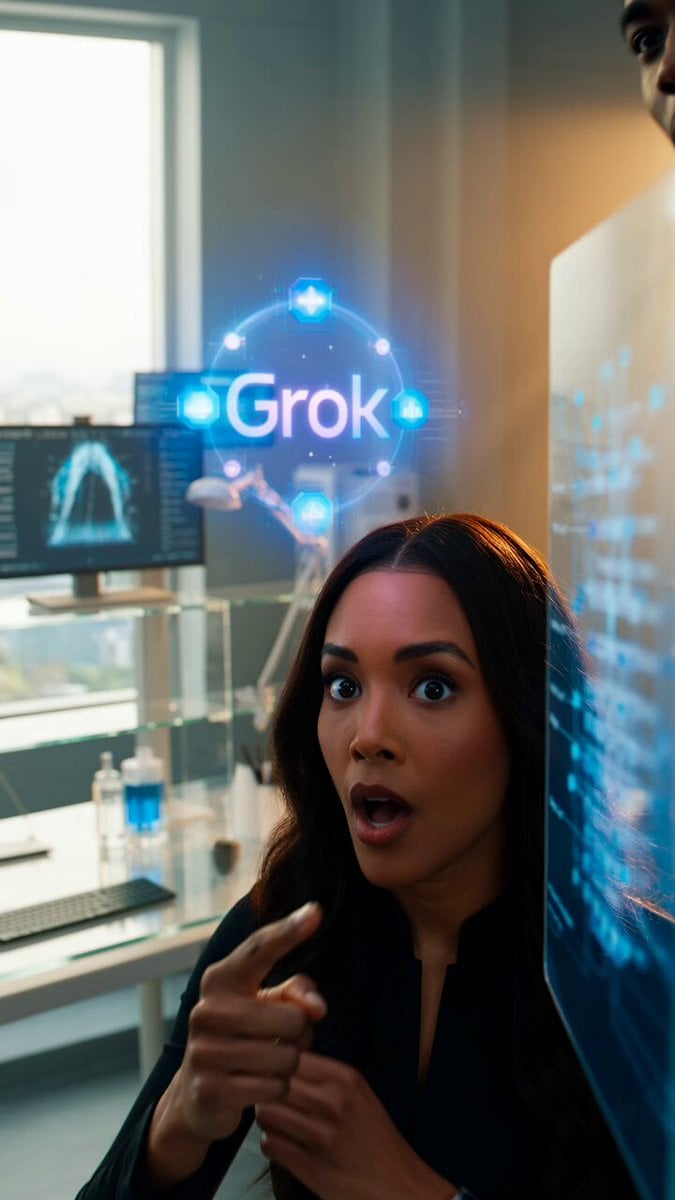
Grok Imagine Prompt: Dynamic cinematic close-up of xAI engineering team

Fairy Flight Fantasy Animation
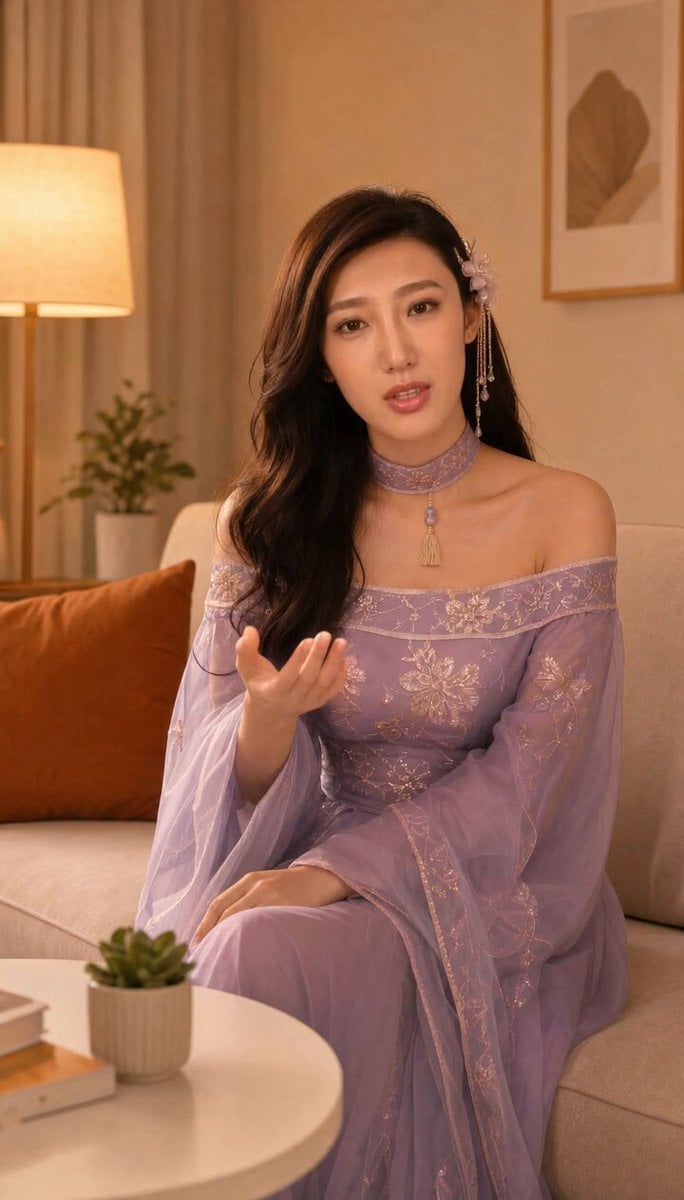
Grok-imagine 1.5 Digital Human Video Script
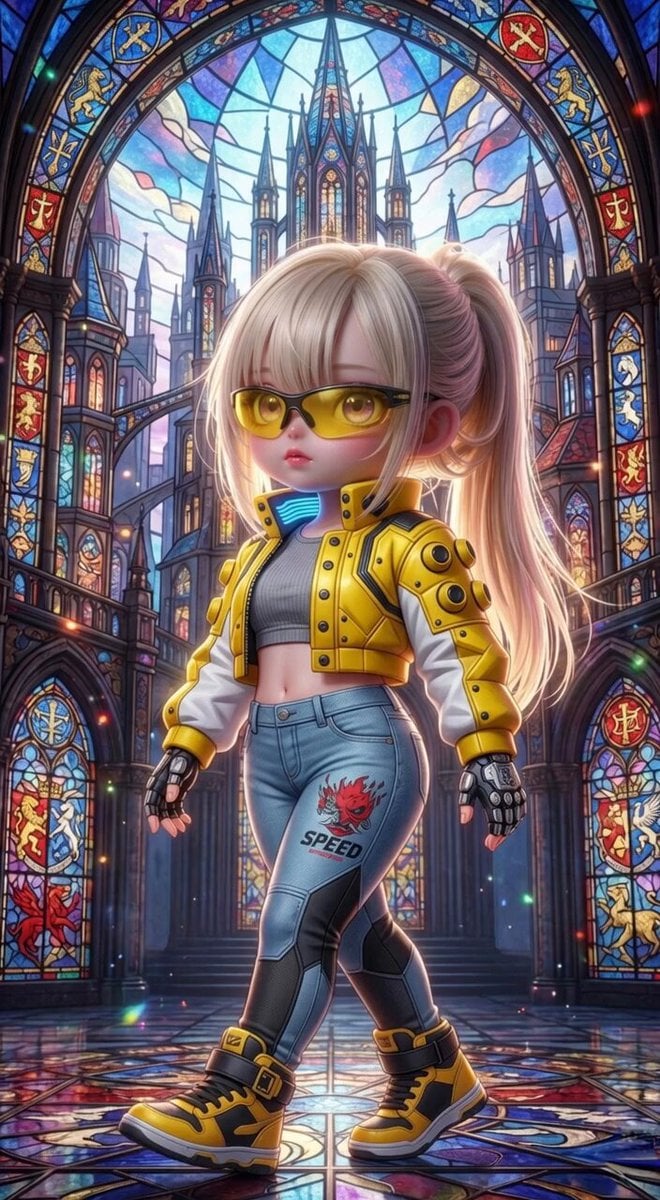
Grok Imagine Mechanical and Ethereal Creature Prompts
Grok Imagine Video of a Graceful Warrior
Grok Imagine prompt with negative constraints and scenario
Grok Imagine prompt for cinematic VFX scene (Scene 2 - Landing)
Grok Imagine video prompt part 1: Morning routine
Make it yours
Grok Imagine Video Prompt: Dynamic Fantasy Scene with Deer, Fairy, and Girl works as-is. These are the safest ways to change it without losing the look.
Change one field
Copy a single group, rewrite it, and generate again so you can see what that field is doing.
Keep the frame, change the subject
Hold the composition and light of Grok Imagine Video Prompt: Dynamic Fantasy Scene with Deer, Fairy, and Girl, then swap wardrobe, props or the person for a new take.
| If the result… | Why | Fix |
|---|---|---|
| The result drifts from the preview | Too many fields changed at once. | Reuse Grok Imagine Video Prompt: Dynamic Fantasy Scene with Deer, Fairy, and Girl as-is first, then change one group — subject, light, or setting. |
| The model over-stylizes the scene | The prose prompt leaves finish and camera underspecified. | Add one camera or lighting sentence and stay on Grok Imagine. |
More Grok Imagine templates
Other prompts made for Grok Imagine.

Kaleidoscopic Cosmic Dolphin Video

Horror Daffy Duck Video Transition

America 250th Anniversary Celebration

Glowing Water Forest Night Prompt

Soft Pink Roses Dreamer Prompt

Ninja Wizard Levitation Jump

Coffee Cup Interaction Motion

Voice Controlled Water Animation

Pterodactyl Transformation Journey

Candle Mandala Mirror Video
More video prompts
Fresh picks from across the catalog.
Kaiju Train Attack
Goddess Flying Over City
Sarcastic Lip Sync Reaction
Chinese Calligraphy Ink Dance Dragon
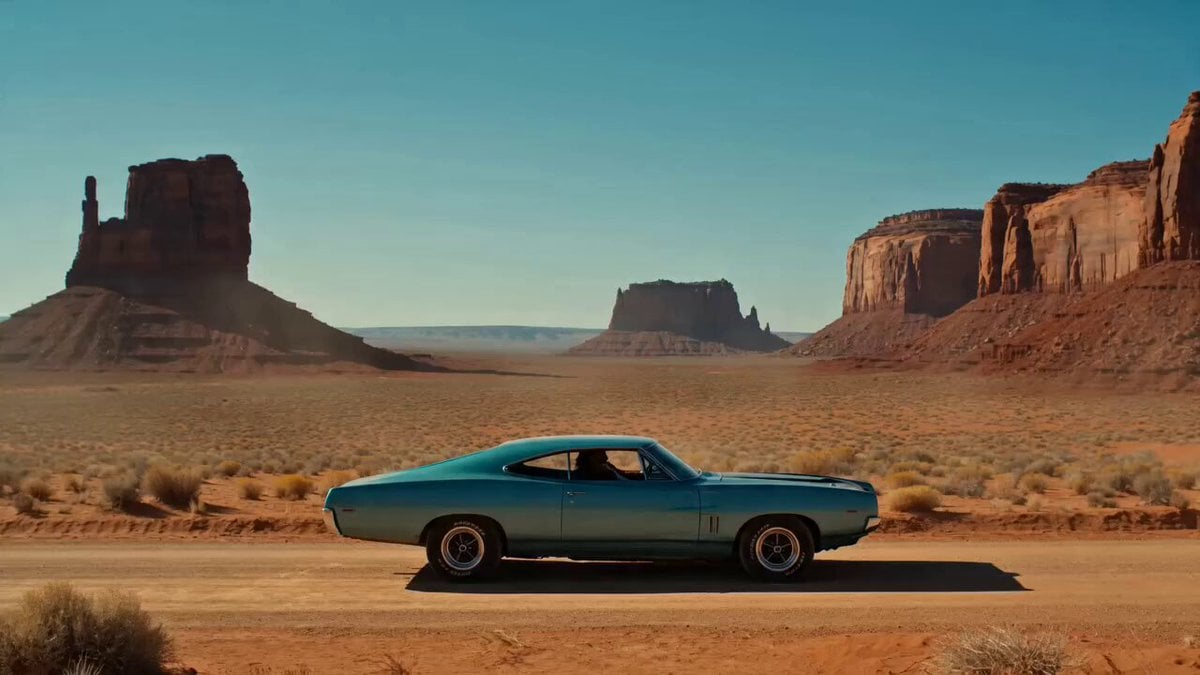
Desert Reverie Cinematic Sequence

Ultra-realistic high fashion studio beauty portrait video prompt
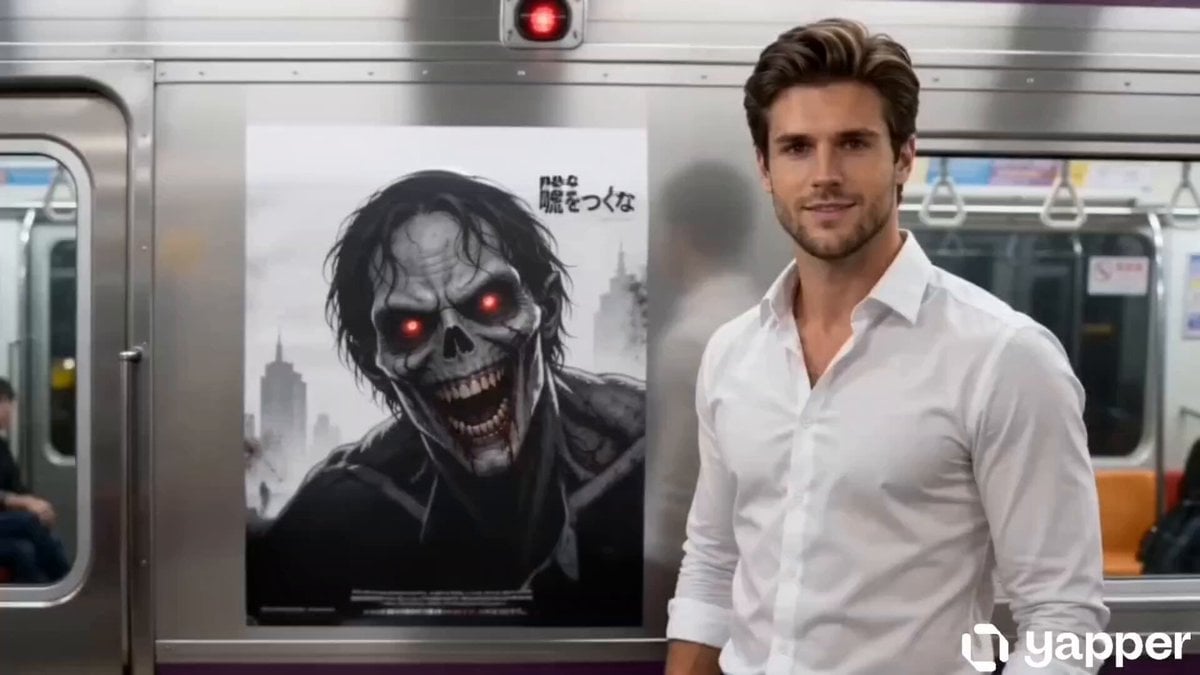
Supernatural Horror: Monster Emerging from a Poster
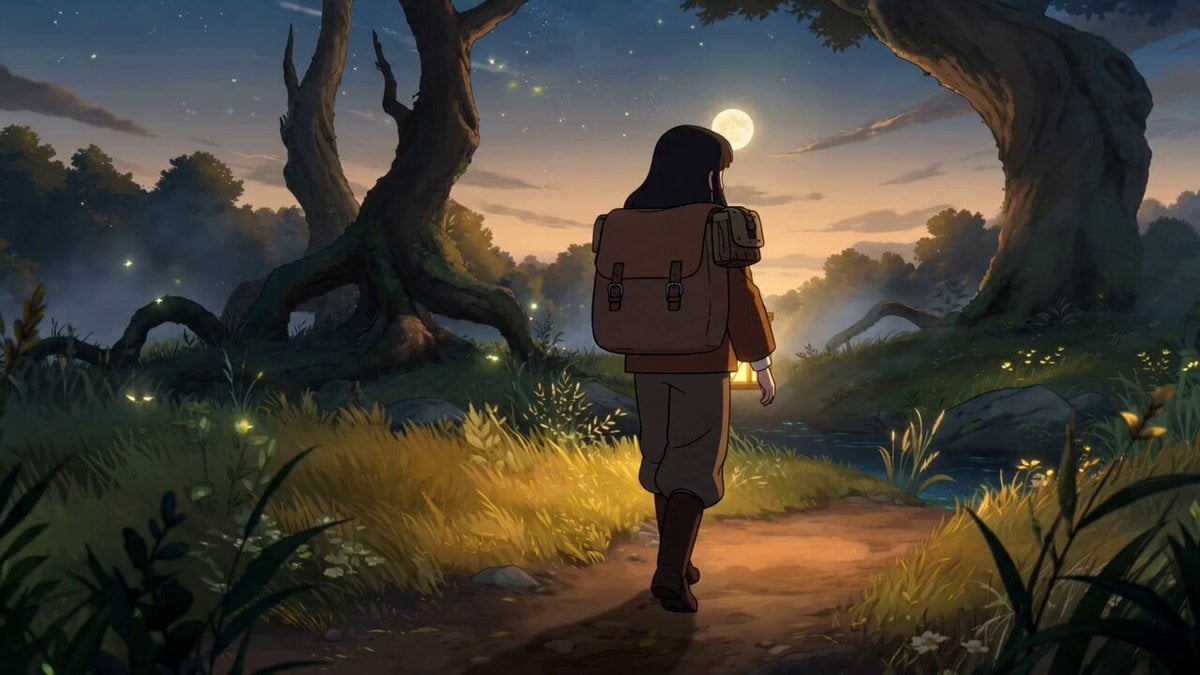
Fantasy Anime Forest Adventure Sequence
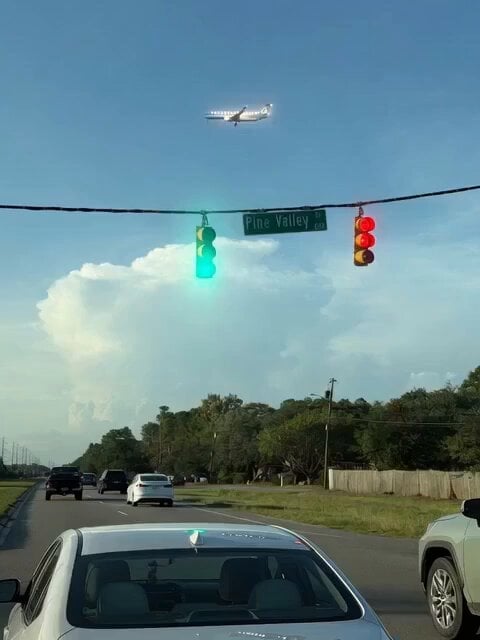
Gravity Defying Fugitives
Istanbul sidewalk time-stealing sequence
Browse template categories
Grok Imagine Video Prompt: Dynamic Fantasy Scene with Deer, Fairy, and Girl questions
How do I use the Grok Imagine Video Prompt: Dynamic Fantasy Scene with Deer, Fairy, and Girl template?
Add your photo if the template asks for one, edit the prompt if you like — the template's model and format are already selected — and press Generate. Your version opens in PicX Studio.
Can I customize the Grok Imagine Video Prompt: Dynamic Fantasy Scene with Deer, Fairy, and Girl template?
Yes. You can change the subject, setting, lighting, mood, format, and available model controls before creating your video.
Is the Grok Imagine Video Prompt: Dynamic Fantasy Scene with Deer, Fairy, and Girl template free?
Opening and editing this template is free. Generating uses credits, shown on the Generate button when you are signed in.
Which AI model should I use?
Start with Grok Imagine, which is the model associated with this template. You can compare another compatible model for a different finish.
Looking for something else? Browse all templates.

Your photo, any look
Thousands of ready templates for every top image and video model, from one credit balance.