
Desert Reverie Cinematic Sequence
A cinematic multi-shot prompt featuring a vintage muscle car in the desert and a horse jumping over it, with a focus on physics and atmospheric details.
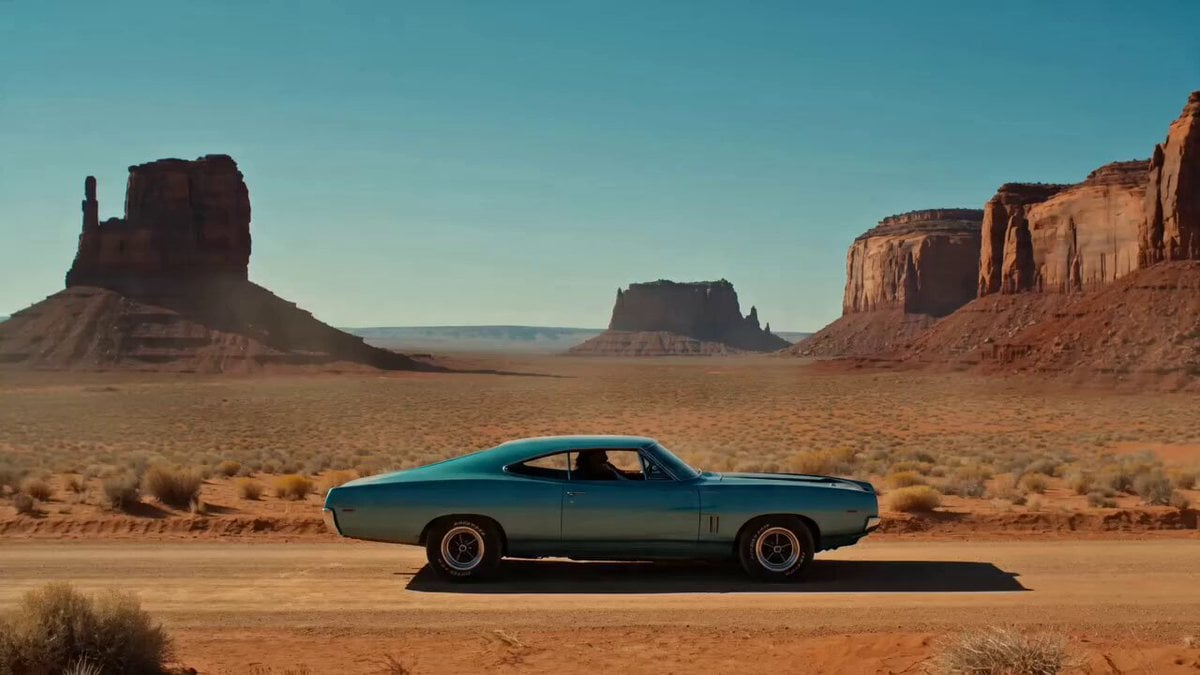
- Prompt included
- Model and format preset
- Premium template
The prompt behind this video
Copy the exact prompt behind Desert Reverie Cinematic Sequence, or open it in the studio and make it yours.
[0:00–0:02] Title Card: Clean minimal text animation: DESERT REVERIE fades in centered, thin serif white font, subtle letter spacing expand animation, over a blurred desert background (soft bokeh of red mesas and blue sky). Text holds for 1.5s then fades out smoothly. [0:02–0:05] Establishing Shot: Wide static shot, Monument Valley desert at midday. A vintage teal 1960s muscle car sits parked on a dirt road, red sandstone mesas in the background, clear blue sky. A man in a fringed jacket and cowboy boots reclines on the hood, hands behind his head, completely relaxed. Heat haze shimmers faintly above the ground. [0:05–0:09] Rising Action: Low angle GoPro shot from near the front bumper, slowly tilting upward. A powerful brown horse leaps into frame from the left, mid air, legs tucked, mane and tail whipping with motion. Camera holds steady as the horse arcs gracefully over the car and the reclining man, muscles rippling naturally, correct anatomy maintained (four legs, proper joint bends, no warping). [0:09–0:13] Landing & Dust: Camera transitions to a slow dolly in from the front of the car. Horse lands just behind the vehicle, front hooves touching down first, kicking up a dramatic cascade of dust and sand in realistic particle simulation. Man on the hood remains still and unfazed, jacket fringe fluttering slightly in the wind. Golden desert light, hard natural shadows. [0:13–0:15] Final Hold: Slow motion ramp (0.5x) on the settling dust cloud, mesas sharp in the background, sky calm and clear. Gentle fade to black. Technical requirements: Horse: exactly 4 legs, correct joint articulation, no limb warping, no extra hooves. Man: correct hand/finger anatomy (5 fingers each), no facial morphing. Car body lines and wheels remain stable, no distortion. Consistent dust/sand particle physics, no flicker artifacts. No watermarks, logos, or text overlays except the title card. 16:9 aspect ratio throughout, no letterboxing Color grading: warm desert tones, teal car accent, natural sky gradient, cinematic contrast.
How to use Desert Reverie Cinematic Sequence in 3 steps
- 1
Open
The prompt is already in the box next to the preview, with the template's model and format selected.
- 2…a portrait of your subject in softgolden-hour light, 85mm…
Personalize
Edit the subject and creative details for your destination.
- 3Generate
Generate
Press Generate — your video is created in PicX Studio, so you can compare it with the original and refine one variable at a time.
More like this
Templates with the same subject, style or setup. Open one to see its prompt.
Desert Horned Lizard Grapefruit Ad

Floating Desert Museum Cinematic Film

Walking Factory with Rebel on Hoverbike - Wasteland
Thornmaw Monarch — Crimson Glass Desert Beast
Stone Colossus Desert Riders — Golden Fire Reveal
Surreal time-bending reverie video prompt
Cinematic Desert Combat Sequence
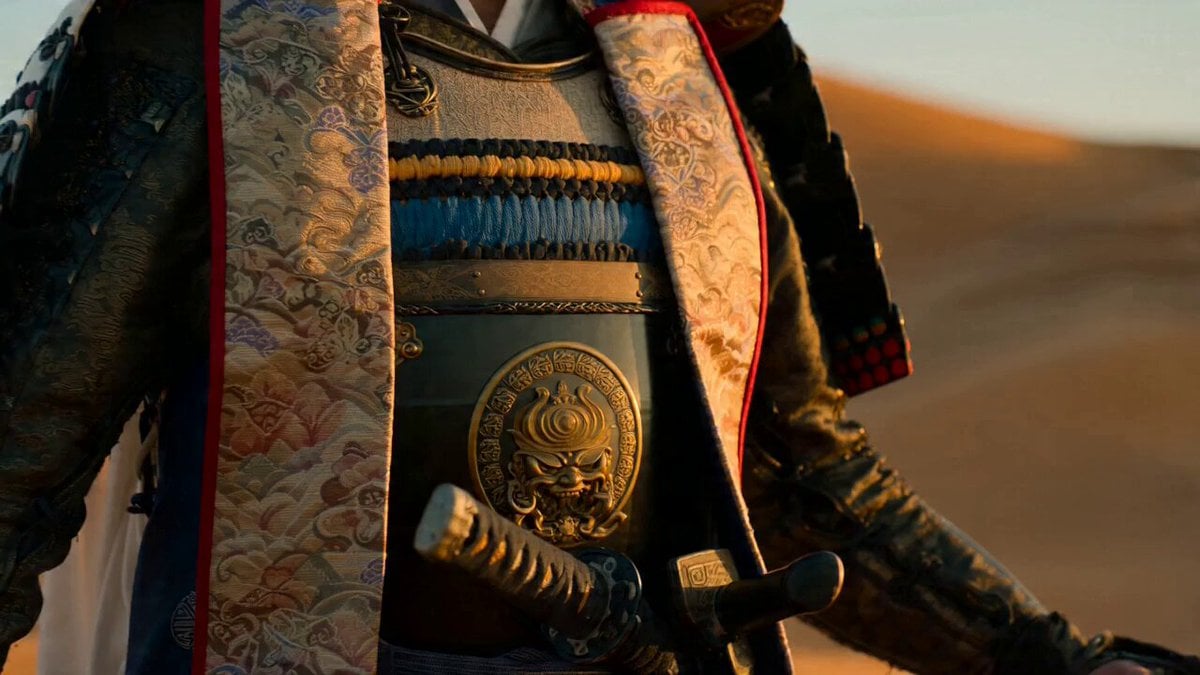
Samurai Desert Action Sequence Prompt
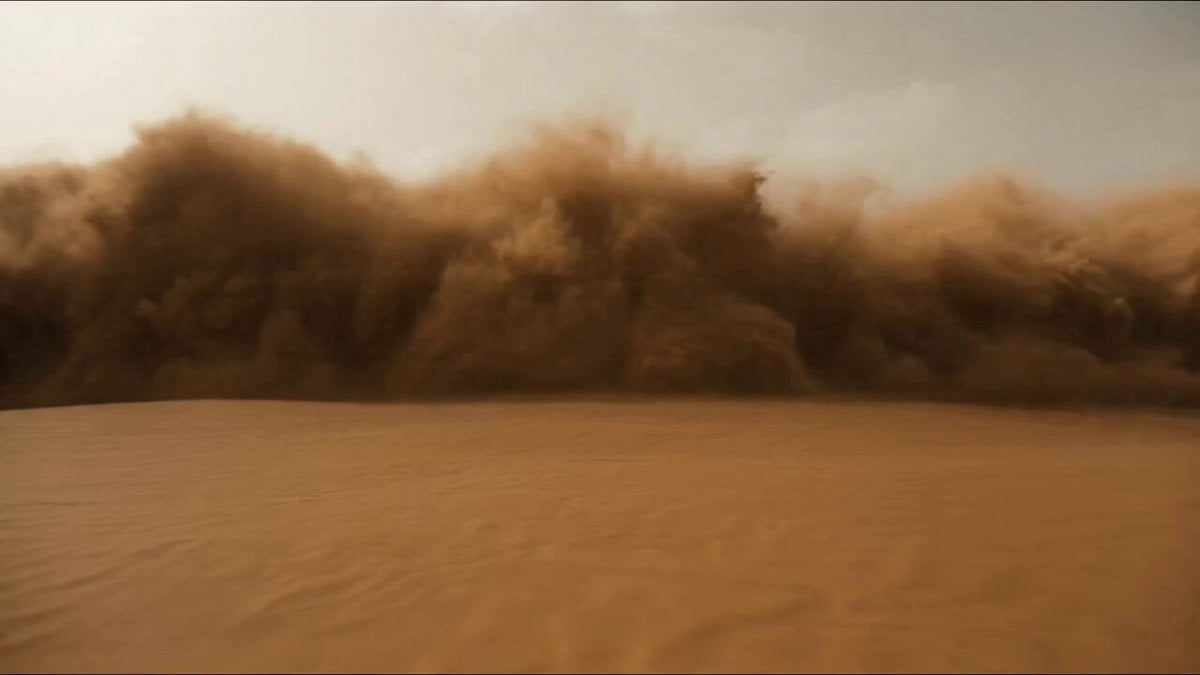
Desert Warrior Sandstorm Sequence

Maglev Train Action Sequence

Martial Arts Fight Sequence
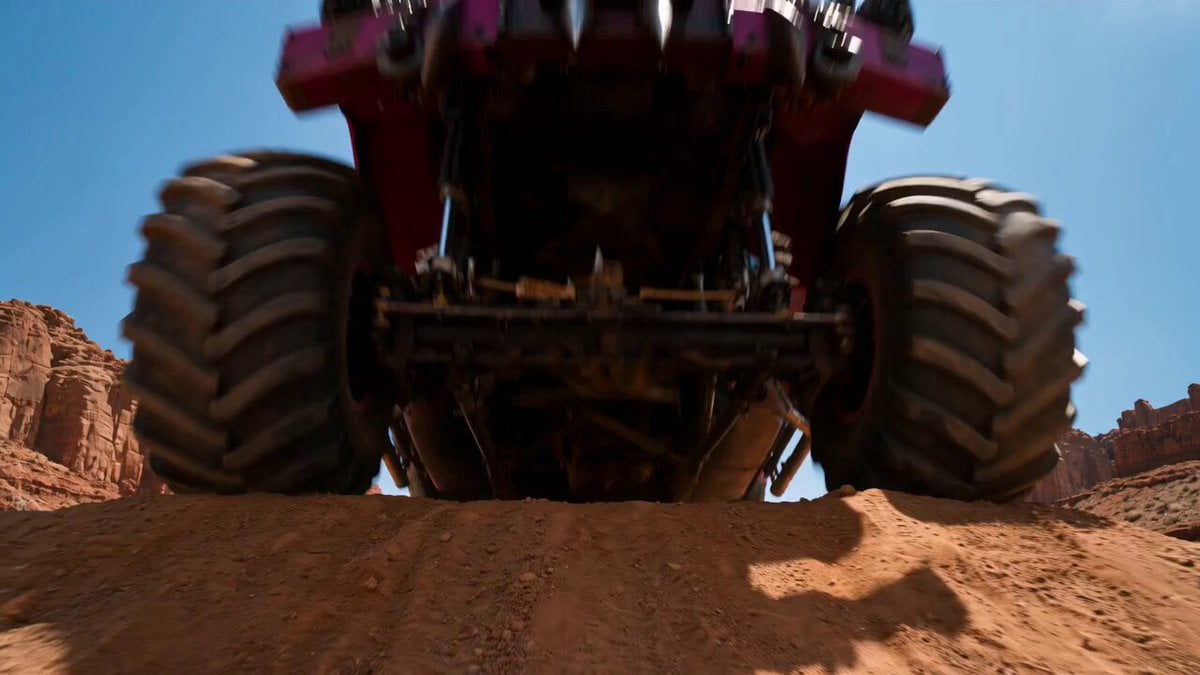
Post-Apocalyptic Desert Truck Action
Make it yours
Desert Reverie Cinematic Sequence works as-is. These are the safest ways to change it without losing the look.
Change one field
Copy a single group, rewrite it, and generate again so you can see what that field is doing.
Keep the frame, change the subject
Hold the composition and light of Desert Reverie Cinematic Sequence, then swap wardrobe, props or the person for a new take.
| If the result… | Why | Fix |
|---|---|---|
| The result drifts from the preview | Too many fields changed at once. | Reuse Desert Reverie Cinematic Sequence as-is first, then change one group — subject, light, or setting. |
| The model over-stylizes the scene | The prose prompt leaves finish and camera underspecified. | Add one camera or lighting sentence and stay on Seedance 2.0. |
More Seedance 2.0 templates
Other prompts made for Seedance 2.0.

Comical Martial Arts Punch Scene

Wuxia Protection and Trust Script

Vintage Korean Arcade MiniDV Vlog

Mercedes 190 SL Luxury Ad

Rainy Night Supernatural Reverse Comedy Video Script

Amazon Civilization Discovery

Futuristic South Asian City Transformation

Cozy Luxury Cafe Commercial

Cyber Ronin Nanotech Transformation Video

Desert Courier and Sandstorm Leviathan Chase
More video prompts
Fresh picks from across the catalog.
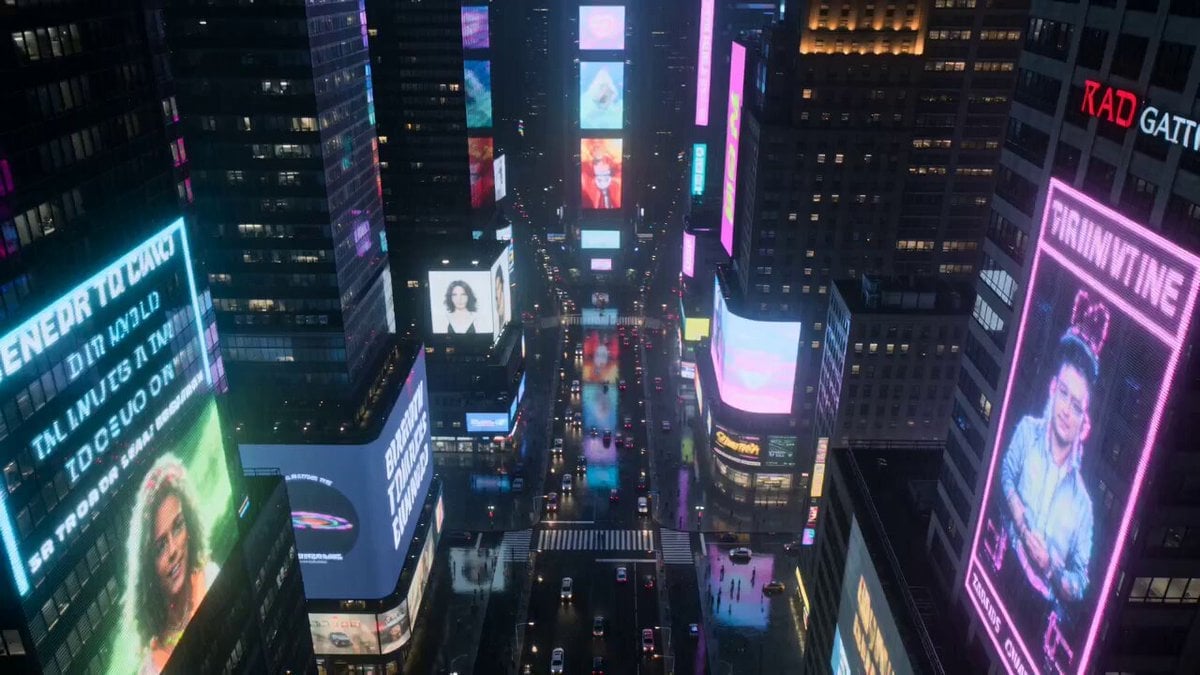
Neon City Rain Night
Grok Imagine prompt: Woman Chasing Away Small People
Surreal Free Range Trees Video
Cowboy Starlit Dance
He-Man Lightning Transformation Video
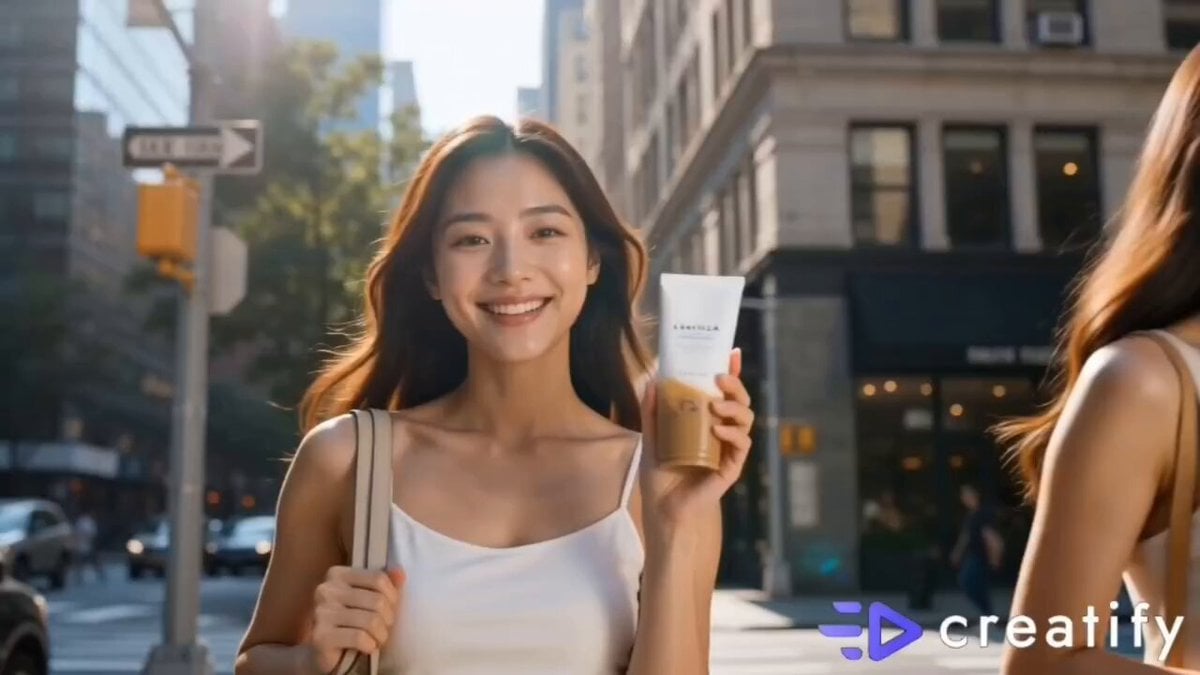
Luxury Skincare Influencer Vlog Prompt
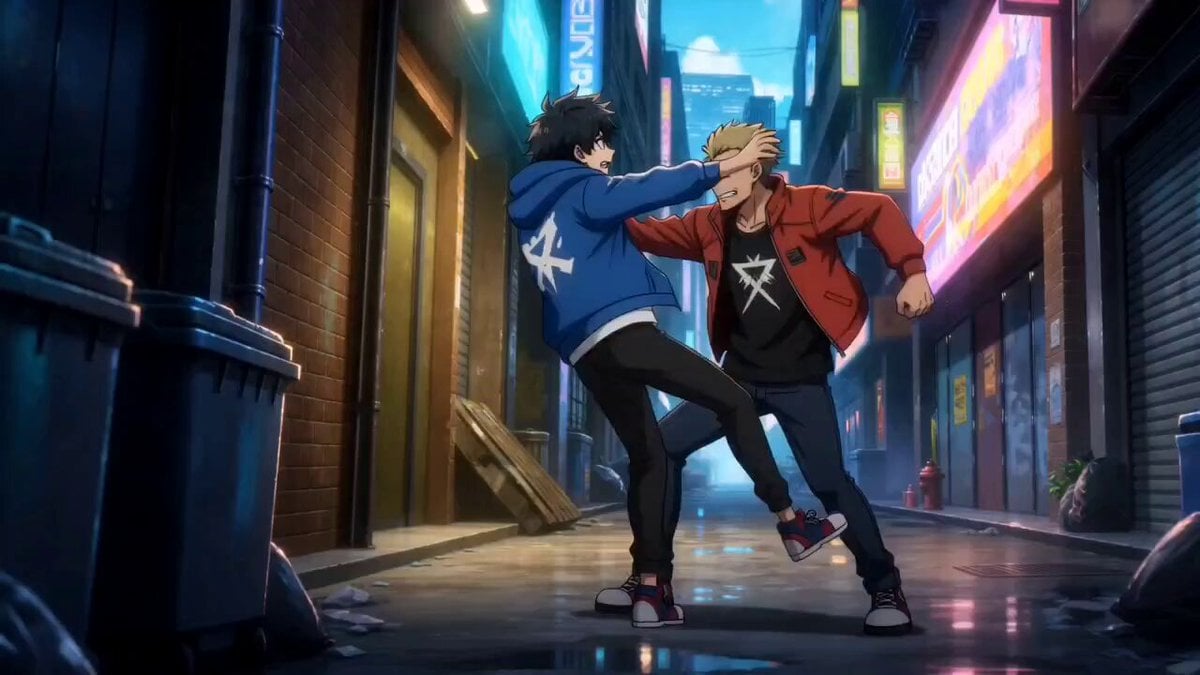
Anime Urban Alley Fight Sequence
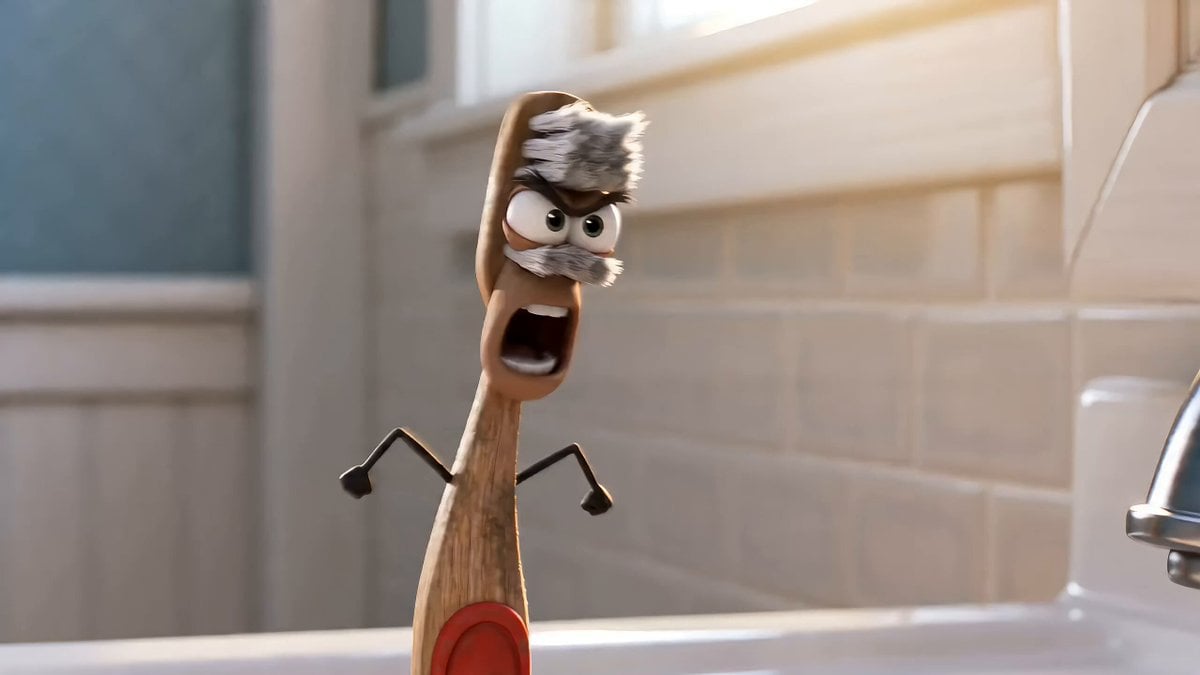
Humorous Toothbrush Debate Animated Short
Ice Mammoth City Glacier Transformation
Cinematic Lamborghini Brand Creative Ad Video Generation Prompt
Browse template categories
Desert Reverie Cinematic Sequence questions
How do I use the Desert Reverie Cinematic Sequence template?
Add your photo if the template asks for one, edit the prompt if you like — the template's model and format are already selected — and press Generate. Your version opens in PicX Studio.
Can I customize the Desert Reverie Cinematic Sequence template?
Yes. You can change the subject, setting, lighting, mood, format, and available model controls before creating your video.
Is the Desert Reverie Cinematic Sequence template free?
Opening and editing this template is free. Generating uses credits, shown on the Generate button when you are signed in.
Which AI model should I use?
Start with Seedance 2.0, which is the model associated with this template. You can compare another compatible model for a different finish.
Looking for something else? Browse all templates.

Your photo, any look
Thousands of ready templates for every top image and video model, from one credit balance.