How do I use the Mecha Collapse and Pilot Escape template?
Edit the prompt in the box under the preview — the template's model and format are already selected — and press Generate. Your version appears right on this page.
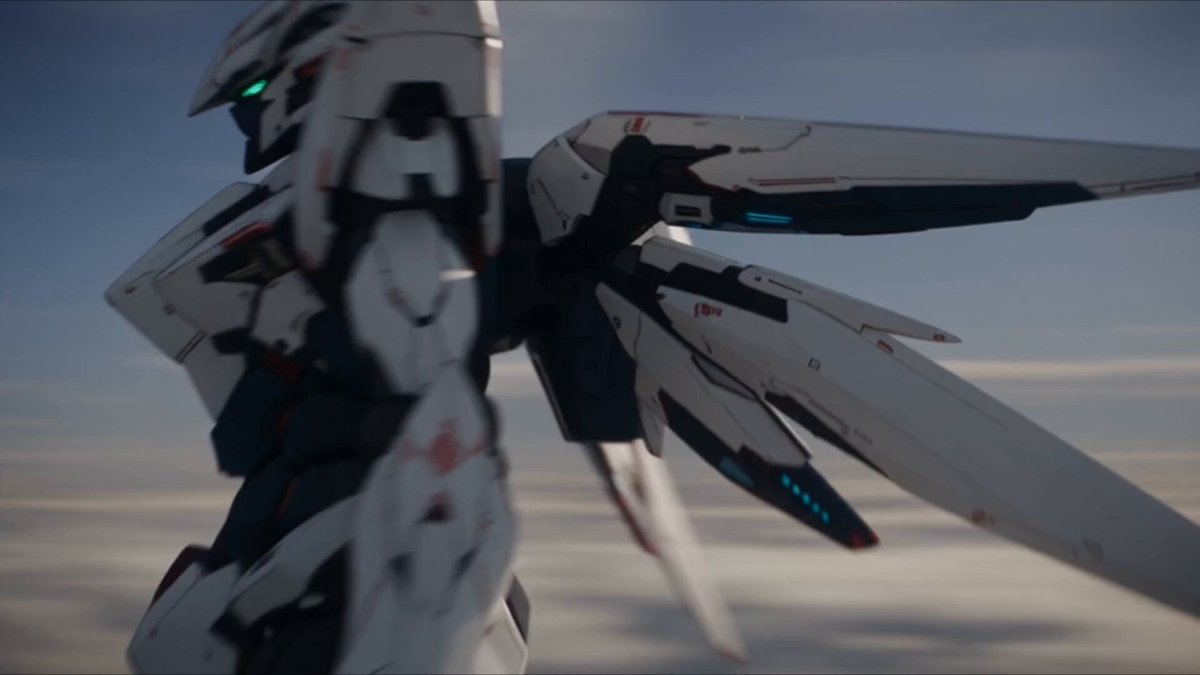
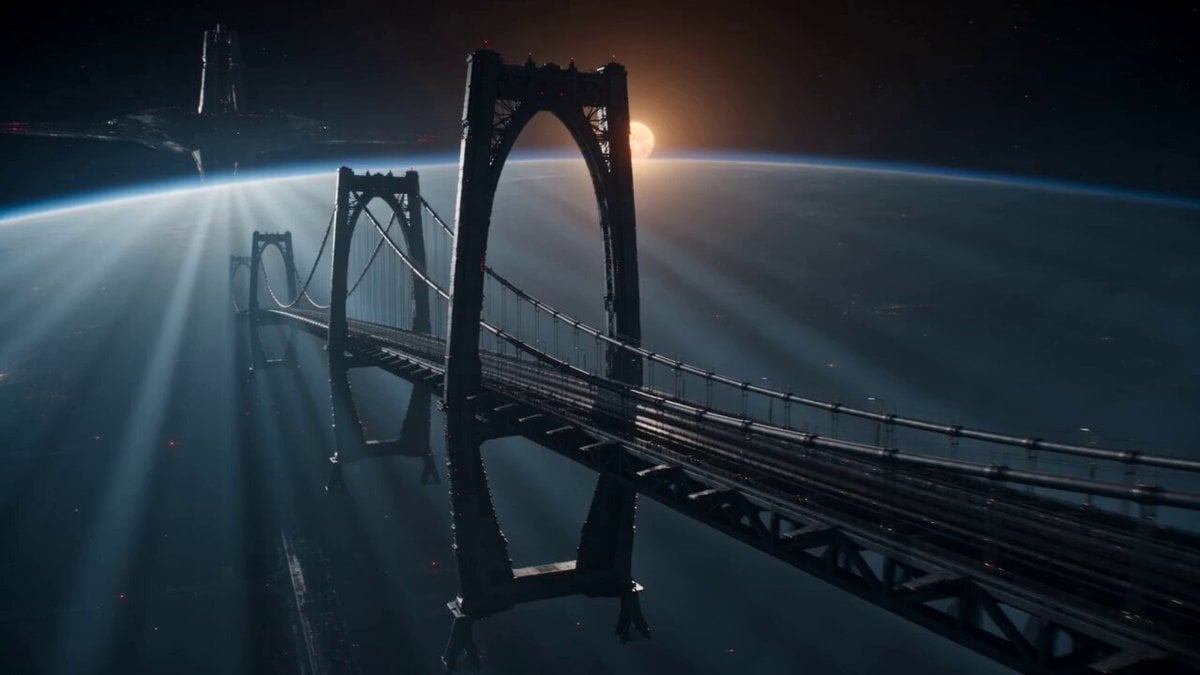
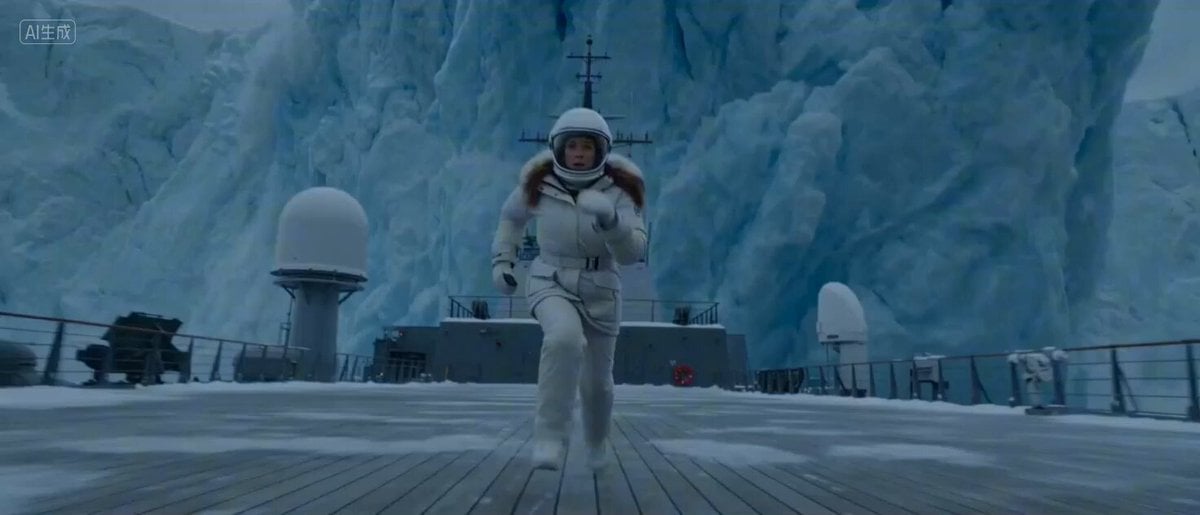
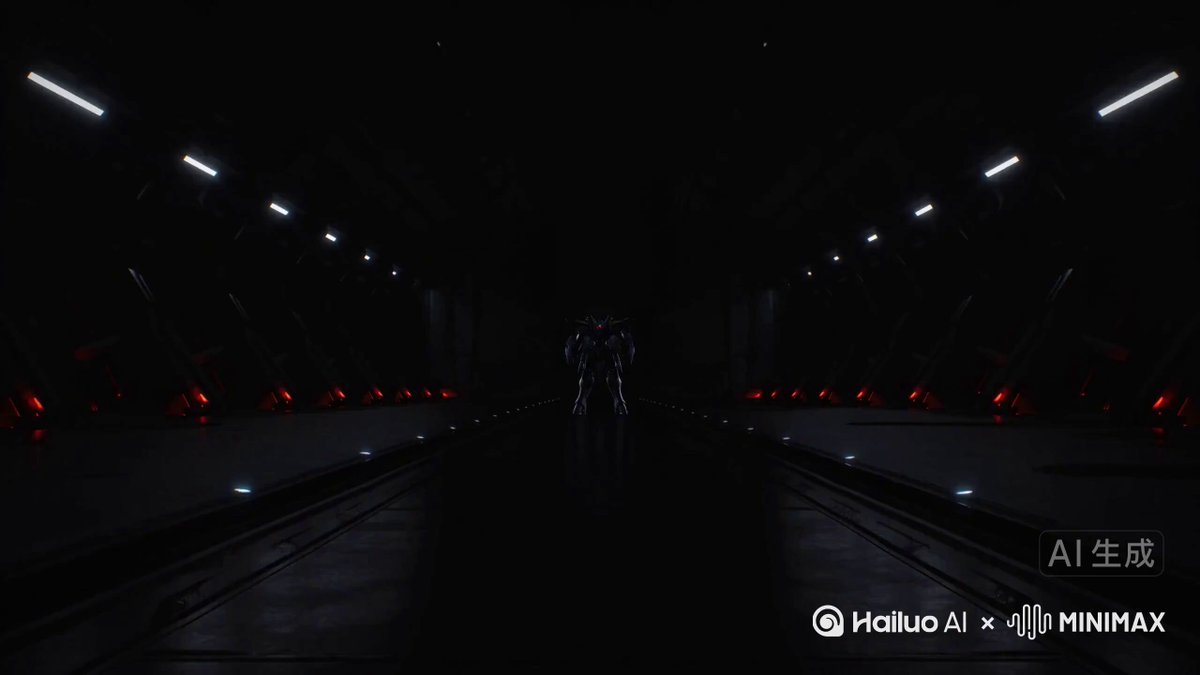
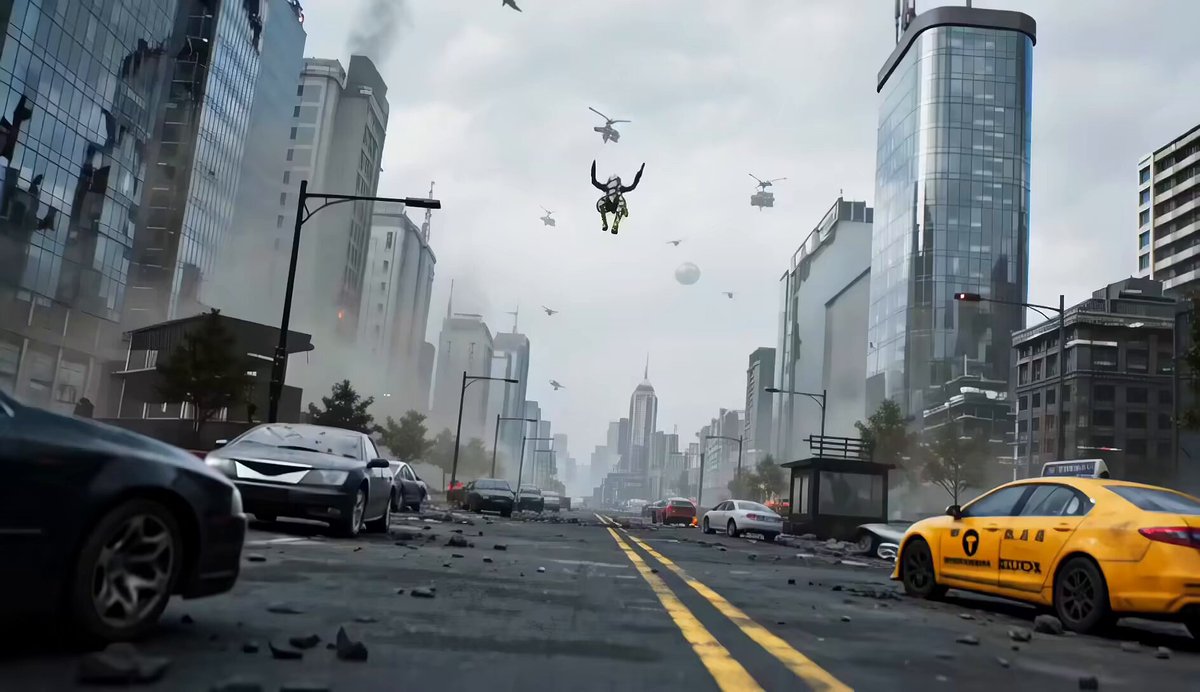
A dramatic video sequence of a massive humanoid mech collapsing in battle and the pilot attempting a desperate escape from the failing structure.
Massive humanoid mech collapsing mid-battle — pilot must escape from inside as the structure fails around them. Interior cockpit, alarms blaring, mech losing balance. Impact, mech hits the ground, violent shock through the cockpit. System failure, panels exploding, sparks filling the space. Escape attempt: pilot unstrapping while the mech tilts further. Structural shift: internal walls bending, pathways deforming. Near-crush: a bulkhead slams down just behind them. Fire burst: explosion blocks the main exit. Alternate route: pilot climbing through damaged internal structure. Collapse chain: limbs tearing off, structure breaking apart. Final jump: pilot ejects just before total collapse. End: mech slamming down behind in pieces.
Massive humanoid mech collapsing mid-battle — pilot must escape from inside as the structure fails around them. Interior cockpit, alarms blaring, mech losing balance. Impact, mech hits the ground, violent shock through the cockpit. System failure, panels exploding, sparks filling the space. Escape attempt: pilot unstrapping while the mech tilts further. Structural shift: internal walls bending, pathways deforming. Near-crush: a bulkhead slams down just behind them. Fire burst: explosion blocks the main exit. Alternate route: pilot climbing through damaged internal structure. Collapse chain: limbs tearing off, structure breaking apart. Final jump: pilot ejects just before total collapse. End: mech slamming down behind in pieces.
Edit the prompt in the box under the preview — the template's model and format are already selected — and press Generate. Your version appears right on this page.
Yes. You can change the subject, setting, lighting, mood, format, and available model controls before creating your video.
Opening and editing this template is free. Generating uses credits, shown on the Generate button when you are signed in.
Start with Seedance 2.0, which is the model associated with this template. You can compare another compatible model for a different finish.
Follow a topic to a crawlable collection of related PicX Studio templates.