
Cinematic Sci-Fi Mecha Short
A multi-shot prompt for a photorealistic sci-fi short film featuring a female pilot and a massive bipedal combat mech in a bunker.
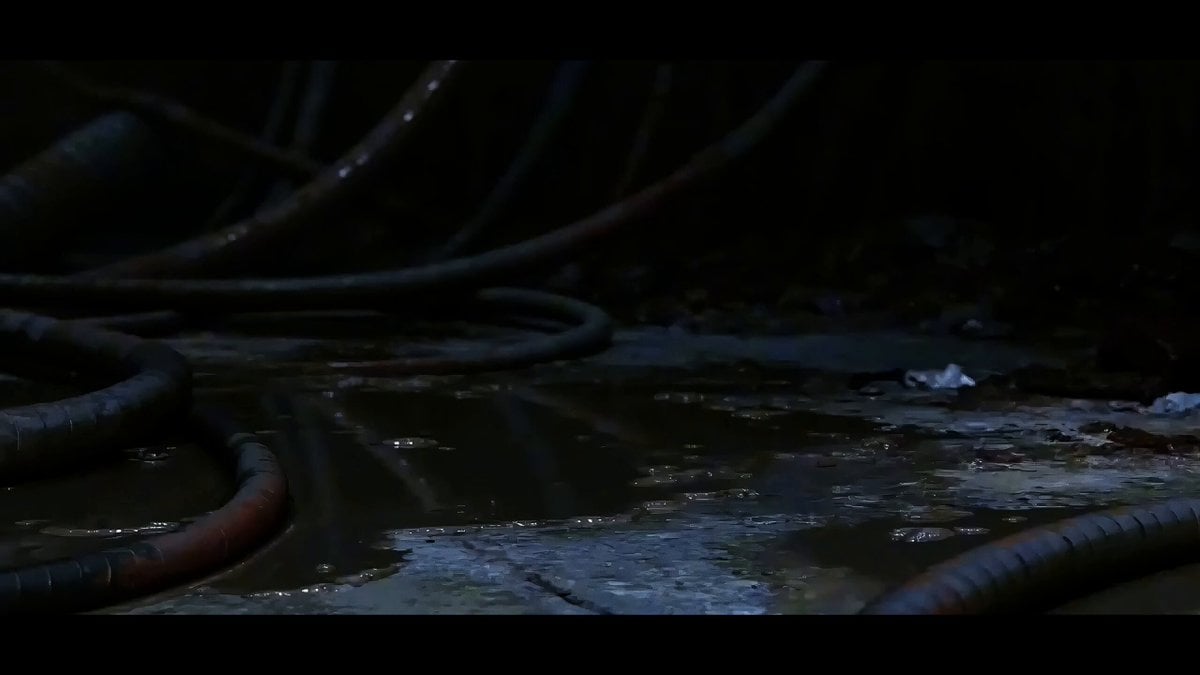
- Prompt included
- Model and format preset
- Free template
The prompt behind this video
Copy the exact prompt behind Cinematic Sci-Fi Mecha Short, or open it in the studio and make it yours.
Seedance 2.5 — Cinematic sci-fi mecha short film, photorealistic CGI, Hollywood VFX blockbuster style, moody teal-and-orange color grade, volumetric light, 16:9, 60fps motion clarity, anamorphic lens flares. SHOT 1 (0-3s): Extreme close-up, low angle, shallow depth of field. Worn yellow leather work boots step slowly through a dark, dripping mechanical corridor. Thick rusted cables and hydraulic pipes cover the walls. Cold blue rim light, wet reflective floor, dust particles drifting in the air. SHOT 2 (3-9s): Slow dolly-back reveal down a circular blast-door tunnel, ribbed metal walls covered in hanging cables converging toward a bright glowing exit. Abandoned, atmospheric, sci-fi bunker aesthetic. Hold long enough to build dread before the reveal. SHOT 3 (9-15s): A massive white-and-black bipedal combat mech powers on, its single orange visor-eye flickering to life, and strides forward through the tunnel opening toward camera, backlit by blown-out daylight. Steam vents from its joints with each step. Heroic low-angle hero shot, slow motion emphasis on the third step. SHOT 4 (15-18s): POV close-up of a young female pilot, short white/silver hair, blue flight jacket, tactical earpiece, looking up in determined awe at the towering mech above her, tunnel light reflecting in her eyes. SHOT 5 (18-21s): Extreme macro close-up on the mech's mechanical hand — articulated white-and-black armor plating, a red reactor core igniting and pulsing with light between its fingers, sparks and lens flare. SHOT 6 (21-24s): Tracking shot from behind the pilot as she walks toward the mech, which reaches a hand down to receive her, backlit silhouette against bright sky. SHOT 7 (24-33s): Dynamic tracking side shot — the mech bursts into a full sprint down a devastated, rubble-strewn city street, heavy motion blur, camera shake, debris kicked up with each heavy footstep, collapsed buildings on both sides. This is the longest, highest-energy shot — building momentum toward the climax. SHOT 8 (33-38s): First-person cockpit POV — inside the mech's head, red-orange holographic HUD with crosshair reticle, health/ammo bars, targeting brackets locking onto a distant humanoid enemy standing amid rubble at the end of a ruined street, faint laser targeting line, HUD glitch flicker. SHOT 9 (38-42s): Low worm's-eye-view finale — the mech lands hard from a jump, camera whip-pans up past its legs as a massive shockwave of dust, smoke and debris explodes outward in all directions, tiny human silhouette visible far below for scale. Orange cockpit glow visible through the smoke. Hard cut to black on impact for a punchy ending. Audio: deep bass impacts, servo/mechanical whirs, distant wind, tense orchestral rise building to a percussive hit on the final landing, sudden silence on the cut to black. Camera: mix of static close-ups, slow reveals, and fast tra
How to use Cinematic Sci-Fi Mecha Short in 3 steps
- 1
Open
The prompt is already in the box next to the preview, with the template's model and format selected.
- 2…a portrait of your subject in softgolden-hour light, 85mm…
Personalize
Edit the subject and creative details for your destination.
- 3Generate
Generate
Press Generate — your video is created in PicX Studio, so you can compare it with the original and refine one variable at a time.
More like this
Templates with the same subject, style or setup. Open one to see its prompt.
Sci-Fi Disaster Movie Scene - Seedance 2.5
3D Animated Newspaper Delivery Short - Seedance 2.5
Youth Racing Short Film
Sci-Fi Commercial Mecha Storyboard
Sci-fi Mecha Sword Duel
Epic Sci-Fi Action Sequence: Bionic Heroine vs. Giant Mecha
Sci-Fi Warrior vs Giant Mecha Beast
Mecha Transformation vs Kaiju — 4-Scene Epic
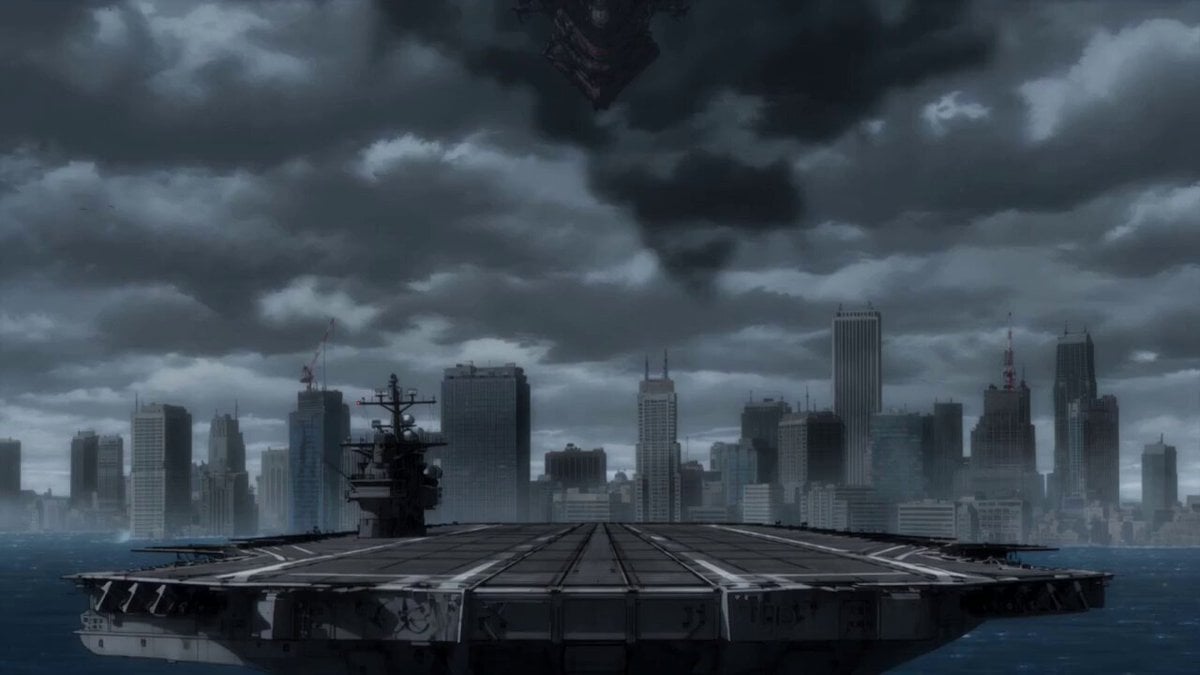
Epic Mecha Battle Cinematic Video
Mecha Front Commercial Ad
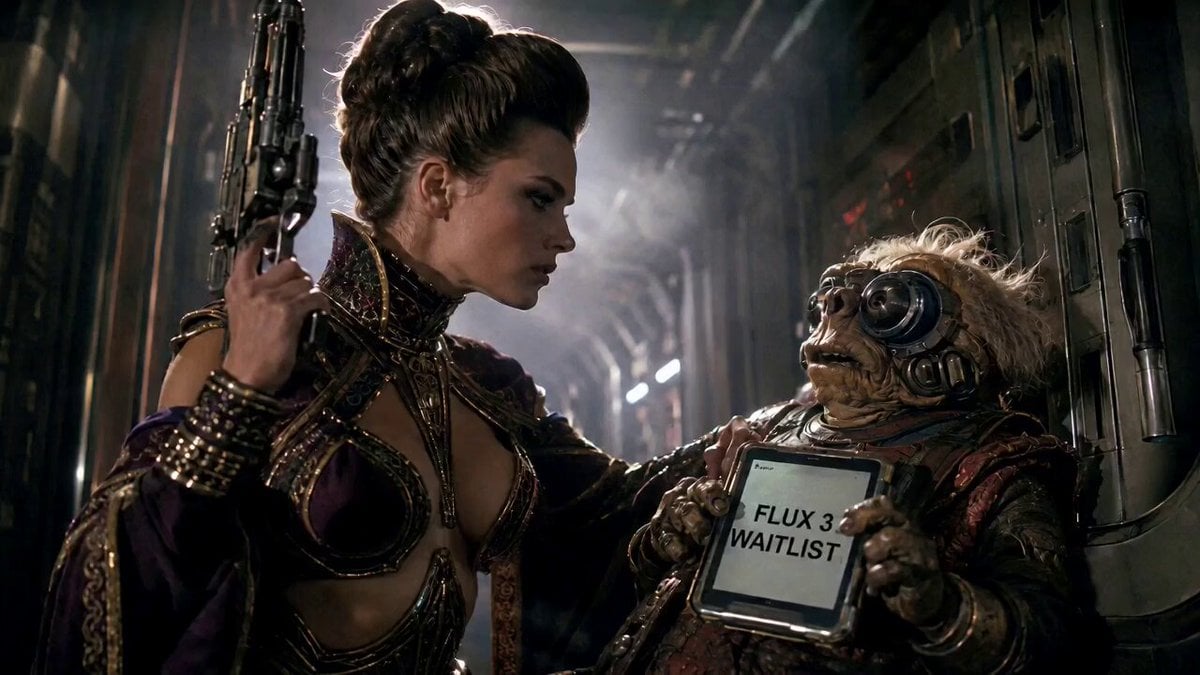
80s Sci-Fi Practical Effects Scene Prompt
Sci-Fi Horror Hospital Alien Scene
Make it yours
Cinematic Sci-Fi Mecha Short works as-is. These are the safest ways to change it without losing the look.
Change one field
Copy a single group, rewrite it, and generate again so you can see what that field is doing.
Keep the frame, change the subject
Hold the composition and light of Cinematic Sci-Fi Mecha Short, then swap wardrobe, props or the person for a new take.
| If the result… | Why | Fix |
|---|---|---|
| The result drifts from the preview | Too many fields changed at once. | Reuse Cinematic Sci-Fi Mecha Short as-is first, then change one group — subject, light, or setting. |
| The model over-stylizes the scene | The prose prompt leaves finish and camera underspecified. | Add one camera or lighting sentence and stay on Seedance 2.0. |
More Seedance 2.0 templates
Other prompts made for Seedance 2.0.

Comical Martial Arts Punch Scene

Maglev Train Action Sequence

Martial Arts Fight Sequence

Wuxia Protection and Trust Script

Vintage Korean Arcade MiniDV Vlog

Mercedes 190 SL Luxury Ad

Rainy Night Supernatural Reverse Comedy Video Script

Amazon Civilization Discovery

Futuristic South Asian City Transformation

Cozy Luxury Cafe Commercial
More video prompts
Fresh picks from across the catalog.
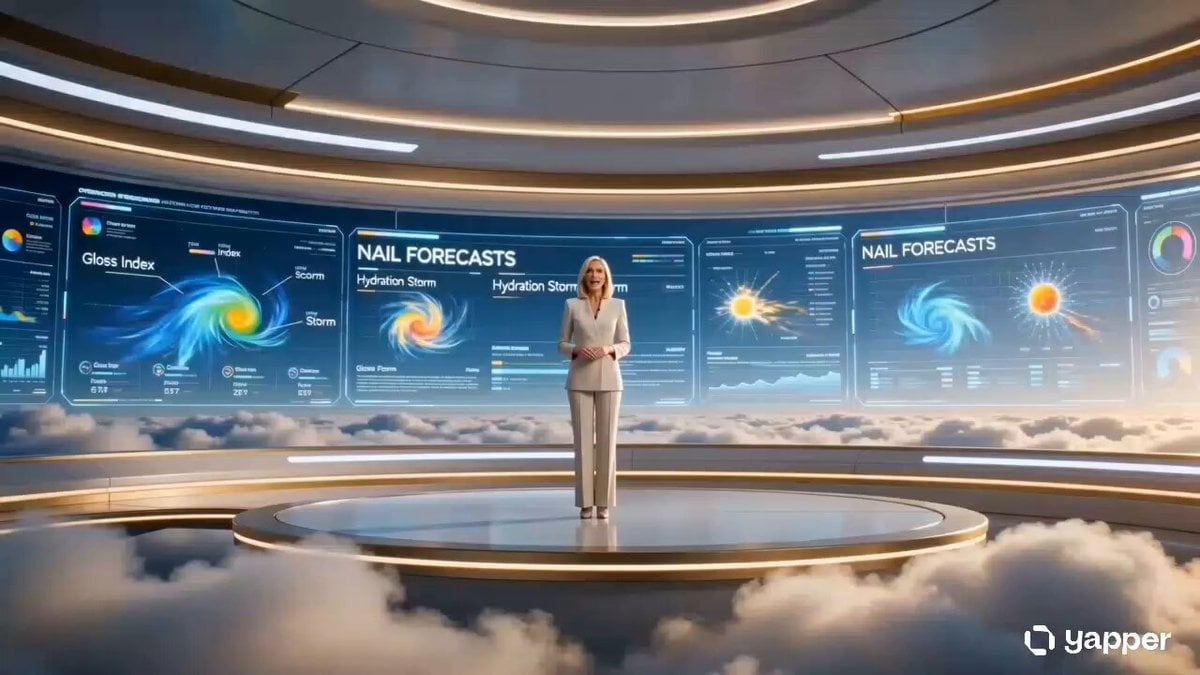
Futuristic Nail Forecast Beauty Commercial

Cinematic Ink Library Storyboard
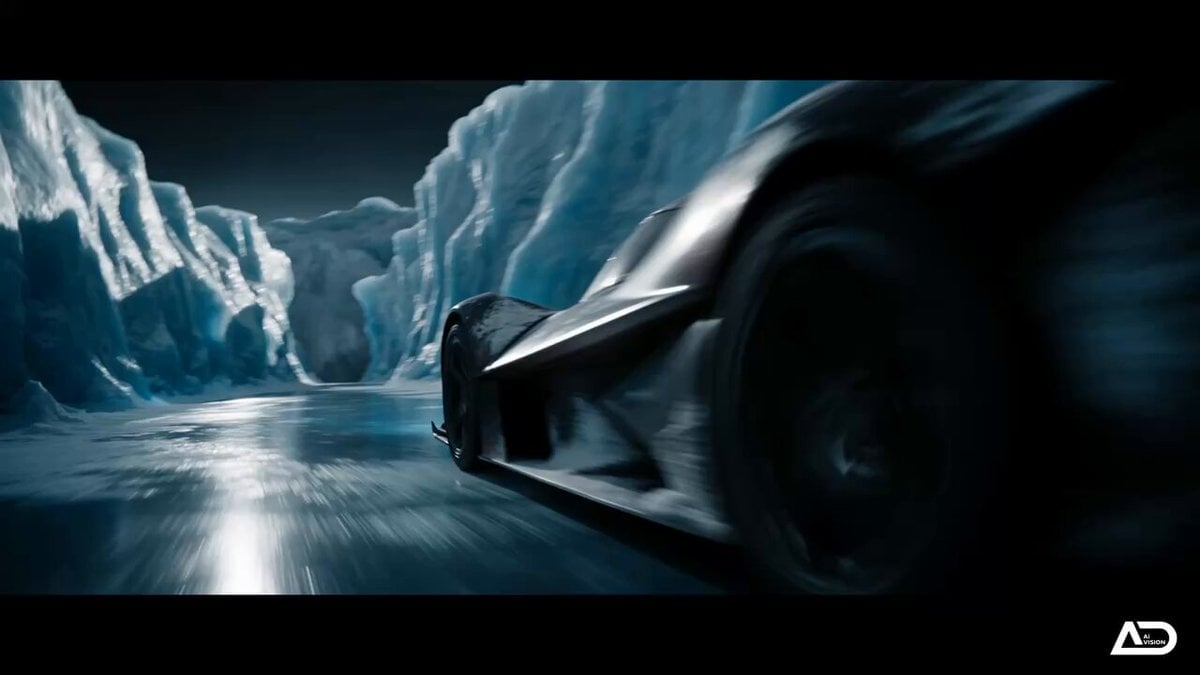
Futuristic Ice Canyon Racer Sequence

Summer Festival Takoyaki Montage
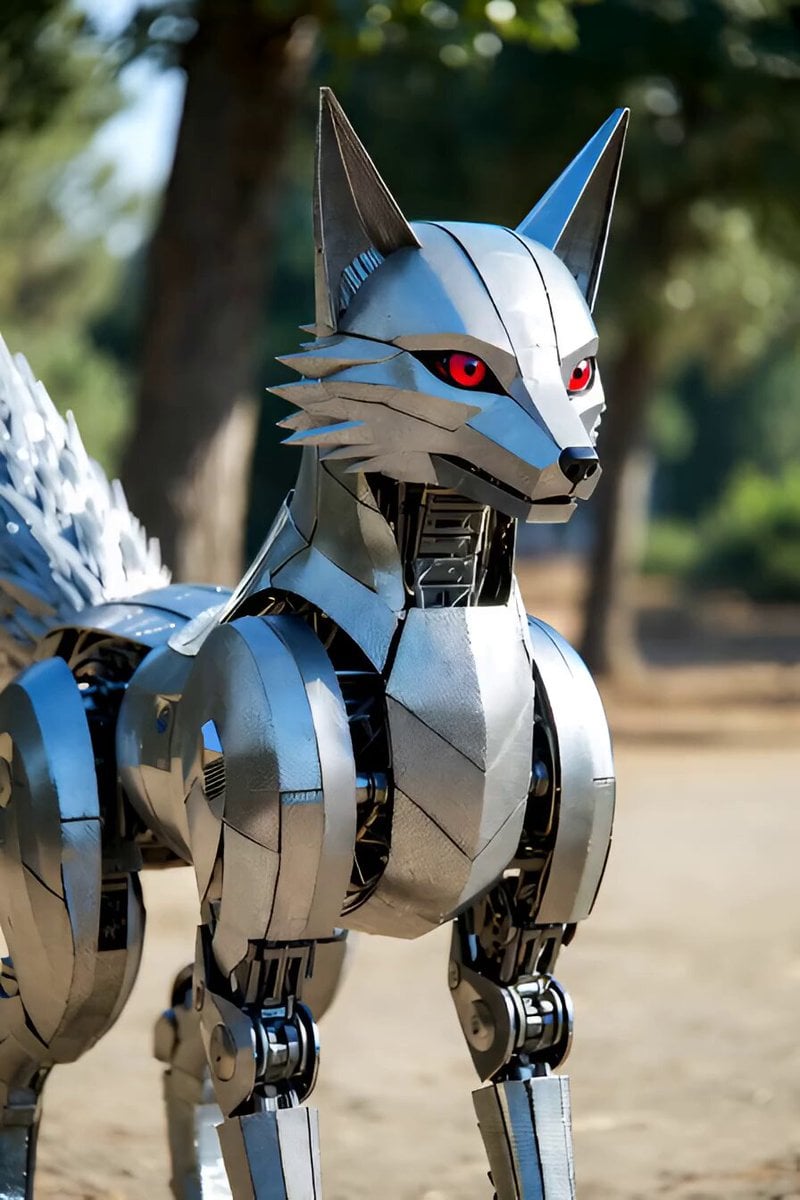
Singing Robot Fox Animation
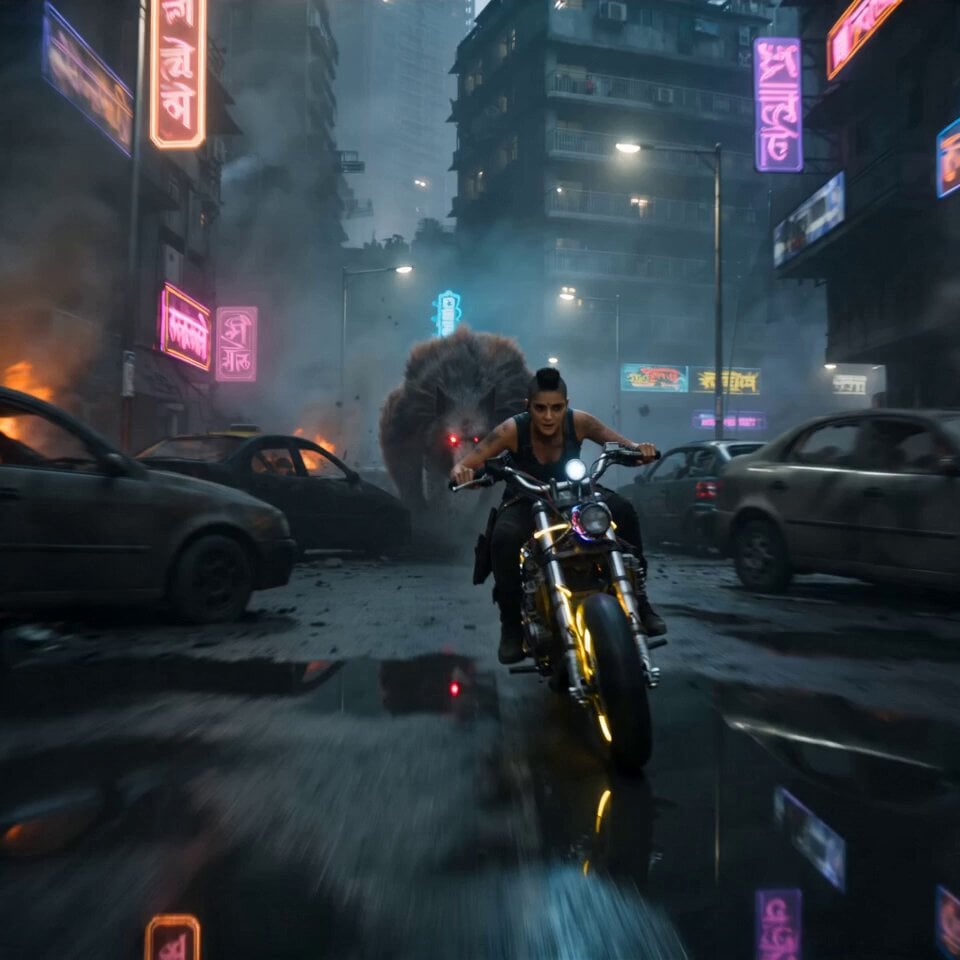
Cyberpunk Mumbai Werewolf Pursuit
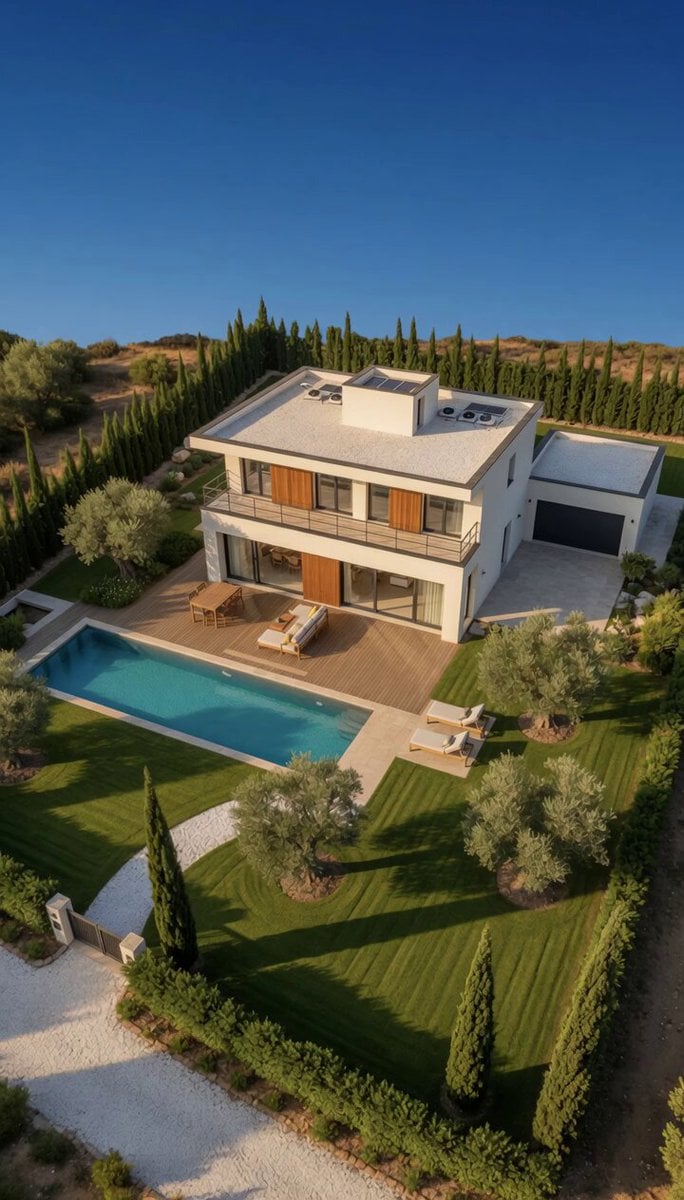
Modern Luxury Villa Video

Cyberpunk Samurai Tokyo Storm
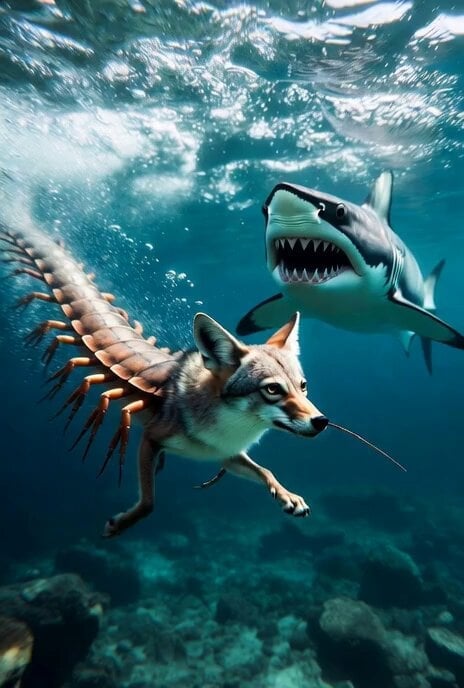
Grok Imagine Surreal Creature Chase Video Prompt
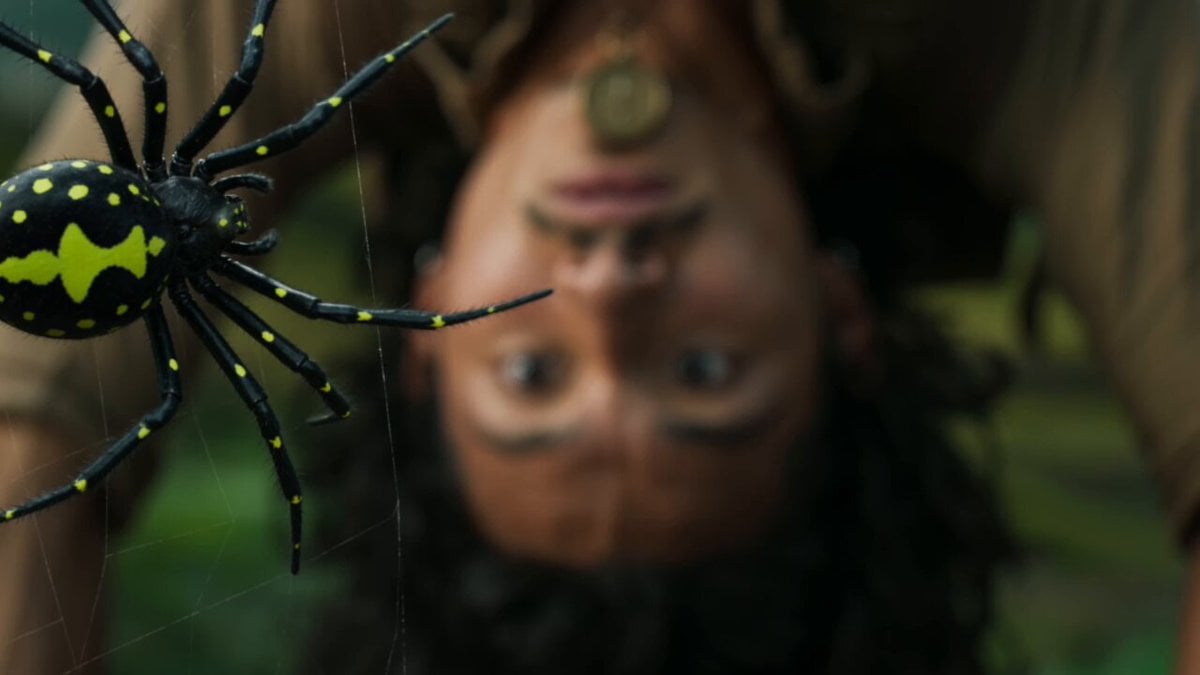
Jungle Adventure Machete Action Scene
Browse template categories
Cinematic Sci-Fi Mecha Short questions
How do I use the Cinematic Sci-Fi Mecha Short template?
Add your photo if the template asks for one, edit the prompt if you like — the template's model and format are already selected — and press Generate. Your version opens in PicX Studio.
Can I customize the Cinematic Sci-Fi Mecha Short template?
Yes. You can change the subject, setting, lighting, mood, format, and available model controls before creating your video.
Is the Cinematic Sci-Fi Mecha Short template free?
Opening and editing this template is free. Generating uses credits, shown on the Generate button when you are signed in.
Which AI model should I use?
Start with Seedance 2.0, which is the model associated with this template. You can compare another compatible model for a different finish.
Looking for something else? Browse all templates.

Your photo, any look
Thousands of ready templates for every top image and video model, from one credit balance.