
Cinematic Ink Library Storyboard
A complex multi-shot storyboard prompt for Seedance 2.0 featuring a man diving into a book and navigating an ink-filled world.

- Prompt included
- Model and format preset
- Premium template
The prompt behind this video
Copy the exact prompt behind Cinematic Ink Library Storyboard, or open it in the studio and make it yours.
STYLE: Photorealistic cinematic, shot on ARRI Alexa, anamorphic lens, warm tungsten + shafts of dust-lit window light, shallow depth of field, 35mm film grain. Sound design implied: page-flutter, ink-splash, quill-scratch. 0:00–0:02 OLD LIBRARY — DAY SHOT: Close-up push-in on a focused young man (24), sharp features, slightly tousled dark hair, wearing a casual button-up shirt with rolled sleeves. He sits at a heavy oak desk. An ancient leather-bound book lies open before him. ACTION: His eyes scan the page intensely. A subtle smirk forms. He pulls off his thin-framed glasses, drops them onto the desk with confidence — then suddenly LAUNCHES forward, diving headfirst into the page. CAMERA: Dolly-in matches his dive, accelerating rapidly. SCALE: Normal human size. 0:02–0:04 INTO THE PAGE SHOT: He breaks through the paper surface like liquid. Ink ripples outward in concentric waves. ACTION: IMPACT — he lands in a low, controlled crouch. SCALE SNAP: now matchstick-sized. Towering printed letters surround him like massive black ridges. Without hesitation, he sprints forward between them. CAMERA: Low-angle tracking shot racing beside him through serif letter “canyons.” 0:04–0:06 PAPER AIRPLANE LAUNCH SHOT: A jagged paper airplane slices past at high speed. ACTION: He pivots, leaps cleanly onto it, sliding briefly before popping up into a balanced surfer stance. SCALE SNAP: now sparrow-sized relative to the plane. Wind blasts his hair back as the text below stretches into a rushing white expanse. CAMERA: Over-shoulder tracking → whip-pan to side profile as the plane banks sharply. 0:06–0:08 INK-BLOT OBSTACLE COURSE ACTION: The plane rockets forward. Massive ink blots erupt upward like explosive geysers. He ducks, shifts his weight, weaving with athletic precision. A heavy ink pen crashes down beside him like a falling column. A magnifying glass sweeps overhead — distorting everything beneath it. He cuts straight through the warped zone, briefly stretched and refracted, then snaps back to normal. CAMERA: Aggressive handheld tracking, dutch tilts, motion blur on edges. 0:08–0:10 MARGIN STORM ACTION: The plane dives into the book’s gutter — a deep canyon. Letters (A, R, K, 7) float and tumble in slow-motion suspension. A drawn storm cloud in the margin animates — releasing delicate ink droplets. He reaches out mid-ride, catching one drop in his palm. His expression softens — a moment of awe. CAMERA: 120fps slow-motion orbit around him, lens flares streaking across drifting letters. 0:10–0:12 QUILL SWAP ACTION: Speed snaps back. The plane shreds apart mid-air. A feather quill streaks past — he grabs it mid-flight, swings himself up, and rides it like a broomstick. The nib drags wet ink behind him as he carves fluid figure-eights. He narrowly avoids a massive descending thumbprint. CAMERA: Fast tracking, slight roll synced to his movement.
How to use Cinematic Ink Library Storyboard in 3 steps
- 1
Open
The prompt is already in the box next to the preview, with the template's model and format selected.
- 2…a portrait of your subject in softgolden-hour light, 85mm…
Personalize
Edit the subject and creative details for your destination.
- 3Generate
Generate
Press Generate — your video is created in PicX Studio, so you can compare it with the original and refine one variable at a time.
More like this
Templates with the same subject, style or setup. Open one to see its prompt.

3x3 Grid Storyboard Racing — Kling 3.0 O3 Pro

Dragon Rider Cinematic Flight — Seedance 2.5

Gpt2 Gpt2 Seedance Storyboard to Video
Chinese Calligraphy Ink Dance Dragon
School Library Vlog Cinematic
Seedance 2.0 Xianxia Mystery Library Video Prompt

Pigeon Nemesis Pixar Animation Storyboard
Witch Library Spellbook Summoning
Apartment Arrival Storyboard Animation
Modern Urban Fantasy Comedy Storyboard
Chinese Ink Wash Martial Arts Dance
Realistic Fashion Quick Change Storyboard
Make it yours
Cinematic Ink Library Storyboard works as-is. These are the safest ways to change it without losing the look.
Change one field
Copy a single group, rewrite it, and generate again so you can see what that field is doing.
Keep the frame, change the subject
Hold the composition and light of Cinematic Ink Library Storyboard, then swap wardrobe, props or the person for a new take.
| If the result… | Why | Fix |
|---|---|---|
| The result drifts from the preview | Too many fields changed at once. | Reuse Cinematic Ink Library Storyboard as-is first, then change one group — subject, light, or setting. |
| The model over-stylizes the scene | The prose prompt leaves finish and camera underspecified. | Add one camera or lighting sentence and stay on Seedance 2.0. |
More Seedance 2.0 templates
Other prompts made for Seedance 2.0.

Comical Martial Arts Punch Scene

Maglev Train Action Sequence

Martial Arts Fight Sequence

Wuxia Protection and Trust Script

Vintage Korean Arcade MiniDV Vlog

Mercedes 190 SL Luxury Ad

Rainy Night Supernatural Reverse Comedy Video Script

Amazon Civilization Discovery

Futuristic South Asian City Transformation

Cozy Luxury Cafe Commercial
More video prompts
Fresh picks from across the catalog.
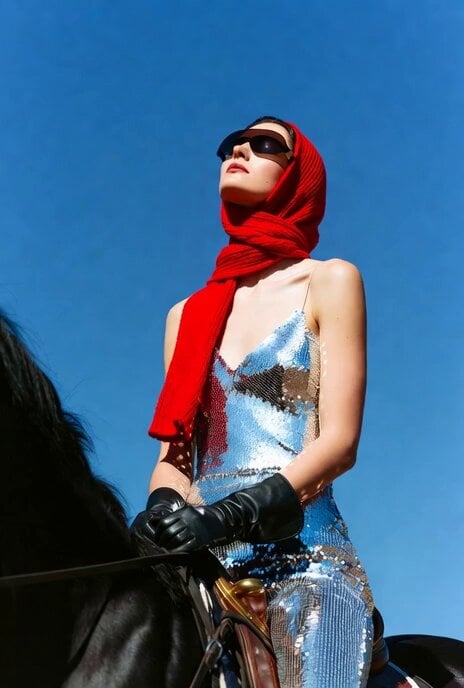
Video Prompt for Stationary Camera and Model Movement
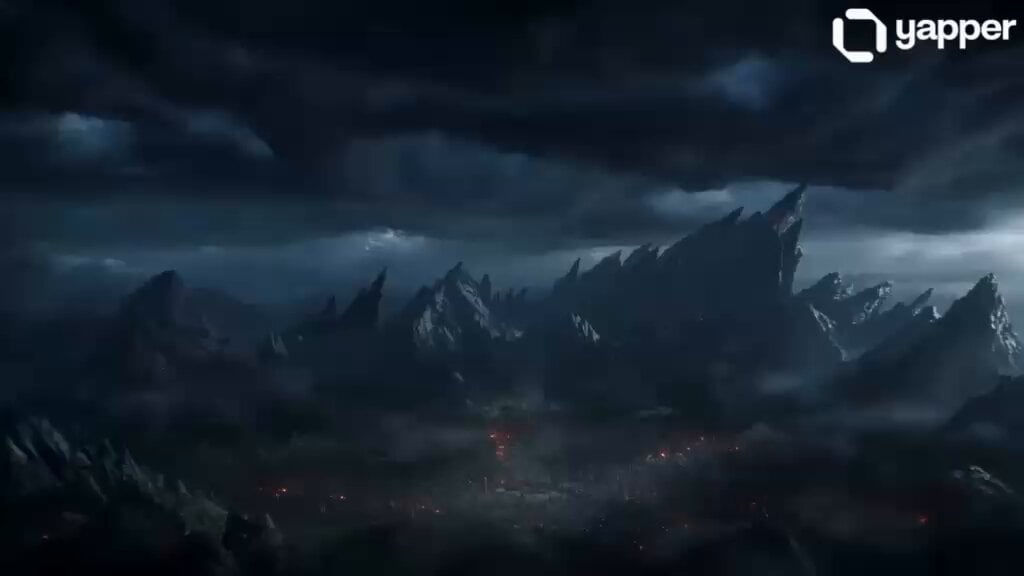
Ancient Dragon Storm Entrance
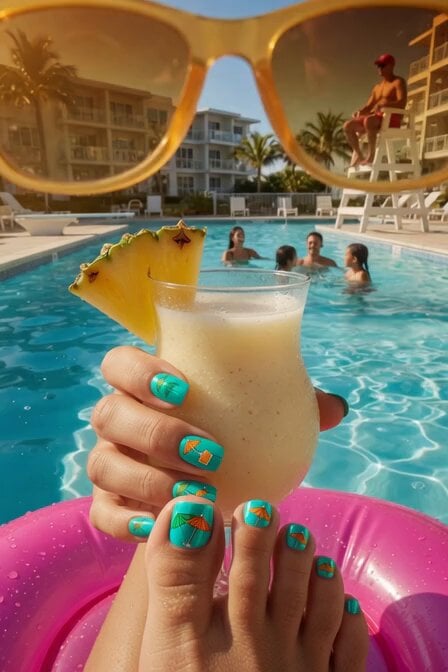
Summer Poolside Daydreaming Video
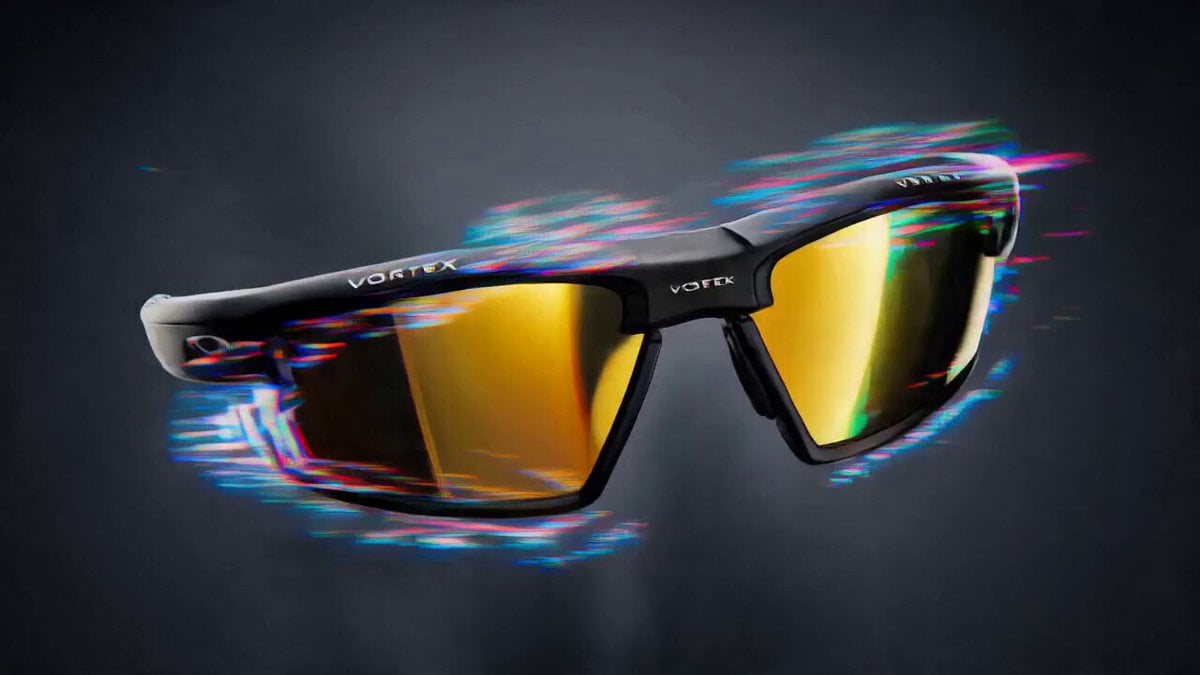
Trendy Social Media Product Ad
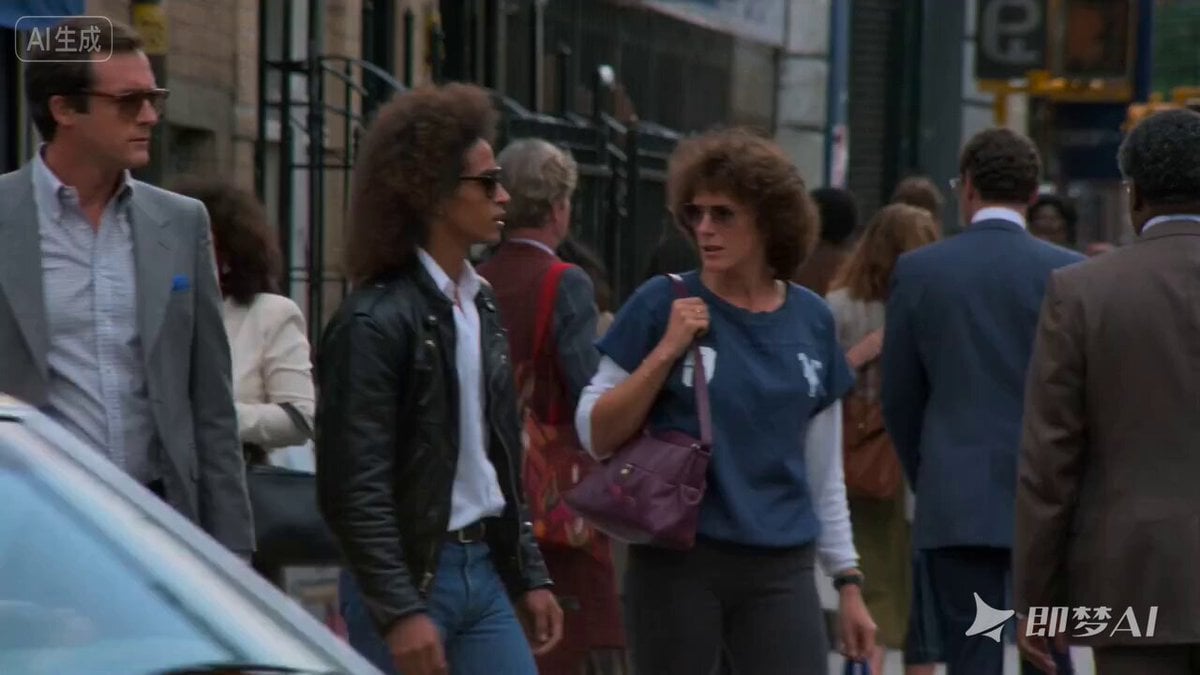
Bronx Zombie Movie Scene Prompt
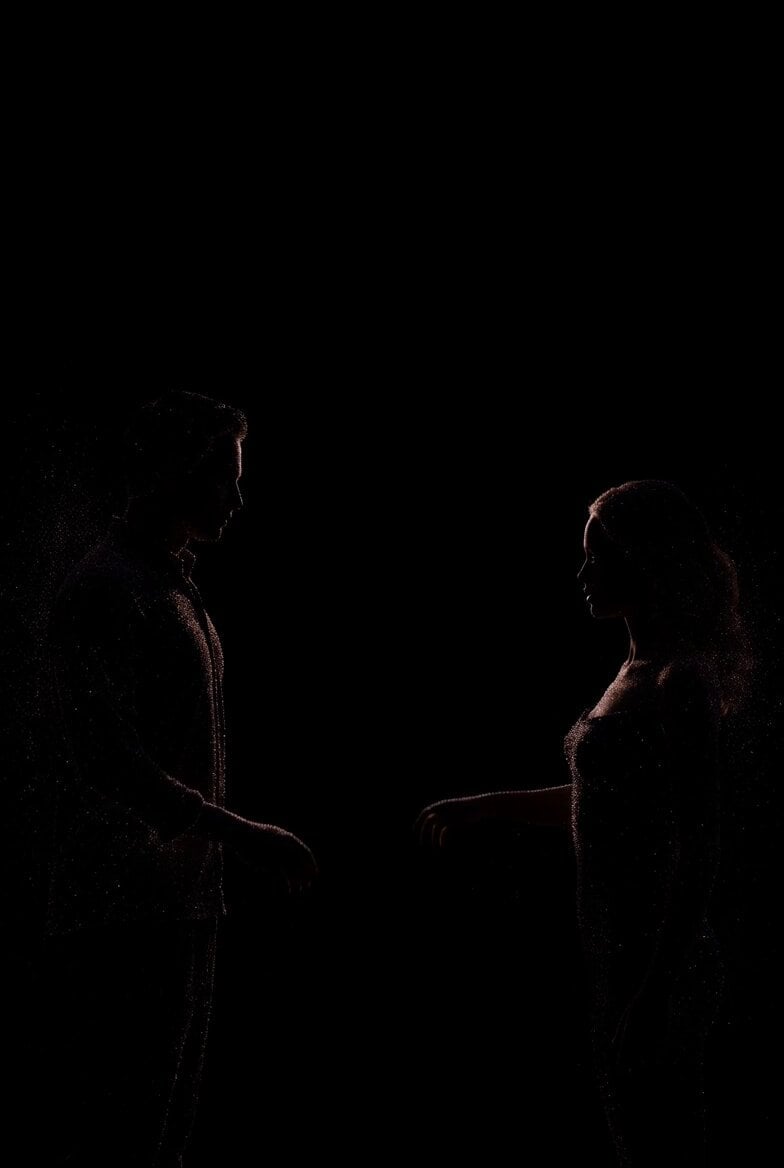
Sparkling Dust Silhouette Couple Transition

Ship getting hit by cannonballs
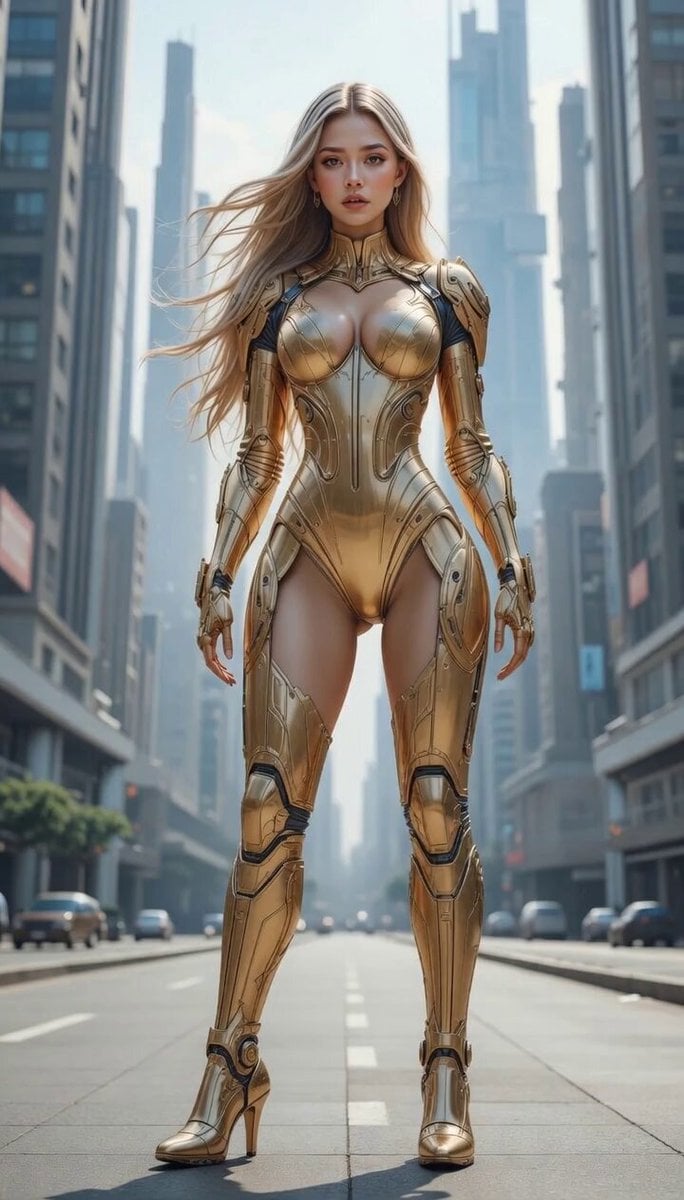
Degree Camera Rotation
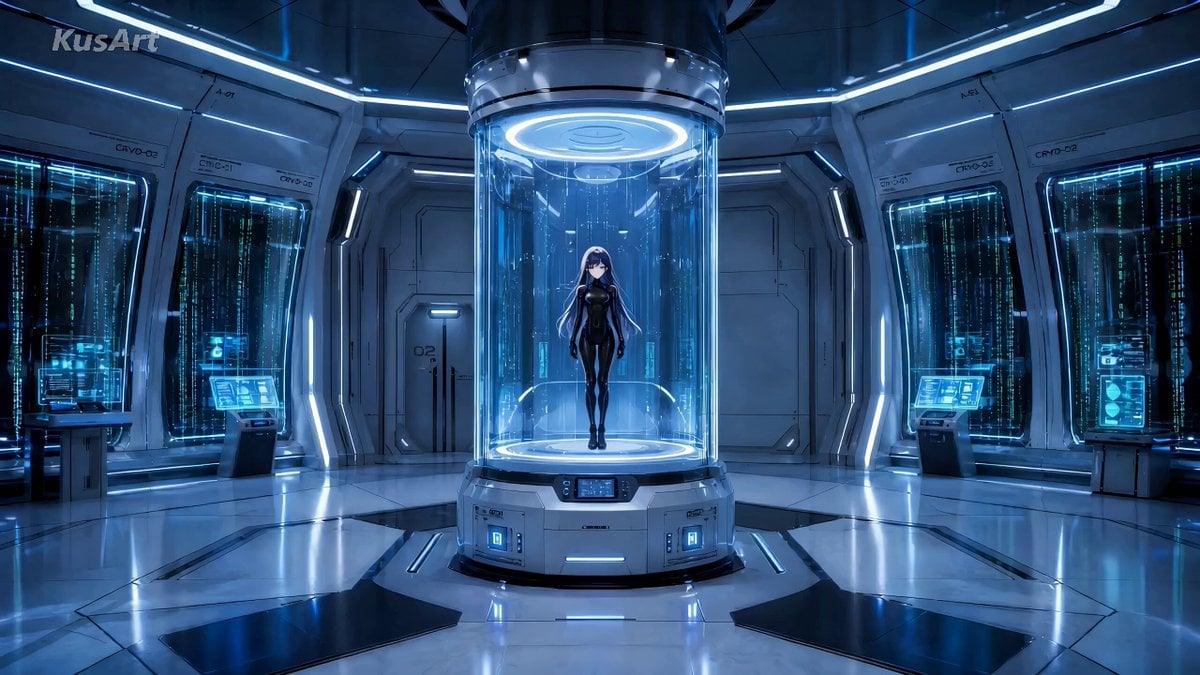
Magical Girl Anime Transformation Sequence

Epic Fantasy Ice Predator Hunt
Browse template categories
Cinematic Ink Library Storyboard questions
How do I use the Cinematic Ink Library Storyboard template?
Add your photo if the template asks for one, edit the prompt if you like — the template's model and format are already selected — and press Generate. Your version opens in PicX Studio.
Can I customize the Cinematic Ink Library Storyboard template?
Yes. You can change the subject, setting, lighting, mood, format, and available model controls before creating your video.
Is the Cinematic Ink Library Storyboard template free?
Opening and editing this template is free. Generating uses credits, shown on the Generate button when you are signed in.
Which AI model should I use?
Start with Seedance 2.0, which is the model associated with this template. You can compare another compatible model for a different finish.
Looking for something else? Browse all templates.

Your photo, any look
Thousands of ready templates for every top image and video model, from one credit balance.