
School Library Vlog Cinematic
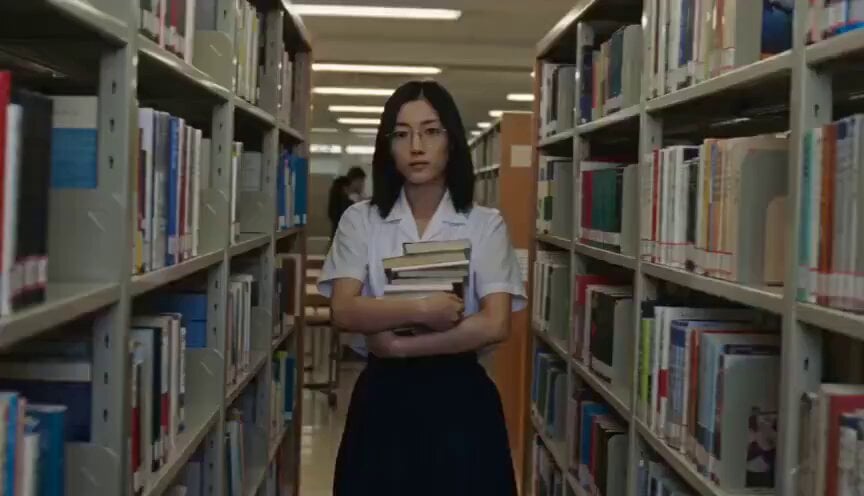
A highly detailed cinematic prompt for creating a nostalgic, home-video style sequence of a quiet high school librarian in a realistic school setting.
- Prompt included
- Model and format preset
- Free template
The prompt behind this video
Copy the exact prompt behind School Library Vlog Cinematic, or open it in the studio and make it yours.
無口でクールな図書委員の女子高生の放課後を、同じ委員の友達が撮ったVlog風ホームビデオとして作成せよ。480p。短いショット(各約2秒)のハードカットのモンタージュで構成する。各ショットはすべて別の瞬間で、1ショット=1つの小さな出来事。トランジションやフェードは使わない。撮っているのは同じ委員の友達なので、彼女は最低限気を許していて、最後には素の表情を見せる。 メイン被写体 全ショットを通じて同じ日本人の女子高校生。涼しげな美人。奥二重の切れ長の目に長い伏しまつげ、細く整った眉、透き通るように白い現実的な肌の質感、ノーメイク、細く通った鼻筋、薄い唇、シャープな輪郭。銀縁の細い眼鏡の奥の静かな目。肩までのまっすぐな黒髪。白い半袖のシャツに紺のプリーツスカート、上履き。物静かで表情が少ない。顔、体型、髪型、眼鏡、制服を最初から最後まで完全に一貫させる。 ロケーション 夏の放課後から閉館後の、学校の図書室。高い本棚の列、貸出カウンター、西日の差す窓際の席、隅の絵本コーナー。広告、認識できるブランドはなし。 カメラ / ビジュアルスタイル 全ショット共通:手持ちの古い家庭用デジタルカメラ。自然な揺れ、不完全なフレーミング、時折のピントの迷い、西日の露出のゆらぎ、軽いモーションブラー、微妙なノイズ、少し抑えた色。スタビライズ、ジンバル、ドローン、スローモーション、映画的照明はなし。 ショットリスト(順番通り、各約2秒、すべてハードカット) 1. 返却本を胸に抱えて棚の間を歩く。カメラに気づき、口の前に人差し指を立てる。 2. 高い棚に背伸びして本を戻そうとして届かず、無言で踏み台を取りに行く。 3. カウンターで返却スタンプを押す、正確でリズミカルな手元。 4. 西日の窓際で本を読む横顔。ページをめくる細い指。 5. 閉館後、誰もいない絵本コーナーで絵本を開く 物理的リアリズム 信ぴょう性のある現実世界の物理を維持。手、指、髪、眼鏡、制服、本、踏み台、スタンプは自然に振る舞う。余分な指、融合した手、歪んだ体、浮遊物、消える物体、突然の変形はなし。本の文字はぼかしたまま読ませない。全ショットで被写体を一貫させる。 オーディオ 自然な環境音のみ。図書室の静けさ、ページをめくる音、スタンプの音、上履きの音、遠くの部活の声、小さな読み聞かせの声(言葉は聞き取れない)。音楽なし。ナレーションなし。人工的な音響効果なし。 最終的な雰囲気 クールで無口な子の、誰も知らない練習風景がたまたま撮れてしまった記録。商業作品ではない。ドラマではない。静けさと、ばれた瞬間の観念した笑顔の落差がいとおしい。物静かで、ひたむきで、西日の色をして、温かく、深く人間的。カメラがたまたまそこにあったような感じを優先。
How to use School Library Vlog Cinematic in 3 steps
- 1
Open
The prompt is already in the box next to the preview, with the template's model and format selected.
- 2…a portrait of your subject in softgolden-hour light, 85mm…
Personalize
Edit the subject and creative details for your destination.
- 3Generate
Generate
Press Generate — your video is created in PicX Studio, so you can compare it with the original and refine one variable at a time.
More like this
Templates with the same subject, style or setup. Open one to see its prompt.
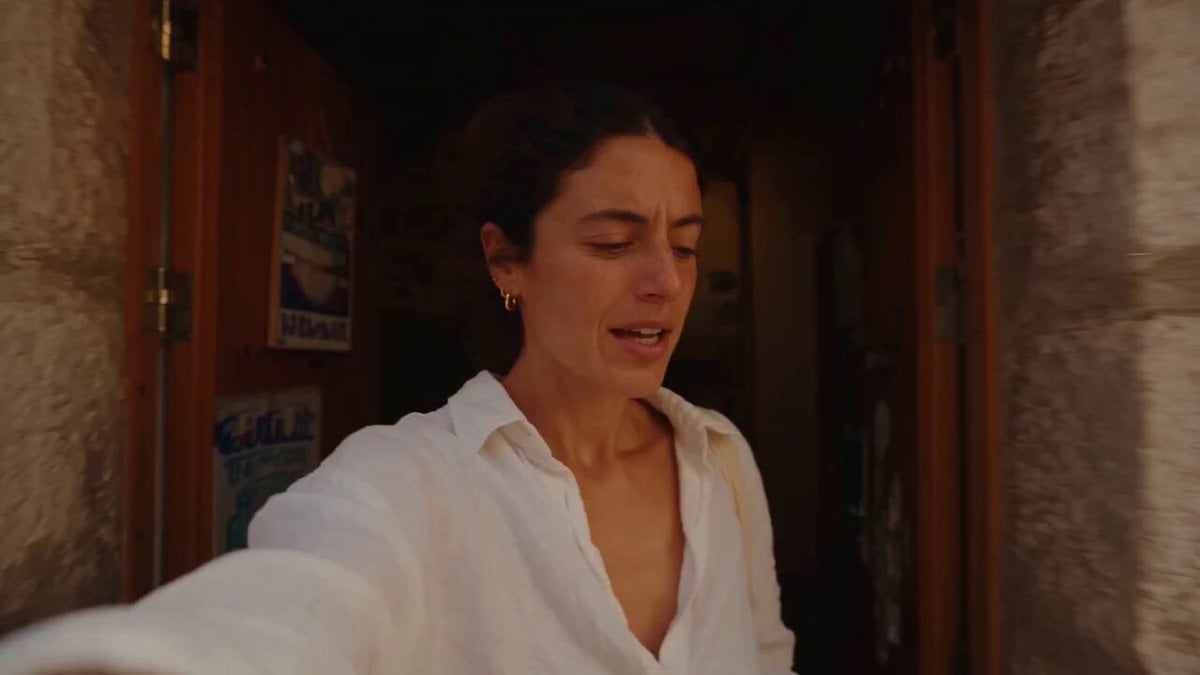
Mediterranean Coffee Run Vlog - Seedance 2.5

Mysterious Home Exploration Vlog - Seedance 2.5
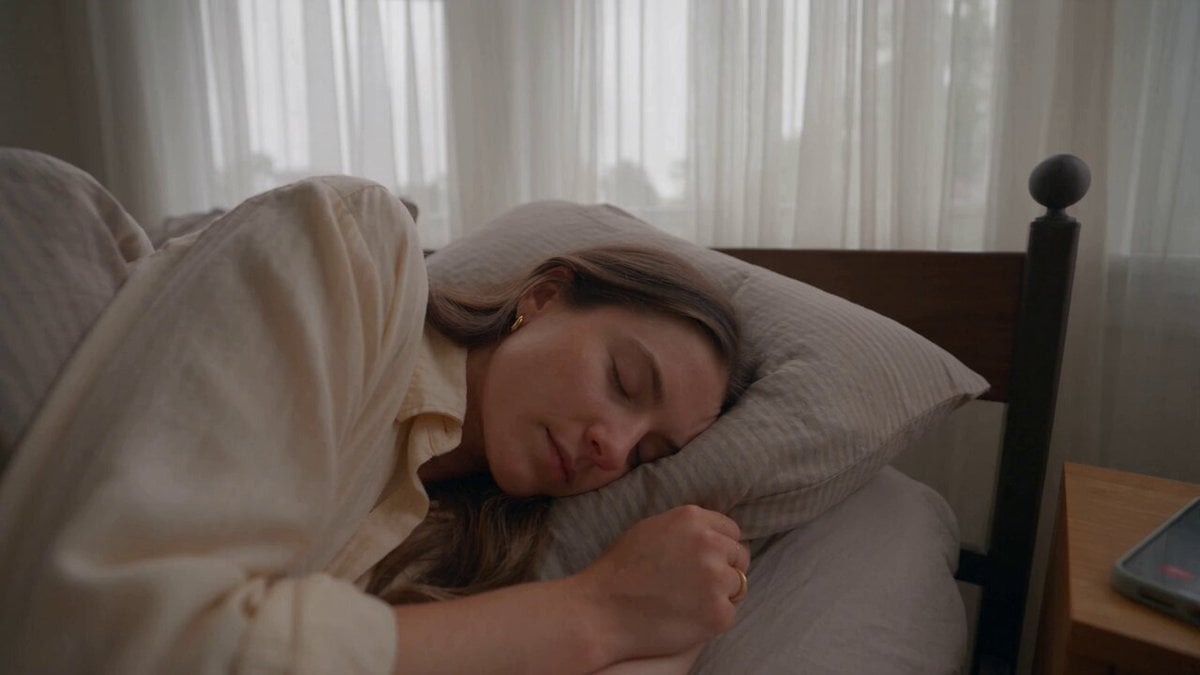
Realistic Morning Routine Lifestyle Vlog - Seedance 2.5

Handheld Tokyo Travel Vlog - Seedance 2.5
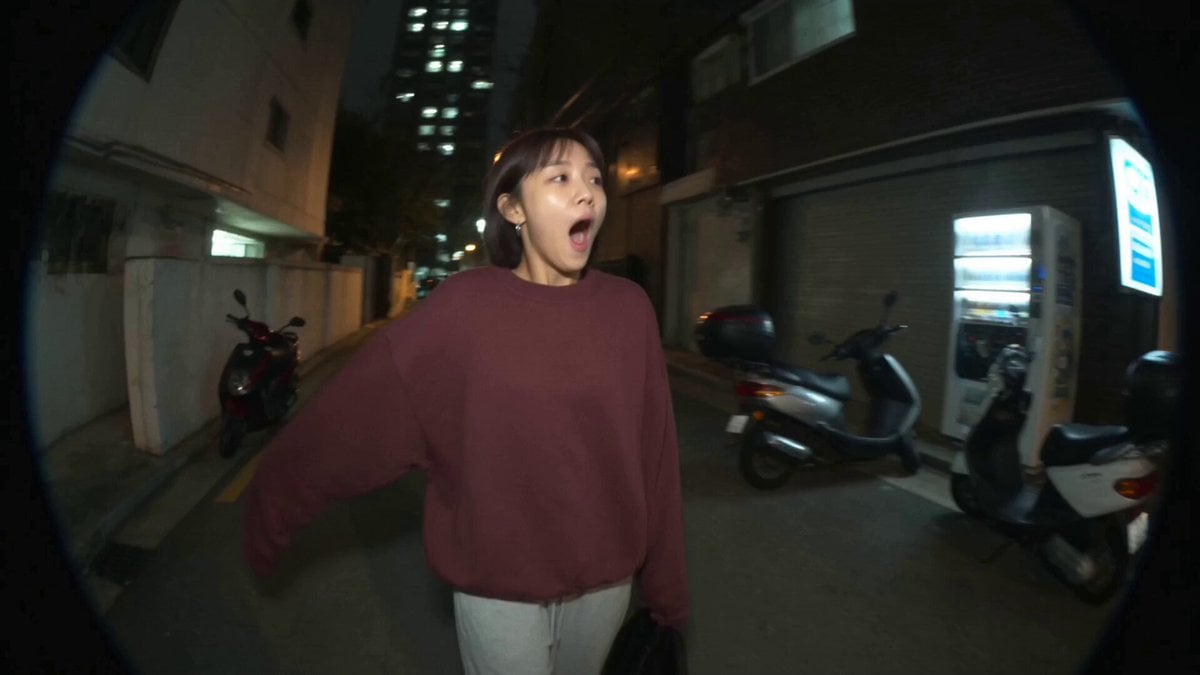
Nostalgic MiniDV Convenience Store Vlog - Seedance 2.5
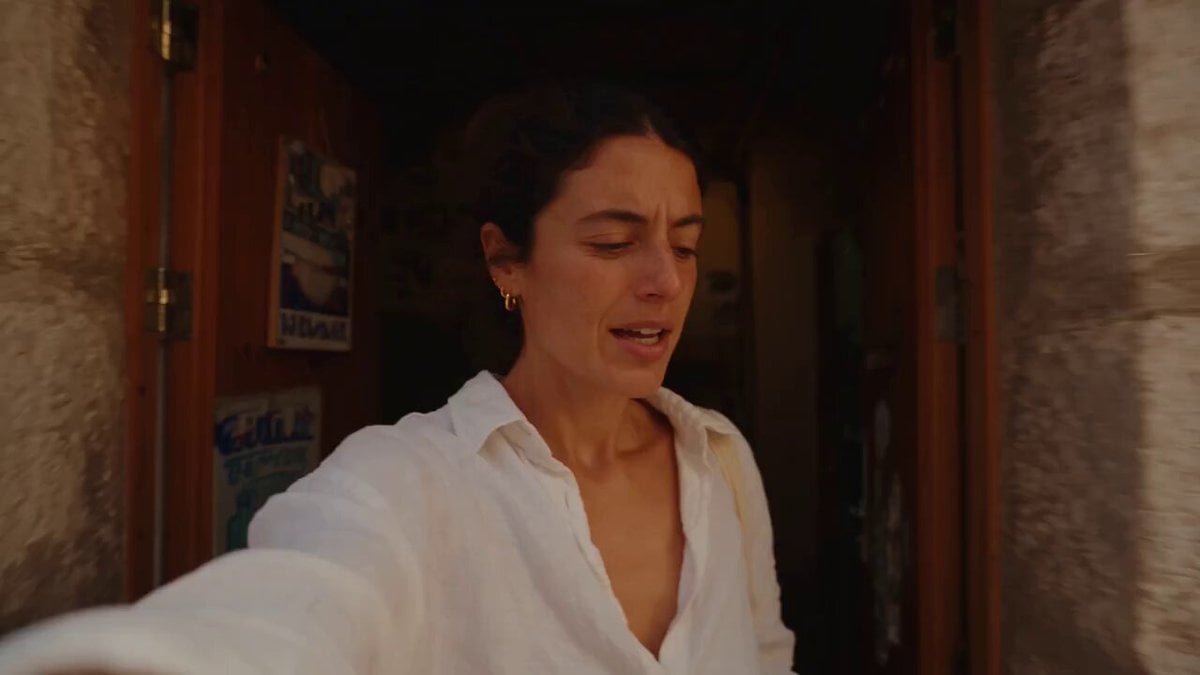
Mediterranean Morning Coffee Run Vlog (Seedance 2.5)

Luxury Lifestyle Day Vlog

Luxury Airport Travel Vlog
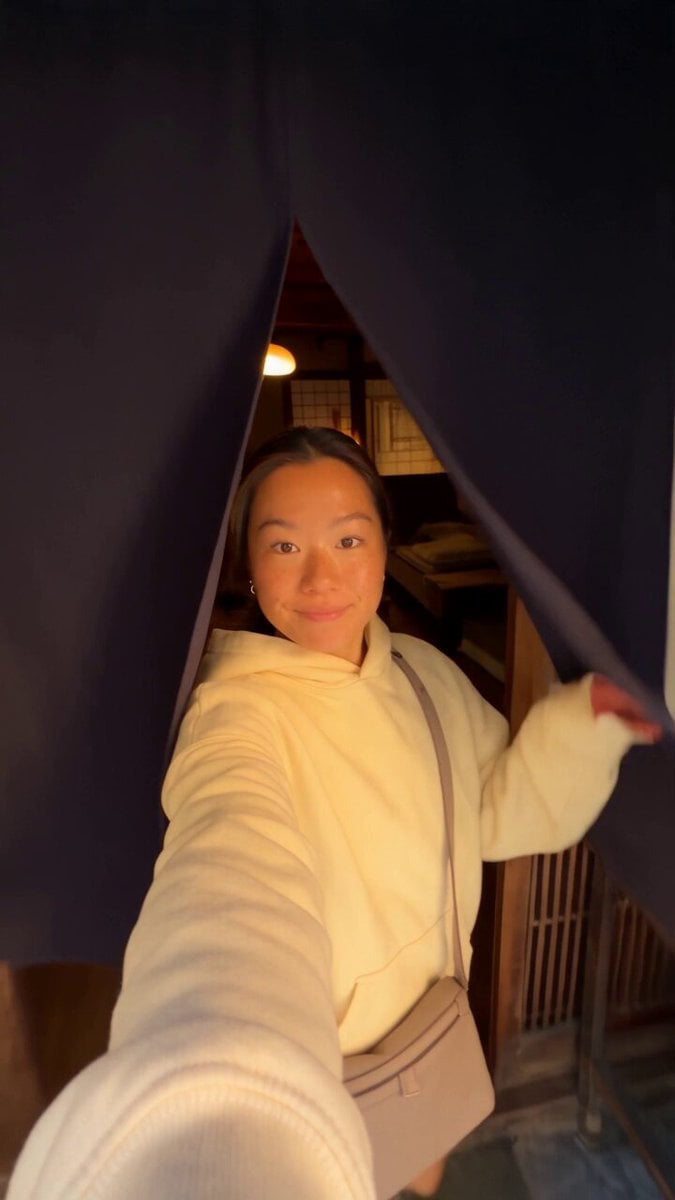
Kyoto Morning Selfie Vlog
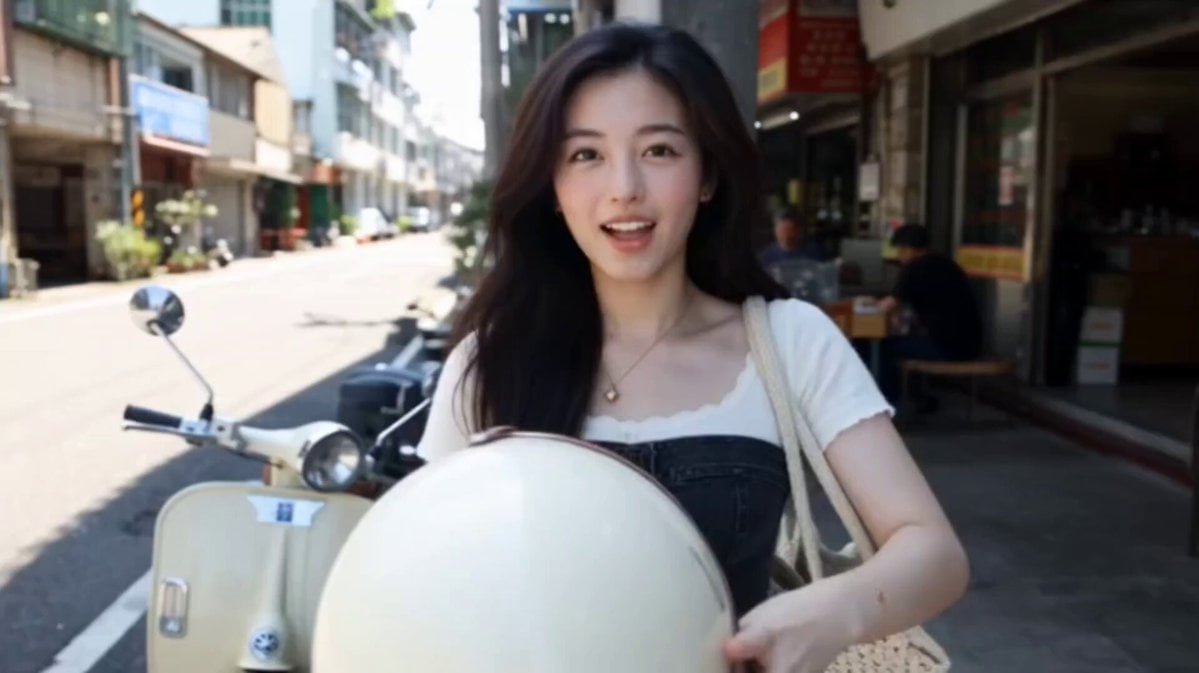
Kenting Lifestyle Travel Vlog
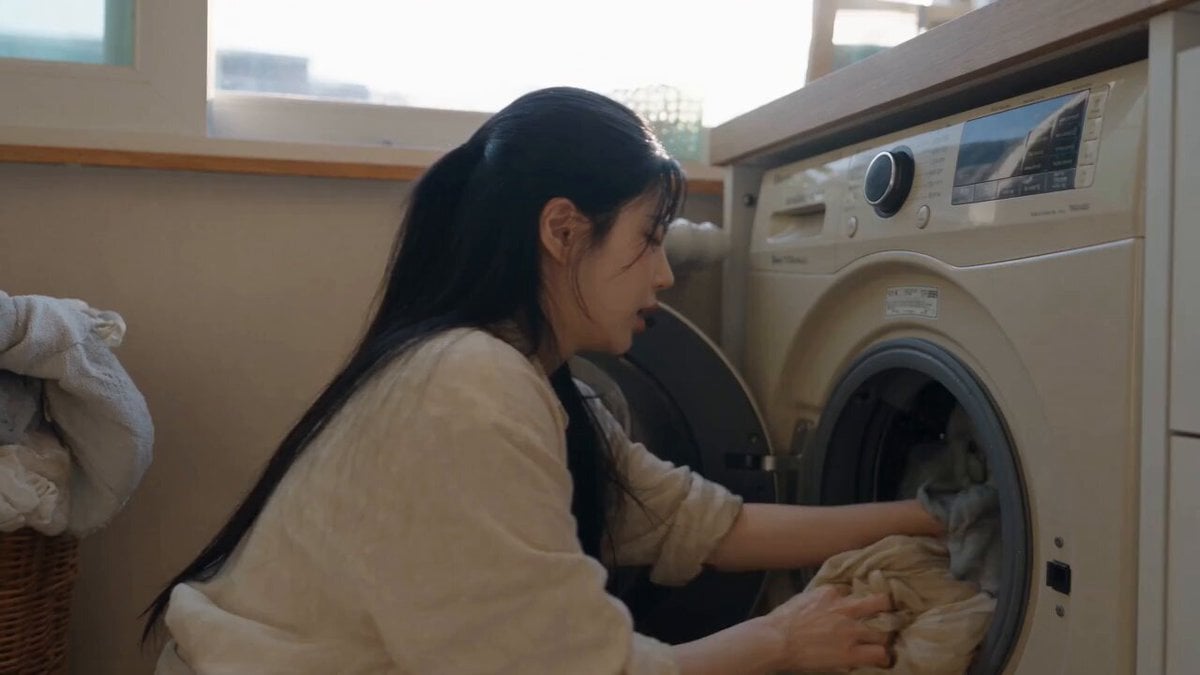
Sunny Morning Laundry Vlog
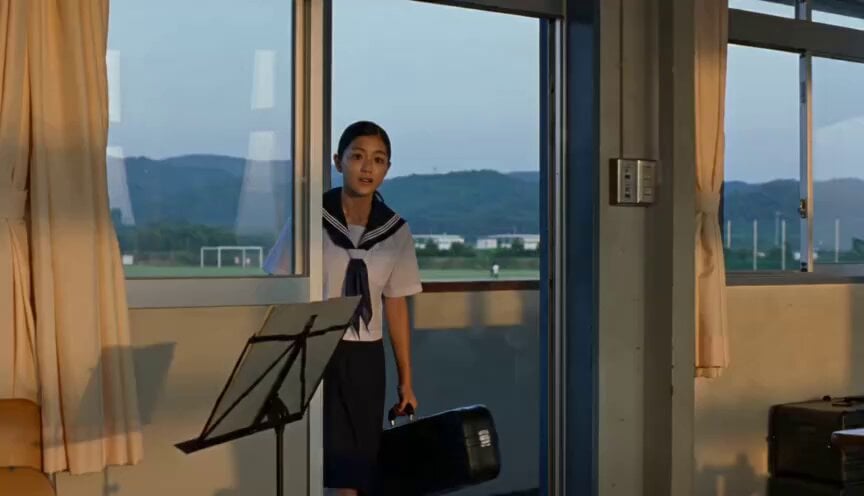
Japanese Schoolgirl Brass Band Vlog
Make it yours
School Library Vlog Cinematic works as-is. These are the safest ways to change it without losing the look.
Change one field
Copy a single group, rewrite it, and generate again so you can see what that field is doing.
Keep the frame, change the subject
Hold the composition and light of School Library Vlog Cinematic, then swap wardrobe, props or the person for a new take.
| If the result… | Why | Fix |
|---|---|---|
| The result drifts from the preview | Too many fields changed at once. | Reuse School Library Vlog Cinematic as-is first, then change one group — subject, light, or setting. |
| The model over-stylizes the scene | The prose prompt leaves finish and camera underspecified. | Add one camera or lighting sentence and stay on Seedance 2.0. |
More Seedance 2.0 templates
Other prompts made for Seedance 2.0.

Comical Martial Arts Punch Scene

Maglev Train Action Sequence

Martial Arts Fight Sequence

Wuxia Protection and Trust Script

Vintage Korean Arcade MiniDV Vlog

Mercedes 190 SL Luxury Ad

Rainy Night Supernatural Reverse Comedy Video Script

Amazon Civilization Discovery

Futuristic South Asian City Transformation

Cozy Luxury Cafe Commercial
More video prompts
Fresh picks from across the catalog.
Dark Cinematic Mountain Valley
Korean Residential Neighborhood Atmosphere
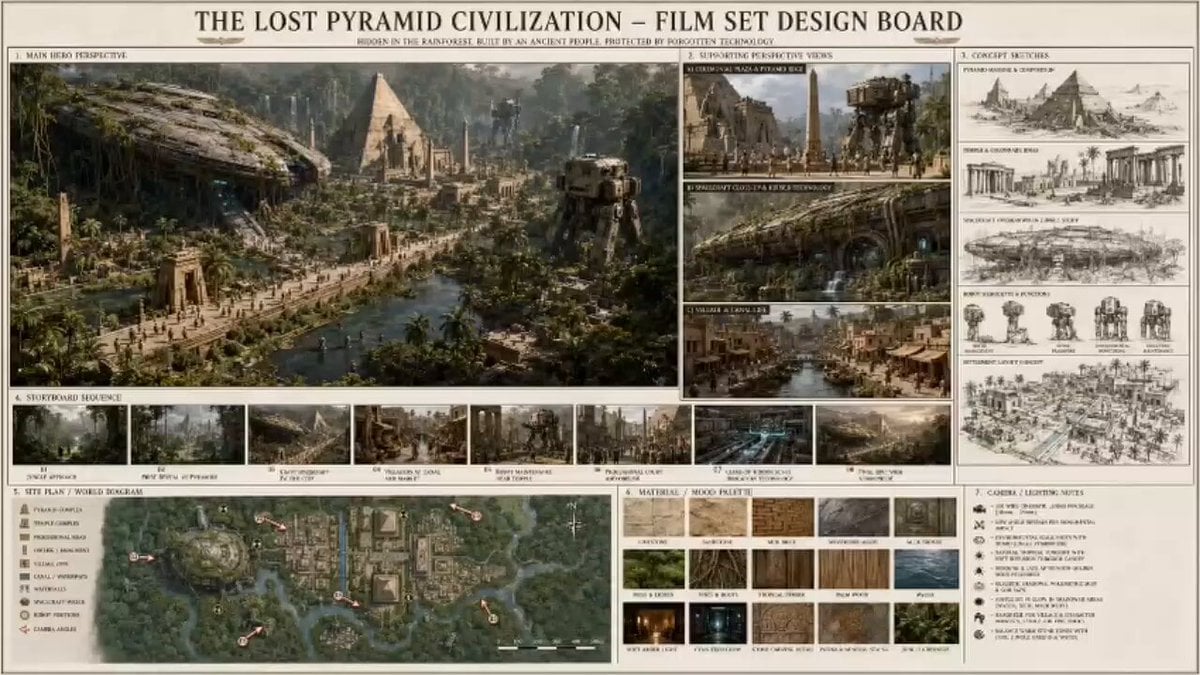
Sci-Fi Lost Pyramid Civilization
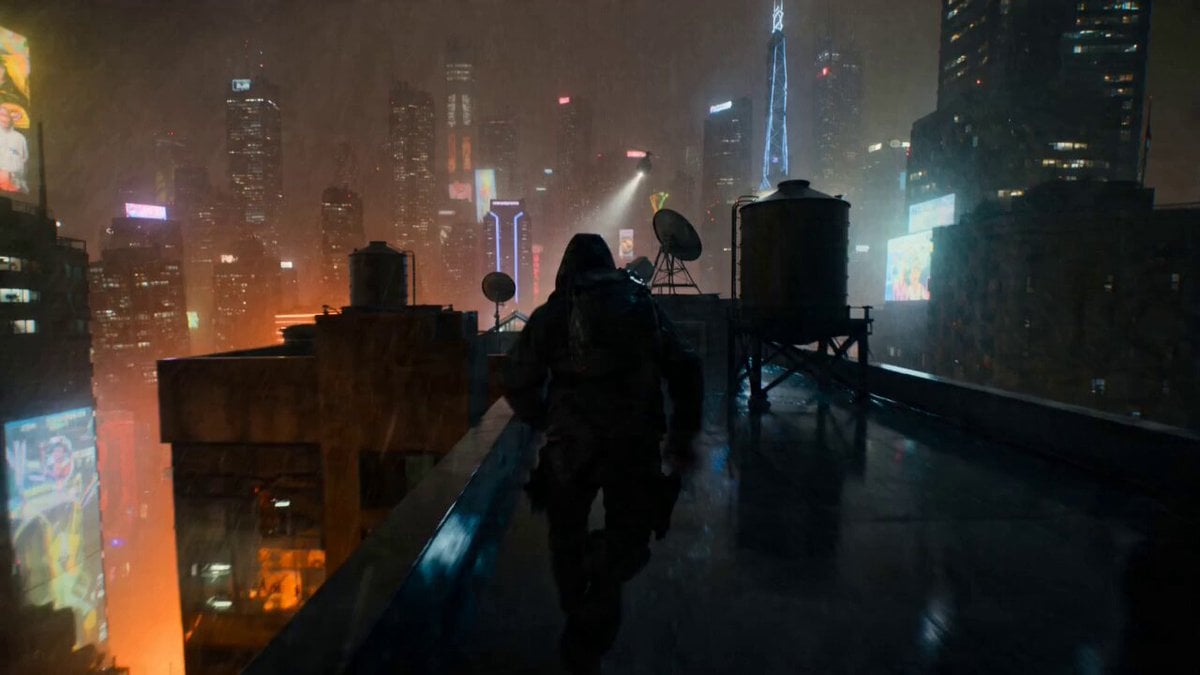
POV Rooftop Chase Prompt
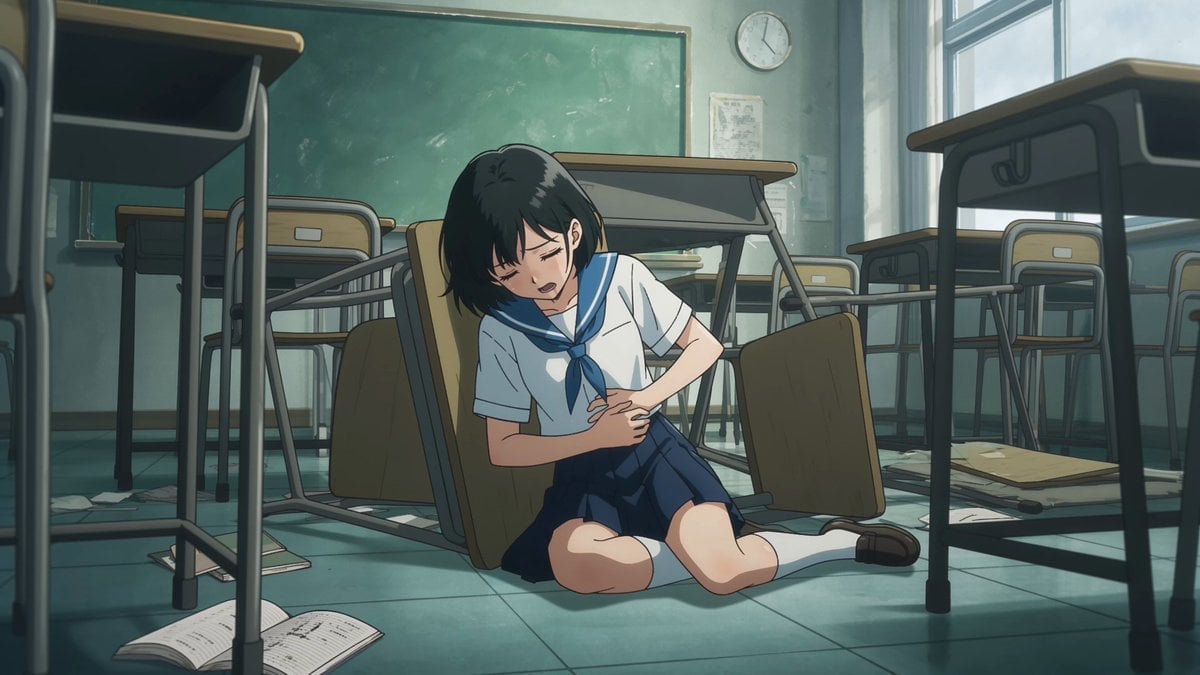
Anime Monster Classroom Battle
Petrol Pump Worker Storyboard

Pirate Warrior Combat Sequence
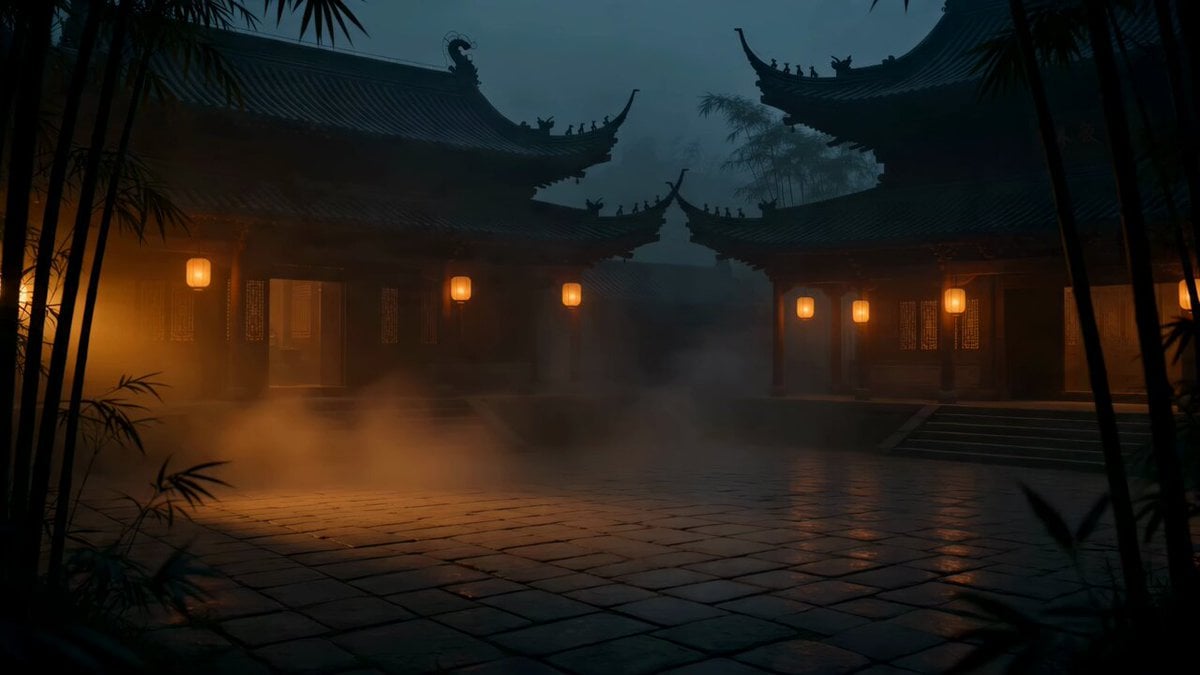
Cat vs Kung Fu Master Duel
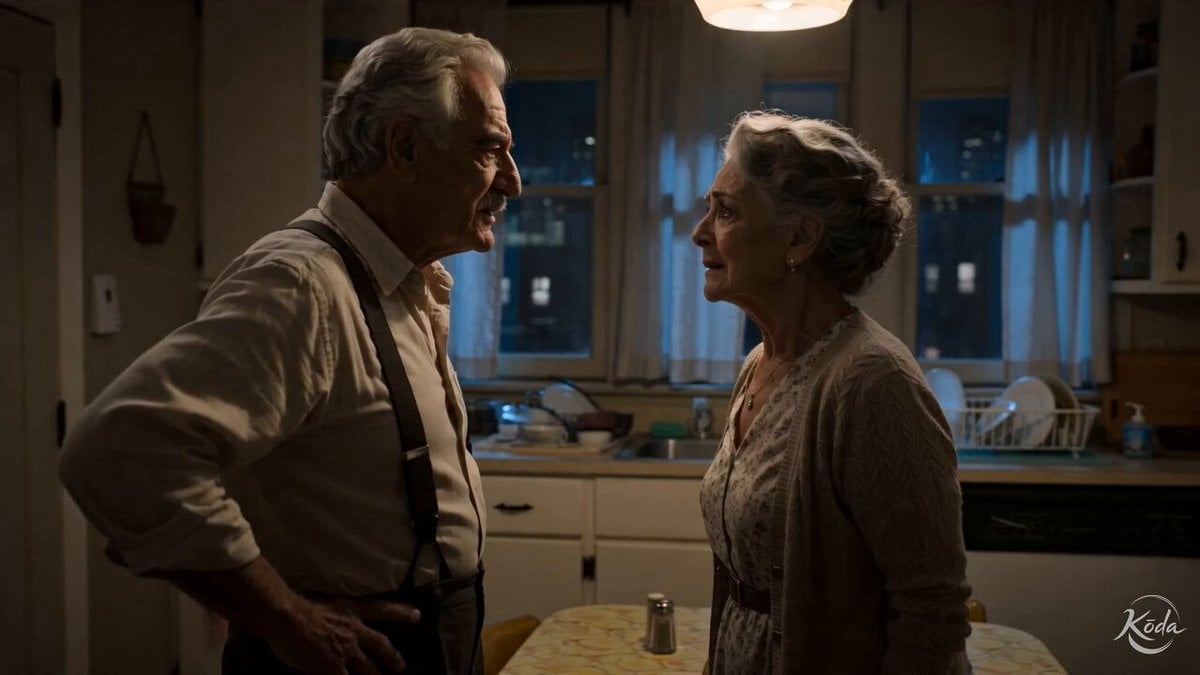
Cinematic Emotional Kitchen Confrontation
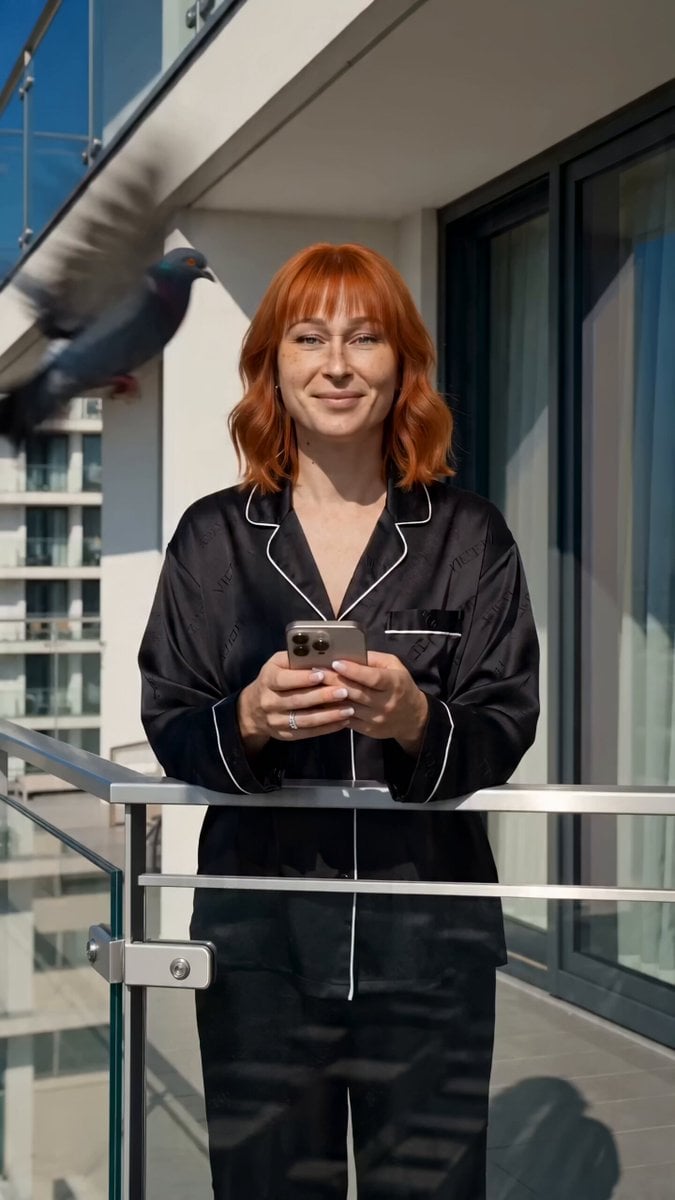
iPhone Free-Fall Multi-Dimensional Chase Video Prompt
Browse template categories
School Library Vlog Cinematic questions
How do I use the School Library Vlog Cinematic template?
Add your photo if the template asks for one, edit the prompt if you like — the template's model and format are already selected — and press Generate. Your version opens in PicX Studio.
Can I customize the School Library Vlog Cinematic template?
Yes. You can change the subject, setting, lighting, mood, format, and available model controls before creating your video.
Is the School Library Vlog Cinematic template free?
Opening and editing this template is free. Generating uses credits, shown on the Generate button when you are signed in.
Which AI model should I use?
Start with Seedance 2.0, which is the model associated with this template. You can compare another compatible model for a different finish.
Looking for something else? Browse all templates.

Your photo, any look
Thousands of ready templates for every top image and video model, from one credit balance.