
Petrol Pump Worker Storyboard
A comprehensive 8-panel cinematic storyboard prompt for Seedance describing a stylish young woman working at a modern gas station.
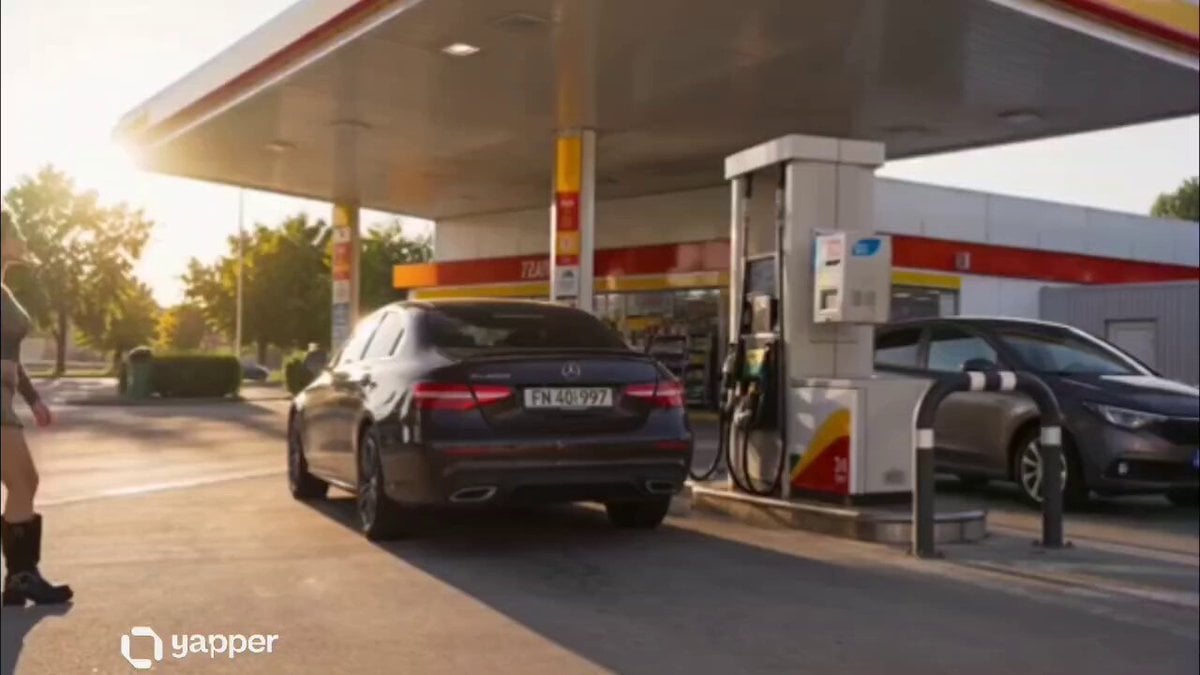
- Prompt included
- Model and format preset
- Free template
The prompt behind this video
Copy the exact prompt behind Petrol Pump Worker Storyboard, or open it in the studio and make it yours.
“8 panel cinematic storyboard sequence of a stylish young woman working at a modern petrol pump during a sunny morning shift, wearing a fitted white shirt, pleated skirt, reflective safety vest, sneakers, and wireless headphones, realistic fuel station environment, cinematic realism, urban roadside atmosphere, lifestyle campaign aesthetic, warm golden sunlight, ultra detailed commercial photography style. Panel 1: Wide exterior shot of a modern gas station at sunrise, the girl arriving confidently for work, cars lined up at pumps, soft golden morning light reflecting on fuel station signs. Panel 2: Close-up of her unlocking the fuel pump station and preparing equipment, natural sunlight on her face, cinematic shallow depth of field. Panel 3: Helping a customer refuel their car, holding the fuel nozzle professionally, realistic interaction, luxury automotive commercial look. Panel 4: Side-angle shot walking between fuel pumps checking meters and displays, sunlight reflections on cars, busy roadside atmosphere. Panel 5: Close-up portrait while adjusting headphones and smiling slightly, wind moving her hair naturally, cinematic beauty-commercial aesthetic. Panel 6: Cleaning the windshield of a customer’s car while chatting casually, cozy lifestyle moment, realistic urban service station environment. Panel 7: Preparing receipts and operating the payment counter inside the mini station shop, coffee cup beside register, candid entrepreneurial vibe. Panel 8: Final wide cinematic shot of her standing beside the petrol pumps during golden hour, cars driving past on the highway, confident and independent energy, ultra realistic 35mm photography, cinematic composition, premium lifestyle campaign aesthetic.”
How to use Petrol Pump Worker Storyboard in 3 steps
- 1
Open
The prompt is already in the box next to the preview, with the template's model and format selected.
- 2…a portrait of your subject in softgolden-hour light, 85mm…
Personalize
Edit the subject and creative details for your destination.
- 3Generate
Generate
Press Generate — your video is created in PicX Studio, so you can compare it with the original and refine one variable at a time.
More like this
Templates with the same subject, style or setup. Open one to see its prompt.

3x3 Grid Storyboard Racing — Kling 3.0 O3 Pro

Dragon Rider Cinematic Flight — Seedance 2.5

Gpt2 Gpt2 Seedance Storyboard to Video
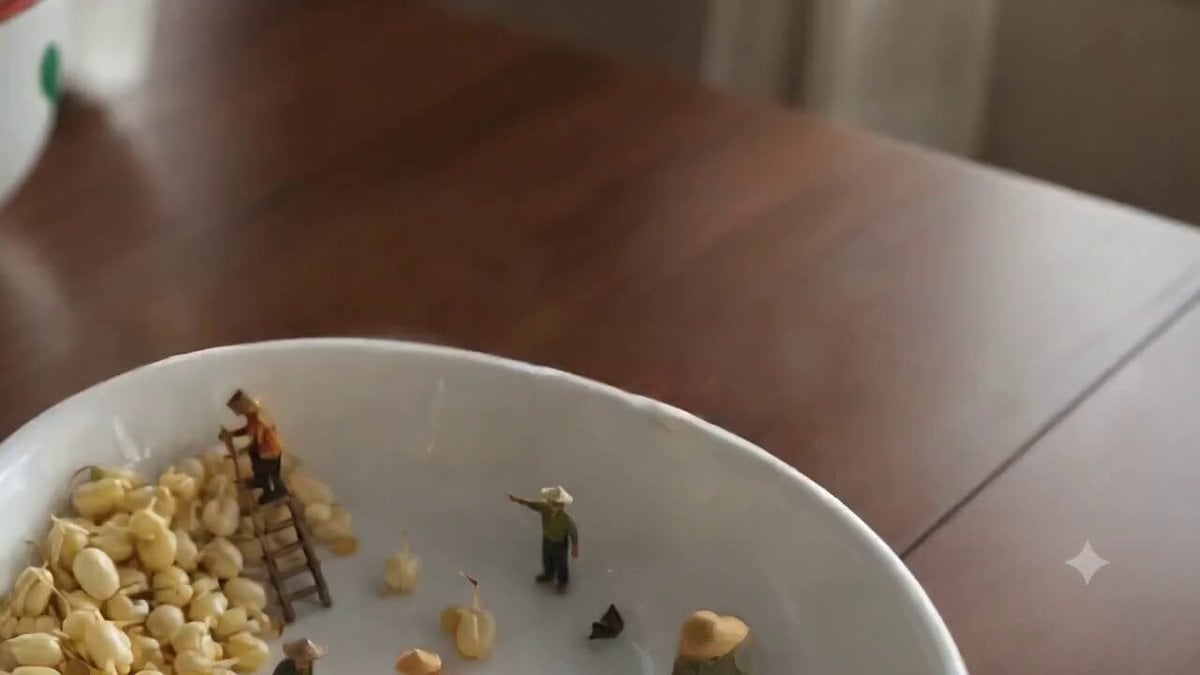
Ghibli-Style Tiny Workers
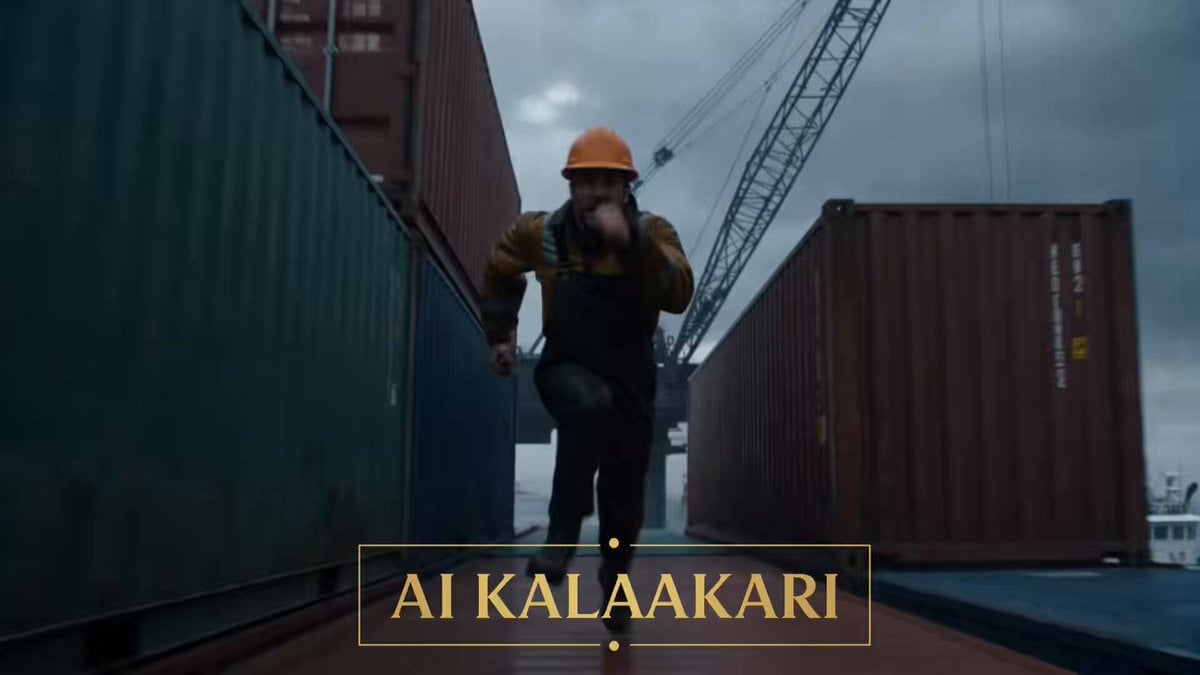
Giant Octopus vs Dock Worker Harbor Chase

Cinematic POV of stressed Ghanaian healthcare worker prompt
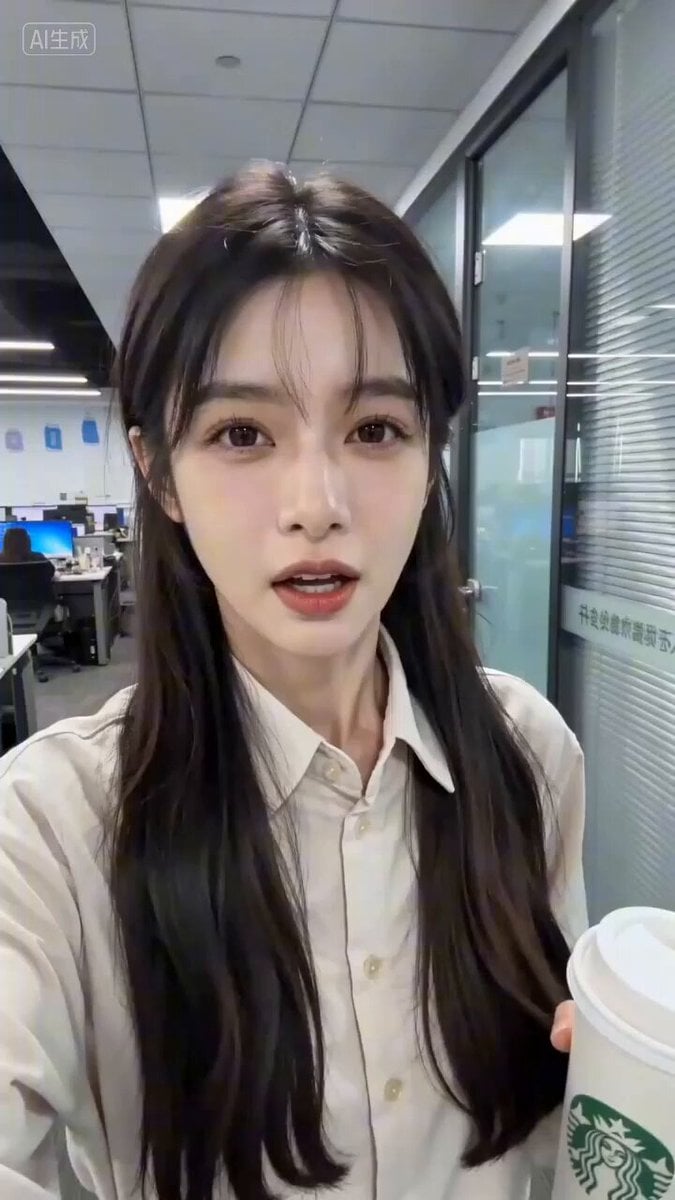
Seedance 2.0 Prompt for 'Office Worker Complaining about OpenClaw' Video
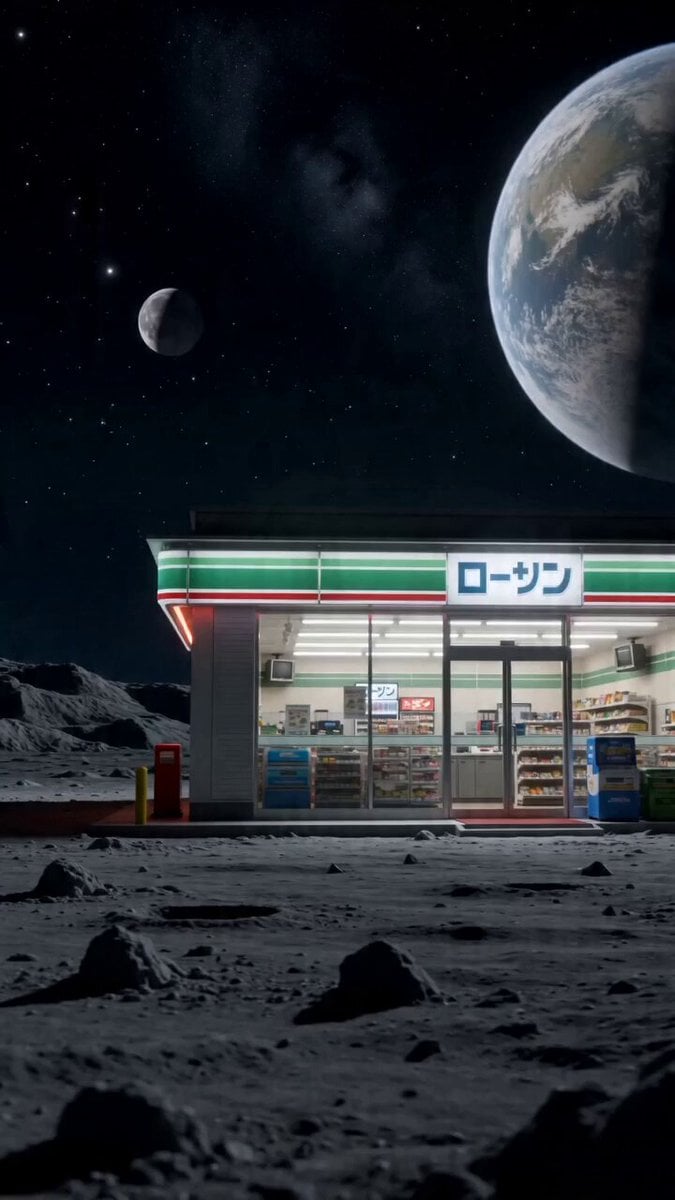
Surreal live-action video of convenience store worker on the moon
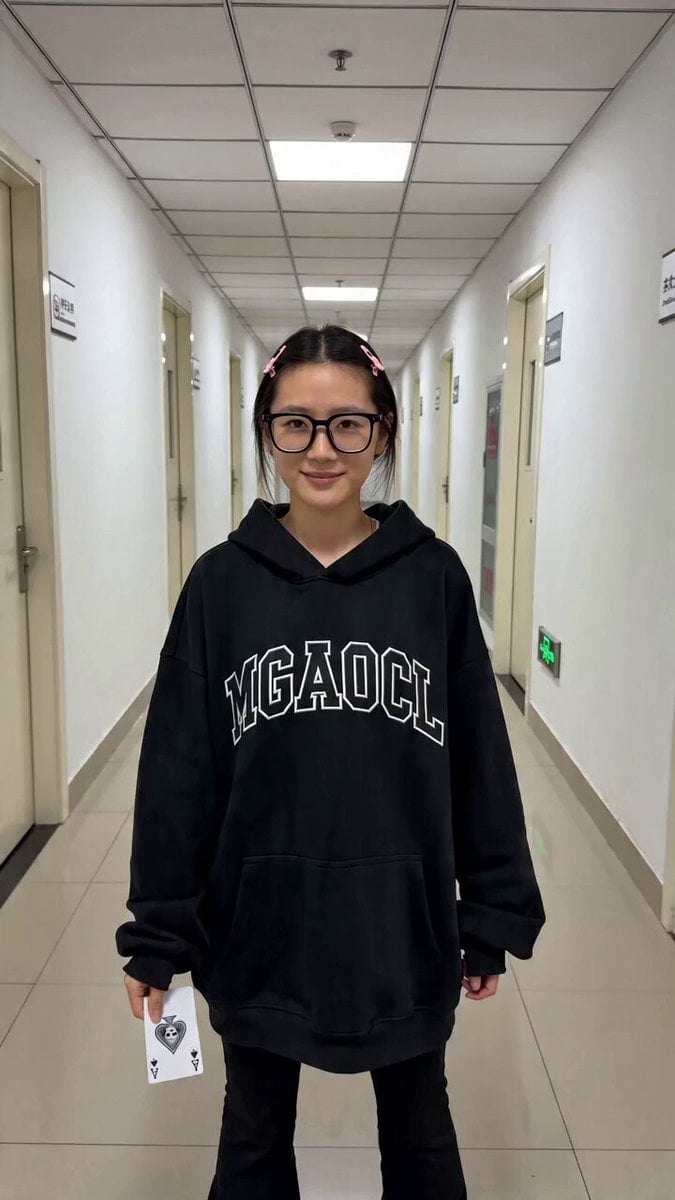
Contrast Transformation Video Prompt: Office Worker to Gothic Queen

Pigeon Nemesis Pixar Animation Storyboard
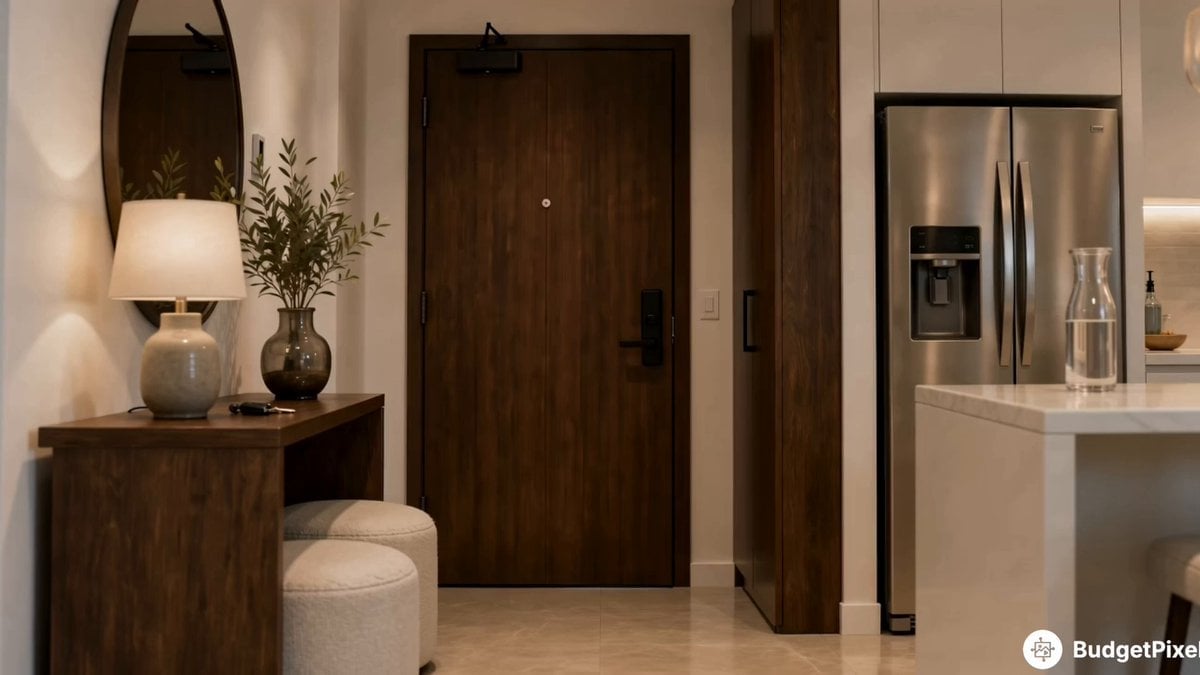
Apartment Arrival Storyboard Animation
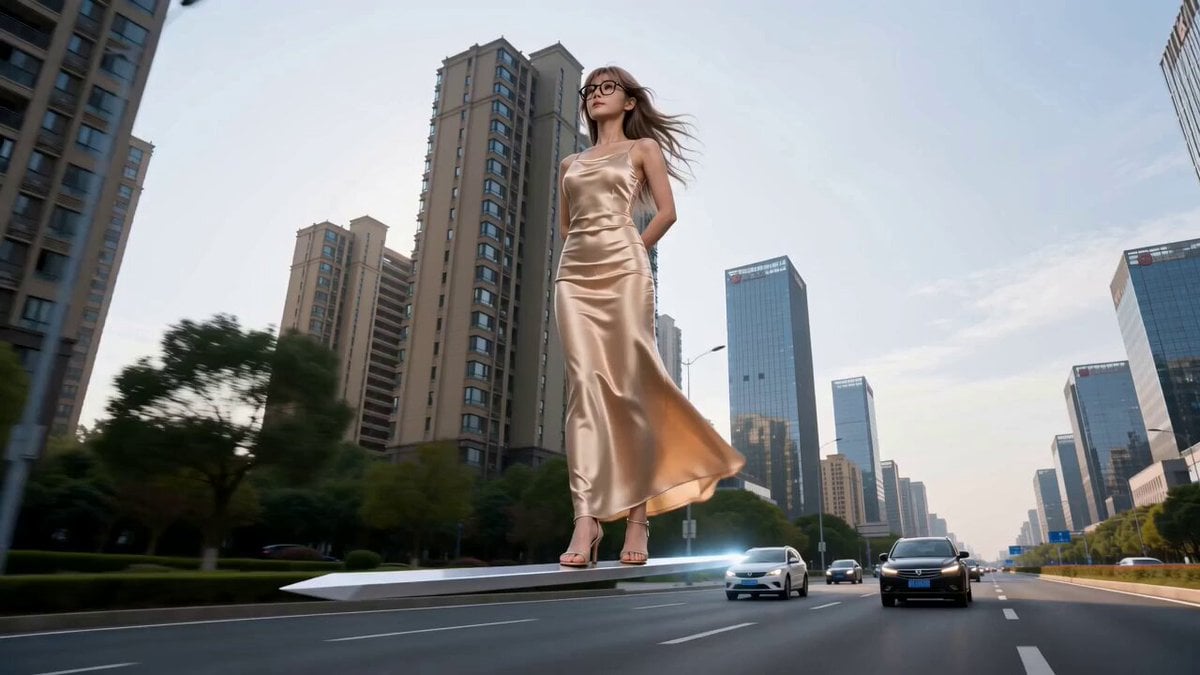
Modern Urban Fantasy Comedy Storyboard
Make it yours
Petrol Pump Worker Storyboard works as-is. These are the safest ways to change it without losing the look.
Change one field
Copy a single group, rewrite it, and generate again so you can see what that field is doing.
Keep the frame, change the subject
Hold the composition and light of Petrol Pump Worker Storyboard, then swap wardrobe, props or the person for a new take.
| If the result… | Why | Fix |
|---|---|---|
| The result drifts from the preview | Too many fields changed at once. | Reuse Petrol Pump Worker Storyboard as-is first, then change one group — subject, light, or setting. |
| The model over-stylizes the scene | The prose prompt leaves finish and camera underspecified. | Add one camera or lighting sentence and stay on Seedance 2.0. |
More Seedance 2.0 templates
Other prompts made for Seedance 2.0.

Comical Martial Arts Punch Scene

Maglev Train Action Sequence

Martial Arts Fight Sequence

Wuxia Protection and Trust Script

Vintage Korean Arcade MiniDV Vlog

Mercedes 190 SL Luxury Ad

Rainy Night Supernatural Reverse Comedy Video Script

Amazon Civilization Discovery

Futuristic South Asian City Transformation

Cozy Luxury Cafe Commercial
More video prompts
Fresh picks from across the catalog.
Abstract time and entropy video prompt
Grok Imagine Prompt: Floating in space with Tesla outfit
Cinematic Solarpunk Biophilic Megacity at Golden Hour

Emotional Father and Son Reunion
Cyberpunk Trailer from Image Reference

Parallel Self Encounter
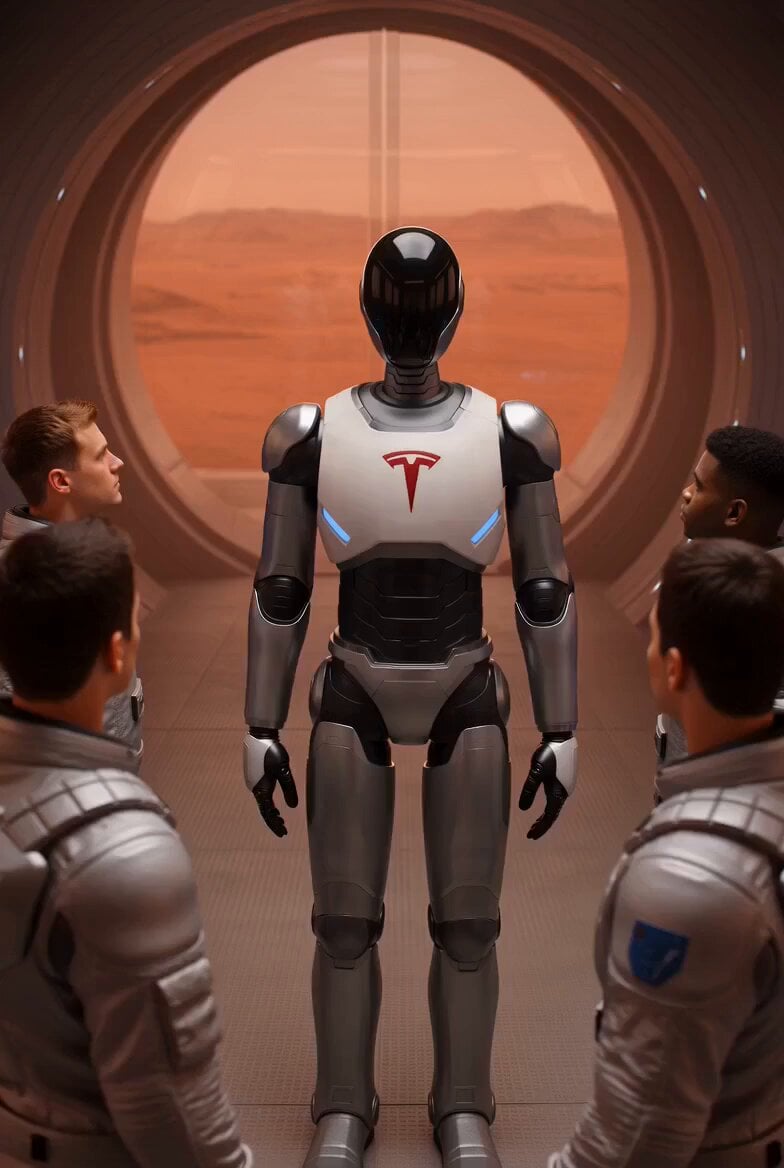
Tesla Optimus Robots Guiding Group

Consistency and Eye Color Modification

Angel Flight Sequence Prompt
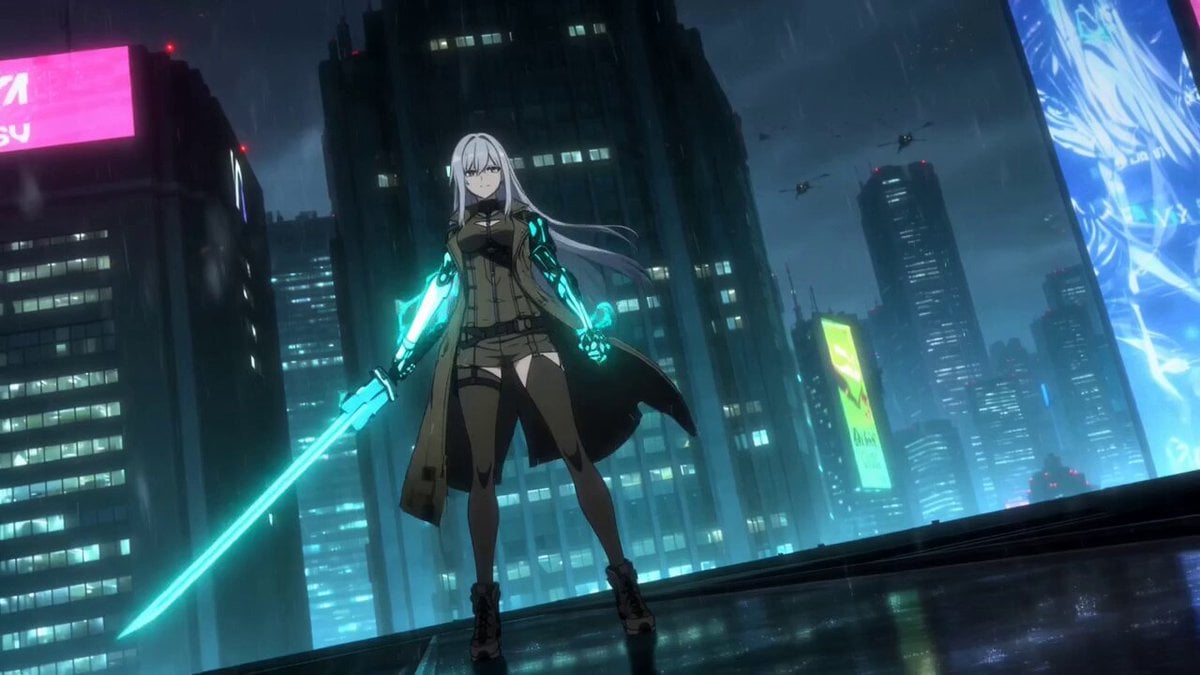
Cybernetic Samurai Anime Action
Browse template categories
Petrol Pump Worker Storyboard questions
How do I use the Petrol Pump Worker Storyboard template?
Add your photo if the template asks for one, edit the prompt if you like — the template's model and format are already selected — and press Generate. Your version opens in PicX Studio.
Can I customize the Petrol Pump Worker Storyboard template?
Yes. You can change the subject, setting, lighting, mood, format, and available model controls before creating your video.
Is the Petrol Pump Worker Storyboard template free?
Opening and editing this template is free. Generating uses credits, shown on the Generate button when you are signed in.
Which AI model should I use?
Start with Seedance 2.0, which is the model associated with this template. You can compare another compatible model for a different finish.
Looking for something else? Browse all templates.

Your photo, any look
Thousands of ready templates for every top image and video model, from one credit balance.