
Giant Octopus vs Dock Worker Harbor Chase
A high-budget disaster movie sequence featuring a dock worker being hunted by a giant octopus in a stormy harbor, concluding with a container trap.
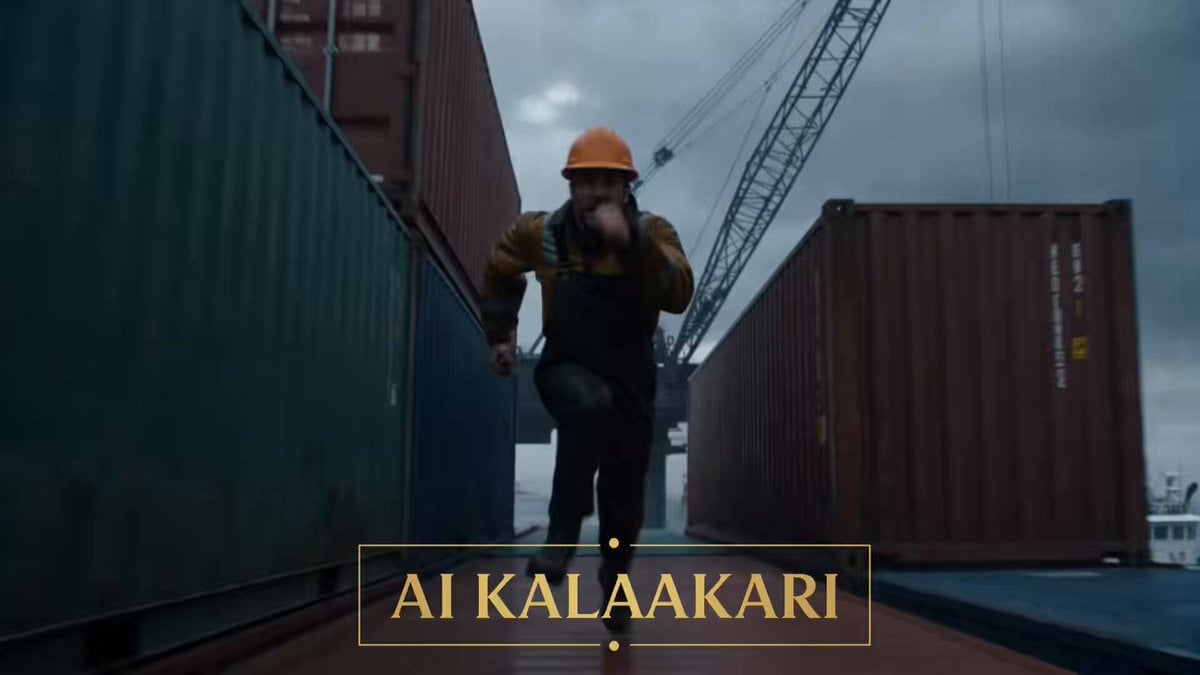
- Prompt included
- Model and format preset
- Premium template
The prompt behind this video
Copy the exact prompt behind Giant Octopus vs Dock Worker Harbor Chase, or open it in the studio and make it yours.
Subject: A dock worker in rain-soaked work clothes, sprinting for his life through a storm-ravaged fishing harbor while being hunted by a gigantic octopus. Action/Emotion: Panic, survival, desperation, quick thinking under pressure. Environment: Massive commercial fishing harbor during a violent storm. Towering shipping containers, cargo cranes, fishing trawlers, crashing waves, flying debris, rain-lashed docks. Camera: Handheld chase camera, low-angle tracking shots, aerial drone fly-throughs, whip pans, speed ramps during sprints, bullet-time during the payoff. Lighting & Mood: Dark stormy daylight, flashing harbor warning lights, heavy rain, ocean spray, blockbuster creature-feature chaos. Technical: Ultra-realistic, 4K HDR, 35mm anamorphic lens, cinematic motion blur, practical creature realism, high-budget disaster movie energy. SHOT 1 — 0–3s (THE HOOK) The sequence begins mid-action. A giant octopus is already climbing through the harbor. Its massive tentacles wrap around cargo containers and rip them from their stacks. Metal screams. Containers crash into the docks below. A dock worker sprints across the tops of stacked shipping containers. The camera races backward in front of him. Behind him— A gigantic tentacle smashes down, crushing the container he was standing on seconds earlier. SHOT 2 — 3–6s The worker leaps across a gap between container stacks. Barely making it. The octopus follows. Tentacles sweep across the harbor. One wraps around a crane tower. Another tears apart a fishing boat below. The camera flies through the chaos as waves crash against the docks. The worker keeps running. SHOT 3 — 6–9s He reaches the final container in the stack. Dead end. Nothing ahead but open air and stormy ocean. He turns. The octopus rises higher. Its enormous body emerging from the harbor. Tentacles spreading outward. Blocking every escape route. Then— The worker notices a massive shipping container suspended from a crane directly above the creature. SHOT 4 — 9–12s The octopus advances. Tentacles reaching. Closer. Closer. The worker pulls a crane remote from his belt. Rain pouring down. He waits until the last possible second. Then slams the release button. SHOT 5 — 12–15s (BULLET-TIME PAYOFF) Bullet time. The suspended shipping container drops. Rain droplets hang frozen in the air. Steel cables whip loose. The octopus looks up. Too late. The container crashes directly onto its head. The impact drives the entire creature backward. Tentacles flailing. Water exploding upward. Time snaps back. A colossal splash engulfs the harbor. The worker drops to his knees on the container stack. The giant octopus disappears beneath the stormy water. Cut.
How to use Giant Octopus vs Dock Worker Harbor Chase in 3 steps
- 1
Open
The prompt is already in the box next to the preview, with the template's model and format selected.
- 2…a portrait of your subject in softgolden-hour light, 85mm…
Personalize
Edit the subject and creative details for your destination.
- 3Generate
Generate
Press Generate — your video is created in PicX Studio, so you can compare it with the original and refine one variable at a time.
More like this
Templates with the same subject, style or setup. Open one to see its prompt.
Giant Octopus Kaiju Rampage

Cartoon Donut Heist Bakery Chase

Walking Factory with Rebel on Hoverbike - Wasteland
High-Speed Boat Chase in Hong Kong Harbor
Amazon FPV Drone Chase — Seedance 2.0
Dim Sum Chase — Shrimp Dumpling Monster
Tiny Figure Climbing a Giant — Low Angle Seedance
Speeder Chase Across a Cliff City
French Comic Octopus Detective Mystery
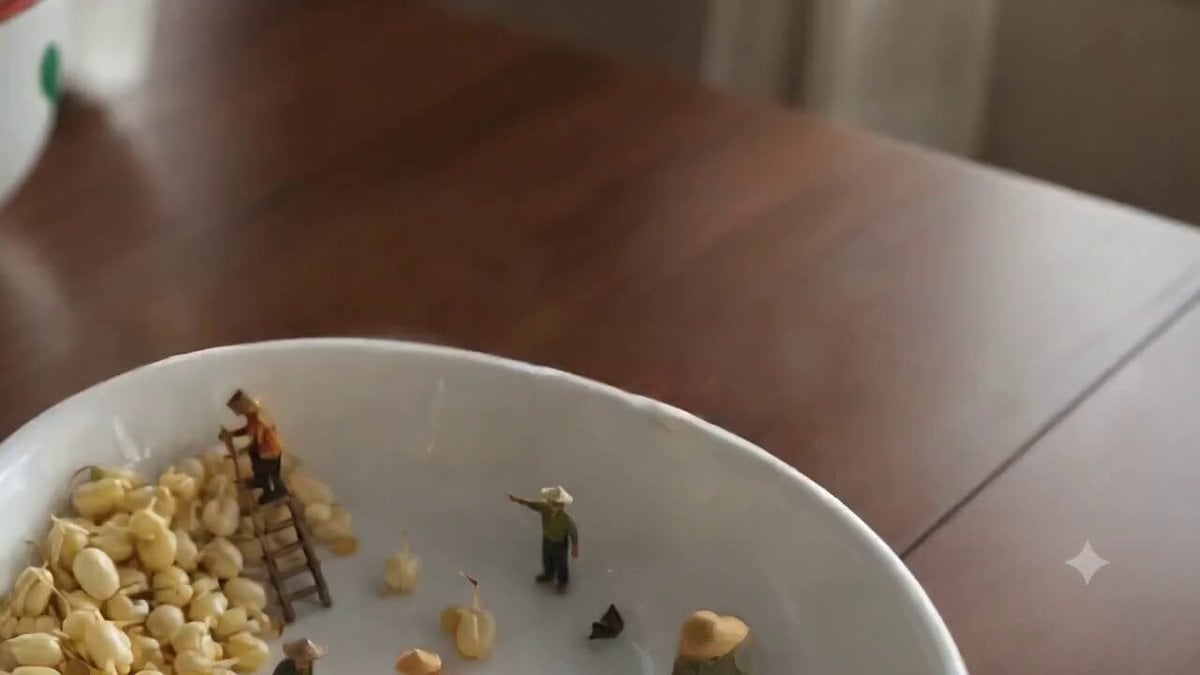
Ghibli-Style Tiny Workers
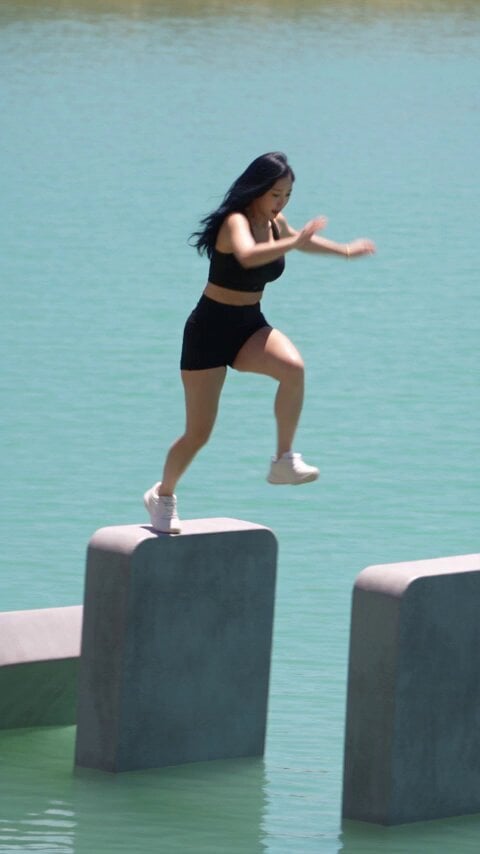
Giant Domino Water Parkour Challenge
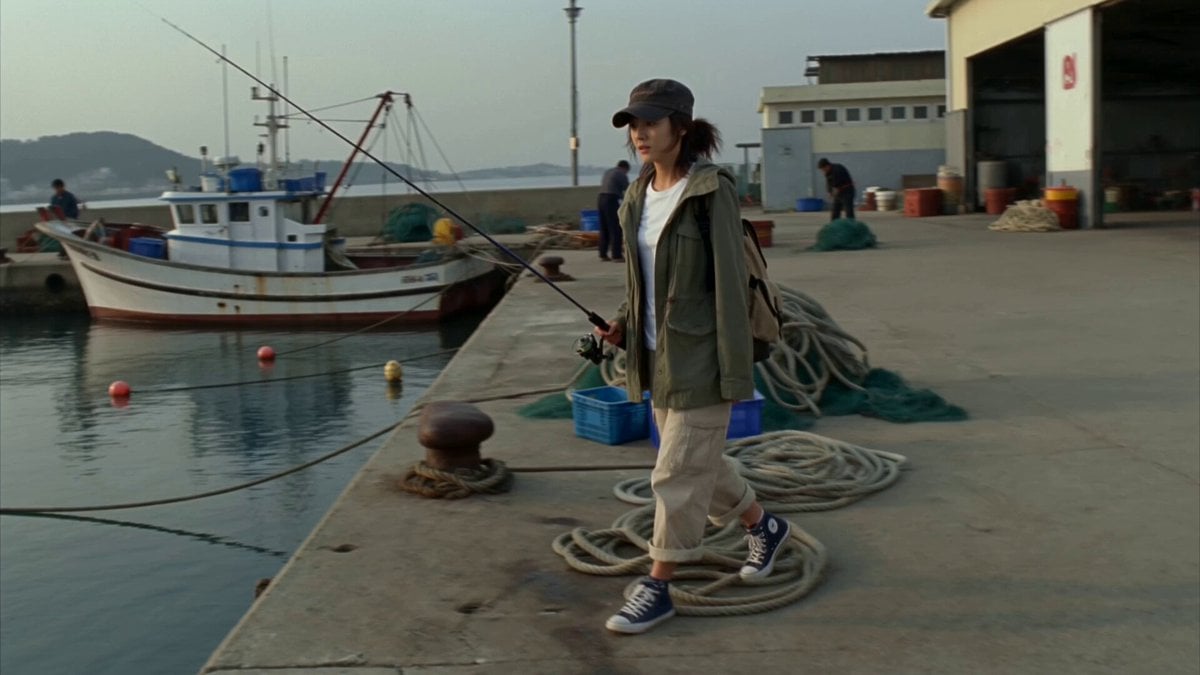
Retro MiniDV Busan Fishing Harbor Documentary
Make it yours
Giant Octopus vs Dock Worker Harbor Chase works as-is. These are the safest ways to change it without losing the look.
Change one field
Copy a single group, rewrite it, and generate again so you can see what that field is doing.
Keep the frame, change the subject
Hold the composition and light of Giant Octopus vs Dock Worker Harbor Chase, then swap wardrobe, props or the person for a new take.
| If the result… | Why | Fix |
|---|---|---|
| The result drifts from the preview | Too many fields changed at once. | Reuse Giant Octopus vs Dock Worker Harbor Chase as-is first, then change one group — subject, light, or setting. |
| The model over-stylizes the scene | The prose prompt leaves finish and camera underspecified. | Add one camera or lighting sentence and stay on Seedance 2.0. |
More Seedance 2.0 templates
Other prompts made for Seedance 2.0.

Comical Martial Arts Punch Scene

Maglev Train Action Sequence

Martial Arts Fight Sequence

Wuxia Protection and Trust Script

Vintage Korean Arcade MiniDV Vlog

Mercedes 190 SL Luxury Ad

Rainy Night Supernatural Reverse Comedy Video Script

Amazon Civilization Discovery

Futuristic South Asian City Transformation

Cozy Luxury Cafe Commercial
More video prompts
Fresh picks from across the catalog.
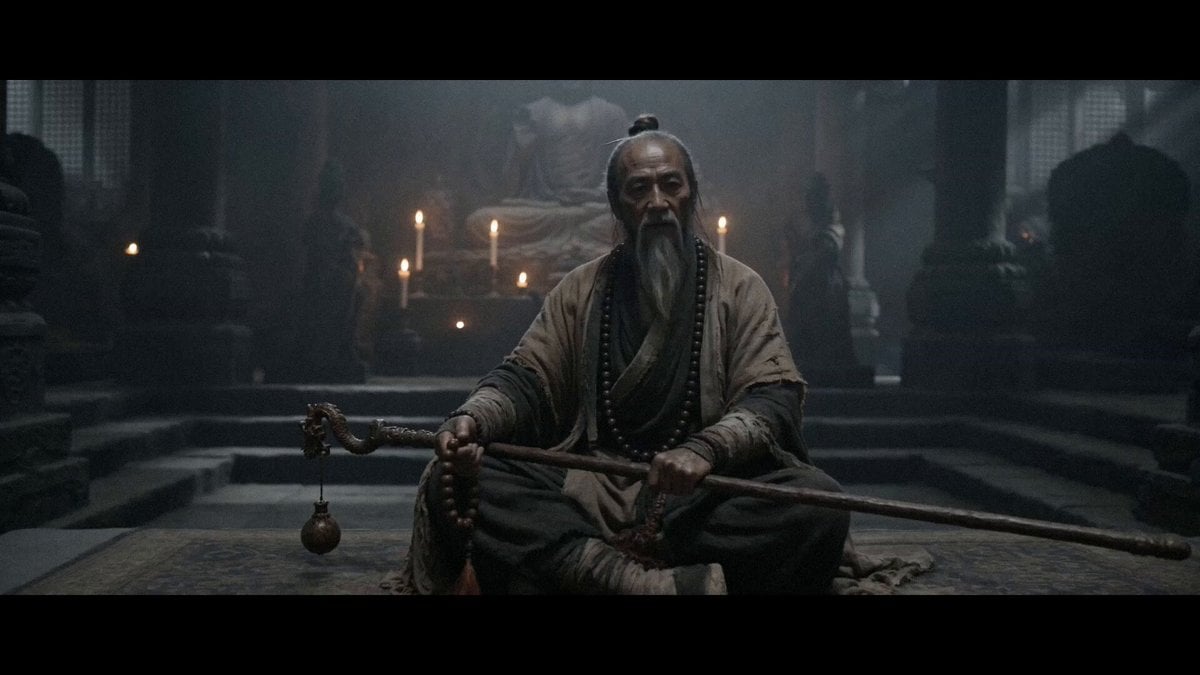
Heroic Revenge Cinematic Narrative
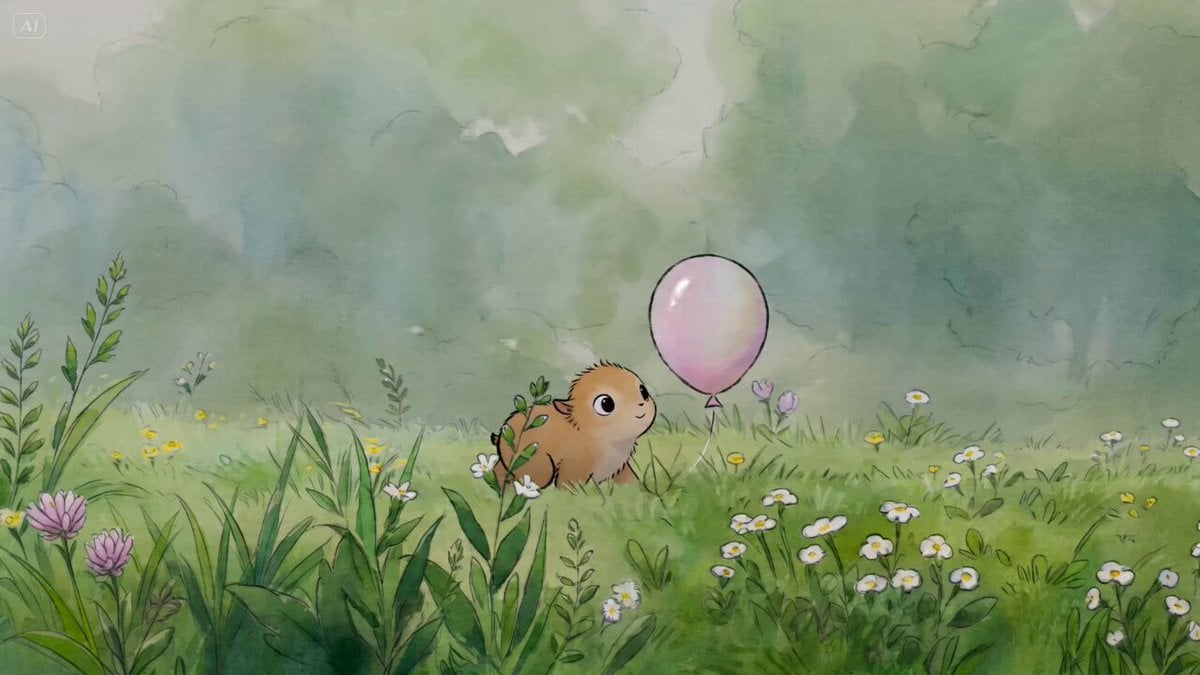
Watercolor Cartoon Single-Shot Video Prompt

Video prompt for joyful and natural movement of clouds and sunlight around a cross
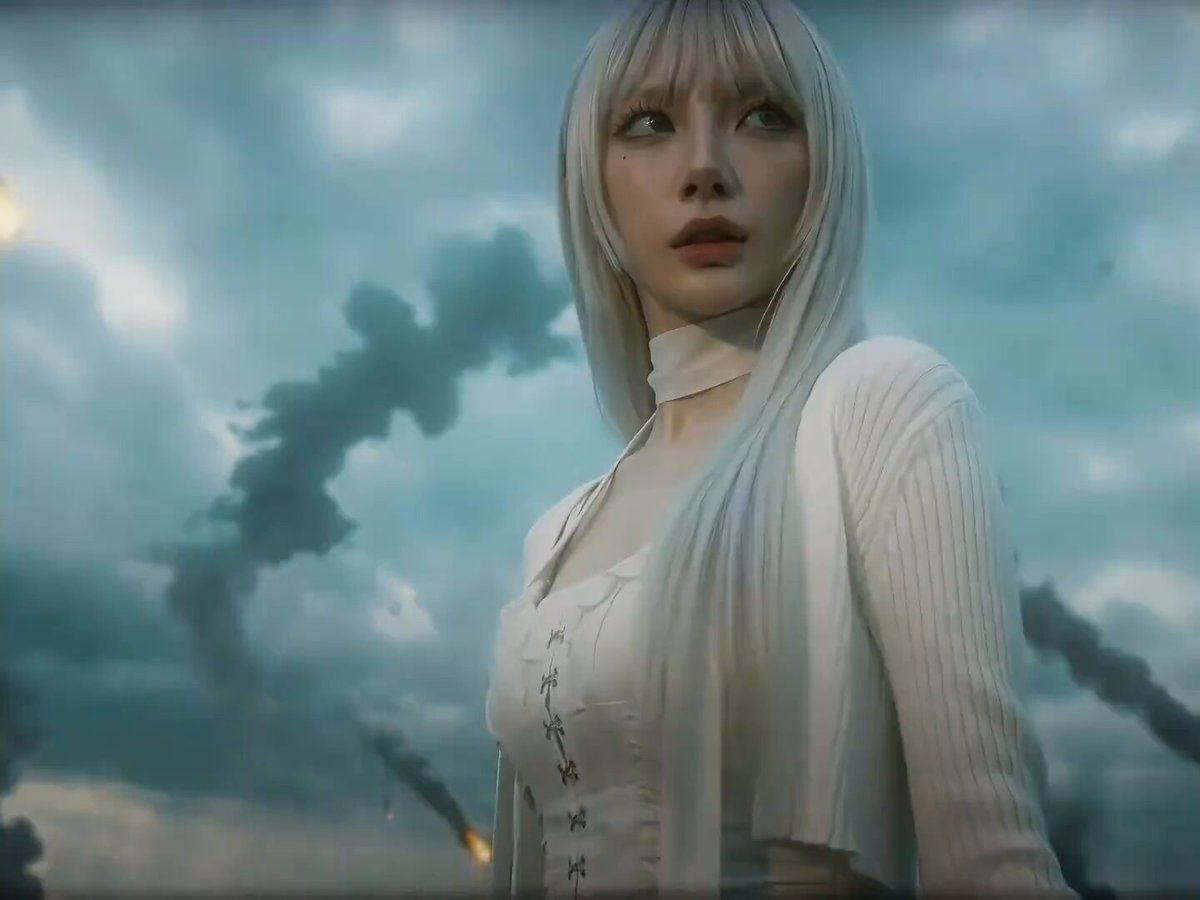
Seedance 2.0 Prompt for Dark Sci-Fi Transformation Video
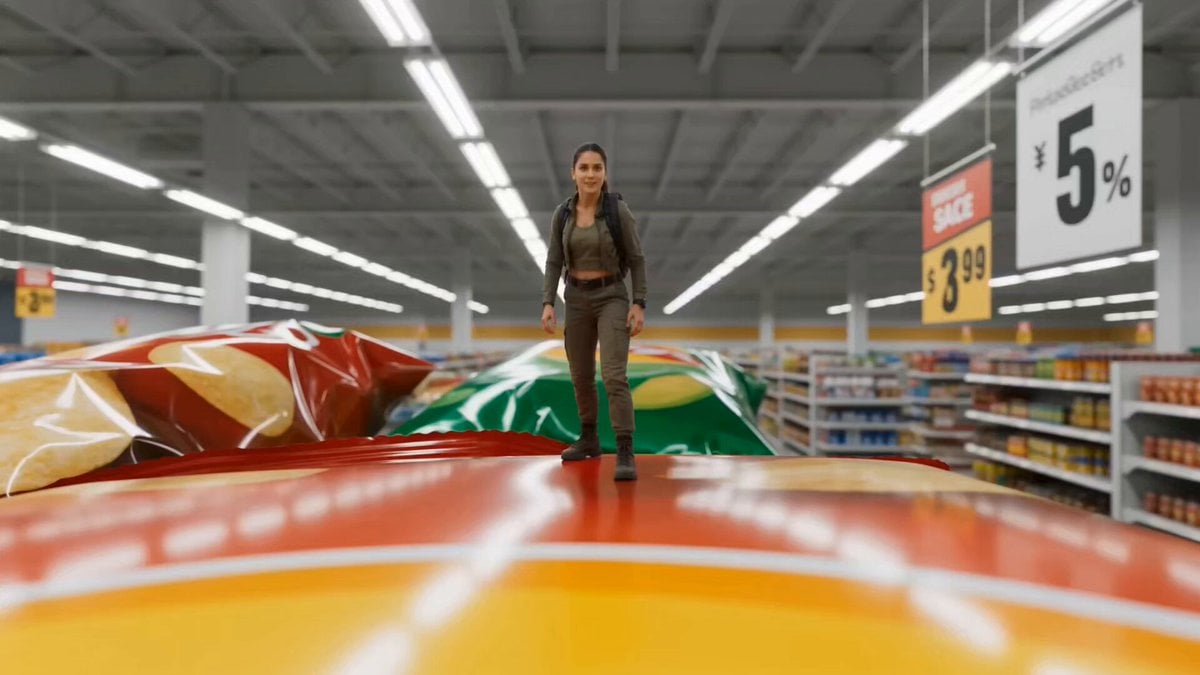
Miniature Tiny Person Parkour
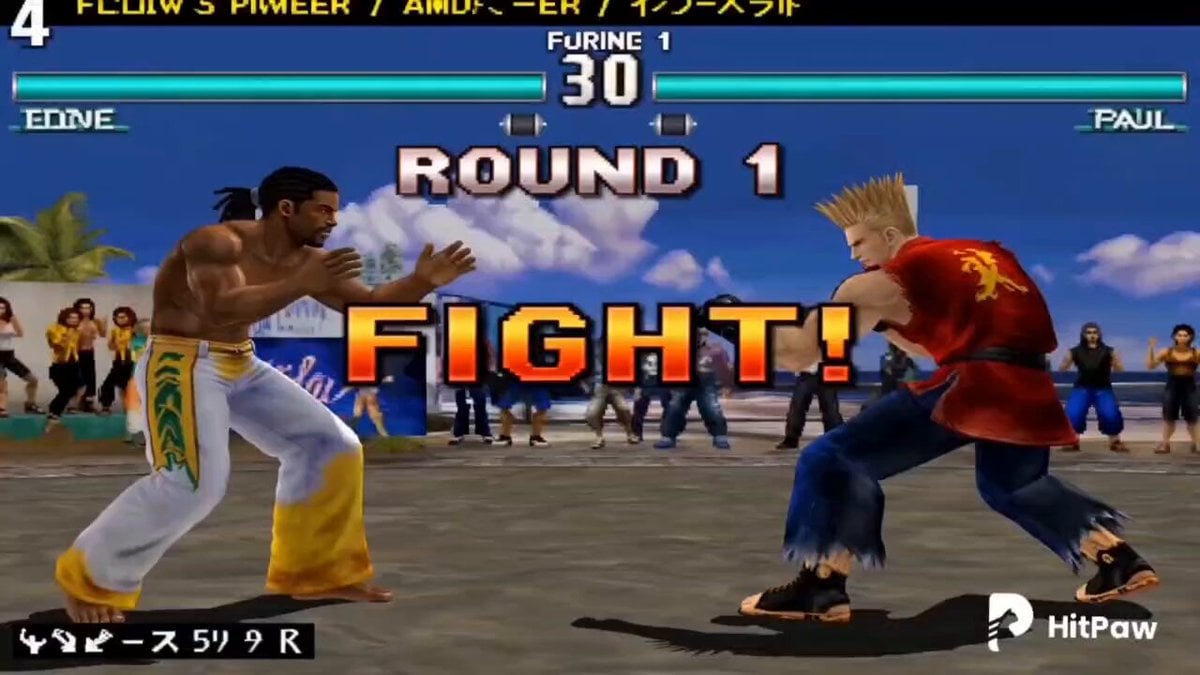
Tekken 3 Retro to Real Transformation
Anime Hachiko on Mars Video Prompt

Director-Level Camera Movement Prompt
Video prompt for removing and repositioning tattoos using a video reference tool
Fox Spirit Transformation Video Prompt for Seedance 2.0
Browse template categories
Giant Octopus vs Dock Worker Harbor Chase questions
How do I use the Giant Octopus vs Dock Worker Harbor Chase template?
Add your photo if the template asks for one, edit the prompt if you like — the template's model and format are already selected — and press Generate. Your version opens in PicX Studio.
Can I customize the Giant Octopus vs Dock Worker Harbor Chase template?
Yes. You can change the subject, setting, lighting, mood, format, and available model controls before creating your video.
Is the Giant Octopus vs Dock Worker Harbor Chase template free?
Opening and editing this template is free. Generating uses credits, shown on the Generate button when you are signed in.
Which AI model should I use?
Start with Seedance 2.0, which is the model associated with this template. You can compare another compatible model for a different finish.
Looking for something else? Browse all templates.

Your photo, any look
Thousands of ready templates for every top image and video model, from one credit balance.