How do I use the Green Lunar Megacity and Giant Robot template?
Edit the prompt in the box under the preview — the template's model and format are already selected — and press Generate. Your version appears right on this page.
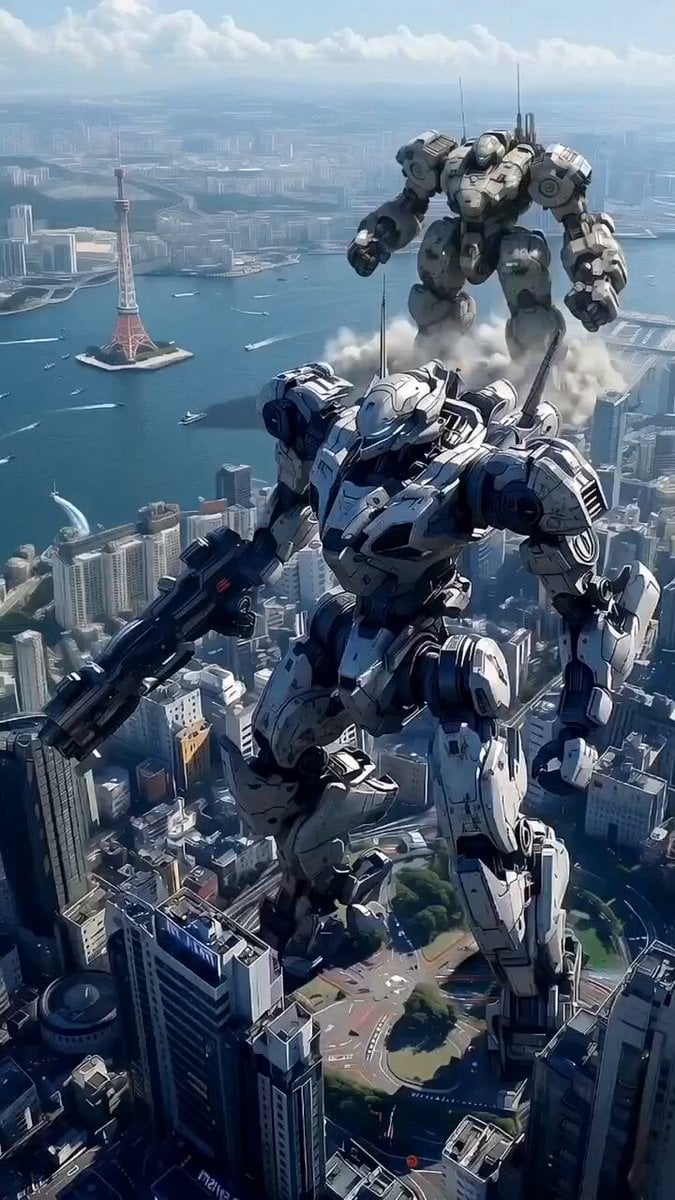
A detailed sci-fi video prompt transforming a lunar megacity into a green tech hub with a massive 1km tall humanoid robot.
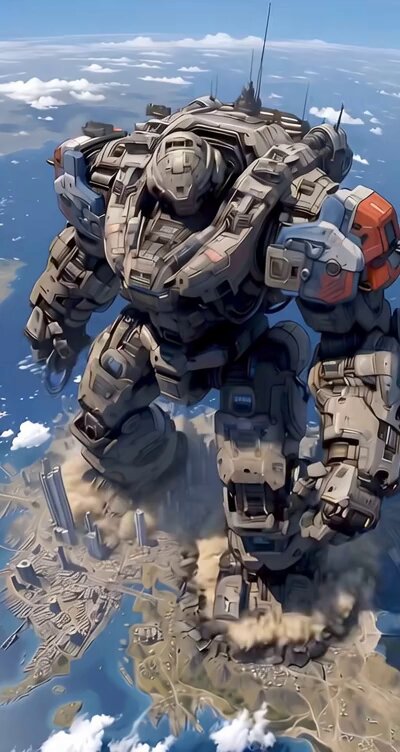
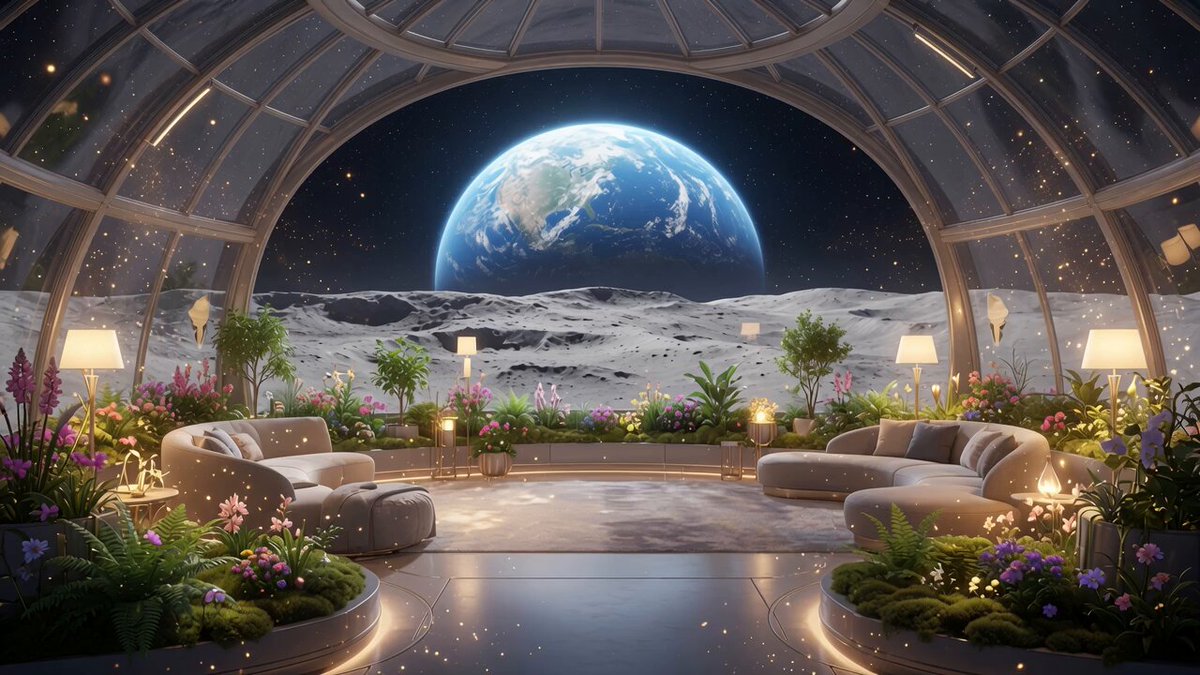
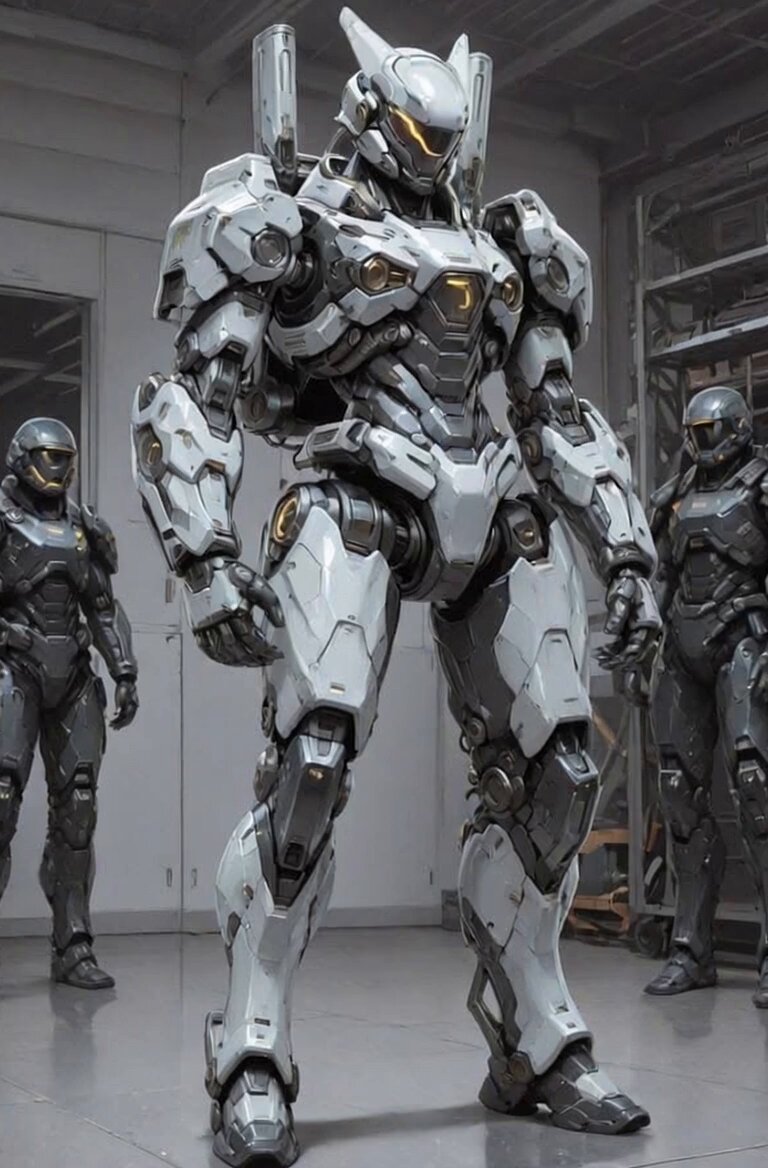
Transform the entire lunar Tesla Cybertruck-shaped megacity into a vibrant full green color scheme with advanced futuristic vibes: dominant glowing emerald green, neon cyan, and lime accents on all structures, metallic surfaces, lights, energy shields, and holographic elements for a high-tech eco-advanced atmosphere. Enhance details with even more intricate quantum tech, pulsing green energy flows, lush vertical farms, and dynamic activity. \n\nNext to the megacity (on the lunar/Mars-like sandy terrain), add a massive 1 km tall and wide humanoid robot in full realistic Mars sand/reddish-orange color with metallic textures, standing prominently in 3D epic viewing angle. On the robot's chest and head, display bold glowing text 'QWEET Robot' in futuristic font. Above the robot's head, show swirling galaxy stars, nebulae, and cosmic particles orbiting dynamically. Keep the background with Earth in sky, dramatic lighting, astronauts, rovers, and overall photorealistic ultra-detailed cinematic sci-fi style.
Transform the entire lunar Tesla Cybertruck-shaped megacity into a vibrant full green color scheme with advanced futuristic vibes: dominant glowing emerald green, neon cyan, and lime accents on all structures, metallic surfaces, lights, energy shields, and holographic elements for a high-tech eco-advanced atmosphere. Enhance details with even more intricate quantum tech, pulsing green energy flows, lush vertical farms, and dynamic activity. \n\nNext to the megacity (on the lunar/Mars-like sandy terrain), add a massive 1 km tall and wide humanoid robot in full realistic Mars sand/reddish-orange color with metallic textures, standing prominently in 3D epic viewing angle. On the robot's chest and head, display bold glowing text 'QWEET Robot' in futuristic font. Above the robot's head, show swirling galaxy stars, nebulae, and cosmic particles orbiting dynamically. Keep the background with Earth in sky, dramatic lighting, astronauts, rovers, and overall photorealistic ultra-detailed cinematic sci-fi style.
Edit the prompt in the box under the preview — the template's model and format are already selected — and press Generate. Your version appears right on this page.
Yes. You can change the subject, setting, lighting, mood, format, and available model controls before creating your video.
Opening and editing this template is free. Generating uses credits, shown on the Generate button when you are signed in.
Start with Grok Imagine, which is the model associated with this template. You can compare another compatible model for a different finish.
Follow a topic to a crawlable collection of related PicX Studio templates.