
Giant Mecha Megacity Stomp
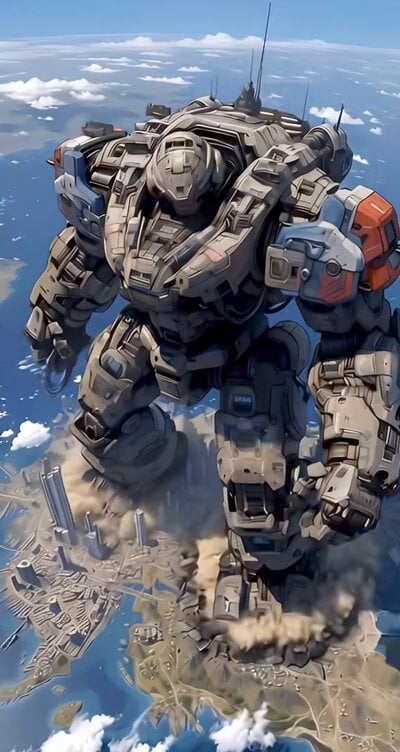
A high-scale cinematic video prompt of a massive military mecha destroying a coastal city with each step during golden hour.
- Prompt included
- Model and format preset
- Premium template
The prompt behind this video
Copy the exact prompt behind Giant Mecha Megacity Stomp, or open it in the studio and make it yours.
Cinematic photorealistic 6-second video, ultra-detailed 8K, shot on IMAX 70mm. A colossal 200-meter-tall military mecha, heavily armored in weathered gunmetal gray with orange and blue accent panels, slowly stomps forward through a sprawling coastal megacity. The camera starts at a dramatic low-angle aerial tracking shot, circling around the giant robot as its enormous right foot descends with terrifying force. Massive shockwaves erupt on impact — concrete skyscrapers shatter like glass, explosions of dust, debris, and fire bloom violently upward in slow-motion. Thick clouds of smoke and pulverized concrete billow around the robot’s legs. Its powerful hydraulic joints hiss and glow with heat as it takes another earth-shaking step. The robot’s upper torso and head remain imposing and steady, antennae and weapon systems visible against the bright blue sky. Golden hour sunlight creates dramatic god rays through the dust clouds, lens flares, and volumetric lighting. Tiny fighter jets streak past in the distance for scale. Hyper-realistic physics, intricate mechanical details, cinematic color grading, intense atmosphere, epic scale, National Geographic-level realism, shot on ARRI Alexa 65 + anamorphic lenses, subtle film grain, 24fps.
How to use Giant Mecha Megacity Stomp in 3 steps
- 1
Open
The prompt is already in the box next to the preview, with the template's model and format selected.
- 2…a portrait of your subject in softgolden-hour light, 85mm…
Personalize
Edit the subject and creative details for your destination.
- 3Generate
Generate
Press Generate — your video is created in PicX Studio, so you can compare it with the original and refine one variable at a time.
More like this
Templates with the same subject, style or setup. Open one to see its prompt.
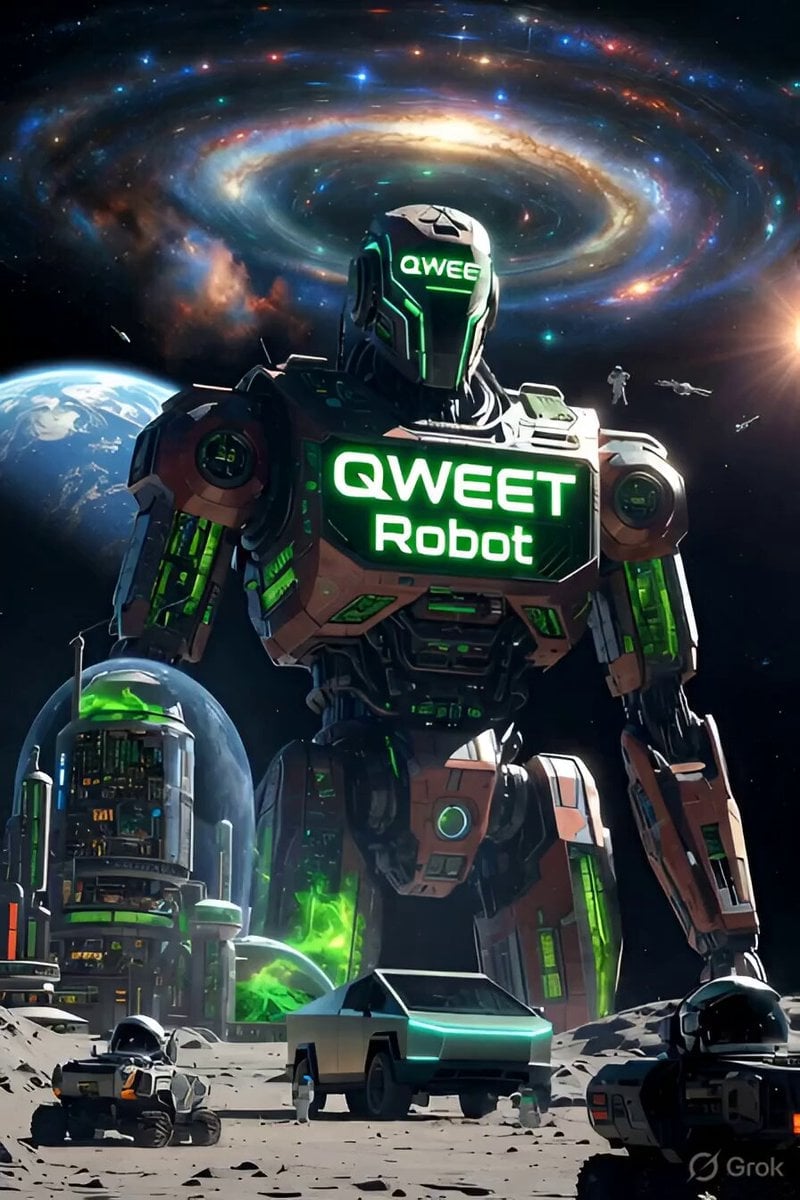
Green Lunar Megacity and Giant Robot
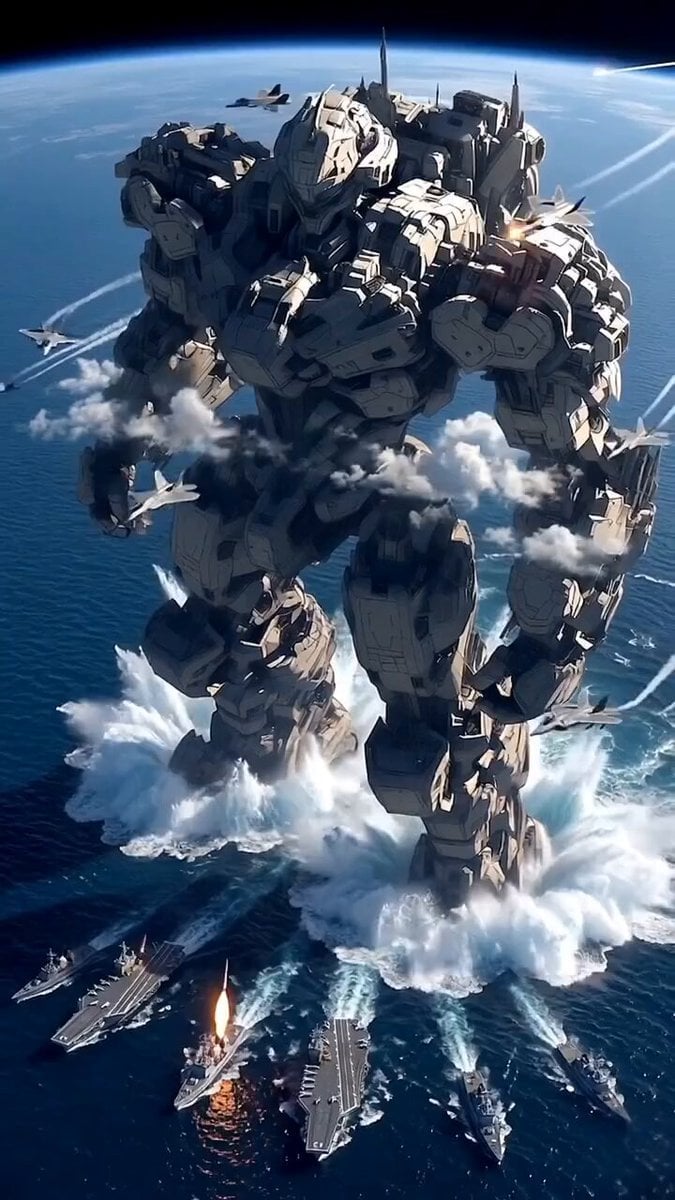
Giant Mecha Naval Battle
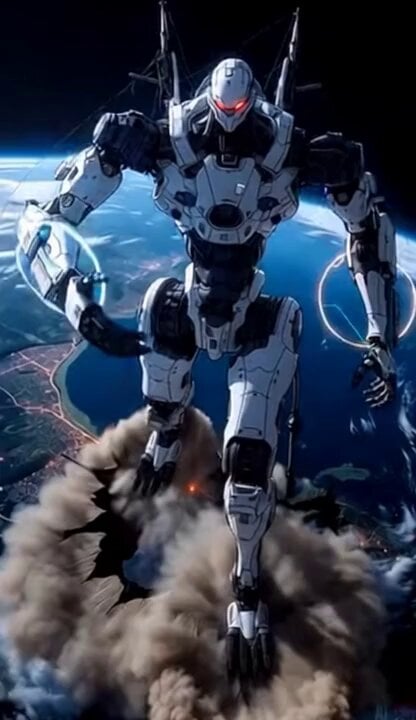
Giant Mecha Orbital Landing

Mecha Runway Tap Dance Video Prompt
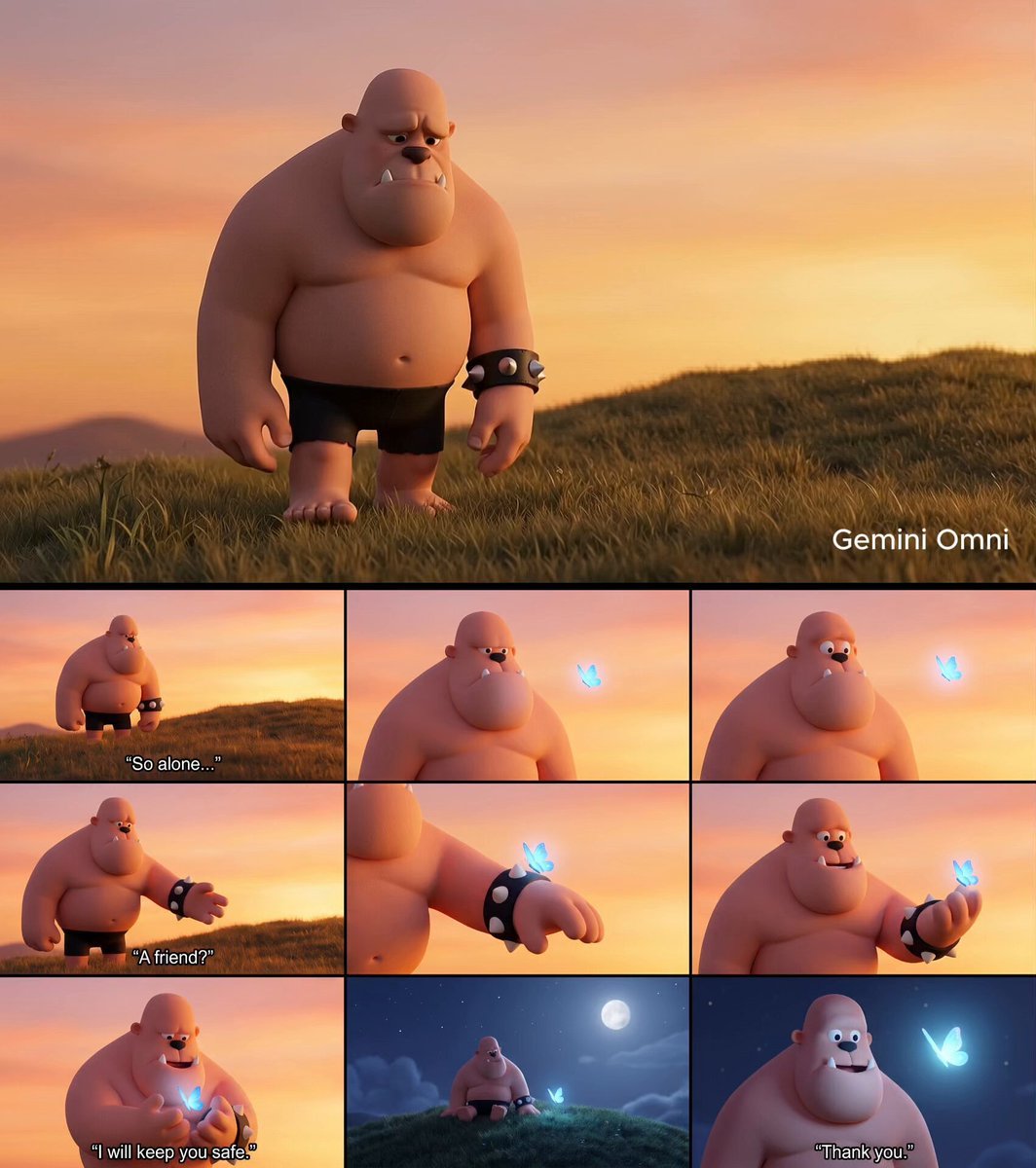
Giant and Glowing Butterfly Story
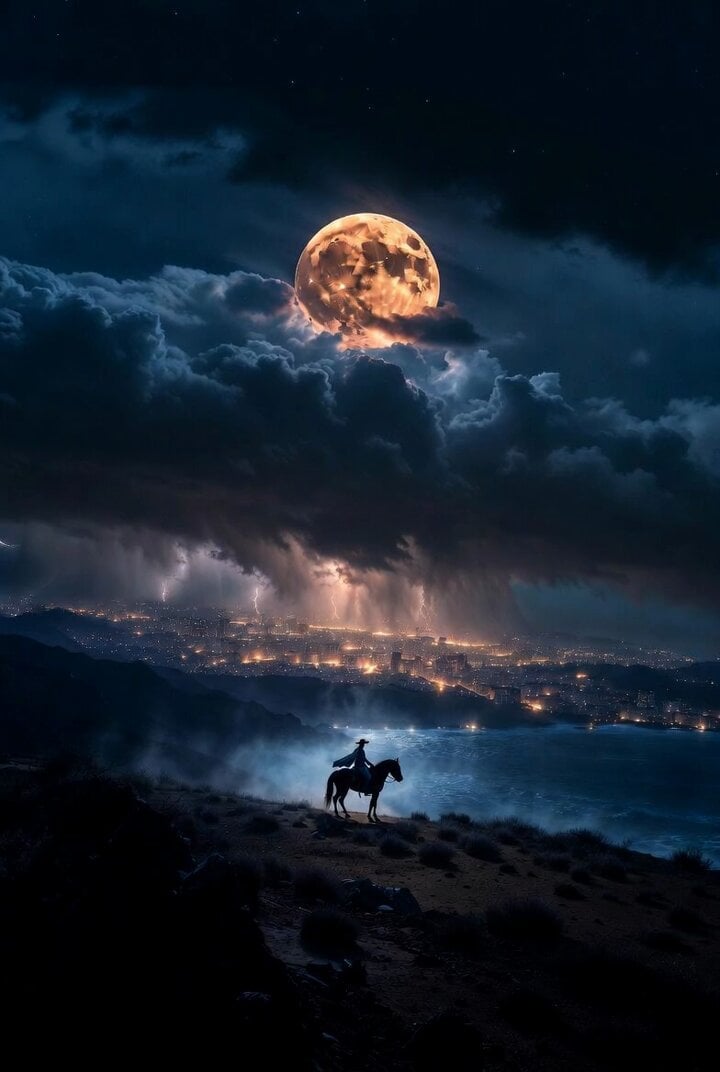
Cinematic night scene with cowgirl and hidden megacity prompt
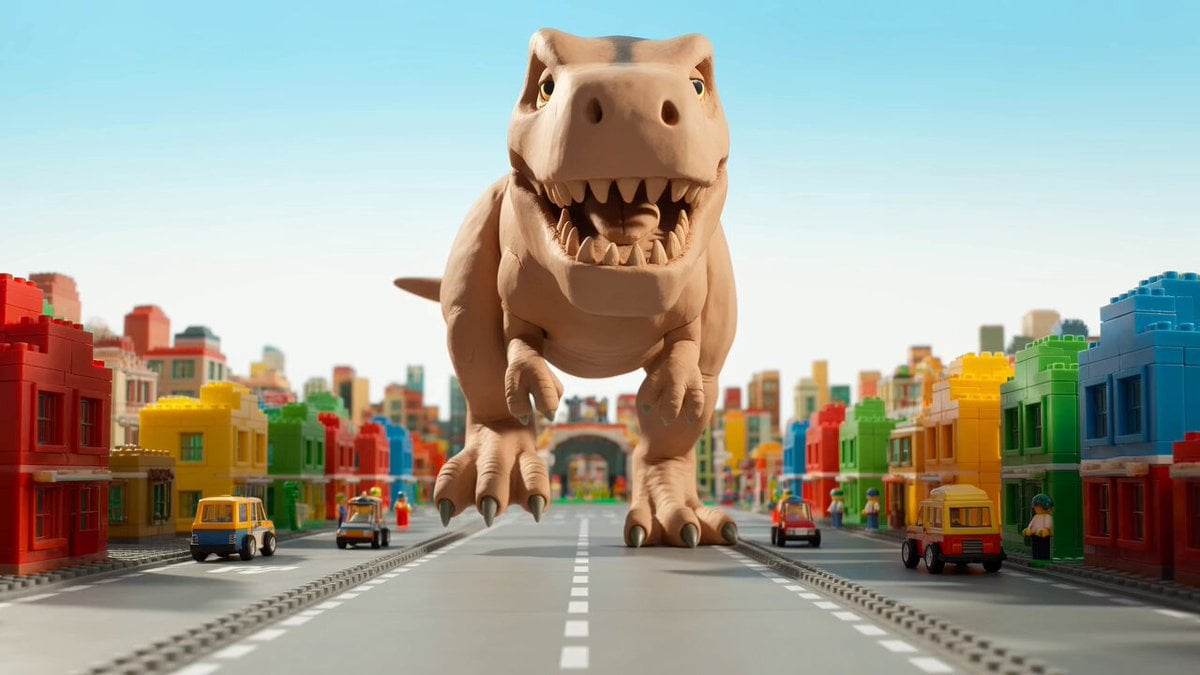
Cinematic Claymation T-Rex Stomping Through a LEGO City
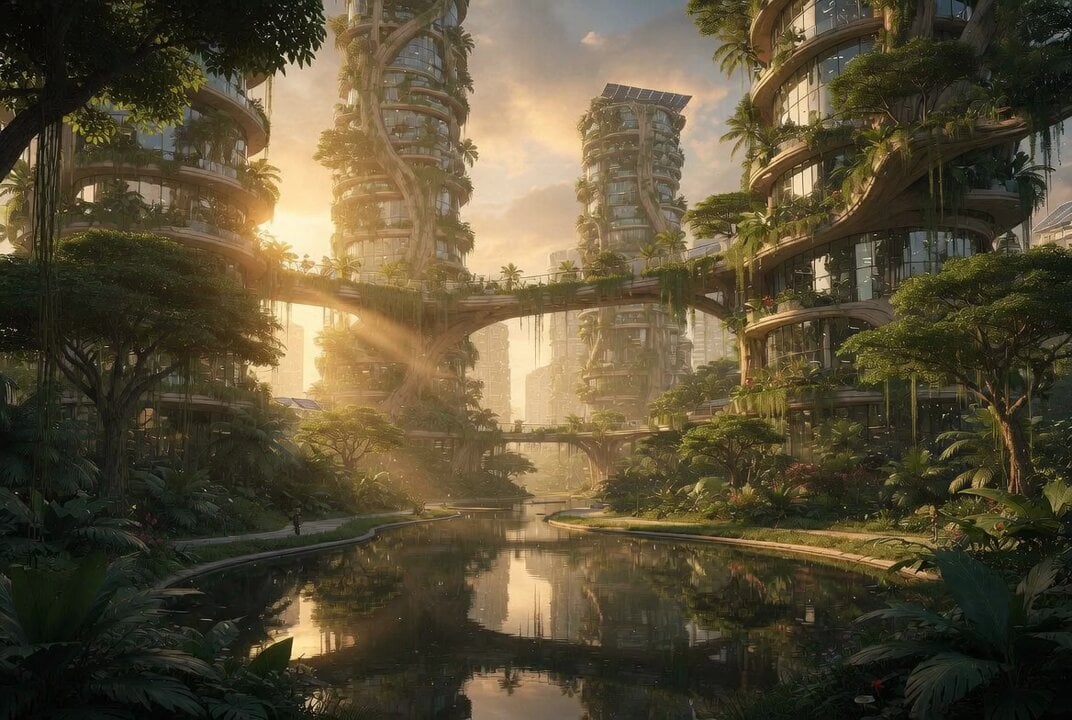
Cinematic Solarpunk Biophilic Megacity at Golden Hour
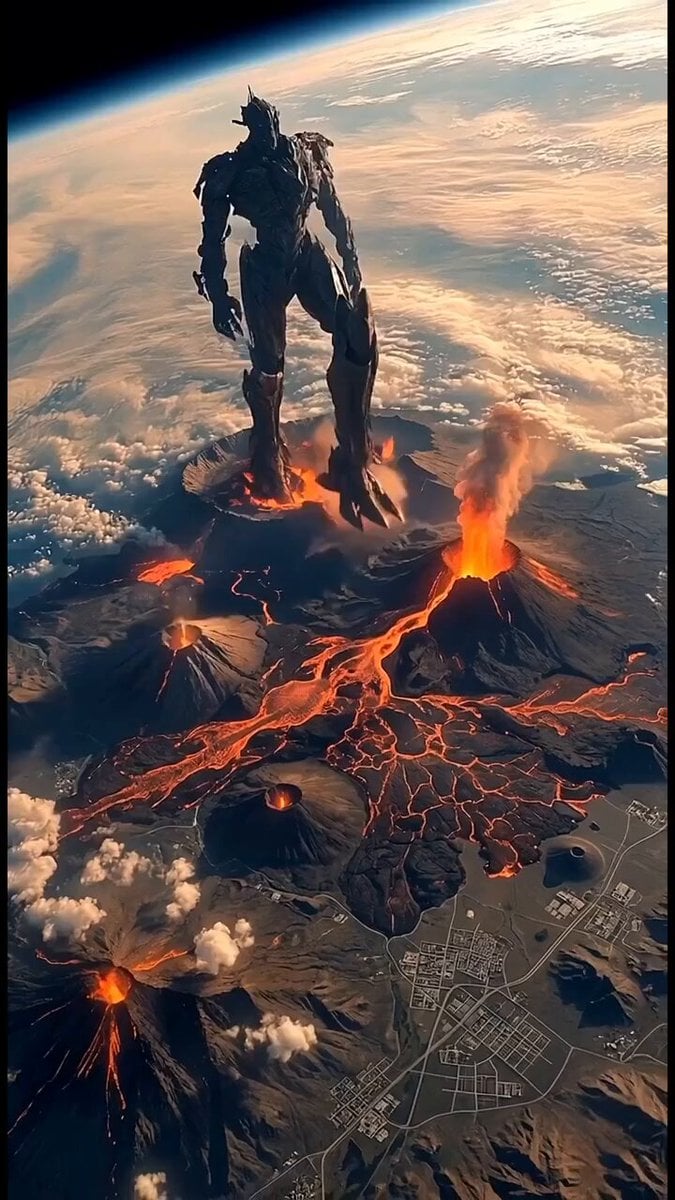
Cybernetic Giant Terraformer
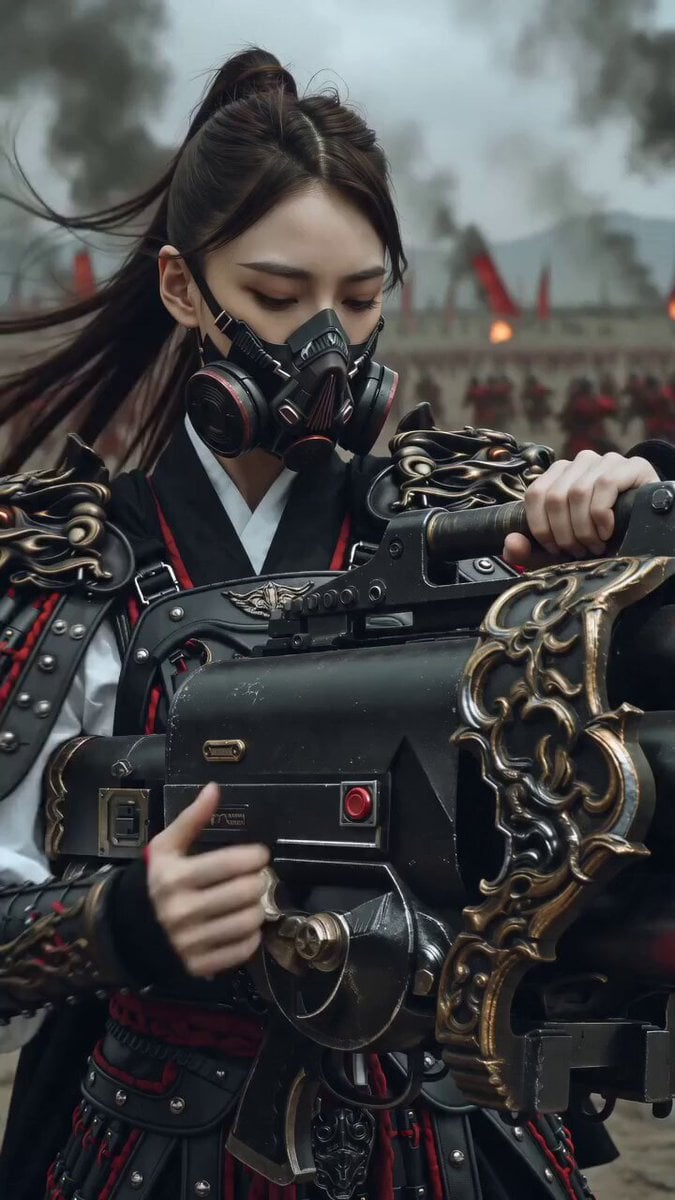
East Asian Female Warrior Mecha Transformation
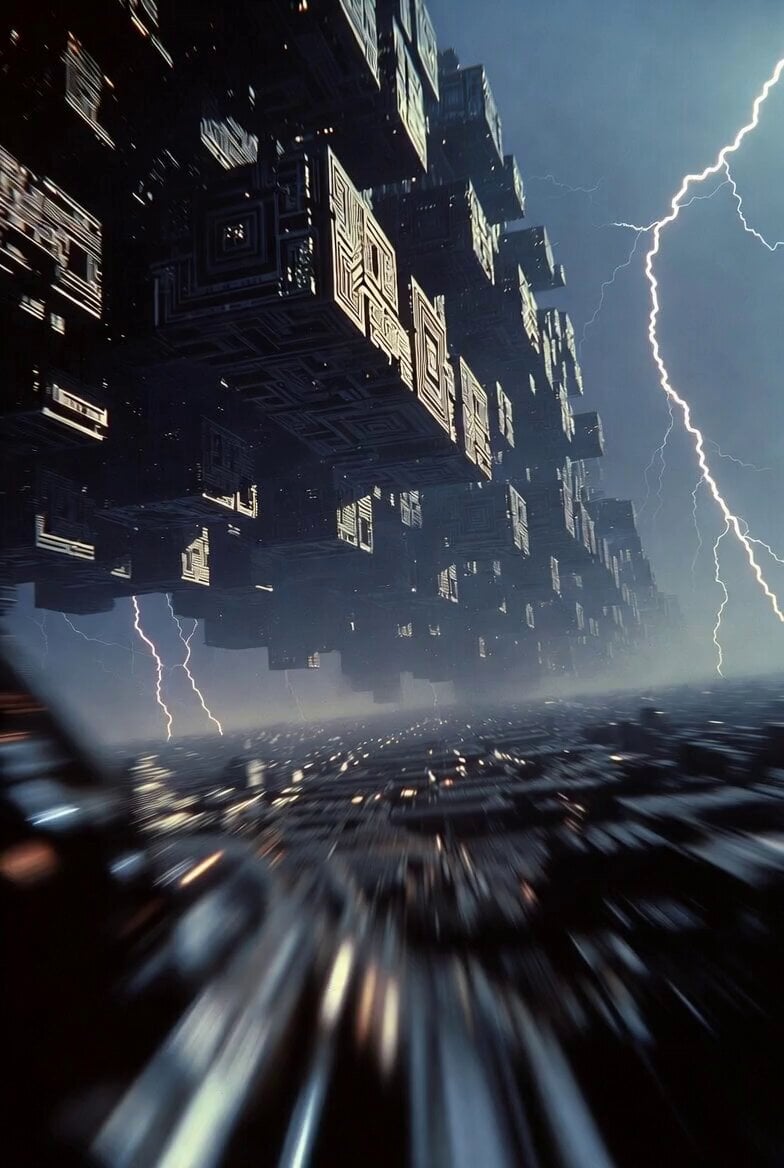
Cybernetic Megacity First Person Flight
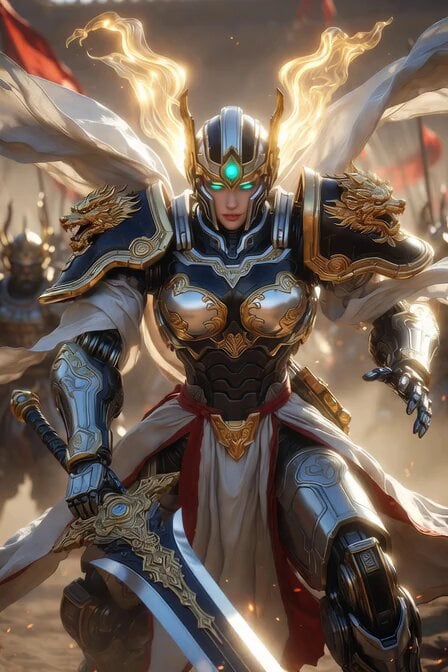
Imperial Dragon Mecha Warrior
Make it yours
Giant Mecha Megacity Stomp works as-is. These are the safest ways to change it without losing the look.
Change one field
Copy a single group, rewrite it, and generate again so you can see what that field is doing.
Keep the frame, change the subject
Hold the composition and light of Giant Mecha Megacity Stomp, then swap wardrobe, props or the person for a new take.
| If the result… | Why | Fix |
|---|---|---|
| The result drifts from the preview | Too many fields changed at once. | Reuse Giant Mecha Megacity Stomp as-is first, then change one group — subject, light, or setting. |
| The model over-stylizes the scene | The prose prompt leaves finish and camera underspecified. | Add one camera or lighting sentence and stay on Grok Imagine. |
More Grok Imagine templates
Other prompts made for Grok Imagine.

Voice Controlled Water Animation

Pterodactyl Transformation Journey

Candle Mandala Mirror Video

Psychedelic Purple Disc World Video

Quantum Inventor in Sonoran Desert

Emotional Angry Couple Drama

Train Zooming in Star Field Video Prompt

Cyberpunk Guerrilla Girl Video Generation

Detailed multi-part video prompt

Interior View Video Generation Prompt
More video prompts
Fresh picks from across the catalog.
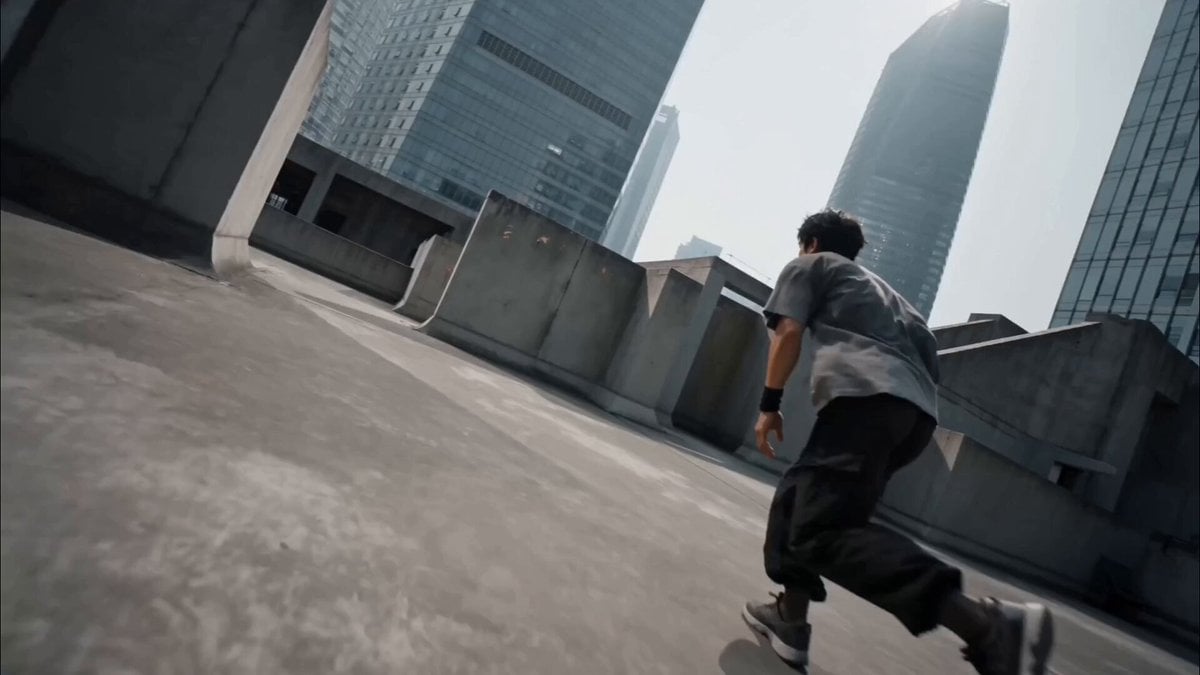
Cinematic Parkour Action Scene

Clay Render Astronaut and Alien

Surreal ice cream cone transformation

Anime Slam Dunk Storyboard Animation
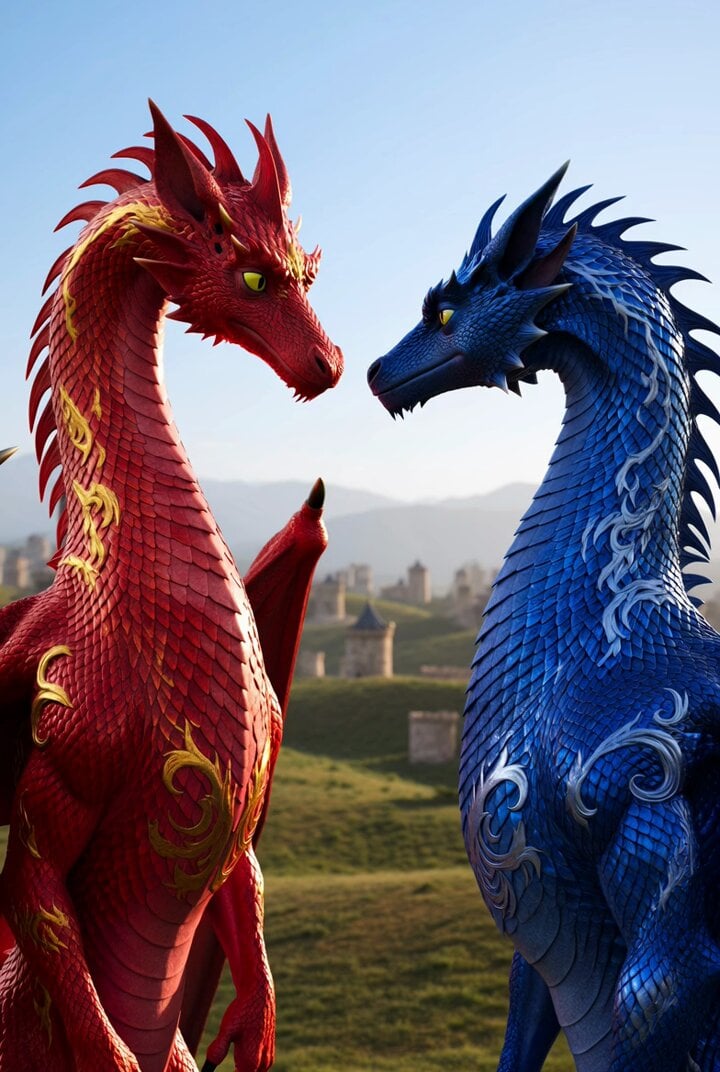
Grok Imagine video prompt: Dragons in Baroque Filigree
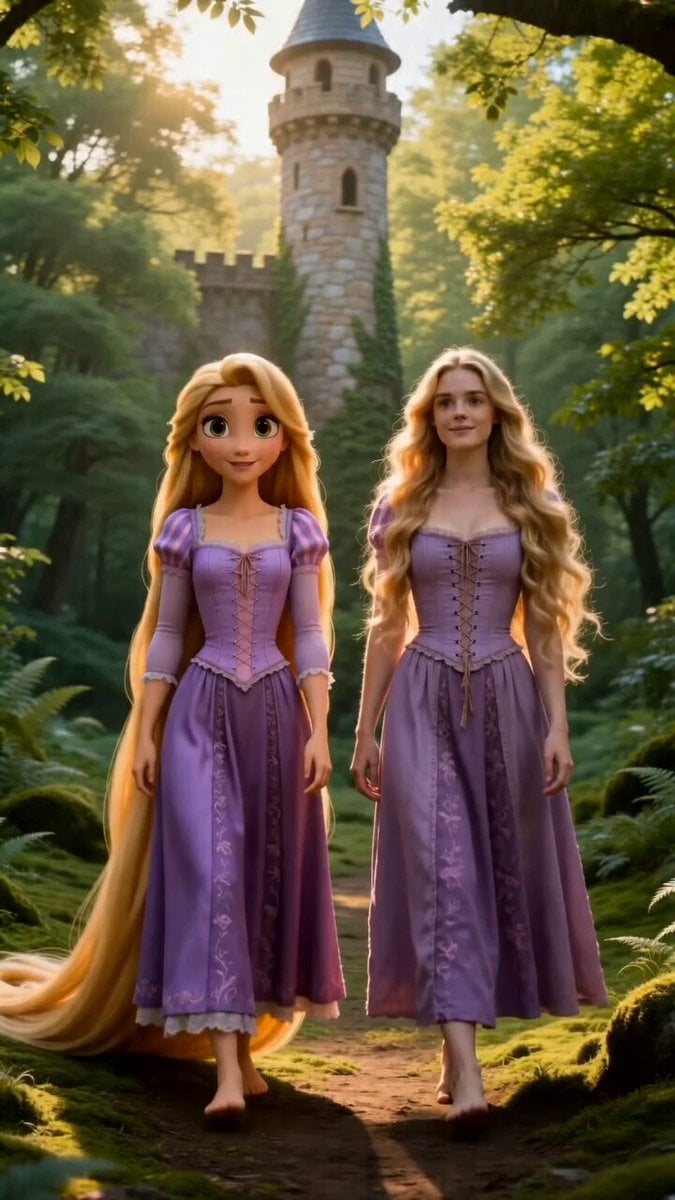
Cinematic Rapunzel Video Prompt
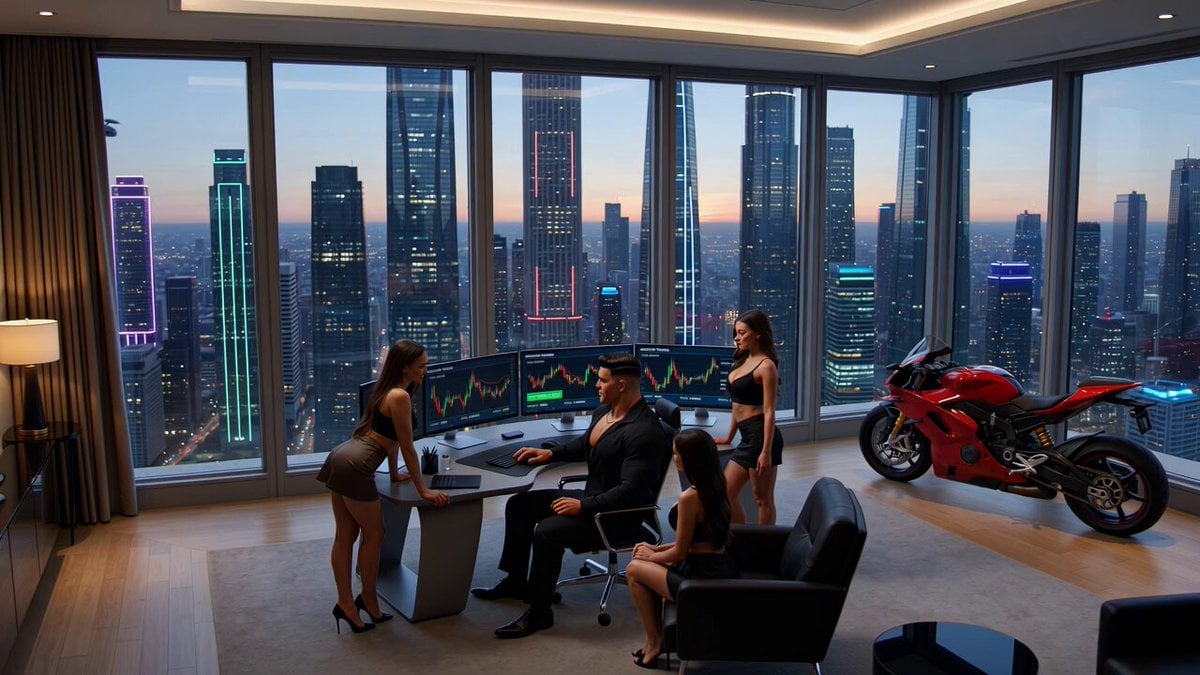
Crypto memecoin degen trading in a cyberpunk high-rise bachelor pad
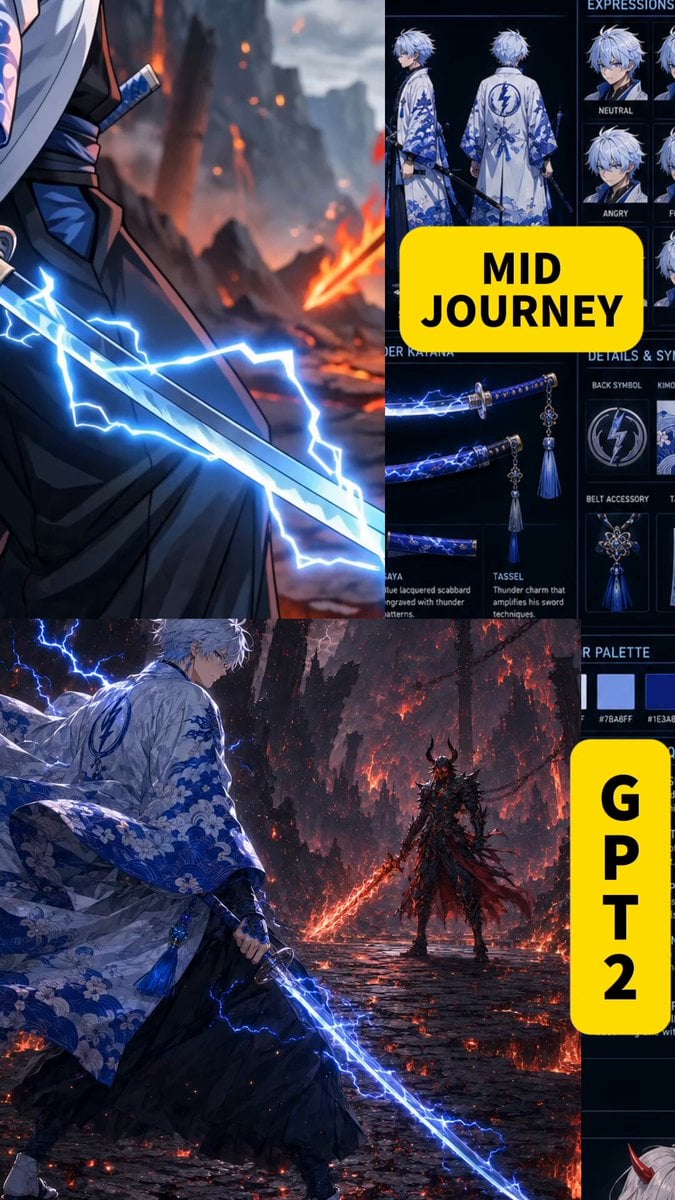
Anime Swordsman vs Demon Duel

Ethereal Woods Fairy Video Prompt

Motorcycle Chase Single Continuous Shot
Browse template categories
Giant Mecha Megacity Stomp questions
How do I use the Giant Mecha Megacity Stomp template?
Add your photo if the template asks for one, edit the prompt if you like — the template's model and format are already selected — and press Generate. Your version opens in PicX Studio.
Can I customize the Giant Mecha Megacity Stomp template?
Yes. You can change the subject, setting, lighting, mood, format, and available model controls before creating your video.
Is the Giant Mecha Megacity Stomp template free?
Opening and editing this template is free. Generating uses credits, shown on the Generate button when you are signed in.
Which AI model should I use?
Start with Grok Imagine, which is the model associated with this template. You can compare another compatible model for a different finish.
Looking for something else? Browse all templates.

Your photo, any look
Thousands of ready templates for every top image and video model, from one credit balance.