
GoPro-Style MTB Action to Flight
A high-octane GoPro-style action sequence of mountain bikers racing off a cliff and deploying aerodynamic wings to fly
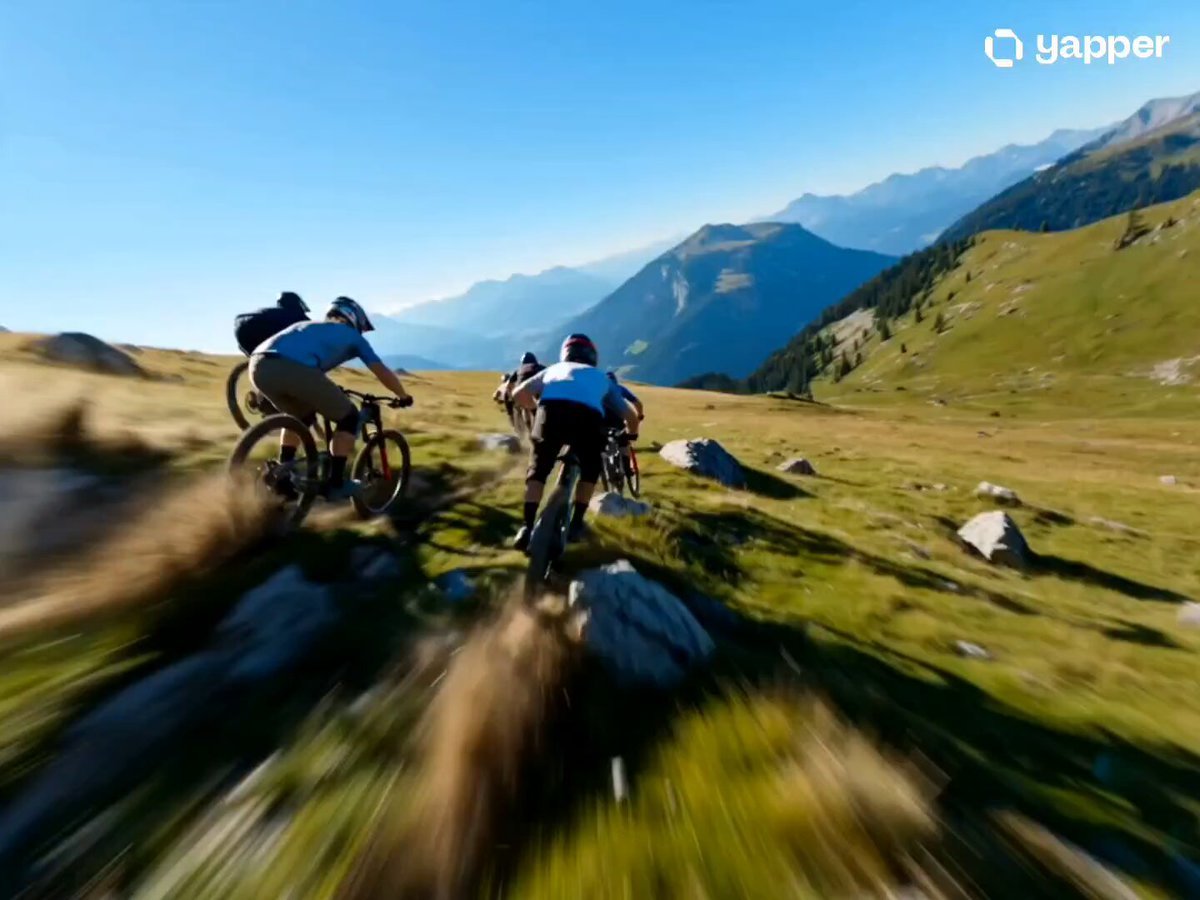
- Prompt included
- Model and format preset
- Free template
The prompt behind this video
Copy the exact prompt behind GoPro-Style MTB Action to Flight, or open it in the studio and make it yours.
A group of young riders race down a steep grassy hillside on rugged mountain bikes in a hyper-realistic GoPro-style action shot. Knobby tires bounce off rocks, dirt explodes sideways, and grass shreds beneath the wheels as riders carve aggressive lines. The camera rushes forward in a dynamic chase angle weaving between riders — chains whir, tires skid, rooster tails of dust spray behind every bike. The lead rider pulls ahead with body low over the frame, elbows wide, as the trail narrows toward the edge of a massive cliff. Wind howls through helmet vents. Just before the edge, folded carbon panels snap outward from the bike frame — razor-thin aerodynamic wings deploy with a sharp mechanical click — and compact rocket thrusters beneath the seat tube ignite in a burst of blue and white flame, scorching the grass below. The riders surge forward and explode off the cliff edge. A sonic burst rips through the air as wheels leave the ground and the bikes transition into full flight, spokes catching sunlight like spinning halos. Camera follows: high-speed trail chase cam → sharp forward dive at the cliff lip → stomach-dropping free-fall perspective showing the vast open drop → smooth stabilization locking onto bikes gliding mid-air in formation. Far below, a quiet village sits tiny and distant. Bright daylight, vivid saturated colors, lush green hills, clear blue sky. Heavy motion blur on spokes and frame edges, realistic suspension fork compression, heat shimmer from thruster Gugu Gaga nozzles, hard sunlight lens flares across carbon tubes and polished rims, wind pulling jerseys tight against riders' bodies, dirt and pebbles frozen mid-air around tires. Cinematic, high-speed, action-adventure, photorealistic.
How to use GoPro-Style MTB Action to Flight in 3 steps
- 1
Open
The prompt is already in the box next to the preview, with the template's model and format selected.
- 2…a portrait of your subject in softgolden-hour light, 85mm…
Personalize
Edit the subject and creative details for your destination.
- 3Generate
Generate
Press Generate — your video is created in PicX Studio, so you can compare it with the original and refine one variable at a time.
More like this
Templates with the same subject, style or setup. Open one to see its prompt.
FPV Multilingual Landscape Flight
Cinematic Dragon Interaction & Flight

Walking Factory with Rebel on Hoverbike - Wasteland
Thornmaw Monarch — Crimson Glass Desert Beast
Warhorse Sprint on Cliff Aqueduct
Parametric Fight Scenes Seedance

Nano Banana Seedance Time Control Streets
Colossal Sea Creature — Stormy Shore Charge (Seedance)
Skybridge Rescue — Supertall Tower Collapse (Seedance)
Highway Biker — Aggressive Lane Split (PixVerse C1)
Bullet Time Selfie — Modular Parameter Template (Seedance)
Dragon Rescue — Volcanic Kingdom Collapse (Seedance)
Make it yours
GoPro-Style MTB Action to Flight works as-is. These are the safest ways to change it without losing the look.
Change one field
Copy a single group, rewrite it, and generate again so you can see what that field is doing.
Keep the frame, change the subject
Hold the composition and light of GoPro-Style MTB Action to Flight, then swap wardrobe, props or the person for a new take.
| If the result… | Why | Fix |
|---|---|---|
| The result drifts from the preview | Too many fields changed at once. | Reuse GoPro-Style MTB Action to Flight as-is first, then change one group — subject, light, or setting. |
| The model over-stylizes the scene | The prose prompt leaves finish and camera underspecified. | Add one camera or lighting sentence and stay on Seedance 2.0. |
More Seedance 2.0 templates
Other prompts made for Seedance 2.0.

Comical Martial Arts Punch Scene

Martial Arts Fight Sequence

Wuxia Protection and Trust Script

Vintage Korean Arcade MiniDV Vlog

Mercedes 190 SL Luxury Ad

Rainy Night Supernatural Reverse Comedy Video Script

Amazon Civilization Discovery

Futuristic South Asian City Transformation

Cozy Luxury Cafe Commercial

Cyber Ronin Nanotech Transformation Video
More video prompts
Fresh picks from across the catalog.
Chef and Ant Kitchen Chase
Seedance 2.0 prompt for a lunar landing scene
Egyptian Bazaar Anubis Merchant Animated Story
Seedance 2.5 - @YourAlphaMom - 283935

Surreal Paradise Ethereal Transaction
Serene Sunset Lake Scene Video Prompt
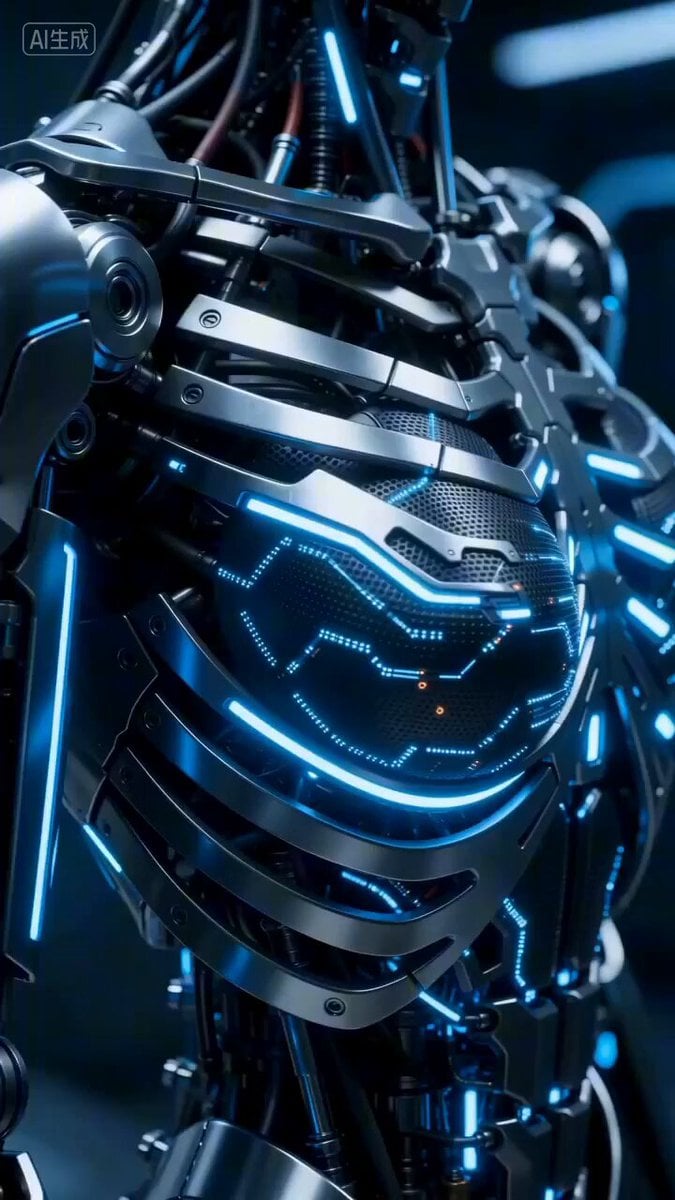
Cyberpunk Android Skin Generation Sequence Prompt
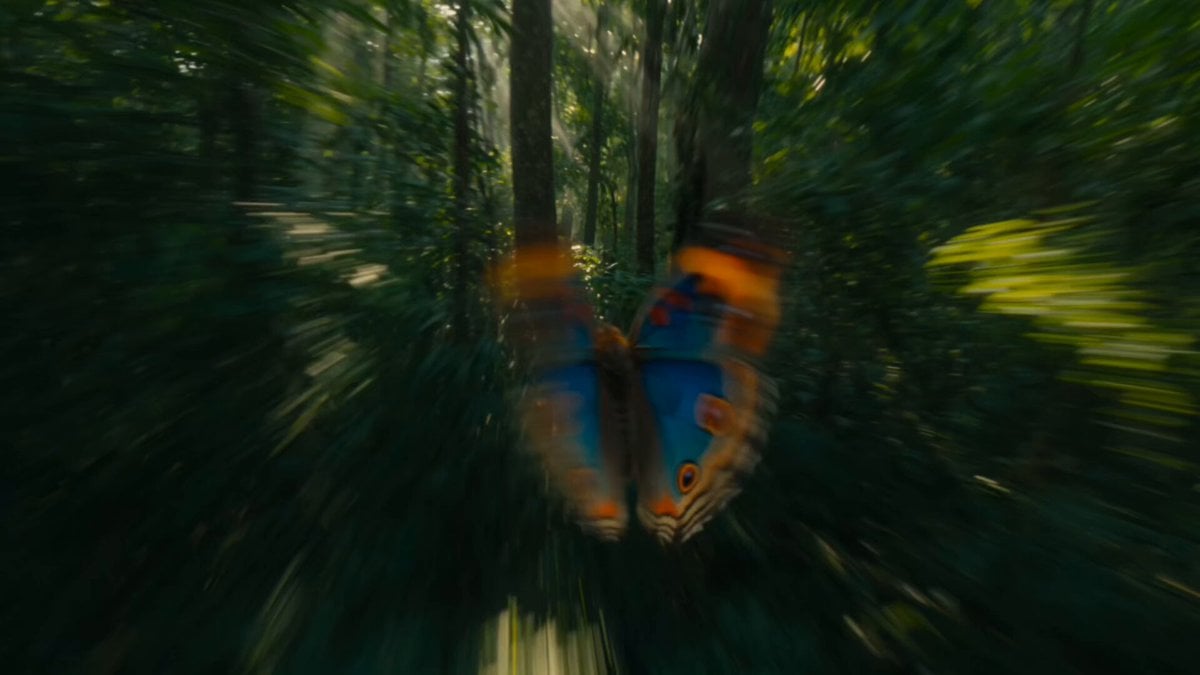
Continuous Butterfly and Parrot Forest Chase
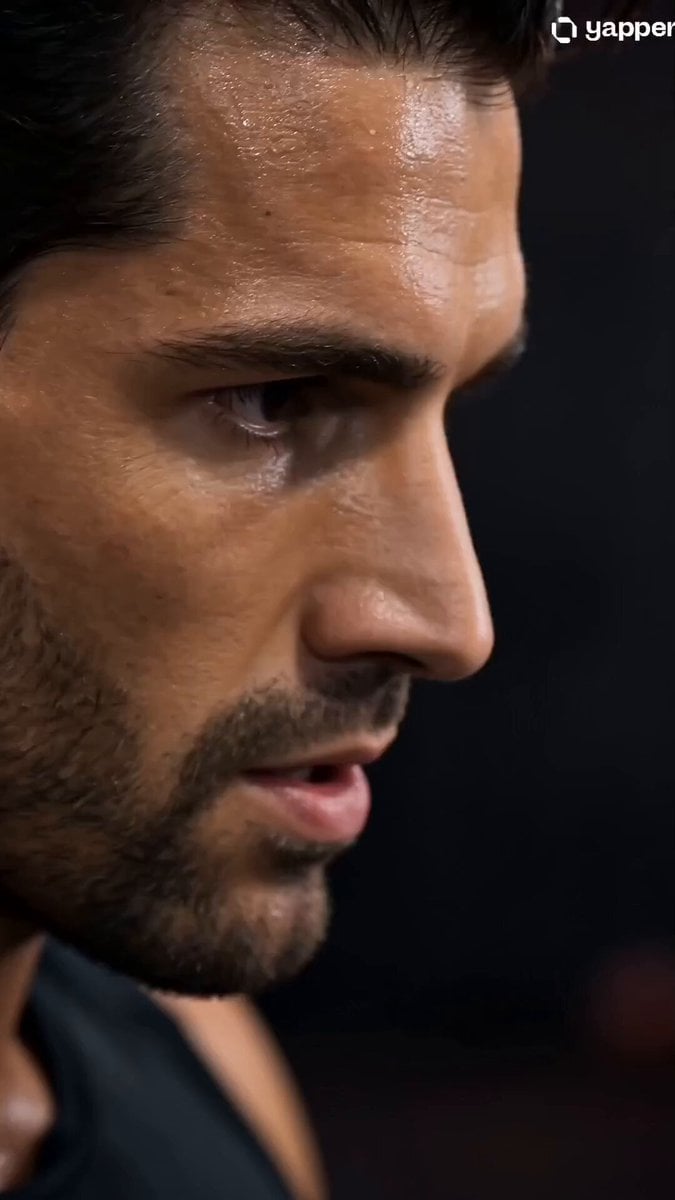
Industrial Gym Fitness Montage
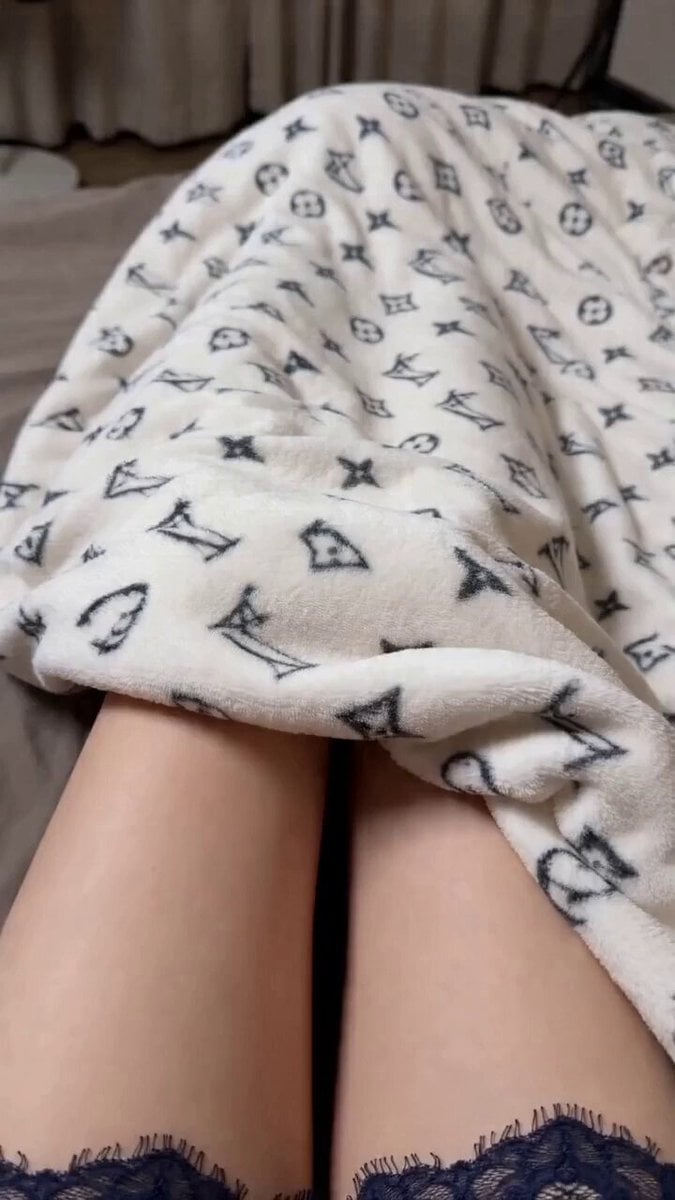
Seedance 2.0 prompt for a premium lifestyle commercial video
Browse template categories
GoPro-Style MTB Action to Flight questions
How do I use the GoPro-Style MTB Action to Flight template?
Add your photo if the template asks for one, edit the prompt if you like — the template's model and format are already selected — and press Generate. Your version opens in PicX Studio.
Can I customize the GoPro-Style MTB Action to Flight template?
Yes. You can change the subject, setting, lighting, mood, format, and available model controls before creating your video.
Is the GoPro-Style MTB Action to Flight template free?
Opening and editing this template is free. Generating uses credits, shown on the Generate button when you are signed in.
Which AI model should I use?
Start with Seedance 2.0, which is the model associated with this template. You can compare another compatible model for a different finish.
Looking for something else? Browse all templates.

Your photo, any look
Thousands of ready templates for every top image and video model, from one credit balance.