
Egyptian Bazaar Anubis Merchant Animated Story
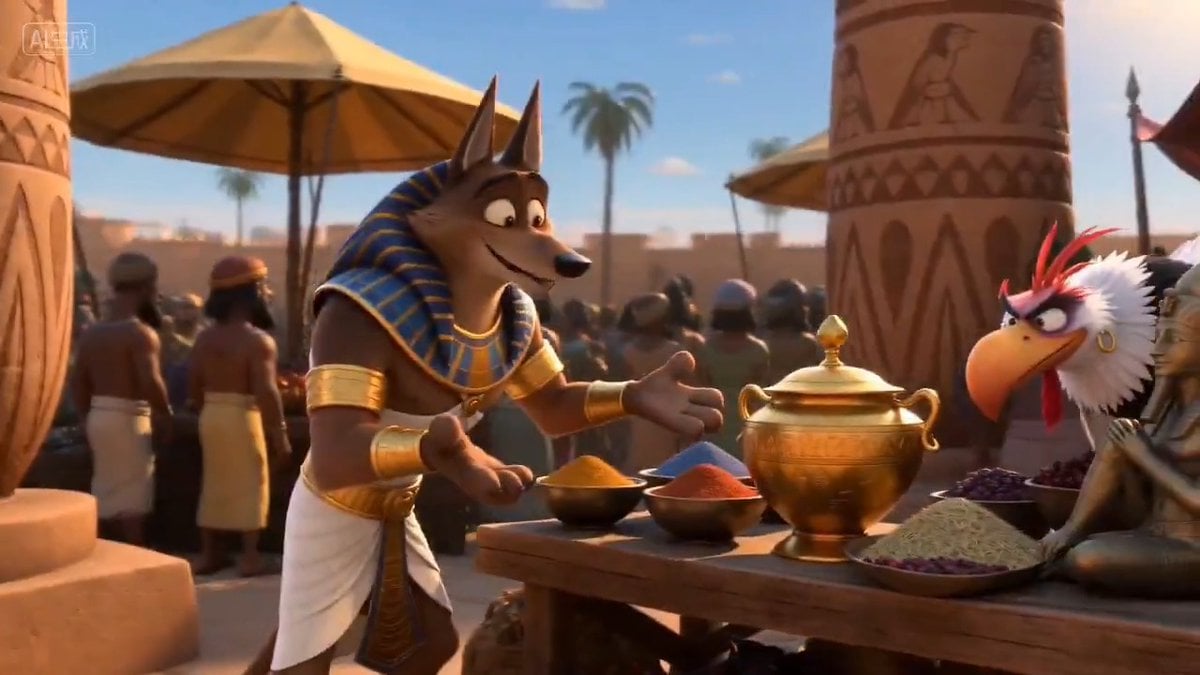
A highly detailed multi-scene animation prompt featuring a DreamWorks-style Egyptian bazaar where an Anubis merchant is tickled by thieves during a robbery.
- Prompt included
- Model and format preset
- Free template
The prompt behind this video
Copy the exact prompt behind Egyptian Bazaar Anubis Merchant Animated Story, or open it in the studio and make it yours.
梦工厂动画风格。 场景一:熙熙攘攘的埃及集市热闹非凡,镜头转向一位肌肉发达的胡狼阿努比斯商人,他手臂上戴着环,正炫耀着自己的商品,招呼人们走近细看。与此同时,不远处,一个邪恶的河马盗贼和一个邪恶的鸟海盗正盯着他摊位上的一个金瓮。 场景二:鸟海盗迅速飞向金瓮,用利爪将其抓走,然后飞走了。 场景三:阿努比斯很快注意到鸟海盗的逃跑,倒吸一口凉气,转头看向逃窜的鸟海盗。他迅速追了上去。鸟海盗缓缓上升,但阿努比斯设法用双手抓住了瓮,双臂高举过头,与鸟海盗展开了一场拉锯战。鸟海盗试图飞上去,而阿努比斯则在地上,双臂高举过头,紧紧抓住瓮,试图将其拉下来。 场景4:阿努比斯神情紧张,竭尽全力抓住瓮并向下拽。河马盗贼咧嘴一笑,出现在阿努比斯身边,告诉他应该多笑笑。河马盗贼伸出一根羽毛,指向阿努比斯的腋窝(由于拉锯战,阿努比斯的双臂高举过头,腋窝很容易够到)。 场景5:特写镜头显示河马海盗用手轻轻地将羽毛在阿努比斯的腋窝上上下滑动,反复地重复这个动作,同时伴有滑稽的音效。与此同时,我们听到阿努比斯闷闷不乐的笑声。 场景6:特写镜头聚焦于阿努比斯的上半身,他闭着眼睛咧嘴大笑,发出闷闷的笑声,而河马盗贼继续用羽毛轻轻地在阿努比斯的腋窝里滑动。 场景7:河马盗贼继续用羽毛挠阿努比斯的腋窝,阿努比斯咯咯地笑着,努力想抓住金瓮,但却徒劳无功。 场景8:河马盗贼继续用羽毛挠阿努比斯的腋窝,阿努比斯哈哈大笑,最后他松开了金瓮,抱紧自己,继续傻笑。与此同时,鸟海盗用爪子抓着金瓮飞走了,河马盗贼也跟着鸟海盗和河马盗贼一起逃跑,两人都发出狡黠的笑声。 场景9:阿努比斯从笑声中回过神来,愤怒地怒视着逃跑的盗贼们。 英文语音。
How to use Egyptian Bazaar Anubis Merchant Animated Story in 3 steps
- 1
Open
The prompt is already in the box next to the preview, with the template's model and format selected.
- 2…a portrait of your subject in softgolden-hour light, 85mm…
Personalize
Edit the subject and creative details for your destination.
- 3Generate
Generate
Press Generate — your video is created in PicX Studio, so you can compare it with the original and refine one variable at a time.
More like this
Templates with the same subject, style or setup. Open one to see its prompt.
Watercolor Storybook Animated Short
Wholesome Puppy and Kitten Story - Seedance 2.5

3D Animated Newspaper Delivery Short - Seedance 2.5

3D Animated Cat and Old Man - Seedance

Realistic City Street Story Cinematic Video - Seedance
3D Animated Football Story
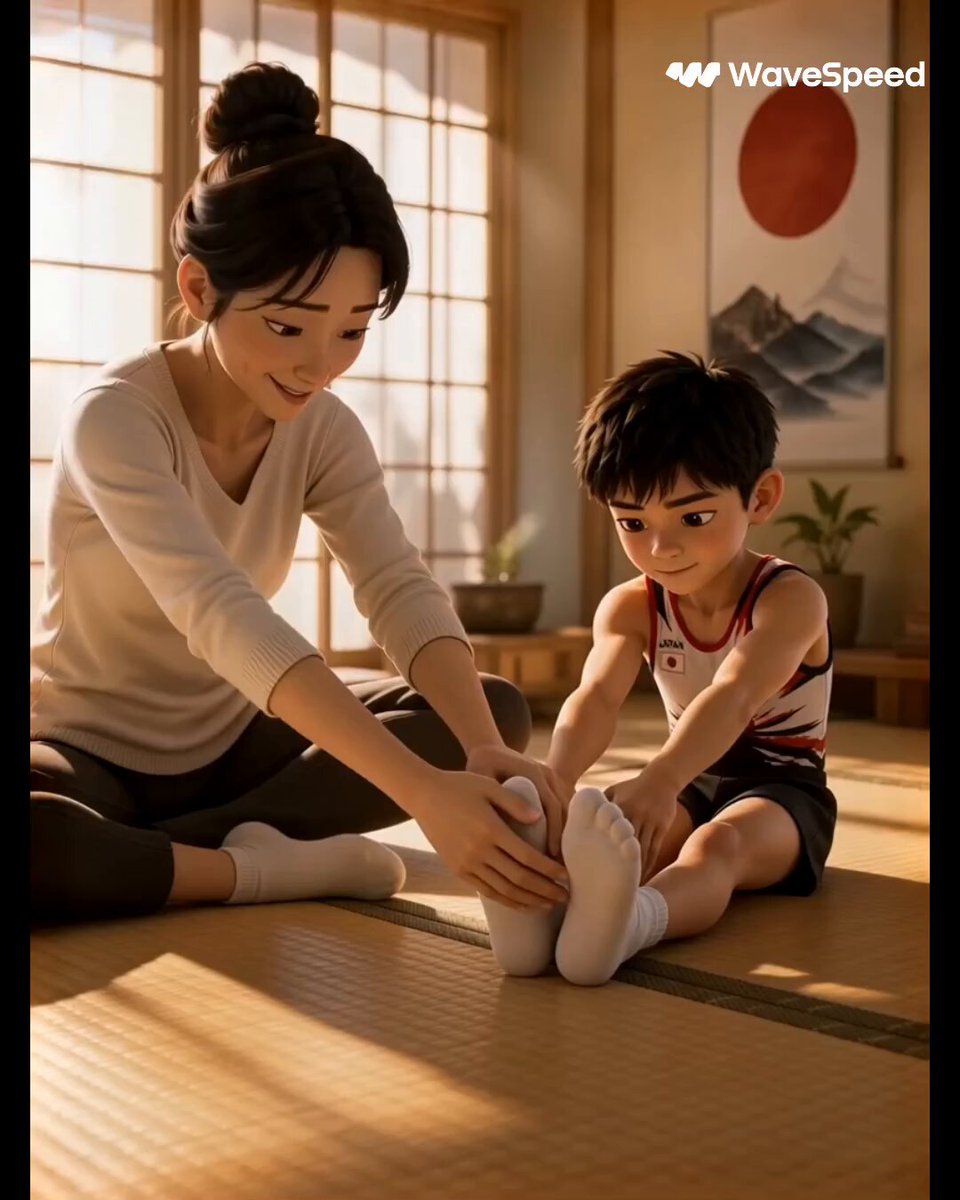
3D Animated Commercial from Storyboard
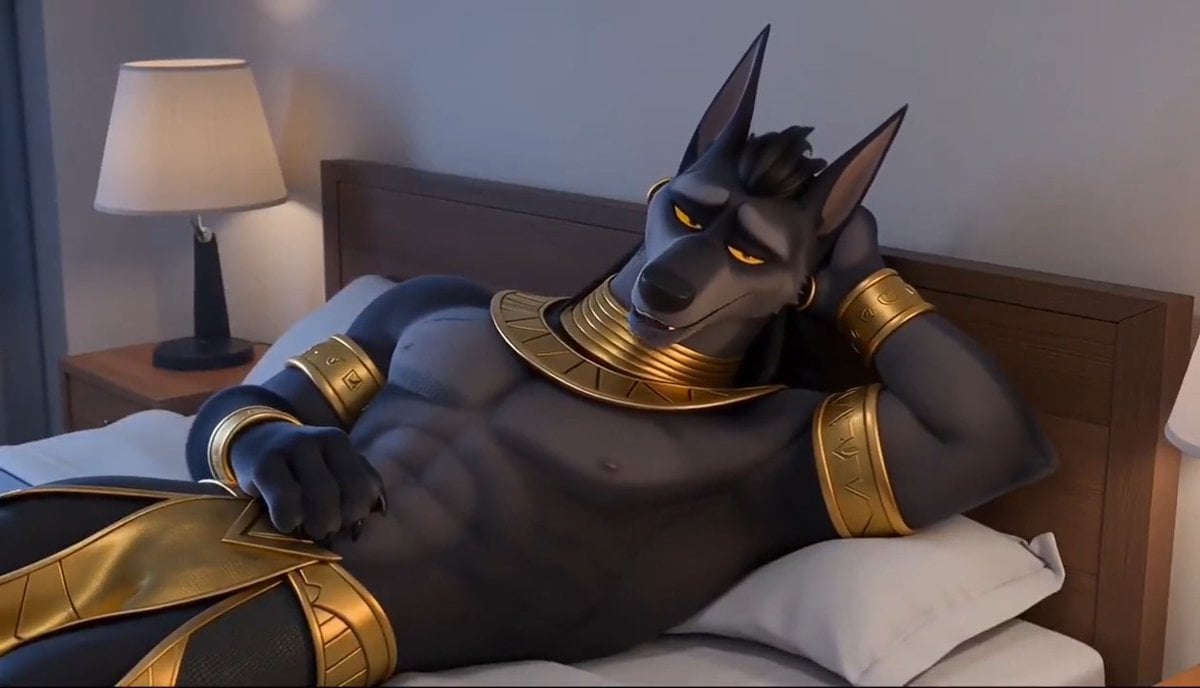
3D Animation: Anubis Tickle Story
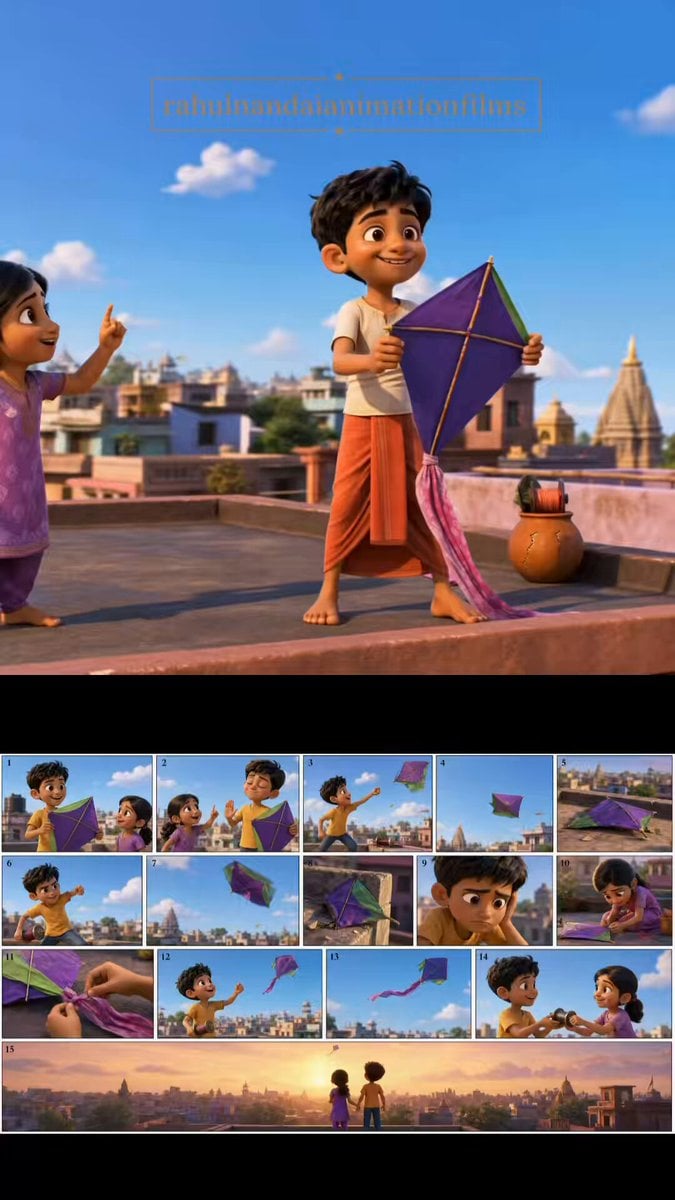
Pixar Style Animated Short Storyboard
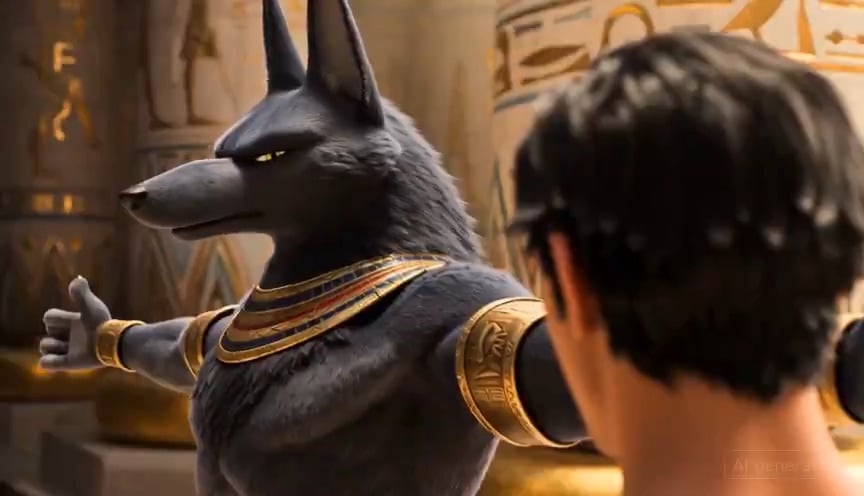
Egyptian God Anubis Animation Prompt

Don Bluth Style Egyptian Anubis Animation
Animated Comedy Coffee Mugs
Make it yours
Egyptian Bazaar Anubis Merchant Animated Story works as-is. These are the safest ways to change it without losing the look.
Change one field
Copy a single group, rewrite it, and generate again so you can see what that field is doing.
Keep the frame, change the subject
Hold the composition and light of Egyptian Bazaar Anubis Merchant Animated Story, then swap wardrobe, props or the person for a new take.
| If the result… | Why | Fix |
|---|---|---|
| The result drifts from the preview | Too many fields changed at once. | Reuse Egyptian Bazaar Anubis Merchant Animated Story as-is first, then change one group — subject, light, or setting. |
| The model over-stylizes the scene | The prose prompt leaves finish and camera underspecified. | Add one camera or lighting sentence and stay on Seedance 2.0. |
More Seedance 2.0 templates
Other prompts made for Seedance 2.0.

Comical Martial Arts Punch Scene

Maglev Train Action Sequence

Martial Arts Fight Sequence

Wuxia Protection and Trust Script

Vintage Korean Arcade MiniDV Vlog

Mercedes 190 SL Luxury Ad

Rainy Night Supernatural Reverse Comedy Video Script

Amazon Civilization Discovery

Futuristic South Asian City Transformation

Cozy Luxury Cafe Commercial
More video prompts
Fresh picks from across the catalog.
Authentic Mountain Cycling Vlog
Vampire Martial Arts Combat
Ethereal Cathedral Forest Wedding
Japanese Alley Golden Hour Walk
2007 Heisei Gal Documentary Style
Cinematic Battle Scene Video Prompt
Grok Imagine prompt for 'Running Up That Hill' video
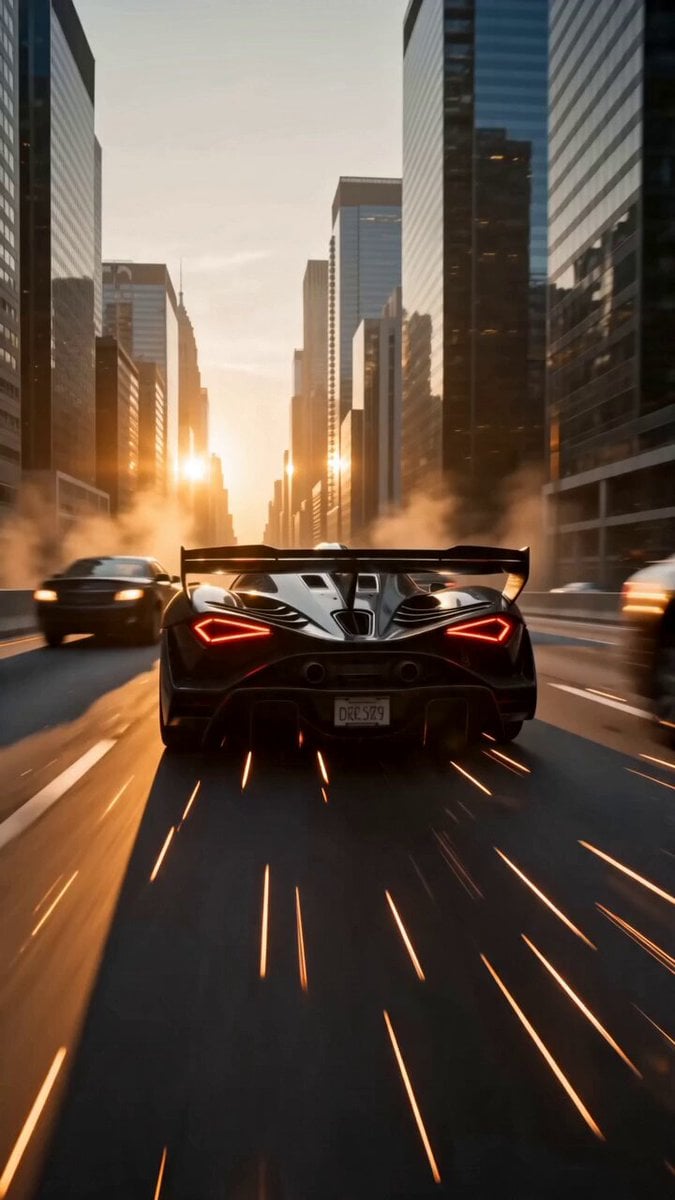
Blockbuster Supercar Chase Scene
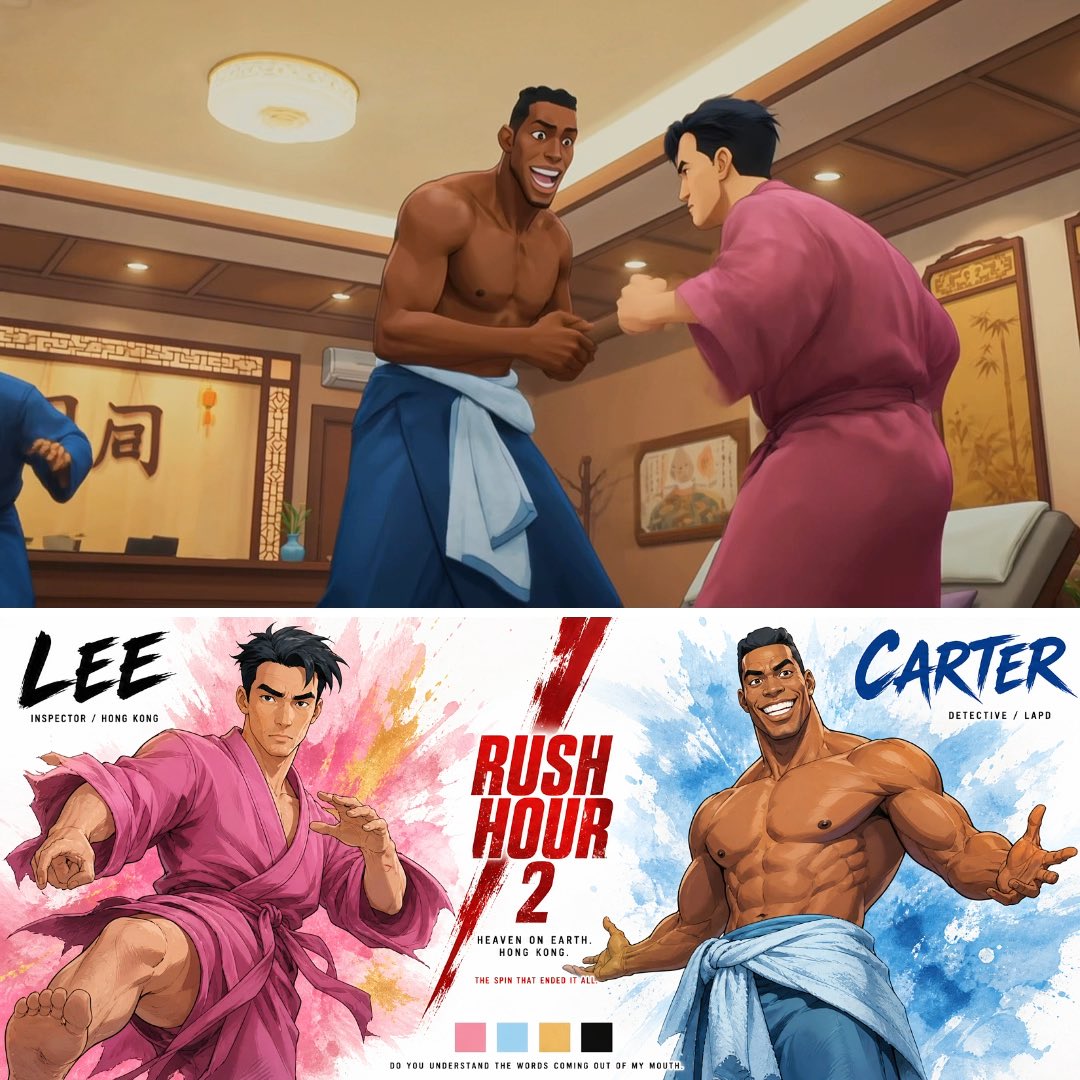
Cinematic Anime Hong Kong Massage Parlour
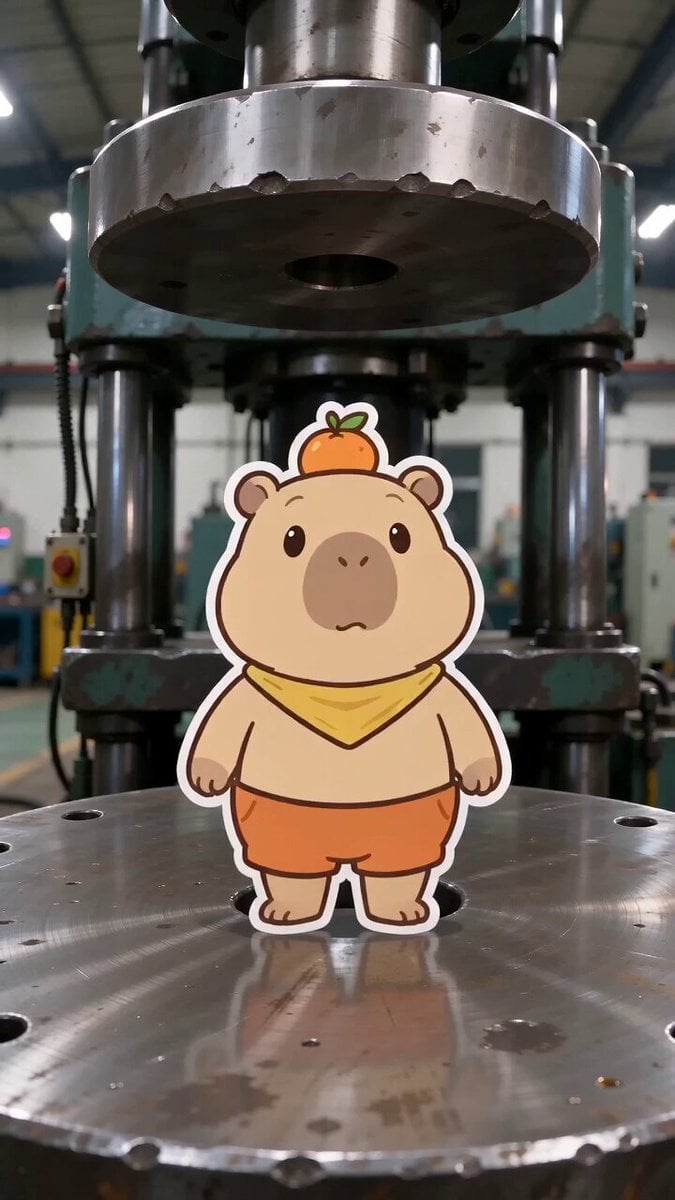
Capybara vs. Hydraulic Press Animation
Browse template categories
Egyptian Bazaar Anubis Merchant Animated Story questions
How do I use the Egyptian Bazaar Anubis Merchant Animated Story template?
Add your photo if the template asks for one, edit the prompt if you like — the template's model and format are already selected — and press Generate. Your version opens in PicX Studio.
Can I customize the Egyptian Bazaar Anubis Merchant Animated Story template?
Yes. You can change the subject, setting, lighting, mood, format, and available model controls before creating your video.
Is the Egyptian Bazaar Anubis Merchant Animated Story template free?
Opening and editing this template is free. Generating uses credits, shown on the Generate button when you are signed in.
Which AI model should I use?
Start with Seedance 2.0, which is the model associated with this template. You can compare another compatible model for a different finish.
Looking for something else? Browse all templates.

Your photo, any look
Thousands of ready templates for every top image and video model, from one credit balance.