
Japanese Alley Golden Hour Walk
A detailed cinematic prompt for a slice-of-life video featuring a Japanese woman walking through a residential alley and interacting with a cat.
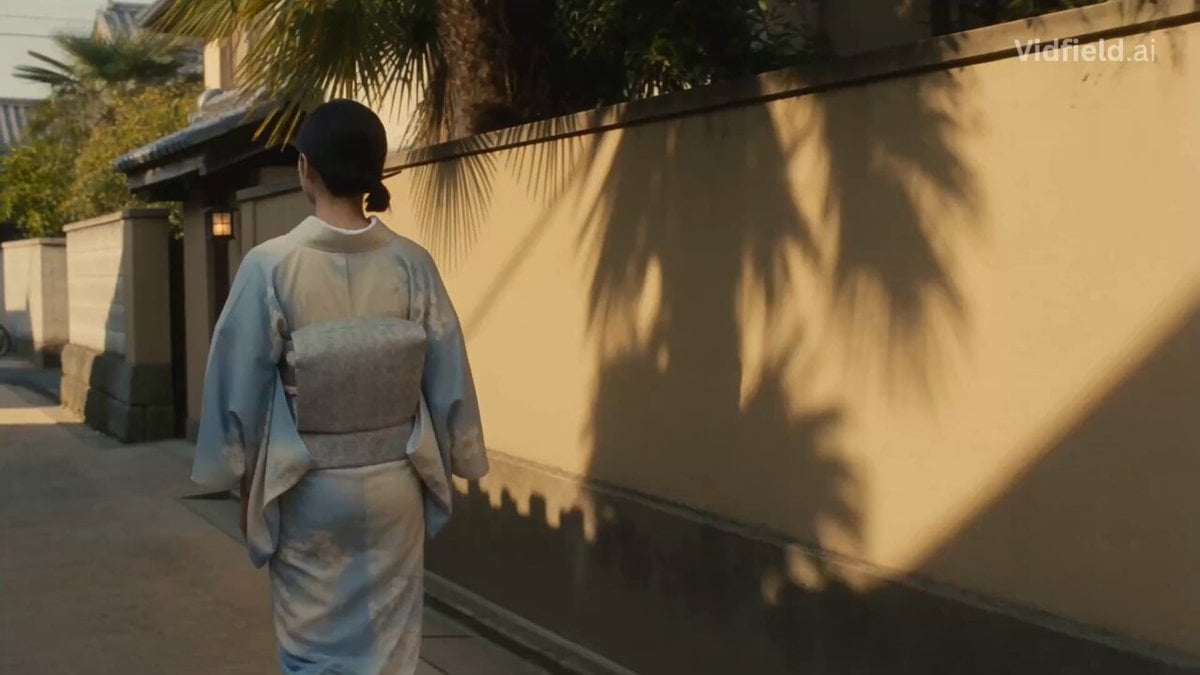
- Prompt included
- Model and format preset
- Free template
The prompt behind this video
Copy the exact prompt behind Japanese Alley Golden Hour Walk, or open it in the studio and make it yours.
Create a 15-second realistic cinematic slice-of-life video in 16:9, 24fps. Visual-only video, no dialogue, no voice, no music, no sound effects, no subtitles, no text on screen. Warm golden-hour sunlight, soft handheld camera, muted film color grade, slight grain, natural shadows, peaceful nostalgic mood. Fully realistic live-action style, not game-like, not animated. Main character: a young Japanese woman in her early 20s with soft natural features, dark hair tied in a loose low bun with a small traditional hairpin. She wears elegant traditional Japanese attire: a simple cream-and-muted-blue yukata/kimono-style outfit with a subtle floral pattern, tied with a soft obi belt, light tabi-style sandals. Keep her calm, gentle, warm expression consistent in every shot. Location: a long narrow real-life residential alley with a Japanese touch. Tall tan stone and concrete walls, sandy dusty ground, warm sunlight glowing on one side, soft tree shadows across the path, palm trees and green leaves above the walls, small Japanese details like a wooden gate, paper lantern near a doorway, simple noren curtain, potted bonsai-style plants, and a blue painted wall far ahead. One bicycle leans near the end of the alley. Quiet empty neighborhood feeling. 0:00–0:02: Rear tracking shot. The Japanese woman walks slowly through the narrow alley from behind. Her yukata fabric moves gently as she walks. Golden sunlight stretches across the tan walls. Camera follows with natural handheld motion. 0:02–0:04: Wide alley shot. A small gray-brown tabby cat appears from a low gap near the left side wall and steps into the alley. The woman notices it, slows down, and turns slightly toward it. 0:04–0:06: Medium side shot. The cat walks near her feet and looks up. She smiles softly, bends down slowly, and extends one hand in a gentle careful way. 0:06–0:08: Low close-up. The cat sniffs her fingers, then rubs its head against her hand. She gently pets the cat’s head and back. Show realistic fur texture, tiny whisker movement, and natural cat behavior. 0:08–0:10: Emotional close-up. The woman smiles warmly while petting the cat. Sunlight flickers through tree leaves across her face, hairpin, shoulders, and kimono fabric. 0:10–0:12: Medium-wide shot. The cat walks ahead a few steps, then looks back at her. She stands slowly and follows it with a peaceful curious smile. The Japanese alley details remain subtle and realistic. 0:12–0:14: Front tracking shot. She walks toward camera with the cat beside her near the wall. She looks down at the cat and smiles. The long alley, tan walls, Japanese details, blue wall, bicycle, and trees remain visible in the background. 0:14–0:15: Final close shot. The cat brushes against her leg. She looks toward the camera with a soft peaceful smile, then looks down at the cat again. Hold the warm golden Japanese alley atmosphere for a gentle cinematic ending.
How to use Japanese Alley Golden Hour Walk in 3 steps
- 1
Open
The prompt is already in the box next to the preview, with the template's model and format selected.
- 2…a portrait of your subject in softgolden-hour light, 85mm…
Personalize
Edit the subject and creative details for your destination.
- 3Generate
Generate
Press Generate — your video is created in PicX Studio, so you can compare it with the original and refine one variable at a time.
More like this
Templates with the same subject, style or setup. Open one to see its prompt.
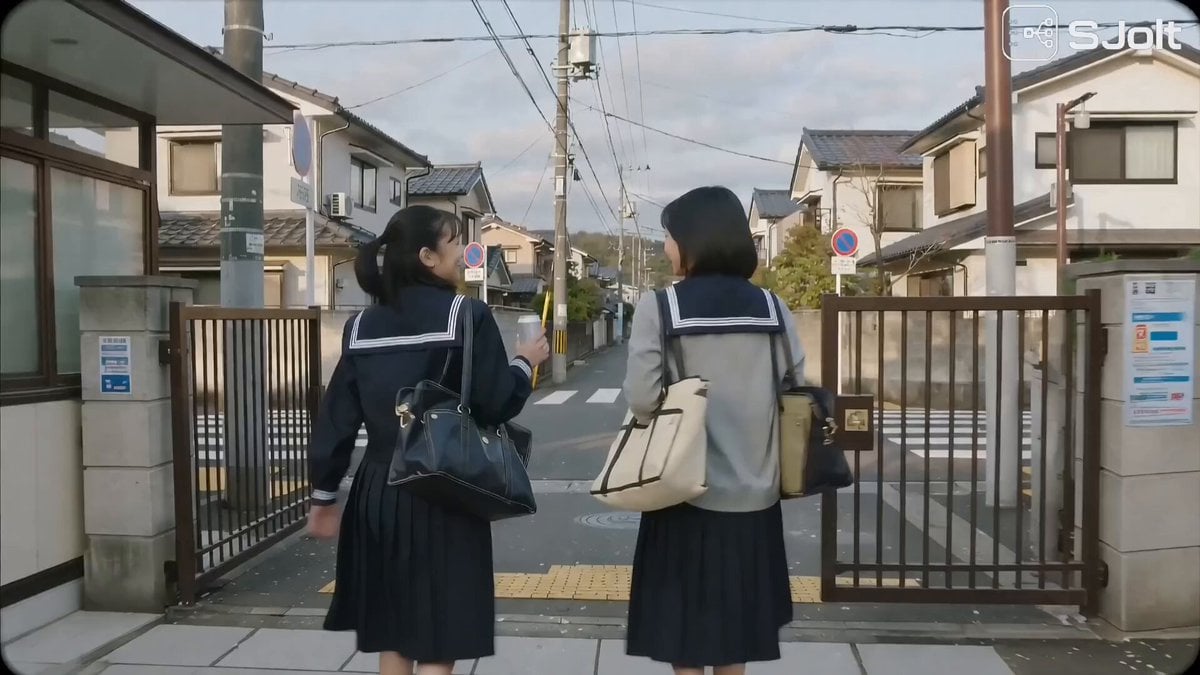
Japanese High School Golden Hour Walk
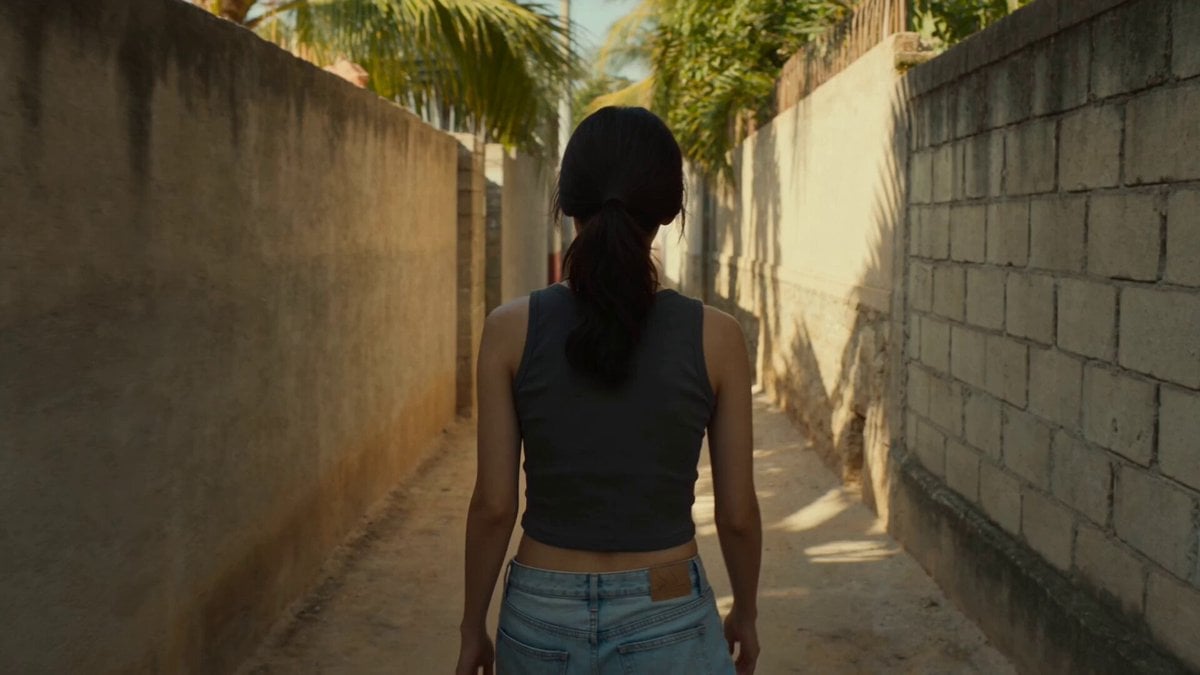
Golden Hour Alley Scene

Korean Neighborhood Golden Hour Walk

Father and Baby Stroller Walk at Golden Hour
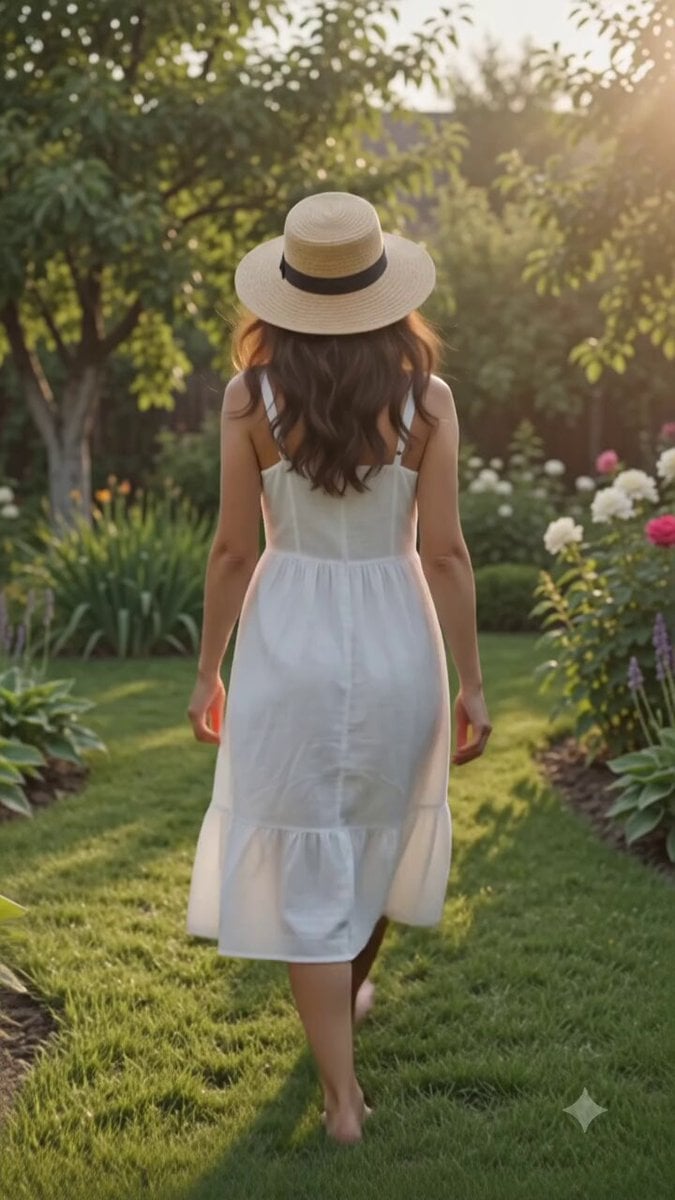
Cinematic Golden Hour Garden Walk

Golden Hour Beach Dog POV
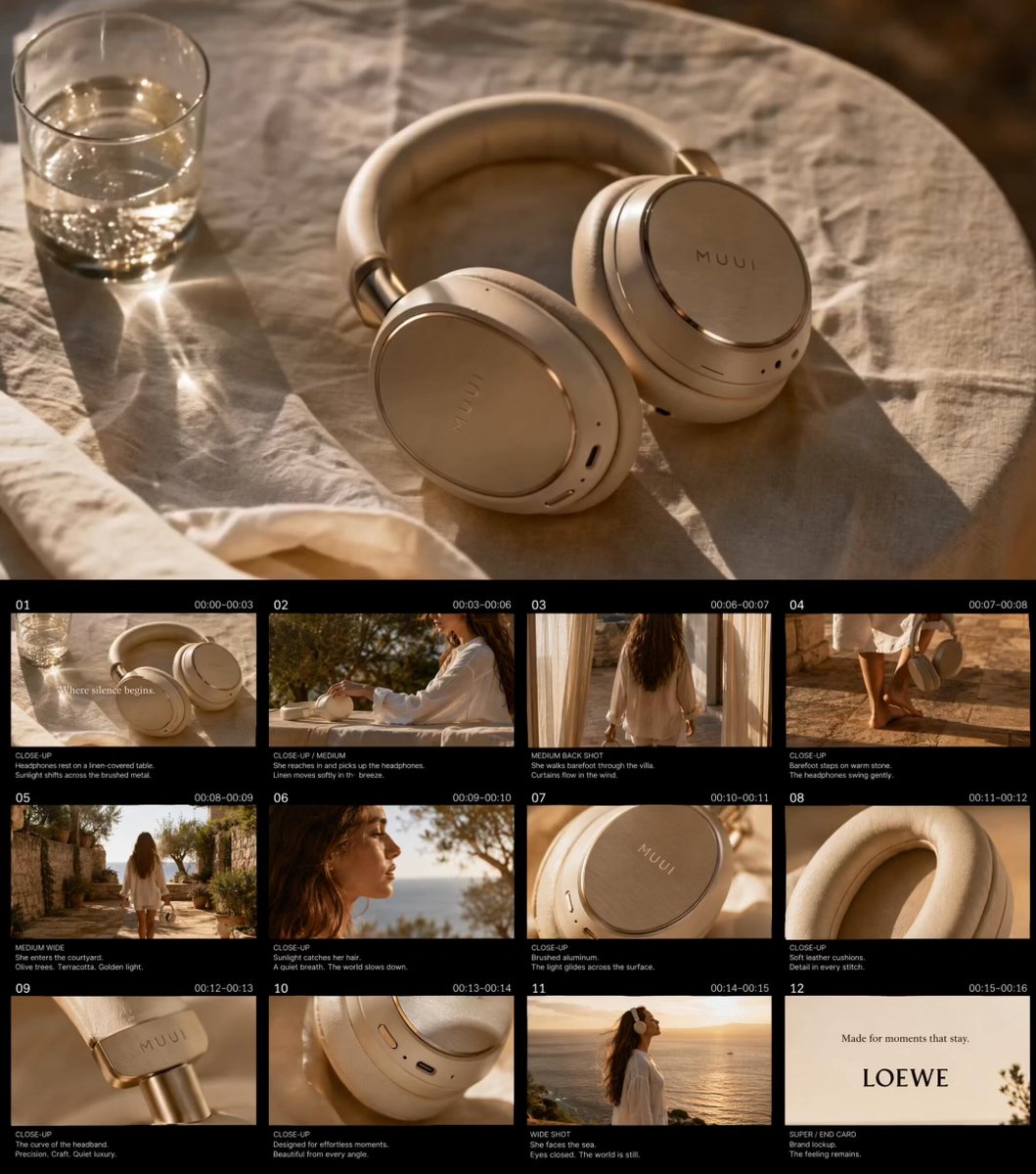
Golden Hour Luxury TVC
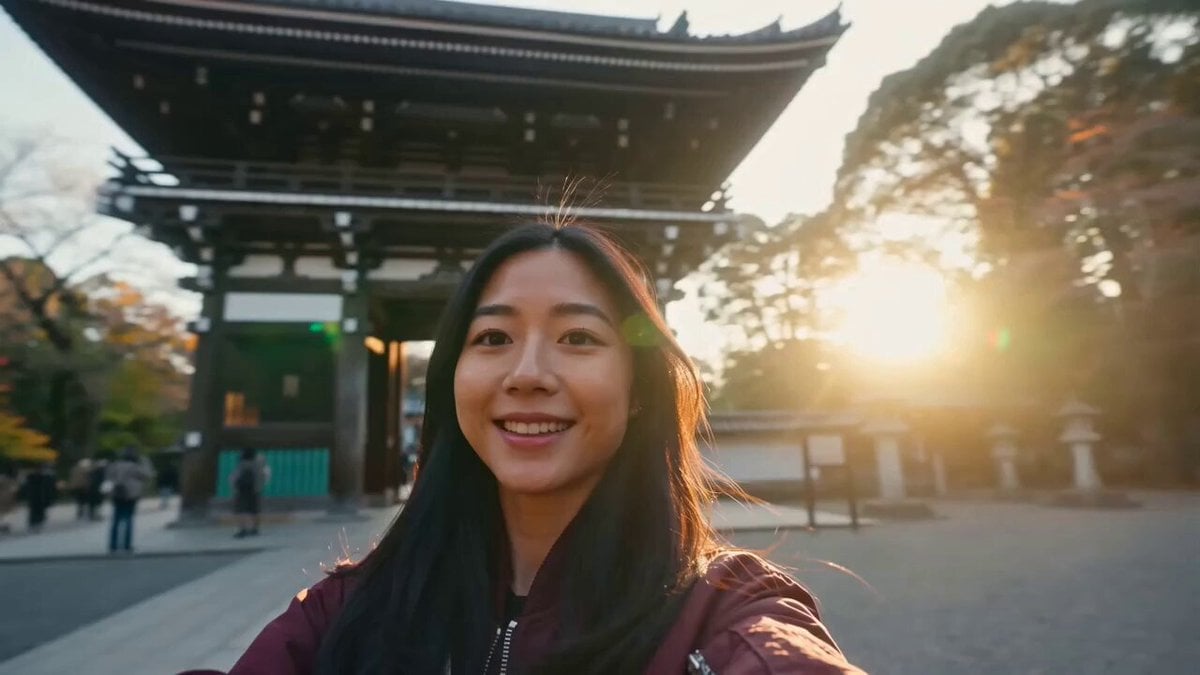
Japan Travel Vlog Golden Hour
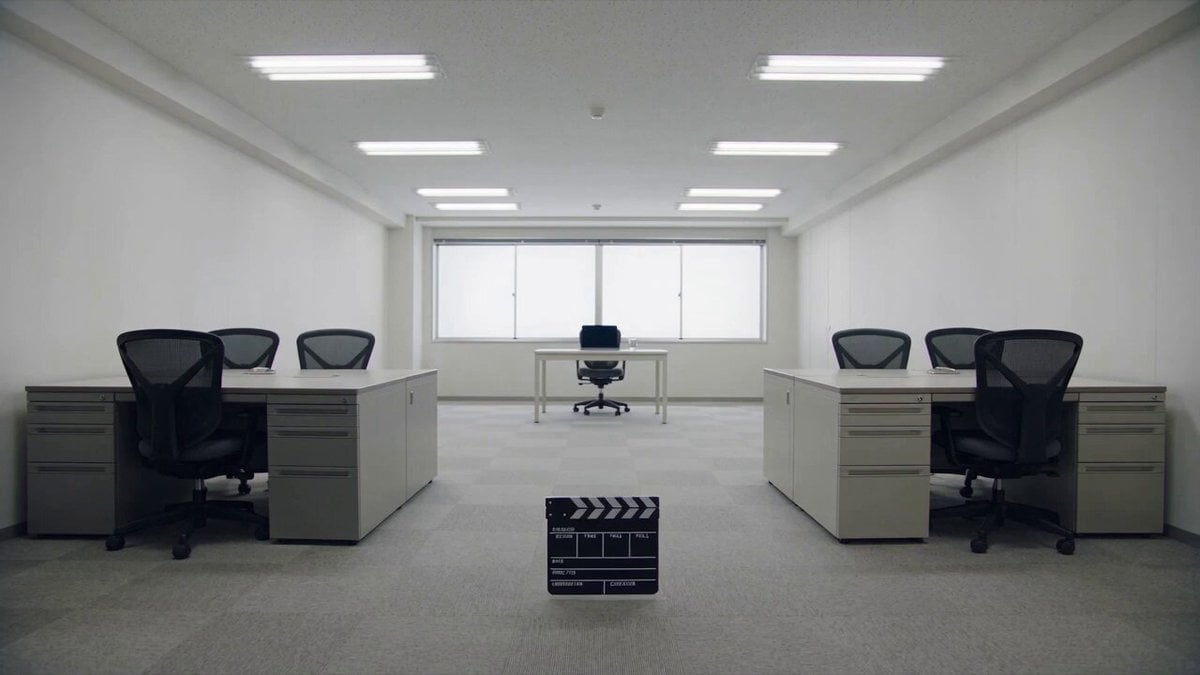
Minimalist Photography Studio Golden Hour
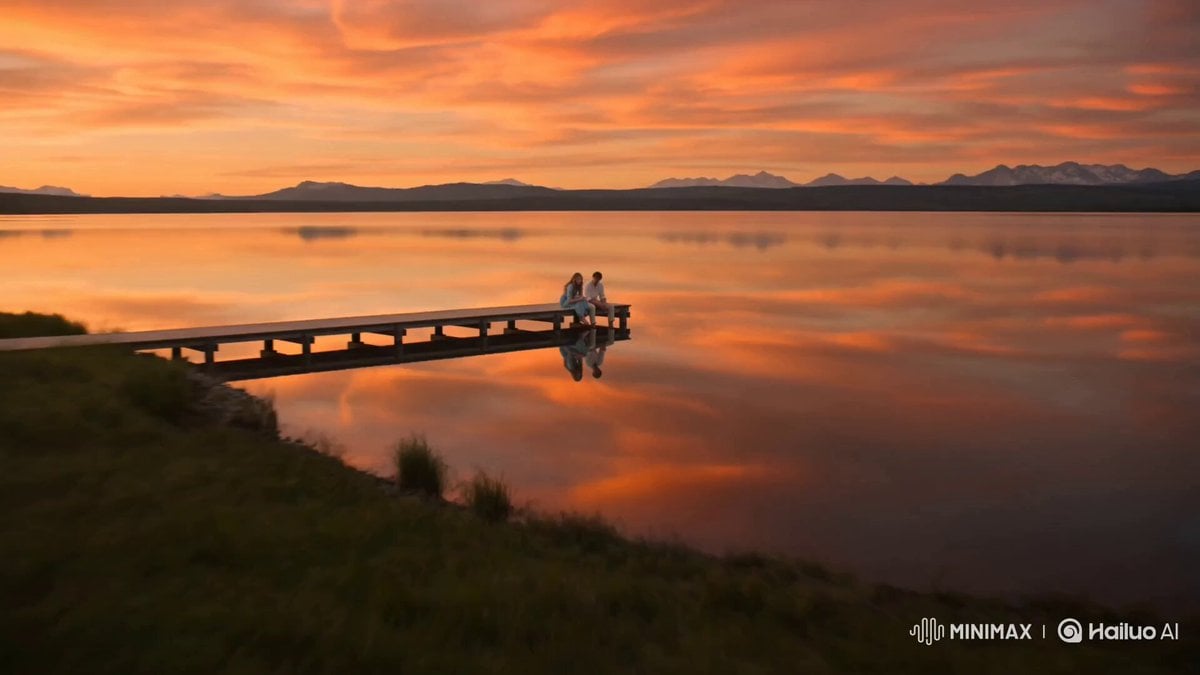
Alpine Lake Golden Hour Couple
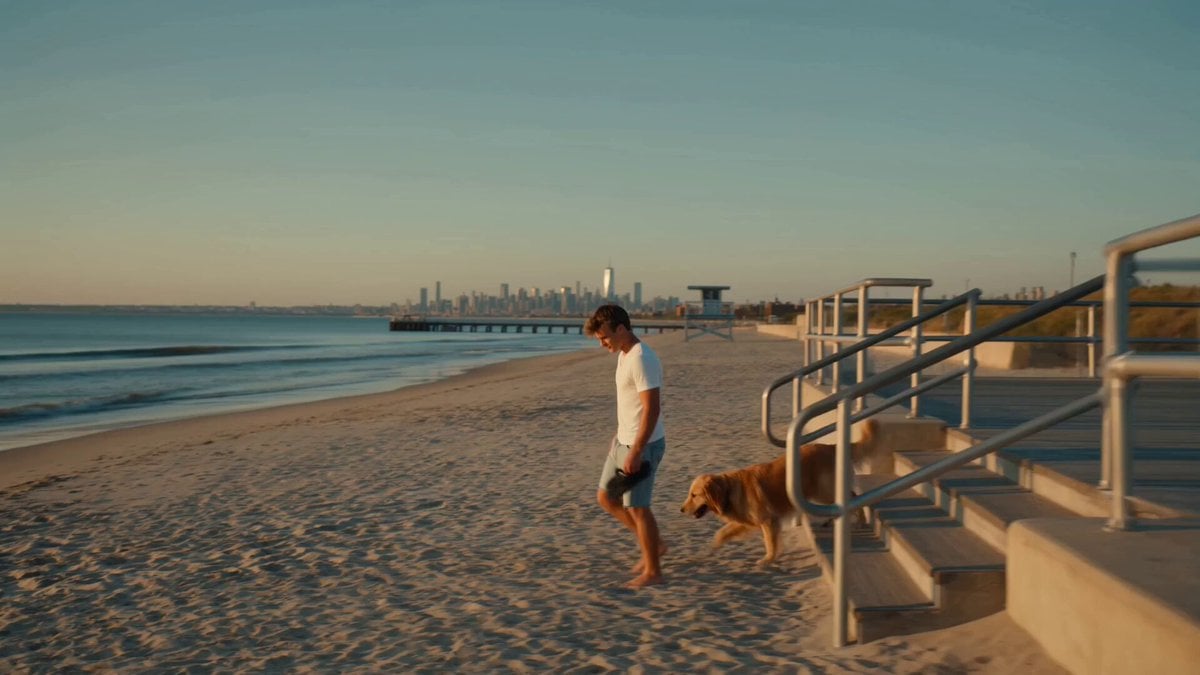
Golden Hour NYC Beach Stroll

Japanese Pure Love Short Film
Make it yours
Japanese Alley Golden Hour Walk works as-is. These are the safest ways to change it without losing the look.
Change one field
Copy a single group, rewrite it, and generate again so you can see what that field is doing.
Keep the frame, change the subject
Hold the composition and light of Japanese Alley Golden Hour Walk, then swap wardrobe, props or the person for a new take.
| If the result… | Why | Fix |
|---|---|---|
| The result drifts from the preview | Too many fields changed at once. | Reuse Japanese Alley Golden Hour Walk as-is first, then change one group — subject, light, or setting. |
| The model over-stylizes the scene | The prose prompt leaves finish and camera underspecified. | Add one camera or lighting sentence and stay on Seedance 2.0. |
More Seedance 2.0 templates
Other prompts made for Seedance 2.0.

Comical Martial Arts Punch Scene

Maglev Train Action Sequence

Martial Arts Fight Sequence

Wuxia Protection and Trust Script

Vintage Korean Arcade MiniDV Vlog

Mercedes 190 SL Luxury Ad

Rainy Night Supernatural Reverse Comedy Video Script

Amazon Civilization Discovery

Futuristic South Asian City Transformation

Cozy Luxury Cafe Commercial
More video prompts
Fresh picks from across the catalog.

Female Golfer Realistic Outdoor Shot
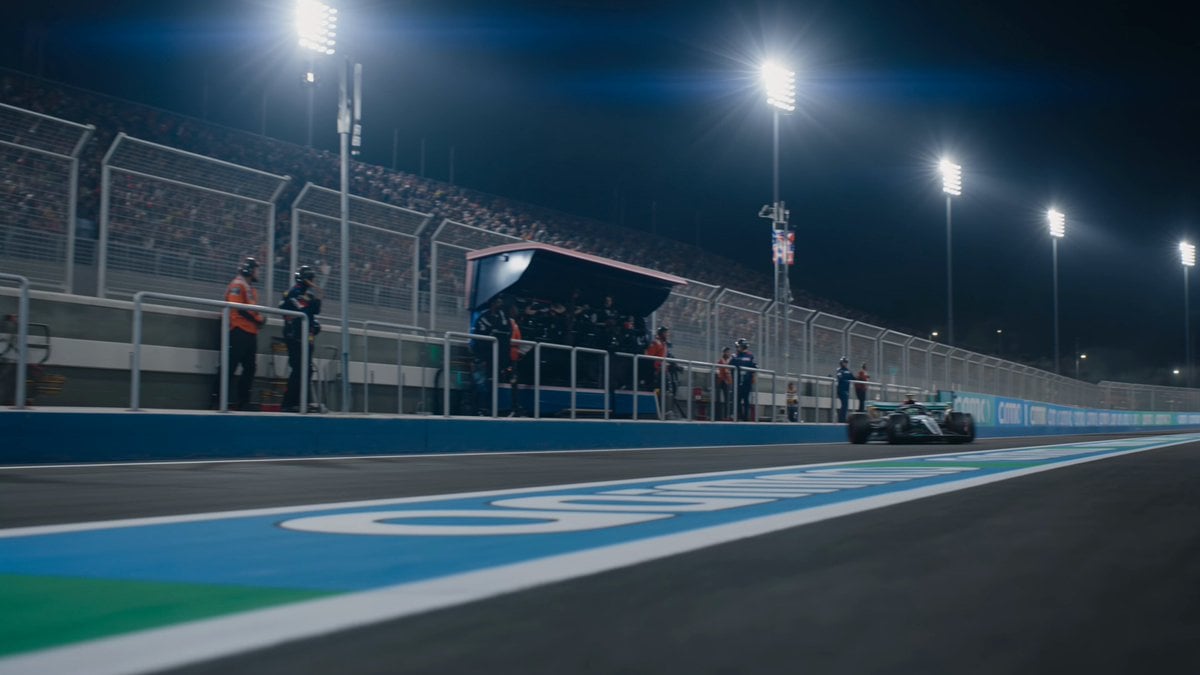
Formula 1 Pit Stop Night Cinematic

Cinematic Mummy Chase Sequence
New York FPV Drone Flight

Anime Character Ultimate Skill PV

Cyberpunk Tokyo 2099 Rain

Borus Cyber Jungle Character Reference

Seedance 2.0 Dialogue Comparison Prompt
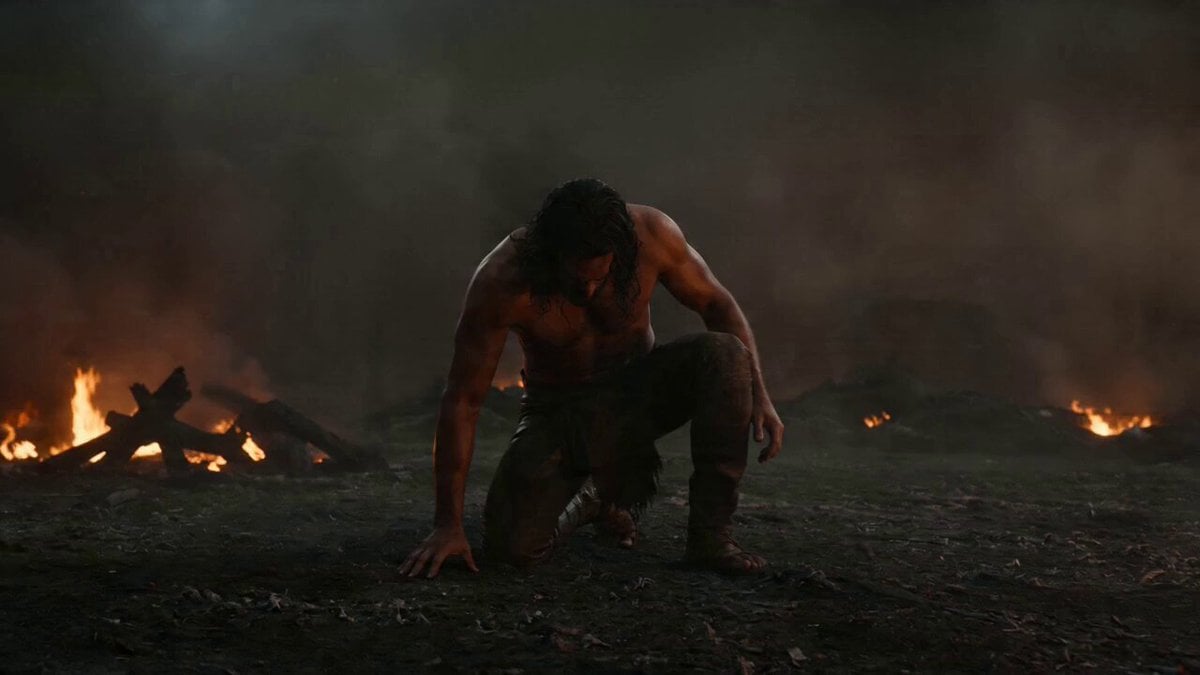
Warrior Fire Ignition Sequence
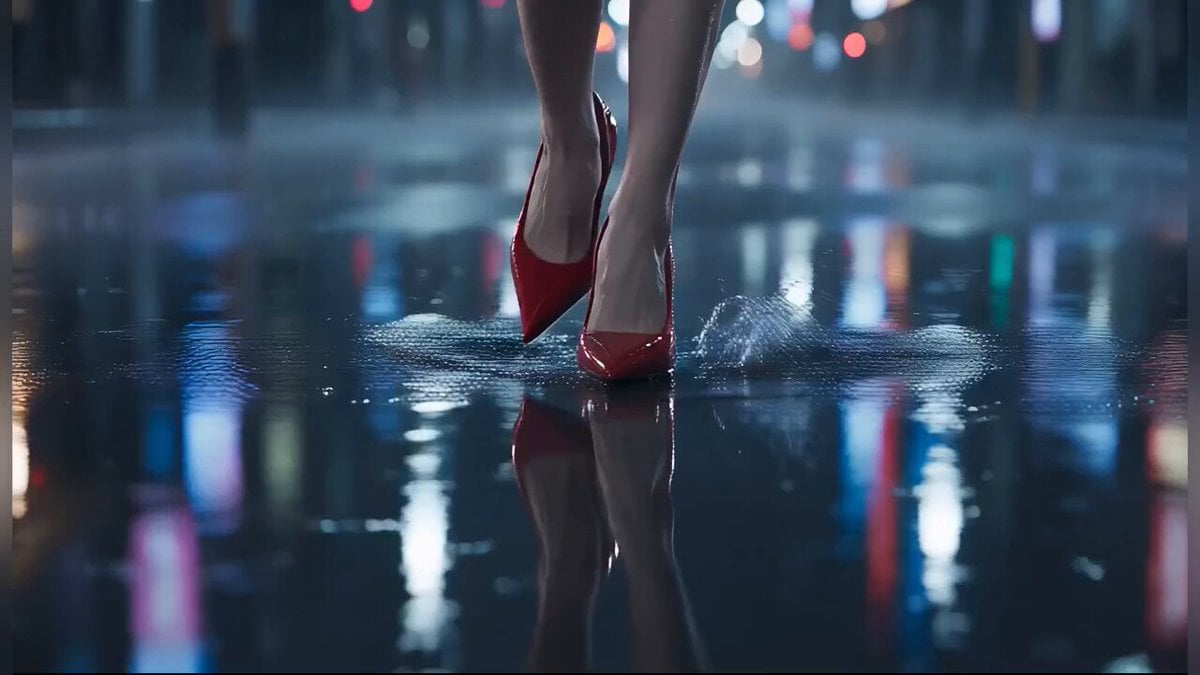
Tokyo Rainy Night Cinematic Atmosphere
Browse template categories
Japanese Alley Golden Hour Walk questions
How do I use the Japanese Alley Golden Hour Walk template?
Add your photo if the template asks for one, edit the prompt if you like — the template's model and format are already selected — and press Generate. Your version opens in PicX Studio.
Can I customize the Japanese Alley Golden Hour Walk template?
Yes. You can change the subject, setting, lighting, mood, format, and available model controls before creating your video.
Is the Japanese Alley Golden Hour Walk template free?
Opening and editing this template is free. Generating uses credits, shown on the Generate button when you are signed in.
Which AI model should I use?
Start with Seedance 2.0, which is the model associated with this template. You can compare another compatible model for a different finish.
Looking for something else? Browse all templates.

Your photo, any look
Thousands of ready templates for every top image and video model, from one credit balance.