
Japan Travel Vlog Golden Hour
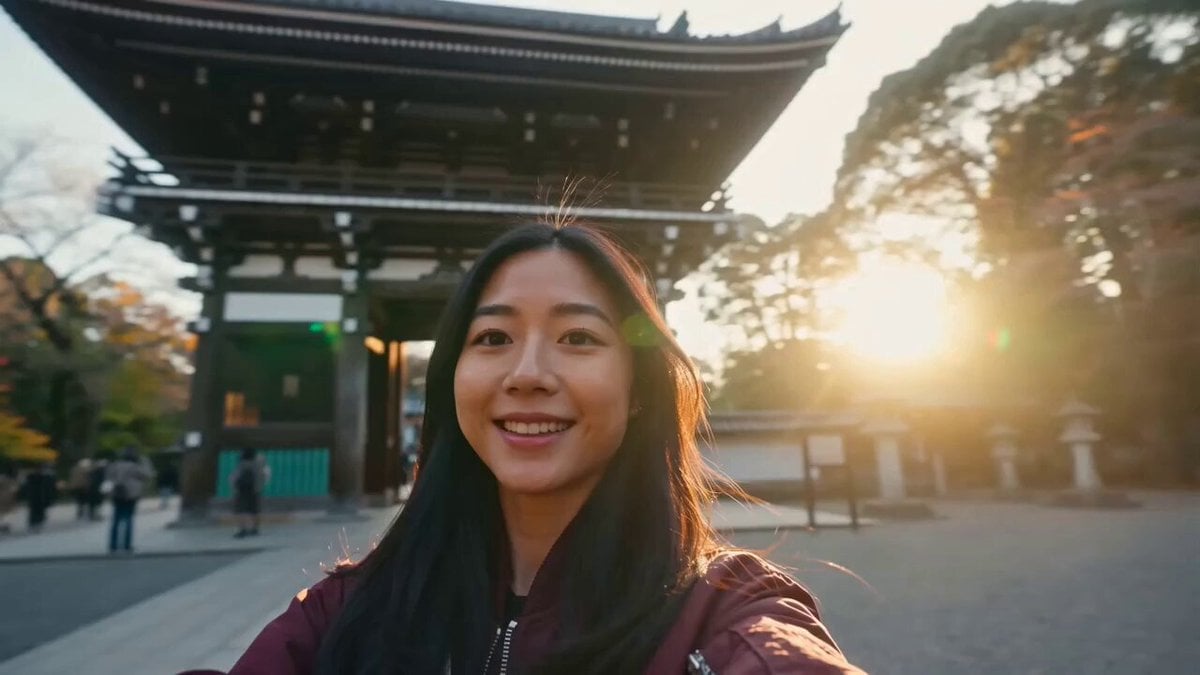
A first-person travel vlog prompt capturing a journey through Japan, from landmarks and cozy cafes to vibrant street food markets at golden hour.
- Prompt included
- Model and format preset
- Free template
The prompt behind this video
Copy the exact prompt behind Japan Travel Vlog Golden Hour, or open it in the studio and make it yours.
A cinematic first-person travel vlog following a cheerful young woman wearing a maroon jacket as she explores Japan during golden hour. The video opens with a handheld selfie shot in front of a famous Japanese landmark as she smiles naturally at the camera. Smooth cinematic transition to a cozy café where she enjoys a latte by the window. Cut to a peaceful walk through a lush city park with cherry trees gently swaying in the breeze. Transition to a vibrant street food market where she samples local snacks while colorful lanterns glow overhead. End with a modern Tokyo metro ride as she gazes out the window, city lights reflecting on the glass. Natural candid expressions, realistic human motion, stabilized handheld camera, soft golden-hour lighting, warm cinematic color grading, shallow depth of field, subtle lens flares, ultra-realistic documentary travel aesthetic, 4K, highly detailed.
How to use Japan Travel Vlog Golden Hour in 3 steps
- 1
Open
The prompt is already in the box next to the preview, with the template's model and format selected.
- 2…a portrait of your subject in softgolden-hour light, 85mm…
Personalize
Edit the subject and creative details for your destination.
- 3Generate
Generate
Press Generate — your video is created in PicX Studio, so you can compare it with the original and refine one variable at a time.
More like this
Templates with the same subject, style or setup. Open one to see its prompt.

Handheld Tokyo Travel Vlog - Seedance 2.5

Luxury Airport Travel Vlog
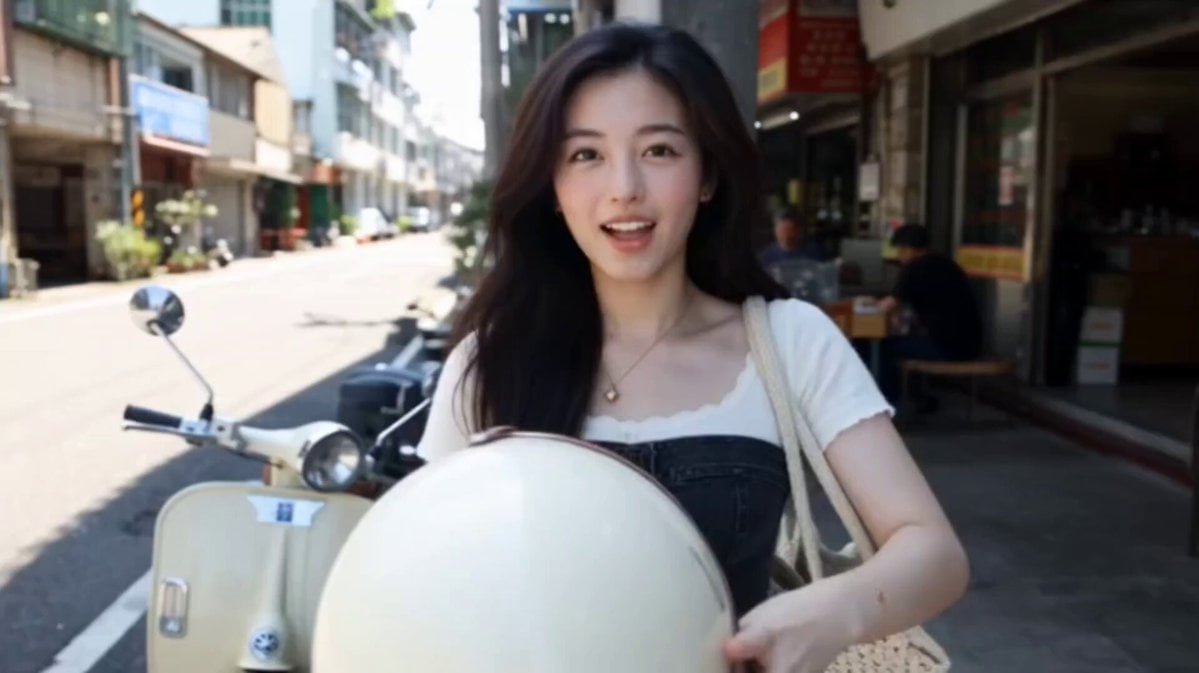
Kenting Lifestyle Travel Vlog
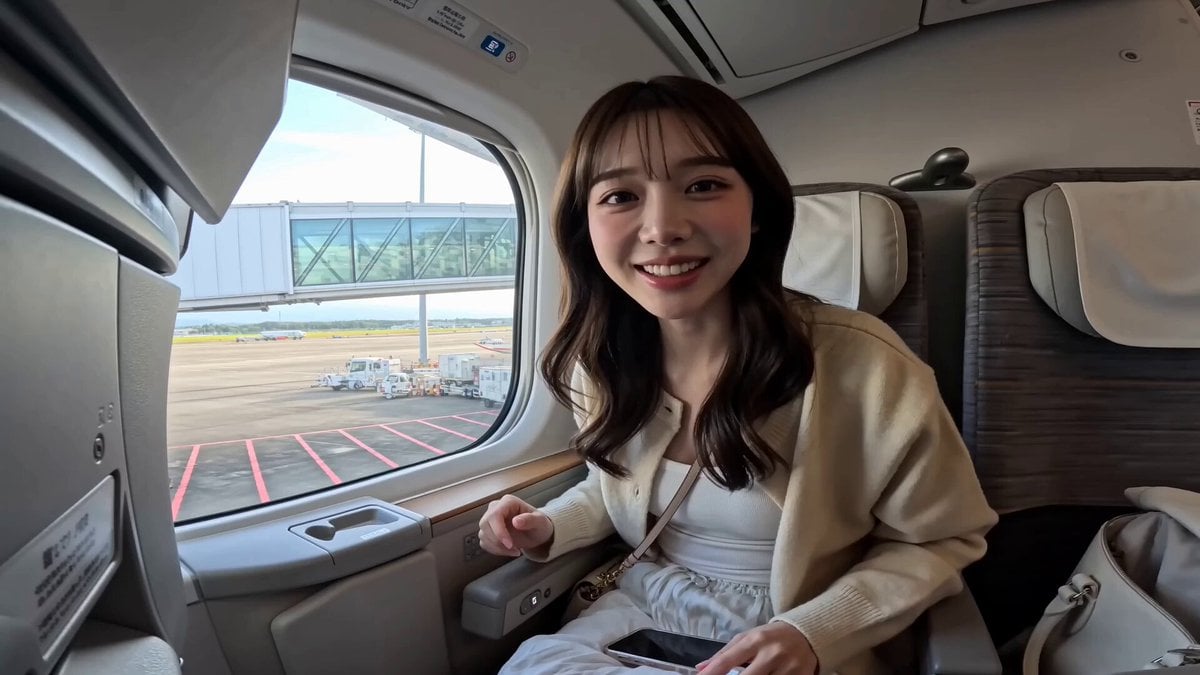
Japanese Airplane Travel Vlog
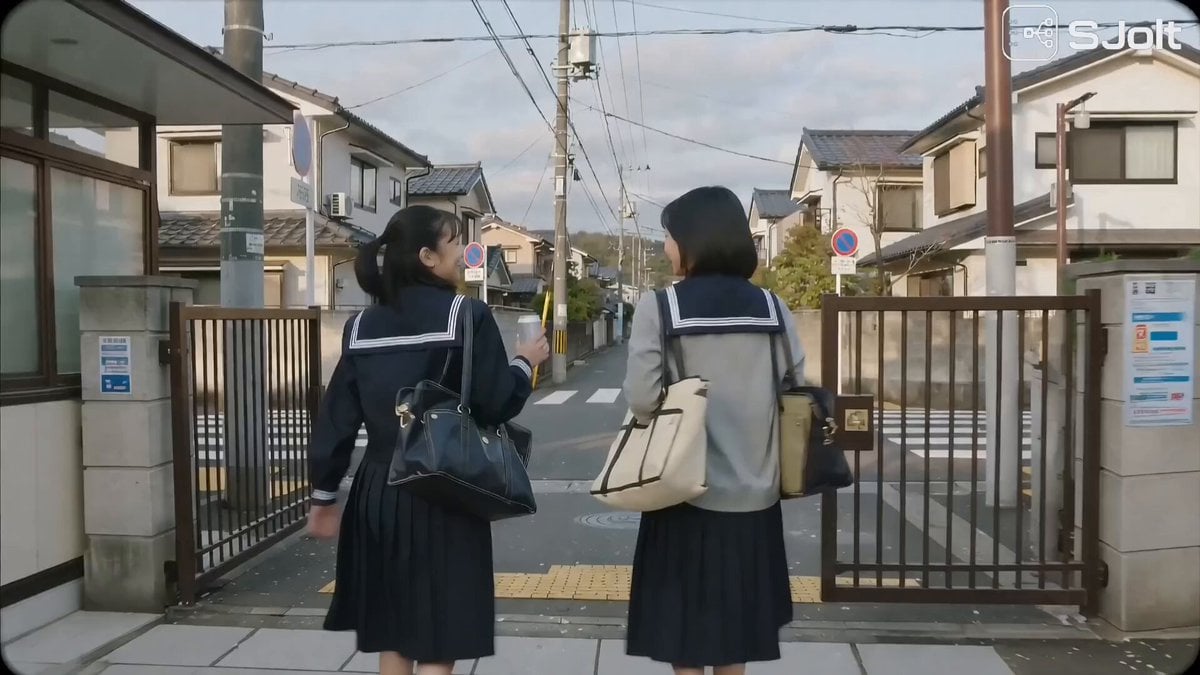
Japanese High School Golden Hour Walk

Japanese Summer Festival Travel Vlog
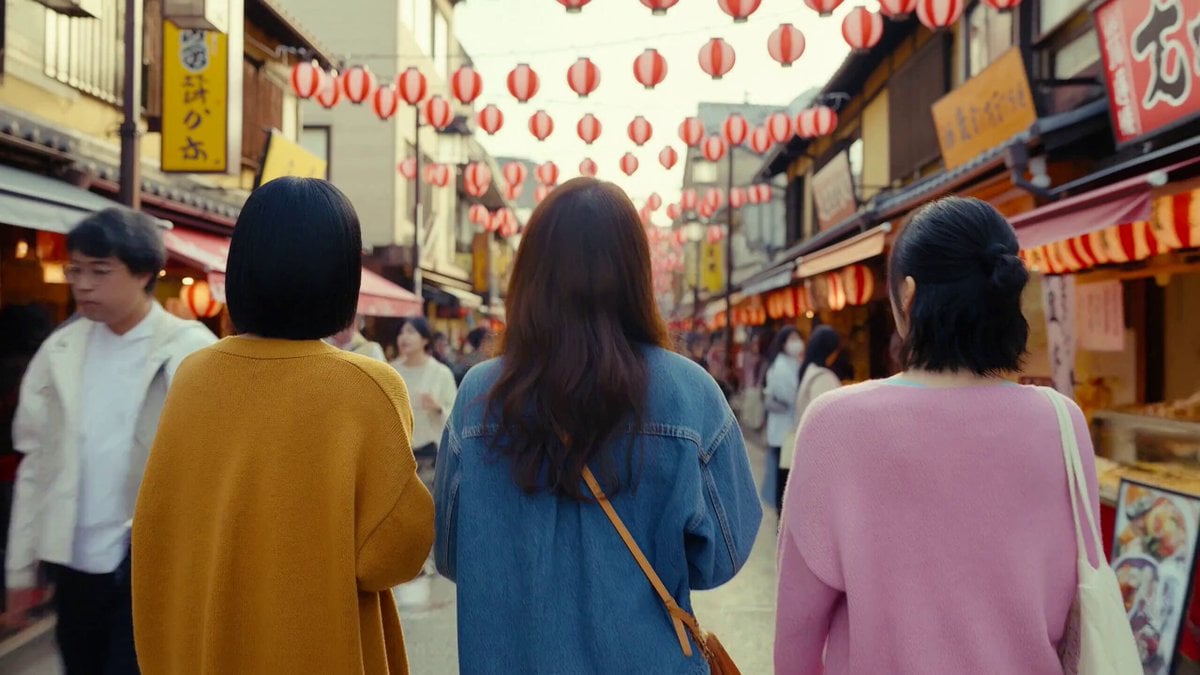
Japanese Market Travel Vlog
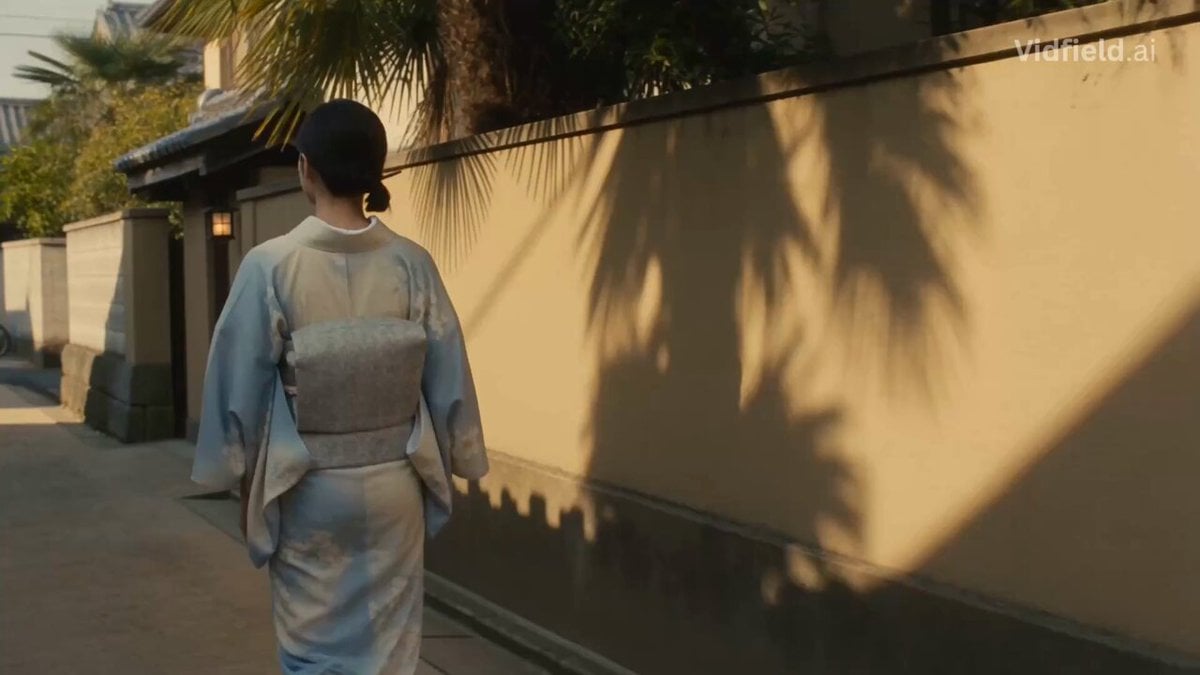
Japanese Alley Golden Hour Walk
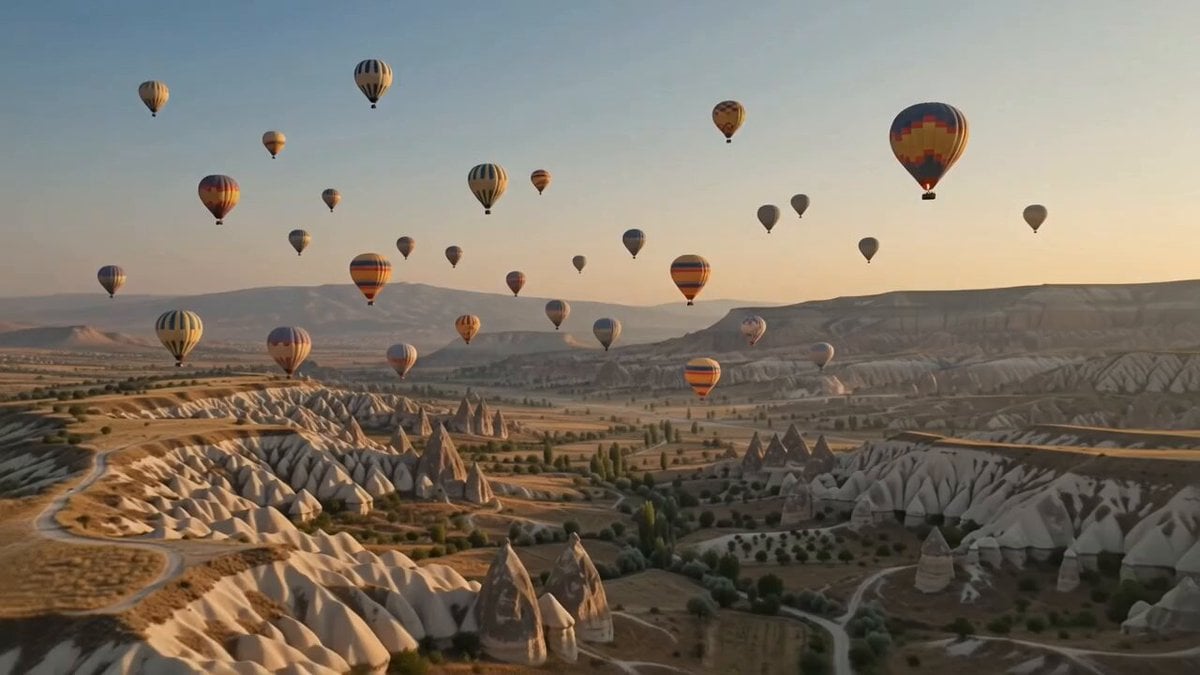
Hot-Air Balloon Travel Vlog
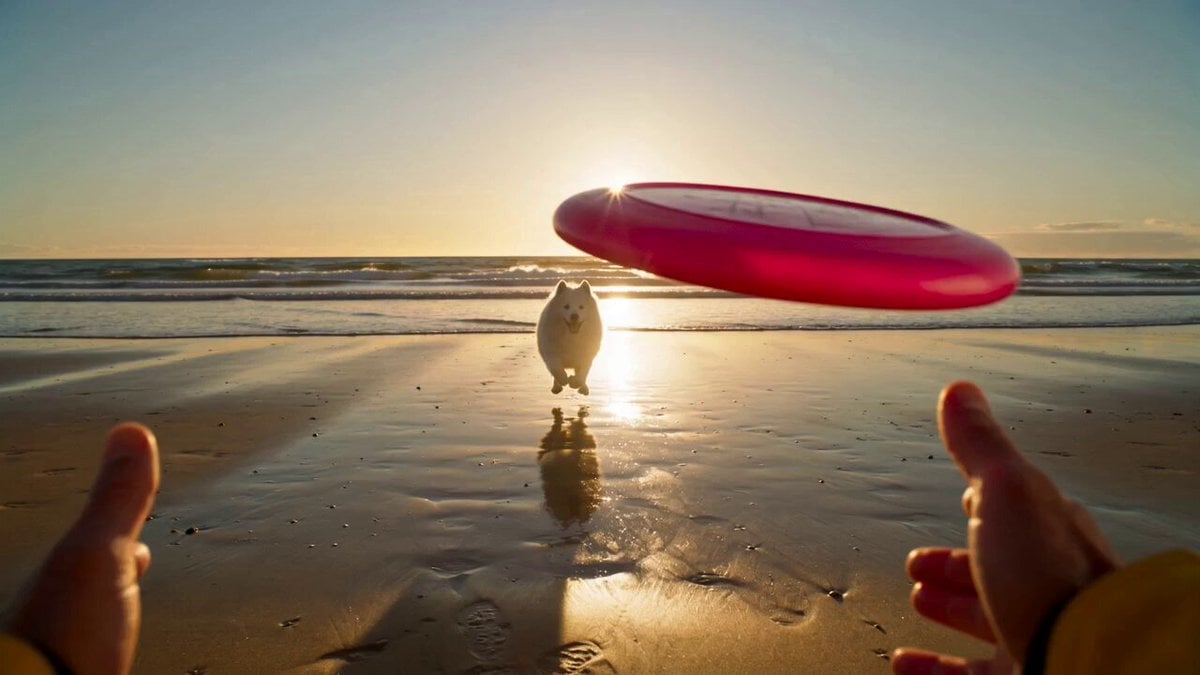
Golden Hour Beach Dog POV
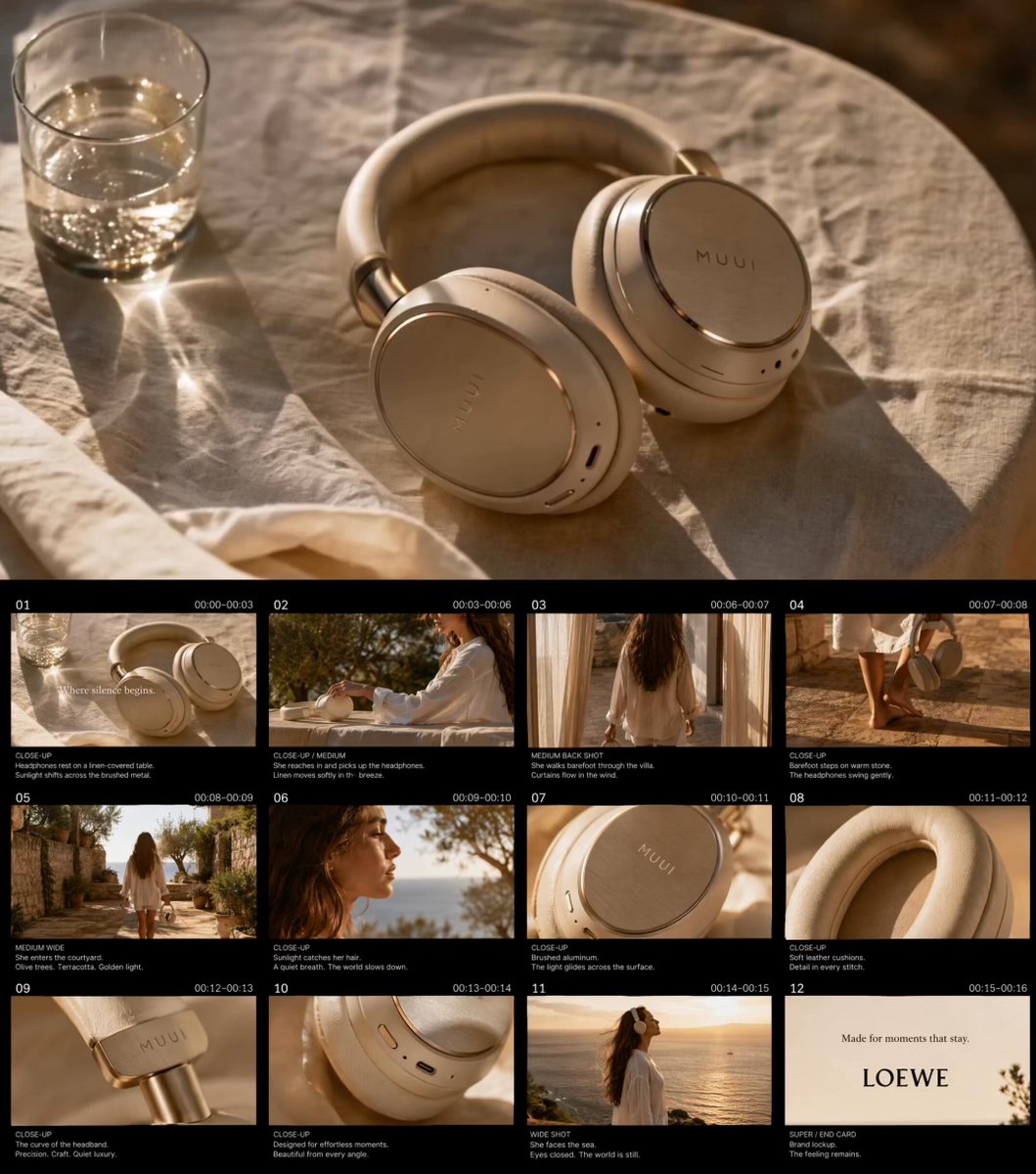
Golden Hour Luxury TVC
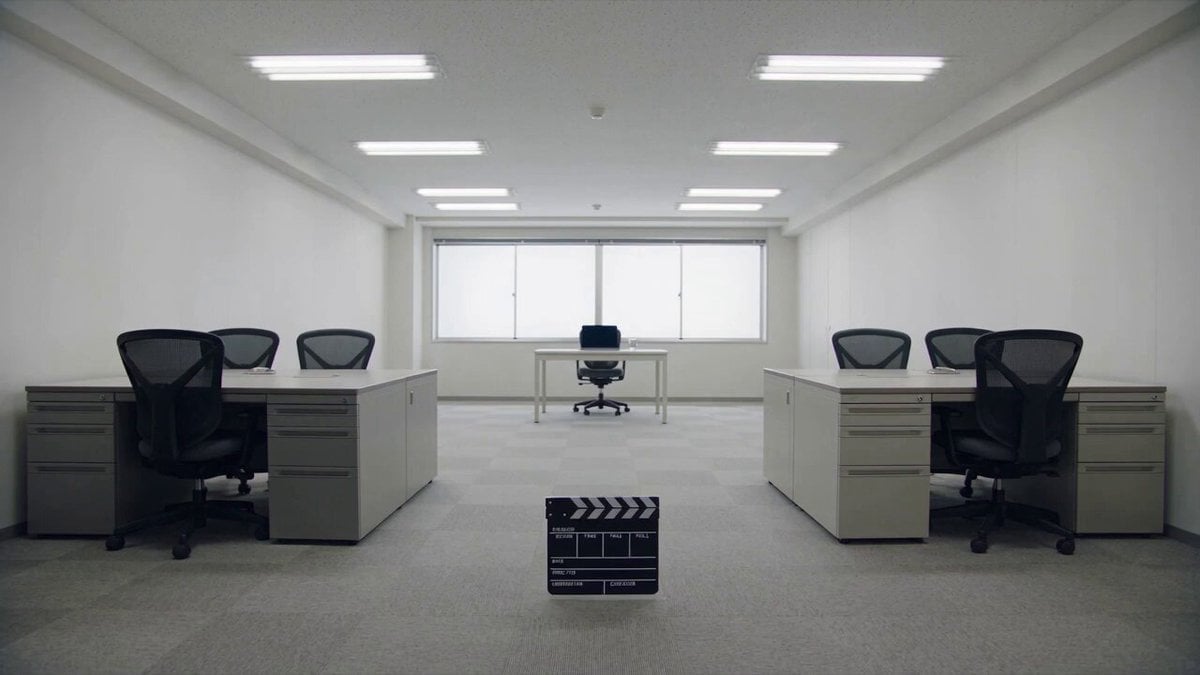
Minimalist Photography Studio Golden Hour
Make it yours
Japan Travel Vlog Golden Hour works as-is. These are the safest ways to change it without losing the look.
Change one field
Copy a single group, rewrite it, and generate again so you can see what that field is doing.
Keep the frame, change the subject
Hold the composition and light of Japan Travel Vlog Golden Hour, then swap wardrobe, props or the person for a new take.
| If the result… | Why | Fix |
|---|---|---|
| The result drifts from the preview | Too many fields changed at once. | Reuse Japan Travel Vlog Golden Hour as-is first, then change one group — subject, light, or setting. |
| The model over-stylizes the scene | The prose prompt leaves finish and camera underspecified. | Add one camera or lighting sentence and stay on Seedance 2.0. |
More Seedance 2.0 templates
Other prompts made for Seedance 2.0.

Comical Martial Arts Punch Scene

Maglev Train Action Sequence

Martial Arts Fight Sequence

Wuxia Protection and Trust Script

Vintage Korean Arcade MiniDV Vlog

Mercedes 190 SL Luxury Ad

Rainy Night Supernatural Reverse Comedy Video Script

Amazon Civilization Discovery

Futuristic South Asian City Transformation

Cozy Luxury Cafe Commercial
More video prompts
Fresh picks from across the catalog.
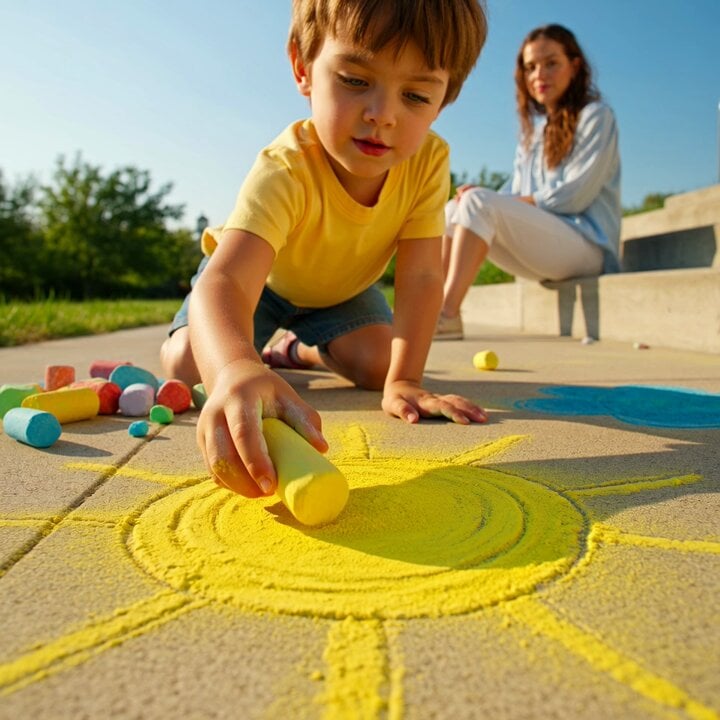
Grok Imagine video prompt: Child Drawing Chalk on Sidewalk
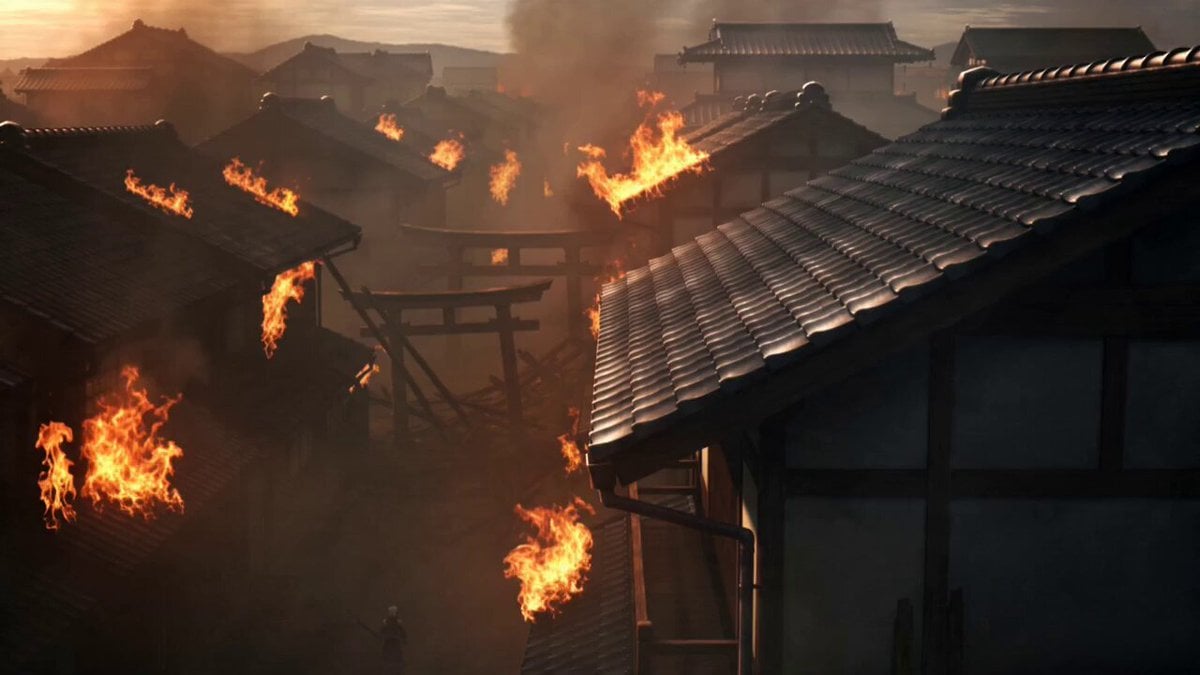
Demon Slayer Anime Battle Scene
Qipao Evolution Short Film Prompt for Seedance 2.0

Rousseau AI Talking Head
Ultra Cinematic Portrait of a Divine Imperial Ballerina
Live TV Football Broadcast Crowd Reaction
Sacred Geometry Seed of Life Video Prompt

Premium Spicy Chips Fashion Commercial

Watercolor Ink Sword Performance
Anime Countryside Cooking Montage
Browse template categories
Japan Travel Vlog Golden Hour questions
How do I use the Japan Travel Vlog Golden Hour template?
Add your photo if the template asks for one, edit the prompt if you like — the template's model and format are already selected — and press Generate. Your version opens in PicX Studio.
Can I customize the Japan Travel Vlog Golden Hour template?
Yes. You can change the subject, setting, lighting, mood, format, and available model controls before creating your video.
Is the Japan Travel Vlog Golden Hour template free?
Opening and editing this template is free. Generating uses credits, shown on the Generate button when you are signed in.
Which AI model should I use?
Start with Seedance 2.0, which is the model associated with this template. You can compare another compatible model for a different finish.
Looking for something else? Browse all templates.

Your photo, any look
Thousands of ready templates for every top image and video model, from one credit balance.