
Qipao Evolution Short Film Prompt for Seedance 2.0
This is a detailed, multi-scene prompt for Seedance 2.0 designed to generate a 15-second commercial short film depicting the evolution of the Qipao (Cheongsam) from the late Qing Dynasty to the 1930s Golden Age.
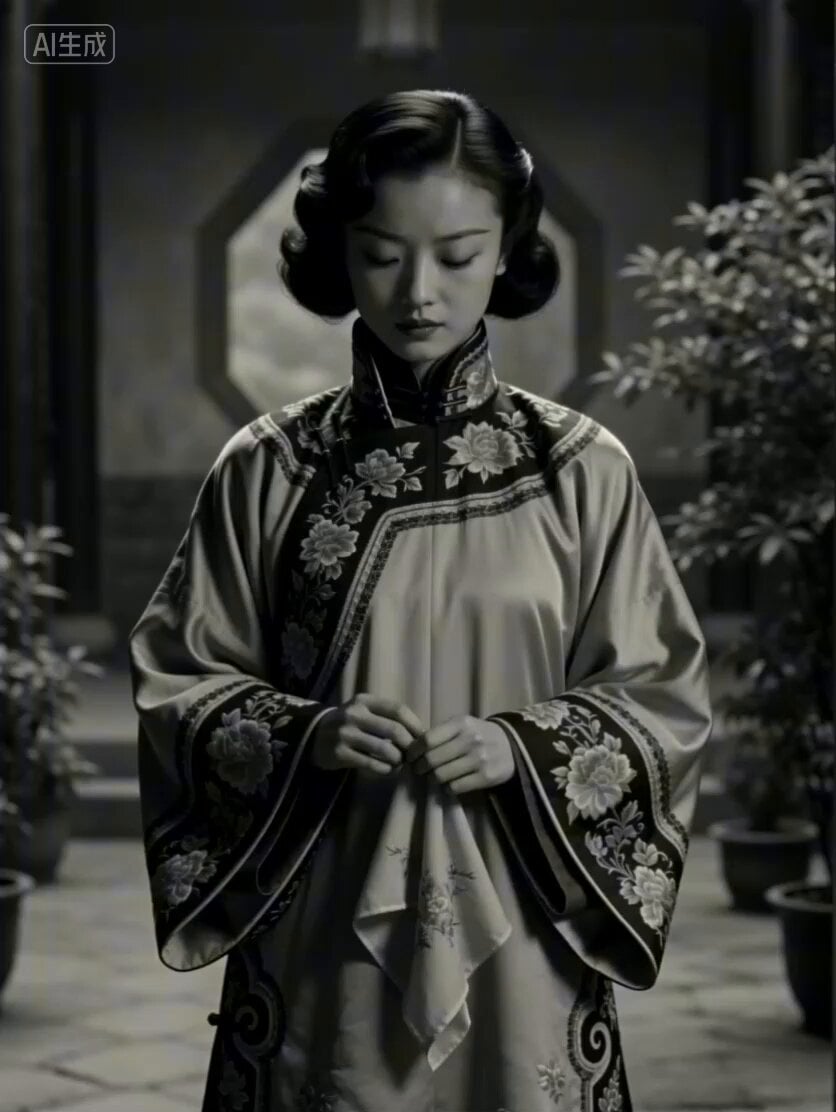
- Prompt included
- Model and format preset
- Premium template
The prompt behind this video
Copy the exact prompt behind Qipao Evolution Short Film Prompt for Seedance 2.0, or open it in the studio and make it yours.
《Qipao Awakening · 15-Second Thrill-Cut Edition》 [Style] Cinematic old-Shanghai texture + fast-paced commercial blockbuster editing; strong beat drum score; film grain; high-contrast lighting; action-matched cuts; 8K ultra-HD; pacing intensifies frame by frame; emotion keeps building [Duration] 15 seconds [Character] The same Eastern woman; temperament shifts from reserved to sharp; gaze shifts from downcast to looking straight into the camera; body language shifts from restrained to commanding the whole scene [Core transition mechanic] Each spin completes a leap through time; the motion is a seamless match cut Storyboard script 0–2s [Late Qing Dynasty Qipao] Setting: enclosed courtyard, dim lighting. Costume: wide, straight-cut qipao, high stand collar, wide sleeves, heavy embroidery. Action: head lowered, slowly raising her eyes, the drumbeat hits hard for the first time, she spins abruptly. Camera: medium shot, fast push-in. 2–5s [1915 Transitional Qipao] Setting: street, faint light. Costume: sleeves narrower, waistline slightly defined, hem still long. Action: lands from the spin, raises her head, takes her first step, the rhythm begins to pick up, spins again 5–9s [1920s Shanghai Style] Setting: Shanghai street, a tram passes by. Costume: silk qipao, waistline clearly defined, hem at calf length, short wavy hair. Action: pace visibly quickens, she looks directly into the camera, the camera circles around her, the drumbeat intensifies, a crisp, clean spin 9–15s [1930s Golden Age] Setting: neon night scene, strong light carving out her silhouette. Costume: body-hugging cut, high slit, sleeveless, high stilettos, red lips. Action: the spin completes, she stops, walks slowly toward the camera, the camera shifts from a high angle to eye level, she looks straight into the camera, completely commanding the scene, the final drumbeat falls, freeze frame
How to use Qipao Evolution Short Film Prompt for Seedance 2.0 in 3 steps
- 1
Open
The prompt is already in the box next to the preview, with the template's model and format selected.
- 2…a portrait of your subject in softgolden-hour light, 85mm…
Personalize
Edit the subject and creative details for your destination.
- 3Generate
Generate
Press Generate — your video is created in PicX Studio, so you can compare it with the original and refine one variable at a time.
More like this
Templates with the same subject, style or setup. Open one to see its prompt.
Cinematic Short Film Scene 2
Cinematic Short Film Scene
Original Ocean Fantasy Fashion Short Film Prompt for Seedance 2.0
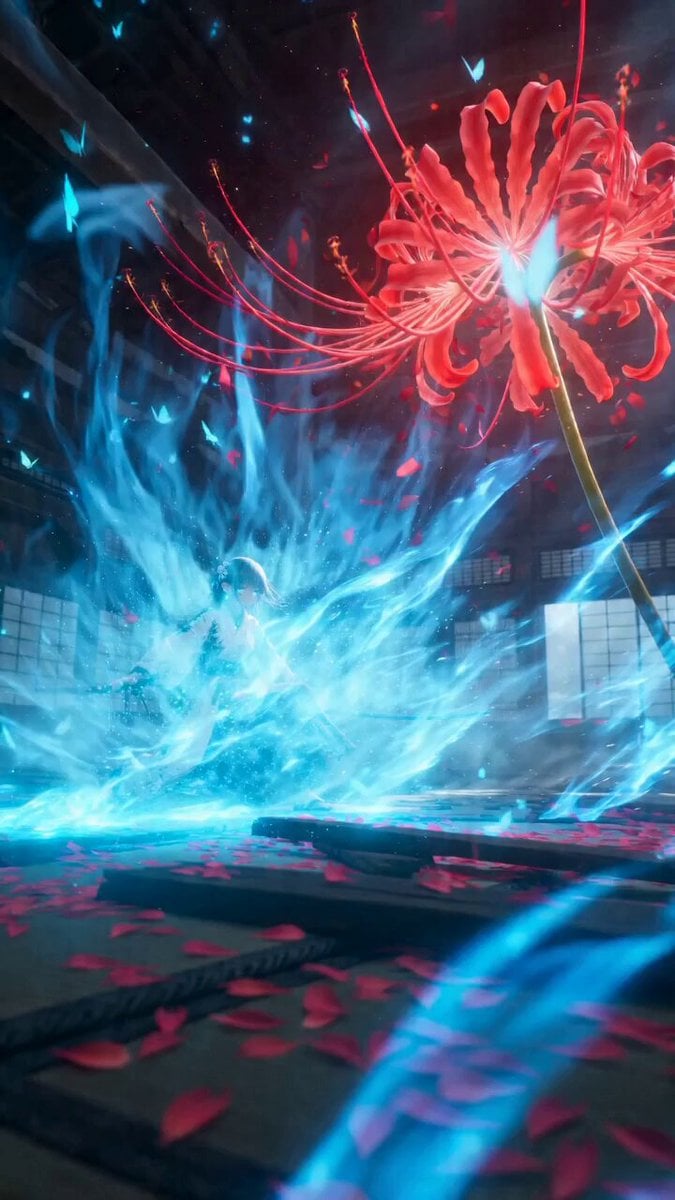
Japanese Dark Fantasy Action Short Film Prompt for Seedance 2.0
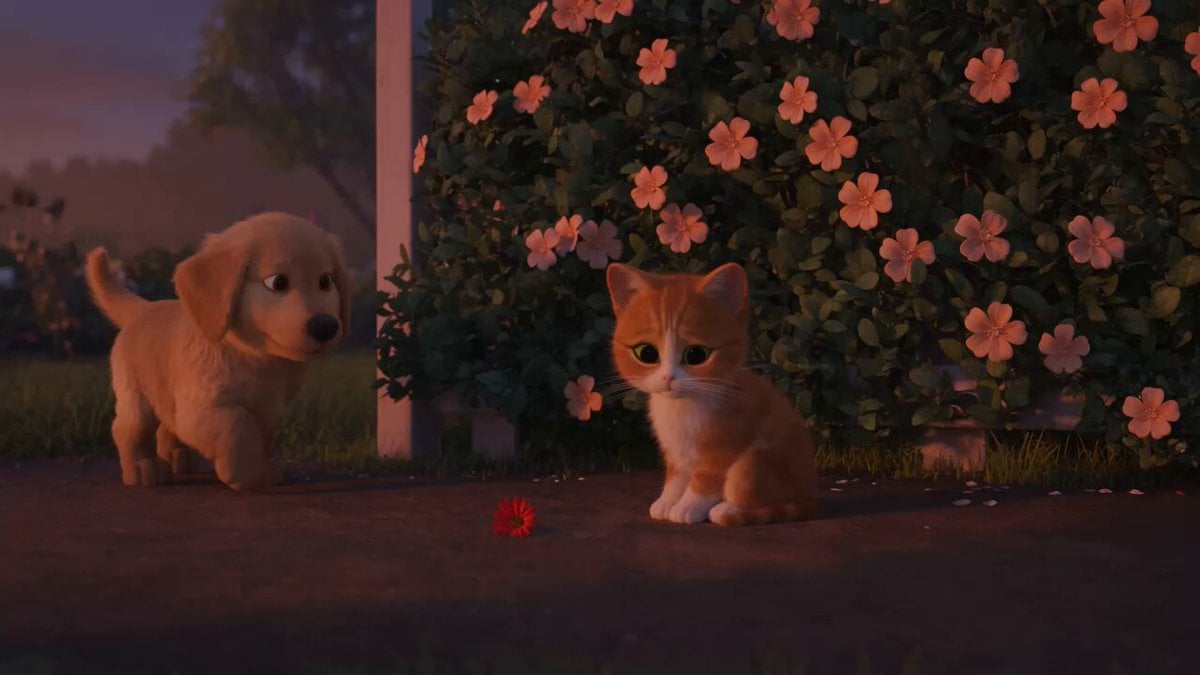
Wholesome Puppy and Kitten Story - Seedance 2.5

Mysterious Home Exploration Vlog - Seedance 2.5
Dark Tokusatsu Transformation - Seedance 2.5

Cinematic Xinjiang Drone Landscapes - Seedance 2.5
Late Night Kitchen Phone Recording - Seedance 2.5
3D Animated Cat and Old Man - Seedance
Realistic City Street Story Cinematic Video - Seedance
Seedance 2.0 First Test — Dynamic Motion Showcase
Make it yours
Qipao Evolution Short Film Prompt for Seedance 2.0 works as-is. These are the safest ways to change it without losing the look.
Change one field
Copy a single group, rewrite it, and generate again so you can see what that field is doing.
Keep the frame, change the subject
Hold the composition and light of Qipao Evolution Short Film Prompt for Seedance 2.0, then swap wardrobe, props or the person for a new take.
| If the result… | Why | Fix |
|---|---|---|
| The result drifts from the preview | Too many fields changed at once. | Reuse Qipao Evolution Short Film Prompt for Seedance 2.0 as-is first, then change one group — subject, light, or setting. |
| The model over-stylizes the scene | The prose prompt leaves finish and camera underspecified. | Add one camera or lighting sentence and stay on Seedance 2.0. |
More Seedance 2.0 templates
Other prompts made for Seedance 2.0.

Comical Martial Arts Punch Scene

Maglev Train Action Sequence

Martial Arts Fight Sequence

Wuxia Protection and Trust Script

Vintage Korean Arcade MiniDV Vlog

Mercedes 190 SL Luxury Ad

Rainy Night Supernatural Reverse Comedy Video Script

Amazon Civilization Discovery

Futuristic South Asian City Transformation

Cozy Luxury Cafe Commercial
More video prompts
Fresh picks from across the catalog.
Enchanted Twilight Fairy Tale Cottage

Pterodactyl Transformation Journey
Winter Snow Walk VHS Style
Jogging Trail Horror Scare
Robotic Dinosaur Cyberpunk Attack
Nano Banana Prompt: Pop-Up Book Manga Scene
Raw iPhone Bystander Footage Template
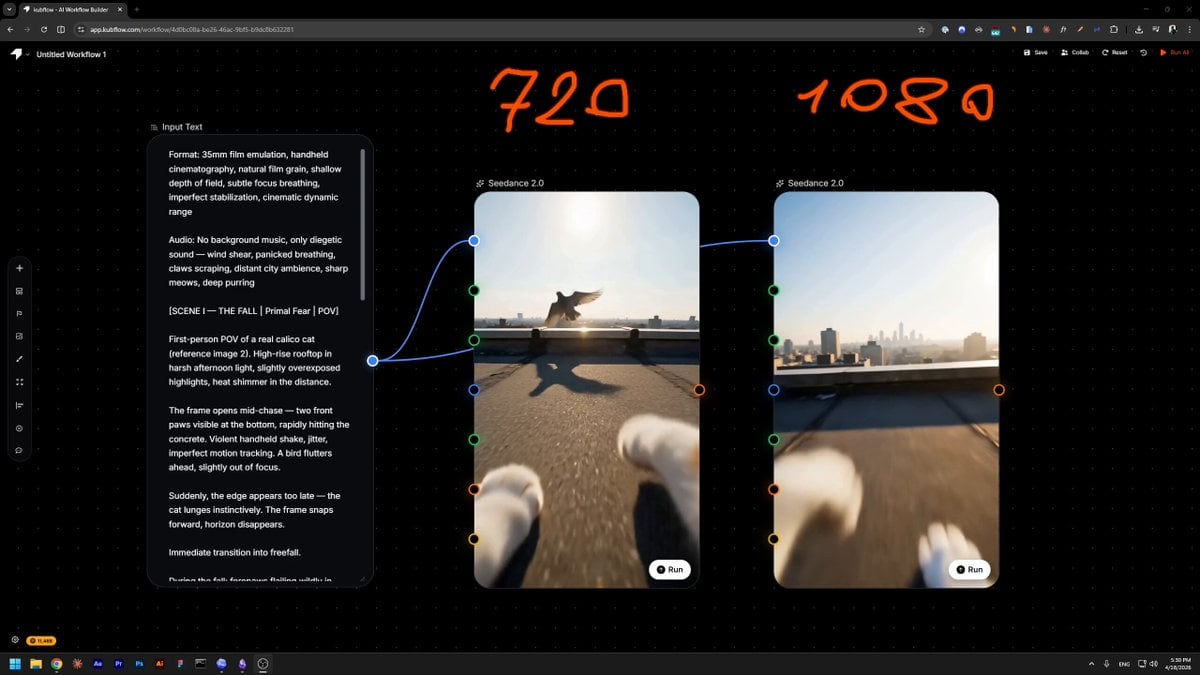
Handheld 35mm Film Aesthetic Prompt
Samurai vs Fire Yokai Storyboard
Massive Mechanical Transformation Scene
Browse template categories
Qipao Evolution Short Film Prompt for Seedance 2.0 questions
How do I use the Qipao Evolution Short Film Prompt for Seedance 2.0 template?
Add your photo if the template asks for one, edit the prompt if you like — the template's model and format are already selected — and press Generate. Your version opens in PicX Studio.
Can I customize the Qipao Evolution Short Film Prompt for Seedance 2.0 template?
Yes. You can change the subject, setting, lighting, mood, format, and available model controls before creating your video.
Is the Qipao Evolution Short Film Prompt for Seedance 2.0 template free?
Opening and editing this template is free. Generating uses credits, shown on the Generate button when you are signed in.
Which AI model should I use?
Start with Seedance 2.0, which is the model associated with this template. You can compare another compatible model for a different finish.
Looking for something else? Browse all templates.

Your photo, any look
Thousands of ready templates for every top image and video model, from one credit balance.