
Samurai vs Fire Yokai Storyboard
A detailed action storyboard for a samurai facing a fire yokai, featuring specific timing for camera movements and combat choreography.
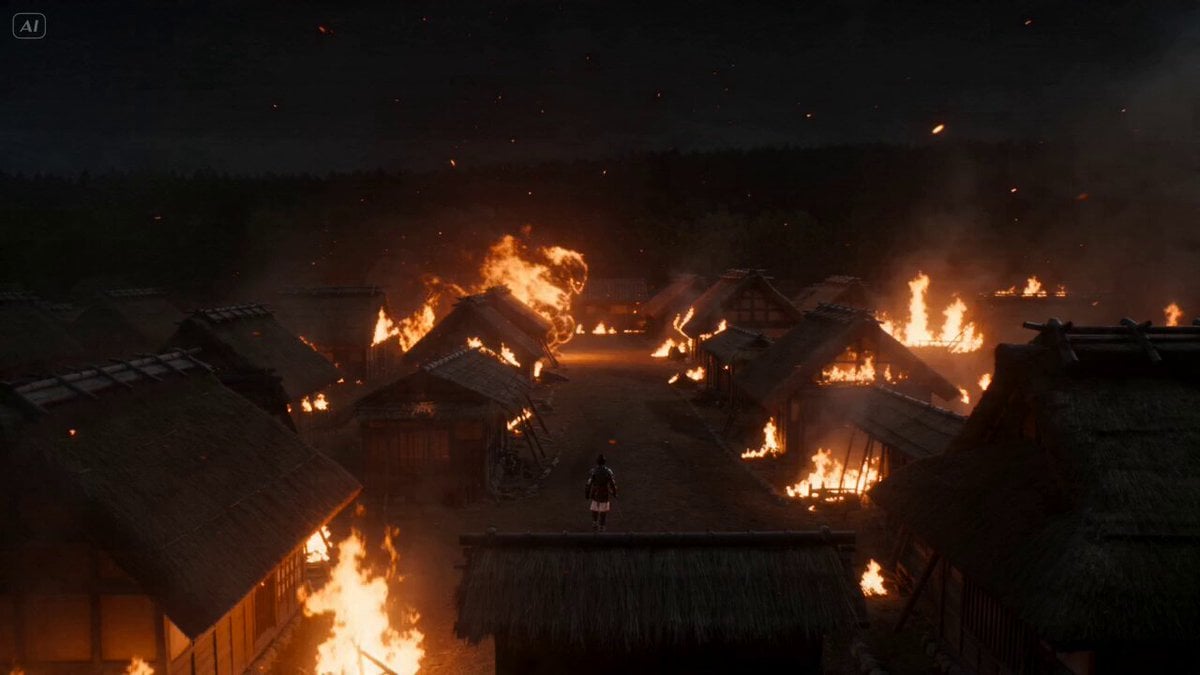
- Prompt included
- Model and format preset
- Premium template
The prompt behind this video
Copy the exact prompt behind Samurai vs Fire Yokai Storyboard, or open it in the studio and make it yours.
An ultra charismatic samurai standing in a burning village, facing a massive fire yokai made of flames and smoke A fire yokai attacks and destroys a village, the samurai steps forward calmly, concentrates energy into his katana, then releases a single devastating slash that cuts the yokai cleanly in half Cinematic dynamic system: wide shot + tracking + close-up + slow motion + impact zoom, clean transitions, no chaos Scene Japanese village on fire, houses burning, flames spreading, embers in the air, night atmosphere Ultra realistic, cinematic, strong fire VFX, high contrast lighting, clear action readability, no distortion 0-2s wide shot village burning fire yokai rampaging, destroying houses 2-4s camera tracking samurai walks forward slowly toward the yokai calm, controlled 4-6s yokai attacks, massive fire strike hits ground explosion of flames 6-8s samurai dodges cleanly fast movement, reappears facing the yokai 8-10s close-up, he stops, grips katana energy begins to build in the blade 10-12s slow motion, fire around him bends away he takes a stance 12-13.5s FINAL ATTACK he performs one fast horizontal slash energy arc travels instantly 13.5-15s IMPACT the yokai freezes for a split second then splits cleanly in two fire collapses and disperses final frame samurai standing still, embers falling silence
How to use Samurai vs Fire Yokai Storyboard in 3 steps
- 1
Open
The prompt is already in the box next to the preview, with the template's model and format selected.
- 2…a portrait of your subject in softgolden-hour light, 85mm…
Personalize
Edit the subject and creative details for your destination.
- 3Generate
Generate
Press Generate — your video is created in PicX Studio, so you can compare it with the original and refine one variable at a time.
More like this
Templates with the same subject, style or setup. Open one to see its prompt.
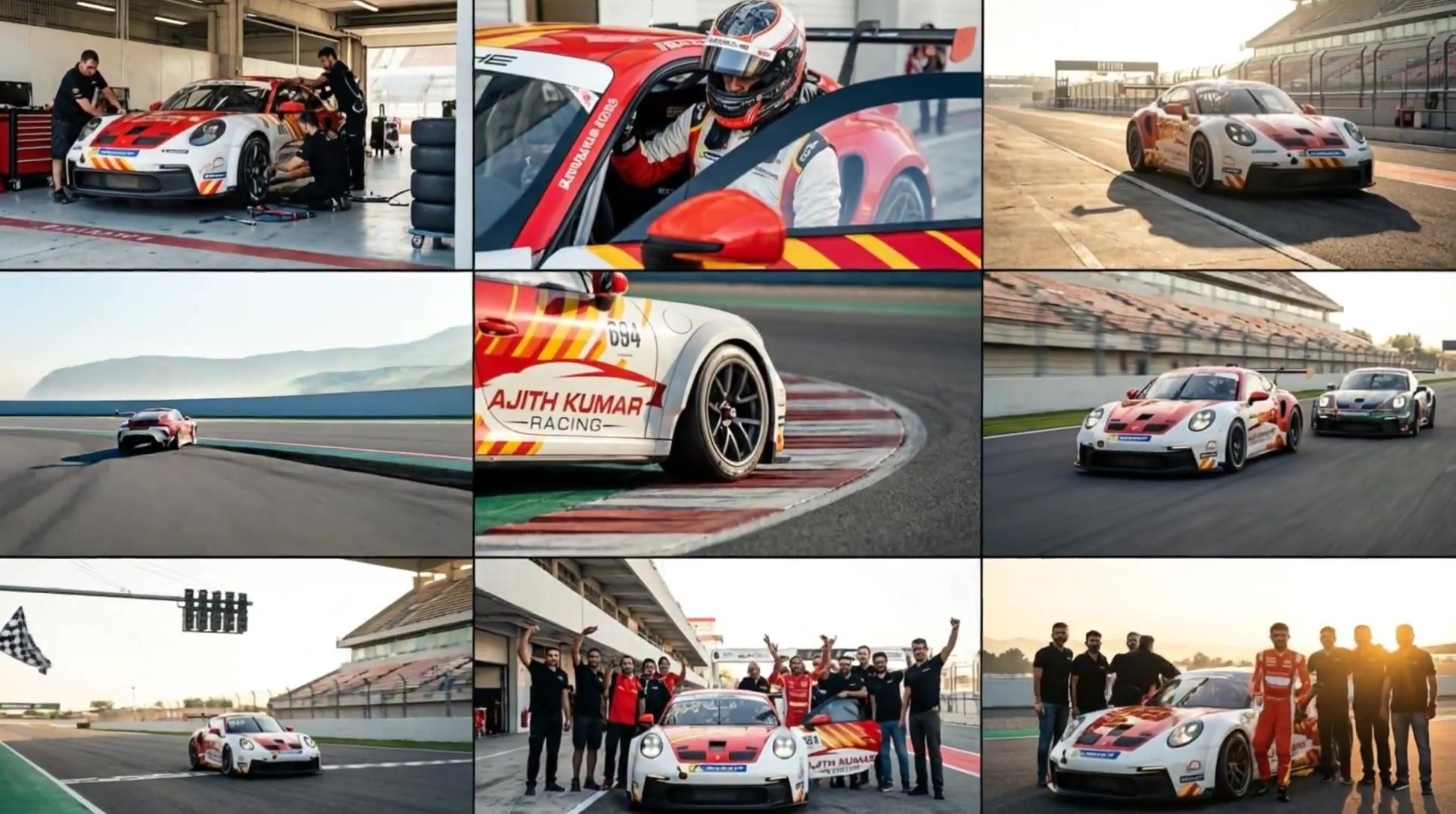
3x3 Grid Storyboard Racing — Kling 3.0 O3 Pro
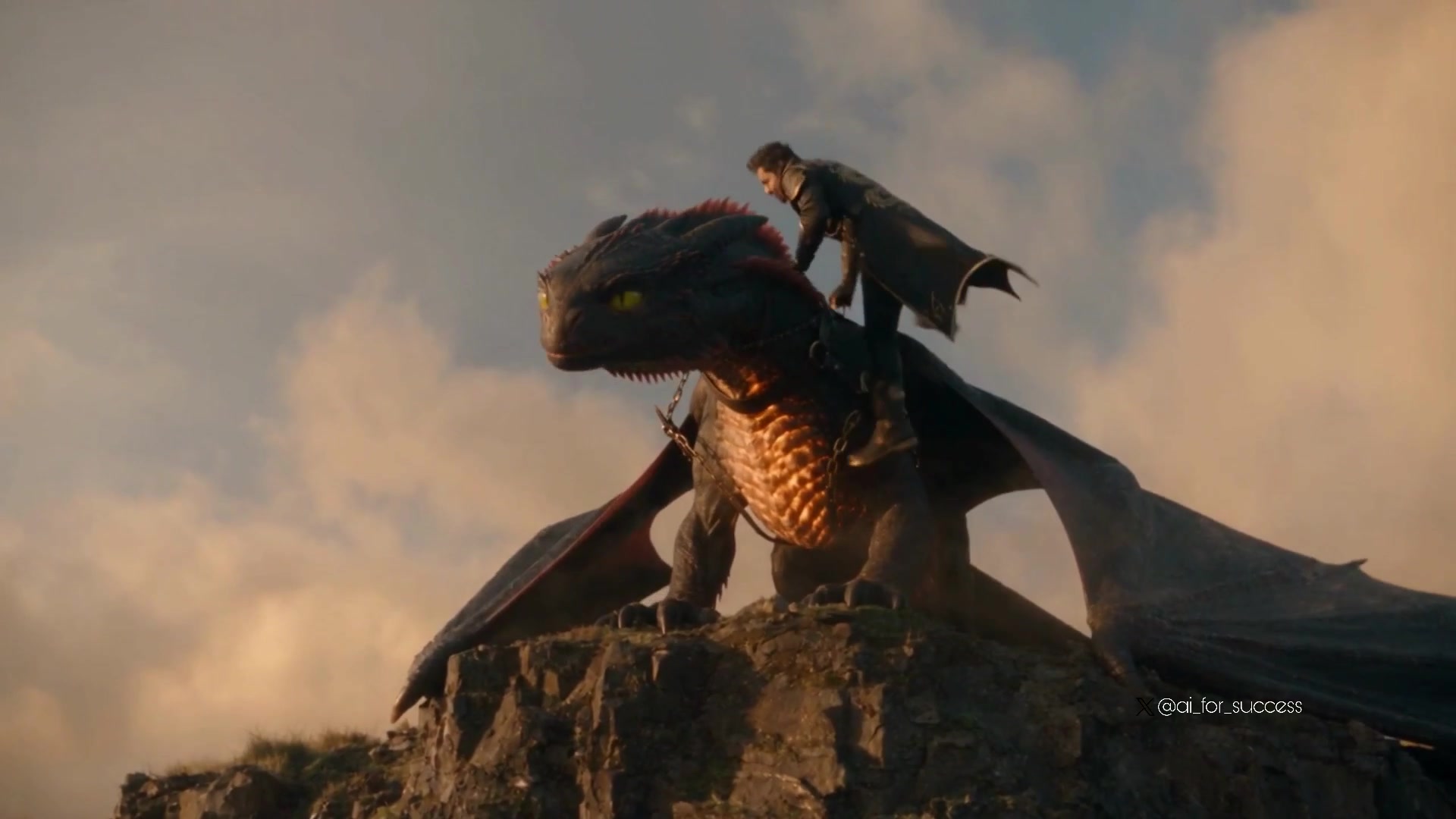
Dragon Rider Cinematic Flight — Seedance 2.5
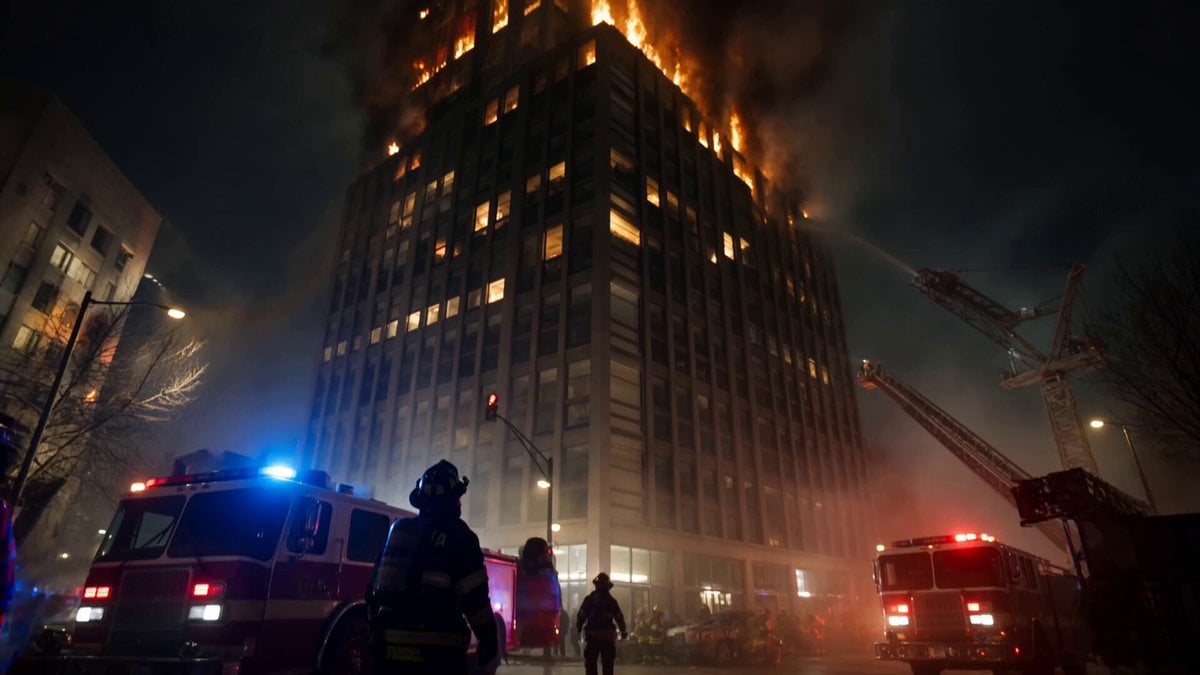
Live-Action Firefighter Rescue Night Scene
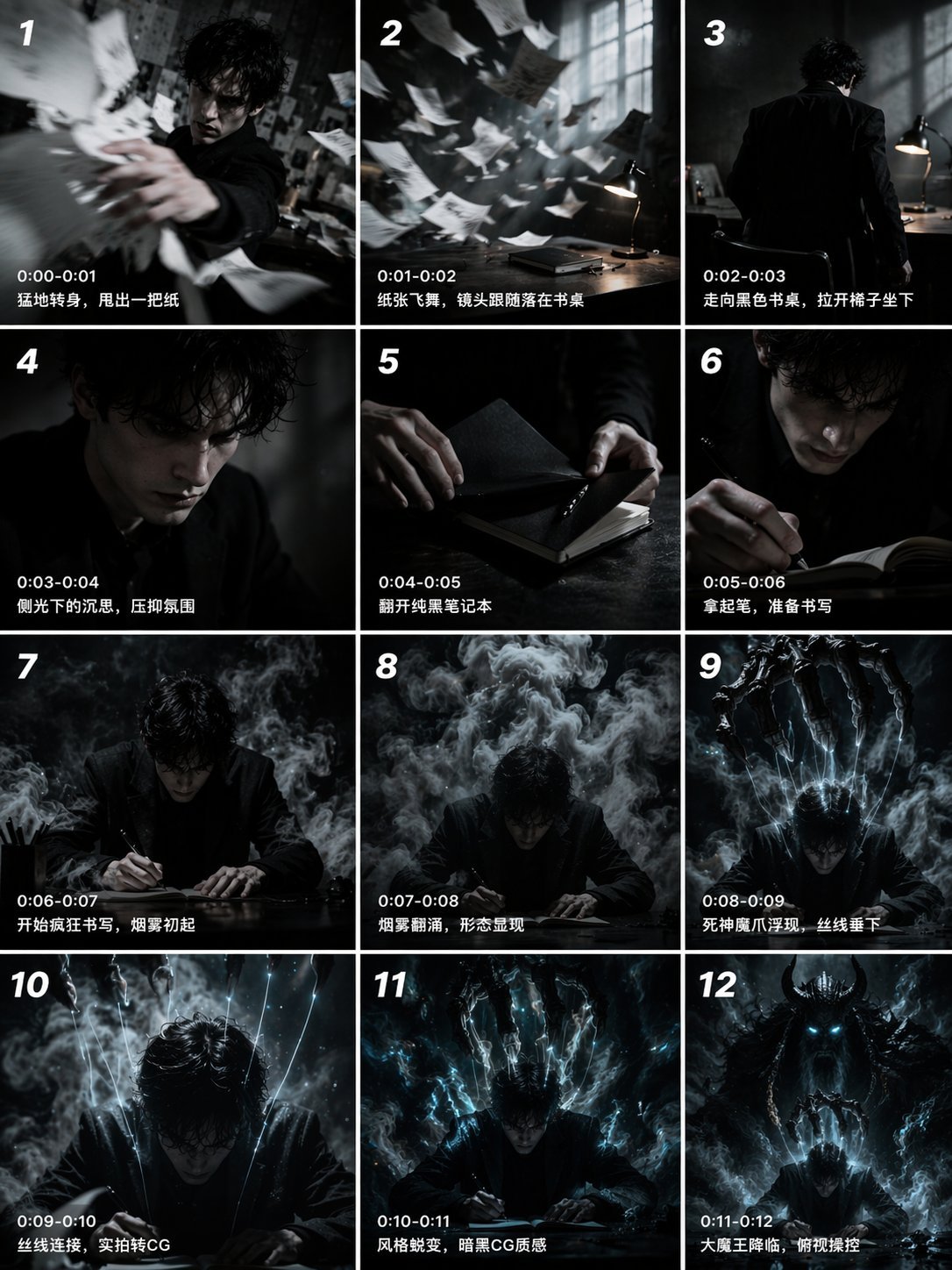
Gpt2 Gpt2 Seedance Storyboard to Video
Dragon Rescue — Volcanic Kingdom Collapse (Seedance)
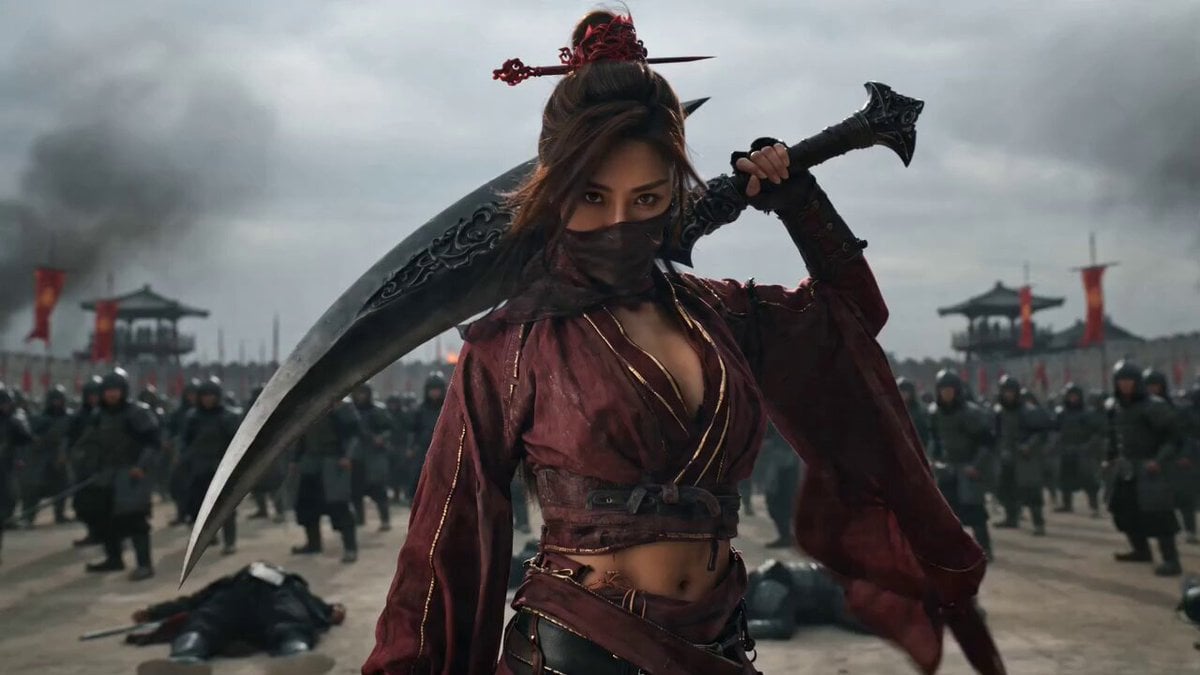
Wuxia Warrior Fire Phoenix Blade
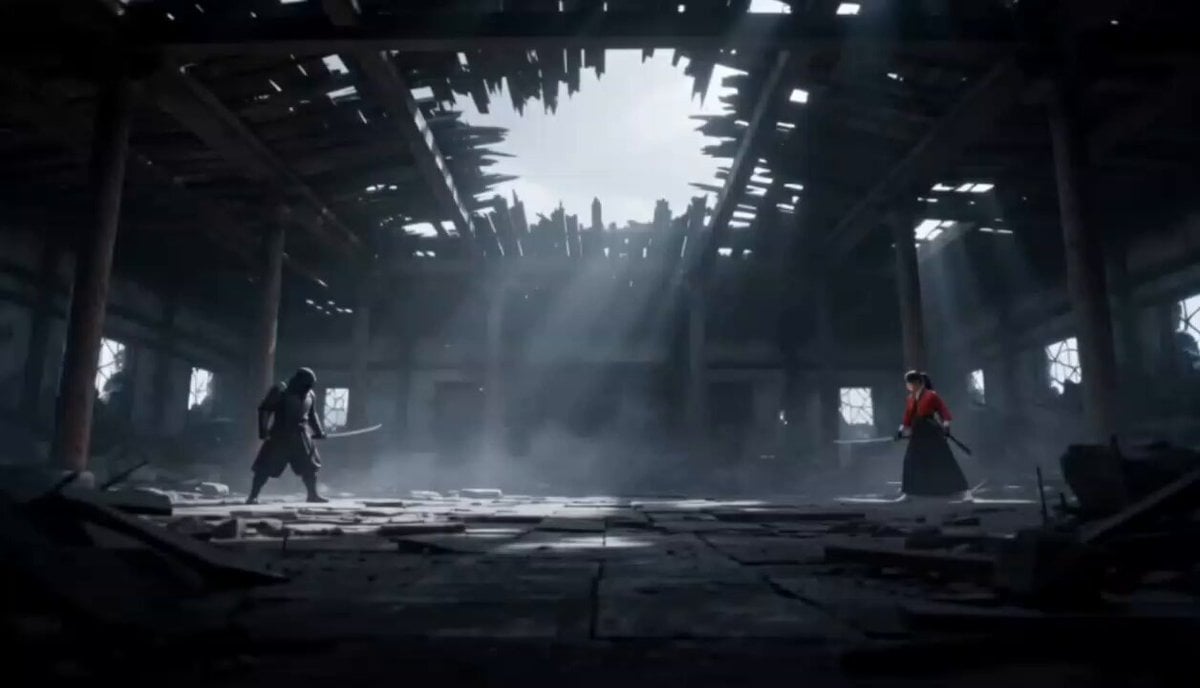
Cinematic Anime Samurai Duel
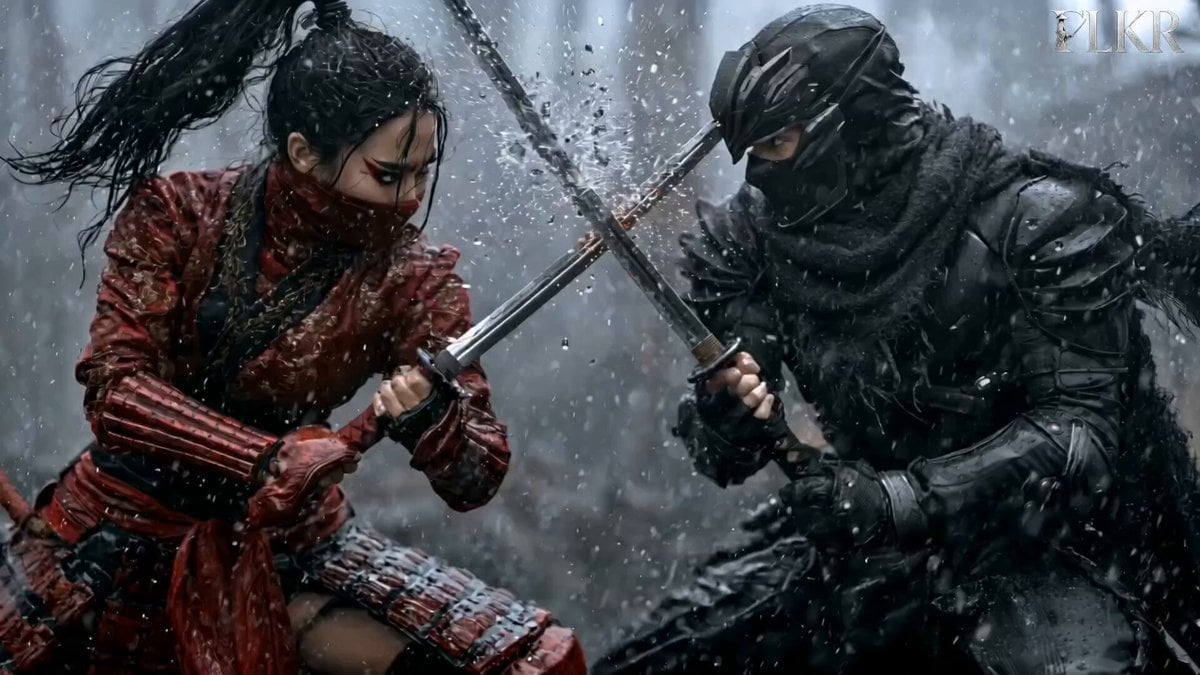
Samurai Duel in Stormy Rooftop
Ice vs Fire Wuxia Battle Scene Prompt
Dark Fantasy Fire Phoenix Ritual
Pigeon Nemesis Pixar Animation Storyboard
Fire and Ice Warrior Battle
Make it yours
Samurai vs Fire Yokai Storyboard works as-is. These are the safest ways to change it without losing the look.
Change one field
Copy a single group, rewrite it, and generate again so you can see what that field is doing.
Keep the frame, change the subject
Hold the composition and light of Samurai vs Fire Yokai Storyboard, then swap wardrobe, props or the person for a new take.
| If the result… | Why | Fix |
|---|---|---|
| The result drifts from the preview | Too many fields changed at once. | Reuse Samurai vs Fire Yokai Storyboard as-is first, then change one group — subject, light, or setting. |
| The model over-stylizes the scene | The prose prompt leaves finish and camera underspecified. | Add one camera or lighting sentence and stay on Seedance 2.0. |
More Seedance 2.0 templates
Other prompts made for Seedance 2.0.

Comical Martial Arts Punch Scene

Maglev Train Action Sequence

Martial Arts Fight Sequence

Wuxia Protection and Trust Script

Vintage Korean Arcade MiniDV Vlog

Mercedes 190 SL Luxury Ad

Rainy Night Supernatural Reverse Comedy Video Script

Amazon Civilization Discovery

Futuristic South Asian City Transformation

Cozy Luxury Cafe Commercial
More video prompts
Fresh picks from across the catalog.
Douyin Catch and Wipe Fashion Transition
Hawaiian hula dance motion
Warehouse Action Sequence Prompt

Space Scout Exit Strategy
Futuristic Anime Skating Tunnel
Second Cinematic Transformation Scene Prompt (IMAX Style)

LEGO Time-Lapse Build Sequence
Two Warriors, One Mission

Luxury Perfume Drone Shot Advertisement Prompt

Cinematic Morning Routine Video Script
Browse template categories
Samurai vs Fire Yokai Storyboard questions
How do I use the Samurai vs Fire Yokai Storyboard template?
Add your photo if the template asks for one, edit the prompt if you like — the template's model and format are already selected — and press Generate. Your version opens in PicX Studio.
Can I customize the Samurai vs Fire Yokai Storyboard template?
Yes. You can change the subject, setting, lighting, mood, format, and available model controls before creating your video.
Is the Samurai vs Fire Yokai Storyboard template free?
Opening and editing this template is free. Generating uses credits, shown on the Generate button when you are signed in.
Which AI model should I use?
Start with Seedance 2.0, which is the model associated with this template. You can compare another compatible model for a different finish.
Looking for something else? Browse all templates.

Your photo, any look
Thousands of ready templates for every top image and video model, from one credit balance.