
Fire and Ice Warrior Battle
A fantasy action prompt depicting a clash between fire and ice elemental warriors in a high-quality CGI style.
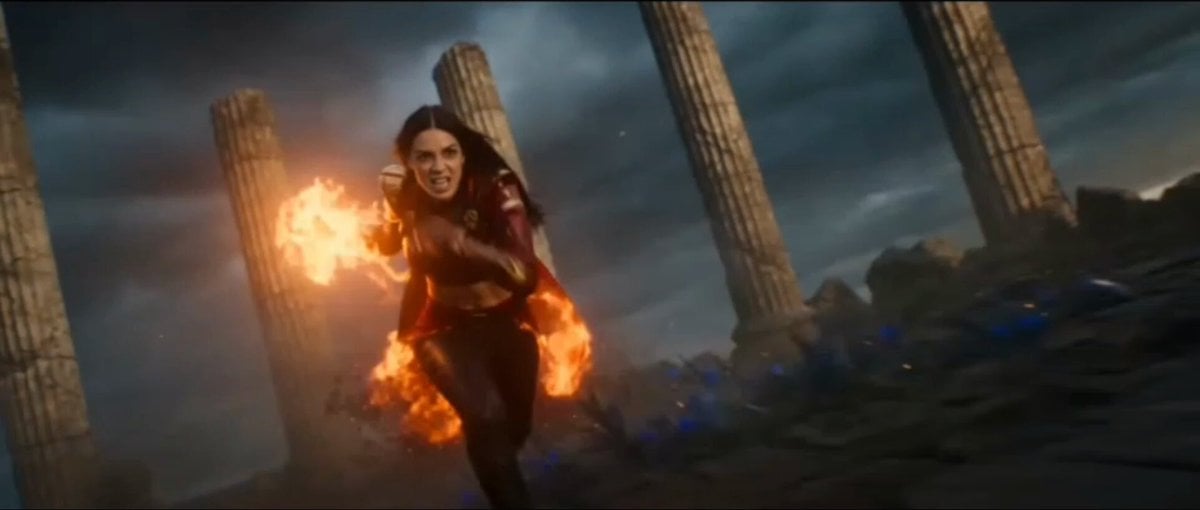
- Prompt included
- Model and format preset
- Free template
The prompt behind this video
Copy the exact prompt behind Fire and Ice Warrior Battle, or open it in the studio and make it yours.
A cinematic, high-octane 3D fantasy action scene featuring two elemental female warriors clashing in battle. On the left, a fierce dark-haired warrior in red leather armor with glowing fiery flames and burning embers wrapped around her arm. On the right, a graceful warrior with flowing hair in white and ice-blue attire, wielding a glowing blue ice-rose whip sword. They charge and leap toward each other across a desolate landscape filled with ancient crumbling stone pillars under a stormy sunset sky. As they collide in mid-air, fiery orange magical aura clashes directly against bright blue ice energy, creating a massive cinematic explosion of light, embers, blue rose petals, and flying debris. Dynamic camera pan, slow-motion impact, hyper-realistic 8K CGI, Unreal Engine 5 render style, dramatic lighting.
How to use Fire and Ice Warrior Battle in 3 steps
- 1
Open
The prompt is already in the box next to the preview, with the template's model and format selected.
- 2…a portrait of your subject in softgolden-hour light, 85mm…
Personalize
Edit the subject and creative details for your destination.
- 3Generate
Generate
Press Generate — your video is created in PicX Studio, so you can compare it with the original and refine one variable at a time.
More like this
Templates with the same subject, style or setup. Open one to see its prompt.
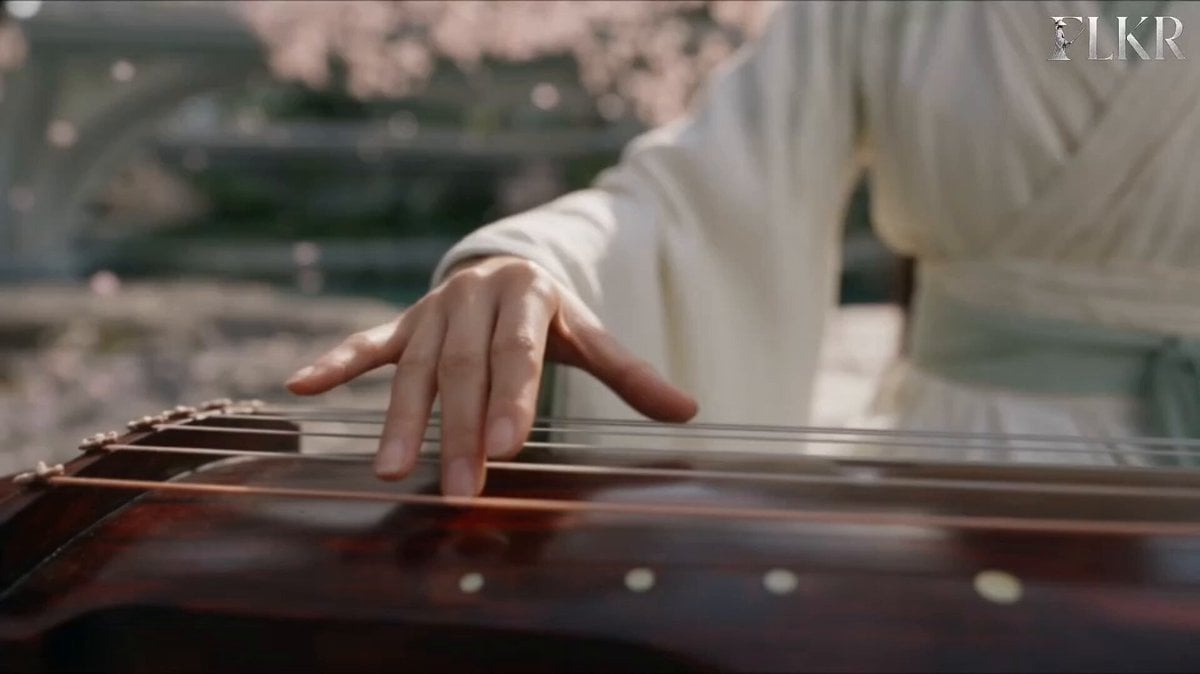
Ice vs Fire Wuxia Battle Scene Prompt
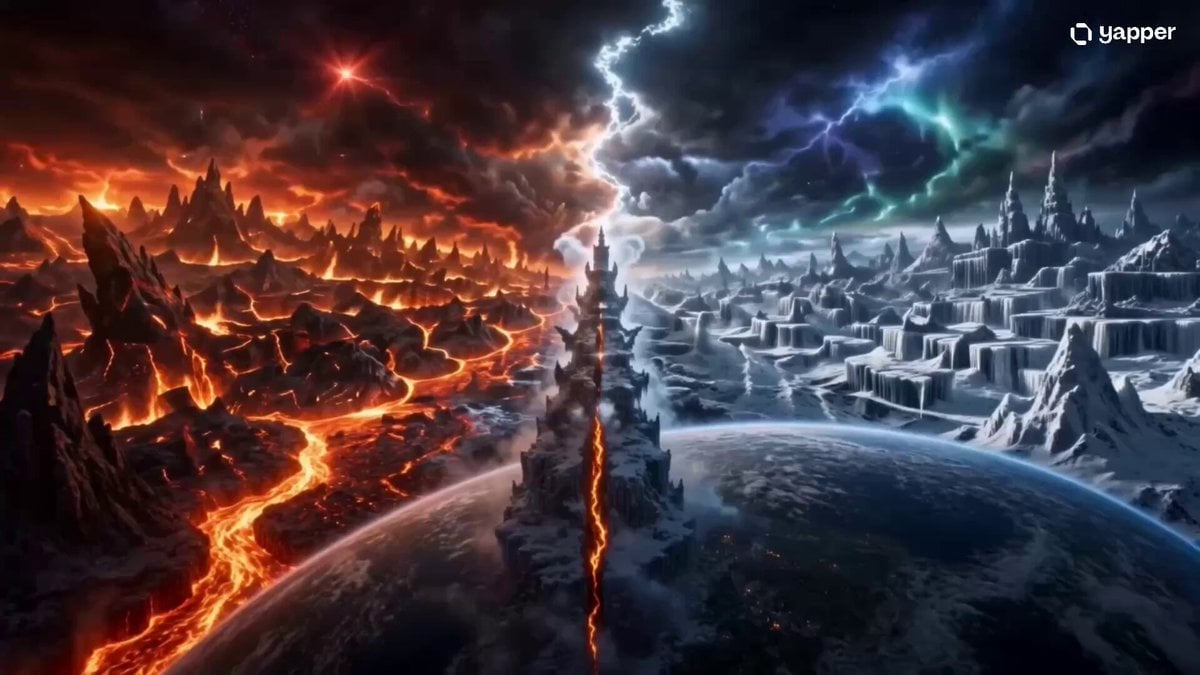
Elemental Ice and Fire Goddess Battle
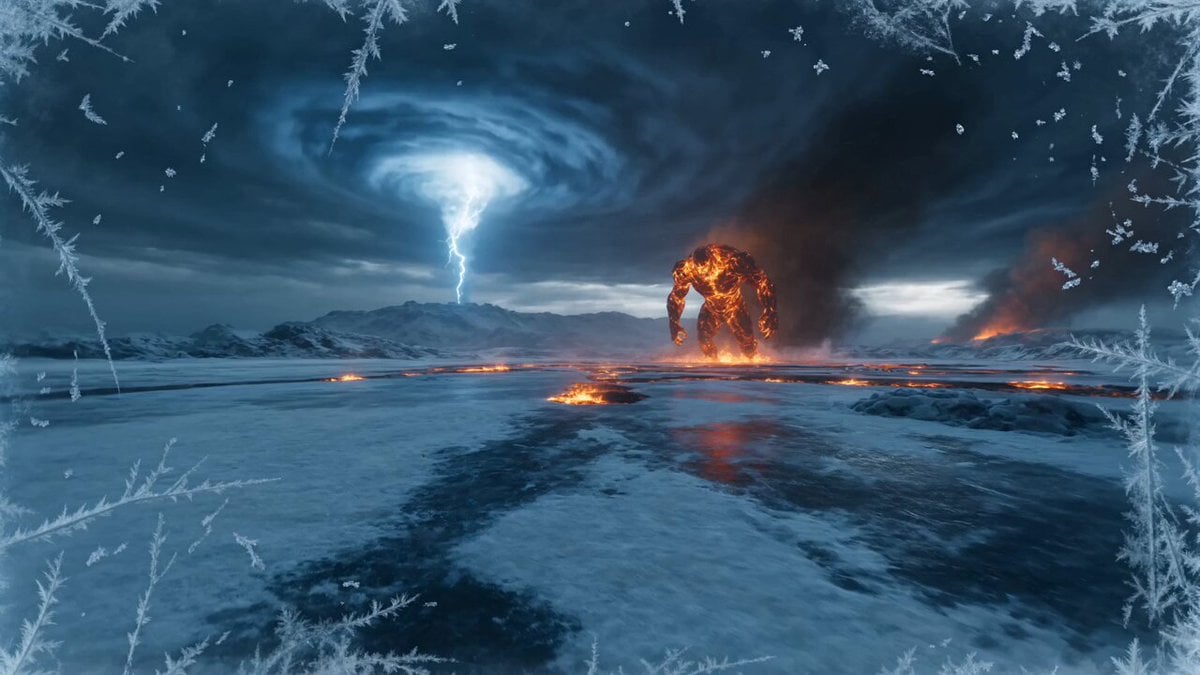
Elemental Ice vs Fire Battle
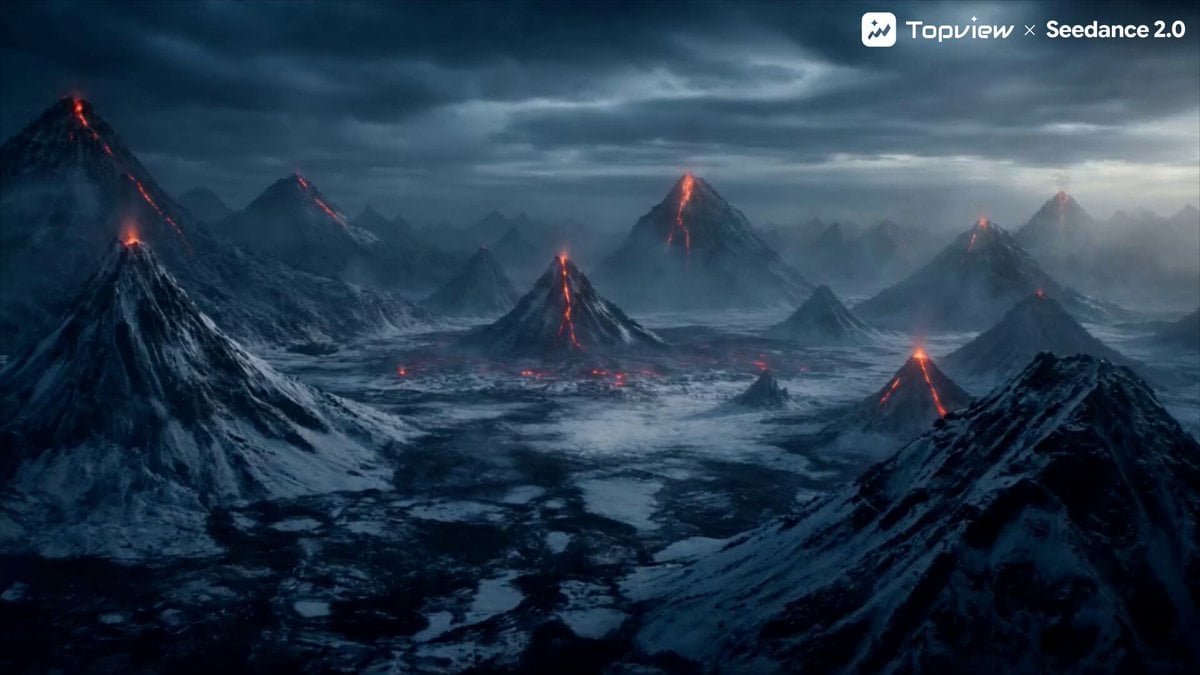
Elemental Battle Short Film Prompt (Fire vs. Ice)
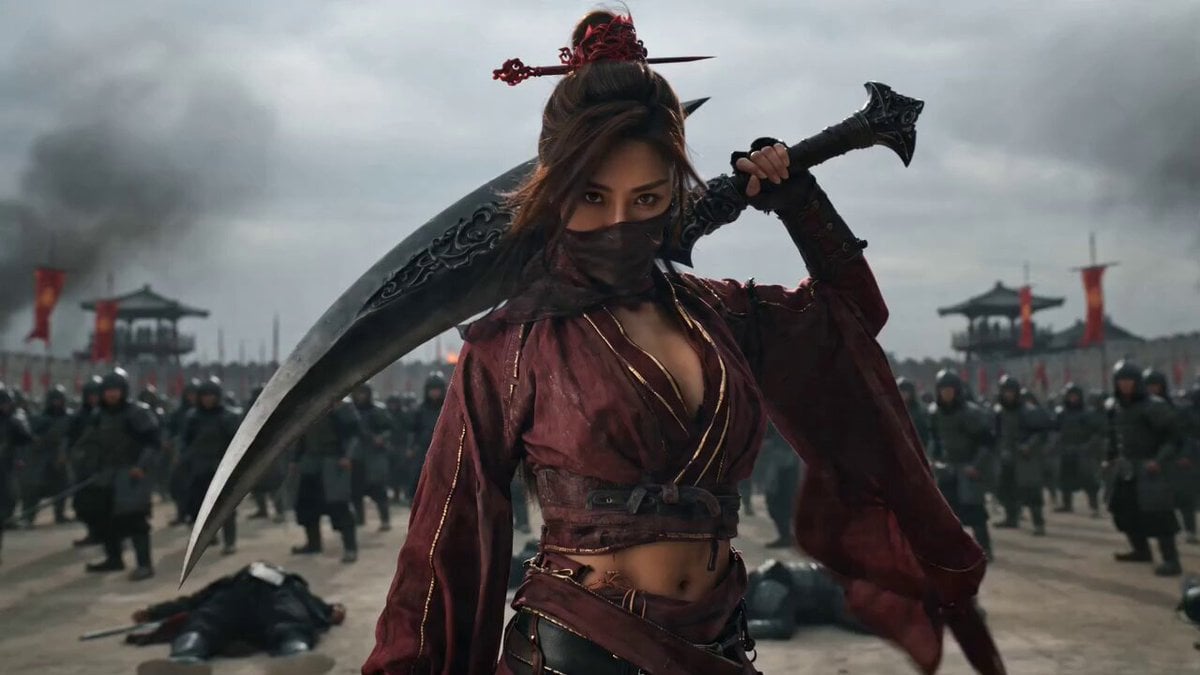
Wuxia Warrior Fire Phoenix Blade
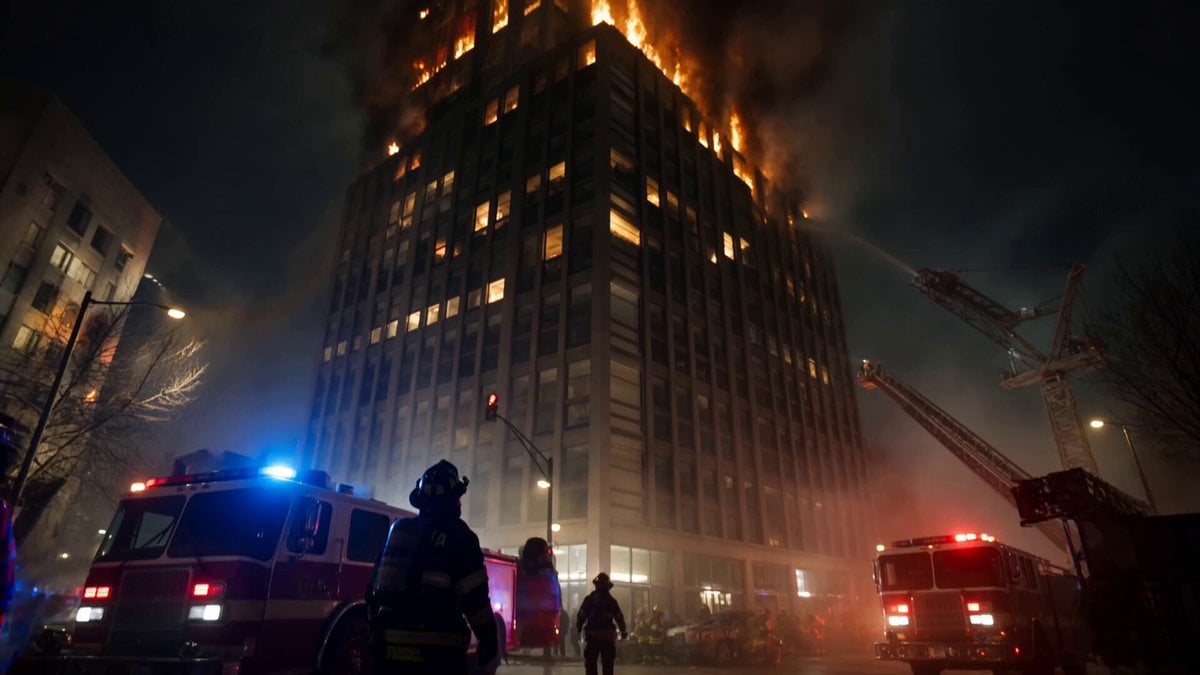
Live-Action Firefighter Rescue Night Scene
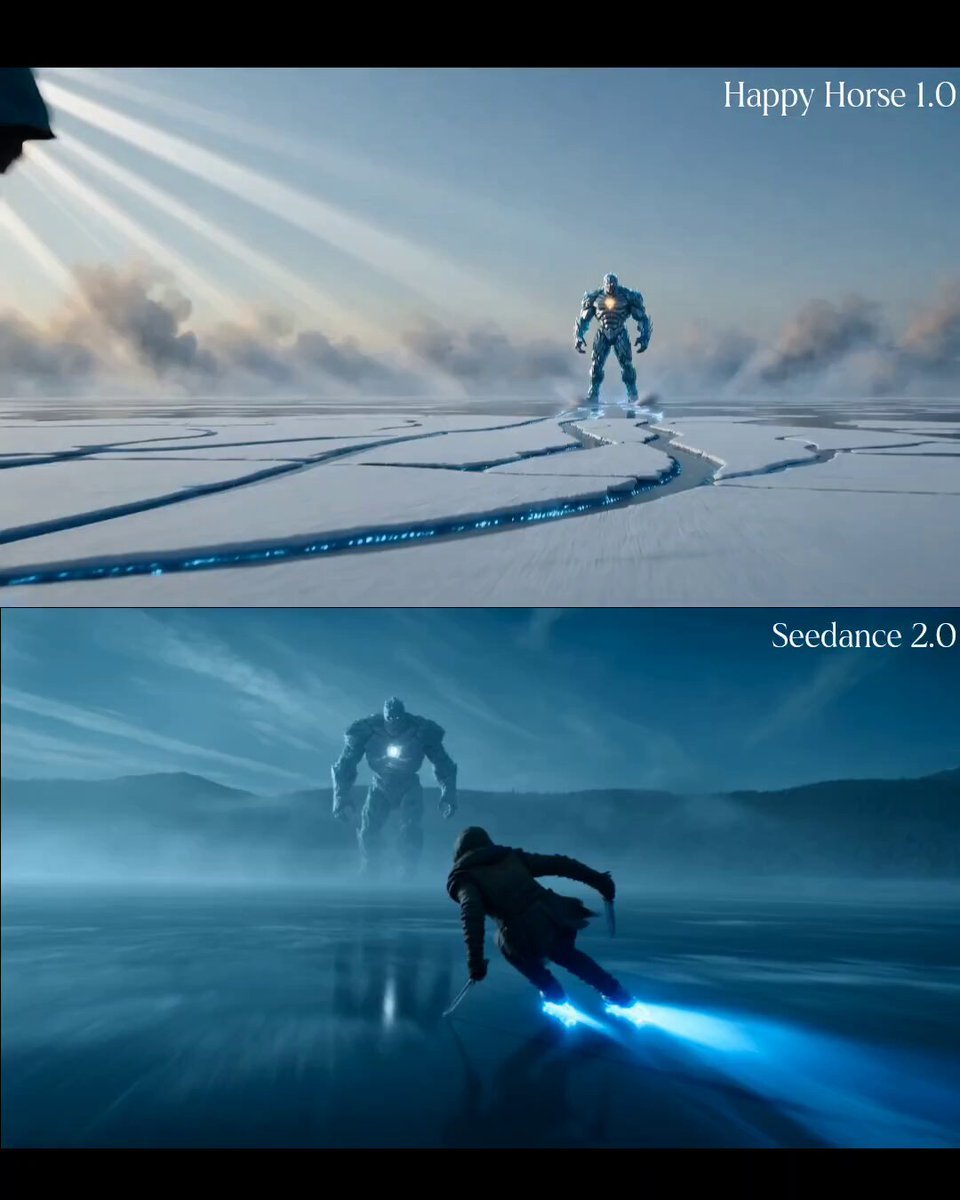
Enchanted Ice Skating Battle Prompt
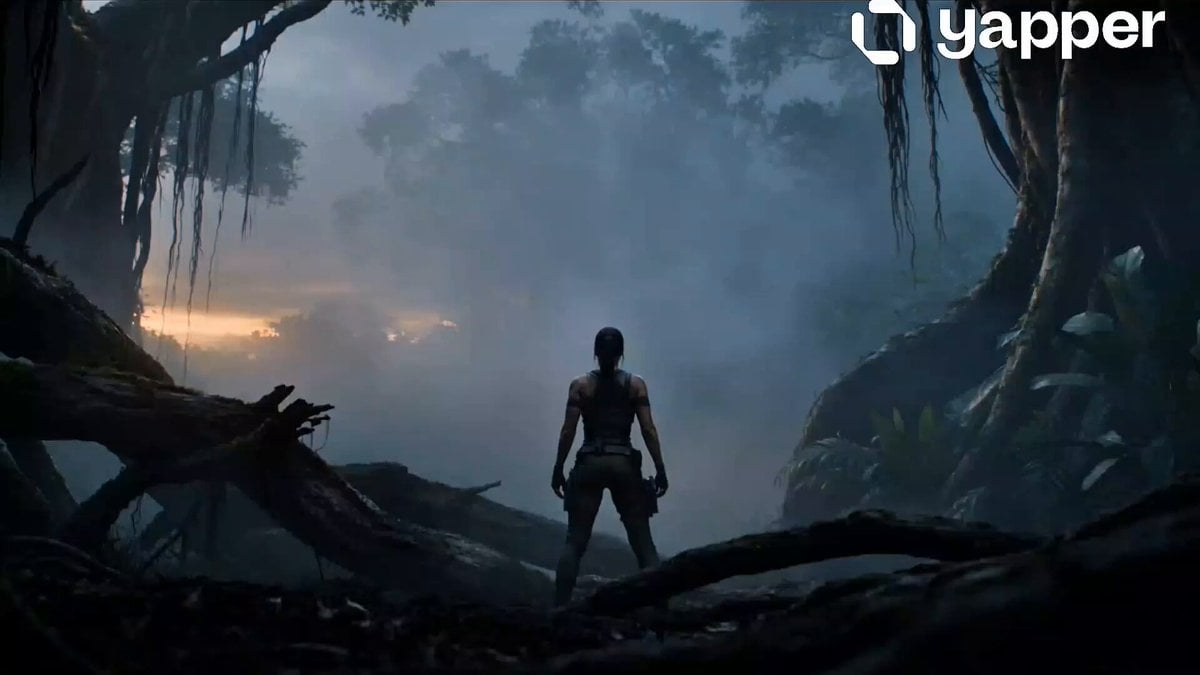
Warrior vs Jungle Gorilla Battle
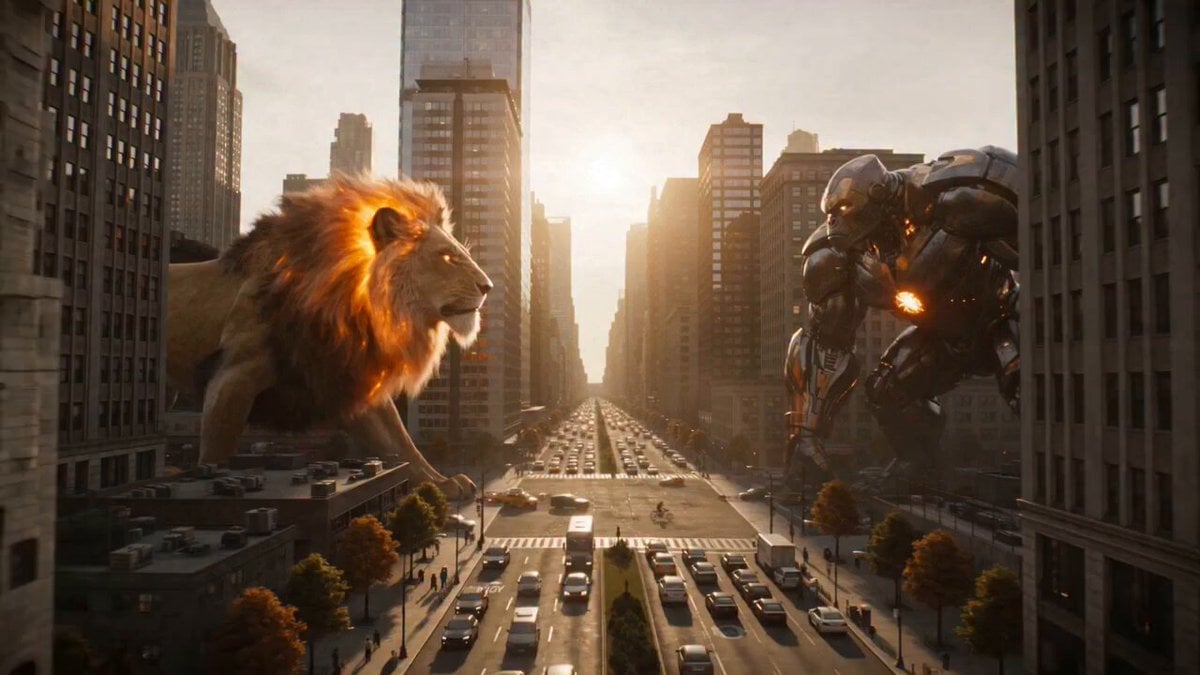
Fire Lion vs Mech Warrior
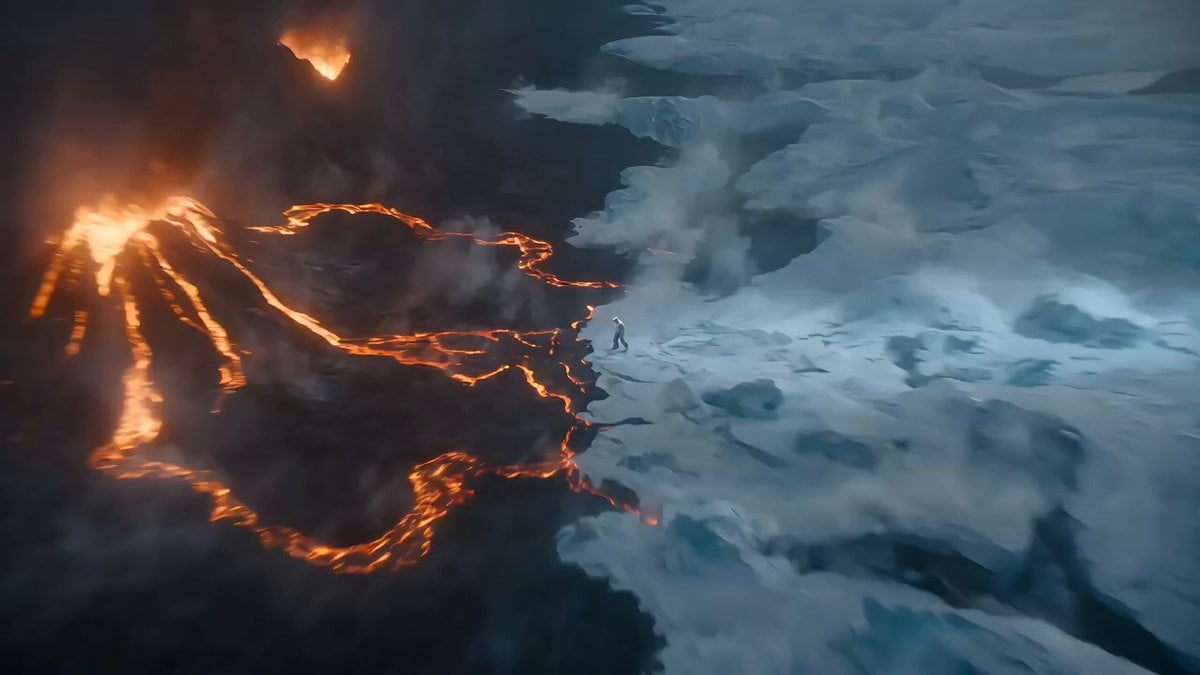
Epic Ice and Fire Disaster Action Prompt
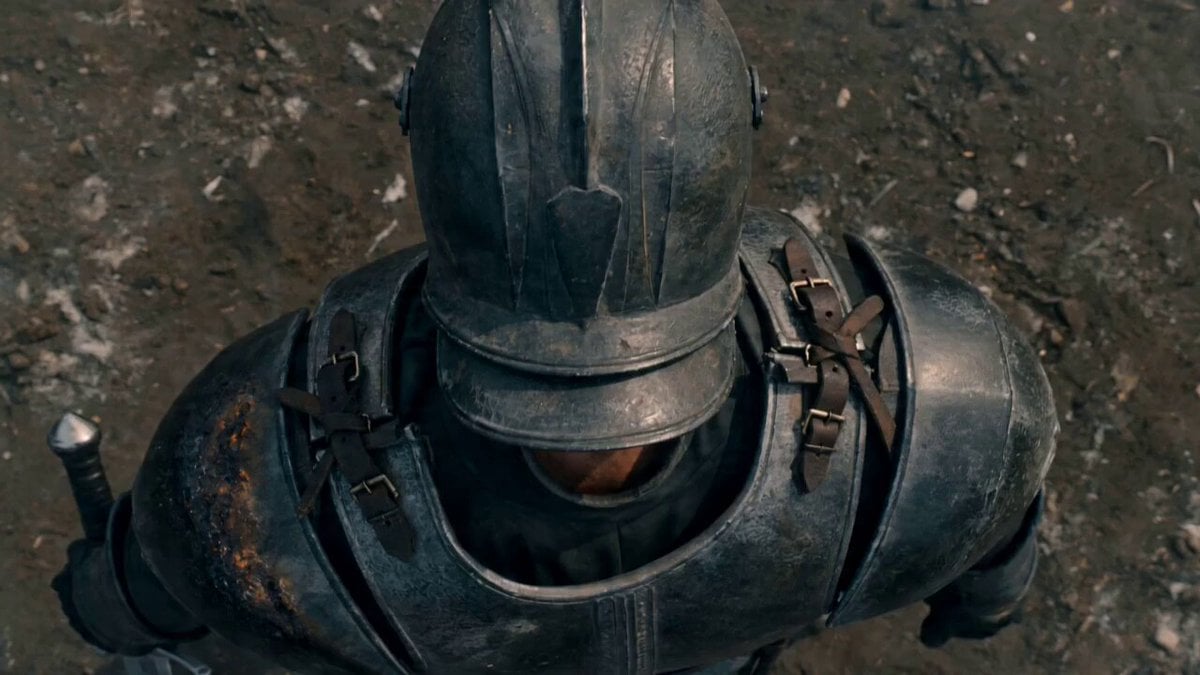
Lone Warrior on Battlefield Crane Shot Video
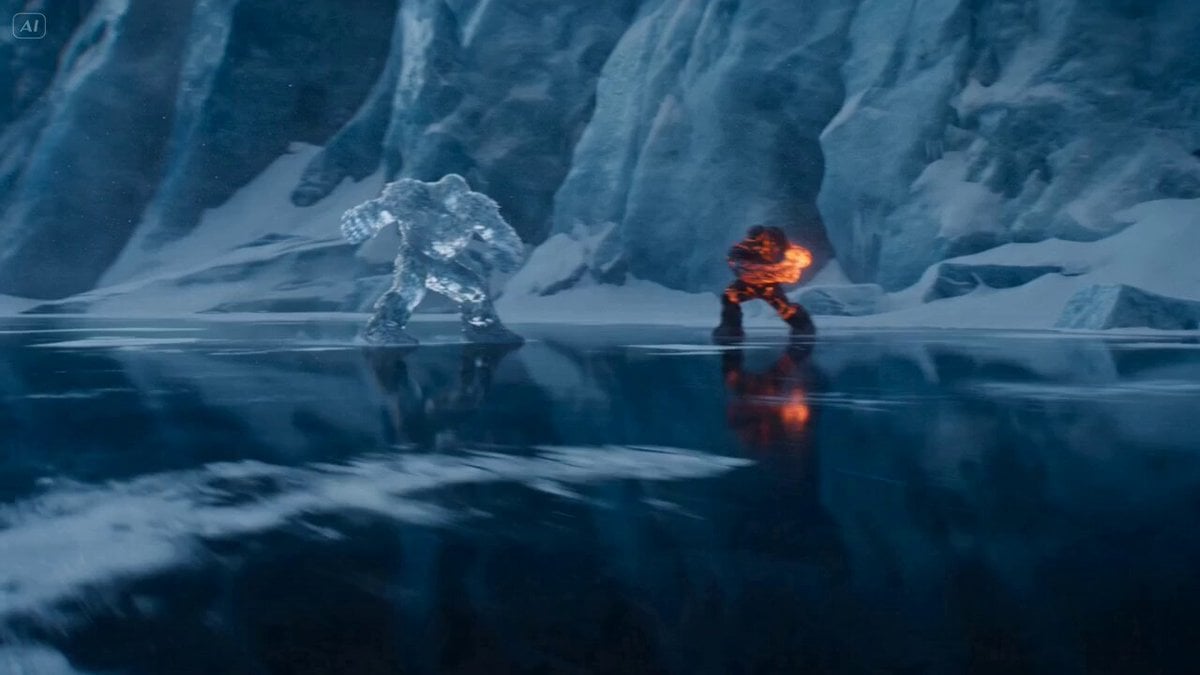
Ice Giant vs. Magma Titan Battle (Dreamina/Seedance 2)
Make it yours
Fire and Ice Warrior Battle works as-is. These are the safest ways to change it without losing the look.
Change one field
Copy a single group, rewrite it, and generate again so you can see what that field is doing.
Keep the frame, change the subject
Hold the composition and light of Fire and Ice Warrior Battle, then swap wardrobe, props or the person for a new take.
| If the result… | Why | Fix |
|---|---|---|
| The result drifts from the preview | Too many fields changed at once. | Reuse Fire and Ice Warrior Battle as-is first, then change one group — subject, light, or setting. |
| The model over-stylizes the scene | The prose prompt leaves finish and camera underspecified. | Add one camera or lighting sentence and stay on Seedance 2.0. |
More Seedance 2.0 templates
Other prompts made for Seedance 2.0.

Comical Martial Arts Punch Scene

Maglev Train Action Sequence

Martial Arts Fight Sequence

Wuxia Protection and Trust Script

Vintage Korean Arcade MiniDV Vlog

Mercedes 190 SL Luxury Ad

Rainy Night Supernatural Reverse Comedy Video Script

Amazon Civilization Discovery

Futuristic South Asian City Transformation

Cozy Luxury Cafe Commercial
More video prompts
Fresh picks from across the catalog.
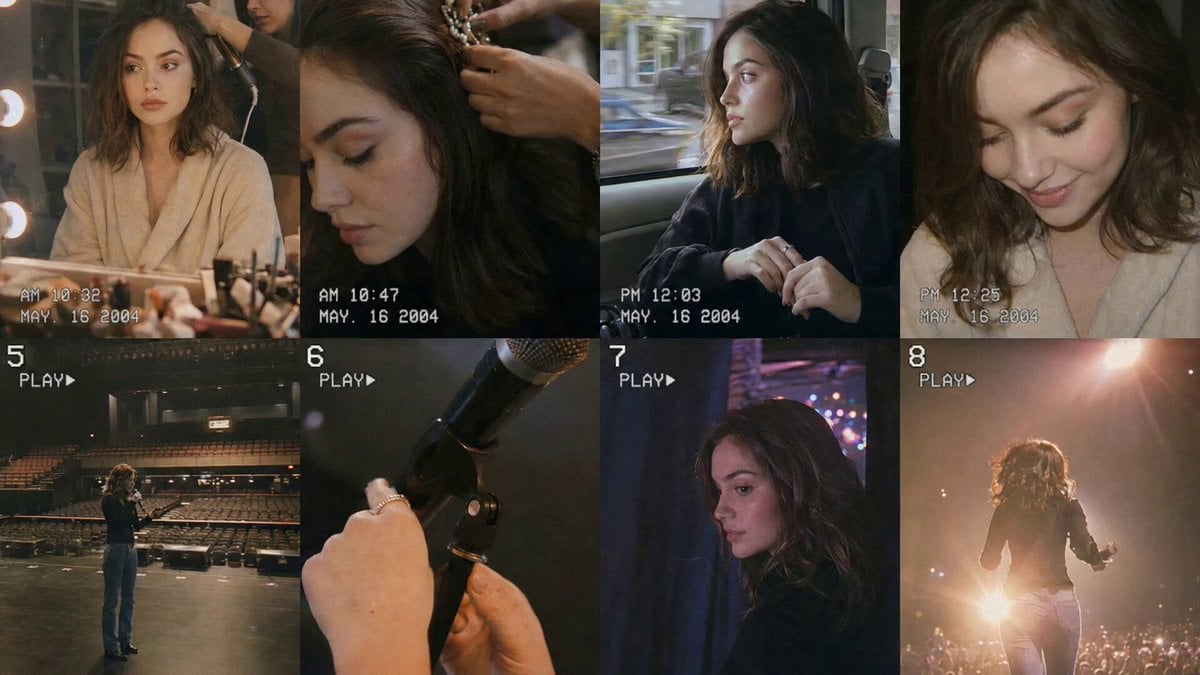
Nostalgic Idol Home Video Storyboard
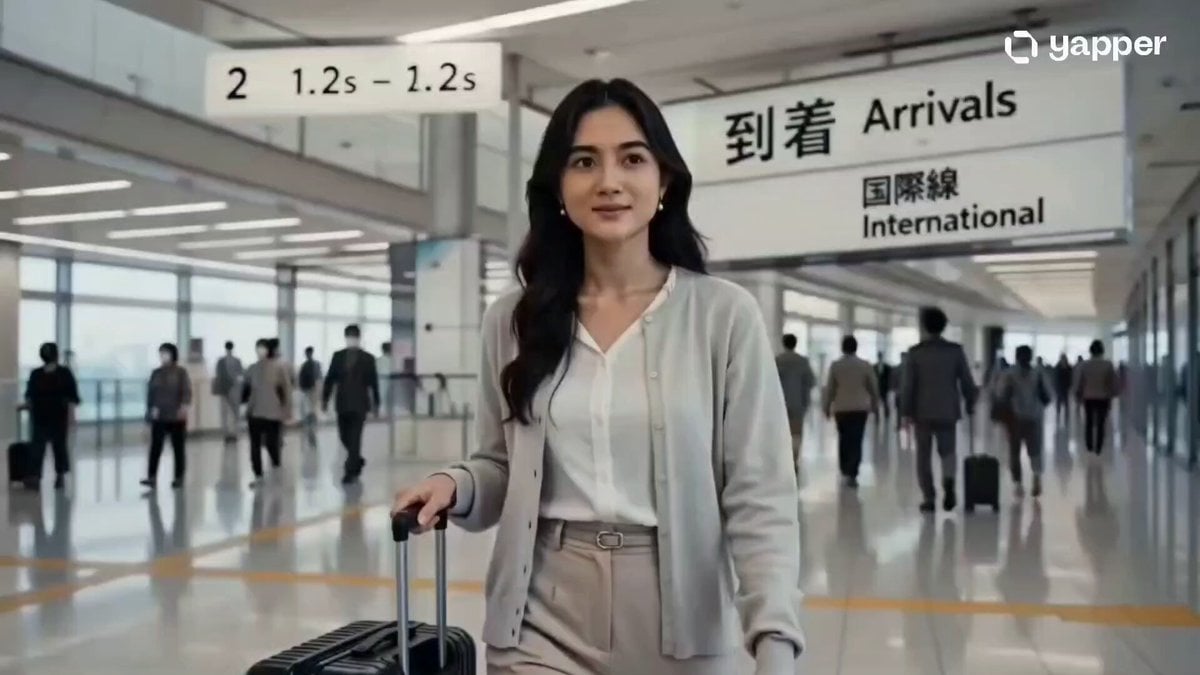
Luxury Tokyo Travel Commercial
Surreal Transformation to Cosmic Romance
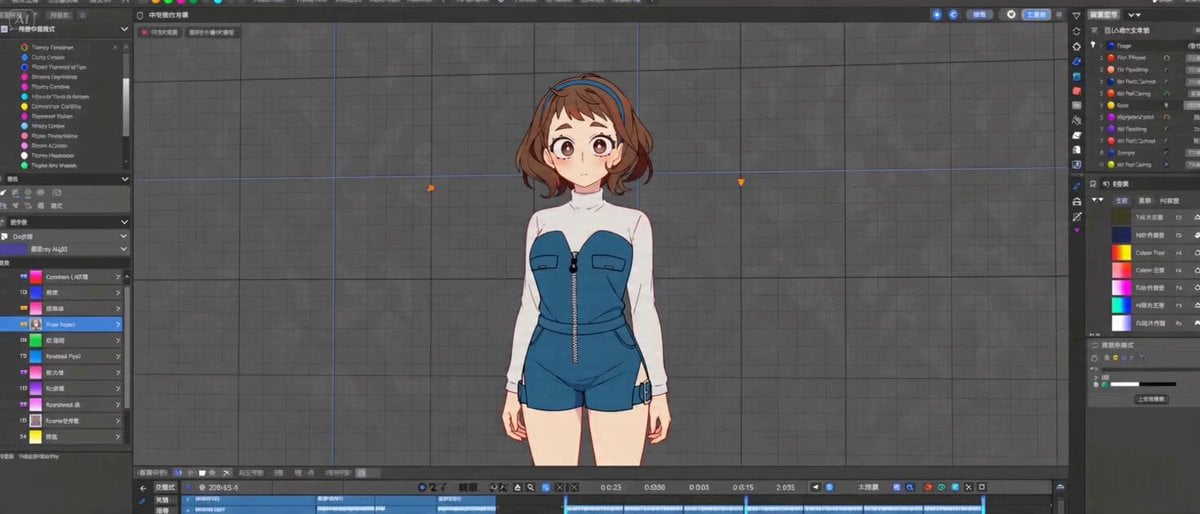
Cinematic 2D Anime Scene Prompt
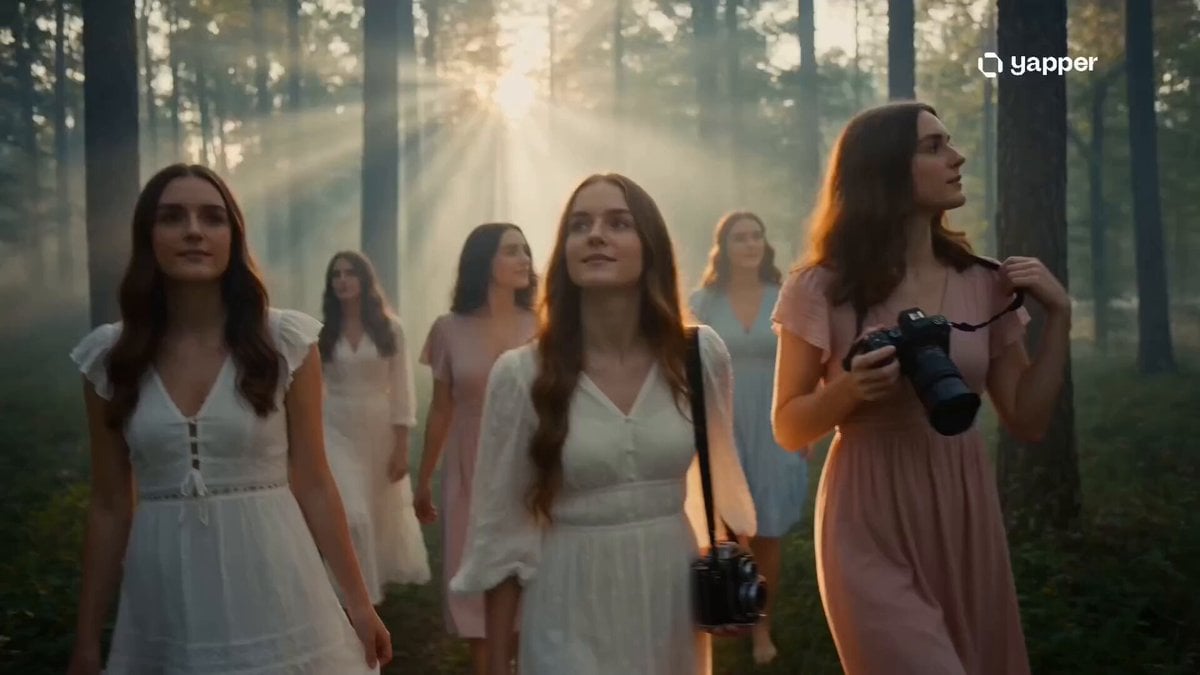
Dreamy Forest Photography Session
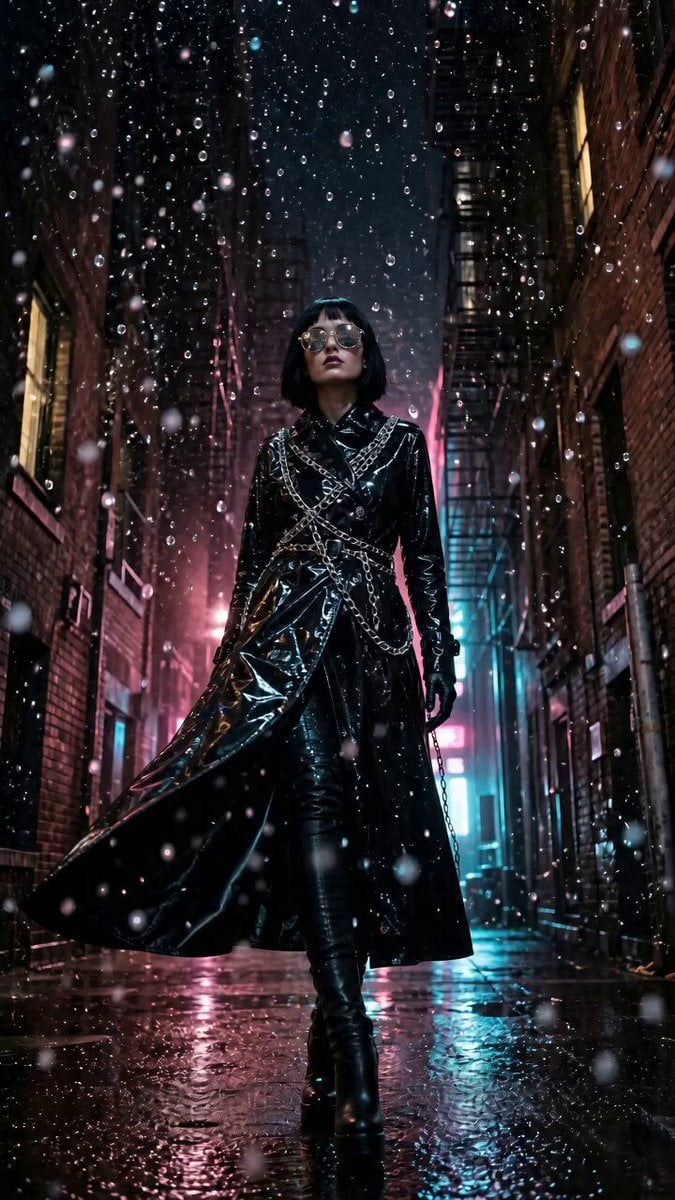
Surreal Nighttime Alley Rain Scene
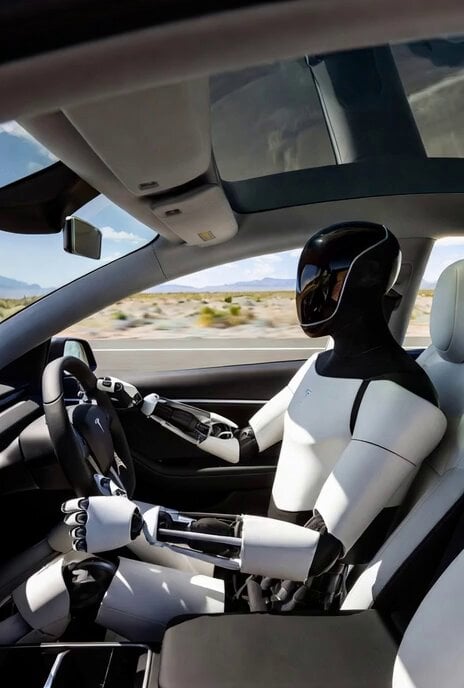
Grok Imagine Prompt: Tesla Optimus Driving in Desert
Seedance 2.5 - @YourAlphaMom - 283935
Adorable 3D Animated Kitten Rescue Story

Cinematic Anime Tennis Match Video
Browse template categories
Fire and Ice Warrior Battle questions
How do I use the Fire and Ice Warrior Battle template?
Add your photo if the template asks for one, edit the prompt if you like — the template's model and format are already selected — and press Generate. Your version opens in PicX Studio.
Can I customize the Fire and Ice Warrior Battle template?
Yes. You can change the subject, setting, lighting, mood, format, and available model controls before creating your video.
Is the Fire and Ice Warrior Battle template free?
Opening and editing this template is free. Generating uses credits, shown on the Generate button when you are signed in.
Which AI model should I use?
Start with Seedance 2.0, which is the model associated with this template. You can compare another compatible model for a different finish.
Looking for something else? Browse all templates.

Your photo, any look
Thousands of ready templates for every top image and video model, from one credit balance.