
Epic Ice and Fire Disaster Action Prompt
A highly detailed, multi-scene prompt for Seedance 2.0 to generate an epic disaster action film trailer featuring two elemental characters, the Magma Admiral and the Ice General, battling in an extreme environment of…
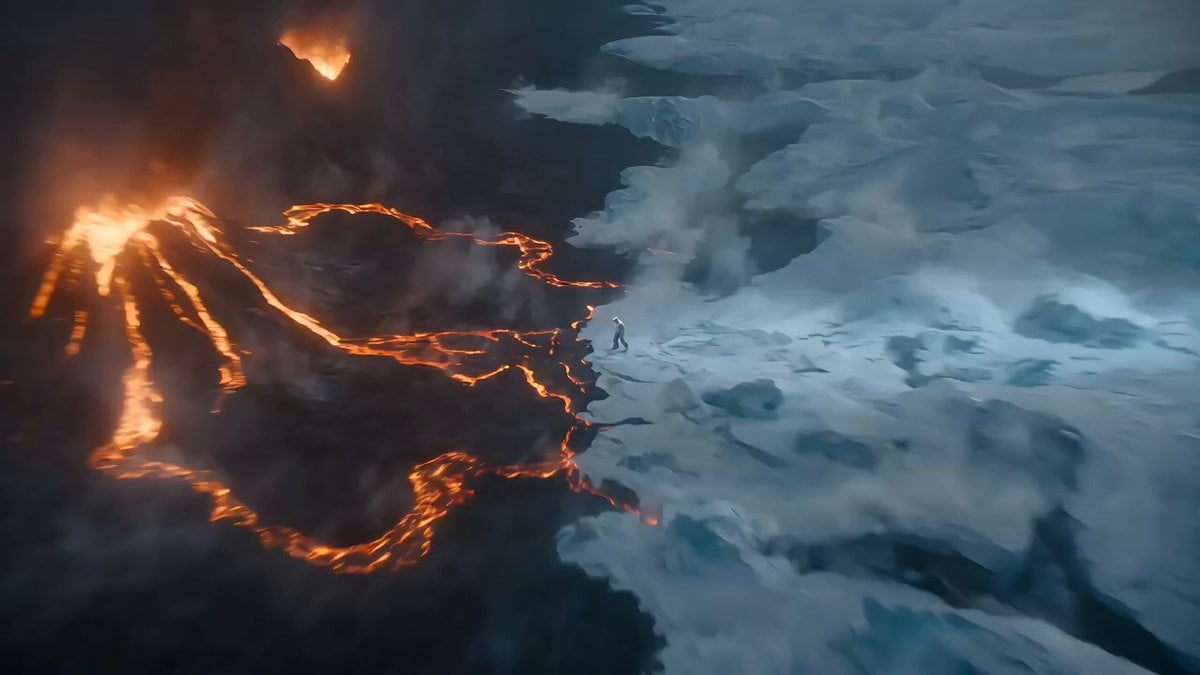
- Prompt included
- Model and format preset
- Free template
The prompt behind this video
Copy the exact prompt behind Epic Ice and Fire Disaster Action Prompt, or open it in the studio and make it yours.
【风格】史诗级灾难动作片(Epic Disaster Action),真人特效(Live-Action VFX),冰火两重天的极端环境,颗粒感战损画质,高速摄影,物理破坏真实感。 【时长】15秒 【场景】一个气候被永久改变的岛屿中心。左侧是喷发的火山和流淌的熔岩河;右侧是万年冰川和呼啸的暴风雪。中间是蒸汽弥漫的死亡地带。 【角色(真人化描述)】 熔岩大将(The Magma Admiral):身穿烧焦的暗红色西装,戴着棒球帽,面容冷峻坚毅,半边身体元素化为滚烫岩浆。 寒冰大将(The Ice General):身穿带冰霜的白色马甲,身材高大慵懒,呼出的气都结成了冰渣。 [00:00-00:05] 镜头1:元素觉醒与环境重塑(Establishing the Power)。 广角/环绕镜头。两人对峙。 【熔岩方】熔岩大将脚下的大地瞬间融化成沸腾的红色岩浆池,冒出滚滚黑烟,他抬手间,身后一座小火山喷发。 【寒冰方】寒冰大将单手插兜,脚下瞬间蔓延出极速冻结的冰层,将涌来的岩浆冻结成黑色的黑曜石,空气中瞬间布满尖锐的冰棱。 [00:05-00:10] 镜头2:冰火近身格斗(Intense CQC Combat)。 极速快剪(Rapid Action Cuts)。两人展开激烈的近身肉搏。 【动作设计】寒冰大将手中瞬间凝聚出一把巨大的**寒冰军刀(Ice Saber)**,高速挥砍。熔岩大将用元素化的**岩浆铁拳(Magma Fist)**硬格挡。 【物理反馈】冰刀砍在岩浆拳上,瞬间汽化成大量高压蒸汽,同时伴随着冰块碎裂飞溅和岩浆滴落的滋滋声。每一次碰撞都引发小范围的蒸汽爆炸。 [00:10-00:15] 镜头3:宿命的绝招对轰(The Final Clash)。 大远景/震撼级破坏。两人拉开距离,同时释放大招。 【特效奇观】一条巨大的、咆哮的**岩浆冥狗(熔岩巨犬形态)**冲向对方;对面则是一只巨大的、由无数冰块组成的**极寒冰鸟(暴风雪形态)**迎面撞上。 【结尾】两者在画面中心相撞,红色的极致高温与蓝白色的绝对零度对冲。瞬间产生了一个连接天地的超级蒸汽蘑菇云,巨大的冲击波将地面的冰川和火山同时震碎。画面在白茫茫的蒸汽和能量闪光中结束。
How to use Epic Ice and Fire Disaster Action Prompt in 3 steps
- 1
Open
The prompt is already in the box next to the preview, with the template's model and format selected.
- 2…a portrait of your subject in softgolden-hour light, 85mm…
Personalize
Edit the subject and creative details for your destination.
- 3Generate
Generate
Press Generate — your video is created in PicX Studio, so you can compare it with the original and refine one variable at a time.
More like this
Templates with the same subject, style or setup. Open one to see its prompt.
Dragon Rescue — Volcanic Kingdom Collapse (Seedance)
Subway Flood — Epic Tunnel Chaos
Stone Colossus Desert Riders — Golden Fire Reveal
Thornmaw Monarch — Crimson Glass Desert Beast
Colossal Sea Creature — Stormy Shore Charge (Seedance)
Skybridge Rescue — Supertall Tower Collapse (Seedance)
Swordsman vs Shadow Monster — Bamboo Forest Battle
Tiger vs Gorilla — Jungle Canyon Clash
Mecha Transformation vs Kaiju — 4-Scene Epic
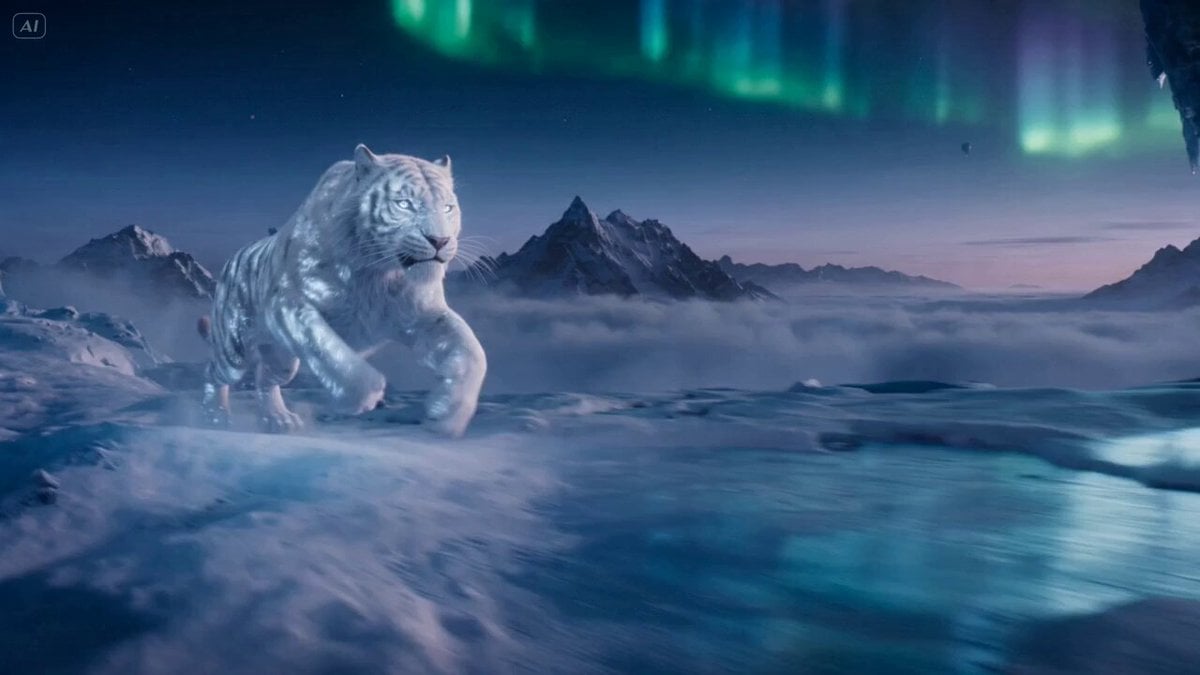
Ice Tiger vs Dragon - Seedance 2.0
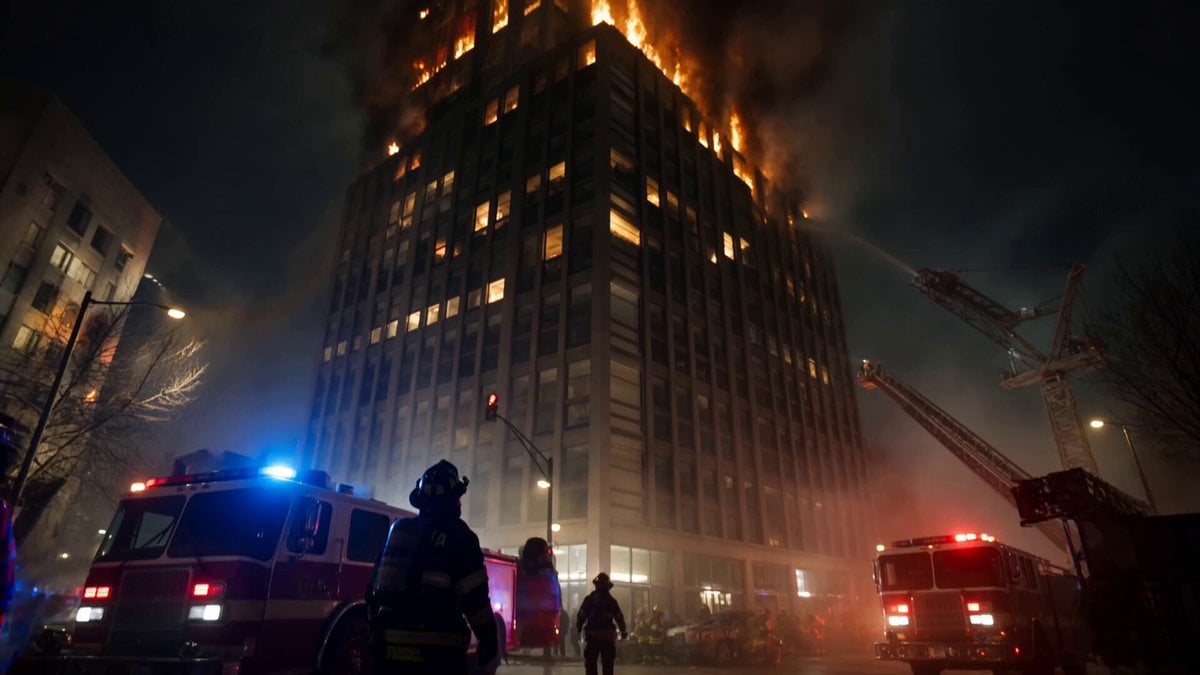
Live-Action Firefighter Rescue Night Scene
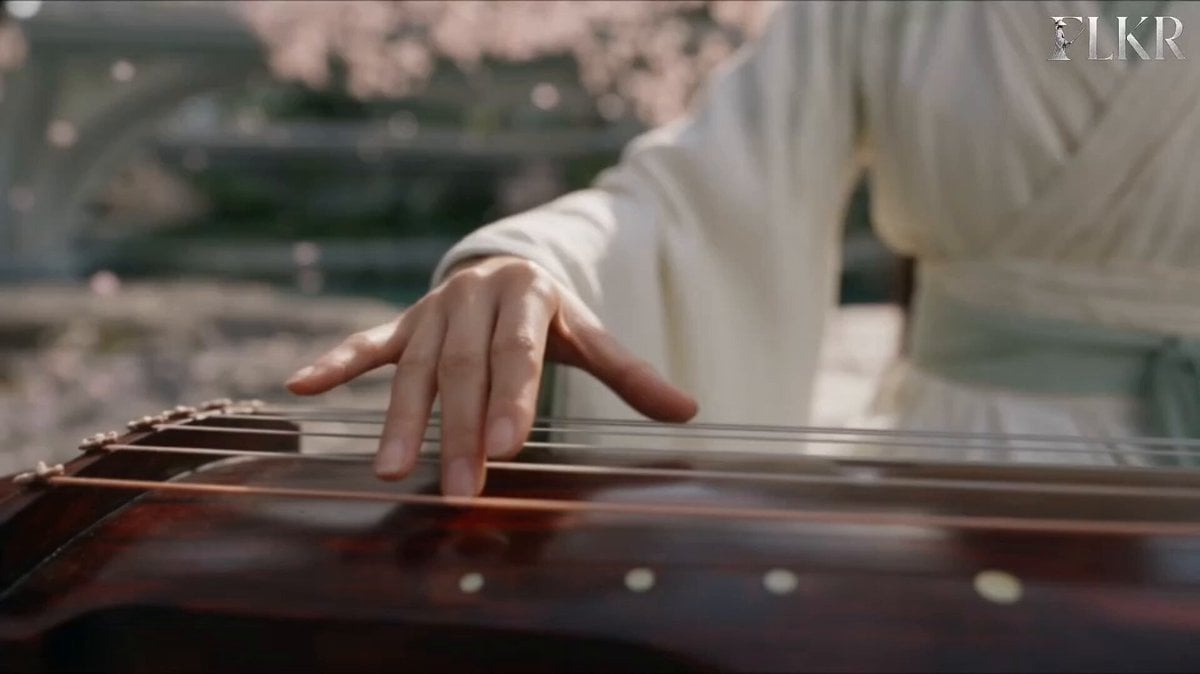
Ice vs Fire Wuxia Battle Scene Prompt
Make it yours
Epic Ice and Fire Disaster Action Prompt works as-is. These are the safest ways to change it without losing the look.
Change one field
Copy a single group, rewrite it, and generate again so you can see what that field is doing.
Keep the frame, change the subject
Hold the composition and light of Epic Ice and Fire Disaster Action Prompt, then swap wardrobe, props or the person for a new take.
| If the result… | Why | Fix |
|---|---|---|
| The result drifts from the preview | Too many fields changed at once. | Reuse Epic Ice and Fire Disaster Action Prompt as-is first, then change one group — subject, light, or setting. |
| The model over-stylizes the scene | The prose prompt leaves finish and camera underspecified. | Add one camera or lighting sentence and stay on Seedance 2.0. |
More Seedance 2.0 templates
Other prompts made for Seedance 2.0.

Comical Martial Arts Punch Scene

Maglev Train Action Sequence

Martial Arts Fight Sequence

Wuxia Protection and Trust Script

Vintage Korean Arcade MiniDV Vlog

Mercedes 190 SL Luxury Ad

Rainy Night Supernatural Reverse Comedy Video Script

Amazon Civilization Discovery

Futuristic South Asian City Transformation

Cozy Luxury Cafe Commercial
More video prompts
Fresh picks from across the catalog.
NYC Wingsuit Hot Dog Landing
Cinematic New York City Travel Film
Raft Journey to Futuristic Utopia

Photorealistic 2.5D Anime Scene Prompt
Universal Templates 2 & 3: Landscape and Image-to-Video
Magical Girl Anime Transformation Sequence
Silhouetted Swordsman Combat Prompt
Storyboard to Scene Generation
Gritty Cine Verité 35mm Handheld Shot Prompt
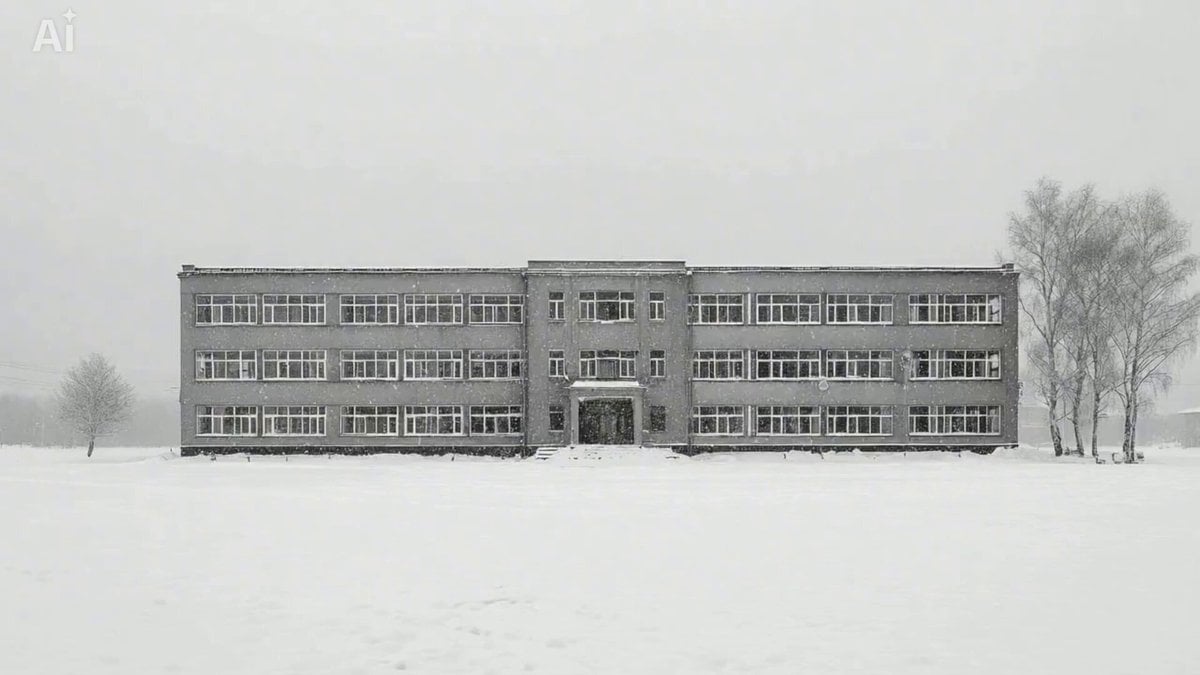
Snowy Eastern European Thriller Trailer
Browse template categories
Epic Ice and Fire Disaster Action Prompt questions
How do I use the Epic Ice and Fire Disaster Action Prompt template?
Add your photo if the template asks for one, edit the prompt if you like — the template's model and format are already selected — and press Generate. Your version opens in PicX Studio.
Can I customize the Epic Ice and Fire Disaster Action Prompt template?
Yes. You can change the subject, setting, lighting, mood, format, and available model controls before creating your video.
Is the Epic Ice and Fire Disaster Action Prompt template free?
Opening and editing this template is free. Generating uses credits, shown on the Generate button when you are signed in.
Which AI model should I use?
Start with Seedance 2.0, which is the model associated with this template. You can compare another compatible model for a different finish.
Looking for something else? Browse all templates.

Your photo, any look
Thousands of ready templates for every top image and video model, from one credit balance.