
Nostalgic Idol Home Video Storyboard
A multi-scene video prompt designed for Seedance 2.0 to create a vintage, nostalgic camcorder-style vlog following a K-pop idol's day.
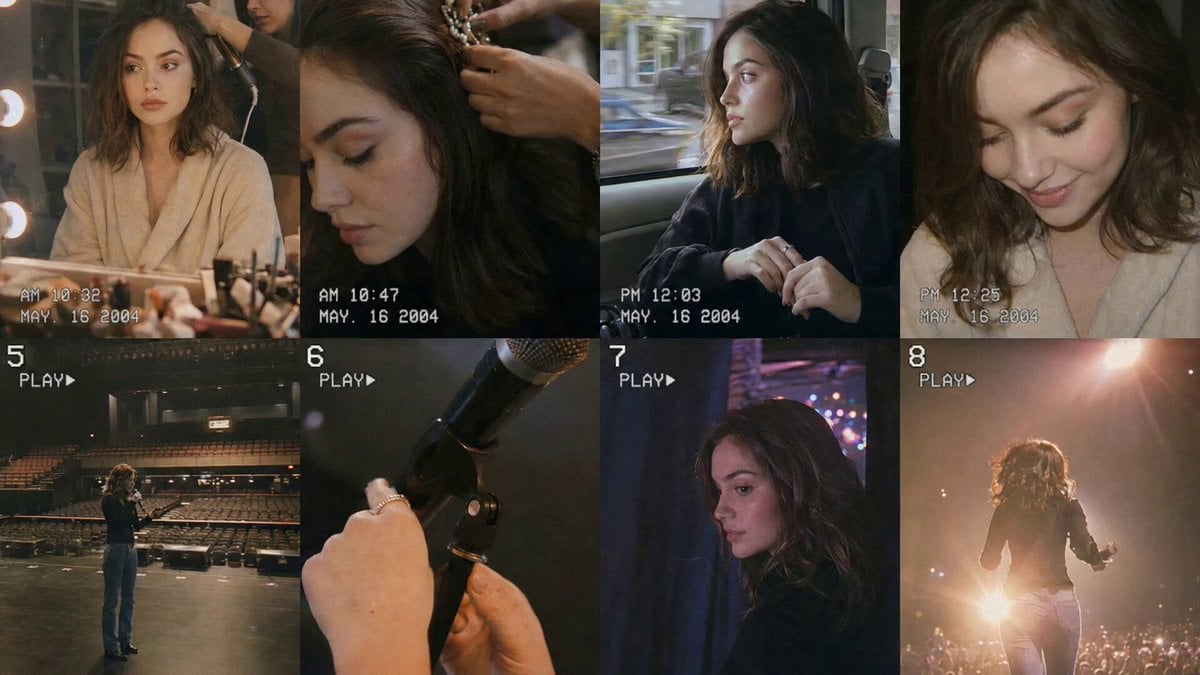
- Prompt included
- Model and format preset
- Free template
The prompt behind this video
Copy the exact prompt behind Nostalgic Idol Home Video Storyboard, or open it in the studio and make it yours.
PROJECT STYLE: Create a nostalgic behind-the-scenes home video following CHASE before a fan meeting. The video should feel personal, like private memories, building anticipation until she steps onto the stage. FILMING STYLE: Vintage consumer camcorder look. CHASE films herself throughout the day, sometimes placing the camera on tables/shelves. Use natural handheld movement, slight wobble, autofocus shifts, imperfect framing, soft zooms, tape grain, analog blur, faded colors, and exposure changes. VISUAL TONE: Warm dressing room lights, cool daylight in the van, muted rehearsal lighting, and bright backstage spill light before the entrance. CHARACTER: CHASE (Image1): Korean female idol in her twenties, long straight black hair, glowing skin, expressive eyes, soft coral lips. Starts in a comfortable robe, then changes into a modest elegant fan-event outfit with long sleeves and minimal accessories. SCENES: 1. Makeup room: CHASE watches herself in the mirror while her stylist finishes her hair. VO: "Everything starts long before anyone sees us." 2. Close-up of stylist fixing her final hair accessory. Quiet room ambience. 3. Moving van: CHASE watches the streets through the window, rubbing her fingers. VO: "The closer we get... the quieter I become." 4. She looks down, exhales, and smiles softly. 5. Empty venue rehearsal: CHASE tests the microphone, her voice echoes. VO: "It's strange how empty a place can feel just before it's full of people." 6. Close-up of her hand adjusting the microphone stand. Silence. 7. Backstage: She hears fans cheering behind the curtain. VO: "Just one more step..." 8. CHASE takes a breath, smiles, and walks into the stage lights. VO: "And suddenly... it feels like home."
How to use Nostalgic Idol Home Video Storyboard in 3 steps
- 1
Open
The prompt is already in the box next to the preview, with the template's model and format selected.
- 2…a portrait of your subject in softgolden-hour light, 85mm…
Personalize
Edit the subject and creative details for your destination.
- 3Generate
Generate
Press Generate — your video is created in PicX Studio, so you can compare it with the original and refine one variable at a time.
More like this
Templates with the same subject, style or setup. Open one to see its prompt.
Nostalgic Early 2000s Handheld Home Footage
Nostalgic MiniDV Korean Home Video
Nostalgic Handheld Home Video

Mysterious Home Exploration Vlog - Seedance 2.5
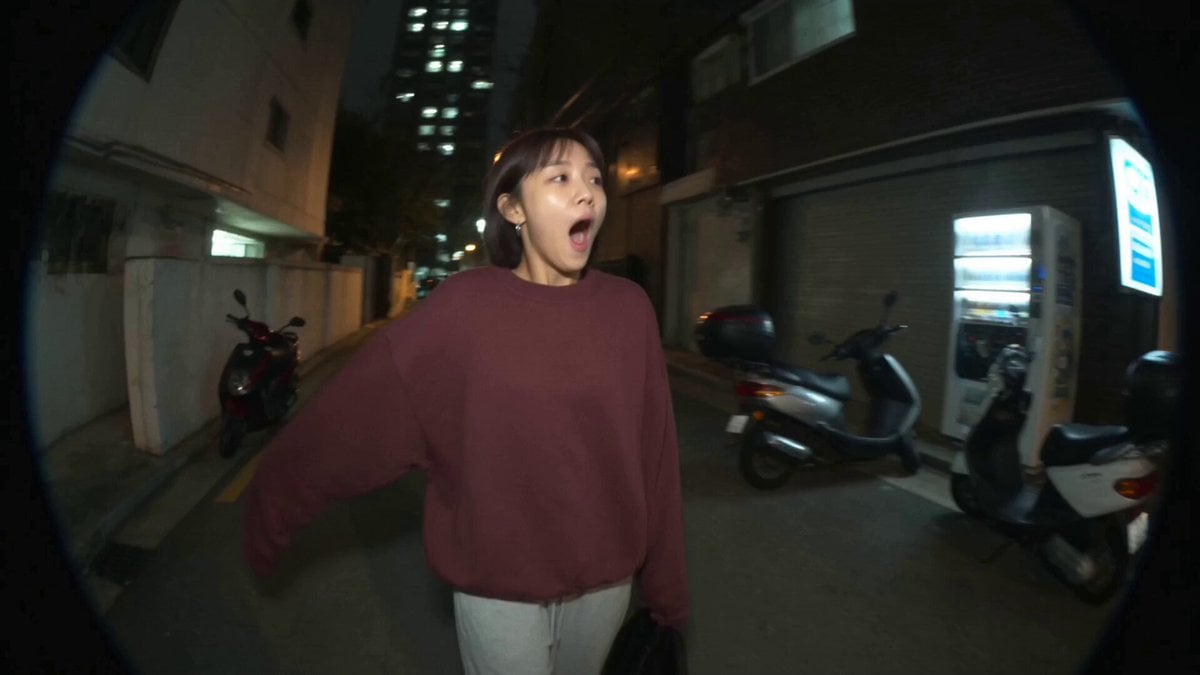
Nostalgic MiniDV Convenience Store Vlog - Seedance 2.5

3x3 Grid Storyboard Racing — Kling 3.0 O3 Pro
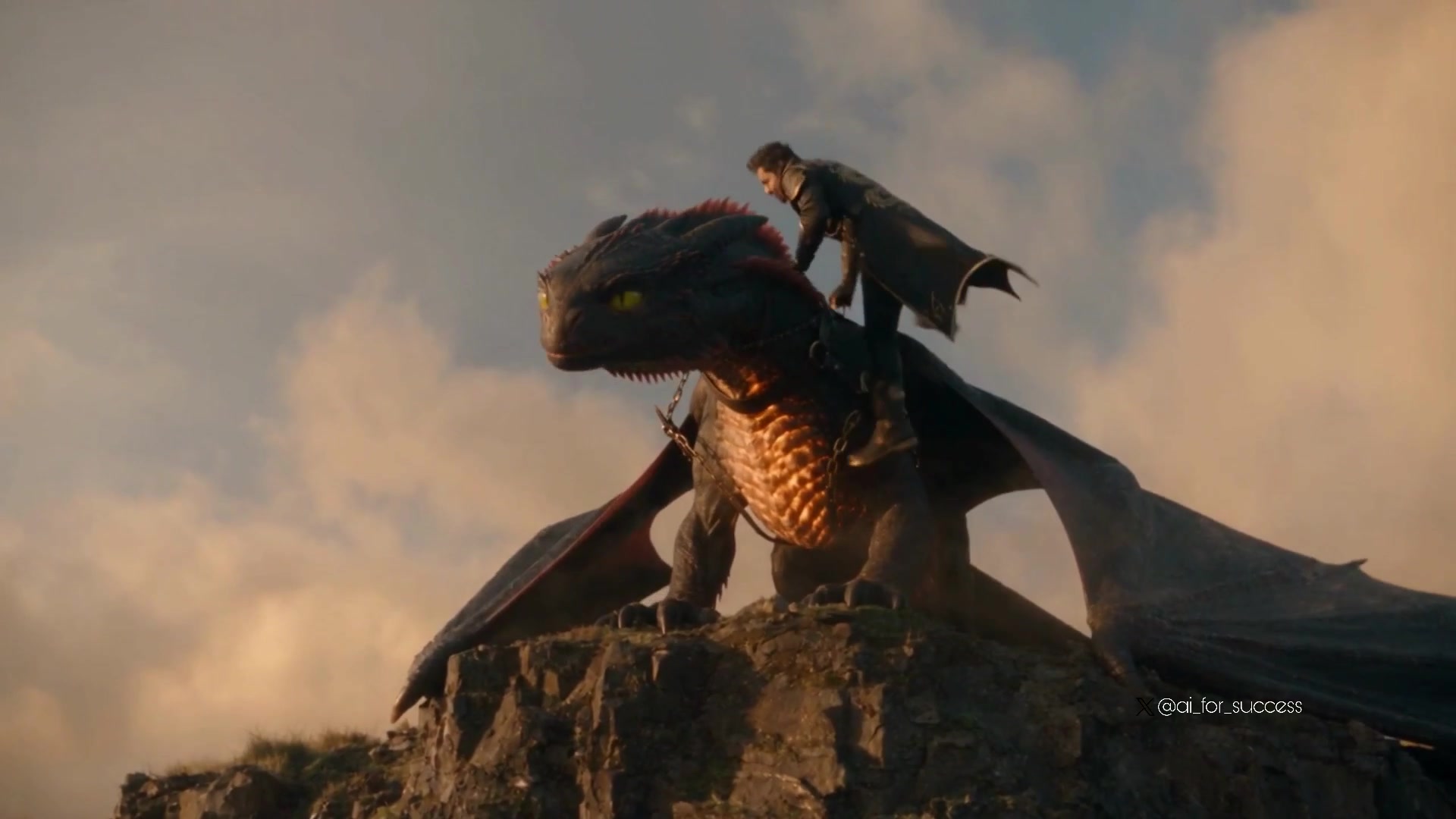
Dragon Rider Cinematic Flight — Seedance 2.5
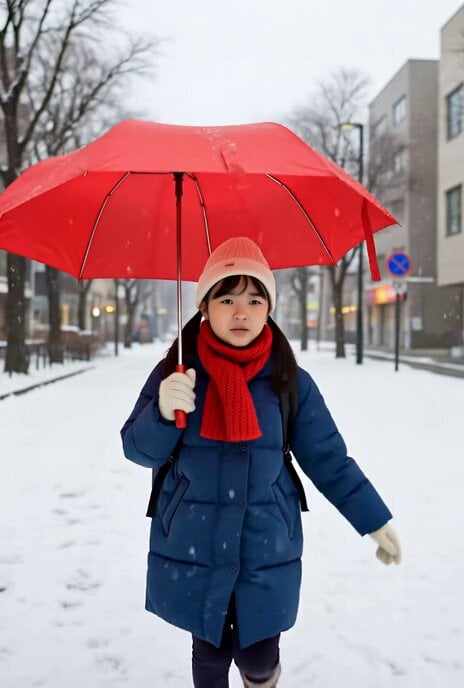
Grok Imagine prompt for a nostalgic scene of walking home in winter
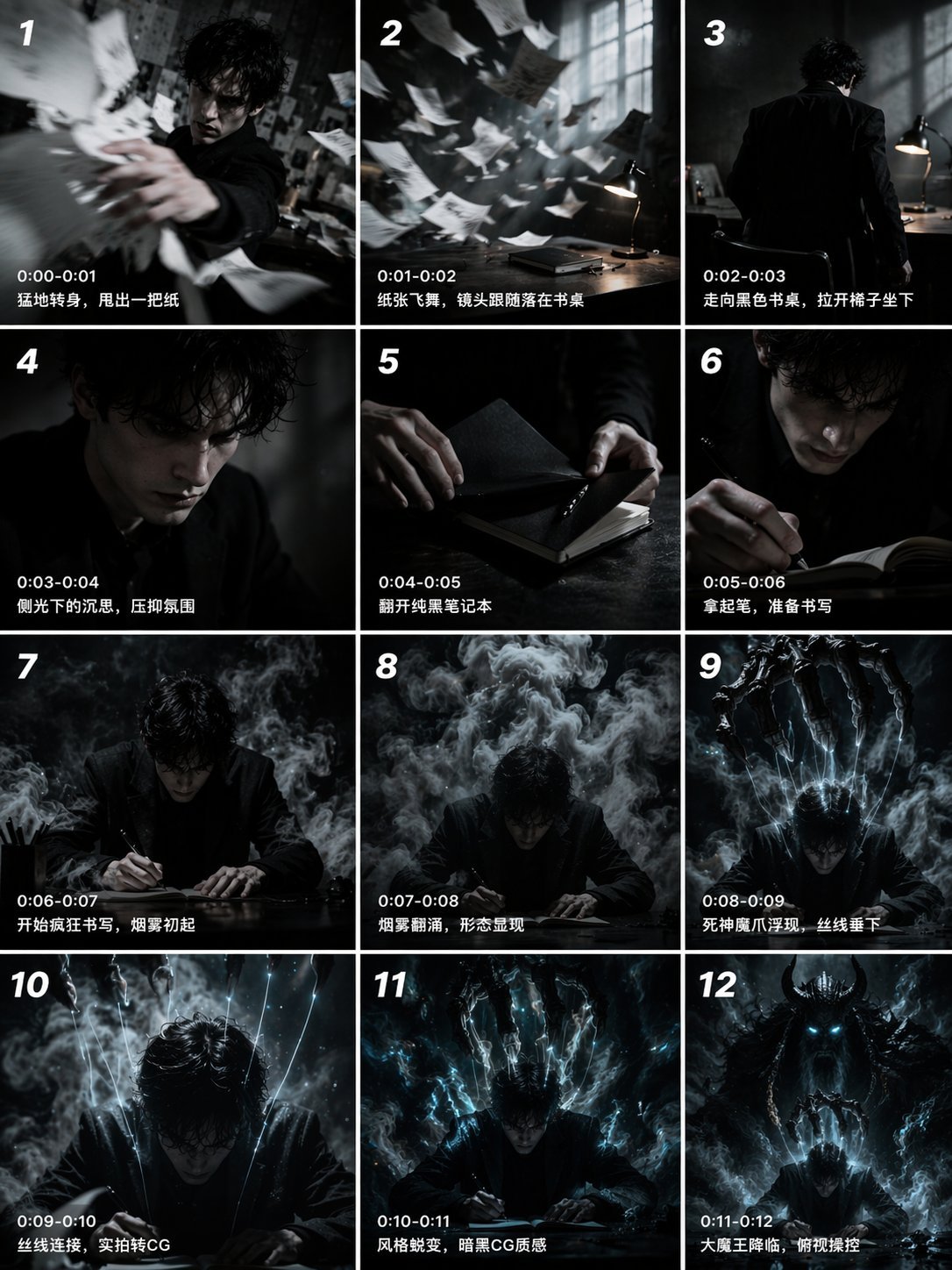
Gpt2 Gpt2 Seedance Storyboard to Video
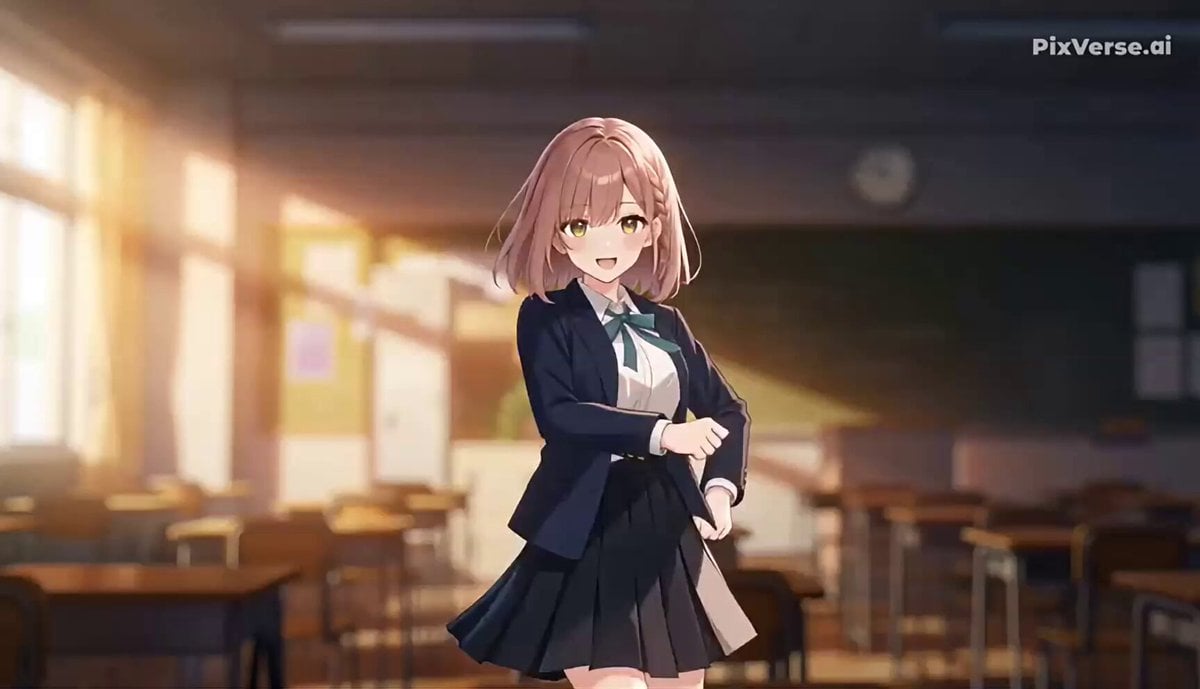
J-Pop Idol Classroom Dance Sequence

Nostalgic Mango Orchard Commercial
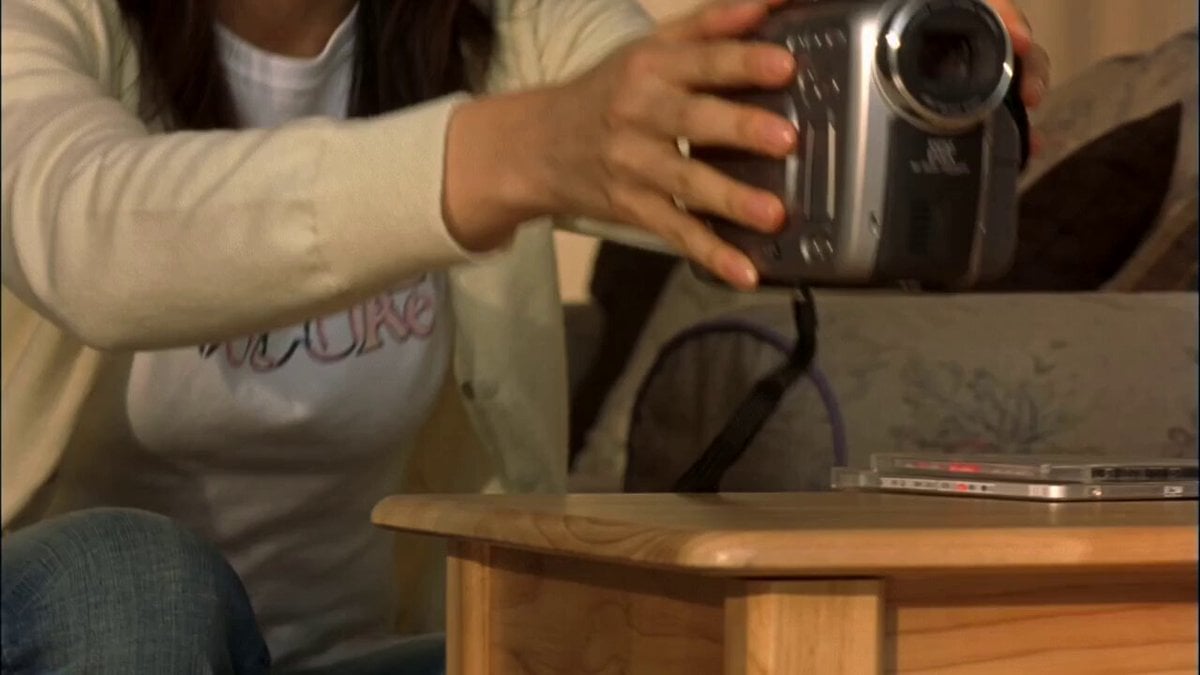
Early 2000s MiniDV home video aesthetic style
Make it yours
Nostalgic Idol Home Video Storyboard works as-is. These are the safest ways to change it without losing the look.
Change one field
Copy a single group, rewrite it, and generate again so you can see what that field is doing.
Keep the frame, change the subject
Hold the composition and light of Nostalgic Idol Home Video Storyboard, then swap wardrobe, props or the person for a new take.
| If the result… | Why | Fix |
|---|---|---|
| The result drifts from the preview | Too many fields changed at once. | Reuse Nostalgic Idol Home Video Storyboard as-is first, then change one group — subject, light, or setting. |
| The model over-stylizes the scene | The prose prompt leaves finish and camera underspecified. | Add one camera or lighting sentence and stay on Seedance 2.0. |
More Seedance 2.0 templates
Other prompts made for Seedance 2.0.

Comical Martial Arts Punch Scene

Maglev Train Action Sequence

Martial Arts Fight Sequence

Wuxia Protection and Trust Script

Vintage Korean Arcade MiniDV Vlog

Mercedes 190 SL Luxury Ad

Rainy Night Supernatural Reverse Comedy Video Script

Amazon Civilization Discovery

Futuristic South Asian City Transformation

Cozy Luxury Cafe Commercial
More video prompts
Fresh picks from across the catalog.
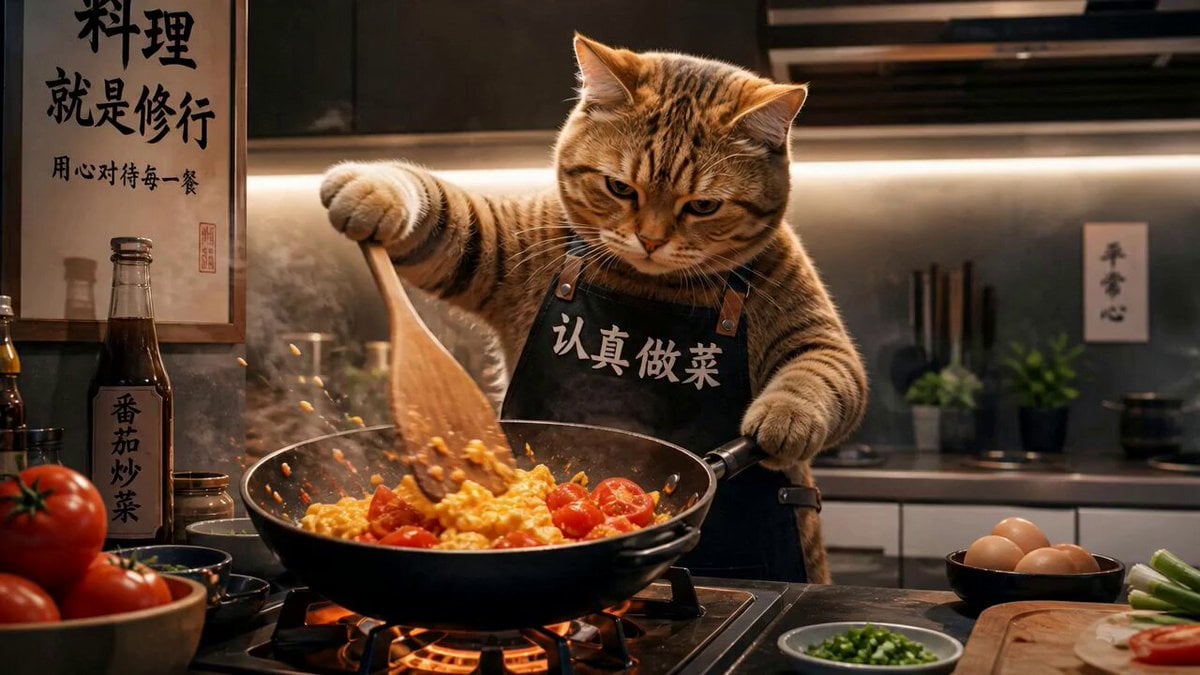
Chef Cat Cooking Tomato and Eggs
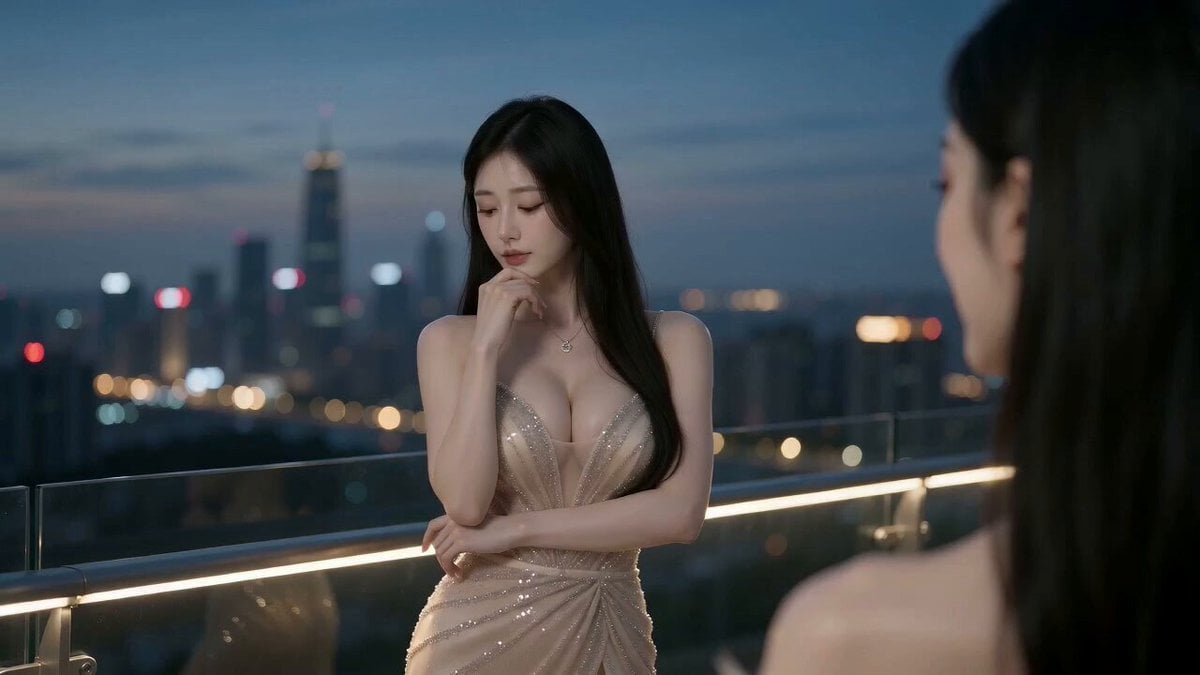
Luxury Rooftop Helicopter Party
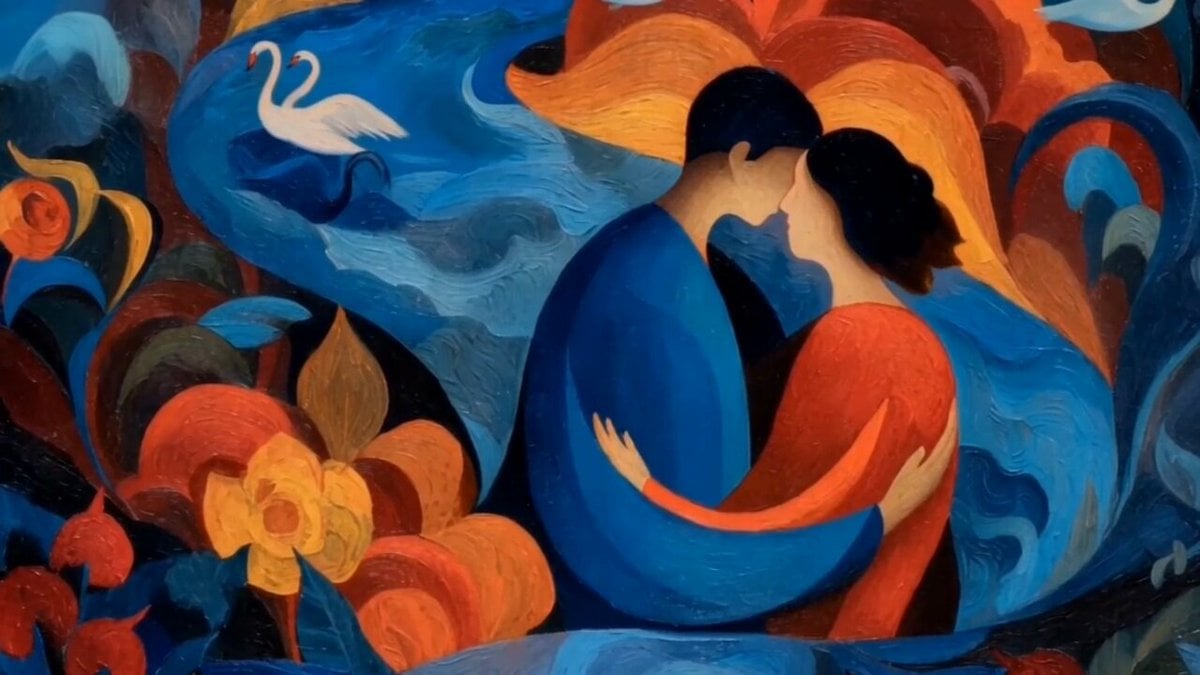
Dreamlike Kiss in Franz Marc Style
Handheld POV Nighttime Taxi Video
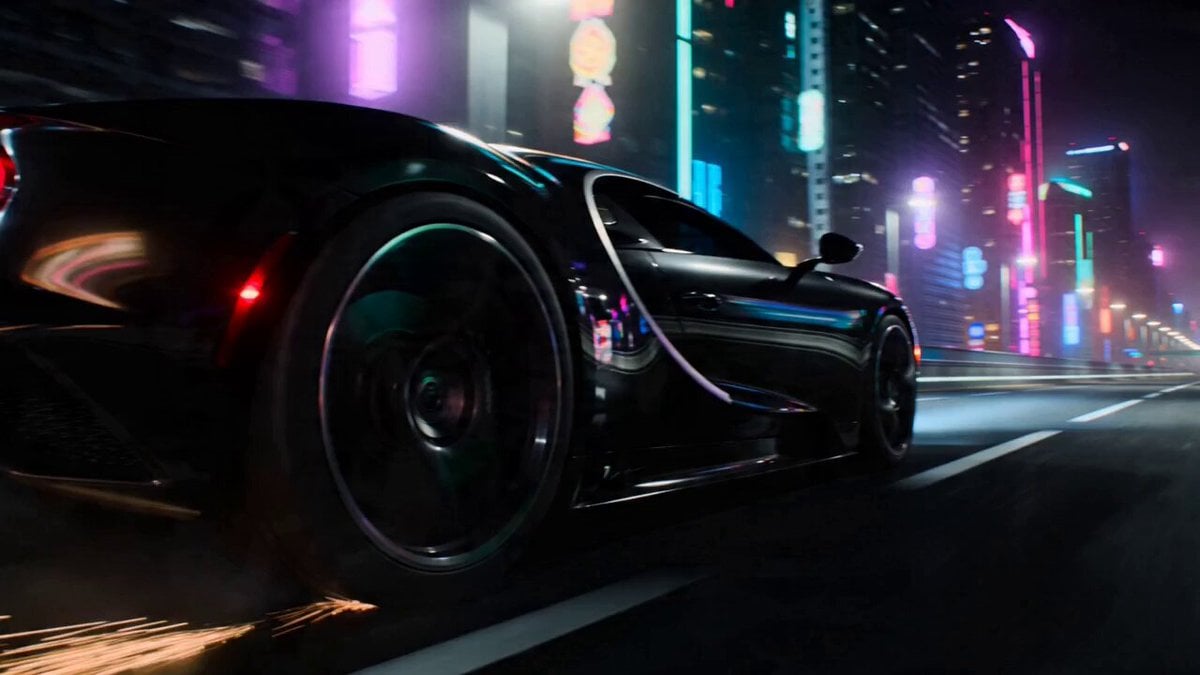
Car Transformation Sequence Prompt
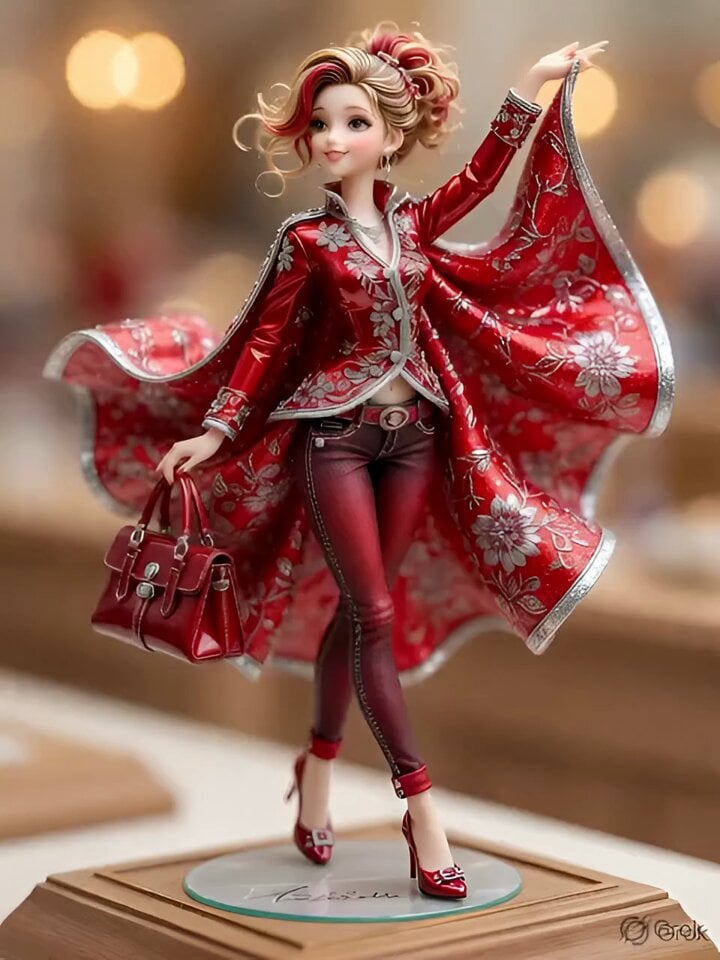
3D Anime Figurine Prompt (Text-to-Image/Video)
Extreme Macro Glowing Ember Slow Motion
Cozy Morning Kitchen Breakfast Scene

Cinematic Fantasy Photograph Prompt

Cinematic Fashion Sunglasses Commercial
Browse template categories
Nostalgic Idol Home Video Storyboard questions
How do I use the Nostalgic Idol Home Video Storyboard template?
Add your photo if the template asks for one, edit the prompt if you like — the template's model and format are already selected — and press Generate. Your version opens in PicX Studio.
Can I customize the Nostalgic Idol Home Video Storyboard template?
Yes. You can change the subject, setting, lighting, mood, format, and available model controls before creating your video.
Is the Nostalgic Idol Home Video Storyboard template free?
Opening and editing this template is free. Generating uses credits, shown on the Generate button when you are signed in.
Which AI model should I use?
Start with Seedance 2.0, which is the model associated with this template. You can compare another compatible model for a different finish.
Looking for something else? Browse all templates.

Your photo, any look
Thousands of ready templates for every top image and video model, from one credit balance.