How do I use the Cinematic Fashion Sunglasses Commercial template?
Edit the prompt in the box under the preview — the template's model and format are already selected — and press Generate. Your version appears right on this page.
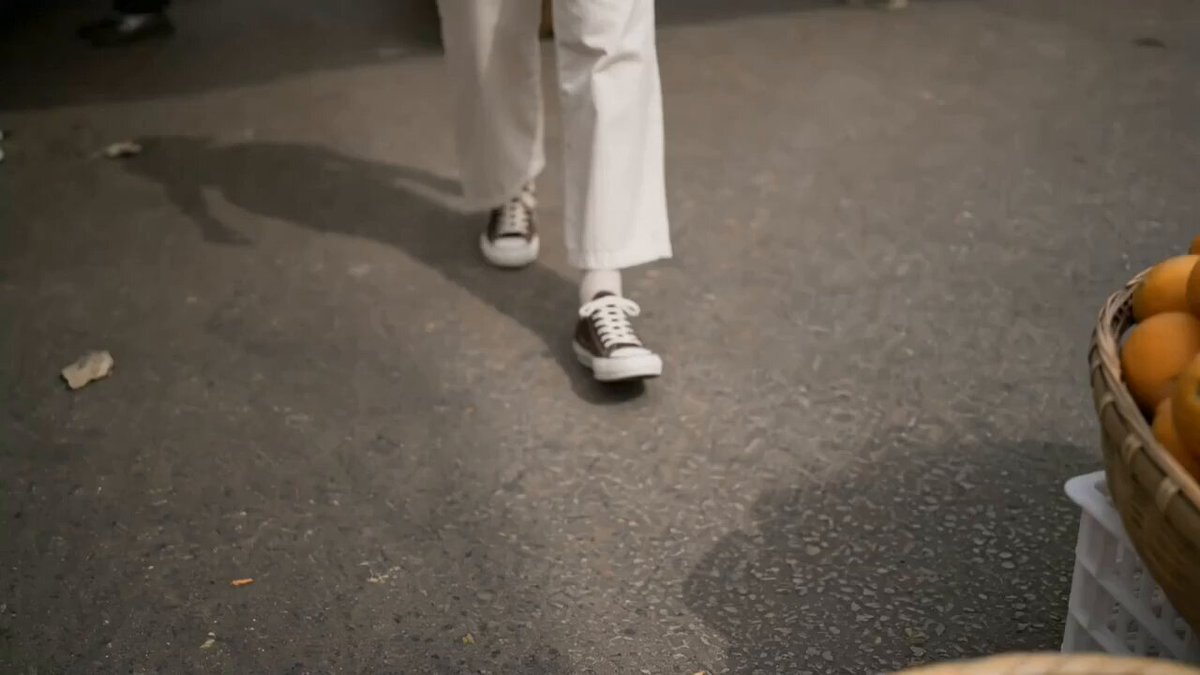
A high-end 15-second cinematic fashion commercial prompt featuring a stylish woman at a luxury cafe during golden hour.
15-second ultra-realistic cinematic fashion commercial. A stylish young woman wearing a white tailored blazer, white fitted square-neck top, high-waisted white trousers, oversized black square sunglasses, a thin gold necklace, and small gold hoop earrings walks confidently outside a modern luxury café with floor-to-ceiling glass windows, cream patio umbrellas, wooden tables, and beige stone flooring. Warm golden-hour sunlight creates soft natural shadows. She gently adjusts her sunglasses, smiles subtly, and walks toward the camera with graceful, confident movements. Smooth gimbal tracking, shallow depth of field, cinematic bokeh, 85mm portrait lens, HDR, premium color grading, realistic skin texture, luxury editorial fashion style, ultra-realistic, 4K, 60fps. No text, no logo, no watermark, no outfit changes, no background changes, no extra people, no blur, no distortion.
15-second ultra-realistic cinematic fashion commercial. A stylish young woman wearing a white tailored blazer, white fitted square-neck top, high-waisted white trousers, oversized black square sunglasses, a thin gold necklace, and small gold hoop earrings walks confidently outside a modern luxury café with floor-to-ceiling glass windows, cream patio umbrellas, wooden tables, and beige stone flooring. Warm golden-hour sunlight creates soft natural shadows. She gently adjusts her sunglasses, smiles subtly, and walks toward the camera with graceful, confident movements. Smooth gimbal tracking, shallow depth of field, cinematic bokeh, 85mm portrait lens, HDR, premium color grading, realistic skin texture, luxury editorial fashion style, ultra-realistic, 4K, 60fps. No text, no logo, no watermark, no outfit changes, no background changes, no extra people, no blur, no distortion.
Edit the prompt in the box under the preview — the template's model and format are already selected — and press Generate. Your version appears right on this page.
Yes. You can change the subject, setting, lighting, mood, format, and available model controls before creating your video.
Opening and editing this template is free. Generating uses credits, shown on the Generate button when you are signed in.
Start with Seedance 2.0, which is the model associated with this template. You can compare another compatible model for a different finish.
Follow a topic to a crawlable collection of related PicX Studio templates.